Photorealism in AI image generation has crossed a threshold most people didn't expect to see this soon. Two years ago, you could always spot the tell: a strange hand, a melting ear, a background that didn't quite resolve. Today, the best models produce outputs that stop people mid-scroll. They pull in comments like "wait, is that AI?" and "what camera did you use?" That's the benchmark we're working with here.
This isn't a ranking of "best AI art" tools. It's a focused breakdown of which models, available right now, produce images indistinguishable from high-end photography. We're talking skin pore fidelity, light refraction in eyes, natural depth of field falloff, and fabric textures that behave the way physics says they should.
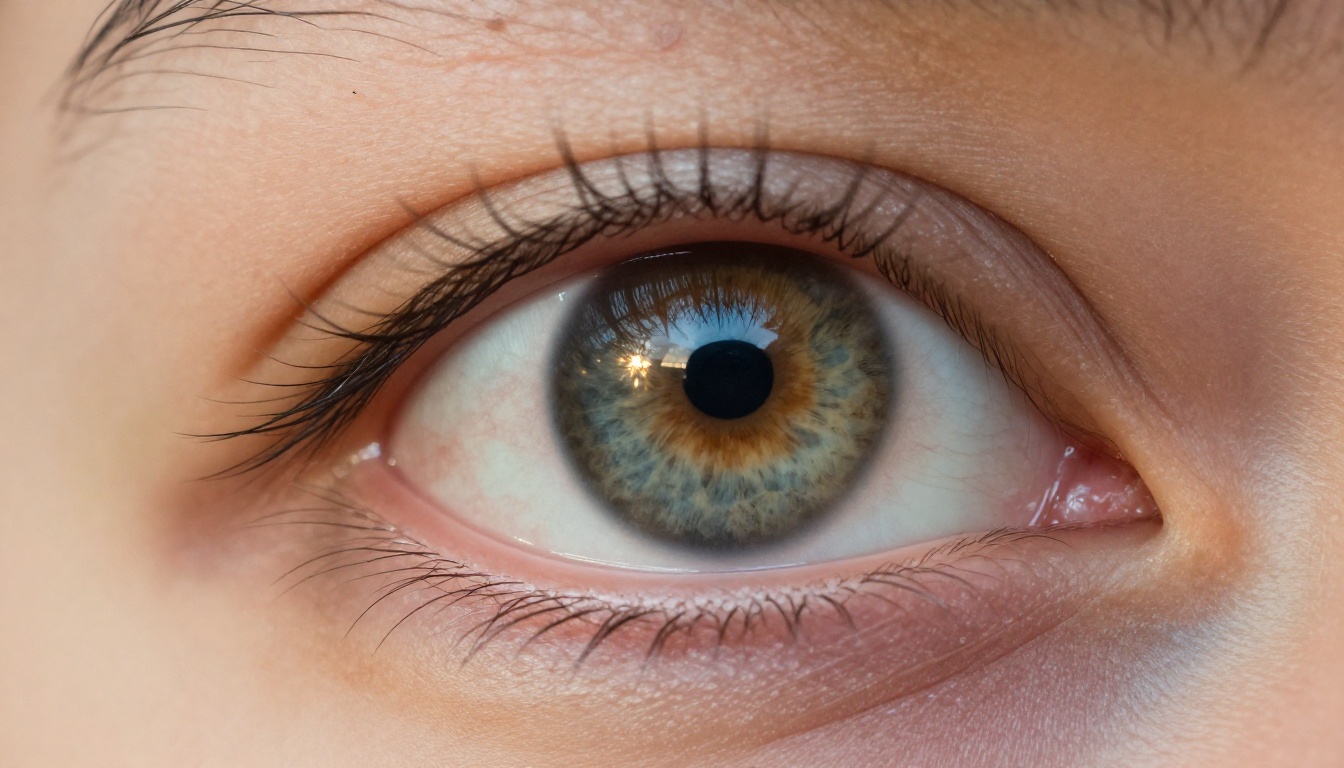
What Makes an AI Image Truly Photorealistic
Photorealism isn't a vague aesthetic. It's measurable. When you look at a photograph taken with a Canon EOS R5 and an 85mm f/1.4 lens, specific physical phenomena are present: chromatic aberration at the image edges, diffraction softening at very small apertures, lens vignetting, film grain or sensor noise patterns, and the precise way bokeh circles change shape based on aperture blade count.
An AI model achieves photorealism by learning the statistical signatures of these phenomena across millions of training images. The better the model, the more precisely it can reproduce the physics of optics, without you having to explain those physics in your prompt.
The Three Pillars of Photorealism
When evaluating any model for photorealistic output, focus on three things:
- Skin texture rendering: Does it show actual pores, natural color variation, subsurface scattering (the slight glow of skin lit from behind)?
- Lighting physics: Does shadow fall off naturally? Is the specular highlight on the eye in the right position relative to the stated light source?
- Background coherence: Does the depth-of-field blur behave like a real lens, or does the background just look "blurry" in a uniform, unconvincing way?
These three dimensions separate models that look photorealistic from models that just look clean.
| Dimension | Weak Models | Strong Models |
|---|
| Skin texture | Smooth, plastic-looking | Pores, micro-texture, subsurface glow |
| Lighting physics | Flat, even illumination | Directional, with correct shadow falloff |
| Background blur | Uniform noise/blur | Lens-correct bokeh circles, depth cues |
| Hair detail | Chunky strands | Individual hairs with light interaction |
| Eye detail | Flat color circles | Iris patterns, light refraction, wet highlights |
The models that consistently score highest on all five dimensions are the ones covered below. Each has a specific strength, and choosing the right one for your use case makes a larger difference than prompt quality alone.
GPT Image 1 and GPT Image 2
OpenAI entered the image generation space with a fundamentally different philosophy than most competing labs. Rather than optimizing purely for aesthetic appeal, GPT Image 1 was trained with an emphasis on instruction-following accuracy and compositional coherence. The result is a model that places subjects exactly where you describe them, with lighting behaving the way you specify.
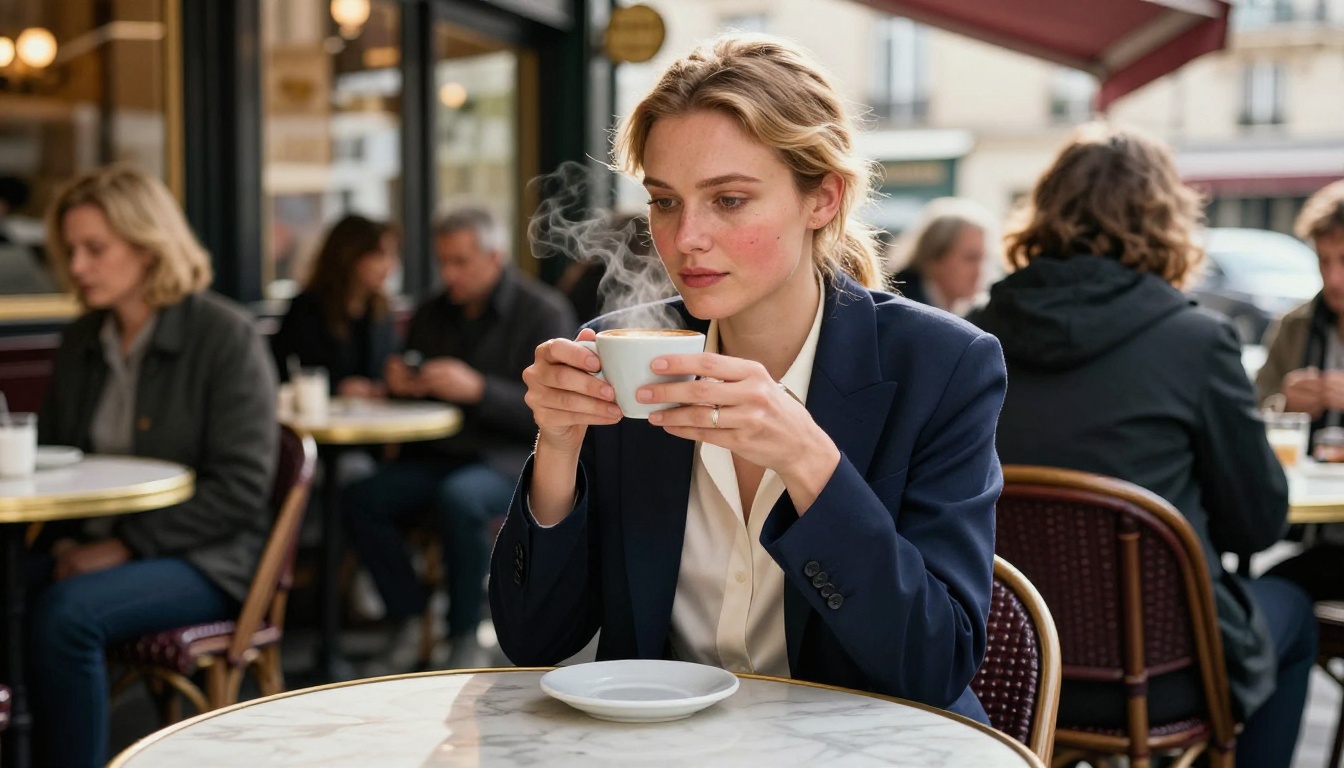
OpenAI's Take on Photorealism
GPT Image 1 excels at controlled portrait scenarios. Ask it for a woman photographed in overcast daylight through north-facing windows, and it will deliver precisely that quality of light: soft, directionless, cool, flattering. The skin rendering in these conditions is remarkable. You see natural redness around the nose, cool shadows under the chin, and warm reflected light from the environment.
GPT Image 2 pushed this further with improved multi-subject coherence and better handling of complex lighting scenarios. It handles mixed light sources (window light plus practical lamp light) with a naturalness that older models struggled with. Skin across different ethnicities renders with equal accuracy, something many models historically fumbled.
💡 Pro tip: For portrait prompts with GPT Image, describe the light source direction, color temperature, and distance. "Warm 3200K practical lamp 2 meters to the left" produces dramatically more realistic results than simply "warm lighting."
When to Use Each Version
GPT Image 1 is slightly more conservative in its output style. When you need images for commercial use, editorial photography, or anything requiring strict plausibility, GPT Image 1 is the safer bet. GPT Image 2 handles creative scenarios better, including more complex environmental compositions and challenging lighting conditions across diverse subjects.
Both models are available on PicassoIA, making it easy to run them without managing API keys or compute credits on your own.
Flux Pro Finetuned and Flux Krea Dev
Black Forest Labs built Flux as an architecture-first approach to image generation. The attention mechanism differences between Flux and earlier diffusion models result in better long-range coherence: a face at one side of the image is properly related to the hand on the other side, something older SDXL-based models frequently got wrong.
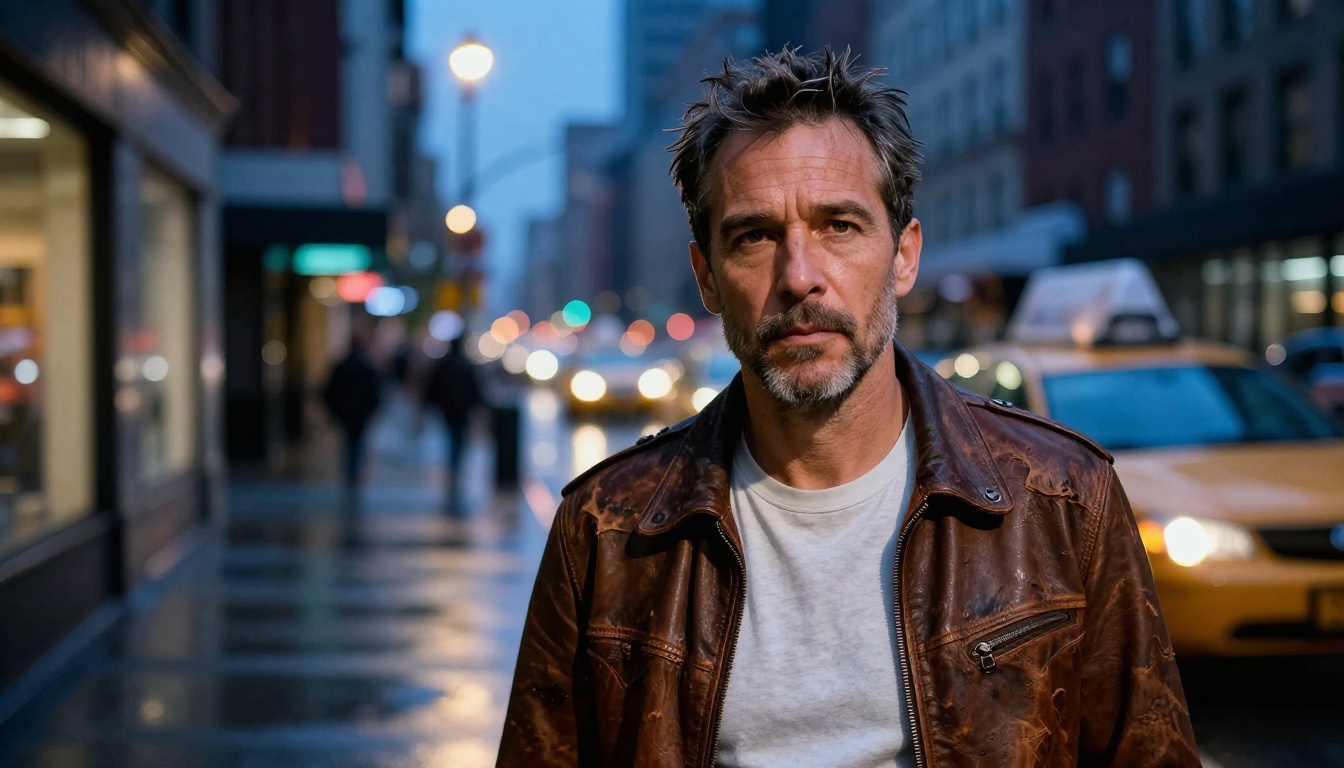
Why Flux Dominates Realism Benchmarks
Flux Pro Finetuned takes the base Flux Pro architecture and layers additional training specifically optimized for photographic output. The results in portrait photography are among the best available for any publicly accessible model. Stubble renders with individual hair variation. Fabric texture shows weave patterns at the thread level. Glass surfaces reflect the environment correctly without becoming mirror-perfect.
Flux Krea Dev takes a different angle: it's specifically trained to produce images that avoid the "AI look." Most AI image generators produce outputs that experienced viewers can identify immediately, a certain smooth perfection in the lighting, a characteristic color saturation, a tendency toward symmetry. Flux Krea Dev was built to break those habits.
Krea Dev vs. Pro Finetuned
Use Flux Pro Finetuned when you want maximum detail resolution and clean technical output. It's excellent for product photography, headshots, and scenes where precision matters.
Use Flux Krea Dev when authenticity is the priority. Documentary-style photography, lifestyle content, and any scenario where you want the image to feel like it was taken on the street rather than generated by a computer.
You also have Flux Redux Dev available for creating variations of existing images, which is useful when you've generated a strong base image and want to iterate without starting from zero. For inpainting and extending images after initial generation, Flux Fill Pro and Flux Fill Dev handle those tasks with the same physical accuracy as the base model.
Seedream 4.5 by ByteDance
ByteDance's image generation research produced something unexpected: a model that competes directly with the best Western-developed systems while showing particular strength in diverse skin tone rendering and the nuanced photorealism of complex environmental scenes.
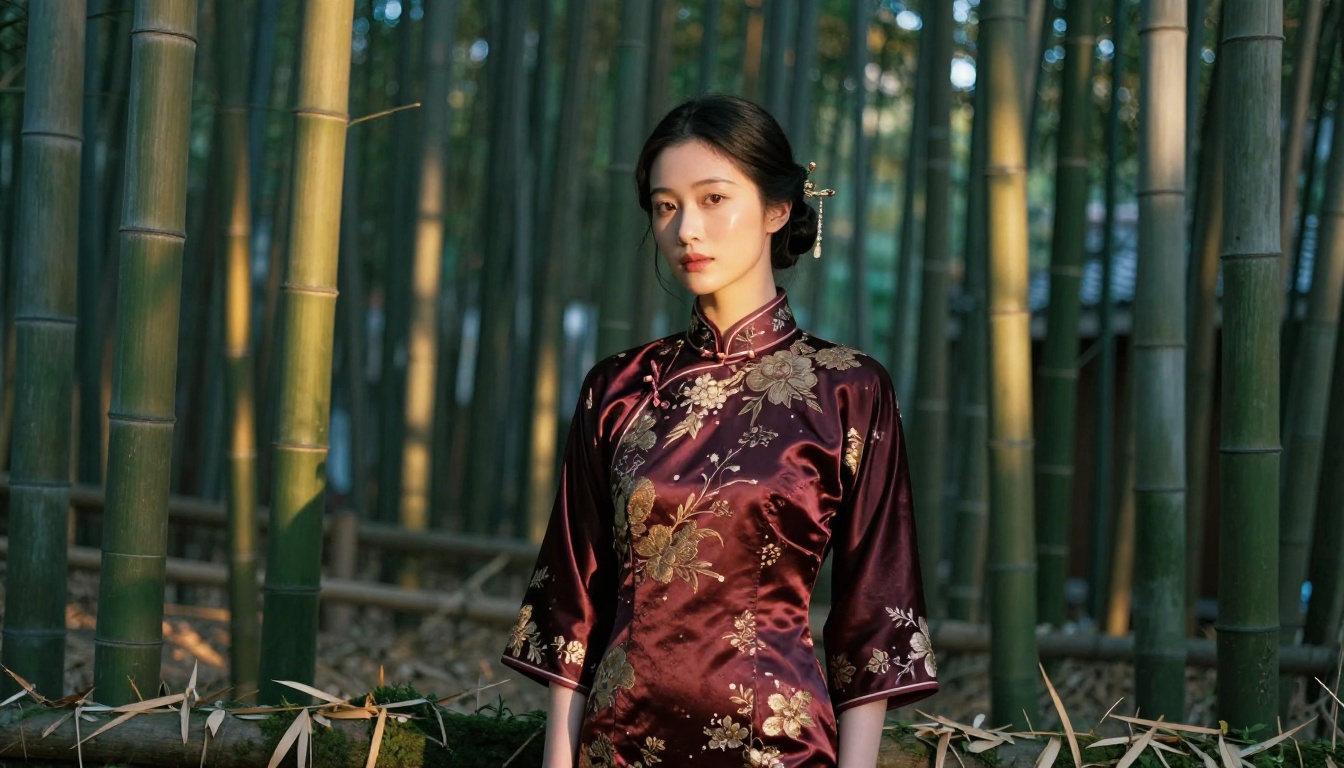
4K Output That Rivals Photography
Seedream 4.5 generates images at 4K resolution natively. Most other models require separate upscaling steps to reach this resolution. The implications for photorealism are significant: at 4K, you can crop into the image and still see authentic texture detail. Eye reflections contain full environmental maps. Hair strands separate and refract light individually. Silk fabric shows the directional sheen that makes it look expensive.
The model shows particular strength in environmental photography, where foliage, water, and architectural textures all need to behave correctly and interact with lighting in physically plausible ways. Mountain landscapes, bamboo forests, and coastal scenes all come out with depth and atmospheric complexity that previously required hours of compositing work.
💡 Tip: Seedream 4.5 responds exceptionally well to film stock references in prompts. Try "Fuji Pro 400H" for cooler, desaturated tones or "Kodak Portra 400" for warmer skin tones with gently lifted shadows.
Hunyuan Image 2.1 by Tencent
Tencent's research team has been building toward photorealistic image generation for years, and Hunyuan Image 2.1 represents a mature culmination of that work. The model generates images at 2K resolution with a focus on scene coherence and atmospheric rendering that very few models match.
Portrait Detail at a Different Level
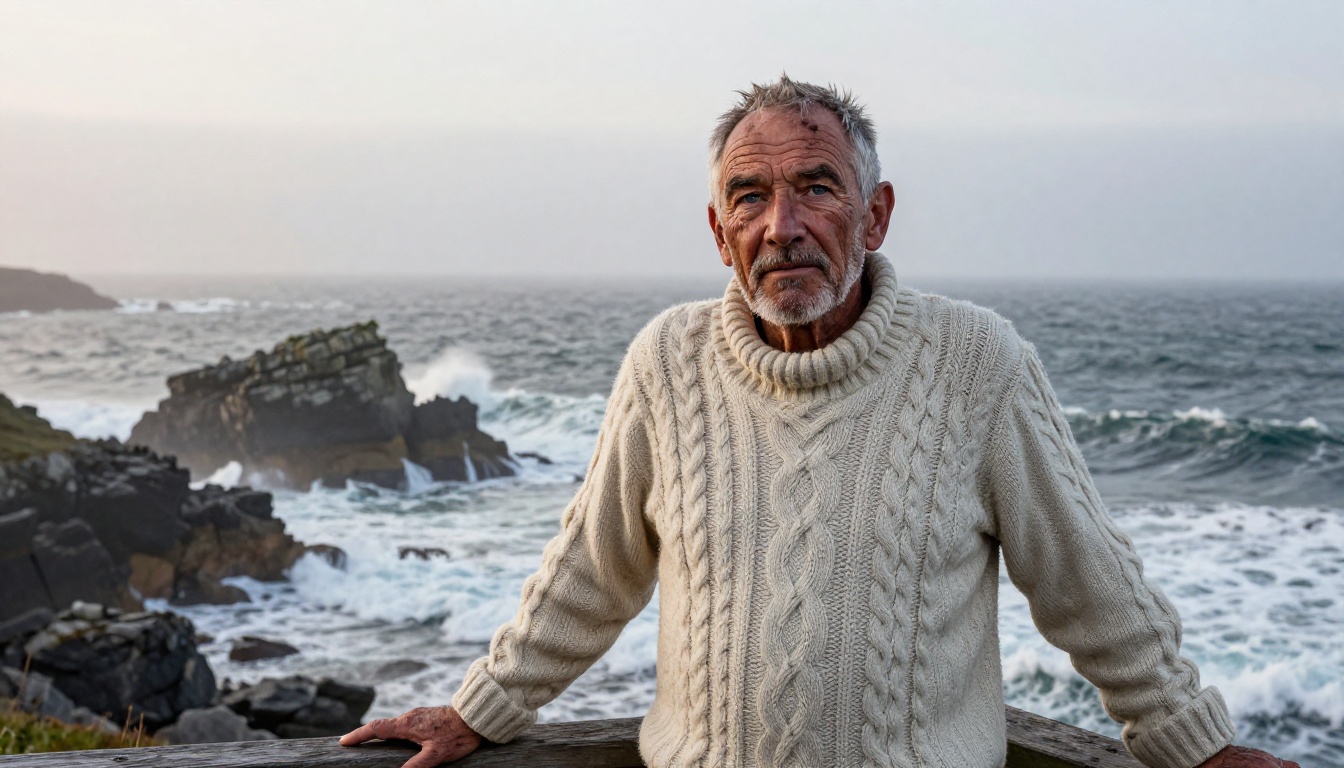
Hunyuan 2.1's standout capability is what photographers call "character." It renders subjects with the kind of specificity that makes a face memorable rather than generically attractive. Age marks, asymmetric features, skin conditions, and the micro-imperfections that make a real face interesting all come through in Hunyuan's output with unusual accuracy.
For documentary photography-style images, environmental portraits, and any work where a subject needs to feel like a specific real person rather than a composite of attractive features, Hunyuan Image 2.1 consistently outperforms models that prioritize conventional beauty over authenticity.
The model also handles complex lighting conditions exceptionally well. Fog, overcast skies, harsh noon sun, and the particularly challenging task of rendering subjects in front of bright windows, a scenario that confuses many models into blowing out the exposure relationship, all come out with correct and believable tonal balance.
Wan 2.7 Image Pro
The Wan Video team built their image model with a strong focus on cinematic outdoor photography, and it shows in how the model handles natural light at extreme times of day.
The Cinematic Standard
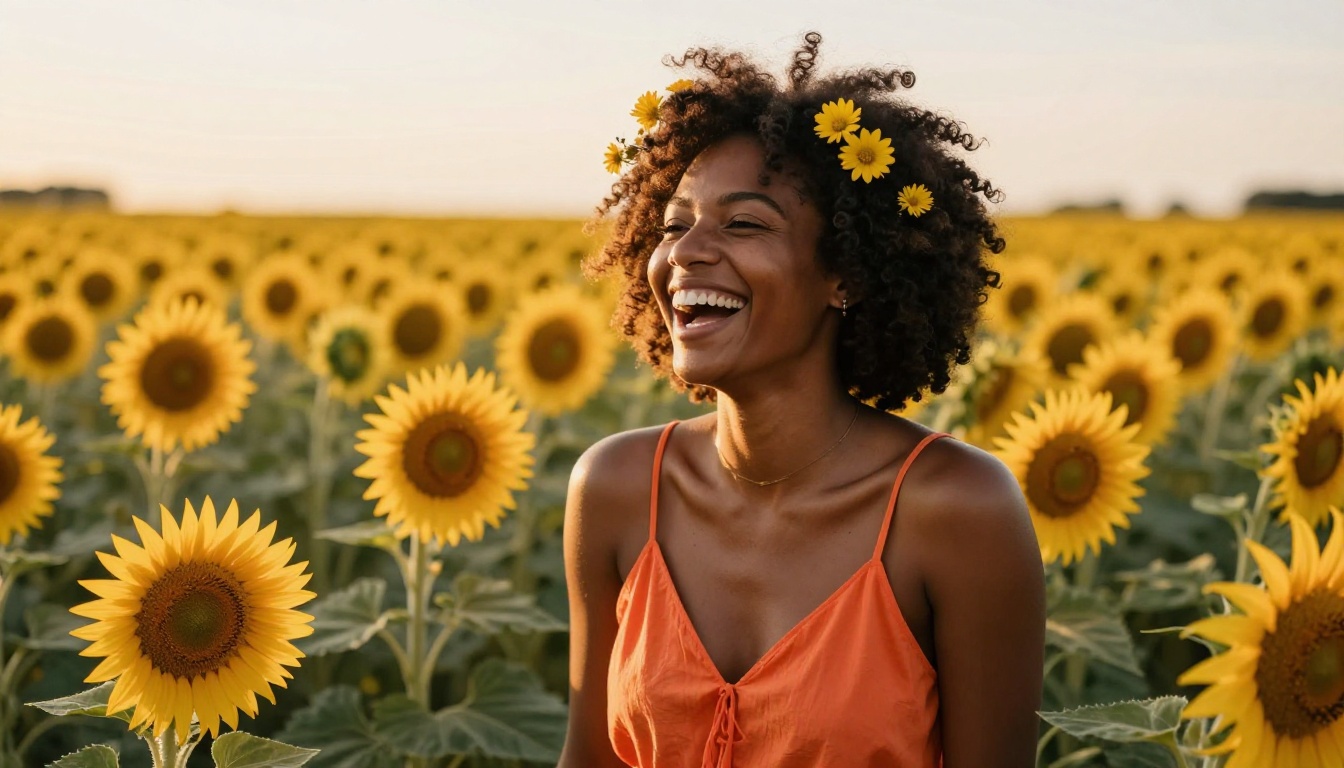
Wan 2.7 Image Pro generates at 4K and excels specifically at outdoor, natural light scenarios. The golden hour rendering is among the best available: warm specular highlights on skin, long directional shadows, warm-to-cool color temperature transitions as light travels through longer atmospheric paths at low sun angles.
Backlit subject rendering, one of the technically hardest scenarios in photography, is where Wan 2.7 Image Pro separates itself from the competition. Rim lighting effects, hair lit from behind creating an aureole glow, and the precise way bright backgrounds need to be slightly overexposed to maintain subject visibility all come out correctly without prompting tricks.
There's also a 2K version available, Wan 2.7 Image, which produces faster results at slightly lower resolution. For many content creation workflows, the 2K output is more than sufficient and the speed advantage is meaningful.
Dreamina 3.1 by ByteDance
ByteDance has two distinct image generation products. While Seedream 4.5 optimizes for technical quality across a wide range of subjects, Dreamina 3.1 is specifically oriented toward cinematic, high-production output at 4MP resolution.
Cinematic 4MP Output
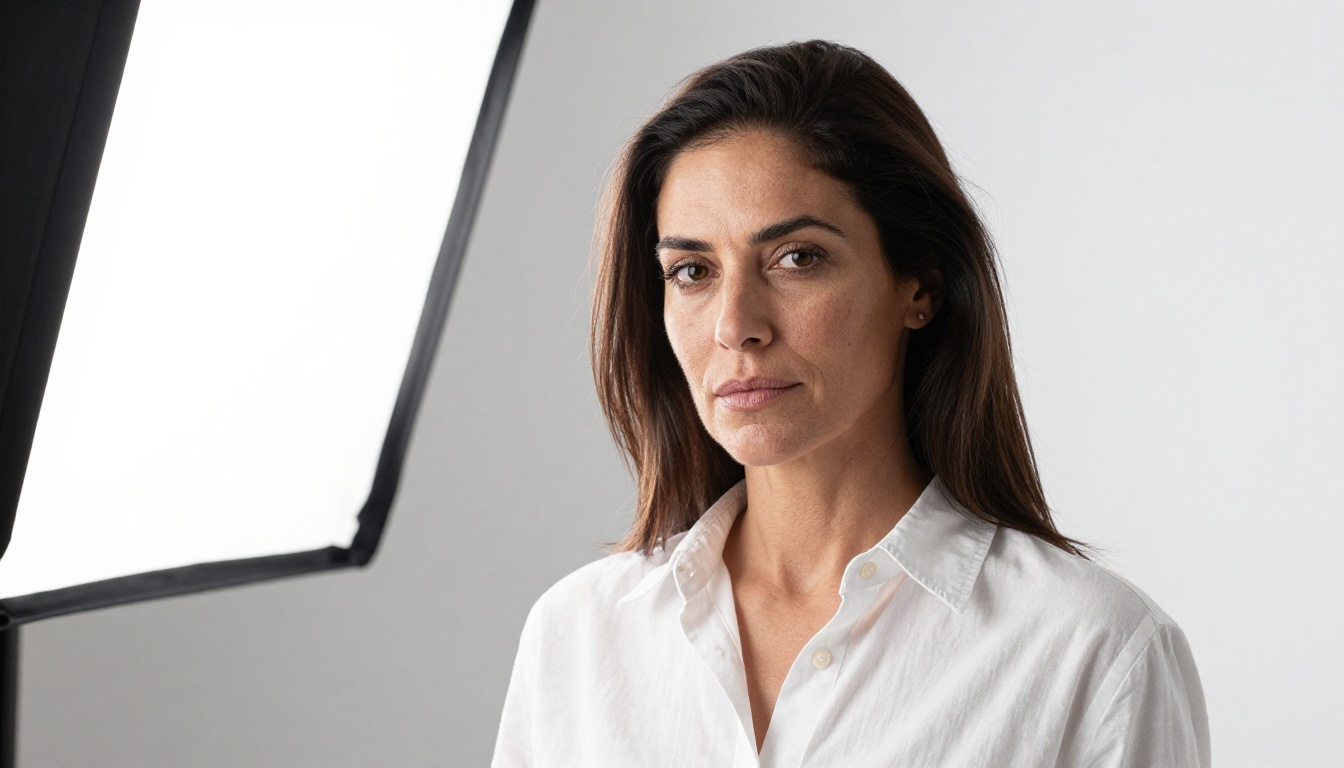
The "cinematic" designation in Dreamina 3.1 isn't marketing language. The model was trained with a strong component of film reference images, which means it has internalized the specific color grading, tonal relationships, and compositional choices of professional cinematography.
When you prompt Dreamina 3.1 for a portrait, you get color science that feels like it came through a cinema camera color profile rather than a consumer DSLR. The highlights roll off smoothly rather than clipping abruptly. Shadow areas retain color information. Skin tones have the warm-cool duality that well-exposed film captures naturally.
For content that needs to look expensive, brand photography, editorial shoots, or lifestyle campaigns, Dreamina 3.1's cinematic treatment elevates the output above what a technically perfect but tonally flat model would produce. If your reference aesthetic is the work of a high-end commercial photographer rather than an enthusiast with a mirrorless camera, this is your model.
Gemini 2.5 Flash Image and Stable Diffusion 3
Two models worth mentioning for specific use cases round out this list.
Gemini 2.5 Flash Image trades some output fidelity for dramatic speed. When you need to iterate quickly through multiple concepts, test compositions, or produce reference images for art direction discussions, Gemini Flash Image generates plausible photorealistic outputs in a fraction of the time of the higher-fidelity models. The quality ceiling is lower, but for rapid ideation it's the right tool.
Stable Diffusion 3 remains relevant for situations where you need precise structural control. The Stability AI ecosystem has deep ControlNet integration, meaning you can feed the model pose references, depth maps, edge detections, and other structural inputs that constrain the output without eliminating creative latitude. For photorealistic product photography where the composition must follow a specific layout, SD3 with ControlNet remains hard to beat.
💡 Speed vs. Control: Use Gemini Flash for rapid concept iteration. Use SD3 when structural ControlNet control is required. Use Flux or Hunyuan when maximum output quality is the priority and you have time to refine.
How to Create Photorealistic Images on PicassoIA
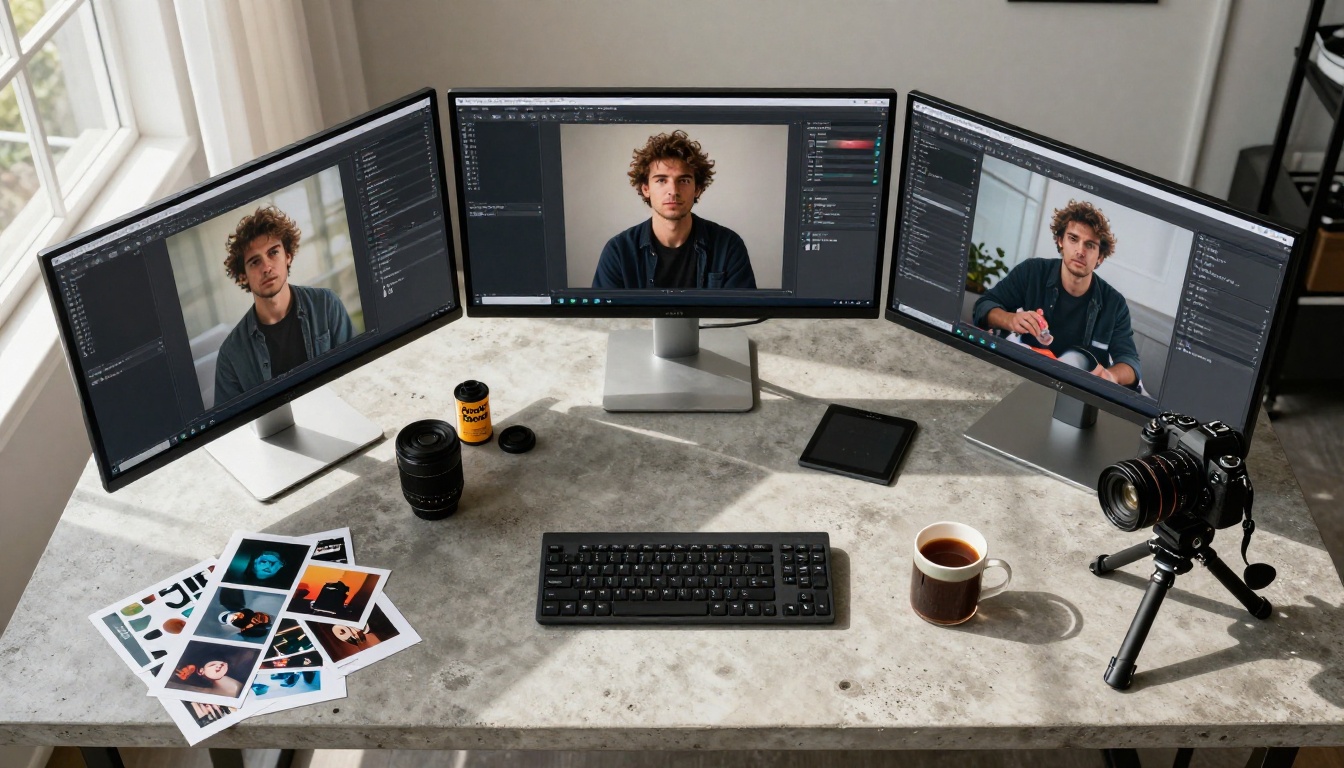
PicassoIA brings all of these models together under a single platform, which eliminates the need to manage separate accounts, API keys, and compute credits for each provider. You can switch between GPT Image 1, Flux Krea Dev, Seedream 4.5, and every other model listed here from the same interface.
Step-by-Step with PicassoIA Image
The fastest way to start is through PicassoIA Image, the platform's dedicated text-to-image generator that supports all major photorealism-focused models.
Step 1: Describe the scene with photographic specificity
Instead of "a woman in Paris," write: "Woman, early 30s, blonde hair, natural morning light from north-facing windows, Paris cafe interior, 35mm f/1.8, Kodak Portra 400." The specificity directly improves output quality.
Step 2: Specify your camera and lens
The model responds to lens specifications. An 85mm f/1.4 tells the model to produce shallow depth of field with smooth circular bokeh. A 24mm wide angle tells it to expect some perspective distortion and greater depth of focus throughout the frame.
Step 3: Describe light direction and quality
"Volumetric morning light from left at 15-degree angle" is more actionable for the model than "morning light." Include color temperature where it matters: "warm 4500K" for late afternoon golden hour, "cool 6500K" for overcast natural daylight.
Step 4: Add film stock references
- Kodak Portra 400: Warm shadows, accurate skin tones, slight warm color cast in highlights
- Fuji Pro 400H: Cooler, desaturated, excellent for fashion and beauty photography
- Kodak Ektar 100: Vivid, saturated, exceptional for landscape and lifestyle content
Step 5: Add the style qualifiers
End your prompt with: "photorealistic, 8K, film grain, natural lighting, --style raw"
These five steps work across every model on the PicassoIA platform. For portrait-specific editing after generation, PicassoIA Image Editor Pro lets you refine specific areas of the image without regenerating from scratch, and Flux Depth Pro allows depth-aware editing that respects the spatial relationships in your image.
Picking the Right Model for Your Shot
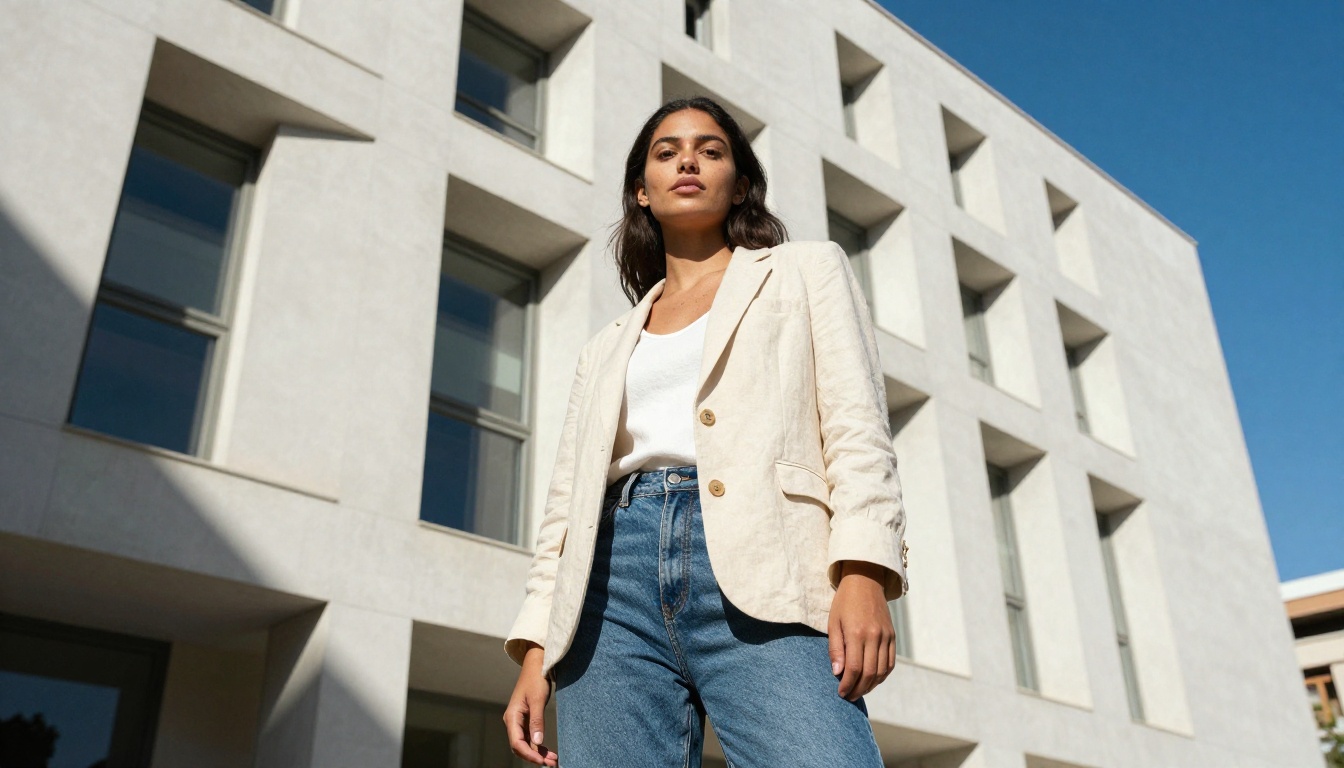
No single model wins in every scenario. The right choice depends on your specific output requirements, the lighting conditions you're simulating, and how much iteration time you have. Here's how to match the model to the job:
| Use Case | Best Model | Why |
|---|
| Commercial portrait | GPT Image 1 | Precise instruction-following, predictable output |
| Documentary/authentic feel | Flux Krea Dev | Trained to avoid the "AI look" |
| High-resolution fashion | Seedream 4.5 | 4K native, excellent diverse skin tone rendering |
| Character and age detail | Hunyuan Image 2.1 | Renders imperfections authentically |
| Outdoor golden hour | Wan 2.7 Image Pro | Best natural light and backlit rendering |
| Brand and campaign work | Dreamina 3.1 | Cinematic color science built in |
| Rapid concept iteration | Gemini 2.5 Flash Image | Speed without sacrificing plausibility |
| Controlled composition | Stable Diffusion 3 | ControlNet integration for structural precision |
The workflow that produces the most consistently strong results: use Gemini 2.5 Flash Image to generate 8-10 concept thumbnails quickly, identify which compositions work, then regenerate the winning concepts using a higher-fidelity model like Flux Pro Finetuned or Hunyuan Image 2.1.
The gap between AI-generated and photographer-shot images has effectively closed for many commercial applications. The models listed here are why. Every one of them is available on PicassoIA, which means you can test them side by side on the same prompt, compare outputs, and find the model that fits your specific aesthetic without signing up for eight separate services. Start with the scenario that matters most to your work, pick the model that fits it from this list, and spend your energy on prompts that think like a photographer.


