Photorealistic AI has crossed a line most people didn't expect so soon. The images coming out of the best models today aren't just "impressive for AI" -- they're genuinely indistinguishable from camera-captured photographs in controlled comparisons. Skin pores, lens bokeh, film grain, atmospheric haze, the subtle way light wraps around a jawline at dusk -- these details are no longer flukes. They're reproducible. But not all models are equal, and the gap between the top performers and the rest is enormous. This article breaks down exactly which AI models are producing the most realistic photos right now, what makes each one work, and how you can use them on PicassoIA to get results that stop people mid-scroll.
What Makes a Photo Look Real
Before ranking anything, it helps to understand what the brain actually checks when deciding if an image is a photograph or a fabrication.
Skin texture and micro-detail
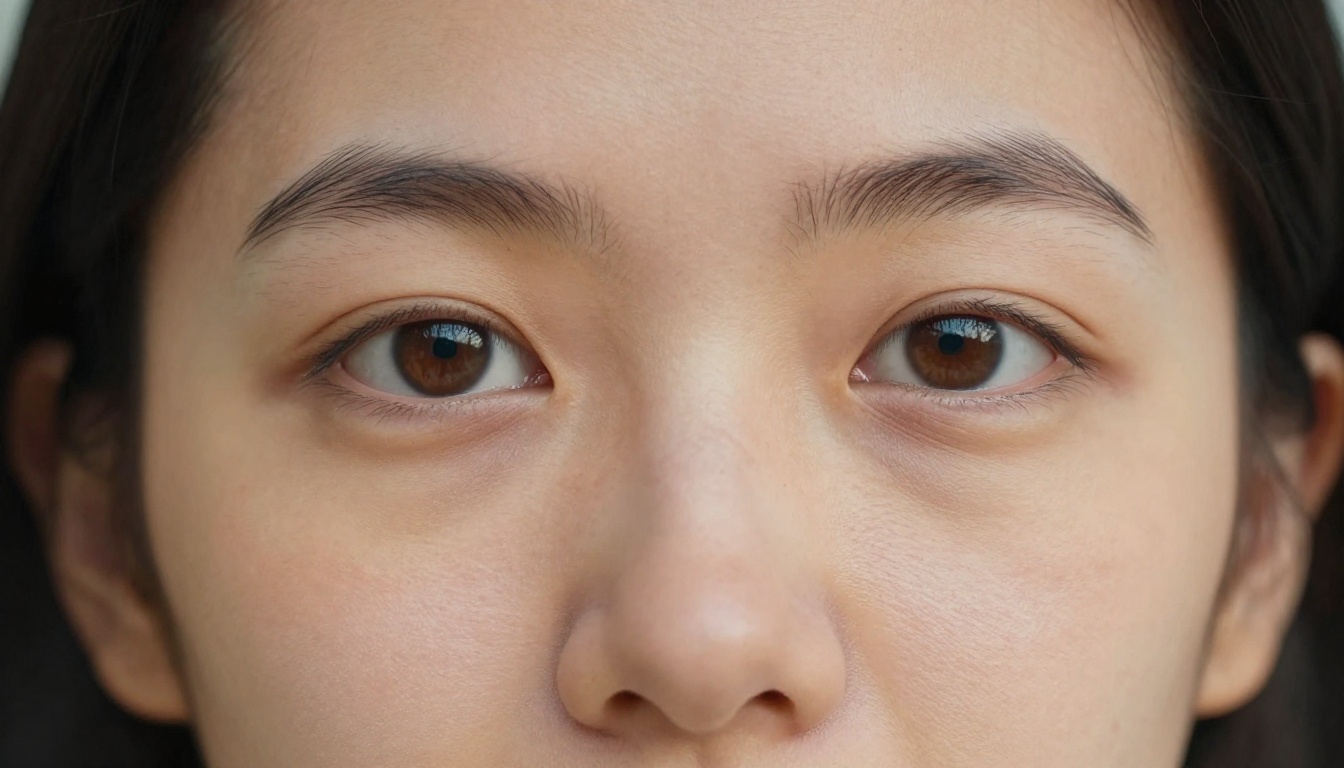
Human vision is extraordinarily sensitive to faces. We've spent millions of years reading them. A slightly too-smooth forehead, pores that are all the same size, hair that behaves like a single painted mass -- these register as "off" even when someone can't articulate why. The best AI models now render visible pore variation across zones of the face, sebaceous texture, micro-hairs, and natural imperfections rather than the uncanny smoothness of older diffusion outputs.
Lighting physics and shadow accuracy
Real light wraps, bounces, scatters, and occludes. It bleeds through thin ears. It creates subsurface scattering in skin. It leaves specular highlights shaped exactly like the source that caused them. Models that understand lighting geometry rather than just pattern-matching "bright areas" produce images with physical plausibility. You can feel the direction of the light without seeing the source.
Depth of field behavior
A real 85mm f/1.4 lens creates a very specific out-of-focus character. The bokeh shape, the transition from sharp to soft, the slight optical aberration at the edges -- these are lens signatures. Models trained on enough real camera data reproduce these signatures naturally, making the image feel like it was captured by a physical object rather than computed on a grid.
Color science and grain
Digital cameras and film both produce characteristic color science. Skin tones on Kodak Portra look different from Sony's default processing. Fujifilm has a particular green rendering. Authentic AI photography integrates these signatures so images carry the weight of photographic tradition rather than the flatness of a render output.
The Best AI Models for Realistic Photos Right Now
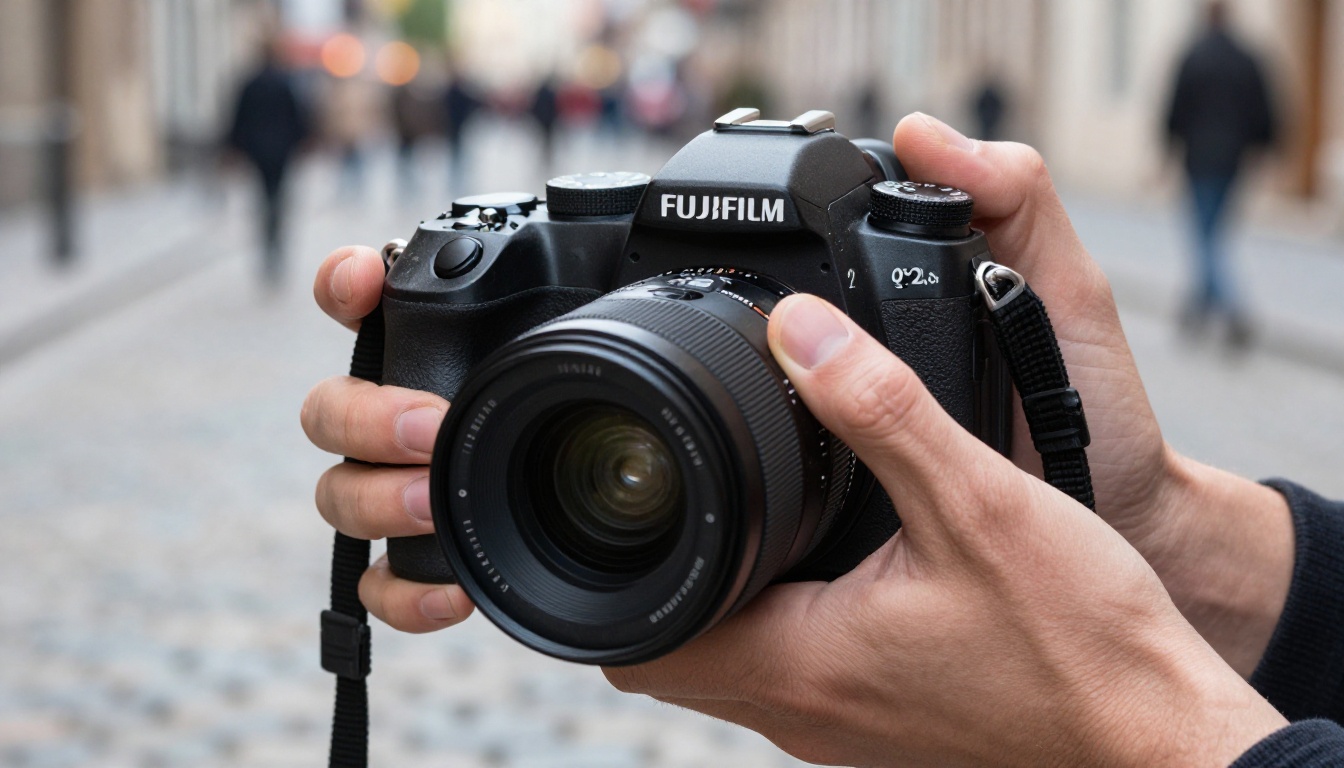
These seven models are the current leaders for photorealistic image generation. Each has a distinct strength, and knowing when to deploy which one is the difference between good results and exceptional ones.
Seedream 4.5
Seedream 4.5 from ByteDance is the headline model for photorealistic 4K output. Its training dataset skewed heavily toward high-resolution photography, and it shows: faces are rendered with the kind of micro-detail that requires explicit work to achieve in other models. Portrait prompts produce natural skin texture without special negative prompting. Landscape outputs handle atmospheric perspective correctly -- distant objects genuinely fade into haze rather than simply blur.
Best for: Portraits, editorial fashion, lifestyle photography
Strength: Skin and hair detail, accurate lens emulation
Output resolution: Up to 4K native
💡 Tip: Seedream 4.5 responds strongly to camera-specific prompts. Include the lens name, focal length, and aperture in your prompt for dramatically more realistic outputs.
GPT Image 2
GPT Image 2 from OpenAI brings instruction-following precision to photorealism. Where other models sometimes drift from complex compositions, GPT Image 2 stays close to the described scene. For users wanting exact control over framing, this matters enormously. It handles complex multi-element scenes -- multiple people, specific lighting setups, precise environments -- with high compositional fidelity.
Best for: Complex scene construction, product photography, architectural shots
Strength: Prompt adherence, scene accuracy
Note: Works best with descriptive, compositional prompts
Hunyuan Image 2.1
Hunyuan Image 2.1 from Tencent outputs at 2K with a color science that leans warm and cinematic. Its strength is in natural light scenes: window light portraits, outdoor candid photography, and street scenes where the lighting is ambient and uncontrolled. Skin tones across different ethnicities are rendered accurately and without the bias artifacts seen in older generation models.
Best for: Natural light portraits, street and documentary photography
Strength: Color accuracy, multi-ethnicity skin tone rendering
Output resolution: 2K
Wan 2.7 Image Pro
Wan 2.7 Image Pro operates in 4K and handles scale exceptionally well. Wide-angle architectural photography, panoramic landscapes, and large group scenes maintain sharpness and detail across the entire frame rather than degrading toward the edges. The model's understanding of spatial relationships is particularly strong, making it the right choice for images where distance, scale, and environmental context matter as much as the subject itself.
Best for: Architecture, landscapes, wide environmental scenes
Strength: Full-frame sharpness, spatial and depth accuracy
Output resolution: Up to 4K
Flux Kontext Dev
Flux Kontext Dev from Black Forest Labs is the most flexible model in this list. Its context-aware generation maintains consistency across image variants, making it ideal for iterative workflows where you need slight variations of the same scene -- different light angle, adjusted expression, shifted composition -- without rebuilding from scratch. The realism ceiling is slightly lower than Seedream 4.5 on pure portrait work, but its workflow utility is unmatched. For faster outputs, Flux Kontext Fast delivers strong results at higher speed.
Best for: Iterative editing, style-consistent series, controlled variations
Strength: Context retention, variation consistency across outputs
Flux 1.1 Pro Ultra Finetuned
Flux 1.1 Pro Ultra Finetuned is the studio-grade version of the Flux line, trained with additional fine-tuning data targeting photorealism specifically. It handles challenging lighting scenarios -- backlit subjects, mixed artificial and natural light, extreme shadow recovery -- better than most models in this list. The outputs tend toward clean, technically correct images rather than the slightly filmic quality of Seedream.
Best for: Studio lighting simulation, controlled technical photography
Strength: Challenging lighting scenarios, high technical accuracy
PicassoIA Image Editor Pro
PicassoIA Image Editor Pro is the platform's own unlimited generation model. While benchmarks place it slightly below the leaders for raw photorealism, it has a practical advantage: no per-generation cost limits. For iterative workflows where you need to run 20-30 variations to find the perfect composition, this matters enormously. Its integration with inpainting and outpainting tools also makes it the obvious choice for image editing pipelines.
Best for: High-volume workflows, iterative experimentation, editing pipelines
Strength: Unlimited generations, full editing integration
Side-by-Side Comparison
How to Use Seedream 4.5 on PicassoIA
Seedream 4.5 is the strongest model for portrait work, so it's worth walking through the workflow in detail.
Step 1: Open the model
Go to Seedream 4.5 on PicassoIA. You'll find the generation interface with the prompt field and parameter controls ready to use.
Step 2: Write a camera-aware prompt
This is where most people leave performance on the table. Generic prompts like "a woman, realistic photo" produce generic results. Camera-specific prompts unlock the model's photorealism capabilities:
Weak prompt: A beautiful woman with brown hair, realistic photo
Strong prompt: Portrait of a woman in her late twenties, soft morning window light from camera left, Canon 85mm f/1.4, ISO 400, Kodak Portra 400, visible skin pores on cheeks, natural freckles, hair strands individually rendered, shallow depth of field, clean white interior background
The difference in output quality is not marginal. It's the difference between a stock-looking image and something that reads as editorial photography.
Step 3: Set your resolution
Seedream 4.5 outputs up to 4K. For most uses -- social media, blog covers, prints up to 20x30cm -- the standard output is sufficient. For large-format print or when you plan to crop into the image, select the highest available resolution before generating.
Step 4: Iterate with small adjustments
The first output is a starting point. Change one element at a time: adjust the light direction, shift the focal length, add or remove a secondary subject. Documenting what each adjustment does to the output builds a mental model that makes every subsequent generation faster.
💡 Tip: For portraits, specifying the exact light source ("single octabox at camera right", "window light from the left at 45 degrees") produces dramatically more physically accurate shadows than generic phrases like "good lighting" or "natural light."
Step 5: Refine with editing tools
After getting a strong base image, use the inpainting and outpainting tools to refine specific areas without regenerating the full image. Adjust a detail, extend the background, change the clothing color while preserving the skin and hair quality already achieved.
Professional Headshots with AI
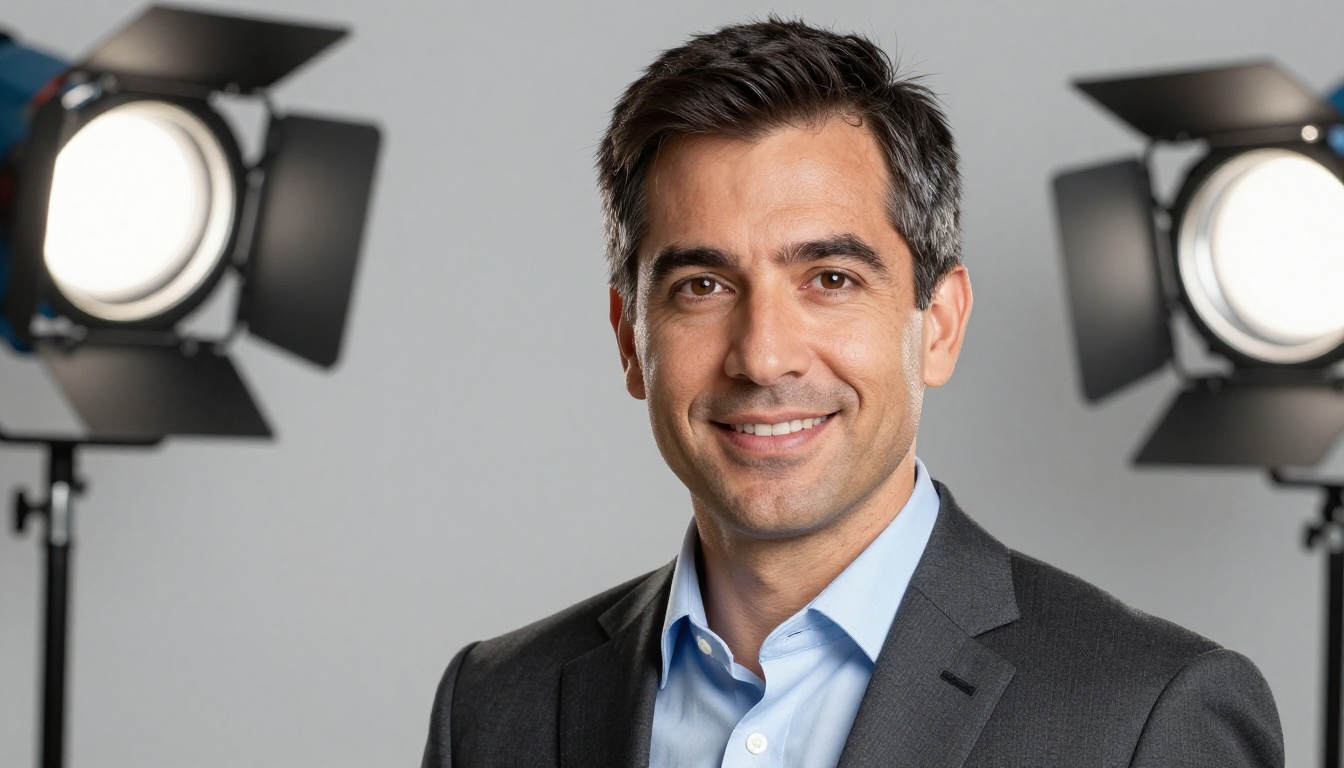
The AI headshot market is growing fast, and for good reason: generating a professional-quality headshot on PicassoIA costs a fraction of a studio session and can be refined until it's exactly right.
The prompt formula for headshots
A reliable formula for professional headshots:
[Gender, age, ethnicity] wearing [specific clothing], studio portrait, [main light position], [fill reflector], clean [color] backdrop, catchlights in eyes, [camera and lens], ISO 100, sharp throughout the face
Example output prompt:
Hispanic woman in her mid-thirties wearing a navy blazer and pearl earrings, studio portrait, main Profoto key light at camera right 45 degrees, silver fill reflector camera left, clean medium gray backdrop, catchlights visible in dark brown eyes, Sony 90mm f/2.8, ISO 100, sharp throughout the face
The Portrait Series tool
For users who need multiple headshots of the same person in different settings, the Portrait Series tool (powered by Flux Kontext) maintains identity consistency across variations. One generation establishes the subject; subsequent generations change the background, lighting, and clothing while preserving facial features. It's the right workflow for creating a full professional headshot library from a single base image.
There's also a dedicated Professional Headshot tool optimized specifically for this use case, with preset lighting configurations that produce commercially usable results on the first or second attempt.
Lifestyle and Documentary Photography
The candid, real-world photo is harder to fake convincingly than a controlled portrait, but the best models handle it well when prompted correctly.
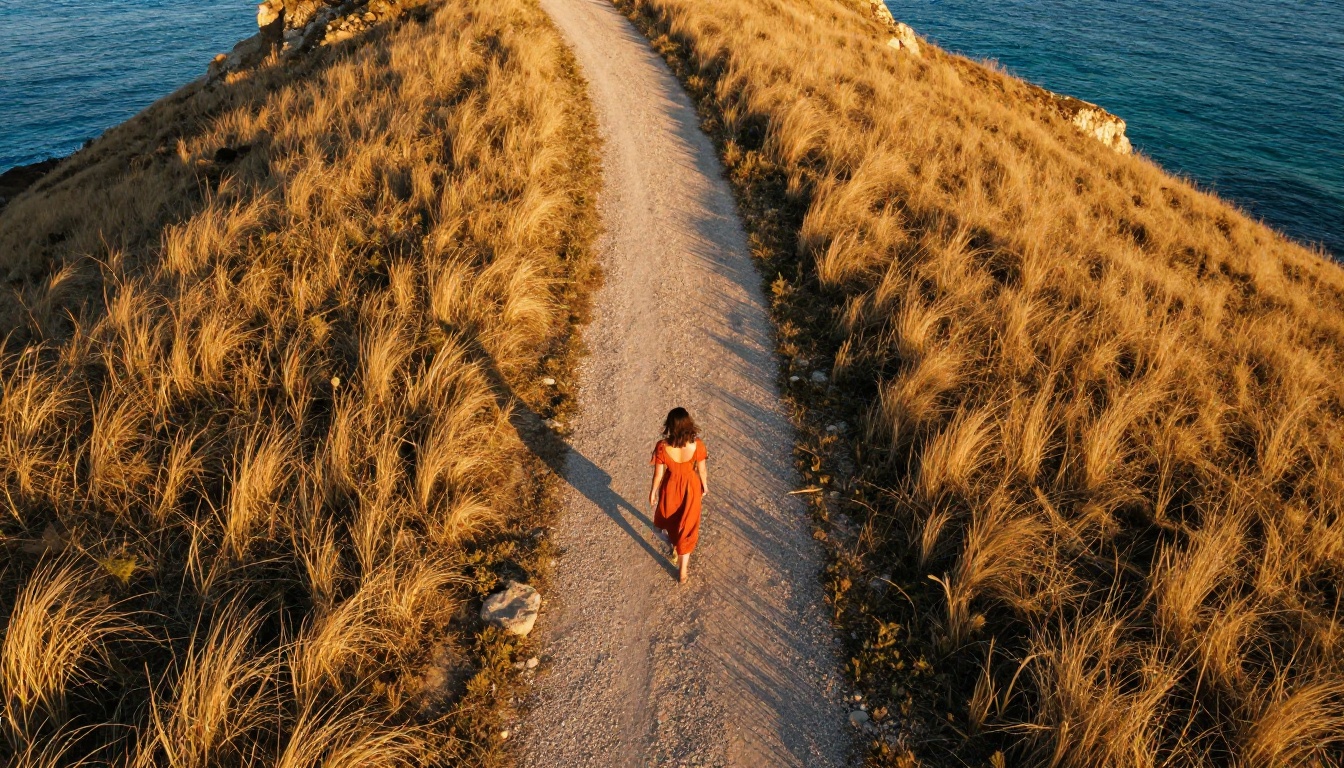
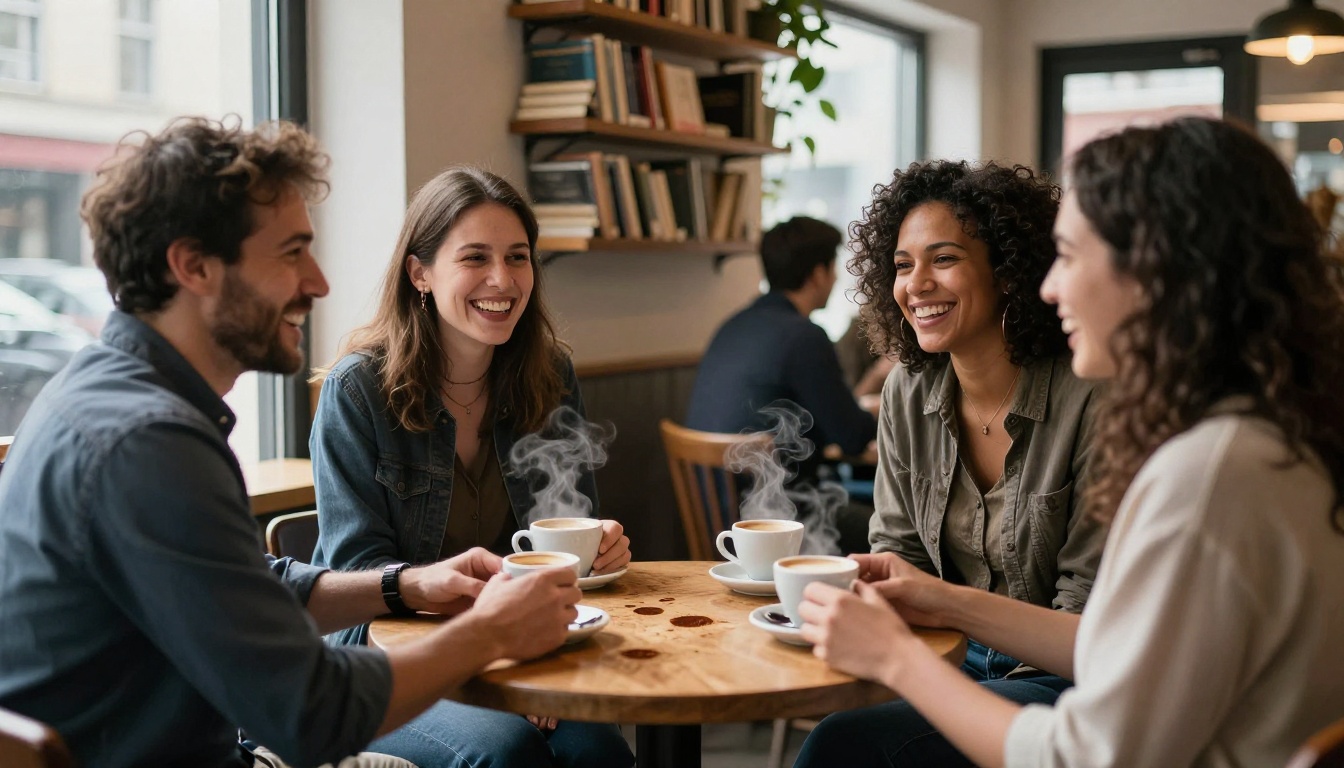
The key for lifestyle photography is removing the "pose" from the description. Describe what the subject is doing, not how they look. "A woman laughing at something off-camera while picking up her coffee cup, motion blur on the cup, ISO 1600, handheld" produces a fundamentally different image from "a woman smiling, holding coffee."
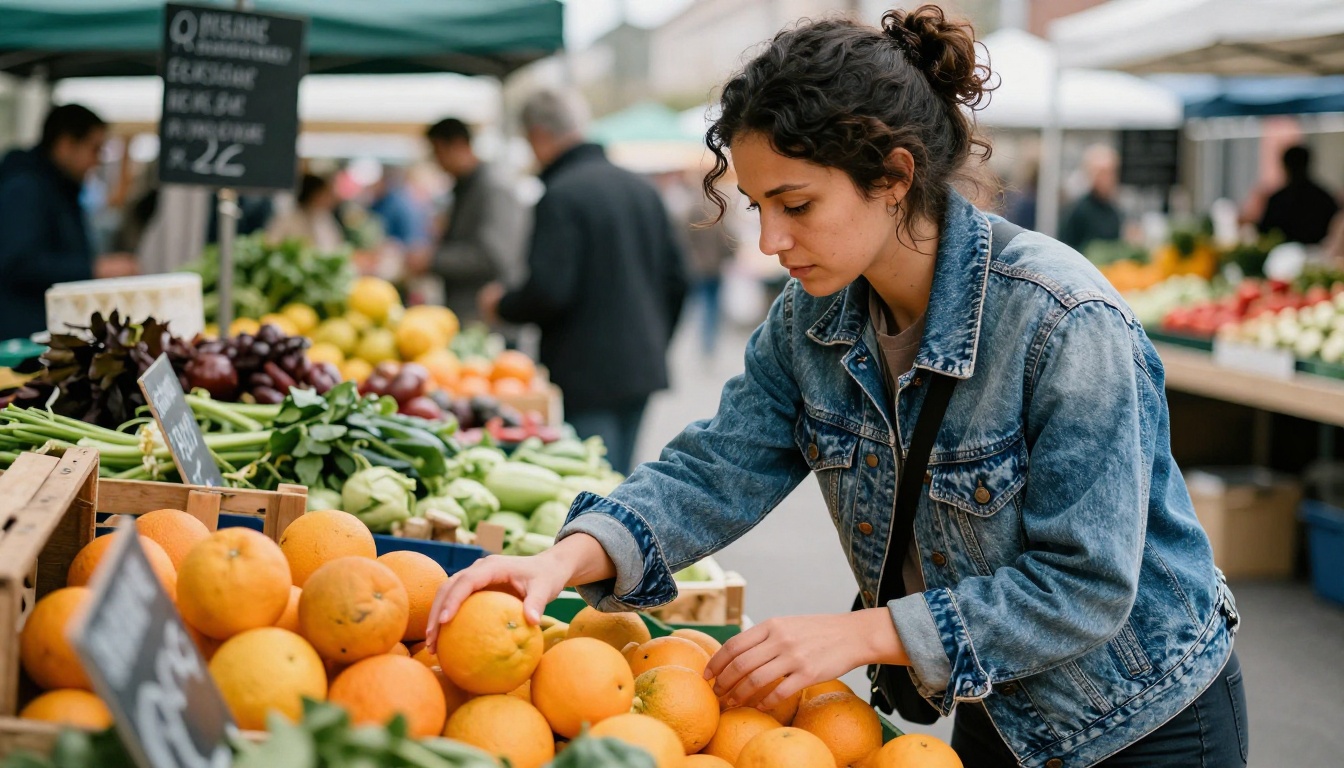
Action verbs, environmental specificity, and technical imperfections -- motion blur, slight grain, handheld camera wobble -- all signal to the model that you want documentary-style authenticity rather than polished perfection. Hunyuan Image 2.1 is particularly strong here, with its natural ambient light handling producing the sort of casual, honest images that stock photography libraries have historically been terrible at providing.
Landscapes That Hold Up to Scrutiny
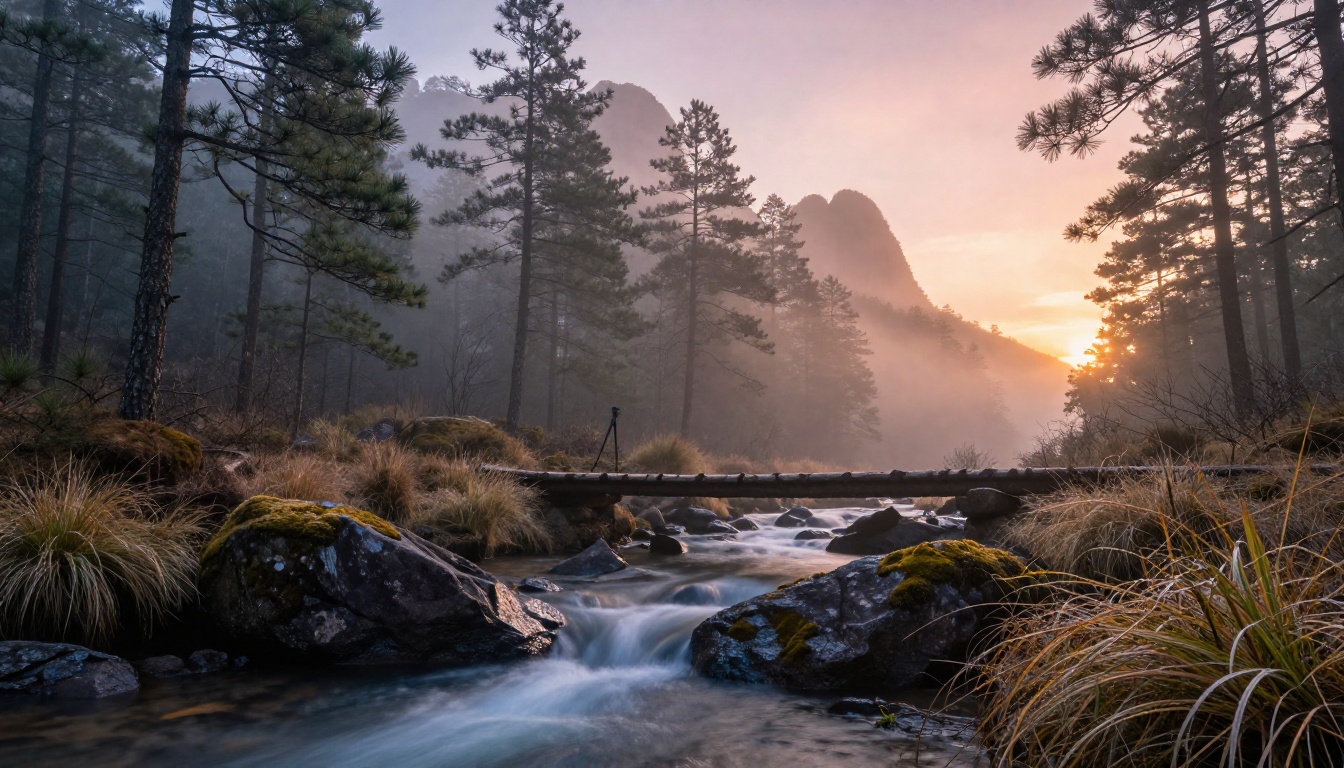
Photorealistic landscape generation requires models that handle atmospheric perspective correctly. Wan 2.7 Image Pro and Seedream 4.5 are the strongest performers here, with the Pro model's full-frame sharpness making it the better choice for wide environmental compositions.
The formula for convincing landscapes includes several elements that most prompts skip:
- Time of day specificity: "Dawn 20 minutes before sunrise" produces different atmospheric conditions than "morning" -- and the model registers the difference
- Weather layering: "Thin cirrus cloud layer at high altitude with clear mid-sky" creates physically accurate sky rendering that generic "partly cloudy" cannot
- Foreground anchoring: A sharp, detailed foreground element -- specific rock texture, individual grass blades, long-exposure water surface -- creates the depth reference that makes the scene feel three-dimensional
- Atmospheric haze: Explicitly describing haze layers between distance planes ("pine forest fading into atmospheric haze at 2km, mountain peaks barely visible through thin mist at 15km") produces physically accurate aerial perspective rather than simply dark-to-light distance gradients
How Upscaling Changes the Realism Equation
A realistically generated image at standard resolution and the same image at 4x upscaled resolution are not the same product. Upscaling adds a layer of micro-detail -- skin pore resolution, fabric texture definition, surface grain -- that was mathematically extrapolated but looks indistinguishable from captured detail.
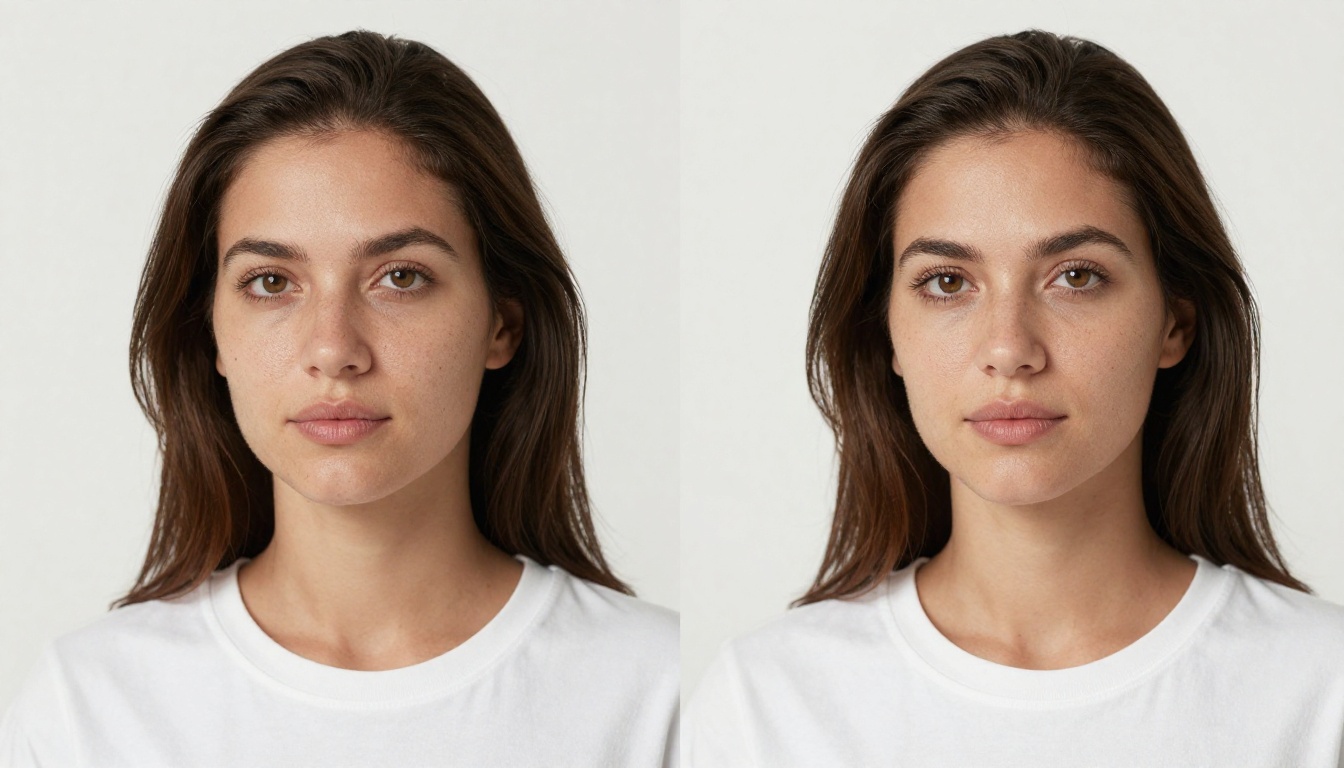
PicassoIA's Super Resolution tools perform 2x and 4x upscaling with AI-synthesized detail rather than simple interpolation. The result is an image that doesn't just have more pixels -- it has more information. Portrait images upscaled this way can pass as medium-format photography captures when printed at large format sizes.
The workflow that produces the best results: generate at the model's native resolution, evaluate composition and quality at full view, then upscale only the final approved image. Upscaling every iteration wastes compute and makes quality comparison difficult.
💡 Tip: Run super resolution on portraits after any inpainting or outpainting edits are complete. Editing an upscaled image introduces artifacts at the generation boundaries that are much harder to fix than starting from a clean native-resolution base.
3 Prompting Habits That Separate Good from Great
Most people frustrated with AI photorealism are making the same small set of mistakes.
1. Using adjectives instead of physics
"Beautiful lighting" is an adjective. "Volumetric morning light from the upper left at 45 degrees, warm 4500K color temperature, catching dust motes in the air, subsurface scattering visible through the ear" is physics. The second type gives the model something to calculate rather than something to interpret.
2. Ignoring the camera
Specifying a camera body and lens is not decoration. It tells the model the sensor size, color science, depth-of-field behavior, and optical character you expect. An 85mm prime and a 24mm wide-angle produce fundamentally different images of the same subject. The model knows this distinction and uses it.
3. Not describing imperfection
Perfect images look fabricated. Real photographs have motion blur, lens aberration, slight grain, uneven illumination, and moments of imperfection. Explicitly including these -- "slight radial blur at the extreme edges, natural film grain, ISO 1600 noise structure visible in shadows, slight chromatic aberration on high-contrast edges" -- is often the single change that pushes an image from "good AI output" to "wait, is this real."
Character Portraits with Depth
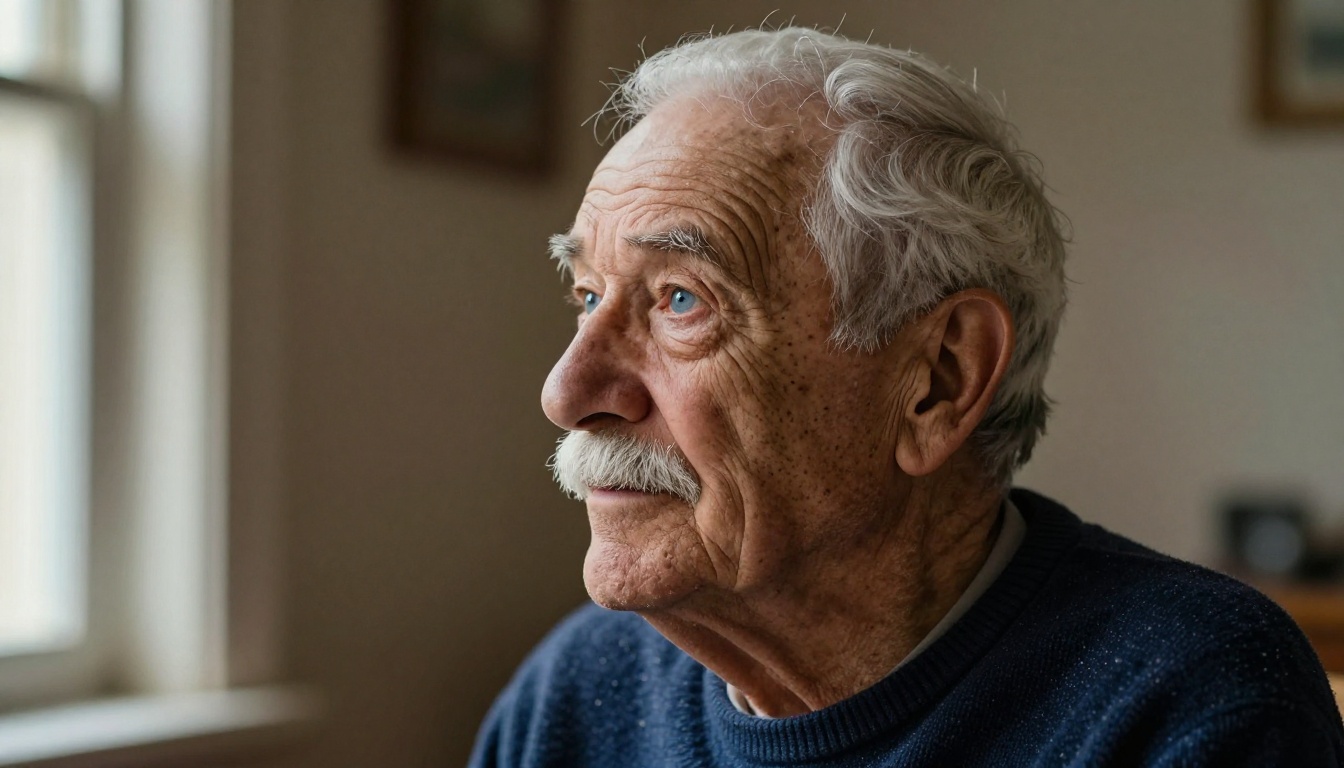
Some of the most striking photorealistic outputs come from character portraits: older subjects with deeply textured faces, subjects with distinctive features, or environmental portraits where the person and their context carry equal compositional weight.
Seedream 4.5 and Hunyuan Image 2.1 both handle these well. The key is resisting the model's tendency toward conventional attractiveness defaults. Explicitly describing age, character features, wrinkles, and natural imperfections in positive terms -- not as negatives to work around -- produces portraits with genuine human weight that stock photography has rarely achieved.
A useful prompting approach for character work: describe the specific story visible in the face. "A retired fisherman in his late sixties, sun-weathered skin, deep crow's feet from squinting at the horizon, callused hands, proud quiet expression" gives the model narrative material that translates into visual depth.
Try These Models Yourself
The seven models covered here are all available at picassoia.com/en/all-models. Each has its own interface with the prompt field, resolution controls, and parameter adjustments. The fastest way to find which model suits your use case is to run the same prompt through three or four of them and compare the outputs directly.
Start with Seedream 4.5 for your first portrait attempt -- its results are the most immediately impressive and will calibrate your expectations for what photorealistic AI can actually do in 2027. Move to Flux Kontext Dev when you need to iterate on a scene without losing consistency. Use PicassoIA Image Editor Pro for high-volume experimentation where you want to run many variations without counting credits.
The quality ceiling on photorealistic AI images in 2027 is no longer a technical limitation. It's a prompting limitation. With the right model and a camera-specific, physically-grounded prompt, what comes out of these systems requires pixel-level forensic analysis to distinguish from a real photograph. That's worth exploring seriously.


