Music production has shifted faster in the past two years than in the previous two decades. AI tools now write melodies, synthesize vocals, produce full songs from text prompts, and deliver professional-sounding mixes that rival what was once possible only in expensive studios. Whether you work in a high-end facility or a bedroom setup with a laptop and a MIDI controller, these tools are actively reshaping what is possible and how fast you can get there.
The shift is not theoretical. Working producers are using AI tools right now to prototype songs in hours instead of days, create vocal demos without a session singer, generate stems for remixing, and produce genre-authentic beats without expensive sample libraries. This article breaks down the top AI tools for music producers across every stage of the production pipeline: composing, vocal generation, beat-making, sound design, and workflow integration.
AI Is Rewriting the Production Workflow
The traditional production chain required different specialists and different software at each stage. Composition happened in one tool, recording in another, mixing in a third, and post-production was often sent to a specialist. AI is collapsing that chain. A solo producer can now handle steps that previously required a vocalist, a session musician, a mixing engineer, and a post-production specialist, all from a single browser window.
What Changed in the Last Two Years
The shift accelerated when text-to-music models reached commercial quality. Early tools generated short, repetitive loops, useful as inspiration but not as finished material. Current models produce two-to-four minute tracks with proper verse-chorus-bridge structure, natural-sounding vocals, and dynamic mixing that holds up on decent speakers.
The gap between AI-generated music and professionally produced music has narrowed to the point where listeners cannot reliably distinguish them on casual listening. This is not a warning. It is information about the current state of the tools, which are now good enough to be part of your actual workflow rather than just your experimentation folder.
Where AI Fits in Your Workflow
AI does not replace creative decisions. It accelerates the execution of them. A producer who used to spend eight hours on a rough demo can now have five rough demos in two hours, each taking a different direction. The creative filtering, the arrangement instinct, the sonic identity, those remain yours. What AI removes is the mechanical labor between the idea and the initial output.
The most effective producers use AI early in their process. Generate variations at the very beginning, pick the direction with the most potential, then apply your craft from that point. AI handles the blank-page problem. You handle everything that makes the work genuinely yours.
💡 Tip: Use AI tools for rapid prototyping. Generate three or four variations of a melody, chorus, or beat pattern before committing to an arrangement. It saves hours of dead-end iteration and reveals options you would not have found by starting from scratch.
These tools take text prompts or lyric inputs and output full songs, including instrumentation, arrangement, and vocals. They represent the most significant capability leap in AI music production to date.
MiniMax Music 2.6
MiniMax Music 2.6 is one of the most capable full-song generators available today. It handles lyrics-to-song conversion with realistic vocal output, supports multiple genres, and maintains consistent musical structure across a full track. Input your lyrics, specify a genre and mood, and the model produces a full song with instrumentation and mixed vocals within about sixty seconds.
Best for: Producers working in pop, R&B, and hip-hop who need full song drafts fast.
What it does well:
- Natural-sounding vocal synthesis with reliable pitch control
- Proper verse-chorus-bridge structure with dynamic transitions between sections
- Strong genre adherence, especially in pop-adjacent and urban styles
- Consistent mixing quality across the full track, not just the intro or chorus
Where it is weaker: Very niche or experimental genres can push outside the model's training distribution. For avant-garde, heavily processed, or experimental electronic sounds, Stable Audio 2.5 is a better starting point.
MiniMax Music 2.5
MiniMax Music 2.5 remains a widely used choice for its consistency. It handles long-form song generation with full vocals and performs particularly well on ballads and mid-tempo tracks where emotional vocal delivery matters most. If you need reliable output with slightly less prompt engineering than the newer 2.6 version requires, this is a dependable option.
Google Lyria 3 Pro
Google Lyria 3 Pro is Google's most capable music generation model and the best option on this list for cinematic and orchestral work. It handles complex arrangements that would require a full ensemble to record live, with harmonic depth and orchestral texture that smaller models simply cannot match.
Film composers and game audio designers will find it particularly powerful. The model responds well to detailed prompts about specific instrumentation, dynamic arcs, and emotional tone. Describe an opening that starts sparse and builds into a full string and brass arrangement, and it will produce something genuinely close to that vision.
Best for: Film composers, game audio designers, trailer music, and producers who need high-production-value instrumentals without access to a live orchestra.
Google Lyria 3
Google Lyria 3 is the standard version of Google's music model, built for versatility across genres rather than orchestral depth. It produces instrumentals and partial vocal tracks with strong rhythmic consistency. A solid choice for most instrumental production needs without requiring the level of prompt detail that the Pro version benefits from.
Stable Audio 2.5
Stable Audio 2.5 from Stability AI is prompt-based music generation optimized for stems, loops, and atmospheric textures. It is particularly strong on electronic, ambient, and experimental genres. Outputs are DAW-ready and drop directly into any session without conversion or format adjustment.
What sets it apart:
- Stem and loop generation is its native strength, not a secondary feature
- Handles electronic, ambient, industrial, and experimental genres better than most models
- Outputs are production-ready for immediate DAW import
- Strong response to specific technical prompts, including BPM, tonality, and instrumentation
💡 Tip: For stem generation, describe specific instruments and technical parameters. "Driving hi-hats at 128 BPM, layered Juno synth pads, punchy kick with sub-bass tail" produces far better results than "electronic track." The more specific your prompt, the more usable the output.
Vocal and Melody Generation
Generating convincing vocals has historically been the hardest problem in AI music production. The human voice carries pitch, breath, timing, vibrato, and emotional inflection simultaneously, and synthesizing all of those components convincingly in a single output is an enormous technical challenge. The models below have largely solved it for most production use cases.
ElevenLabs Music
ElevenLabs Music brings ElevenLabs' industry-leading voice synthesis into music composition. The model generates sung vocals from text prompts with strong pitch control and tonal variety across multiple voice types and styles. Producers use it to lay down vocal demos that can stand on their own as finished material or serve as highly detailed reference tracks for session singers coming in later.
Best for: Vocal melody generation, demo vocals, and reference tracks. It produces reference vocals fast enough to keep pace with a live writing session.
| Feature | ElevenLabs Music | MiniMax Music 2.6 | Google Lyria 3 Pro |
|---|
| Full Song Output | Partial | Yes | Yes |
| Vocal Quality | Exceptional | Very High | High |
| Instrumental Depth | Moderate | High | Exceptional |
| Best Genre | Pop, Soul, R&B | Pop, Hip-Hop, R&B | Cinematic, Orchestral |
| Prompt Precision | High | High | Medium |
| Stem/Loop Output | No | No | Limited |
MiniMax Music Cover
MiniMax Music Cover lets producers restyle existing songs by genre. Provide a reference, specify the target genre, and the model rewrites the musical interpretation while preserving the core structure and melody. It is a powerful tool for creating acoustic versions, genre experiments, and alternative arrangements without re-recording from scratch.
Practical use case: You have a pop track and want a lo-fi hip-hop version, a jazz arrangement, and a cinematic orchestral version. This model generates all three in minutes. Each variation gives you creative information about how the underlying composition holds up across different stylistic contexts, which informs how you might want to develop or simplify the original.

Beat Making and Sound Design
AI has made real inroads in beat production and sound design, areas traditionally dependent on hardware synths, expensive sample libraries, and years of ear training to develop. These tools are not replacing the craft of beat-making. They are removing the access barrier for producers who are just starting out, and they are accelerating the workflow for producers who already know what they want.
What AI Does for Beat Producers
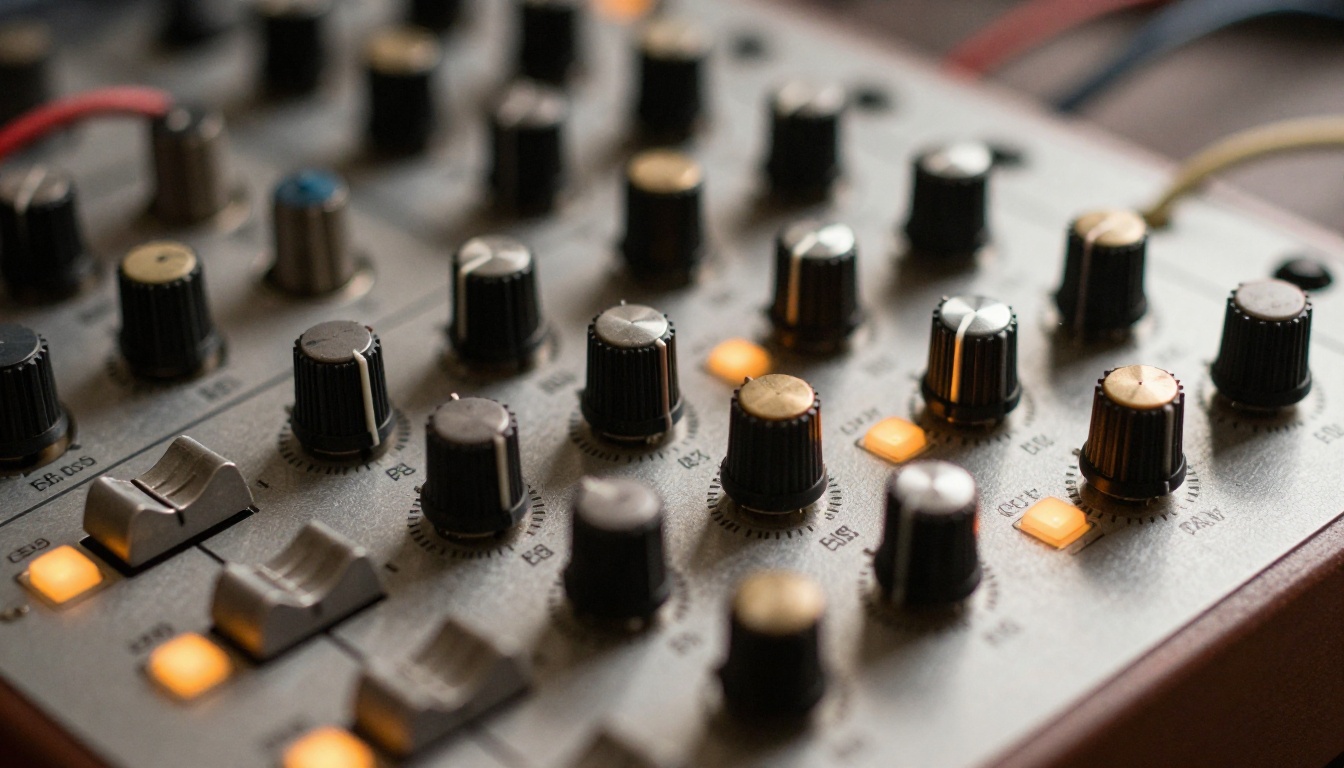
Modern AI models generate rhythmic patterns, produce genre-authentic drum programming, and create layered instrumental textures from a text description. They work best as starting points. Generate a beat foundation, then sculpt it in your DAW with EQ, compression, saturation, and your own processing chain.
The advantage is not that AI beats sound inherently better than what an experienced producer creates manually. The advantage is speed and volume of variation. In the time it once took to program a full drum pattern and layer synths for one beat, you can now have ten candidate beats to react to, choose from, and build on. The selection process itself becomes a creative act.
MiniMax Music 01
MiniMax Music 01 takes a lyrics-first approach to composition. Write your lyrics, and the model constructs the full song around them, including beat, arrangement, and vocals. It is the right tool when the lyrical content is the creative anchor and you need the music to serve the words rather than the other way around.
For producers who start with a topline or a lyric concept before touching any instrumentation, Music 01 is the most direct path from a written idea to a produced output.
Lyria 2
Lyria 2 by Google is a reliable model for instrumental generation, particularly strong in folk, acoustic, and indie genres. It produces organic-sounding arrangements with natural-feeling dynamics, which makes it stand apart from models that tend toward the polished, compressed sound of commercial pop. If you need something that sounds like it was made by real musicians in a room rather than produced in a studio, Lyria 2 is worth trying first.
💡 Tip: Combine models in your workflow. Use Stable Audio 2.5 to generate loop and stem material, then use MiniMax Music 2.6 to build a full arrangement around those elements. Two-model workflows often produce more original results than single-model generation because you are mixing training data from different sources.
How to Use AI Music Generation on PicassoIA
PicassoIA provides direct browser access to all the models in this article, including MiniMax Music 2.6, Google Lyria 3 Pro, ElevenLabs Music, and Stable Audio 2.5, with no software installation or plugin configuration required.
Using MiniMax Music 2.6, step by step:
- Open MiniMax Music 2.6 in your browser
- Enter your lyrics in the text field. Label each section clearly: Verse 1, Chorus, Verse 2, Bridge
- Set the genre: pop, hip-hop, R&B, folk, or electronic
- Set the vocal style: male, female, or duet
- Click Generate and wait approximately 30-60 seconds
- Preview the full track in-browser
- Download the WAV file and import directly into your DAW
Prompting tips for better outputs:
- Include BPM if tempo matters: "upbeat chorus at 97 BPM" outperforms "fast chorus"
- Add mood and tonality descriptors: "melancholic bridge in A minor, sparse piano, minimal drums"
- Regenerate two or three times and pick the strongest result. Variation between runs is normal and intentional
- Be specific about production style: "dark trap" and "bright commercial pop" will produce meaningfully different outputs from the same lyric
MiniMax Music 1.5
MiniMax Music 1.5 is the earliest MiniMax model still available on the platform. It generates full-length AI songs with vocals and remains a reliable option for cleaner, simpler compositions. When you want a more straightforward output without the variation complexity of the newer versions, 1.5 delivers consistent results across most genres.
Not every project needs every model. This breakdown simplifies the decision:
Honesty matters. AI music tools are powerful, but they have real limits that are worth understanding before you build a workflow around them.
Emotional specificity: You can describe a mood in a prompt, but the model does not feel it. The nuanced interpretation that a skilled vocalist brings to a performance, the micro-timing choices, the deliberate pitch imperfections that communicate vulnerability or aggression, is still beyond what AI consistently delivers. The difference between competent and deeply moving is still, mostly, human.
Live performance context: AI has no concept of how a song functions in a room, how it responds to an audience, or how it should build tension across a live set. These models produce recordings, not performances.
Genuinely original sonic identity: AI outputs tend toward genre conventions. Creating a truly novel sonic signature, the kind that defines a producer's catalog and makes their work immediately recognizable, still requires human creative direction. AI gives you the genre's average. Your identity is what deviates from that average intentionally and consistently.
Complex lyrical narrative: Long-form lyrical content with consistent internal logic, character development, and thematic coherence across a full song remains difficult for most models. They work best with shorter, more direct lyrical structures. Long narrative songs benefit from more manual lyric control.
Use these tools where they are excellent. Bring your own judgment and craft to what they cannot do yet.
Start Making Music Today
Every model in this article is available on PicassoIA right now, directly in your browser. No downloads, no plugins to configure, no complicated setup. Open a model, write a prompt, and have a track in under a minute.
Start with MiniMax Music 2.6 for a full song with vocals fast. Switch to Google Lyria 3 Pro when your project calls for cinematic or orchestral depth. Reach for Stable Audio 2.5 when you need clean stems to drop into your DAW. Use ElevenLabs Music when you need a reference vocal that sounds like a real demo rather than a placeholder.
The barrier to professional-quality music production has dropped dramatically. Nine models, zero setup, results in seconds. What you create with them is entirely up to you.


