Every semester brings new pressure: more reading, tighter deadlines, harder exams. Students who know which AI tools to use, and when, consistently outperform those who do not. This is not about shortcuts. It is about working with sharper instruments. The best AI models available right now write cleaner drafts, transcribe entire lectures in seconds, work through calculus proofs step by step, and debug code without complaint. The challenge is no longer finding an AI tool. It is knowing which one to actually open.

Students used to treat AI assistants as novelties. That changed when the models became capable enough to hold a coherent argument across 10,000 words, summarize an academic paper without losing the author's actual position, and generate working code from a natural language description. By 2026, large language models handle tasks that previously consumed hours every week: summarizing dense research, rewriting a weak thesis statement, converting a recorded lecture into timestamped notes, and checking a math proof for logical gaps.
The adoption is not optional anymore. In most competitive programs, using AI tools is the baseline. The students who fall behind are not the ones using AI too much. They are the ones using the wrong tools, or using the right ones badly.
The time problem every student knows
Between a part-time job, five courses, and a social life, finding three hours to read a 60-page case study is often not realistic. AI does not replace that reading but it compresses the feedback loop. Paste the document in, get a structured summary with the three central arguments, ask pointed follow-up questions about the parts that matter for your assignment, and spend thirty focused minutes instead of three unfocused hours. That is not laziness. That is leverage.
From passive tools to active collaborators
The shift that defines 2027 AI tools is not speed alone. It is depth. Earlier models answered questions. Current models push back, catch logical gaps in essays, suggest stronger evidence, and ask clarifying questions before proceeding. That makes them closer to a sharp study partner than a search engine. The best models available today will tell you when your argument is weak. They will not just polish your prose and send you on your way.
AI Writing Models Worth Your Time
Three models dominate student writing workflows right now, each with a distinct profile that suits different assignments.
GPT 5 for essays and arguments
GPT 5 is the default choice for most writing-heavy tasks. It holds long context well, which matters when you feed it your full essay draft and ask for a structural critique. It does not simply flag weak paragraphs. It explains why the argument collapses and offers specific ways to fix it. For students writing in political science, literature, law, or business, GPT 5 is the closest thing to a thesis advisor available on demand.
GPT 5.1 and GPT 5.4 offer incremental improvements on code reasoning alongside writing, which is useful if your program mixes both disciplines. For pure writing tasks, GPT 5 covers everything most students need.

Claude Sonnet 4.6 for reading-heavy tasks
Claude Sonnet 4.6 handles long documents exceptionally well. Paste a 40-page PDF extract and ask it to identify the three central arguments, the counterarguments the author ignores, and any statistical claims worth checking. The output is structured and reliable every time. Students writing literature reviews find it particularly strong because it traces connections between ideas rather than listing them in isolation.
Claude Opus 4.7 is the heavier option in the Anthropic family. It costs more per session but earns it on genuinely difficult assignments: dissertation chapters, layered philosophical arguments, multi-variable policy writing. If the assignment is the kind you would normally need a subject-matter expert to review, Claude Opus 4.7 is worth the investment.
DeepSeek v3.1 for focused writing
DeepSeek v3.1 is the quiet overperformer this year. It is free to access, fast, and strong on structured writing tasks. For students who need to write a concise annotated bibliography, a tight 500-word response paper, or a well-formatted lab report discussion section, it handles the format without drifting. Its main limitation is context length on very long documents, so pair it with Claude Sonnet 4.6 for anything over 20,000 words.
| Model | Best For | Context | Free |
|---|
| GPT 5 | Essays, long-form arguments | 128K | Limited |
| Claude Sonnet 4.6 | Long docs, literature reviews | 200K | Yes |
| DeepSeek v3.1 | Structured writing, response papers | 64K | Yes |
| GPT 4.1 | Everyday drafts, quick rewrites | 128K | Yes |
Transcribing Lectures in Real Time
One of the most practical applications of AI for students is turning audio into usable text. Recording a two-hour seminar is easy. Sitting down to rewatch it later is something most students avoid indefinitely. AI transcription removes that bottleneck entirely.
GPT 4o Transcribe for crisp audio
GPT 4o Transcribe is the current standard for clean lecture transcription. It handles natural speech patterns, including pauses, filler words, and the kind of overlapping crosstalk that happens in seminars, and produces readable output that preserves speaker meaning without turning every hesitation into clutter. For students in law, medicine, or social sciences where precise wording matters, the accuracy is genuinely valuable.
The output pairs well with any LLM. Paste the transcript into GPT 5 or Claude Sonnet 4.6 and ask it to extract the most important points and format them as a study outline. That workflow takes about four minutes for a 90-minute lecture.
💡 Quick workflow: Record the lecture on your phone, upload the audio file to GPT 4o Transcribe, paste the transcript into an LLM, and ask for a structured study outline. Do this the same day and you will never stare at a blank notes page before an exam again.

Gemini 3 Pro for multilingual content
International students and language learners have a specific need: transcribing content that mixes languages or carries a heavy accent. Gemini 3 Pro holds up well in those situations. It was trained on broader multilingual data than most transcription models and handles code-switching in audio without losing the thread mid-sentence.
For students taking courses in a second language, or working with source material from non-English speakers, Gemini 3 Pro is the more reliable choice over the standard transcription models.
When to reach for Mini Transcribe
GPT 4o Mini Transcribe is the practical pick for quick jobs. If you have a 15-minute recorded explanation from your professor or a short seminar clip, the Mini model handles it cleanly at a fraction of the cost. Reserve the full GPT 4o Transcribe for long seminars or recordings where every word counts.
Step-by-Step Reasoning for Hard Problems
Not all AI value for students comes from writing. For STEM majors, the most impactful models are the reasoning-focused ones that show their work rather than just delivering an answer.
DeepSeek R1 for math and proofs
DeepSeek R1 is the strongest free option for mathematical reasoning right now. It does not just give you the answer to a differential equations problem. It shows every step, names the theorem being applied, and flags the assumptions it is making. That is more useful for actually retaining the material than a calculator that produces a final number with no explanation.
For students in physics, engineering, economics, and statistics, DeepSeek R1 works like a teaching assistant who is always available. Ask it to check a proof and it will find the logical gap. Ask it to explain a concept three different ways and it will produce three genuinely different framings.

Kimi K2 Thinking for exam prep
Kimi K2 Thinking is the stronger option for open-ended problems that require weighing multiple considerations at once. Where DeepSeek R1 is faster and more math-focused, Kimi K2 Thinking tends to be better at case-based scenarios that require structured deliberation before arriving at a defensible position. Students prepping for law, business, or medicine exams find it particularly useful for walking through a scenario before committing to an answer.
💡 Feed Kimi K2 Thinking an exam question and ask it to reason through the problem as if it were a student explaining their thought process to a professor, step by step. Compare its reasoning chain to your own draft before writing the final version.
O1 and O4 Mini for complex assignments
O1 handles problems that require chaining many logical steps without losing track of earlier constraints. It is slower than GPT 5 but earns its place on assignments involving formal logic, mathematical proof structures, or multi-step programming challenges. Use it when accuracy matters more than speed.
O4 Mini is the faster sibling. For students who need a quick sanity check on a complex reasoning task rather than a full walkthrough, O4 Mini delivers faster at lower cost. It is also a solid choice for checking whether your logical setup is correct before you invest time writing out the full answer.
Free Models Students Can Use Right Now
Tuition is already expensive. Here is what you get without spending anything on AI.
Open-weight LLMs that hold their own
Several models on PicassoIA are free and still handle real academic work without falling apart:
- Llama 4 Maverick Instruct: Meta's flagship open model. Strong at chat, summarization, and first drafts. Handles most undergraduate writing tasks reliably.
- Gemini 3 Flash: Fast, free, and good for quick lookups and paragraph rewrites. A reliable everyday workhorse.
- DeepSeek v3: Capable on writing and summarizing tasks. A solid fallback when you need something free and dependable.
- Granite 4.1 8B: IBM's efficient small model. Fast, focused, and particularly strong on technical writing and structured output.
- GPT 5 Mini: OpenAI's lightweight option. Handles everyday drafts and quick rewrites without drama, and the free tier is genuinely useful.
What you sacrifice vs. what you save
Free models cover roughly 70 to 80 percent of what students need in a given week. Where they fall short: very long documents, nuanced argumentative writing, and complex multi-step reasoning chains. If you are writing a dissertation chapter or working through a graduate-level proof, invest in a premium model. If you are rewriting a paragraph or generating a first draft outline, a free model is more than adequate.
| Task | Free Model That Works | When to Upgrade |
|---|
| Rewrite a paragraph | Gemini 3 Flash | Rarely needed |
| Draft a study outline | Llama 4 Maverick | Rarely needed |
| Proofread a 5-page paper | DeepSeek v3 | If the argument is complex |
| Summarize a 60-page paper | GPT 5 Mini | Yes, use Claude Sonnet 4.6 |
| Multi-step math proof | DeepSeek R1 | Graduate-level proofs only |
| Dissertation chapter | GPT 5 or Claude Opus 4.7 | Always |
AI for Code and STEM Courses
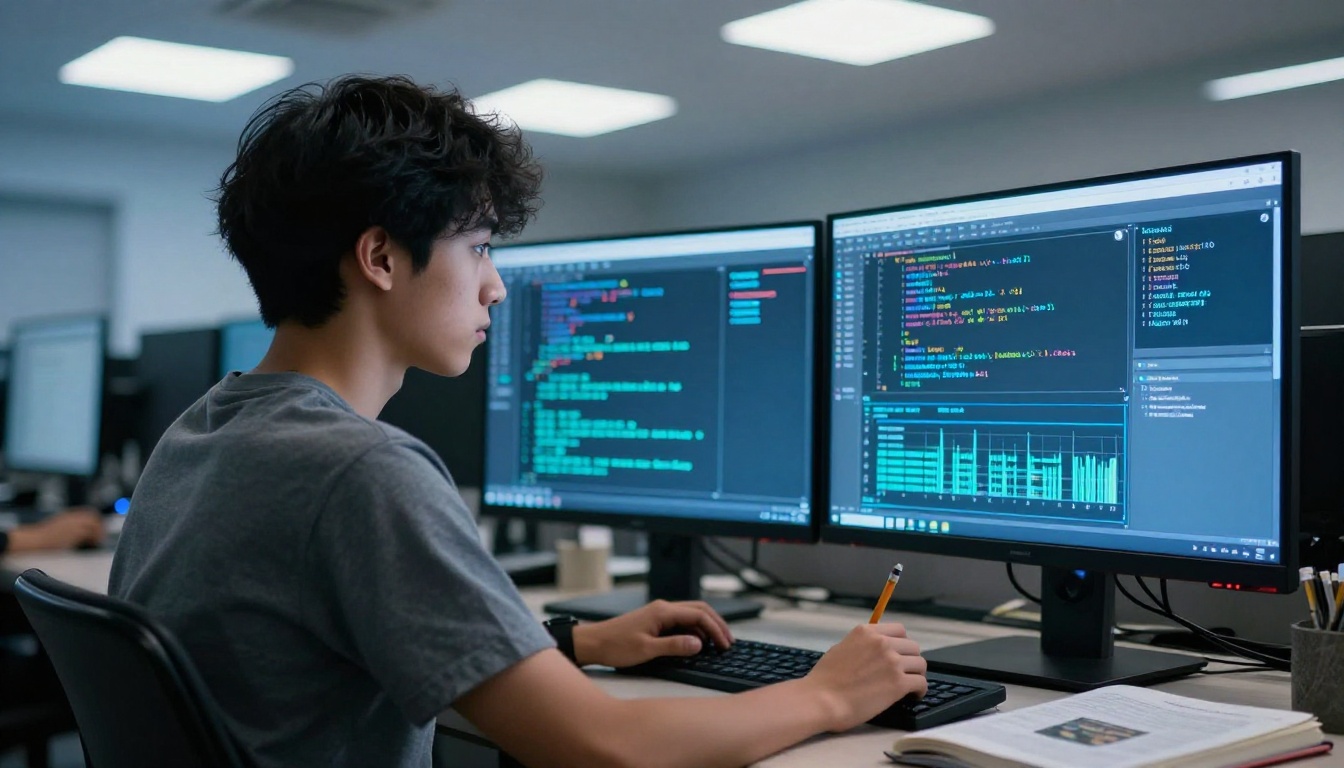
Programming courses are where AI tools show their value most clearly. A strong coding model does not just write code. It explains what the code does, why one approach is preferable to another, and how to fix what broke.
Granite Code models for programming labs
Granite 8B Code Instruct 128K and Granite 20B Code Instruct 8K from IBM are purpose-built for code tasks. They handle Python, Java, C++, and SQL fluently. For students in introductory programming courses, Granite 8B handles the majority of lab assignments cleanly. For more demanding work in data structures, algorithms, or systems programming, Granite 20B is the stronger pick.
Both models excel at explaining what a block of code does in plain English, which is exactly what you need when debugging a 200-line function at 11pm before a deadline.
Kimi K2 Instruct for debugging sessions
Kimi K2 Instruct is a strong debugging companion. Its instruction-following is precise enough that you can describe a bug in natural language and get a targeted fix rather than a full rewrite of your file. For students working on web development assignments or data science projects, it handles error messages and stack traces reliably without going off on tangents.
💡 When you hit a bug, paste the error message and the relevant 20 to 30 lines of code into Kimi K2 Instruct. Ask it to identify the root cause before suggesting a fix. The explanation usually teaches you more than the fix itself.
For students in AI or machine learning courses, Grok 4 has emerged as a strong option for reasoning through statistical concepts and model architectures. It handles conceptual questions about neural networks, loss functions, and training dynamics in a way that is both accurate and accessible, making it useful for coursework that sits at the intersection of math and programming.
How to Use These Models on PicassoIA
Picking the right model for the task
PicassoIA brings all the models covered in this article into a single platform. Instead of juggling separate accounts across OpenAI, Anthropic, Google, and Meta, you access everything from one place. The model selector lets you filter by category so you can switch to "large language models" when you need writing help or "speech-to-text" when you have a lecture to process.
For students who are not sure where to start, the category pages make it easy to compare options side by side before committing to one. You can see what each model is built for, read its output type, and jump straight into a session.

One platform, dozens of tools
The practical value of a single platform is that you can switch tools mid-workflow without friction. Start a research session with GPT 4.1 for fast lookups, move to Claude Sonnet 4.6 when you need deep document reading, and pass your final draft through DeepSeek v3.1 for a clean structural review. No tab juggling. No separate logins.
PicassoIA also carries GPT 4o Transcribe and GPT 4o Mini Transcribe under the speech-to-text category, so the workflow from recorded lecture to structured study notes stays entirely in one place.
Students who want to go beyond text can also access image-generation models and video tools on the same platform. Whether you are creating a visual presentation, a portfolio piece, or just experimenting with creative AI, everything is at picassoia.com/en/all-models.

Build Your AI Study Workflow Today
The students who get the most from these tools are not the ones who use the largest number of them. They are the ones who have a deliberate, small stack that fits their actual course load and use it consistently every week.
A practical starting point: pick one writing model (Claude Sonnet 4.6 or GPT 5), one transcription model (GPT 4o Transcribe), and one reasoning model (DeepSeek R1 for STEM or Kimi K2 Thinking for everything else). Use those three consistently for two weeks before adding anything. Once you know their limits, you will swap intelligently rather than just accumulate tools that sit unused.
The biggest mistake students make with AI is treating it as a last resort, something to open when they are already stuck and desperate at midnight. The students who benefit most open their tools at the start of the assignment, use them to pressure-test their thinking early, and spend their actual writing time on the parts that require genuine judgment.

PicassoIA puts over 70 language models and the full speech-to-text suite at your fingertips, all in one place. You can test GPT 5, run a lecture through GPT 4o Transcribe, and compare reasoning outputs from DeepSeek R1 and Kimi K2 Thinking in a single session, with no switching costs. Start by browsing all available models, pick the tools that match this semester's course load, and put them to work today.


