Still photos capture a moment. But in 2027, the most engaging content across social media, websites, and digital ads moves. The jump from a static image to a short animated video clip sounds complex, but a new generation of AI tools has made it genuinely simple, and most of them offer a meaningful free tier. You do not need a subscription or a GPU to start animating your photos today.
The tools covered here have been evaluated based on real-world output quality, the generosity of their free plans, processing speed, and how well they handle a range of image types from portraits to landscapes to product shots. Some deliver polished cinematic motion; others are better for quick social content. All of them cost nothing to try.
Why Motion Matters More Than Ever
The Social Media Shift
Every major social platform now prioritizes video in its algorithm. Instagram Reels, TikTok, YouTube Shorts, and even LinkedIn push moving content to more eyeballs than static posts. For creators, marketers, and everyday users who have built libraries of great still photography, image-to-video AI is the fastest path to staying visible without starting over from scratch.
A single well-composed photo can become a looping social clip, a website hero animation, or a short promotional reel in under two minutes. That is a significant shift in what a photographer or content creator can produce without a video team.
What AI Animation Actually Does
Most image-to-video tools use diffusion-based models trained on millions of video clips to predict how a still frame would move if it were part of a video. The model reads the depth, subject, lighting, and textures in your photo and generates realistic motion: a person's hair moving, water flowing, clouds drifting, or a camera slowly pushing in.
The quality of this motion depends heavily on the model architecture, the amount of compute behind each generation, and how well the prompt guides the motion direction. Free tiers typically offer lower resolution or shorter clip lengths than paid plans, but for social content, those limits rarely matter.
Output Quality Signals
Before committing time to any platform, look at three things in sample outputs. First, check whether faces hold up across frames. Many models that perform well on landscapes produce flickering or warped facial features when animating portraits. Second, look at the edges of moving objects. Blurring, tearing, or ghosting at edges reveals weaker models. Third, assess whether the motion feels intentional or random. Good tools produce purposeful movement that reads naturally to a human viewer.
Tip: Most platforms have a community gallery or example page. Spend two minutes there before uploading your first image. It tells you everything.
Free Tier Limits That Matter
The most common restrictions on free plans include:
- Resolution: Often capped at 720p or 480p. Fine for social, limiting for professional use.
- Clip length: Typically 4-6 seconds per generation.
- Daily or monthly credits: Some platforms give you a fixed number of free generations per day; others give a one-time credit allocation.
- Watermarks: A significant number of free tiers add a watermark. Check before you publish.
- Queue priority: Free users usually wait longer for their generations to complete.
None of these should be dealbreakers for most use cases. Knowing them upfront saves frustration.
Speed and Processing Time
Free tier users often sit in a queue behind paid subscribers. On busy platforms this can mean waits of 5-15 minutes for a single clip. If speed matters, pick platforms with shorter queues or generate during off-peak hours. Some tools offer a local processing option for users with capable hardware, though this is rarer on free plans.
Runway Gen-3 Alpha
Runway has been a benchmark in AI video since Gen-1, and Gen-3 Alpha raises the bar significantly. The free tier gives new users a starting credit allocation that covers several generations at standard settings.
What it does well: Cinematic motion, excellent face stability, strong prompt adherence. The camera motion controls (dolly, zoom, pan) are particularly impressive even at the free level.
Limits: The free credit pool depletes quickly at high-quality settings. Watermarks appear on free exports. Generations at 10 seconds use more credits than 4-second clips.
Best for: Portrait animation, cinematic-style content, anyone who needs professional-looking output from their first session.
| Feature | Details |
|---|
| Max clip length (free) | 10 seconds (credits permitting) |
| Resolution | Up to 1280x768 |
| Watermark | Yes on free tier |
| Prompt support | Yes (image + text) |
Kling AI
Kling from Kuaishou became one of the fastest-rising tools in 2024 and continues to offer a genuinely useful free tier with daily credits that refresh automatically.
What it does well: Fluid motion on complex scenes, strong handling of nature and landscape images, good at generating subtle ambient motion without making the output look unnatural. Kling 1.6 introduced noticeably better coherence on human subjects.
Limits: The free daily credit refresh is modest. Extended clips and high-motion presets cost more credits per generation.
Best for: Landscape photography, travel content, ambient nature animations.
Hailuo AI (MiniMax)
Hailuo, powered by MiniMax, has a free tier that is among the most generous of any major image-to-video platform. New accounts receive a substantial credit allocation, and the model performs well above its price point.
What it does well: Clean motion on portraits, particularly good at animating fashion and lifestyle photography. The Subject Reference feature allows you to maintain character consistency across multiple clips, which is unusual at zero cost.
Limits: The platform interface is less polished than Runway or Kling. Export options are more limited. Some generation types are gated behind paid tiers.
Best for: Fashion, lifestyle, and portrait animation where character consistency matters.
| Feature | Details |
|---|
| Max clip length (free) | 6 seconds |
| Resolution | 1280x720 |
| Watermark | No (as of 2025) |
| Subject Reference | Yes (free) |
Pika Labs
Pika has built a strong community around accessible, fast image-to-video generation. The platform emphasizes ease of use and its Discord-based workflow (alongside its web app) makes it one of the most approachable options for beginners.
What it does well: Fast generations, simple interface, good for short punchy social clips. The Pikaffects feature adds creative motion styles to images with a single click.
Limits: Motion can feel slightly mechanical on complex scenes. The free tier is credit-limited and the watermark is prominent.
Best for: Quick social content, beginners, and users who want preset motion styles without writing detailed prompts.

Luma Dream Machine
Luma AI's Dream Machine is one of the most technically capable free options available. The free tier allows a limited number of generations per day, but the output quality per generation is high.
What it does well: Physically accurate motion, strong depth perception, excellent camera movement simulation. Luma consistently produces clips that feel like they were captured by a real camera.
Limits: The free daily generation limit is among the lowest of any tool covered here. The platform prioritizes paid users heavily during peak hours.
Best for: Users who want maximum quality per generation and are willing to be patient with queue times.
Leonardo AI (Motion)
Leonardo is primarily an image generation platform, but its Motion feature converts static images into short video clips using a streamlined workflow built directly into the existing image editor.
What it does well: Seamless integration with Leonardo's image generation pipeline. If you already generate images in Leonardo, animating them is one click away. Solid motion on architectural and object-based imagery.
Limits: The free token allocation is shared across all Leonardo features (image generation, upscaling, motion). Heavy users of other features may run out of motion tokens quickly.
Best for: Existing Leonardo users who want to animate their AI-generated images without switching platforms.
Feature Comparison at a Glance
| Tool | Free Credits | Watermark | Best Strength |
|---|
| Runway Gen-3 | One-time allocation | Yes | Cinematic quality |
| Kling AI | Daily refresh | No | Landscape/nature |
| Hailuo AI | Generous allocation | No | Portrait/fashion |
| Pika Labs | Credit-based | Yes | Speed/simplicity |
| Luma Dream Machine | Limited daily | No | Physical realism |
| Leonardo Motion | Shared tokens | No | AI image pipeline |
Portraits and Faces
Face stability is the hardest problem in image-to-video generation. Runway Gen-3 and Hailuo AI consistently outperform the others on portrait content. Runway tends to produce more cinematic motion (a slow camera push or subtle head movement), while Hailuo handles fashion-forward content and lifestyle photography particularly well.
Kling and Luma are competitive on portraits but may produce occasional flicker on extreme close-ups. Pika is the most accessible but the least reliable for faces in motion.
Tip: When animating a portrait, use a text prompt that specifies minimal motion: "subtle head turn, hair gently moving in breeze, slow camera push in." Less is almost always more with faces.
Nature and Landscapes
This is where most tools shine, because natural environments have inherent visual complexity that hides small AI errors. Kling AI is the standout for landscapes: flowing water, drifting clouds, and wind through grass all look convincing. Luma Dream Machine produces physically accurate motion that gives landscapes a genuinely cinematic feel.
Runway handles landscapes well but uses more credits for the same clip length. Leonardo Motion is competent here but not the strongest option if landscape animation is your primary use case.
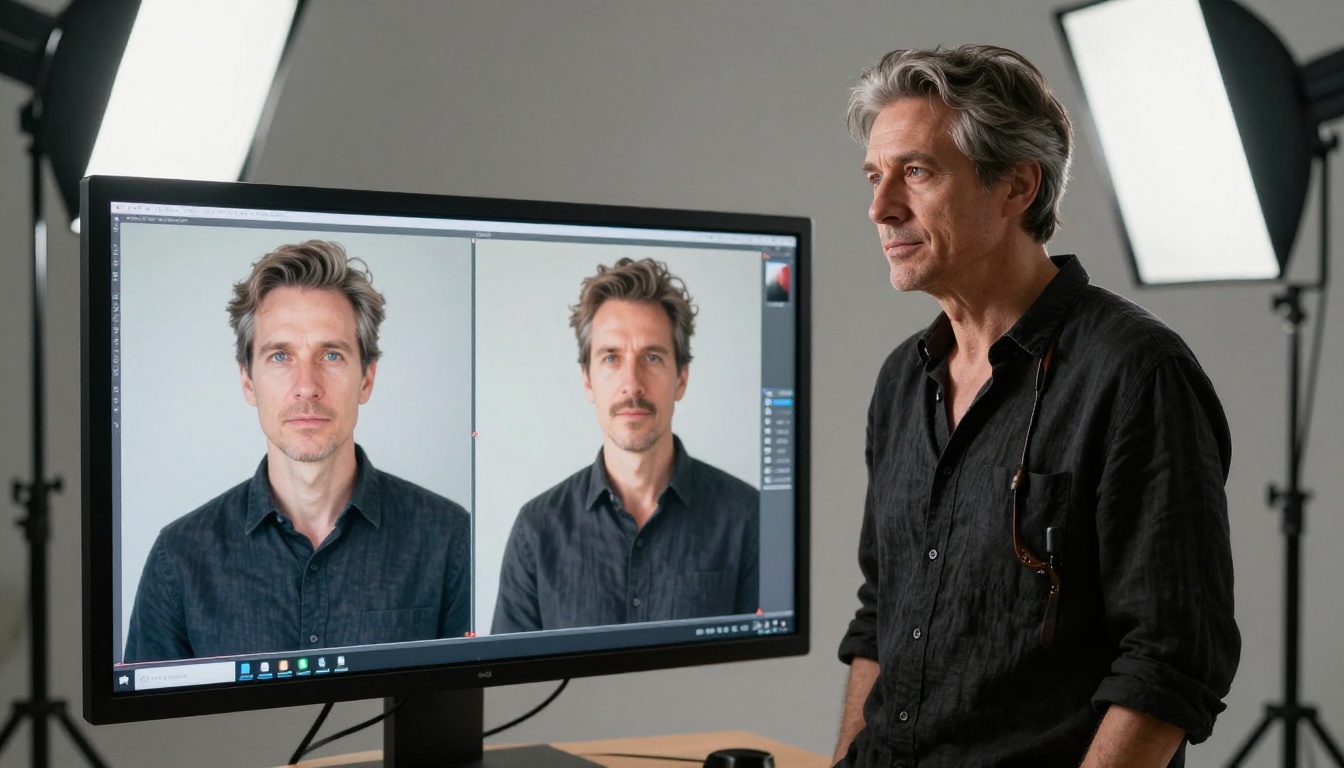
Product Shots
Animating a product photo, a shoe, a watch, a perfume bottle, requires a different kind of motion: precise, controlled, and respectful of the object's geometry. Luma Dream Machine excels here because of its strong physical reasoning. Runway is also strong, particularly when paired with camera motion prompts that rotate or orbit the product.
Hailuo handles products adequately; Pika is the fastest option if you need quick product animations at scale.
Common Mistakes When Animating Images
Wrong Input Resolution
Uploading a small or compressed image almost always produces degraded output. Every platform performs better when given a clean, high-resolution source. If your photo is below 1080p, run it through an upscaler first. Many AI platforms, including PicassoIA, offer super-resolution upscaling that can cleanly double or quadruple your image before animation.
Overly Complex Scenes
Images with many overlapping subjects, busy backgrounds, or extreme depth complexity challenge every image-to-video model. Start with cleaner compositions: single subject, clear background, obvious depth layering. Once you understand how a tool handles motion, you can work up to more complex scenes.
Ignoring Prompt Craft
Most image-to-video tools accept a text prompt alongside the image upload. This prompt guides the motion direction, camera behavior, and atmosphere. Users who leave the prompt empty get random motion. Users who write specific, directional prompts get results that match their intent.
Good motion prompts describe:
- What moves and how ("hair gently swaying in wind")
- Camera behavior ("slow push in toward subject")
- Atmosphere ("soft afternoon light, calm and still")

Getting More From Free Credits
Batch Your Sessions
Free credit refreshes on platforms like Kling and Hailuo happen on a daily or weekly cycle. Rather than using a few credits sporadically throughout the day, batch your image inputs and generate everything in one session. This gives you more control over variation and allows you to compare results side by side before choosing which clips to keep.
Use Prompt Modifiers Strategically
Certain prompt phrases consistently improve output across most image-to-video models:
- For subtle motion: "minimal movement, ambient motion only, slow camera drift"
- For cinematic feel: "cinematic camera move, anamorphic depth of field, film grain"
- For nature: "wind in trees, rippling water, drifting clouds, golden hour light"
- For portraits: "soft breathing motion, eyes blinking naturally, hair movement in breeze"
These modifiers cost nothing extra and can dramatically improve output quality from the same credit spend.
Tip: Save your best-performing prompts in a text file. Prompt recall is not a feature most platforms offer, and rebuilding a prompt that worked perfectly is harder than you think.
Know When to Pay
Free tiers are excellent for testing and occasional use. But if you are animating images regularly for professional output, the credit limits on free plans add up to meaningful friction. Most of the platforms above offer paid plans starting around $10-15 per month. For anyone producing content at volume, the math on a paid plan makes sense quickly.

Your Photos Are Ready to Move
The tools covered here represent the strongest free options available right now for turning still images into video. Each has a distinct strength: Runway for cinematic polish, Kling for landscapes, Hailuo for portraits and fashion, Pika for speed, Luma for physical realism, and Leonardo for users already inside that ecosystem.
But image-to-video is only one part of what AI creative tools can do. If you want to generate the source images before animating them, edit and refine your compositions, remove backgrounds, upscale resolution, or tap into hundreds of other AI creative capabilities, PicassoIA brings all of it together in one place.
With over 87 text-to-video models, 91 image generation models, super-resolution upscaling, background removal, AI video enhancement, and a growing library of video editing and effects capabilities, PicassoIA is worth spending an afternoon with. The platform is built to let you move freely between creation, editing, and enhancement without leaving a single tab.
Pick a photo you already have. Upload it to one of the tools above. Then head to PicassoIA and see what else you can build around it.