Recording a one-hour meeting used to mean spending two more hours typing it up. AI transcription has flipped that completely. Tools powered by large speech models can convert that same hour of audio into a clean, speaker-labeled text document in under two minutes, with accuracy rates that rival a professional human transcriptionist.
If you have audio files sitting on your hard drive, or you record meetings, podcasts, lectures, or interviews regularly, this article will show you exactly how to put AI to work on them.
Why Manual Transcription Wastes Your Day
Every hour of audio requires roughly four to six hours of manual transcription when done by hand. That is not a sustainable workflow for anyone producing regular audio content or working in fields where recorded conversations need to be documented.
The Real Time Cost
Consider what happens when a journalist interviews three sources in one day. Each recording is 45 minutes. Manual transcription puts that at roughly 10 to 15 hours of typing before they can even start writing the actual article. AI audio transcription collapses that to about 10 minutes total, with the transcript ready to copy and edit immediately.
The math is similar for:
- Podcast editors cleaning up 60-minute episode recordings
- Legal teams who need verbatim records of depositions
- Researchers compiling qualitative interview data
- HR departments documenting interview sessions
When Accuracy Suffers
Manual transcription is also prone to errors that compound over time. Fatigue sets in, words get misheard, and formatting becomes inconsistent. AI speech recognition does not get tired. It applies the same attention to the last 30 seconds of a recording as it does to the first.
The weak point of older automatic speech recognition systems was accented speech and overlapping conversation. Modern models like GPT-4o Transcribe and Gemini 3 Pro have closed most of that gap with training datasets that span hundreds of languages and dialects.

How AI Turns Speech Into Text
Automatic speech recognition works by breaking audio into small segments called frames, typically 10 to 25 milliseconds each, and running acoustic analysis to identify phonemes, the basic sound units of language. Those phonemes are then matched against a language model that predicts which words and sentences are most likely given the surrounding context.
What Modern Speech Models Do Differently
Older automatic speech recognition systems relied on rigid rule-based phoneme dictionaries and were trained on relatively small, clean audio datasets. They fell apart quickly with background noise, fast speech, or regional accents.
The models available today are trained on massive multilingual corpora, often including hundreds of thousands of hours of real-world audio from diverse environments. They use transformer architectures that look at the full context of an utterance rather than frame-by-frame matching, which produces dramatically more coherent output.
How Accuracy Has Changed
Word error rate (WER) is the standard metric for transcription quality. A WER of 5% means 5 out of every 100 words are wrong. Human professional transcriptionists typically achieve around 4 to 5% WER on clear recordings.
Current top AI models like GPT-4o Transcribe are matching or beating that benchmark on clean audio, and remain competitive on noisy, accented, or fast-paced recordings where human transcriptionists often struggle.
💡 Tip: Audio quality directly impacts transcript quality. A recording with a good microphone and minimal background noise will always produce a more accurate transcript than one recorded on a phone in a crowded room.
The 5 Best AI Models to Transcribe Audio
PicassoIA gives you direct access to five production-ready speech-to-text models, each with distinct strengths. Here is how they compare at a glance.
| Model | Best For | Languages | Speed |
|---|
| GPT-4o Transcribe | General use, high accuracy | 57+ | Fast |
| GPT-4o Mini Transcribe | High volume, cost efficiency | 57+ | Very Fast |
| Gemini 3 Pro | Long recordings, context-rich audio | 100+ | Fast |
| Granite Speech 4.1 2B | Structured enterprise use | 6 | Very Fast |
| Granite Speech 3.3 8B | High-detail enterprise transcription | 6 | Fast |
GPT-4o Transcribe
GPT-4o Transcribe is OpenAI's flagship speech-to-text model. It handles accented speech, crosstalk, and noisy audio better than most competing systems. For podcasters, journalists, and content creators who need reliable output across varied recording conditions, this is the default choice.
It supports automatic punctuation, paragraph breaks, and can often correctly identify proper nouns and technical terminology from context alone, without any prior training on your specific vocabulary.
GPT-4o Mini Transcribe
GPT-4o Mini Transcribe is a lighter, faster version built for throughput. If you are processing a large backlog of recordings or running a workflow that transcribes audio in near-real-time, this model delivers excellent accuracy at a fraction of the processing cost. The quality difference compared to the full model is minimal on clean recordings.
Gemini 3 Pro
Google's Gemini 3 Pro model excels at handling long, context-rich audio. Its multimodal architecture means it is particularly strong at reading conversation flow, topic transitions, and nuanced phrasing. It supports over 100 languages, making it the best option for multilingual transcription workflows.
💡 Tip: Use Gemini 3 Pro for conference recordings, multi-speaker panel discussions, or any audio where contextual interpretation of meaning matters, not just word accuracy.
Granite Speech 4.1 2B
IBM's Granite Speech 4.1 2B is a compact model built for enterprise-grade deployments where latency is critical. It supports six languages and is tuned for structured business speech, making it strong for corporate meetings, call center recordings, and HR documentation.
Granite Speech 3.3 8B
Granite Speech 3.3 8B is IBM's larger enterprise model. It trades some speed for better handling of complex sentence structures and domain-specific vocabulary. If your audio involves technical fields like medicine, law, or finance, this model handles specialized terminology more reliably than the smaller 2B variant.
Which Model Should You Pick
The right choice depends on three things: the type of audio you are working with, the languages involved, and how much post-editing you are willing to do.
| Situation | Recommended Model |
|---|
| One-off recordings, general content | GPT-4o Transcribe |
| Batch transcription of many files | GPT-4o Mini Transcribe |
| Multi-language or 100+ language support | Gemini 3 Pro |
| Fast enterprise or call center audio | Granite Speech 4.1 2B |
| Technical or specialized domain audio | Granite Speech 3.3 8B |
For most people starting out, GPT-4o Transcribe is the right call. It is accurate, fast, and handles the widest variety of input types without configuration.
How to Use GPT-4o Transcribe on PicassoIA
PicassoIA makes all five speech-to-text models available through a single clean interface. No API setup, no code, no local installation. Here is how to get your first transcript in minutes.
Step 1: Open the model page
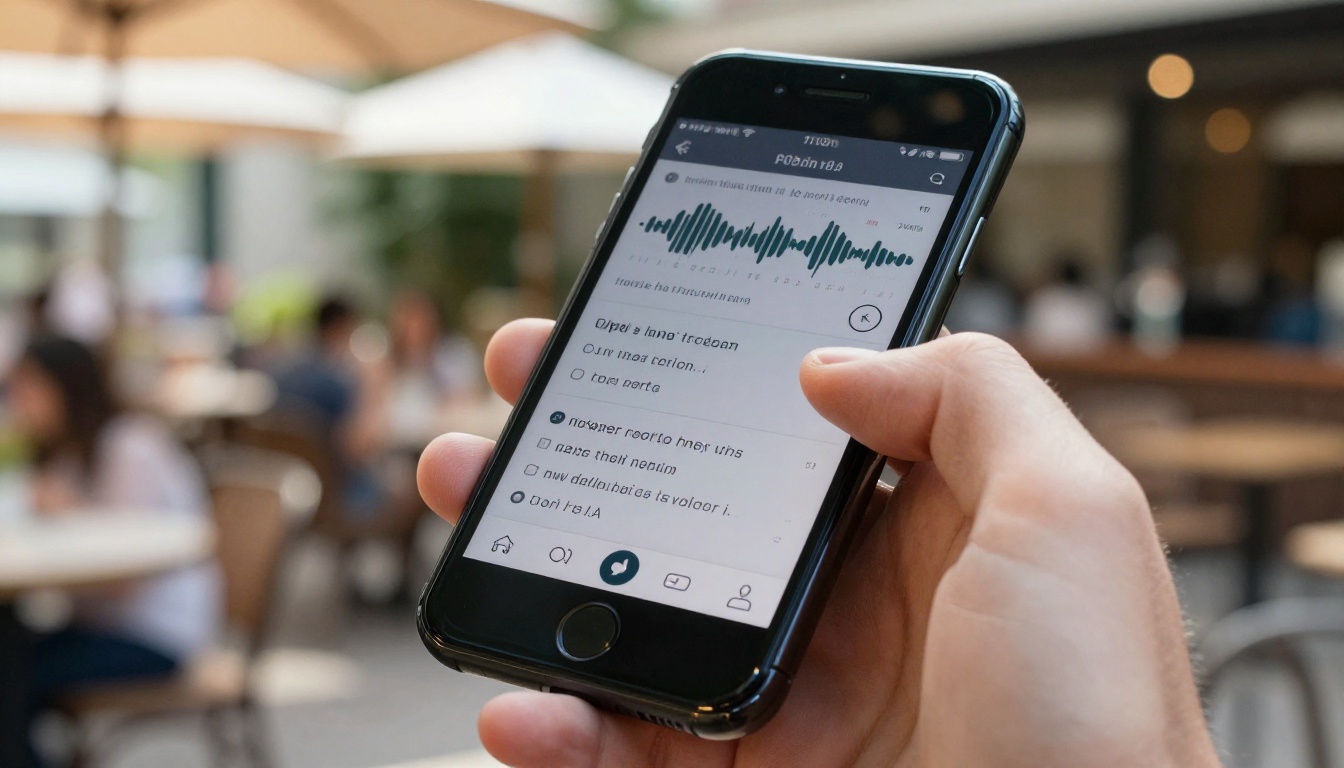
Navigate to the GPT-4o Transcribe model page on PicassoIA. The input interface is immediately visible without needing to scroll.
Step 2: Upload your audio file
Click the upload area or drag your audio file directly onto it. Supported formats include MP3, MP4, WAV, M4A, FLAC, OGG, and WebM. File size limits depend on your plan, but most interview or meeting recordings fit without compression.
Step 3: Set your parameters
Before running the transcription, configure these options:
- Language: Set the source language if known. Leaving it on auto-detect works well for single-language audio. For multilingual recordings, select auto.
- Response format: Choose between plain text, JSON (with timestamps), SRT (for subtitles), or VTT (for web video captions).
- Timestamp granularity: If you need word-level timestamps for subtitle sync or editing purposes, enable this option before running.
Step 4: Run the transcription
Click the generate button. For a 30-minute podcast, expect results in under 60 seconds. The output appears directly in the interface and can be copied or downloaded in your chosen format.
Step 5: Review and edit
AI transcripts are accurate but not perfect. Proper nouns, very fast speech, and heavy background noise can still introduce errors. Do a light pass through the output before using it, especially for anything that will be published verbatim.
💡 Tip: If you need speaker labels (for example, "Speaker 1:", "Speaker 2:"), pair your transcript with a post-processing step using one of PicassoIA's Large Language Models to add speaker diarization labels automatically based on turn-taking patterns in the text.
Who Actually Needs This
AI transcription is not a niche tool anymore. It solves a specific, time-consuming problem that appears across dozens of professions.

Podcasters and Content Creators
Podcast transcripts serve double duty: they improve accessibility for deaf and hard-of-hearing audiences, and they generate a complete text version of each episode that search engines can index. Transcribing a 45-minute episode with GPT-4o Mini Transcribe takes about 30 seconds, after which you have a full show-notes draft ready to edit.
Business and Legal Teams
Meeting transcription is one of the highest-value applications. Instead of one team member being assigned note-taker duty, the recording goes straight to GPT-4o Transcribe and comes back as a complete text record. Legal teams use this for deposition recordings, contract negotiation calls, and client consultation documentation.
Researchers and Journalists
Qualitative research involves a lot of interviews. Manually transcribing 20 one-hour interviews is an entire week of work before analysis even begins. AI transcription compresses that to about two hours of total processing time, leaving researchers with more time for the work that actually requires human judgment.
Students and Educators
Lecture recordings become searchable study material when transcribed. Students can use Gemini 3 Pro to transcribe class recordings and then send the resulting text to a language model to generate summaries or study materials.
Getting Cleaner Transcripts Every Time
The accuracy ceiling of any transcription model is set largely by the quality of the input audio. The best model available cannot reliably recover words swallowed by microphone noise or competing voices.
Recording Tips That Actually Help
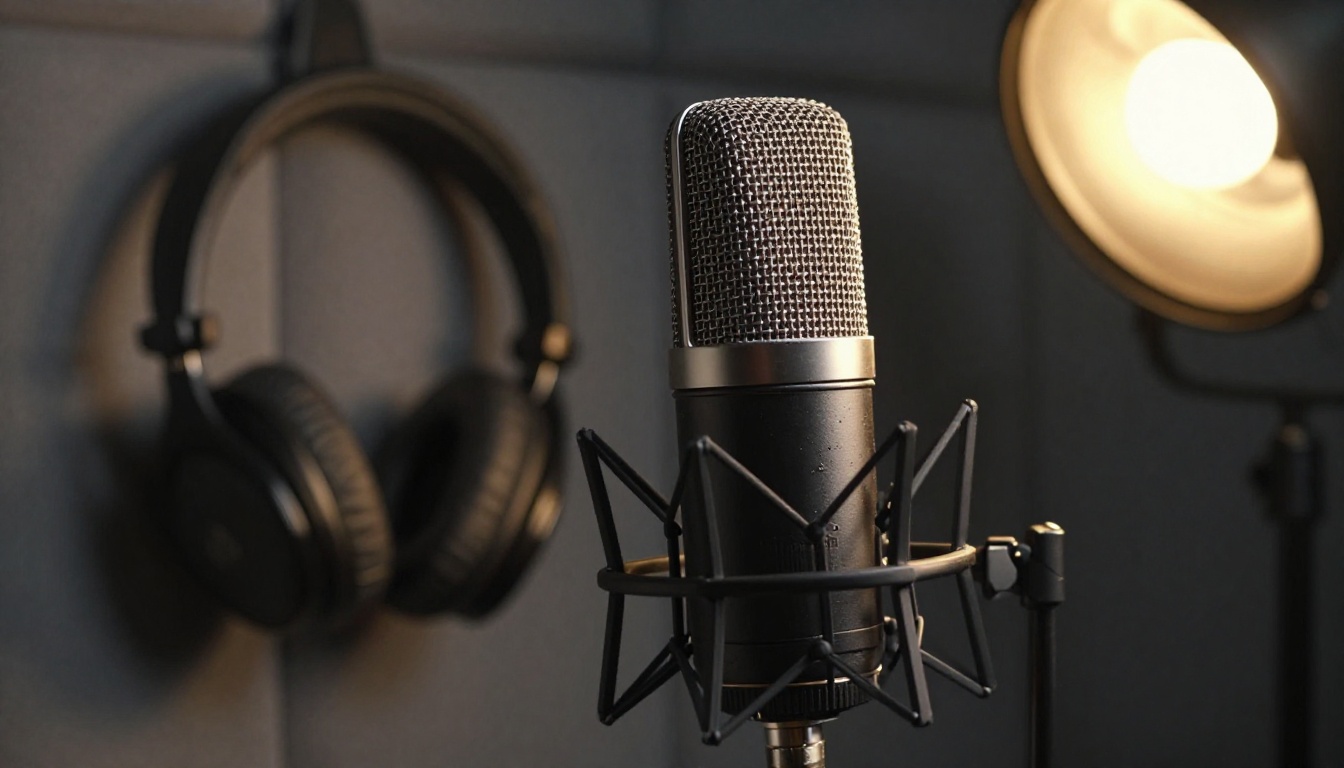
- Use a directional microphone: A cardioid or supercardioid condenser mic picks up what is in front of it and rejects room noise. Even a mid-range USB mic at $80 will significantly out-perform a laptop's built-in mic.
- Reduce background noise: Record in a room with soft furnishings. Hard surfaces create reverb that speech models interpret as separate audio events.
- One speaker at a time: Crosstalk is the single biggest accuracy killer. In interview settings, wait for the previous speaker to finish before responding.
- Stay consistent with distance: Speaking 6 inches from the mic and then pulling back to 18 inches creates volume spikes that distort the audio signal.
Editing the Output Efficiently
Once you have your transcript, efficient editing matters:
- Search for repeated filler words ("um", "uh", "like") and do a batch replace to clean them out
- Check proper nouns first since these are the most common error type in AI transcripts
- Use paragraph breaks to separate distinct topics, which makes long documents readable
- Keep a clean copy before editing so you can refer back to the original output if needed

Transcription Is Just the Starting Point
Once you have text from audio, you have raw material you can process in dozens of ways. Paste a meeting transcript into a language model and ask for a five-bullet action item summary. Feed an interview transcript to an LLM and ask it to extract all quotes supporting a specific argument. Take a podcast transcript and turn it into a blog post draft.

PicassoIA's Large Language Models sit right next to the speech-to-text tools in the same platform. The workflow becomes: transcribe with GPT-4o Transcribe or Gemini 3 Pro, then process the text output with an LLM for summarization, translation, or extraction. All without leaving the platform or switching between multiple tools.
The efficiency gain is substantial for anyone who regularly works with recorded audio. An hour-long interview becomes a searchable, editable, shareable document in the time it takes to make a cup of coffee.
Take Your Audio Files Further
If you have been putting off transcribing a backlog of recordings because the task felt too large, that calculation has changed. Drop your first file into GPT-4o Transcribe on PicassoIA and see how fast you get a result. Start with a short recording if you want to test accuracy before committing longer files.
PicassoIA's speech-to-text collection gives you five distinct models at different speed and accuracy points, so you can match the right tool to each specific task rather than forcing every file through a one-size-fits-all solution. Whether you reach for GPT-4o Mini Transcribe for a quick batch job, Granite Speech 3.3 8B for technical domain audio, or Gemini 3 Pro for multilingual recordings, the right model is already waiting.
Your recordings already contain the information you need. The only thing missing was a fast enough way to get it out as text.


