You recorded a podcast episode in Spanish. You filmed an interview in Tokyo. Your client sent over an hour-long meeting in French. Six months ago, getting any of that into written text meant either hiring a human transcriptionist, waiting days, and spending real money, or doing it yourself with painful accuracy rates on free tools. That calculus has completely changed.
AI transcription in 2027 doesn't just handle English. It handles Mandarin, Arabic, Portuguese, Hindi, Korean, Japanese, and dozens more with accuracy rates that, in good audio conditions, rival professional human transcription. The question now isn't whether it works. It's which model you use and where you run it.
Why AI Transcription Has Gotten So Good
Speech recognition used to rely on rule-based phonetic matching. Modern models are trained on hundreds of thousands of hours of audio across dozens of languages, learning not just phonemes but context, speaker patterns, and conversational pacing. The result is something qualitatively different from the clunky auto-captions of five years ago.
The Shift From Single-Language Tools
Early voice recognition software was language-locked. You picked English at install and that was it. Multilingual support was an afterthought, often requiring a separate license or model download. Today's AI transcription models are natively multilingual, trained on parallel audio-text datasets across languages simultaneously. They don't translate; they transcribe directly in the source language. That distinction matters enormously for accuracy.
What the Models Are Actually Doing
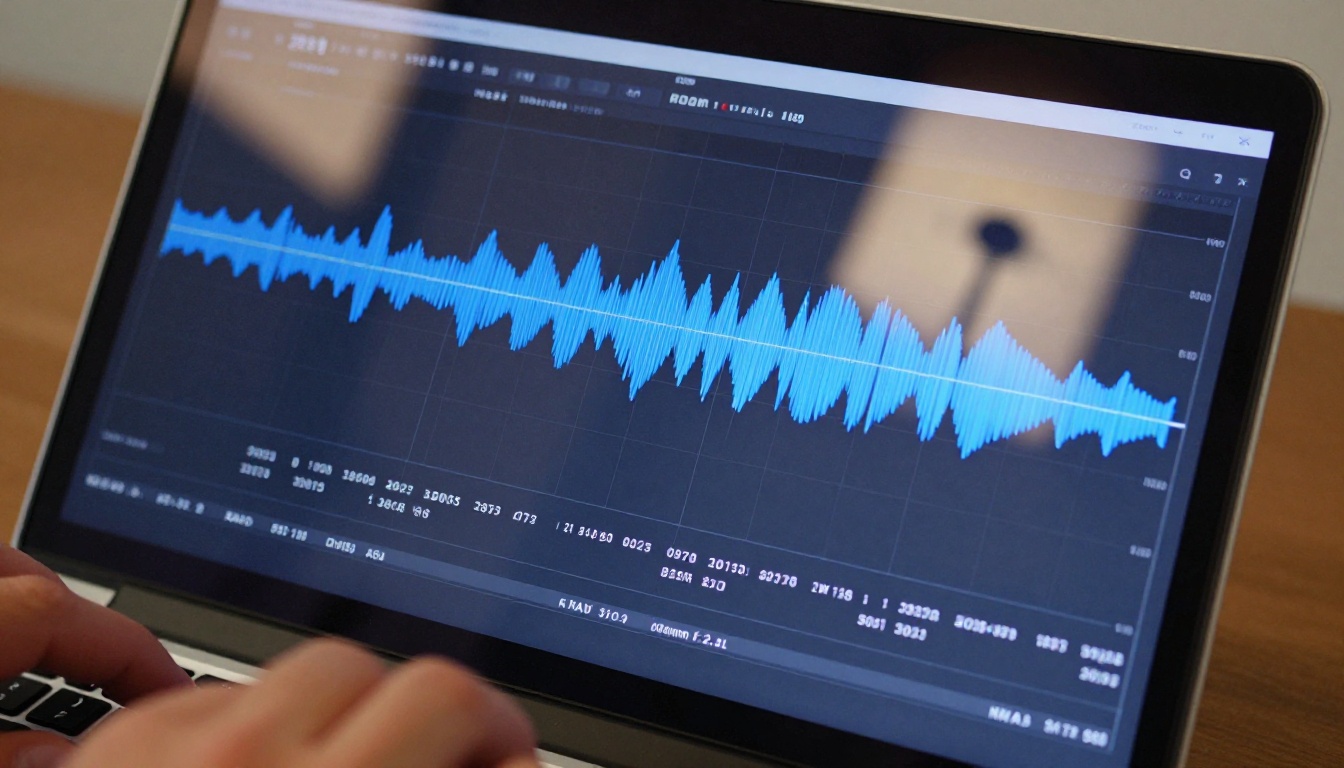
When you upload an audio file to a modern speech-to-text model, the system converts audio waveforms into spectrograms, visual representations of frequency over time. The neural network then maps spectral patterns to phonemes, then to words, using contextual probability to resolve ambiguity. Better models incorporate language detection at the token level, meaning they can handle mid-sentence code-switching between languages, something that trips up older systems entirely.

5 Models Worth Using Right Now
PicassoIA's speech-to-text collection includes five production-grade models. Each serves a slightly different use case depending on your language needs, audio quality, and required throughput.
GPT-4o Transcribe
GPT-4o Transcribe from OpenAI is currently the top accuracy performer across most languages. It handles noisy audio better than competing models, recovers well from overlapping speakers, and produces clean punctuation without post-processing. If you have a single critical file and accuracy matters above everything, this is the right call.
Best for: Interviews, legal depositions, high-stakes recordings.
Languages: 50+
Handles noise: Very well
GPT-4o Mini Transcribe
GPT-4o Mini Transcribe is the faster, lighter version of the same architecture. Accuracy is slightly lower on heavily accented speech, but for clear audio it performs nearly identically to the full model at significantly lower cost and processing time. High-volume workflows benefit most from this option.
Best for: Podcast episodes, meeting notes, content batches.
Languages: 50+
Speed: Fast
Gemini 3 Pro
Gemini 3 Pro from Google brings strong multilingual performance with particular depth in South Asian and East Asian languages. If your audio contains Hindi, Tamil, Vietnamese, or similar languages where Western-trained models historically struggle, Gemini 3 Pro deserves serious consideration.
Best for: Multilingual content, regional language audio.
Languages: 60+
Strength: Non-European languages
Granite Speech 3.3 8B
Granite Speech 3.3 8B from IBM is an 8-billion parameter open model designed for professional deployment. It produces well-structured transcripts with strong speaker separation, making it particularly useful for multi-speaker recordings where attributing speech correctly to the right person matters.
Best for: Team meetings, multi-speaker panels, research interviews.
Parameters: 8B
Speaker separation: Strong
Granite Speech 4.1 2B
Granite Speech 4.1 2B is IBM's compact model with 6-language support, optimized for speed and efficiency. When you need fast turnaround on audio files in one of its supported languages and don't need deep multilingual breadth, this model delivers clean results in the least amount of time.
Best for: Quick turnarounds, targeted language work.
Languages: 6
Speed: Fastest
Model Comparison at a Glance
| Model | Languages | Speed | Best Strength |
|---|
| GPT-4o Transcribe | 50+ | Medium | Accuracy, noisy audio |
| GPT-4o Mini Transcribe | 50+ | Fast | Speed, volume work |
| Gemini 3 Pro | 60+ | Medium | Asian and South Asian languages |
| Granite Speech 3.3 8B | Multi | Medium | Speaker separation |
| Granite Speech 4.1 2B | 6 | Fastest | Speed and efficiency |
Who Actually Uses This
Journalists and Field Reporters
A journalist covering a story abroad faces two problems: time and language. Field recordings made in Portuguese, Arabic, or Mandarin need to become readable text before deadline. GPT-4o Transcribe handles that in minutes, producing transcript text that can be reviewed and fact-checked immediately. The alternative is waiting for a human translator, which adds hours and cost to every story.
Medical and Legal Dictation
Accuracy matters enormously when the transcript becomes part of a medical record or legal filing. Doctors dictating patient notes in Spanish, French, or German now have options that go beyond proprietary healthcare transcription software costing thousands per year. Granite Speech 3.3 8B produces structured, clean output that requires minimal editing for professional documents.
💡 For sensitive professional transcription, always review AI output before filing. The models are highly accurate but not infallible on specialist vocabulary unique to a given field.
Podcasters and Content Creators
A podcast episode in any language is a content asset that can generate subtitles, show notes, blog posts, and social clips, but only if you have a transcript first. GPT-4o Mini Transcribe turns an hour-long episode into a timestamped transcript fast enough to fit into a regular publishing workflow. Spanish-language podcasters, French YouTube creators, Japanese streamers: the pipeline is identical regardless of the source language.
Students and Researchers
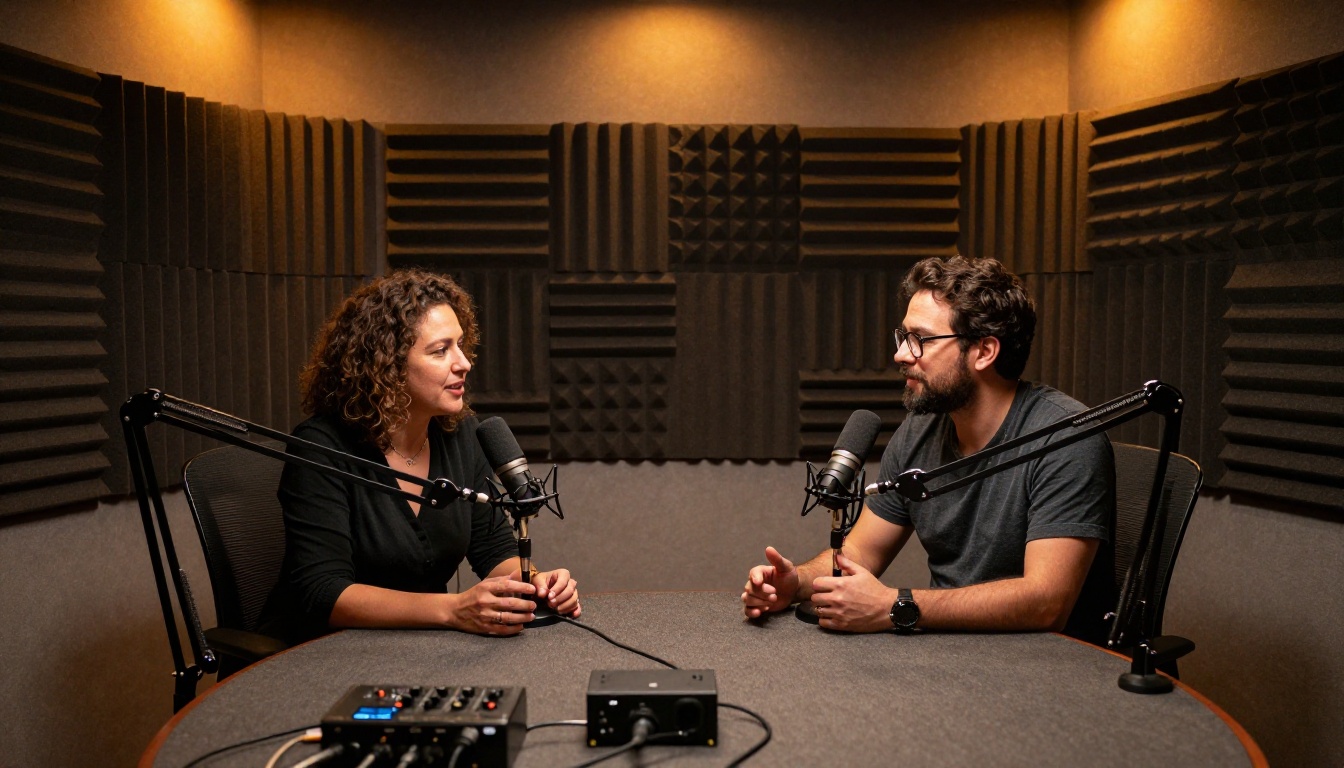
Academic research increasingly involves multilingual source material: oral history recordings, interview data collected in the field, conference presentations in non-English languages. AI transcription removes what used to be a significant barrier. Researchers who previously spent weeks manually transcribing interviews can now process hours of audio in an afternoon and immediately move on to the actual work of analyzing it.

How to Transcribe on PicassoIA
PicassoIA hosts all five models in its speech-to-text collection, accessible without any software installation, API keys, or subscriptions to configure. Here is the exact workflow.
Step 1: Pick Your Model
Choose based on your audio characteristics. GPT-4o Transcribe for single critical files. GPT-4o Mini Transcribe for high-volume batches. Gemini 3 Pro for non-European languages. Granite Speech 3.3 8B for multi-speaker recordings with attribution requirements.
Step 2: Upload Your File
Most models accept MP3, WAV, M4A, and MP4 audio. If your source is a video file, either upload it directly or extract the audio track first. File size limits vary by model, but most handle recordings up to several hours in length without issue.

Step 3: Set Language or Use Auto-Detect
Most models on PicassoIA support automatic language detection. If you know the source language, specify it explicitly for better accuracy. If your file contains multiple languages or you aren't sure, auto-detect performs well across the supported model range.
Step 4: Copy, Edit, and Use
The output arrives as plain text with optional timestamps depending on the model configuration. Copy it directly, paste into your editor, and do a quick review pass. For high-quality audio, the transcript is often clean enough to use without any edits. For challenging recordings with background noise or multiple speakers, a light editing pass takes only a few minutes.
💡 Timestamps are your friend. Even if you don't need them in the final document, use them during editing to quickly jump to a specific audio moment and verify any unclear sections.
What Actually Affects Accuracy
Knowing which model to use is one half of the accuracy equation. The other half is the quality of the audio going in.
Audio Quality Over Everything
The single biggest predictor of transcription accuracy is the quality of the source recording. A clean audio file in any language beats a noisy file in the same language every time, regardless of which model you choose. Background noise, low bitrate compression, and distant microphone placement each add compounding error rates that no AI model fully compensates for.
A quick checklist before you transcribe:
- Is the recording above 128kbps? Lower bitrates introduce artifacts that confuse phoneme detection.
- Is there significant background noise? If yes, run a noise reduction pass before uploading.
- Are speakers too far from the microphone? Close-mic recordings produce noticeably cleaner results.
- Are speaker volumes uneven? Models perform better when all voices are at consistent levels.

Accents, Dialects, and Code-Switching
Modern multilingual models are trained on diverse speaker populations, but regional accent representation in training data is still uneven. Mainstream dialects perform better than regional variants: Castilian Spanish outperforms Rioplatense, Mandarin Putonghua outperforms Cantonese, Parisian French outperforms Quebec French. This gap narrows with each new model generation, and Gemini 3 Pro currently covers a notably wider range of regional variants than most competing models.
Code-switching, where a speaker moves between two languages within a sentence, is handled best by the larger models. GPT-4o Transcribe and Gemini 3 Pro both handle bilingual speech patterns well, making them the right choice for multilingual interviews or recordings in communities where language blending is common and natural.
What to Do With Your Transcript
A transcript is more useful than it first appears. Raw text from an AI transcription session is the starting point for several high-value content formats.
Subtitles and Captions
Upload the timestamped transcript to any subtitle editor and you have the basis for SRT or VTT captions. For multilingual video content, pairing transcription with a translation step gives you subtitles in any language from a single audio file. A video recorded in one language becomes accessible to audiences in multiple languages within the same production session, without recording anything twice.

Blog Posts and Show Notes
A podcast transcript is a rough draft of a blog post. A recorded meeting is the basis of a summary document. Audio that would otherwise sit as an archived file becomes reusable, searchable, citable text content. This repurposing compounds the value of everything you record, since every audio asset effectively becomes two assets: the original recording and a written document.
Structured Extraction and Research
For researchers and analysts, transcript text is a structured dataset ready for work. Qualitative researchers can search, code, and analyze interview content directly. Marketing teams can extract customer language verbatim from recorded sales calls. Educators can produce written material from recorded lectures and distribute it to students who missed a session.
💡 Pair speech-to-text output with a large language model for summaries or structured extraction. PicassoIA's Large Language Models collection handles downstream text tasks once you have your transcript in hand.
Start With Your Own Audio
The fastest way to see what AI transcription actually delivers is to run one of your own files through it. Pick something you've been meaning to transcribe, open PicassoIA's speech-to-text collection, and choose GPT-4o Transcribe or Gemini 3 Pro depending on your language. The result tells you more than any benchmark table.
If you work with audio regularly in any language, accurate automatic transcription changes how fast you move through content production, research, and documentation. PicassoIA puts the best available speech-to-text models in one place, with no software installation, no complex API setup, and no ongoing subscription to manage before you can start. Try any of the five models in the collection and see which one fits your workflow best.


