How to Transcribe Multiple Speakers with AI (Accurately and Fast)
Transcribing audio with multiple voices has always been slow and error-prone. AI-powered speech-to-text models now identify each speaker automatically, label their contributions separately, and produce timestamped transcripts in minutes. This article details how speaker diarization works, which models handle multi-speaker recordings best, and how to run them directly in your browser.
If you have ever sat down to transcribe a meeting, interview, or podcast with more than one person talking, you already know how painful it gets. Identifying who said what, keeping up with overlapping voices, and formatting everything into a readable document can eat hours of your day. AI has changed that entirely. Modern speech-to-text models do not just convert audio to words anymore. They identify individual speakers, label each voice separately, add timestamps, and deliver a clean, readable transcript in under a minute. This article breaks down exactly how that works, which models perform best, and how to start doing it right now.
Why Multi-Speaker Audio Breaks Traditional Tools
Traditional automatic speech recognition systems were designed for a single voice in a controlled environment. They performed adequately on clean solo recordings but fell apart when two or more people were speaking. Audio from panels, roundtables, calls, or even casual interviews introduced overlaps, volume variation, and vocal crosstalk that single-speaker models were never equipped to handle.
The diarization bottleneck
The core challenge is called speaker diarization: the process of segmenting an audio recording by speaker identity. The system must answer one fundamental question at all times: "Who spoke when?" That sounds straightforward, but it requires detecting subtle voice fingerprints, managing transitions mid-sentence, and registering when a completely new voice enters the conversation.
Early transcription tools forced you to handle this manually. You would mark speaker changes in a timeline editor, a process that, for a 60-minute interview, consumed 30 to 45 minutes before you typed a single word of the actual transcript.
What manual transcription actually costs
Beyond the time investment, there is a concrete financial reality. Professional human transcription services charge between $1.00 and $3.00 per audio minute for single-speaker content. Multi-speaker recordings push that rate to $2.00 to $5.00 per minute due to added complexity. A 90-minute board meeting could run between $270 and $450 with a human service, and that assumes no revisions.
With AI, the same file costs fractions of a cent to process, with results available in minutes.
How Speaker Diarization Actually Works
Understanding the mechanics behind this technology helps you use it more effectively and set realistic accuracy expectations for your recordings.
Voice patterns and embeddings
Modern AI diarization systems convert voice audio into speaker embeddings: numerical representations of a person's unique vocal characteristics. Pitch range, speaking tempo, resonance frequency, and articulation patterns all contribute to that fingerprint.
When the model processes a new audio segment, it compares that segment's embedding to all previously identified speaker profiles in the file. If the similarity score clears a threshold, the segment gets assigned to an existing speaker. If not, a new speaker profile is created. This clustering process runs continuously throughout the entire file.
What diarization error rate means
Accuracy in speaker diarization is measured by Diarization Error Rate (DER), which tracks missed speech, false alarms, and speaker confusion as a percentage of total speech time. A DER below 10% is considered strong performance. Below 5% is excellent. Top models today regularly achieve 3 to 7% DER on clean recordings.
Factors that increase DER:
Sustained background noise (air conditioning, crowd, street audio)
Speakers with similar vocal characteristics
Overlapping speech, where two people talk simultaneously
Very short utterances under 2 seconds
Low-quality or distant microphone input
How timestamps get assigned
Most production-grade models also attach word-level timestamps, not just speaker-level markers. Every word in the transcript carries a start time and end time in seconds. That timestamp data is practical for syncing subtitles to video, generating short social clips from specific quotes, or navigating long recordings without scrubbing through the entire file.
The Best AI Models for Multi-Speaker Transcription
Not every speech-to-text model handles multi-speaker scenarios equally. These are the models available on PicassoIA built for this kind of work.
GPT-4o Transcribe
GPT-4o Transcribe from OpenAI is one of the most capable audio transcription models available right now. It handles over 50 languages, shows strong resilience to noisy audio, and produces cleanly formatted output that requires minimal post-processing. Speaker diarization on multi-speaker files is handled automatically, with Speaker 1, Speaker 2 labeling and timestamps on every segment.
For lighter workloads or cost-sensitive projects, GPT-4o Mini Transcribe delivers comparable output at lower computational cost. When your audio is clean and speakers are clearly distinct, Mini is often more than sufficient.
Best for: Interviews, business meetings, podcast episodes, and any scenario where accuracy is the top priority.
Gemini 3 Pro
Gemini 3 Pro from Google brings multimodal contextual awareness to audio transcription. It does not just process sounds into words; it applies semantic context to the entire recording. That awareness helps it correctly transcribe specialized vocabulary: medical terminology, legal language, technical product names, and proper nouns that simpler models consistently get wrong.
Best for: Specialized professional content where vocabulary accuracy matters as much as speaker separation.
Granite Speech by IBM
IBM's Granite Speech 4.1 2B is a compact, efficient model supporting 6 languages with solid accuracy. The smaller parameter count makes it fast and suitable for batch processing large volumes of shorter recordings without long wait times.
For longer, more complex audio, Granite Speech 3.3 8B provides more capacity. The 8B model handles extended context and more nuanced speaker transitions, making it better suited for long interviews, panel discussions, and extended team calls.
PicassoIA gives you access to these models directly in a browser, with no setup, API credentials, or installations required. Here is the exact process from upload to finished transcript.
Click the upload button and select your audio or video file. Supported formats include MP3, MP4, WAV, M4A, WEBM, and FLAC. There is no need to convert or pre-process the file before uploading.
💡 Tip: If your recording has steady background noise, run a quick noise reduction pass in any free audio editor first. Removing a constant low-frequency hum can improve accuracy by several percentage points.
Step 3: Set the language
English is detected automatically. For multilingual recordings or non-English audio, specify the language manually to get cleaner output and more accurate speaker attribution.
Step 4: Run the model
Click Run. Processing time ranges from a few seconds to a couple of minutes depending on file length. The model returns a formatted transcript with speaker labels and timestamps on each block.
Step 5: Review and export
Copy the transcript directly from the page or paste it into a document for editing. The most common final step is renaming generic labels like "Speaker 1" and "Speaker 2" to actual participant names using a simple find-and-replace.
A typical multi-speaker output looks like this:
[00:00:03] Speaker 1: We should start with the quarterly numbers before anything else.
[00:00:09] Speaker 2: Agreed. Revenue is up but margins tightened in Q3.
[00:00:15] Speaker 1: That is exactly what we need to address in this session.
Each block is timestamped, attributed, and clean.
Audio Quality Tips That Actually Matter
The model processes whatever audio you give it. Better input translates directly to better transcription accuracy. These practical steps make a real difference before you ever hit Record.
Microphone placement
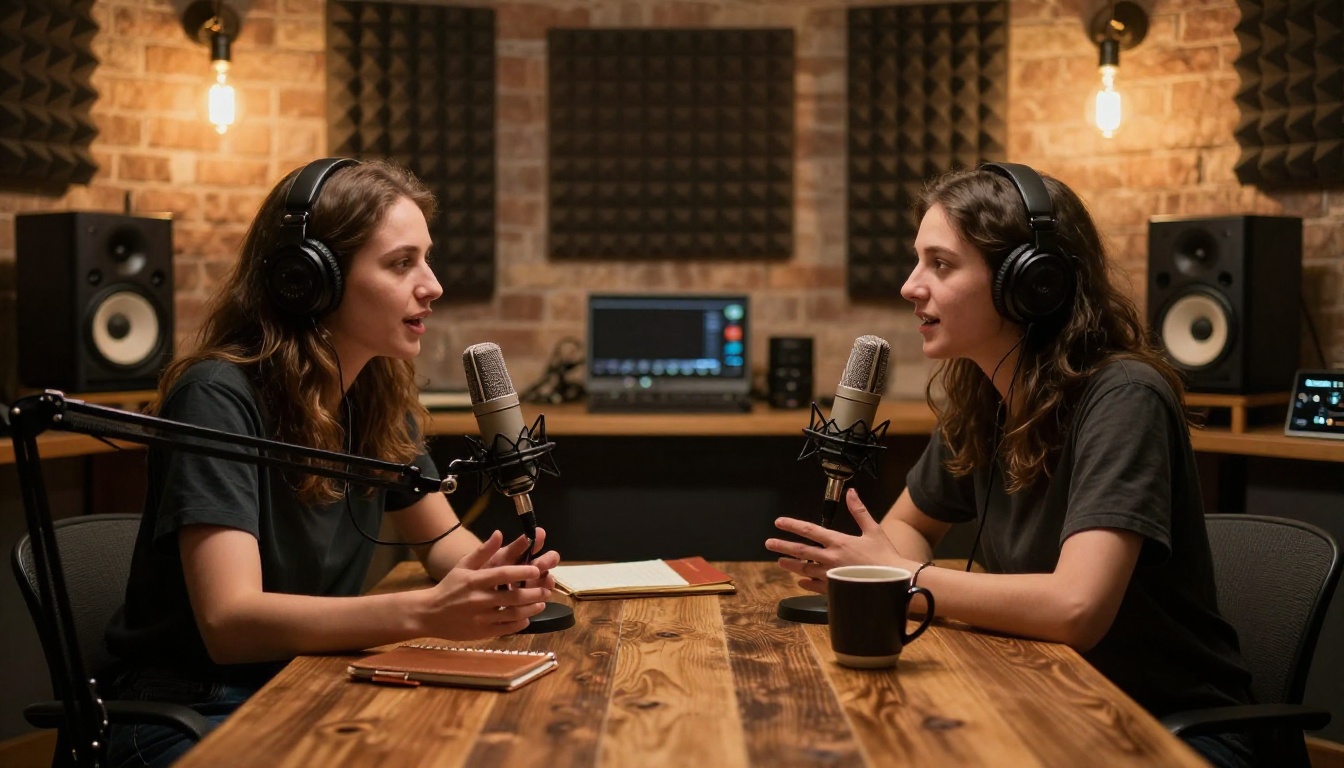
Every speaker should ideally have their own microphone. When multiple people share a single device placed in the center of a table, voices blend, volume levels vary, and the diarization model has a harder time building distinct speaker profiles from clean audio.
If dedicated microphones are not practical, position the recording device as close as possible to the primary speaker, and seat secondary speakers within 3 to 4 feet of the device. Distance is the biggest single driver of audio quality degradation in multi-speaker recordings.
File format and sample rate
Most models perform best at 16kHz or higher sample rate. Standard phone call audio at 8kHz produces noticeably worse results, particularly for speaker separation. WAV files preserve full fidelity without compression artifacts. MP3 at 128kbps or higher is acceptable for most practical purposes.
💡 Tip: If recording an online call, export the local recording from your conferencing tool rather than capturing system audio. Local recordings bypass system audio compression and have significantly higher quality.
Silence and pause handling
Brief pauses between speaker turns help diarization models build cleaner profiles for each voice. When speakers interrupt each other constantly without natural gaps, the model has less clean audio to build distinct speaker embeddings. If you are setting up a recorded interview, brief conversational pauses between questions and answers improve both the experience and the transcript quality.
Who Actually Uses This
Multi-speaker transcription is not a novelty. Across multiple industries it has become a standard part of daily production workflows.
Podcasters and content creators
Podcast editors use AI transcription to produce show notes, searchable episode archives, subtitle files, and social media clips, all from the same audio file. A 45-minute two-host episode that previously required 3 or more hours of manual work is now processed in under 2 minutes.
Journalists and researchers
Investigative journalists and academic researchers work with hours of recorded interview material. AI transcription lets them search, quote, and cite specific moments immediately without scrubbing audio. Qualitative researchers often transcribe dozens of interviews per project as core data collection, something that would have been prohibitively time-consuming just a few years ago.
Legal and medical professionals
Law firms use automated transcription for depositions, client intake calls, and witness interviews. Medical practices use it for physician notes and patient consultations. Accuracy in these contexts is critical, which is why models with strong contextual vocabulary like Gemini 3 Pro are particularly valued here.
Corporate and HR teams
Meeting transcription is now standard practice in many organizations. Board discussions, team syncs, 1:1 reviews, and all-hands calls are routinely transcribed. A timestamped record of who said what removes ambiguity, supports accountability, and creates a searchable archive of decisions.
AI vs Manual Transcription
Here is an honest comparison across the dimensions that matter for real production use.
Factor
AI Transcription
Manual Transcription
Speed
Minutes per audio hour
3 to 6 hours per audio hour
Cost per audio hour
Under $1
$60 to $300
Accuracy (clean audio)
95 to 99%
99%+
Accuracy (noisy audio)
80 to 92%
95%+
Speaker labeling
Automatic
Manual effort required
Word-level timestamps
Automatic
Manual insertion
Language support
50+ languages
Depends on transcriptionist
Availability
Instant, 24/7
Business hours, turnaround time
The accuracy gap for noisy or heavily accented audio is real. For high-stakes content where every word matters, a quick human review pass on top of AI output is a practical hybrid approach. For most everyday use cases, AI output alone is production-ready.
Put Your Audio to Work Right Now
You do not need to install anything or configure a single setting to start transcribing multi-speaker audio with AI. PicassoIA gives you immediate browser access to every model discussed in this article.
Long recordings with complex speakers: Granite Speech 3.3 8B
Upload your first file, run the model, and see what a labeled, timestamped, clean transcript looks like when AI does the heavy lifting. The first result will make it clear why so many professionals have stopped doing this by hand.
💡 PicassoIA also offers Text to Speech, AI Music Generation, image generation with over 91 models, video creation, face swap, super resolution, and background removal, all in the same platform. Once your transcript is ready, you have everything you need to repurpose that content into audio clips, promotional visuals, social media posts, or entirely new productions.