That moment when you sit down in the salon chair and say "do whatever you think looks good" is terrifying. Not because your stylist lacks skill, but because you have no concrete idea what the final result will look like on your actual face. Hair decisions are permanent until they grow out, and for months you are stuck with a choice you made in 30 seconds. AI changes that equation completely.
Today, AI image generation tools let you visualize any hairstyle, color, or cut on a photorealistic portrait in seconds. No commitment, no guessing, no regret. Whether you are considering a pixie cut, switching to vibrant red curls, or debating between highlights and a full dye, you can see it on a face before your stylist touches a single strand.
The Problem with Picking Hairstyles Blind
Most people have made at least one hair decision they immediately regretted. The process usually goes like this: you save a screenshot of a celebrity with stunning beachy waves, you show it to your stylist, they do their best, and you leave looking nothing like the reference photo. It is not their fault. Hair texture, face shape, skin tone, and natural volume all affect how a style lands in real life.
The $200 Gamble
A single salon visit for a color treatment or significant cut can easily cost $150 to $300. Add in the tip and the cost of products to maintain the new look, and you are past $400 before you have even lived with the results for a week. If you hate it, fixing it costs more. This is not a low-stakes decision, which is exactly why spending 20 minutes with an AI before the appointment is worth it.
Reference Photos Are Lying to You
That image of a model with the perfect shoulder-length bob was taken under professional studio lighting, styled by a team, and probably retouched. You are comparing your bathroom mirror selfie to a controlled editorial shoot. The mismatch is inevitable. AI-generated tryons, by contrast, can be created to match your skin tone, face structure, and lighting conditions, giving you something much closer to reality.
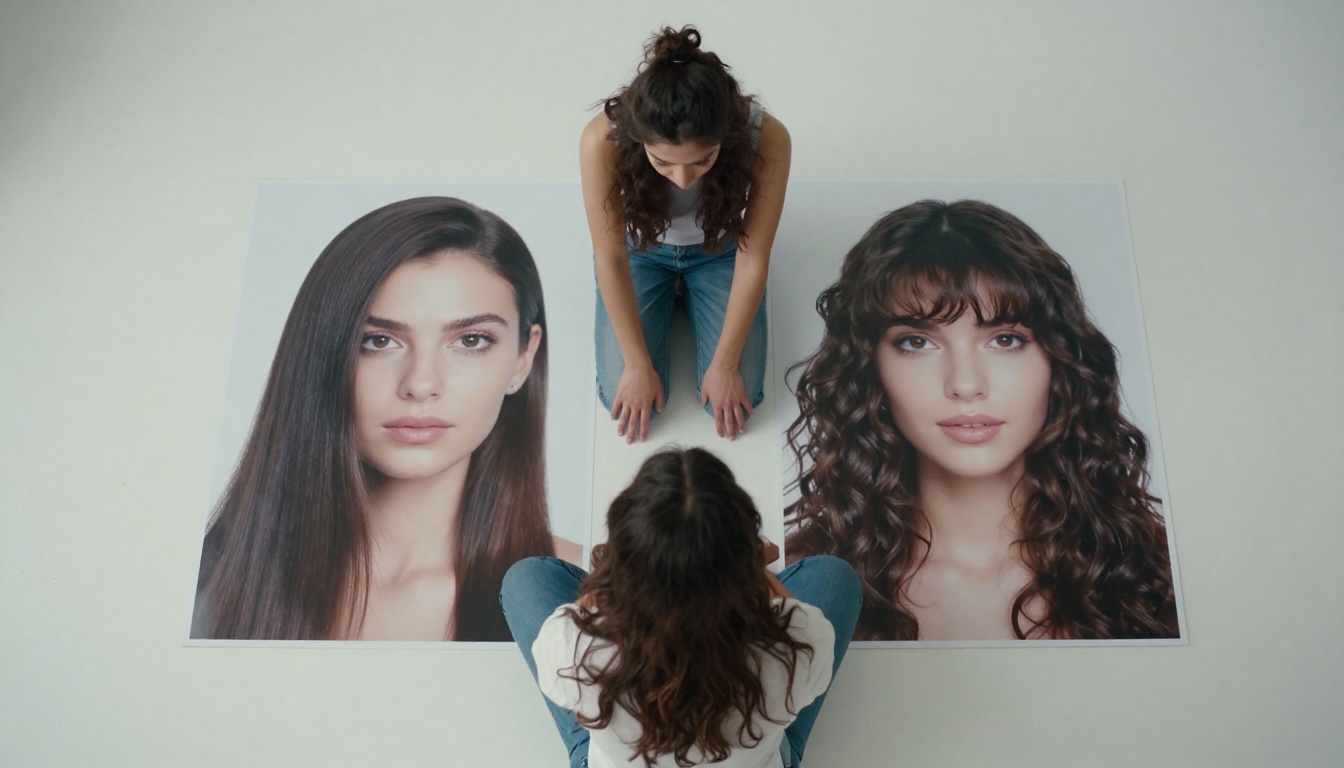
How AI Shows Hair on Your Face
AI image generation does not just slap a hairstyle on a photo. When done properly, it interprets a detailed text prompt describing a person, their facial features, and the specific hairstyle, then renders a photorealistic portrait that combines all of those elements with consistent lighting, natural hair texture, and realistic skin detail.
The secret is in the prompt. The more specific you are about face shape, skin tone, hair color, texture, and length, the more accurate and useful the result becomes. Think of it as briefing a highly skilled photographer and stylist at once.
What Text-to-Image Generation Actually Does
Modern AI image generators trained on massive photography datasets can produce images indistinguishable from real photos. They understand concepts like "natural frizz," "caramel highlights," "pixie cut with side-swept fringe," or "glossy black blowout with movement." They also understand lighting conditions, camera angles, and composition, which means you can specify a portrait style that matches how you normally see yourself.
The output is a realistic portrait. Not a digital illustration, not a cartoon filter. A photograph-quality image of a face with that exact hairstyle, which you can then show to your stylist as a much more accurate reference than a celebrity photo.
Prompting for Accuracy
Getting accurate results requires thoughtful prompting. Vague prompts give vague results. Instead of writing "woman with short hair," write something like this:
Photorealistic portrait of a woman with warm olive skin tone, heart-shaped face, wearing a chic layered bob cut in dark brown with subtle caramel highlights, photographed in natural daylight, 85mm lens, shallow depth of field
This level of detail produces a result that is genuinely useful for decision-making, not just a pretty image.
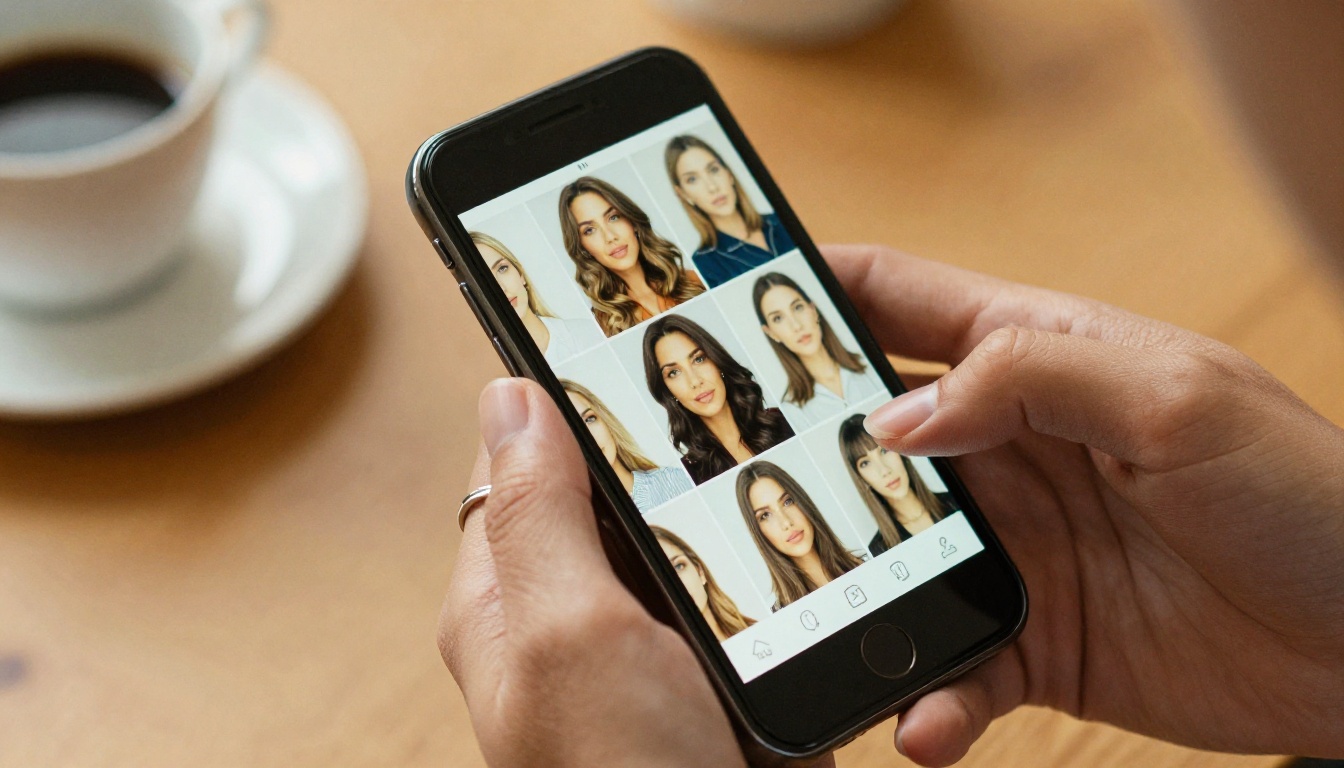
6 Hair Types Worth Testing First
Not every hairstyle needs the same amount of deliberation, but these six carry the highest risk of regret, which is exactly where an AI preview pays off the most.
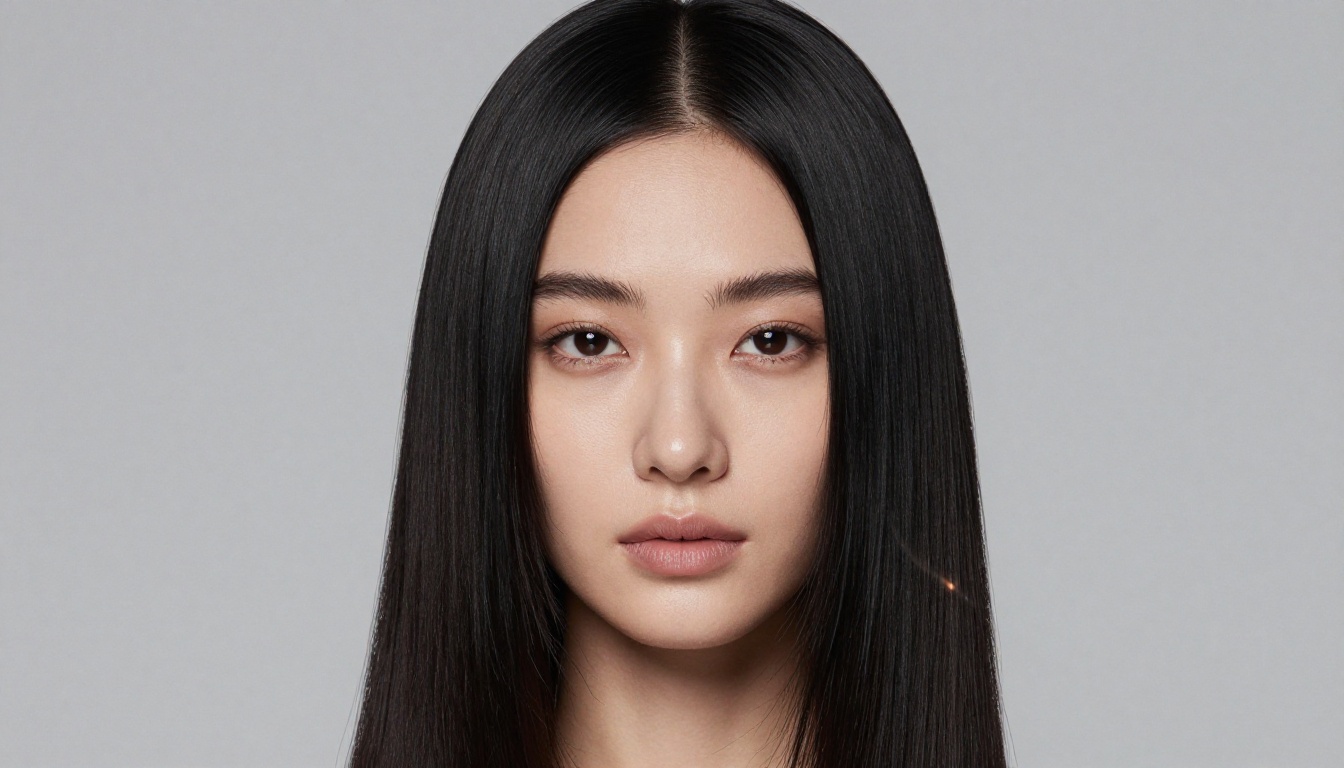
1. Sleek Straight Hair
Going from curly or wavy to permanently straight is a major commitment, both in time and in the use of chemical treatments. Seeing how a sleek, straight style frames your face before committing gives you a realistic picture of the maintenance involved.
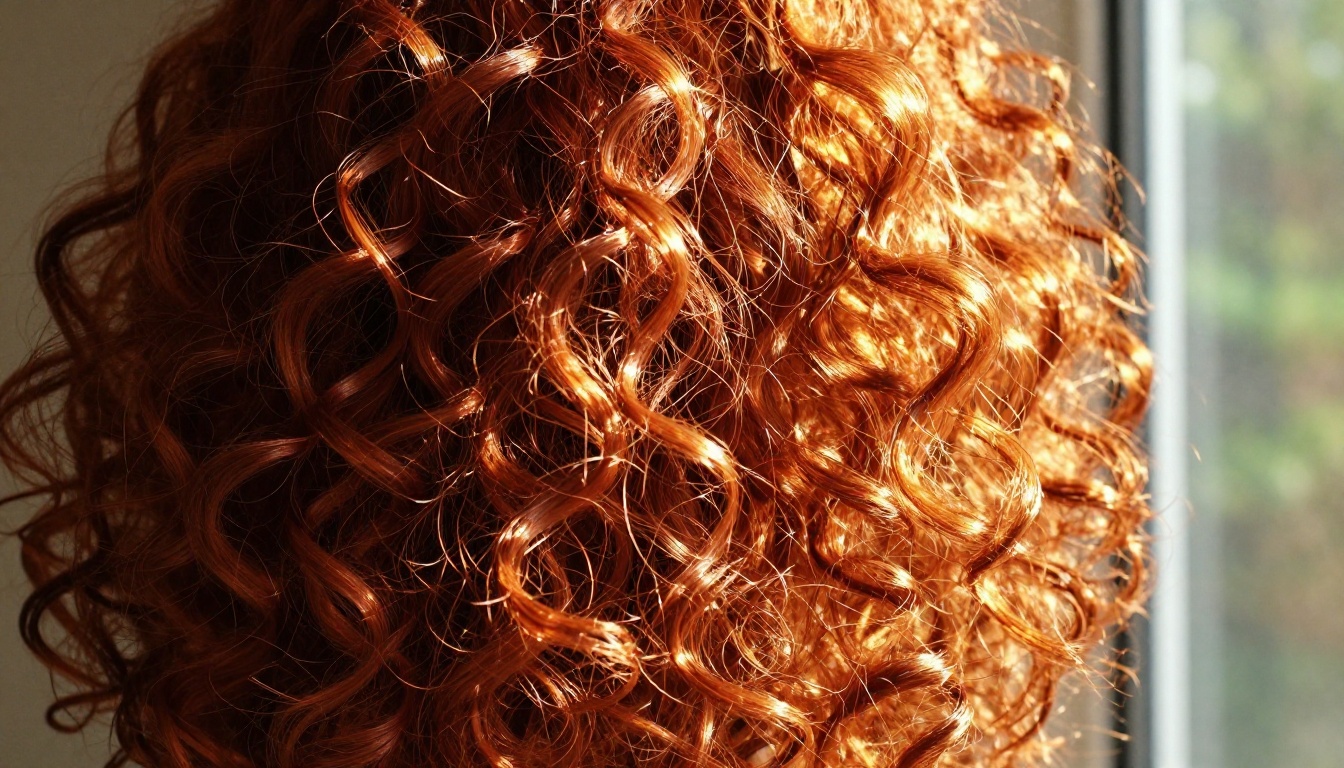
2. Voluminous Curls
The reverse is equally true. Adding a perm or embracing a curly styling routine changes your daily routine entirely. A photorealistic AI portrait showing defined curls on a face with your skin tone and features helps you decide if it is actually the look you want.
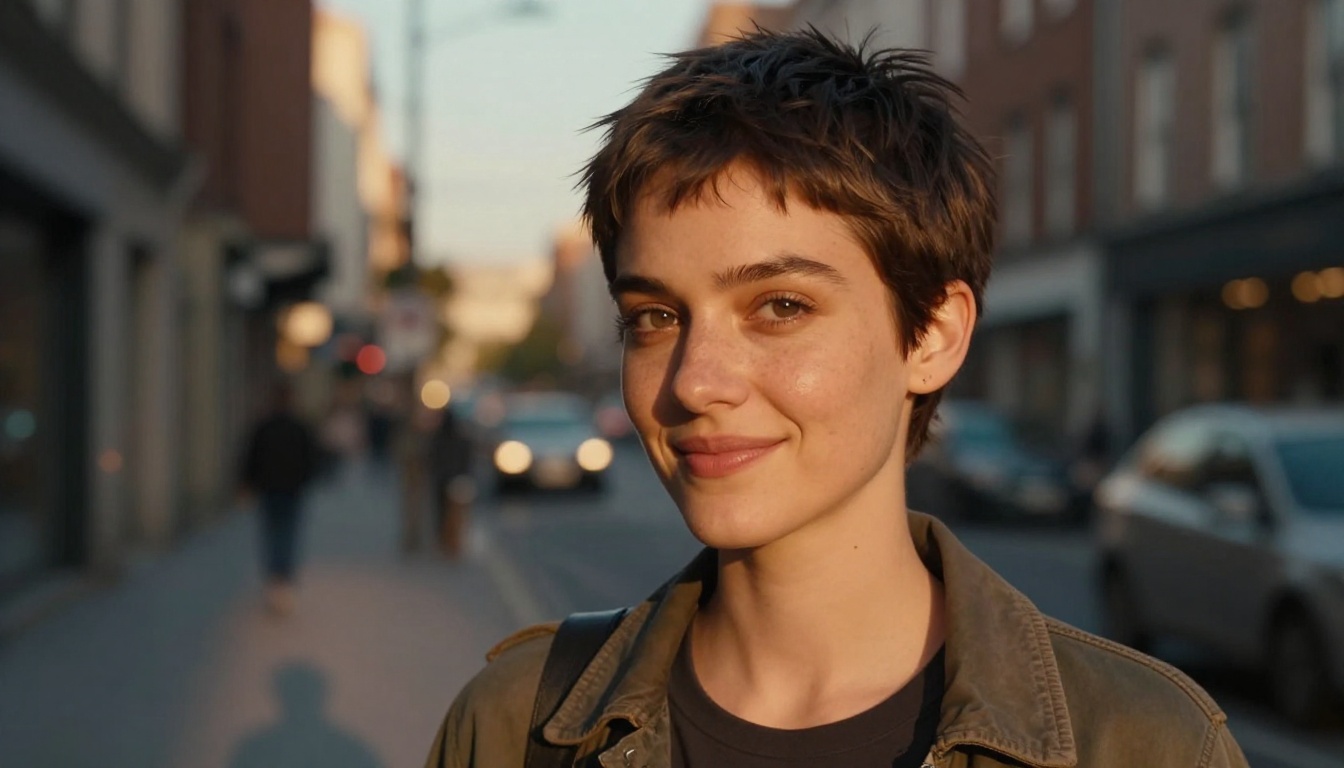
3. The Pixie Cut
This is the one that causes the most anxiety. Cutting off several inches of hair is irreversible in the short term, and it looks radically different depending on face shape. An AI preview showing your specific facial structure with a pixie cut, in realistic outdoor lighting, makes this decision far less daunting.
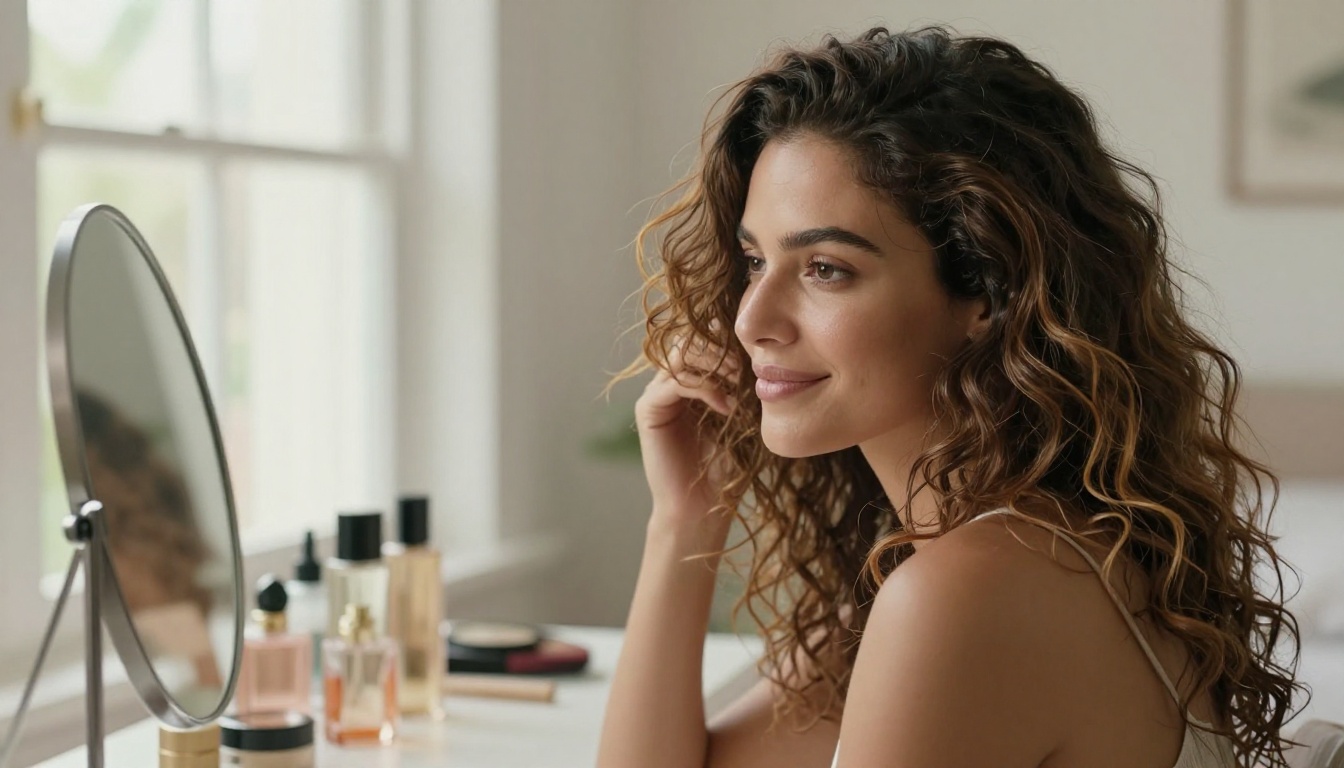
4. Beachy Waves
This style looks effortless in photos but often requires significant styling time in reality. Testing it with an AI portrait, specified for natural lighting and casual settings, shows whether the lived-in wave aesthetic actually works with your natural hair color and texture before you invest in a styling tool.
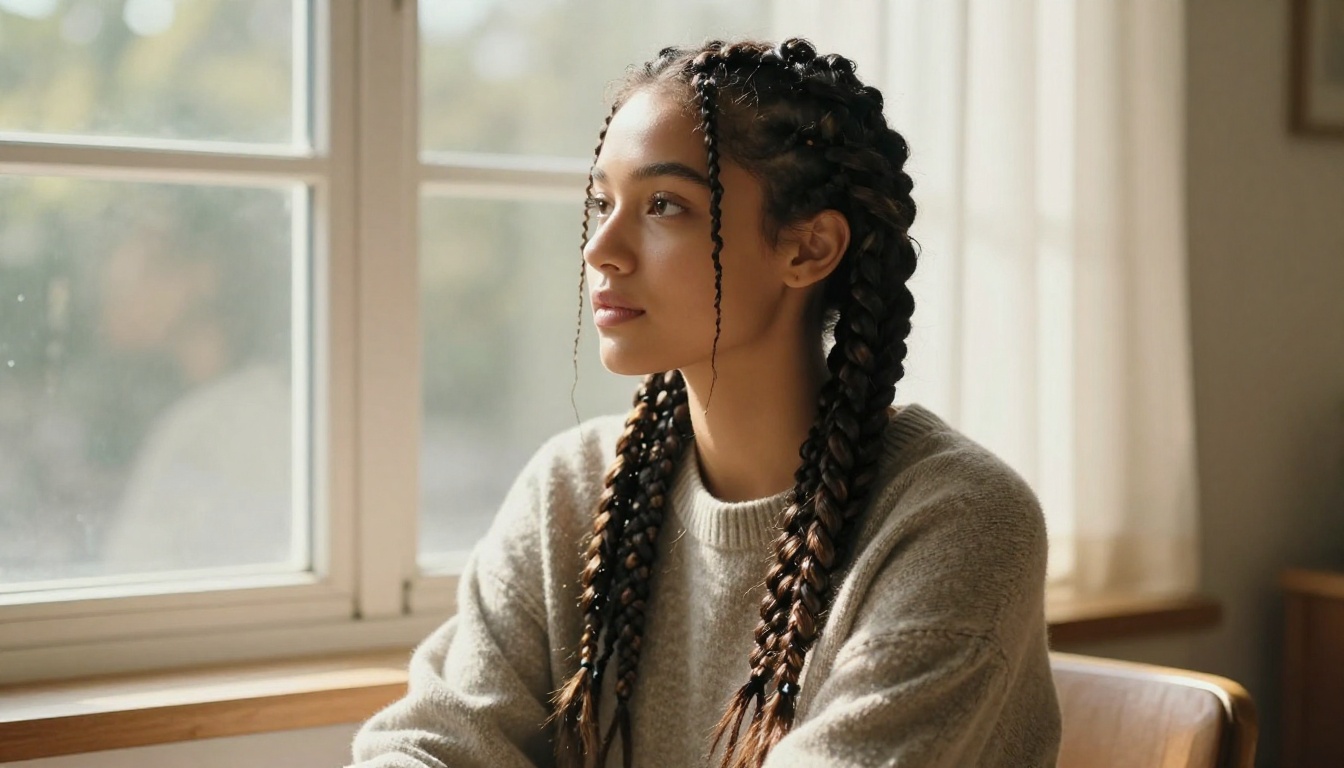
5. Braided Styles
Box braids, cornrows, and other protective styles are a significant time investment, often taking hours to install. Seeing the finished look with your skin tone and typical outfit through an AI portrait helps you commit with confidence.
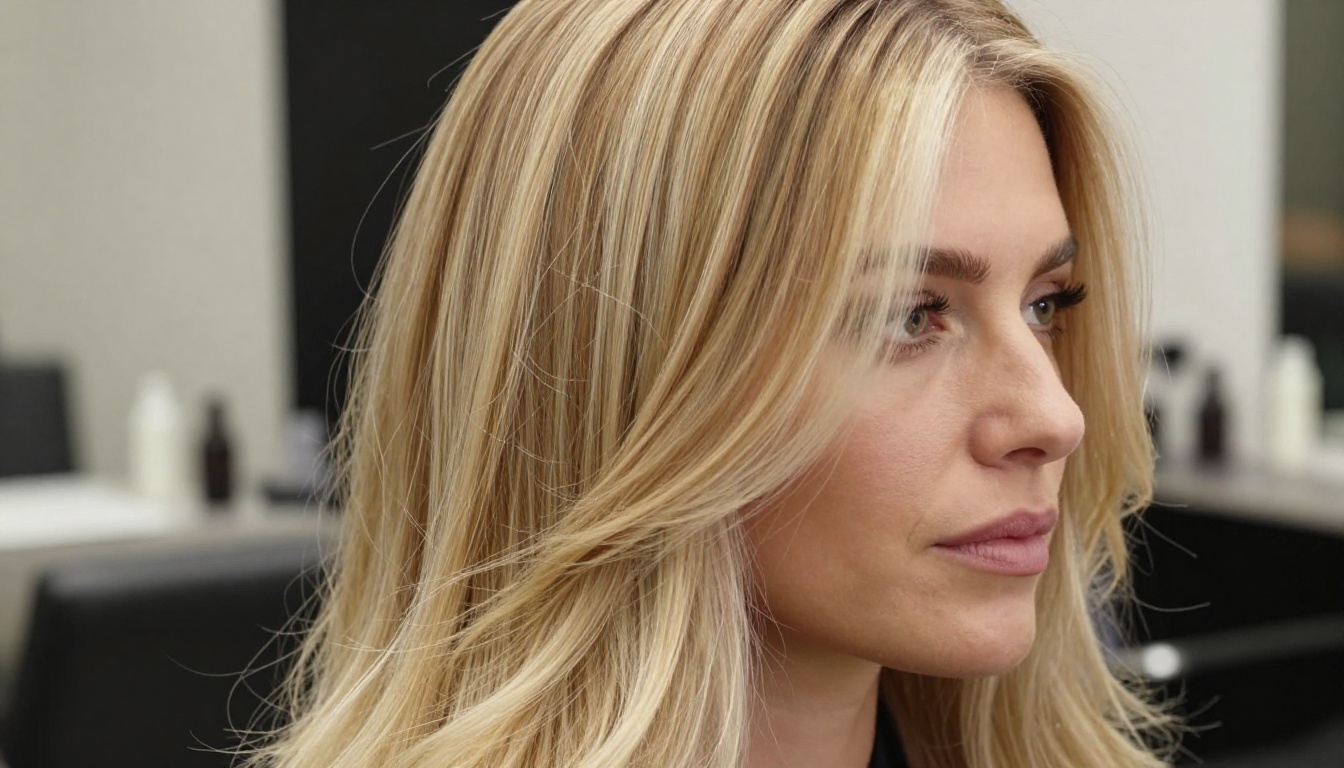
6. Color Changes
Whether it is platinum blonde, a bold red, or sun-kissed highlights, color is the most common source of hair regret. Testing multiple color scenarios through AI is not just fast, it is the only way to see how a specific color interacts with your natural complexion before you bleach anything.
PicassoIA gives you access to a range of AI models that each serve a different part of the hairstyle visualization process.
Text-to-Image Generation
The core tool for hairstyle tryons is text-to-image generation. PicassoIA's text-to-image collection includes over 90 models, each with different strengths in photorealism, detail, and stylistic range. For portrait work, models trained on high-resolution photography datasets produce the most accurate skin and hair texture.
When working on hairstyle visualization, the models that handle portrait generation with natural lighting consistently produce the most realistic hair texture, strand definition, and skin detail. This matters because hair looks completely different under soft natural light vs. harsh flash photography.
| Feature | What to Look For |
|---|
| Hair strand detail | Individual strands visible, not blurred |
| Skin texture | Natural pores, not plastic-smooth |
| Lighting | Directional, not flat |
| Color accuracy | True-to-life tones, no oversaturation |
Crystal Upscaler for Portrait Quality
Once you have a hairstyle portrait worth evaluating seriously, resolution matters. The Crystal Upscaler is built specifically for portrait work, scaling generated images up to 4x original resolution while preserving fine detail in skin, eyes, and hair texture. This is where a blurry approximation becomes a sharp, studio-quality portrait you can actually use as a reference.
Clarity Pro Upscaler Final Polish
For the absolute highest-fidelity output, Clarity Pro Upscaler adds micro-detail reconstruction on top of the upscaling, sharpening hair strand separation, refining the hairline, and recovering depth in shadows. If you are printing the image or showing it to your stylist on a tablet, this step makes a noticeable difference.
Tip: Run your final portrait through Crystal Upscaler first, then apply Clarity Pro Upscaler for the finishing pass. The two-step process produces sharper hair edges without over-sharpening.
Step-by-Step with PicassoIA
Here is a practical workflow for using PicassoIA to try out hairstyles before committing.
Step 1: Write Your Portrait Prompt
Start with your base characteristics. Be specific:
- Skin tone: e.g., "warm medium skin tone with golden undertones"
- Face shape: e.g., "oval face shape"
- Age range: e.g., "woman in her early thirties"
- Clothing: e.g., "wearing a simple white blouse"
- Lighting: e.g., "soft natural morning light from the left"
- Camera spec: e.g., "85mm lens, f/1.8, shallow depth of field"
This creates a stable base you can reuse across multiple hairstyle tests, keeping the face and lighting consistent.
Step 2: Add the Hairstyle Description
After your base prompt, add a detailed hairstyle description:
- Length: "shoulder-length", "jaw-length", "mid-back"
- Texture: "defined curls with frizz at the crown", "pin-straight with movement"
- Color: "natural dark brown with copper highlights"
- Volume: "voluminous at the crown, tapered at the ends"
- Style markers: "slight part on the left side", "tucked behind one ear"
The combination of a stable base prompt with variable hairstyle descriptions lets you generate multiple portraits that feel like the same person with different hair, making side-by-side comparison far more meaningful.
Step 3: Upscale and Refine Results
Not every generation will be perfect. Run three to five variations, pick the one that feels most realistic, then pass it through Crystal Upscaler and optionally Clarity Pro Upscaler to bring it to a resolution where you can genuinely evaluate the hairstyle in full detail.
Tip: Save your base prompt as a template. Changing only the hairstyle section each time keeps the face, lighting, and composition consistent across all your comparisons.
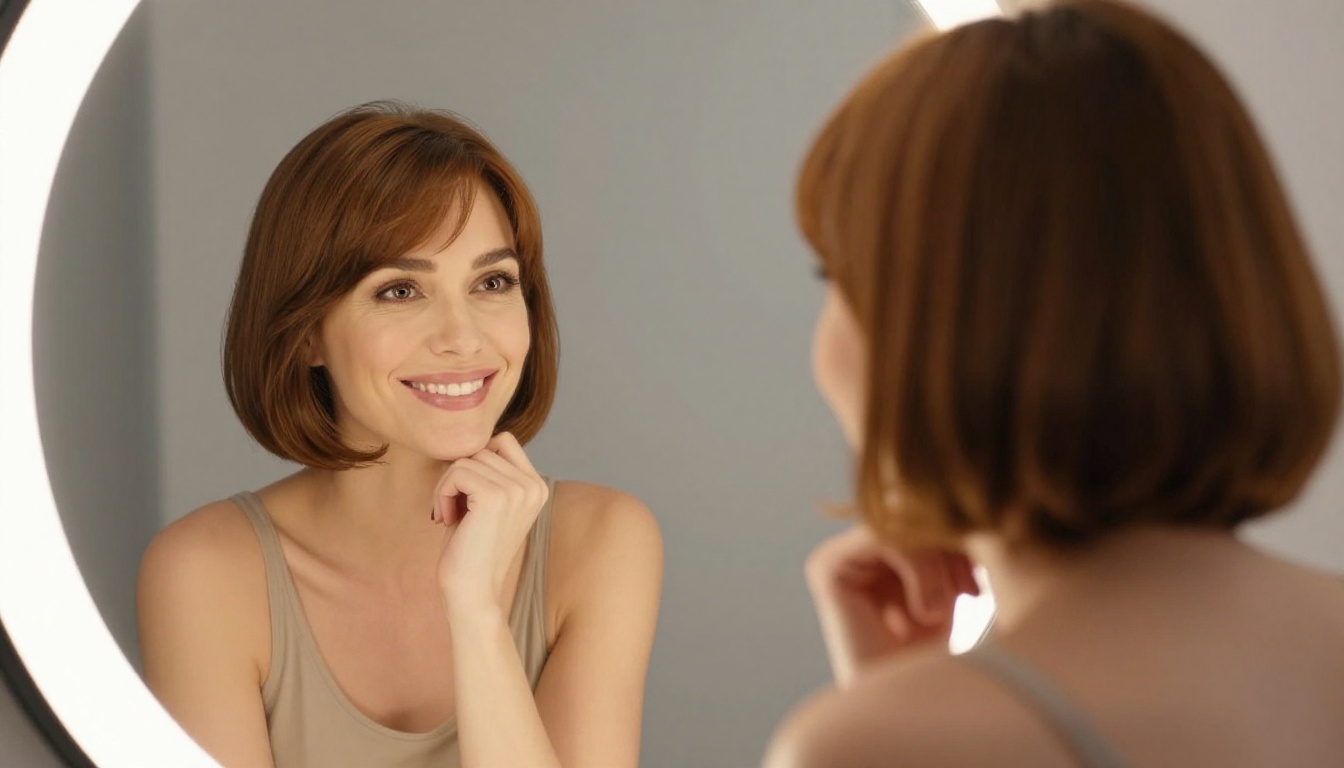
What AI Gets Right and Wrong
Being clear-eyed about the limits of AI hairstyle simulation helps you use the tool more effectively.
4 Things AI Does Exceptionally Well
- Color visualization: AI renders hair color with impressive accuracy, showing how reds, blondes, and brunettes interact with different skin tones.
- Texture variation: Straight, wavy, curly, coily, each renders distinctly and realistically.
- Volume and shape assessment: You can see clearly whether a pixie cut frames your face, whether a bob sits at the right chin height, or whether big curls flatter your features.
- Rapid iteration: Testing ten hairstyles takes minutes. There is no cost, no commitment, and no waiting.
2 Things to Account For
- Your natural texture plays a role: AI generates an idealized version. Your real hair texture might resist a style that looks effortless in a generated portrait. Factor this in, especially for curly hair trying straight styles.
- Lighting changes the reading: A hairstyle that looks incredible in warm golden-hour light in the portrait might read very differently under office fluorescents. Generate a second version in neutral light to cross-check.
| AI Strength | Confidence Level |
|---|
| Hair color accuracy | Very High |
| Length and cut shape | High |
| Texture simulation | High |
| Face shape compatibility | Medium-High |
| Exact replication in real life | Medium |
Before You Book That Appointment
Hair decisions do not have to feel like a leap of faith. With AI image generation on PicassoIA, you can walk into your salon with a portrait reference built around your own face, your skin tone, and the exact style you want, not a celebrity photo shot under entirely different conditions.
Start with the text-to-image collection for the core hairstyle portraits. Once you find a result you are serious about, pass it through Crystal Upscaler for a sharp, printable reference your stylist can actually work from. For an extra level of detail, Clarity Pro Upscaler pulls out the fine hair texture that makes the image feel real.
Pick one hairstyle you have been curious about but always talked yourself out of. The worst that can happen is you realize it is not for you, and you found that out for free, in 90 seconds, before anyone touched your hair. Start experimenting on PicassoIA today and walk into your next salon appointment knowing exactly what you want.


