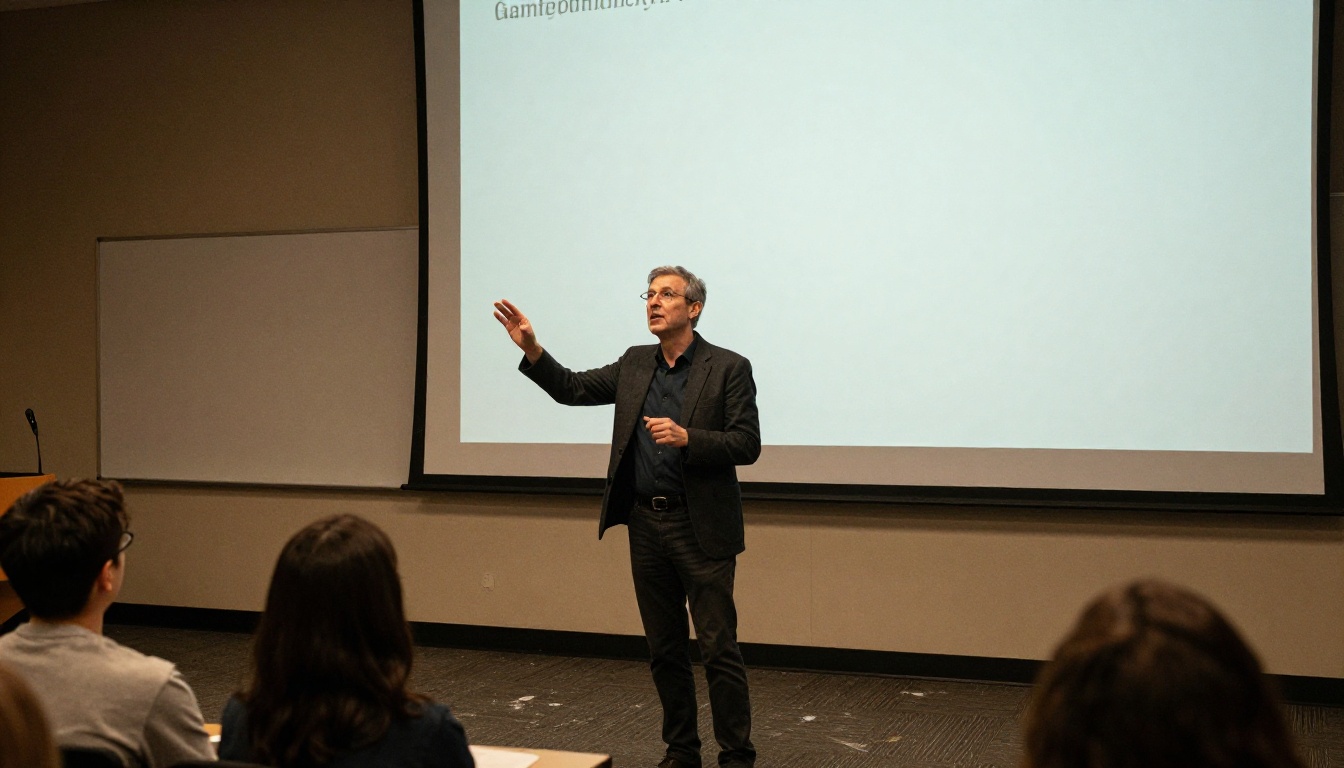
Sitting in a 90-minute lecture, frantically scribbling while trying to actually process what's being said, is a losing battle. The human brain cannot listen, comprehend, and transcribe at the same speed a professor speaks. You end up with incomplete sentences, gaps where you couldn't keep up, and a set of notes that barely make sense two days later. AI-powered transcription and summarization tools have changed this entirely, and the workflow is simpler than most students expect.
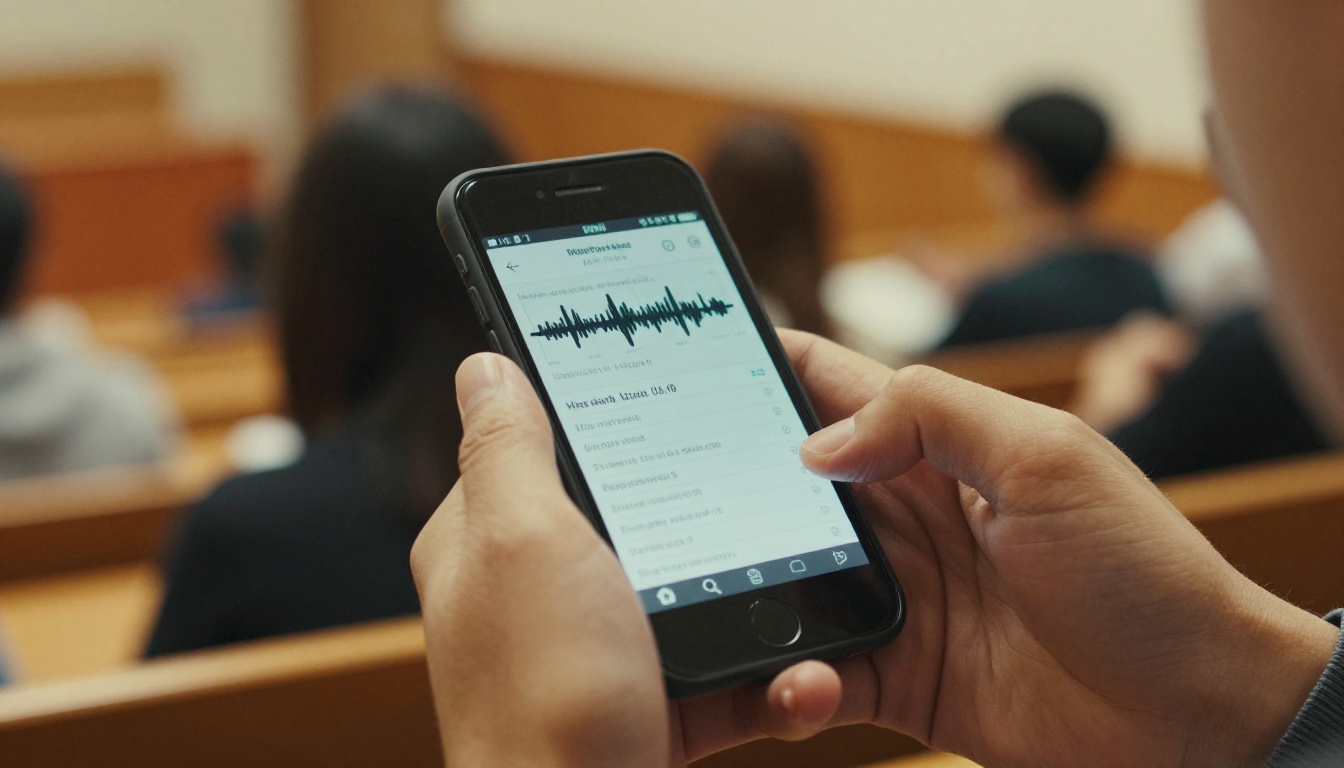
Why Manual Notes Always Fall Short
The average professor speaks at around 125 to 180 words per minute. The average person writes at about 13 words per minute by hand, or 40 words per minute typing. The math does not work in your favor.
The speed gap is real
Even the fastest note-takers capture only a fraction of what gets said in a lecture. You're constantly making split-second decisions about what's worth writing down, which means you're also constantly missing context. A point that seemed minor when the professor said it might turn out to be central to the exam.
What gets lost in real time
Beyond speed, there's the problem of comprehension. When you're focused on writing, you're not fully listening. Studies in cognitive load research consistently show that dividing attention between transcription and processing reduces retention for both tasks. You leave the lecture with incomplete notes and a weaker understanding of the material.
The review problem
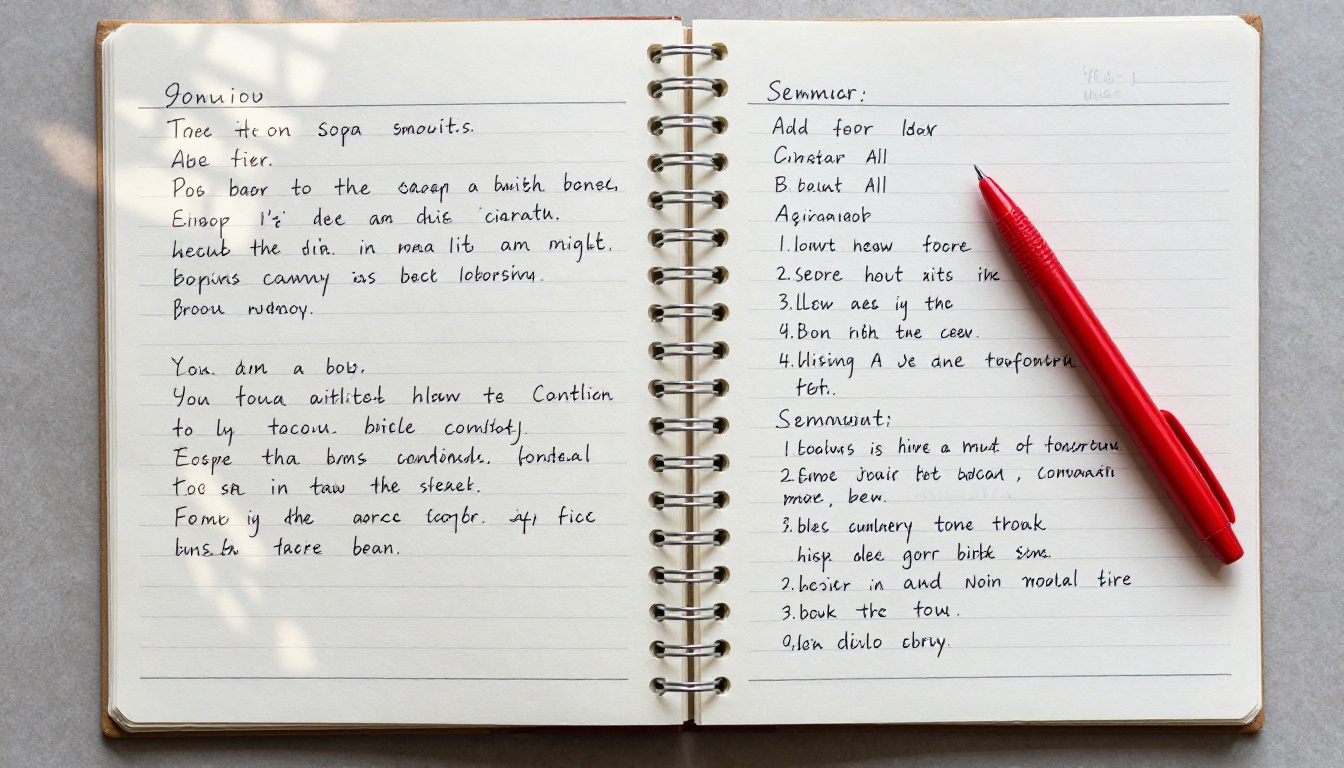
Manual notes also degrade in usefulness over time. Abbreviations you used in the moment become cryptic. Half-sentences lack the context to be interpretable. Reviewing a set of messy handwritten notes three days before an exam is a stressful, inefficient experience.
How AI Note-Taking Actually Works
The process of turning a lecture into structured notes with AI involves two distinct steps: transcription (converting audio to text) and summarization (converting raw text into organized, usable notes). Both steps are now accessible through tools anyone can use without a technical background.
Step 1: Record the audio
Before any AI can process a lecture, you need a recording. Most smartphones record audio at sufficient quality for transcription. A few things that improve results:
- Position your device closer to the speaker, not in your pocket
- Use a quiet environment when possible, or a directional microphone for large halls
- Let the recording run continuously rather than stopping and starting
- Label the file immediately with the date and lecture topic
Step 2: AI transcription
Once you have the audio file, a speech-to-text model converts it to a raw text transcript. Modern models handle accents, multiple speakers, and fast speech with high accuracy. The output is typically a timestamped text document with near-verbatim transcription of what was said.

Step 3: AI summarization
The raw transcript from Step 2 is usually too long and too unstructured to study from directly. This is where a large language model takes over. You paste the transcript and prompt the model to extract key concepts, generate headers, create bullet-point summaries, and flag terms worth memorizing. The output is a clean, organized document that's actually usable for revision.
💡 The two-step workflow (transcribe then summarize) consistently produces better results than asking a single tool to do both steps at once. Specialized models outperform generalist tools when each task is kept separate.
The Best AI Models for Lecture Transcription
Not all speech-to-text models perform equally on lecture audio. Lectures contain domain-specific vocabulary, variable speaking speeds, and sometimes background noise. Here are the top options available on PicassoIA.
GPT-4o Transcribe
GPT-4o Transcribe from OpenAI is currently the highest-accuracy option for general lecture transcription. It handles academic vocabulary, technical terms, and multiple accents reliably. The output is clean, well-punctuated, and ready for summarization.
Best for: University lectures, professional seminars, technical presentations
GPT-4o Mini Transcribe
GPT-4o Mini Transcribe offers faster processing at lower cost while maintaining solid accuracy. For casual lectures or shorter recordings, this is a practical choice that doesn't sacrifice too much on quality.
Best for: Short lectures under 30 minutes, budget-conscious workflows
Granite Speech 4.1 2B
Granite Speech 4.1 2B from IBM supports speech-to-text in 6 languages, making it a strong choice for students studying in non-English environments. It's compact, fast, and performs well on clear audio.
Best for: Multilingual lectures, international students
Granite Speech 3.3 8B
Granite Speech 3.3 8B is the larger sibling model with higher capacity for nuanced academic audio. If your lecture contains a lot of specialized terminology or the audio quality is lower, this model's larger parameter count makes a difference.
Best for: Technical lectures, noisy environments, STEM subjects
| Model | Speed | Accuracy | Languages | Best For |
|---|
| GPT-4o Transcribe | Medium | Excellent | 50+ | General academic use |
| GPT-4o Mini Transcribe | Fast | Very Good | 50+ | Short recordings |
| Granite Speech 4.1 2B | Fast | Good | 6 | Multilingual content |
| Granite Speech 3.3 8B | Medium | Very Good | 6 | Technical audio |
The Best LLMs for Summarizing Lecture Transcripts
Once you have your transcript, a large language model takes the raw text and structures it into something you can actually study from. The quality of the summary depends heavily on your prompt and the model you choose.
GPT-5
GPT-5 handles long transcripts well and produces well-structured summaries with clear section headers and key point extraction. Its ability to infer relationships between concepts makes it particularly useful for complex academic subjects.
Claude 4 Sonnet
Claude 4 Sonnet excels at maintaining the original logical flow of a lecture while restructuring it into concise, readable notes. It's especially strong at identifying the core argument of a lecture and organizing supporting points around it.
Gemini 3.1 Pro
Gemini 3.1 Pro offers multimodal reasoning and handles especially long transcripts without losing coherence. If your transcript includes references to slide content or visual material, Gemini can incorporate that context effectively.
GPT-4.1
GPT-4.1 is a solid all-around option with fast response times and reliable note formatting. It's the practical choice when you need quick summaries across multiple lectures in one session.
💡 Prompt tip: Tell the model exactly what format you need. Example: "You are a precise academic note-taker. Summarize this lecture transcript with: 1) a one-paragraph overview, 2) H2 headers for each main topic, 3) bullet points for key facts under each header, 4) a glossary of technical terms at the end."

How to Use GPT-4o Transcribe on PicassoIA
PicassoIA gives you direct access to GPT-4o Transcribe without any API setup or third-party subscriptions. Here's how to run the full workflow from lecture audio to structured notes.
1. Prepare your recording
After your lecture, locate your audio file. Common formats that work well: .mp3, .m4a, .wav. If you recorded on a smartphone, transfer the file to your computer or use a cloud sync tool.
Check the audio briefly before uploading. If background noise is severe, a free tool like Audacity can reduce it in a few minutes. Silence at the beginning and end of the file can sometimes cause errors, so trim to the actual content.
2. Upload to GPT-4o Transcribe
- Open GPT-4o Transcribe on PicassoIA
- Upload your audio file using the file input field
- Select your language if not English
- Run the model and wait for the transcript output
For a 90-minute lecture, processing typically takes 2 to 4 minutes. The output will be a timestamped text transcript.
3. Review the transcript
Skim the transcript before passing it to an LLM. Look for:
- Misheard technical terms (e.g., a chemistry formula transcribed as a similar-sounding word)
- Speaker attribution errors if there were multiple voices
- Off-topic sections where the professor paused or went on tangents that you may want to remove
A quick 5-minute review now saves confusion later.
4. Summarize with an LLM
Copy the transcript. Open GPT-5 or Claude 4 Sonnet on PicassoIA. Paste the transcript and use a structured prompt like the one above.
5. Export and organize
Save the generated notes in your preferred format. Add them to your existing study system: a Notion database, a folder structure by course, or printed pages in a binder. The key is that the format coming out of the LLM is already structured enough to use without additional formatting work on your end.
What Makes Good AI Lecture Notes
Not every AI-generated note set is equally useful. The quality varies based on your inputs: the audio quality, the prompt specificity, and how you structure the final output.
Clear heading hierarchy
Good notes use H2 or H3 headings that reflect the actual topics covered in the lecture, not generic labels. "Mitochondrial ATP Synthesis" is useful. "Topic 3" is not.
Key terms called out explicitly
The best prompts ask the LLM to produce a glossary section at the end. For any technical subject, having a list of defined terms separate from the body of the notes makes revision dramatically faster.
Timestamps preserved where they matter
For video lectures or recorded seminars, keeping timestamp markers in your notes means you can jump back to the exact point in the recording when the AI-generated summary leaves you with a question.
Flagged uncertainty
Ask your LLM to note any sections of the transcript that were unclear or where the transcription confidence may have been lower. This flags areas worth double-checking against your course slides or textbook.
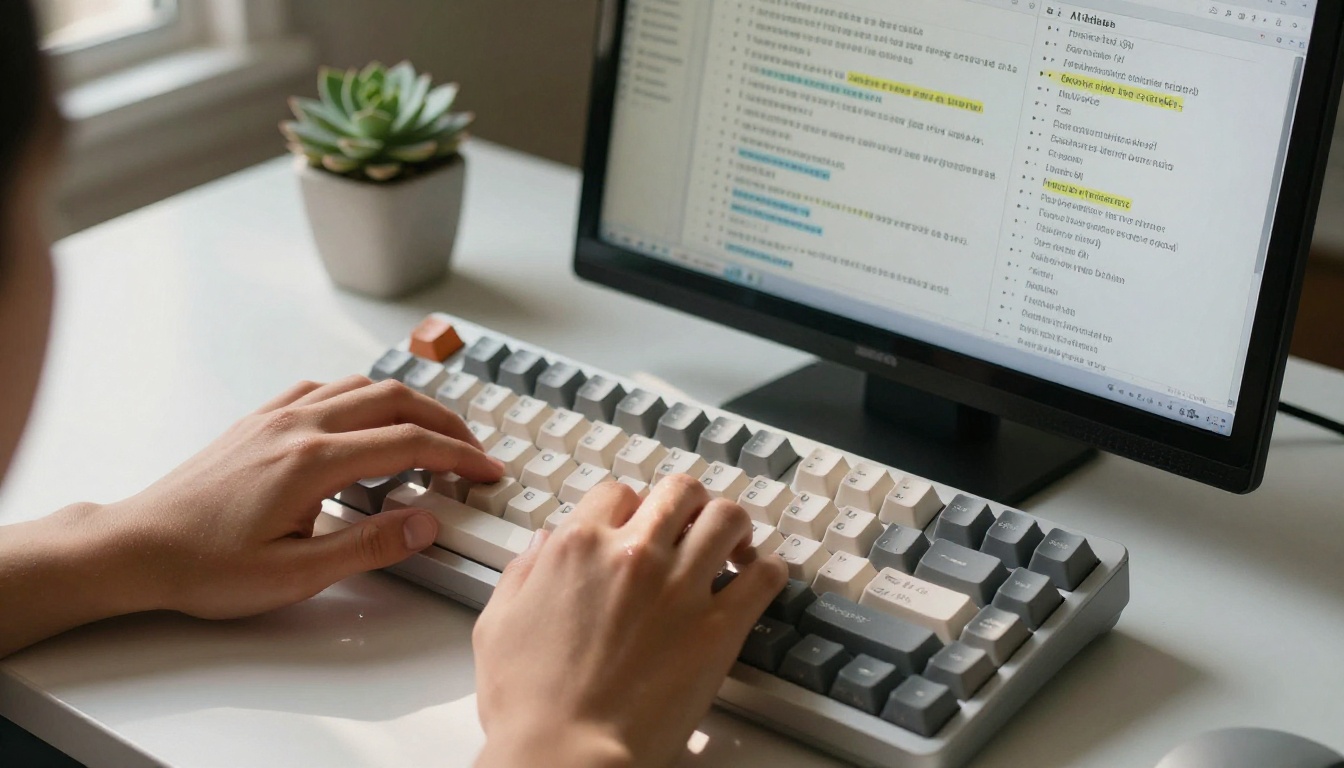
AI vs. Manual Notes: Side by Side
| Factor | Manual Notes | AI-Generated Notes |
|---|
| Coverage | Partial, speed-limited | Near-complete transcript |
| Organization | Varies by student | Consistent, structured |
| Review time | High | Low, already formatted |
| Technical accuracy | Prone to errors under speed | High with good transcription |
| Cost | Free | Low, per-use access |
| Setup time | None | 5 minutes first time |
| Flexibility | High, draw diagrams | Text-focused |
Most students who use both approaches reach the same conclusion: AI notes handle the volume and structure problem well. Manual annotation and active review still matter for retention. The two approaches work best together, not as replacements.
3 Mistakes That Kill Your AI Note Quality
Skipping the audio check
Uploading a muffled recording taken from a coat pocket and expecting clean transcription is unrealistic. Even the best models struggle with audio below a certain quality threshold. A two-minute check before you leave the lecture hall makes a significant difference.
Using raw transcripts as study material
A verbatim transcript of a 90-minute lecture is still a 90-minute lecture. The whole point of the summarization step is to compress and structure that content. Students who skip summarization end up with more text to read than they started with.
Prompts that are too vague
"Summarize this lecture" returns a paragraph. "Create structured study notes with headers, bullet points, a glossary, and highlight any formulas or definitions mentioned" returns something you can actually use. Specificity in your prompt directly controls the quality of the output.
Fitting This Into Your Existing Study Routine
The workflow described here adds roughly 10 to 15 minutes of processing time per lecture. That investment pays off during revision periods, when you have organized, searchable notes instead of pages of fragmented handwriting.
A practical weekly rhythm:
- Record every lecture as a default. Even if you don't process all of them immediately, the recording exists when needed.
- Process within 24 hours. The sooner you run the transcript and summary, the fresher the context. You can also add personal annotations while the material is still recent.
- Tag by topic and date. A simple naming convention like
2026-05_BiologyCh7_MitochondriaLecture makes finding specific notes fast.
- Review AI notes before the next class. A 5-minute skim before each lecture activates prior knowledge and makes new material stick better.
💡 Combine AI notes with active recall. After generating your structured notes, close them and try to recall the main points from memory. This retrieval practice is where the actual learning happens. AI handles the capture; your brain still does the retention work.

Transcription Is Access, Not a Shortcut
One thing worth stating directly: AI-generated notes are a tool for access, not a substitute for engagement. A model that transcribes and summarizes your lecture doesn't absorb it for you. The structured notes it produces are a resource for your own thinking.
Students who get the most out of AI note-taking use the structured output as a starting point for deeper engagement. They annotate the AI notes, add their own connections to other material, argue with the professor's points in the margins, and use the glossary as a flashcard source. The AI removes the burden of capture so more cognitive energy is available for the part that actually matters.
Try It on PicassoIA
PicassoIA gives you access to the full toolchain described in this article. GPT-4o Transcribe and GPT-4o Mini Transcribe handle lecture-to-text conversion at different speed and accuracy tradeoffs. For the summarization step, GPT-5, Claude 4 Sonnet, and Gemini 3.1 Pro each produce structured, exam-ready notes from raw transcripts.
Pick a lecture recording you already have, run it through the two-step workflow, and see what the output looks like. Most students who try this once make it a permanent part of how they study. The setup is minimal, the results are consistent, and the time saved during revision periods makes it one of the more practical applications of AI tools available right now.


