Those blurry birthday parties from 1987. The grainy summer vacation footage shot on VHS. The barely visible faces at your grandparents' anniversary dinner, captured on an 8mm film reel that's been sitting in a shoebox for three decades. These memories exist, but watching them on a modern TV feels like squinting through fog.
AI video upscaling fixes that. With the right tools, you can take footage that looks like it was filmed through dirty glass and restore it to something sharp, vivid, and actually worth watching again. No technical background required. No expensive professional services. Just a browser and the right AI models.
Why Old Home Videos Look So Bad Now
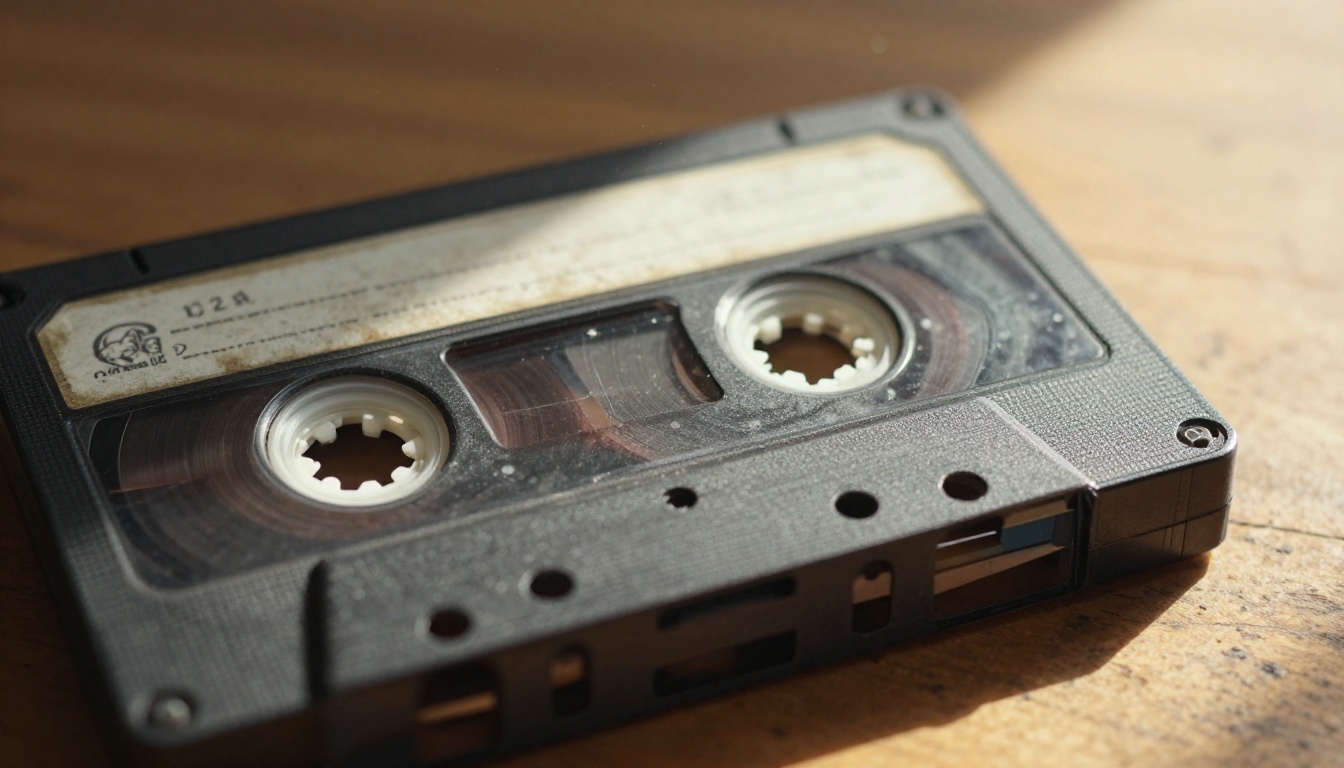
The Tape Degradation Problem
VHS tapes were never designed to last more than 10 to 15 years. The magnetic particles holding your video data start to break down, causing dropouts, static, color bleeding, and loss of signal stability. By the time most people try to watch their old tapes today, they're working with footage that's already shed a significant portion of its original data.
The original resolution of VHS was roughly 240 lines of vertical resolution, which translates to about 333x480 pixels in modern terms. A standard 1080p HD screen displays at 1920x1080 pixels. That's approximately 12 times more pixel data than VHS was ever capable of capturing.
| Format | Approximate Resolution | Era |
|---|
| VHS | 333 x 480 | 1980s-2000s |
| Hi8 / S-VHS | 400 x 480 | 1990s |
| MiniDV | 720 x 480 | Late 1990s-2000s |
| DVD | 720 x 480 | 2000s |
| HD (1080p) | 1920 x 1080 | Today |
| 4K UHD | 3840 x 2160 | Today |
Film Grain, Color Fade, and Noise
Beyond resolution, old footage suffers from several specific forms of deterioration:
- Color shift: Magnetic tape loses its red channel over time, giving footage a blue-green tint
- Luminance noise: Random grain and static that wasn't in the original recording
- Signal dropout: Those horizontal lines that flash across the screen mid-playback
- Interlacing artifacts: Combing effects visible when there's motion in the frame
- Temporal instability: Footage that shakes, flickers, or jitters due to warped or stretched tape
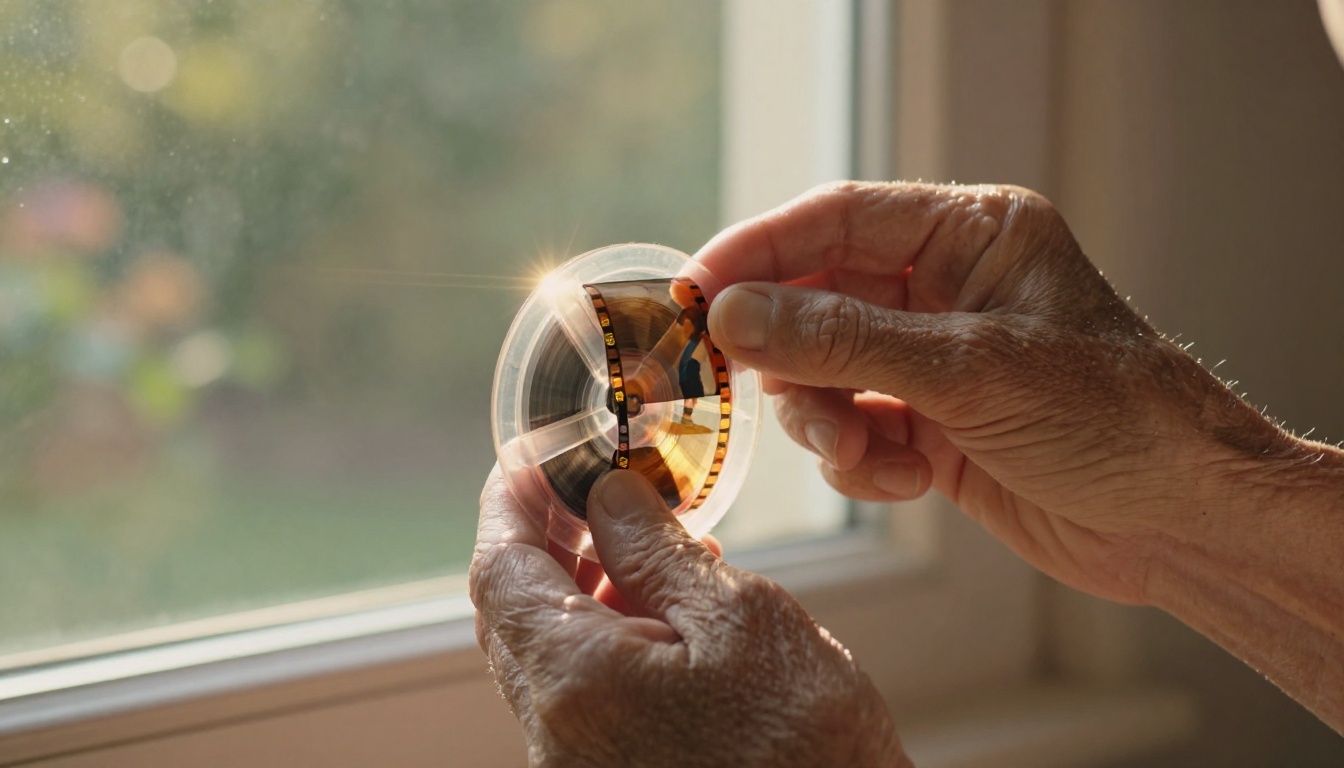
Why Modern Screens Make It Worse
Here's something counterintuitive: watching old VHS footage on a modern 4K TV often looks worse than it did on the original CRT television. Modern screens don't hide imperfections, they amplify them. Every pixel of noise, every color bleed, every dropout gets stretched across millions of additional pixels.
This is why AI restoration has become so valuable. It doesn't just scale images up. It reconstructs missing information using learned visual patterns.
What AI Video Upscaling Actually Does
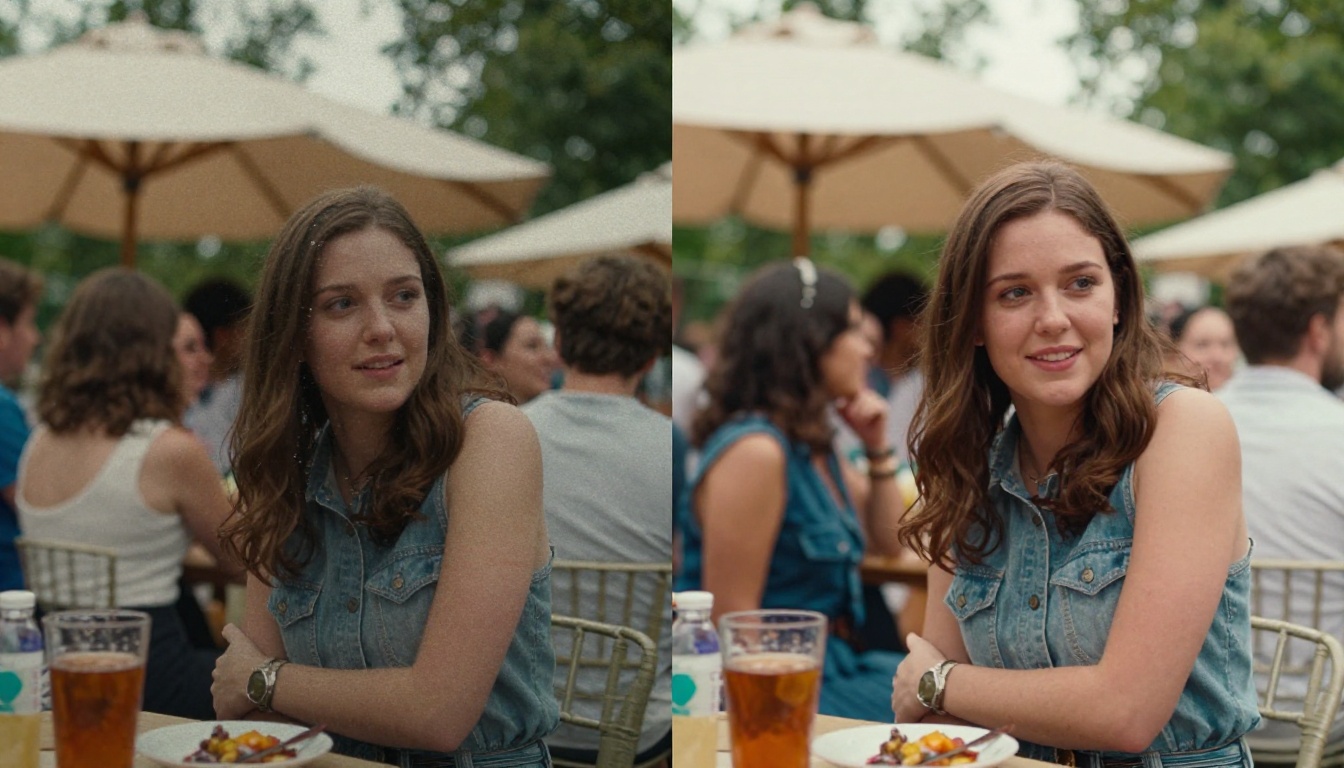
Most people assume upscaling just "stretches" the image to fill a larger resolution. That's what traditional upscaling does, and it's why old-school methods produce blurry, soft results that look like someone smeared petroleum jelly on the lens.
AI upscaling works differently.
Neural Networks and Frame Reconstruction
Modern AI video upscalers use convolutional neural networks trained on millions of high-resolution images and videos. These models have learned what faces, textures, fabric patterns, grass, sky, and architecture look like in sharp detail. When they analyze a low-resolution frame, they're not guessing what the pixels between existing pixels should be. They're making an informed prediction based on billions of learned visual patterns.
The result is footage that often looks significantly better than the original could have ever been, because the AI is filling in detail the camera never captured in the first place.
Temporal Coherence Across Frames
Still images are one thing. Video adds the challenge of temporal consistency, meaning the processing needs to look coherent from frame to frame. A face can't look sharp in frame 47 and blurry in frame 48. Good AI video upscalers process sequences of frames together, not individual frames in isolation, to maintain smooth and natural motion.
💡 Worth knowing: Temporal coherence is the difference between AI video that looks like a restored memory and AI video that looks like a glitchy deepfake. Top-tier models prioritize this heavily.
Noise Removal and Color Correction
AI restoration also handles a range of secondary issues that make old footage difficult to watch:
- Denoising: Removing luminance and chroma noise without softening edges
- Deinterlacing: Converting interlaced fields to progressive frames cleanly
- Color correction: Restoring faded or shifted color channels to natural tones
- Stabilization: Reducing camera shake and tape flutter
- Artifact removal: Cleaning up compression blocks, dropout lines, and scan artifacts
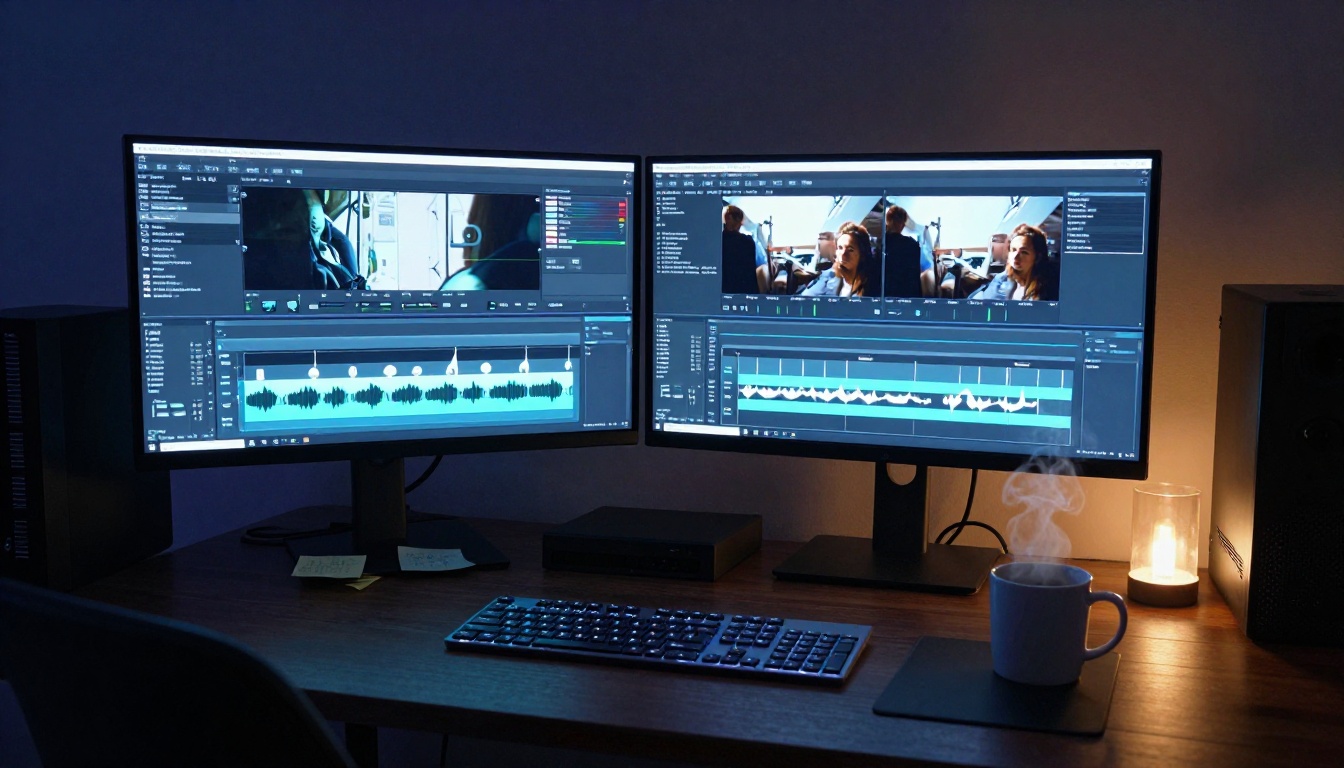
PicassoIA gives you direct access to the best AI video restoration models available, without any local installation, GPU requirements, or technical setup. Three models are built specifically for this type of work.
Crystal Video Upscaler
The Crystal Video Upscaler by philz1337x is one of the most popular tools for home video restoration. It's built on the same architecture used in professional post-production pipelines, now accessible through a simple browser interface.
It's particularly strong with portrait detail. If your old footage contains faces, this model will sharpen facial features while preserving natural skin tones rather than creating the artificial "plastic skin" look that cheaper models produce.
Best for: Birthday parties, family gatherings, portrait-heavy footage.
Topaz Video Upscale
Video Upscale by Topaz Labs is the professional standard for a reason. Topaz has built AI restoration tools used by film archives and broadcast studios. Their video upscaler outputs at up to 4K and 120fps, with specialized modes for different source types.
It handles motion exceptionally well, which matters enormously when your source footage contains people running, playing, or moving quickly. The temporal processing prevents the "soap opera effect" that ruins a lot of amateur upscaling attempts.
Best for: Action footage, sports, anything with significant motion.
Runway Upscale v1
Upscale v1 by RunwayML takes a slightly different approach. Where other models focus purely on resolution, Runway's model also addresses the aesthetic quality of the footage, producing results that feel more cinematic and less clinical.
Best for: Wedding footage, emotional family moments where the feel of the video matters as much as sharpness.
How to Use Crystal Video Upscaler on PicassoIA
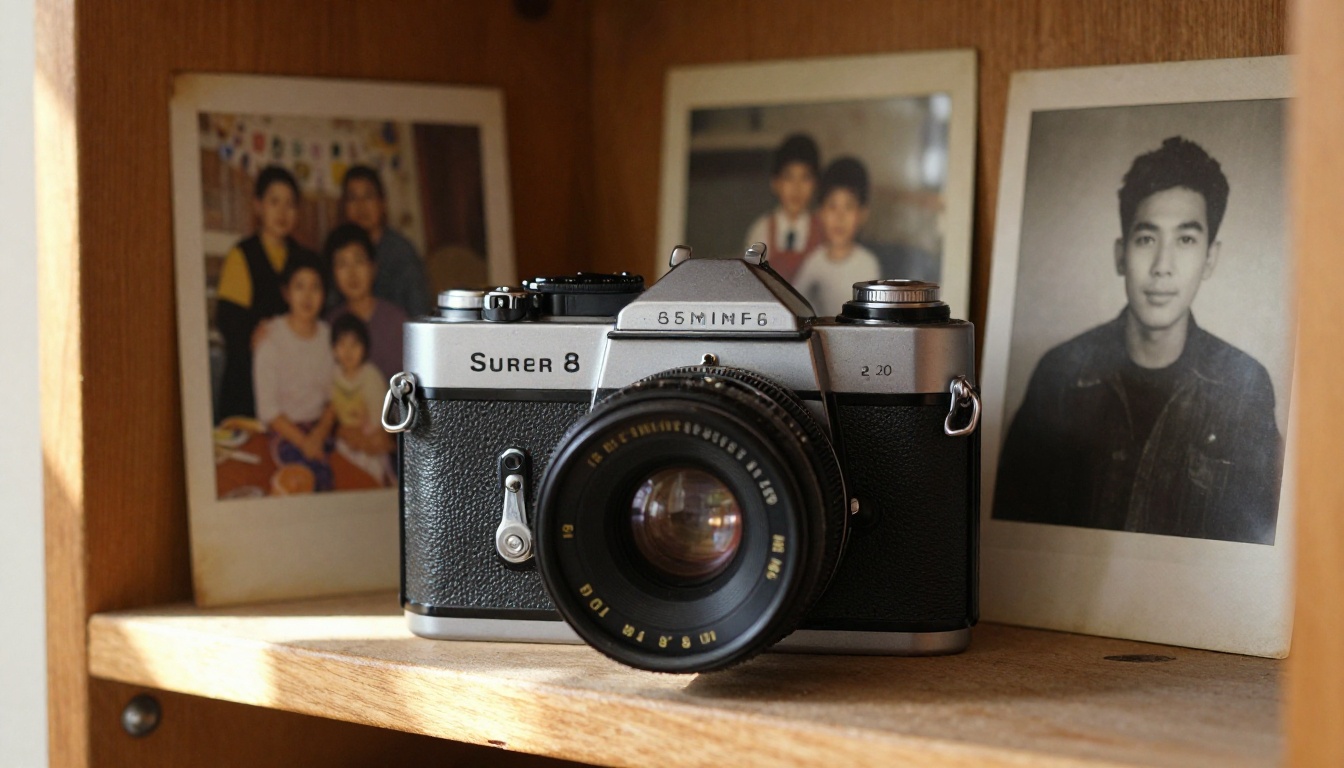
Since the Crystal Video Upscaler is available directly on PicassoIA, here's a step-by-step walkthrough of the restoration process.
Step 1: Digitize Your Footage First
Before AI upscaling can do anything, your video needs to be in a digital format. If you're working with VHS tapes, Hi8, or 8mm film, you'll need to digitize them first.
Options include:
- USB video capture adapters: Devices like the Elgato Video Capture connect your VCR or camcorder to your computer via USB
- Local digitization services: Many print shops and archives offer tape-to-digital conversion
- Mail-in services: Companies specializing in media preservation handle large batches of tapes
Once digitized, export as an MP4 or MOV file. Higher bitrate is better, even if the resolution is low. You want as much original data preserved as possible before the AI works on it.
Step 2: Upload and Configure
Go to the Crystal Video Upscaler page on PicassoIA. You'll see a straightforward upload interface.
Settings to configure:
- Target resolution: Set to 4K (2160p) if your screen supports it, or 1080p for general use
- Scale factor: 2x is usually enough for VHS footage going to 1080p; use 4x if targeting 4K
- Denoise strength: Set to Medium or High for VHS; Low for MiniDV or Hi8, which are less noisy
- Face restoration: Enable this if your footage contains people close to camera
💡 Tip: Start with a short 30-second clip before processing your full video. This lets you evaluate the settings without waiting for a long render.
Step 3: Process and Download
Processing time depends on video length and your chosen settings. A 5-minute clip typically takes several minutes to process. Once complete, you'll get a download link for your restored video.
The output will be noticeably sharper than the input, with reduced noise and better color accuracy. For most home video footage, the results are immediately dramatic.
Beyond Video: Restoring Still Frames Too

AI video restoration is remarkable, but sometimes you want to go further. Modern screens allow you to pause a video on a specific frame, and that frozen moment might be the only visual record of a particular person or place. When that's the case, you can extract individual frames and run them through image super resolution tools for even more striking results.
Super Resolution for Extracted Frames
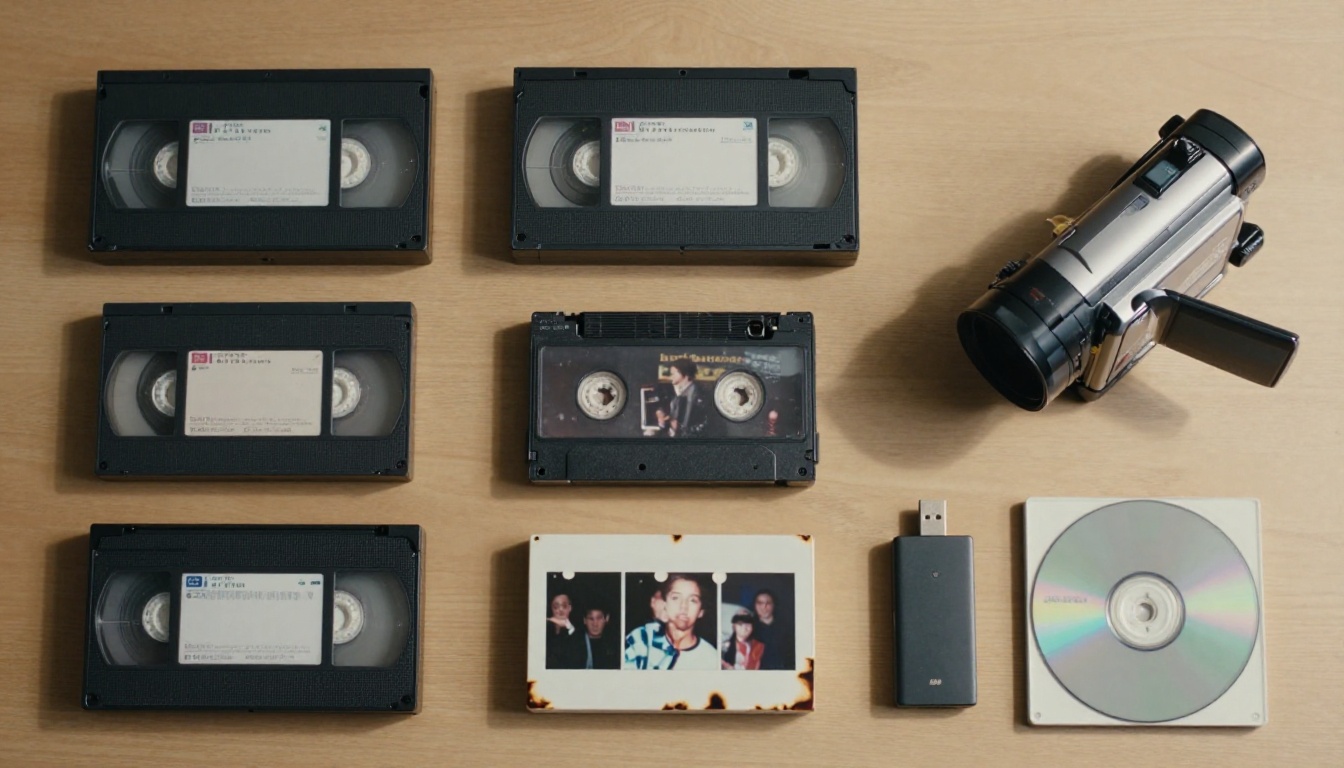
The Google Upscaler on PicassoIA can take a single extracted frame from your old footage and upscale it up to 4x without losing edge definition. Combined with the Clarity Pro Upscaler for photorealistic detail reconstruction, you can produce still images from your video that are sharp enough to print at large sizes.
For frame extractions where quality is the top priority, try Topaz Image Upscale, which goes up to 6x and handles video-source stills exceptionally well due to its training on compressed and degraded image types.
AI Restoration for Old Photographs
If you're also working with printed photographs alongside your videos, the Real ESRGAN model handles old photos with heavy noise and degradation particularly well. It was trained specifically on degraded image types and handles film grain, JPEG compression, and color fade without introducing the artificial sharpening halos that basic upscalers produce.
For portrait photographs extracted from video, the Crystal Upscaler is optimized specifically for face detail at up to 4x scale, making it ideal for pulling clean portraits from old family footage.
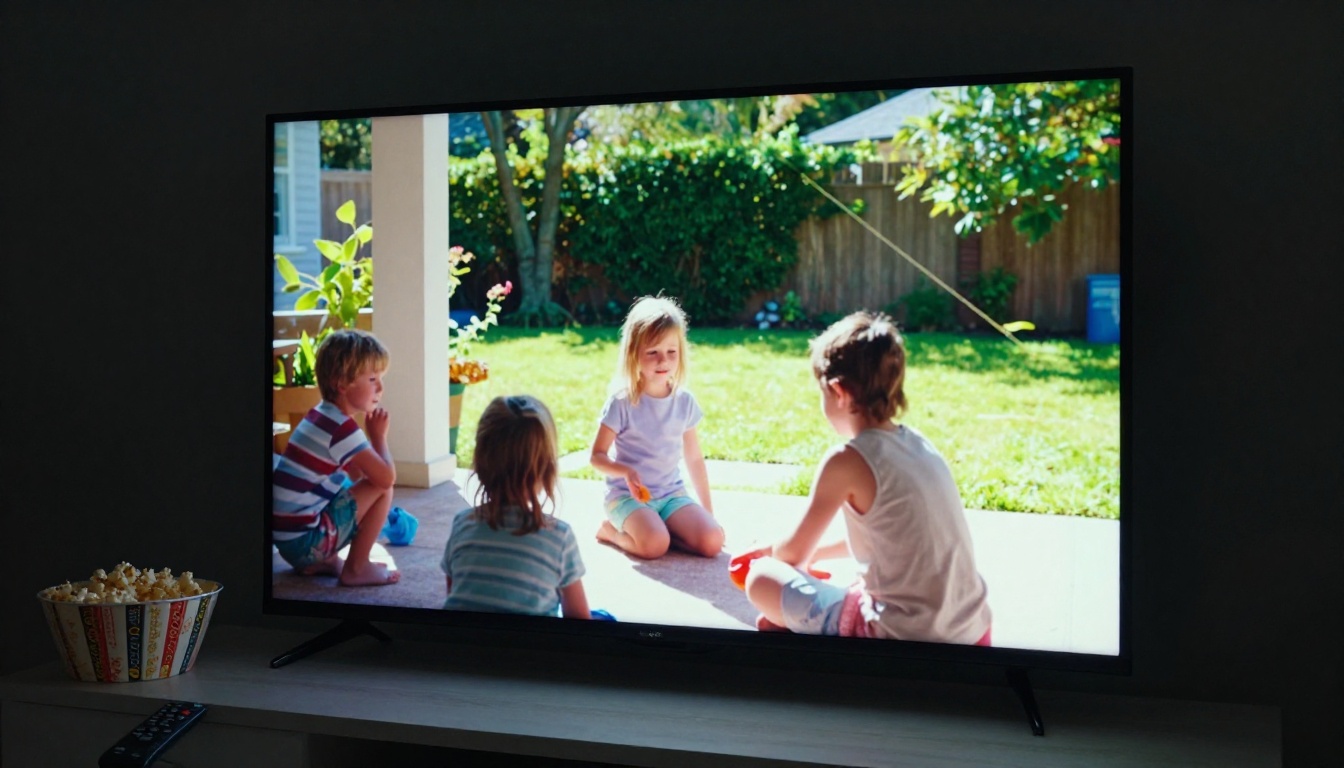
AI upscaling has real limits. It can't restore information that was never recorded. If a moment was filmed out of focus, the AI will work with what's there, but it can't create focus that didn't exist. If someone's face was partially cut off at the edge of the frame, it can't reconstruct what the camera missed.
What it can do:
- Take 240-line VHS footage to something approaching 1080p clarity
- Remove decades of accumulated noise and degradation
- Restore natural color balance to footage with heavy color shift
- Smooth out interlacing artifacts and tape instability
- Create footage that's genuinely pleasant to watch on modern screens
💡 Realistic expectation: AI restoration typically produces results that look like a significantly cleaner version of the original, not a reshot version in HD. The improvement is real and often dramatic, but the footage still carries the character of its era.
80s Birthday Parties
VHS footage from the 1980s benefits enormously from AI restoration. The heavy grain, strong interlacing, and washed-out colors are exactly the type of degradation neural networks handle well. Results from this era are often the most dramatic because there's so much room for improvement.
90s Wedding Videos
Hi8 and early MiniDV footage from the 1990s has better base quality than VHS, which means AI processing can produce near-HD results without the heavy reconstruction that VHS requires. Wedding footage from this era often comes out looking genuinely impressive after processing.
Common Formats and Their Results
| Source Format | Expected Result | Processing Difficulty |
|---|
| VHS | Significant improvement | High (heavy noise) |
| Hi8 | Strong improvement | Medium |
| MiniDV | Moderate sharpening | Low |
| 8mm Film (digitized) | Variable | Depends on condition |
| DVD rips | Moderate sharpening | Low |
Try It With Your Own Videos
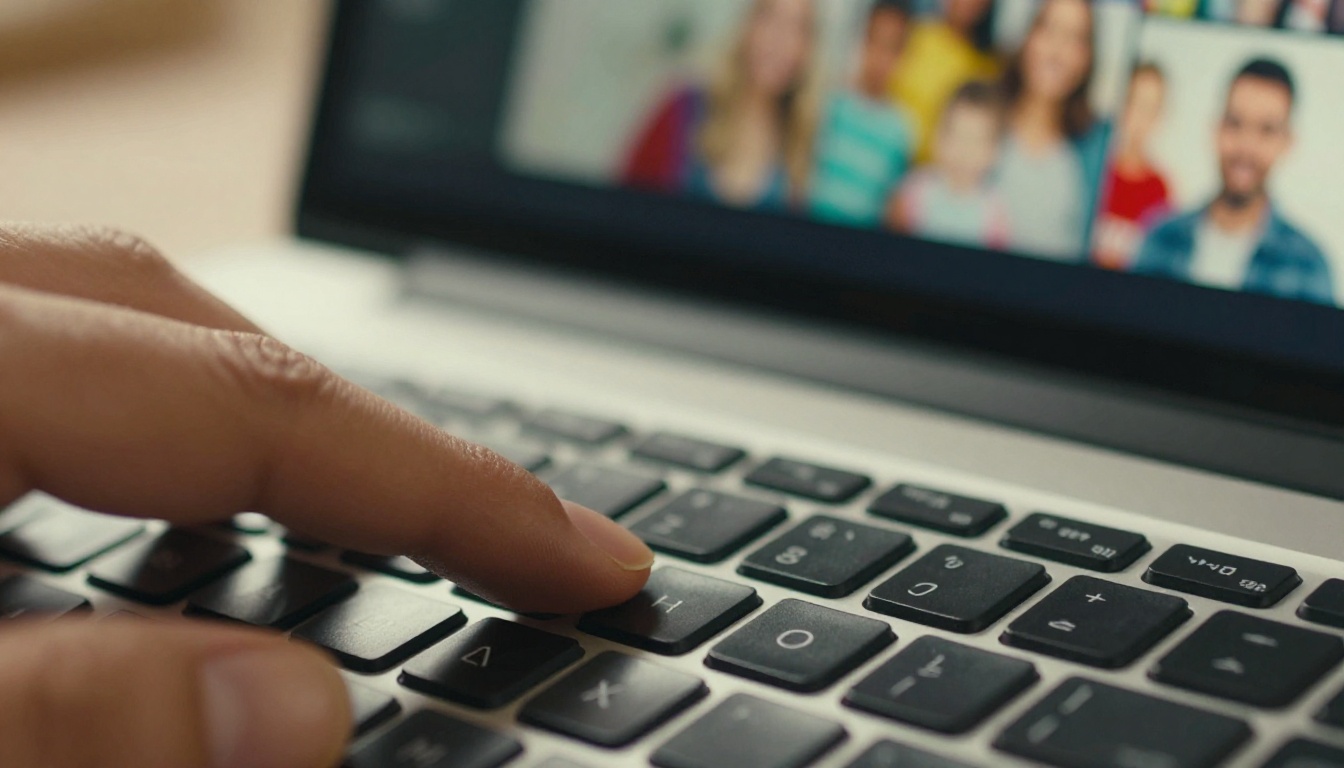
Your old home videos deserve to be seen on modern screens. The grainy, faded footage sitting on those dusty tapes holds real moments, real people, real history, and AI restoration finally makes it possible to watch them without squinting.
If you haven't tried AI video upscaling yet, start with a short clip, something you don't mind experimenting with. Upload it to the Crystal Video Upscaler or Topaz Video Upscale on PicassoIA and see the difference for yourself.
While you're there, PicassoIA's platform also gives you access to AI image restoration, face swap tools, AI music generation, and over 91 text-to-image models. If you want to take a sharp still from your restored video and build something new from it, those tools are right there.
The technology to bring these memories back has been available in professional studios for years. Now it's available to everyone, in a browser, in minutes.


