Flat product photos lie. They take a beautifully crafted object, strip out all the depth and tactile richness that would make someone reach for it in a store, then post it on a white background and hope the buyer imagines the rest. AI has changed that equation entirely, and brands that recognize this shift early are seeing it in their conversion numbers.
What Flat Photos Are Actually Costing You
The data on product image quality and purchase behavior is unambiguous: shoppers buy what they can mentally hold in their hands. A flat, evenly-lit product image communicates two things without trying to: the product is cheap, and the brand does not care enough to photograph it properly.
The Perception Gap in Product Images
There is a gap between how a product actually looks in real life and how it appears in a flat, shadowless e-commerce photo. That gap is where sales go to die. Consumers have been trained by premium brands to associate photographic depth, accurate shadows, and surface texture detail with product quality. When those visual cues are absent, the brain fills in the blanks, usually unfavorably.
Why Depth Signals Quality to Buyers
Three-dimensional visual presence communicates craftsmanship. A serum bottle photographed with accurate glass refraction, a real contact shadow, and visible surface texture reads as premium. The same bottle against a flat white background with even studio lighting reads as generic. The actual product has not changed. Only its visual representation has.
💡 The rule of thumb: if a customer cannot tell from your product photo whether the packaging has embossed lettering or printed text, your image needs depth work.
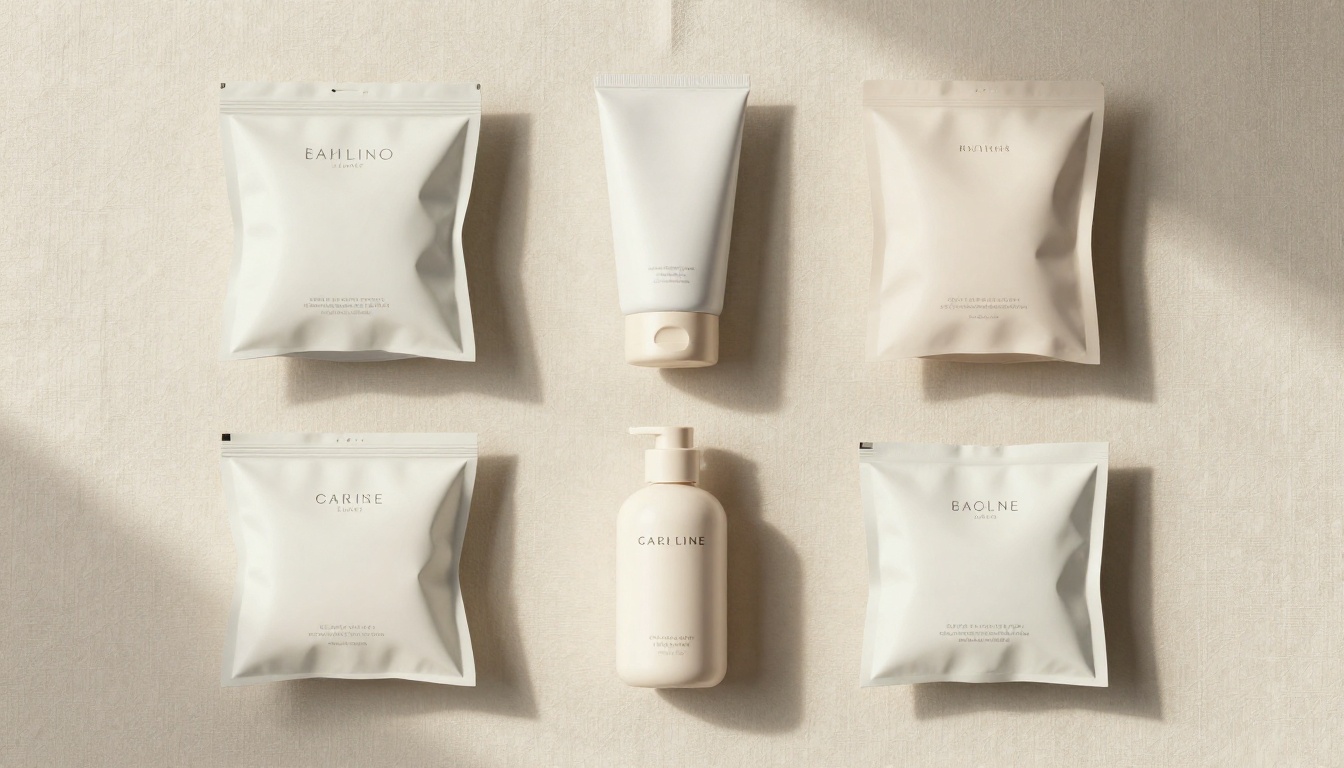
What "3D" Means in AI Product Photography
The phrase "turn product photos into 3D with AI" gets used loosely. Before diving into how AI does it, it helps to be specific about what is actually happening, because there are two different things people mean.
Depth Maps vs. Actual 3D Models
A depth map is a grayscale representation of how far each pixel in an image is from the camera. AI models can generate a plausible depth map from a single 2D photograph using depth estimation algorithms trained on millions of real-world images. That depth map is then used to reproject the image into a slightly different perspective, apply accurate lighting and shadows, and add the visual cues that make a flat photo read as three-dimensional.
An actual 3D model is a different beast entirely: a mesh-based object you can rotate in any direction, use in a game engine, or 3D print. While AI is making progress on generating those from photos, they require significantly more compute and specialized workflows. For product photography and e-commerce purposes, the depth-enhanced, photorealistic approach is what most brands actually need, and it delivers results in seconds.
Light, Shadow, and Surface Texture
The three components that create the perception of three-dimensionality in photography are:
| Component | What It Does | Without It |
|---|
| Directional Shadow | Tells the viewer where the light source is, anchoring the object in space | Product floats on the background |
| Specular Highlight | Shows material properties (matte vs. glass vs. metal) | Surfaces look flat and undifferentiated |
| Texture Detail | Communicates tactile quality at a micro level | Packaging looks cheap regardless of material |
AI models trained on product photography have learned to generate all three from a single source image, and they do it in a way that respects the original photograph's lighting conditions.
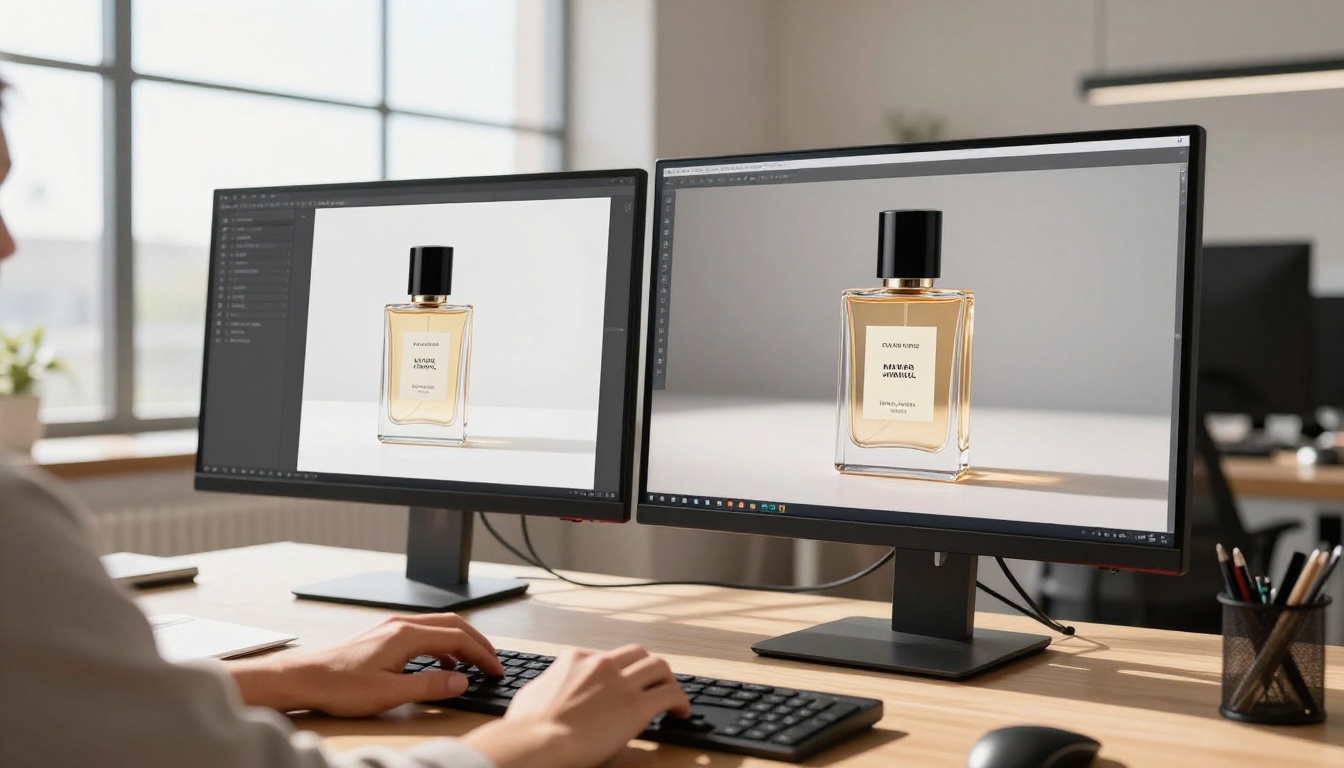
How AI Adds Depth to Any Product Photo
The process is not magic, but it is close to it from a practical standpoint. Here is what is actually happening under the hood.
Depth Estimation from a Single Image
Modern depth estimation models, trained on datasets pairing photographs with LiDAR scans and stereo camera data, can predict the relative distance of every pixel in an image from the camera viewpoint. For product photography, this means the model correctly identifies that a bottle's neck is closer than its body, that a box edge is closer than its face, and that a ring's setting is closer than its band.
Once the AI has that depth estimate, it can apply proper motion parallax to simulate a slight camera shift, generate a shadow consistent with the depth map, and apply sharpening and detail enhancement to the foreground elements that should be closest to the camera.
Shadow and Highlight Reconstruction
Flat e-commerce photography is typically shot with diffuse, even lighting specifically to eliminate shadows, because traditional editing workflows cannot reconstruct them convincingly. AI changes this by generating plausible contact shadows, cast shadows, and self-shadows based on the inferred three-dimensional geometry of the product.
The result is a photo where the product sits convincingly in space rather than floating on a background, which is one of the single most impactful visual changes you can make to an e-commerce image.
Texture Amplification
AI models for product photography also excel at recovering and amplifying surface texture: the grain of a leather good, the weave of a fabric tag, the embossing on a cardboard package, the pore structure of matte cosmetic packaging. This detail is often present in the source photo but underexposed or compressed out of existence. The AI generates plausible texture detail based on the material category it has identified, producing an image that reads as sharper and more tactile than the original.
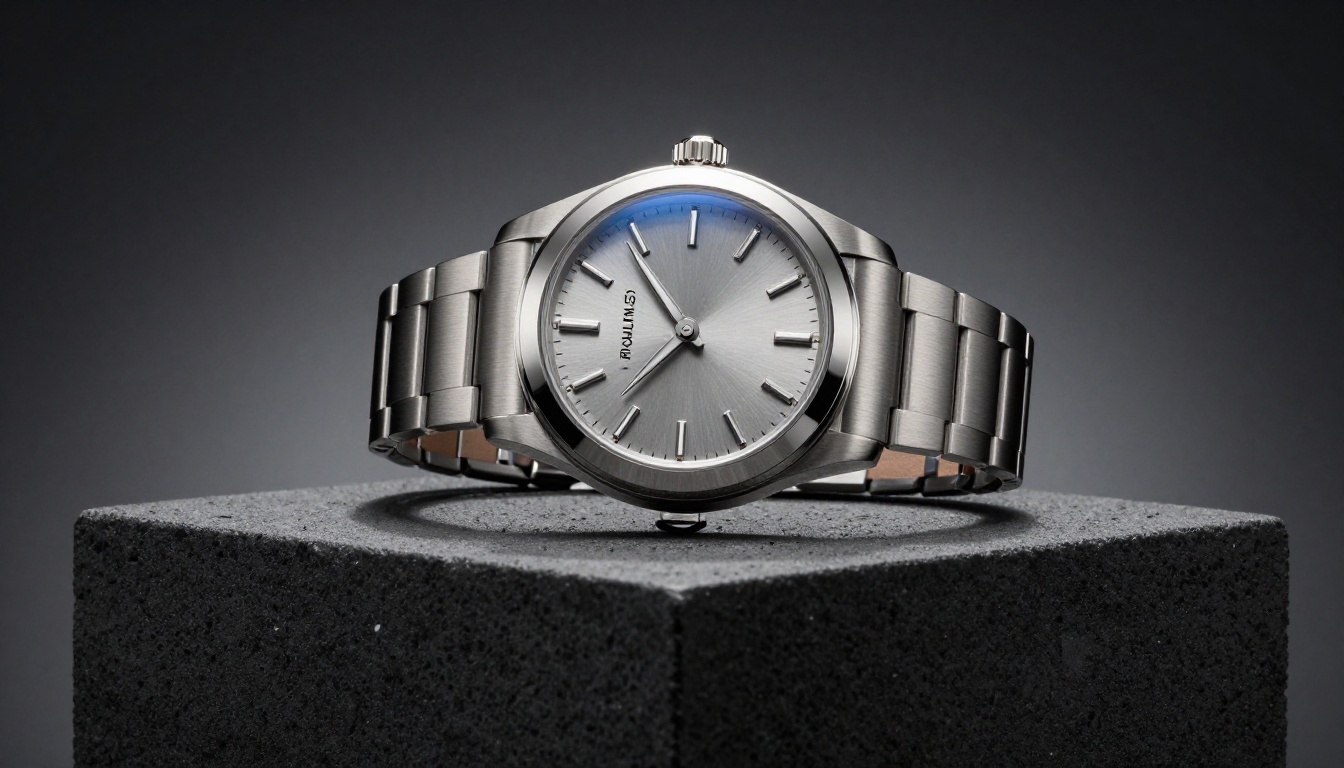
Products That Benefit Most
Not every product category benefits equally from AI depth work. Here is where the returns are highest.
Cosmetics and Skincare Bottles
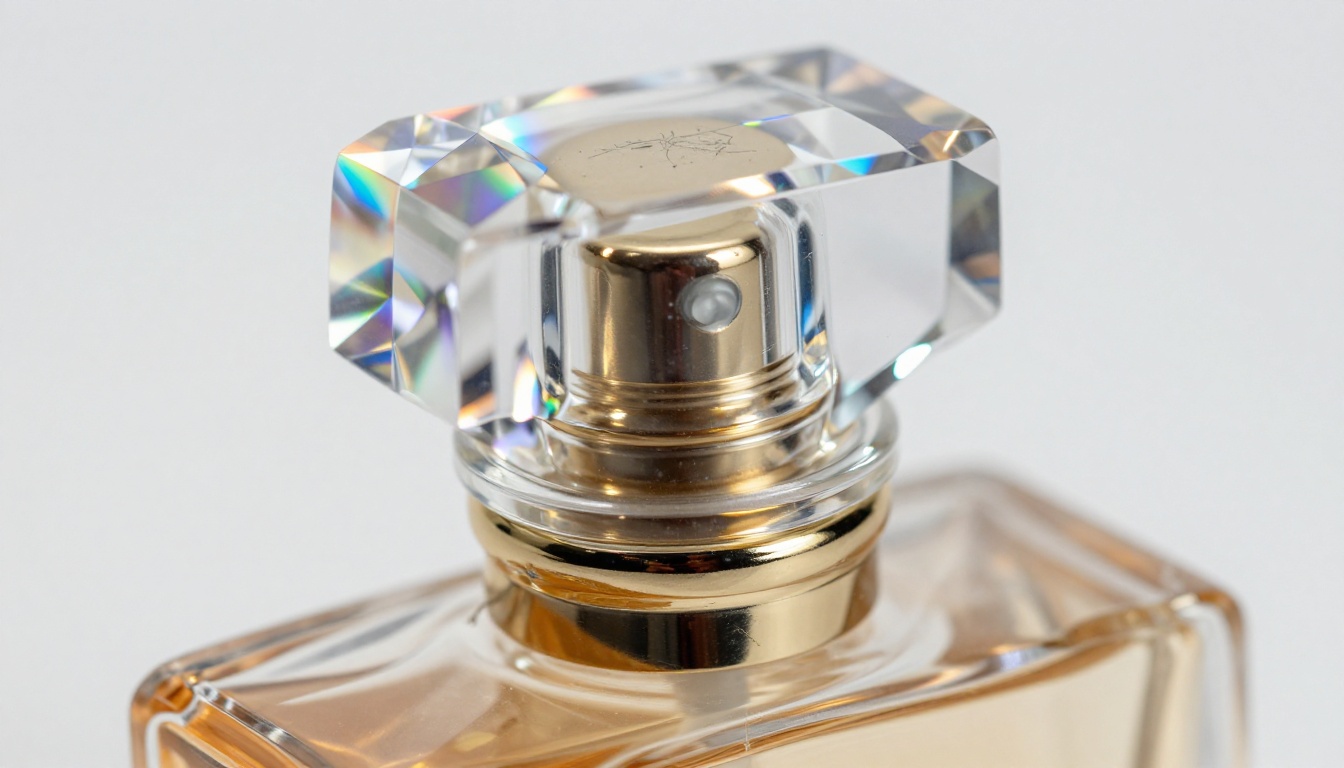
Glass and translucent plastic packaging are notoriously difficult to photograph in a way that communicates premium quality. AI models can add accurate light refraction through glass surfaces, render caustic light patterns on surrounding surfaces, and add the crisp specular highlight on a bottle's shoulder that signals quality craftsmanship. The result is a cosmetic product that looks as good as the brand's premium positioning demands.

Jewelry, Watches, and Accessories
Metal and gemstones depend entirely on their environment for visual appeal. A diamond ring photographed with flat diffuse lighting looks like a piece of plastic. AI can reconstruct the point-source highlight reflections, the interior fire of a gemstone, and the crisp environmental reflections in a polished metal surface that communicate genuine quality.
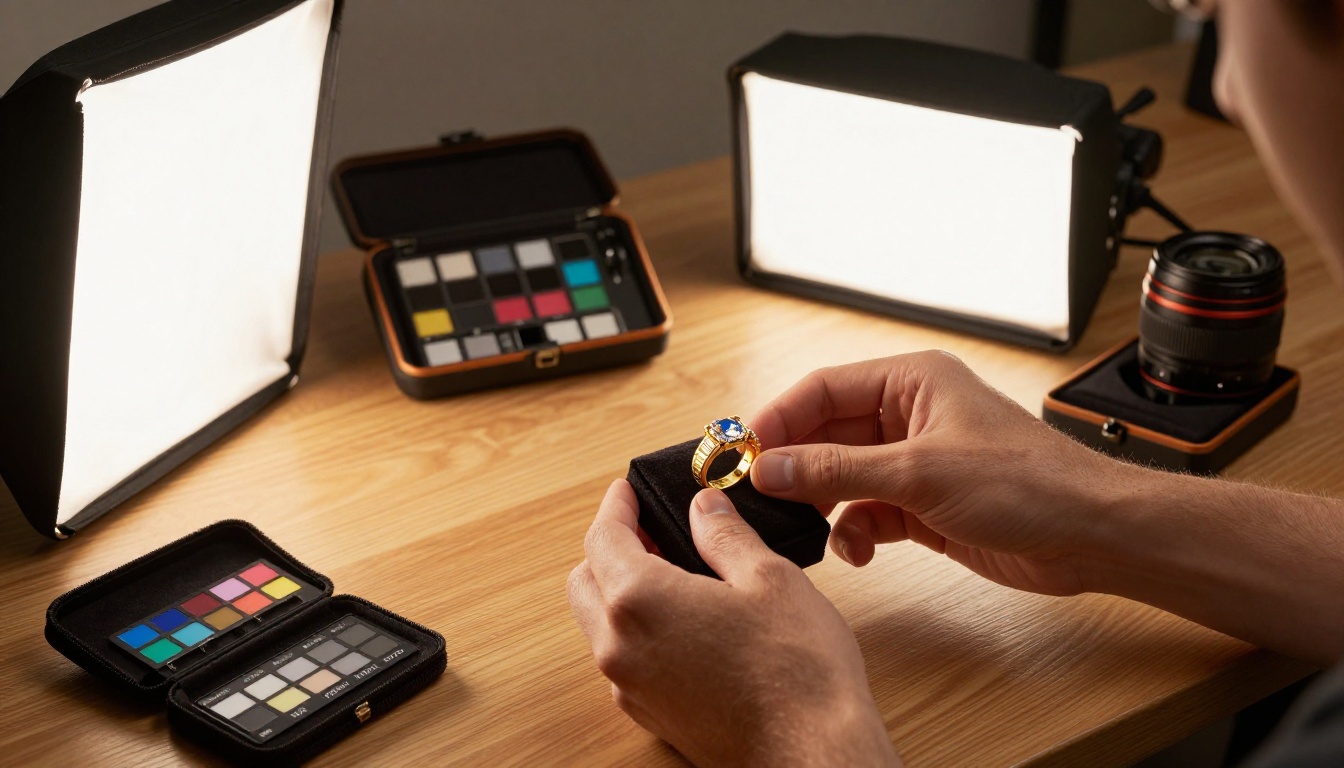
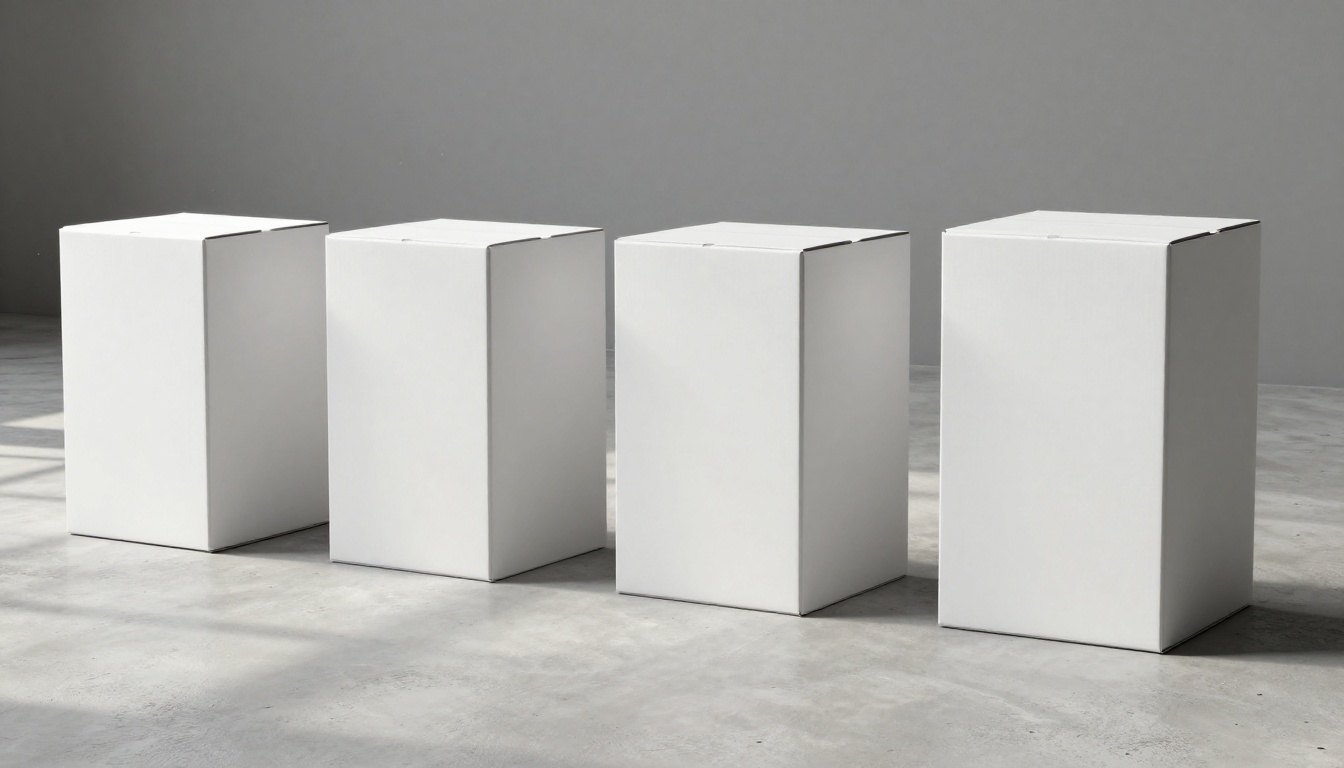
Packaged Goods and Boxes
Cardboard, paper, and label-heavy products need depth to communicate the tactile reality of the packaging. AI adds relief depth to embossed logos, reconstructs the three-dimensional edges of boxes, and adds the surface gloss variation between matte and spot-UV elements that tells buyers they are looking at premium packaging.
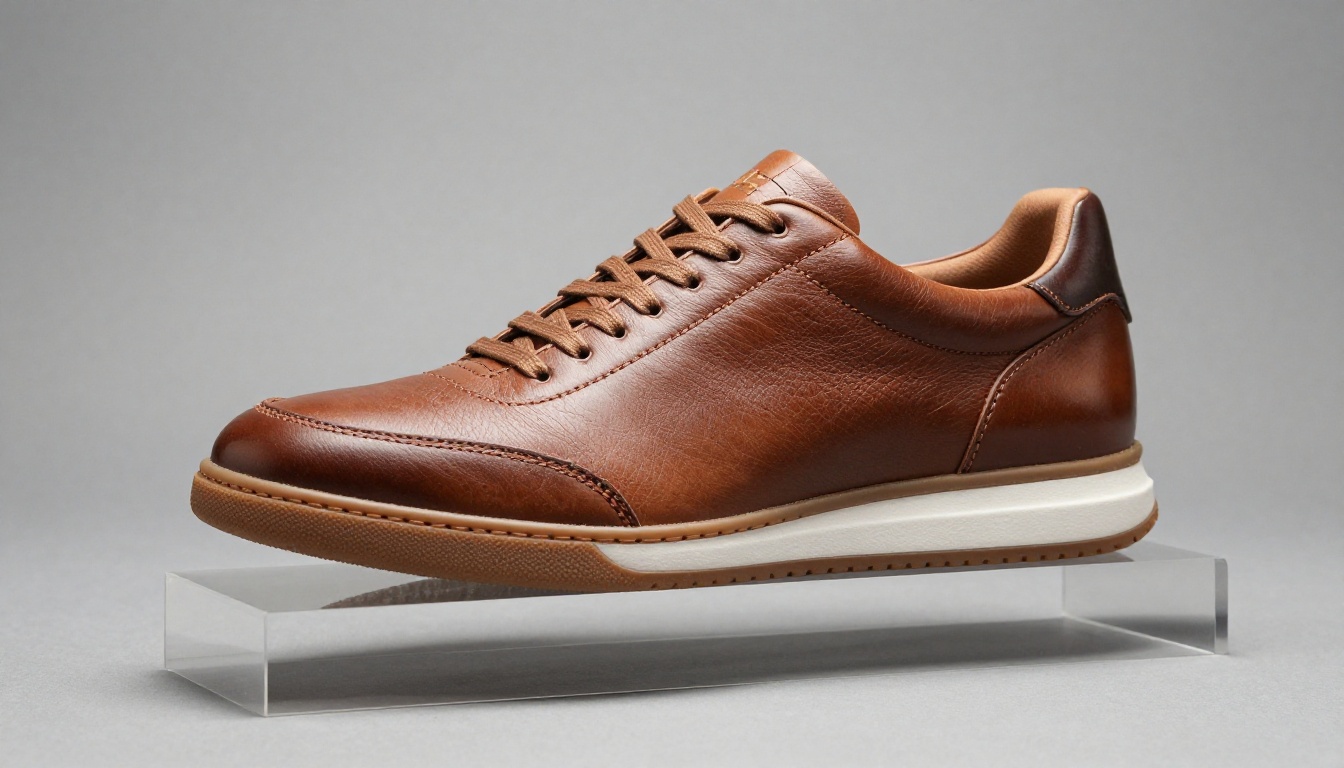
Apparel and Footwear
Fabric texture, stitching detail, and the three-dimensional structure of footwear are all areas where AI depth work pays off. The grain of a leather upper, the knit texture of a sweater, the construction quality of a shoe sole: these elements read as quality signals to buyers and are often lost in compressed e-commerce imagery.
How to Do It on PicassoIA
PicassoIA has several models that work together effectively for this workflow. Here is how to approach it.
Start with PicassoIA Image
PicassoIA Image is the starting point for generating product visuals with three-dimensional depth directly from text prompts. Rather than trying to add depth to an existing flat photo in post-production, you can prompt the model to generate a product shot with the specific depth cues you need: directional lighting, contact shadows, material-accurate reflections.
For existing product photos, the PicassoIA Image Editor Pro gives you editing tools to work with your source image directly, using inpainting and outpainting to add or modify depth-related elements like backgrounds, shadows, and surface environments.
Effective prompting for depth:
- Specify lighting direction: "directional primary light from upper left at 45 degrees"
- Name the surface explicitly: "glass bottle with accurate refraction and specular highlights"
- Describe shadows: "contact shadow beneath product, cast shadow on background"
- State camera specs: "85mm lens, f/2.0, shallow depth of field"
Refine with Flux Redux Dev
Once you have a base image with strong depth characteristics, Flux Redux Dev lets you generate variations that maintain the three-dimensional composition while adjusting color, background, or stylistic elements. This is particularly useful for creating a consistent product image family where all shots share the same depth language and lighting style across an entire catalog.
Upscale the Final Result
AI-generated product images benefit significantly from a dedicated upscaling pass. Clarity Pro Upscaler is the most effective tool for product photography specifically, sharpening surface texture detail while maintaining accurate color. For faster results, P Image Upscale handles the job in under a second.
For critical e-commerce applications where the highest possible resolution is needed, Topaz Image Upscale can go up to 6x enlargement without visible quality loss, making it the right call for print-ready packaging mockups or large-format digital advertising.
💡 Upscaling is not optional for product photography. The difference between a 1x and a 4x upscaled product image at full zoom is the difference between a customer trusting and not trusting product quality.
Pro Tips for Better Source Photos
AI does its best work when the source material gives it something to work with. Here are three areas where improving your source photo pays disproportionate returns.
Lighting Before the AI Works
AI can add shadows and highlights, but it cannot invent surface information that was never there. Shoot your source product photos with at least one directional light source rather than purely diffuse lighting. A single off-axis softbox positioned at 45 degrees to the product gives the AI geometry information to work with: it can see which surfaces are catching light and which are falling into shadow, which dramatically improves the realism of any depth work applied afterward.
Prompting for Depth and Shadow
When prompting for depth effects in text-to-image workflows, specificity of lighting language is the single biggest lever. Generic prompts like "product photography" produce generic results. Specific prompts like "product shot, directional light from upper left, deep contact shadow on white surface, 85mm portrait lens, f/1.8 bokeh background" produce images with real three-dimensional presence.
High-impact prompt elements for 3D product photography:
- "volumetric light shaft from [direction]"
- "cast shadow falling [direction] at [length]"
- "specular highlight on [surface material]"
- "depth of field with [foreground element] sharp and [background] soft"
- "texture visible in [material]: grain, weave, pore structure"
When Upscaling Makes the Difference
Recraft Creative Upscale takes a different approach from most upscalers: it adds depth and detail based on what it infers should be there, not just what it can interpolate from existing pixels. For product photography where the original generation lacked fine surface detail, this model adds plausible texture rather than just blowing up what is already there.
For faces or models in fashion and lifestyle product photography, Crystal Upscaler is specifically trained on portraits and will recover skin texture, hair detail, and eye clarity better than a general-purpose upscaler.
The Business Case for 3D Product Images
What Conversion Rate Data Shows
Research consistently shows that product image quality is the single most influential factor in online purchase decisions, outranking price, reviews, and descriptions in categories like cosmetics, fashion, and consumer electronics. Images with visible depth cues: shadows, bokeh, directional lighting, produce higher time-on-page and lower bounce rates because they hold attention in a way that flat images simply do not.
The mechanism is straightforward: a three-dimensional product image activates the same mental simulation that in-store physical handling does. The customer can mentally "pick up" the product, assess its weight and material quality, and visualize it in their environment. A flat white-background image with no depth cues requires the customer to do all of that imaginative work with zero visual support.
Cost vs. Traditional 3D Rendering
Traditional 3D product rendering workflows require a 3D artist to model the product from scratch, UV-unwrap surfaces, apply physically-based render materials, set up HDRI lighting, and render at high resolution. For a single product, this process typically takes 8 to 24 hours and costs between $150 and $800 per image at professional rates.
AI-powered depth-enhanced photography on PicassoIA achieves comparable visual results in under two minutes with no specialist knowledge required. For brands with large product catalogs, this is not an incremental improvement. It is a category change in what is economically viable.
| Approach | Time per Image | Cost per Image | Requires Specialist |
|---|
| Traditional 3D Render | 8-24 hours | $150-$800 | Yes |
| Professional Photography | 2-4 hours | $80-$400 | Yes |
| AI Depth Photography | Under 2 minutes | Subscription | No |
Create Your First 3D Product Image
Every product in your catalog deserves to look as good as it actually is. Flat photography is a choice, and in 2027, it is a choice with a measurable cost attached to it.
PicassoIA gives you direct access to the full pipeline: PicassoIA Image for generating depth-first product visuals from scratch, PicassoIA Image Editor Pro for editing existing photos with inpainting and depth tools, Flux Redux Dev for building consistent image families, and Clarity Pro Upscaler for final resolution work. The entire pipeline runs in your browser with no software installation, no 3D modeling skills, and no photography studio required.
Pick one product from your catalog. Write a specific, lighting-heavy prompt. Generate three variations. The difference between what you started with and what you end up with is the visual gap between a brand people scroll past and one they stop to look at.


