Voice memos are the fastest way to capture a thought. You tap record, speak freely, and your idea is saved instantly. But then what? Scrolling through audio files searching for a single sentence is painful. Sharing a two-minute recording with someone who just needs one key point is frustrating. That is exactly where AI transcription changes everything: your voice memo becomes searchable, shareable, editable text in seconds. This article walks you through how it works, which AI models perform best, and how to start turning voice memos into text with AI today.
Why Voice Memos Are So Hard to Use
Recording is effortless. The problem starts the moment you want to do anything useful with what you captured.
The replay-and-retype trap
Most people replay a voice memo two or three times while manually typing out what they said. For a 30-second note, this is mildly annoying. For a 20-minute meeting recording, it is a serious time drain. Research consistently shows that manual transcription takes three to five times longer than the original audio duration. That means a one-hour interview costs you between three and five hours to transcribe by hand.
AI speech-to-text models eliminate that entirely. You upload the file, the model processes it, and you get a full text transcript in a fraction of the time, ready to edit, search, and share.
When a 10-minute recording buries one fact
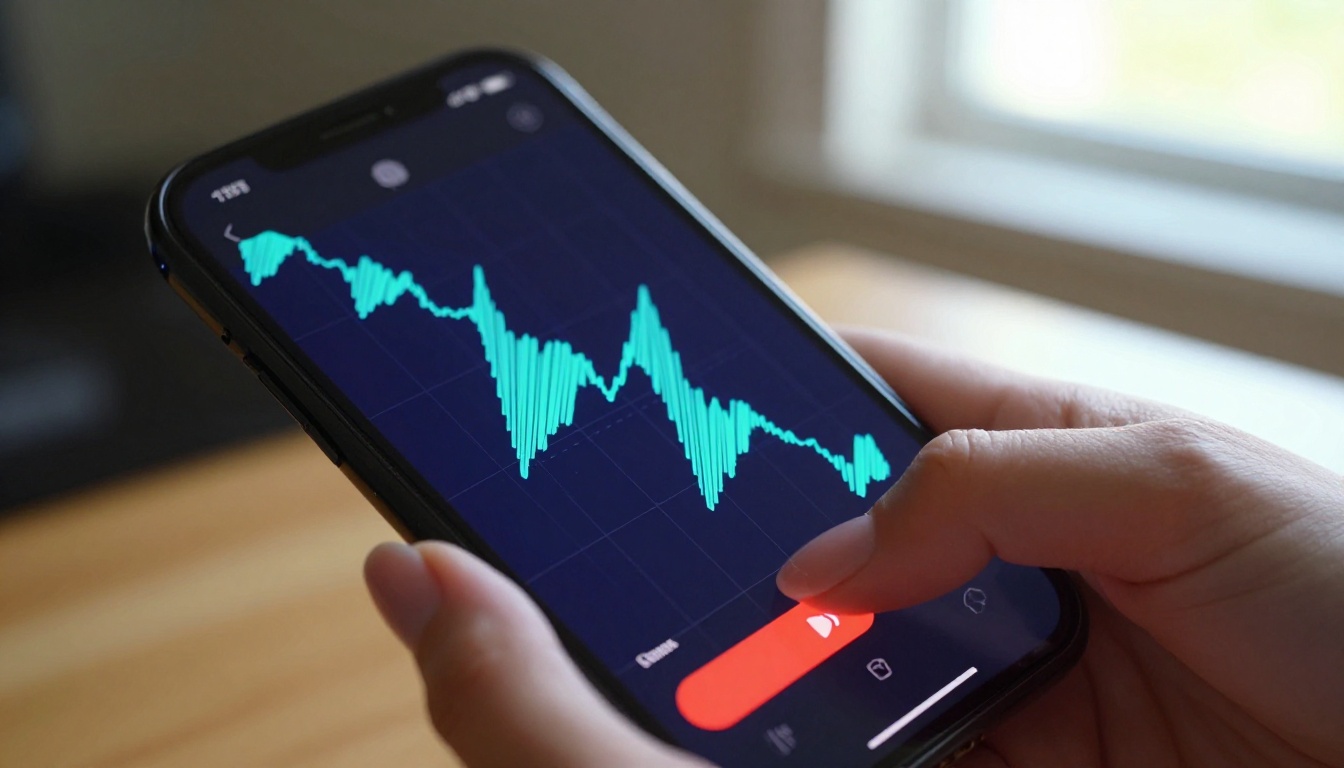
Voice memos are also completely unsearchable in their raw audio form. Your phone's file manager cannot tell you which recording contains the phrase "Q3 budget" unless you listen to each one. Once a voice memo becomes text, standard search finds it instantly. The content becomes part of your document system, your notes app, your project management tool, and any other text-based workflow you already use every day.
The longer your voice memo habit runs, the more value transcription adds. A library of 200 transcribed recordings is a searchable personal archive. Two hundred untranscribed audio files is a pile you will never go through.
How AI Transcription Works
Modern AI transcription is not the clunky speech recognition software from a decade ago that required training on your specific voice and still produced frequent errors.
From spoken audio to clean text
Today's speech-to-text models are trained on massive multilingual audio datasets containing thousands of hours of diverse speech. They identify phonemes (the smallest units of sound in spoken language), map sequences of those phonemes to probable words using context windows, and output grammatically coherent text with punctuation. The best models handle homophones correctly based on context, identify speaker changes in multi-person recordings, and generate clean text that reads naturally without the filler words that appear in raw speech.
The process follows a clear pipeline:
- Audio intake: The model receives your file in MP3, WAV, M4A, OGG, FLAC, or other standard formats
- Signal processing: Background noise is reduced, silence is detected, and speech segments are identified
- Acoustic modeling: Sound sequences are matched to statistically likely words from the model's training data
- Language modeling: Sentence-level context resolves ambiguous words and homophones
- Output formatting: Clean text is returned with punctuation, capitalization, and optional timestamps
💡 Top AI transcription models now achieve word error rates below 5% on clear audio, which matches the performance of professional human transcribers.
What affects accuracy
| Factor | Impact on Accuracy |
|---|
| Background noise | High: reduces accuracy significantly |
| Speaker accent | Moderate: leading models handle most accents well |
| Multiple speakers | Moderate: speaker identification varies by model |
| Audio bitrate and quality | High: low-quality recordings hurt results |
| Speaking pace | Low: modern models handle fast speech reliably |
| Technical and domain jargon | Low to moderate: depends on training data coverage |
| Microphone distance | High: too close or too far both reduce quality |
The single most impactful variable is recording environment. A phone memo recorded in a quiet room transcribes at 95 percent accuracy or higher. The same phone in a busy coffee shop may drop to 78 to 82 percent accuracy. Controlling your recording environment is more valuable than selecting the most powerful model available.
The 5 Best AI Models for Voice Memo Transcription

Not all transcription models are equal. These five cover the full range of use cases you are likely to encounter.
GPT-4o Transcribe
GPT-4o Transcribe from OpenAI is the highest-accuracy option for English audio. It handles challenging scenarios that trip up smaller models: heavy regional accents, fast speakers, overlapping dialogue, and recordings with moderate background noise. Its output arrives with accurate punctuation and strong capitalization. It handles technical vocabulary from medicine, law, engineering, and finance better than almost any competing model currently available.
Best for: Professional audio, technical terminology, complex multi-speaker recordings, long-form interviews
GPT-4o Mini Transcribe
GPT-4o Mini Transcribe delivers the majority of its larger sibling's accuracy at significantly lower latency. For casual voice memos, quick meeting notes, and personal voice journals where you control the recording conditions, this model hits the sweet spot between speed and precision. Processing times are noticeably faster, which matters when you are running large batches of audio files.
Best for: Quick personal notes, high-volume transcription workflows, standard conversational audio
Gemini 3 Pro
Gemini 3 Pro from Google is the strongest model for multilingual audio. It handles code-switching (mixing two languages within a single recording) better than any English-first model. It also benefits from strong contextual reasoning that catches misheard words by reading surrounding sentence context rather than treating each word in isolation. International teams and anyone recording in languages other than English should start here.
Best for: Multilingual recordings, code-switching audio, non-English content, international teams
Granite Speech 4.1 2B
Granite Speech 4.1 2B from IBM is an efficient model that handles transcription in 6 languages with a compact architecture. Its smaller footprint means faster processing times while maintaining strong accuracy for standard conversational speech. For users who need reliable multilingual transcription without the full weight of larger models, this is a practical and consistent option.
Best for: Six-language support, fast processing, structured business audio and meetings
Granite Speech 3.3 8B
Granite Speech 3.3 8B is IBM's more capable model, with deeper acoustic modeling designed for challenging audio conditions. It handles noisier environments better than the 2B version and produces more consistent results on longer recordings with multiple speakers. If your voice memos come from field work, outdoor environments, or production floors, this model is the better choice.
Best for: Noisy environments, long recordings, challenging acoustic conditions, field audio
How to Transcribe Voice Memos on PicassoIA

The transcription workflow is built to be fast. No software to install, no separate service subscription, no waiting days for a human transcriber to return your file.
Step 1: Upload your audio
Navigate to the speech-to-text section and select your preferred model. Upload your voice memo file directly from your device. Supported formats include MP3, WAV, M4A, OGG, FLAC, and WebM, covering the default output format from iPhone Voice Memos (M4A), Google Recorder (OGG), and most third-party recording apps.
💡 iPhone Voice Memos saves files in M4A format by default. This is fully supported by all five transcription models without any conversion needed.
Step 2: Pick a model
Match the model to your audio:
Step 3: Copy and edit
Once the model finishes processing, your full transcript is ready on screen. Scan it for proper noun misses or domain-specific terms that the model may have rendered phonetically. Then copy the text directly into Notion, Google Docs, Slack, email, or any other text environment you already use. For long recordings, enable timestamps before processing so you can jump directly to specific moments in the original audio when you need to verify a quote or confirm a name.

A typical 5-minute voice memo takes under 30 seconds of model processing time. A 60-minute interview recording takes between 2 and 4 minutes.
Real Use Cases That Save Hours
AI voice memo transcription fits naturally into workflows that already exist. Here are three scenarios where the time savings are most immediate.
Podcast notes in 60 seconds
Podcasters record hours of content every week. Creating show notes, chapter timestamps, and episode summaries manually is one of the heaviest parts of post-production. With automatic transcription, the raw transcript arrives within minutes of the recording. A quick review produces show notes, quotable highlights for social sharing, and a fully searchable episode archive. Content creators who adopt AI transcription consistently report cutting their post-production time by 40 to 60 percent.
Meeting summaries without a note-taker
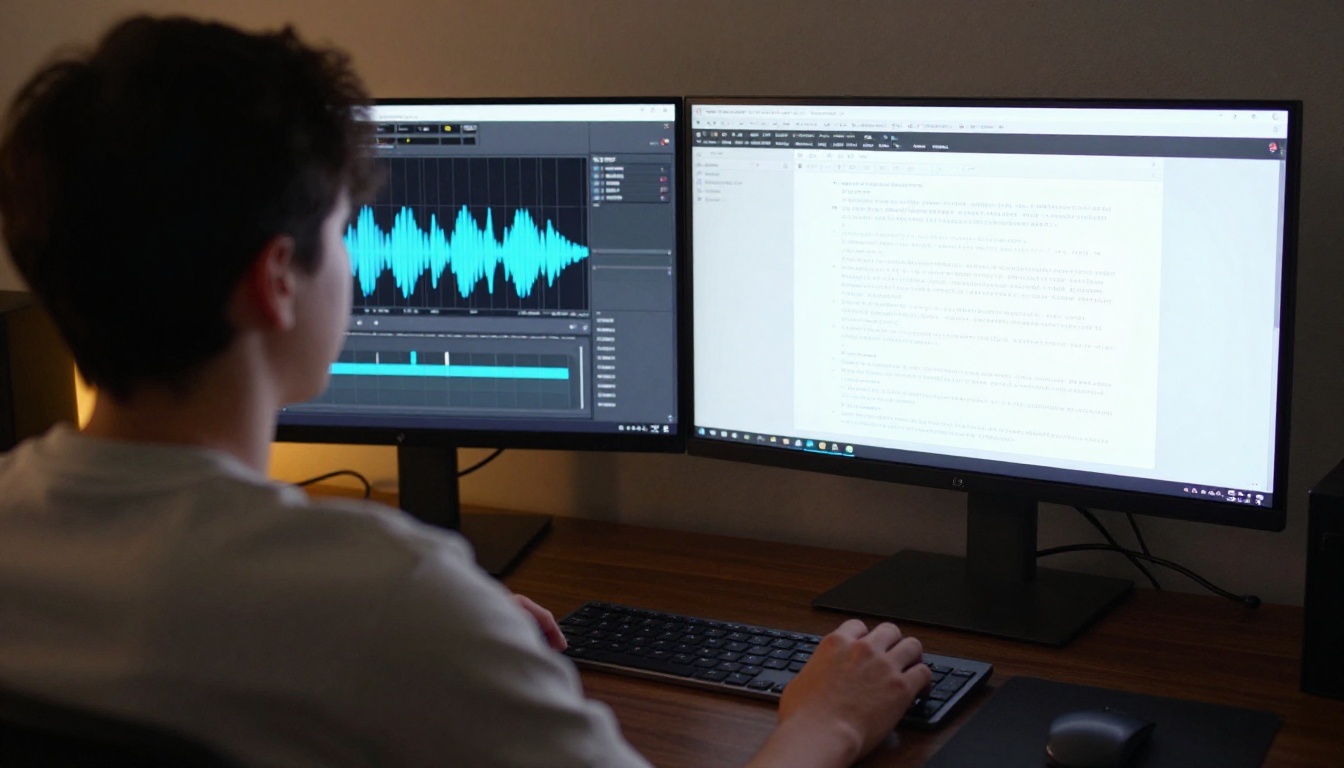
Recording a meeting and immediately transcribing it means no one in the room needs to play note-taker. The transcript captures every decision, action item, and discussion thread. Teams that build this habit report fewer miscommunications, fewer missed follow-ups, and faster onboarding for colleagues joining a project partway through because the full history is text-searchable.
The key is recording quality. A laptop microphone in a conference room produces usable results. A phone placed face-up in the center of the table, with no objects between it and the speakers, produces excellent results that top-tier models handle with ease.
Journaling by voice
Voice journaling is one of the fastest-growing personal productivity habits. Speaking your thoughts aloud is significantly faster than typing, averaging 130 words per minute versus 40 for most typists, and many people find it more natural when processing emotions or working through a complex idea. The longstanding problem with voice journals has been that they are impossible to search or review quickly.
With AI transcription, your spoken journal becomes a full-text archive. You can search across months of entries, notice recurring themes in your thinking, and share specific passages with a coach, therapist, or collaborator without ever transcribing a single word manually.
Tips for Cleaner Transcripts

Getting consistently excellent results from any speech-to-text model is mostly about controlling input quality.
Get your microphone distance right
The optimal distance between your mouth and a phone microphone is 6 to 12 inches (15 to 30 centimeters). Closer than that and you introduce breath sounds and plosive consonants that disrupt acoustic modeling. Further than that and ambient noise starts competing with your voice in the signal. For meeting recordings, place the phone flat in the center of the table with nothing between it and the participants.
Speak in complete sentences
Fragmented speech, heavy use of filler words like "um" and "uh," and frequent sentence restarts all reduce output quality. You do not need to speak like a broadcaster. But consciously finishing each sentence before pausing, and replacing restarts with brief silences, noticeably improves the transcript without requiring any change to your natural speaking pace.
💡 Before transcribing an important recording, listen to the first 30 seconds. If you hear heavy background noise or frequent self-interruptions, consider re-recording those segments. Thirty seconds of clean audio contributes more to final quality than three minutes of problematic audio.
Use timestamps for long recordings
Most models can output word-level or segment-level timestamps alongside the text. Enable this option for any recording longer than 10 minutes. Timestamps let you navigate directly to the original audio at any point in the transcript when you need to verify exact phrasing or confirm a name the model may have rendered incorrectly.
Beyond Transcription

Once you are comfortable converting voice to text, the reverse workflow and multilingual extensions open up a second tier of possibilities.
The reverse workflow: text to speech
Everything works in both directions. Text-to-speech models convert written content back into natural-sounding audio. This is valuable for proofreading (listening to text read aloud reveals errors that visual scanning misses), for creating audio versions of written articles, and for building accessibility into content workflows.
The platform offers a full range of options that pair naturally with transcription: ElevenLabs V3 for natural expressive voices with emotion control, Gemini 3.1 Flash TTS with 30 voices across 70-plus languages, Chatterbox Pro for custom voice cloning, and Speech 2.8 HD for studio-quality output.
Multilingual voice translation opens new workflows
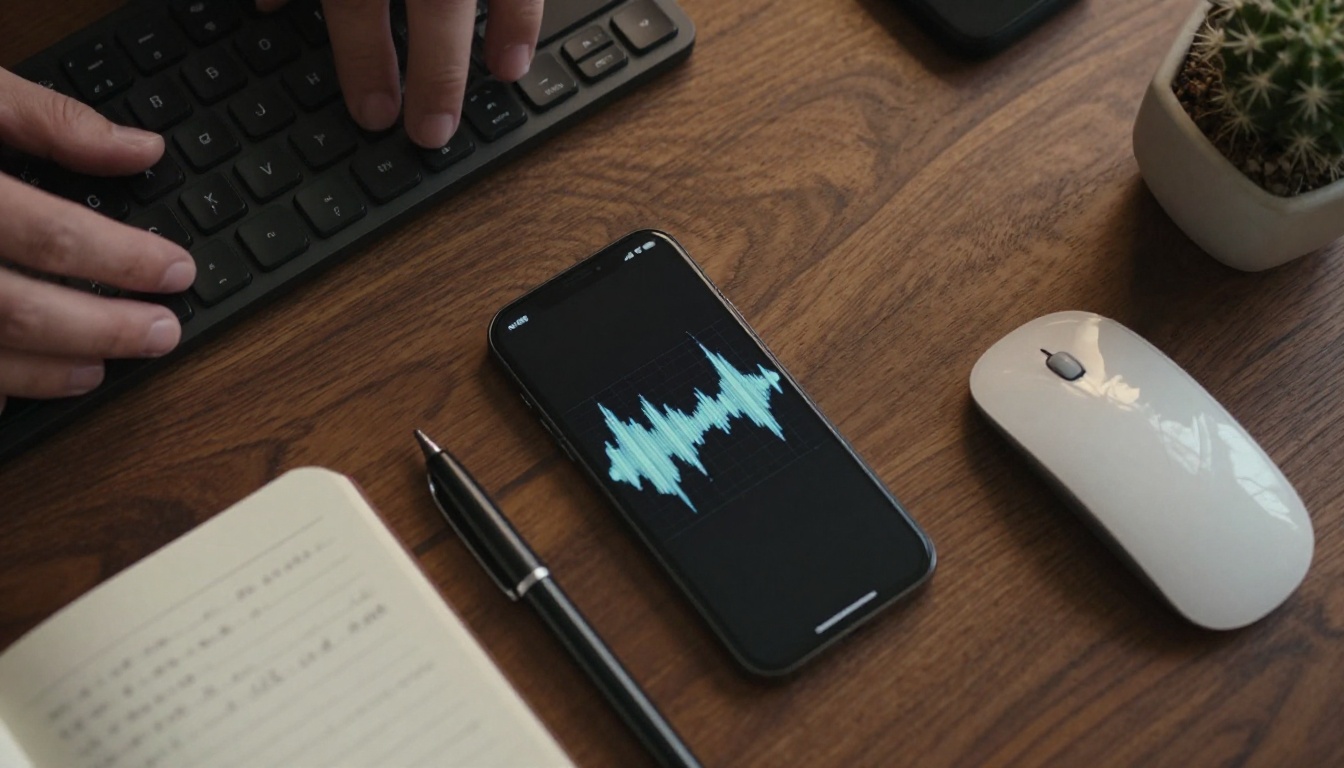
If you work across languages, combining AI transcription with AI translation creates a pipeline that was previously only available to enterprise teams with large localization budgets. Record a meeting in Spanish, transcribe it with Gemini 3 Pro, and share the resulting transcript with an English-speaking colleague. Large language models available on the platform handle the translation in the same session.
This is where transcription models, language models, and text-to-speech tools start working as a complete pipeline rather than three separate utilities. Audio in, text in any language out.
Try It on Your Next Voice Memo
The next voice memo you record does not have to sit in your phone's audio library, waiting to be replayed and manually typed out. It can become a searchable document, a clean meeting summary, a podcast chapter outline, or the first draft of something worth publishing.
Every model covered in this article is available directly on the platform. Upload a short audio file to any of the five speech-to-text models, see the transcript arrive in seconds, and build from there. Start with a single memo that has been sitting unaddressed, then scale the habit as the workflow becomes second nature.
Your voice already knows what to say. AI transcription just makes sure none of it gets lost.


