Type "uncensored image to video" into a search bar and you will get a wall of tools promising unlimited, free, no filter clips from a single photo. Most of those promises fall apart after the first generation. The free tier runs out, the "uncensored" label turns out to mean "slightly looser", or the video comes back with a face that melts halfway through. This article sorts out what is real: which free options exist, how to build a source photo that survives animation, which prompts produce smooth motion, and which limits you cannot dodge no matter which site you pick.
A quick note on scope. Everything here deals with suggestive, non explicit content: swimwear, lingerie style fashion, glamour portraits, boudoir lighting. That is where image to video tools are most useful and where the moderation differences between platforms actually matter.
What "Uncensored" Really Means
The word gets used loosely. On a landing page it can mean "no watermark", "fewer blocked prompts" or "no moderation at all". Those are three very different products.
Three Kinds of Limits
Every image to video tool, free or paid, restricts you in at least one of three ways:
| Limit type | What it controls | Typical example |
|---|
| Content | What the model refuses to animate | Blocked swimwear or lingerie prompts |
| Volume | How many clips you can make | Monthly credits, daily caps, queue time |
| Quality | Resolution, length, watermark | 5 second clips, 720p, logo in the corner |
A tool can be loose on content and still brutal on volume. Another can give you unlimited volume but cap every clip at five seconds. When someone says a tool has "no limits", ask which of the three they mean.
💡 Tip: Before you pay for anything, run the same test photo through two tools. Compare how many attempts each allows, not just how good the first result looks.
Where the Filter Actually Fires
Here is the part most review blogs skip. In image to video, moderation usually checks the picture you upload, not just your words. A harmless prompt like "she turns and smiles" can still be rejected because the source image trips a classifier. The reverse also happens: a risky prompt gets through because the photo looks tame.
That has a practical consequence. If your clips keep getting blocked, rewriting the prompt rarely helps. Changing the source image does. A slightly more covered outfit, a different crop, softer framing, or a less revealing pose often solves it.
Free is real, but it comes in three flavours, and each has a catch.
Free Tiers From Mainstream Apps
Runway, Luma Dream Machine, Kling and similar apps all offer some free usage. Based on what was published in late 2026 research, the pattern looks like this:
- Runway: a one time pile of credits that is not renewed, roughly enough for a handful of short clips, usually with a watermark.
- Luma Dream Machine: around thirty standard generations a month on the free plan.
- Kling: often called the strongest free option for quality, but it enforces a content policy and is not marketed as uncensored.
These are fine for testing motion, lighting and camera moves. They are not where you go for swimwear or boudoir style content, because the filters are the strictest of any category.
Local Open Weights
The only route with no per generation cost is running open source video weights, such as the Wan family, on your own computer through ComfyUI. You pay with hardware and setup time instead. You need a capable graphics card with plenty of memory, a patient afternoon for installation, and comfort with node based workflows.
For most people the trade is not worth it. A single mid range GPU can take several minutes per five second clip, and every driver update is a small gamble.
Credit Based "Spicy" Platforms
A third group sells credits and advertises relaxed rules. Some third party listings quote prices around a few dollars for a few dozen clips, and API style services list per run prices of a couple of cents for short clips. Treat any number you read, including these, as a snapshot. Prices and rules change monthly, and many of these sites are run by the same people who write the review blogs ranking them.
Two warnings. First, "uncensored" on these sites still tends to stop at explicit material, because payment processors and app stores demand it. Second, read how long the site keeps your uploads before you send it a personal photo.
Start With a Strong Source Image
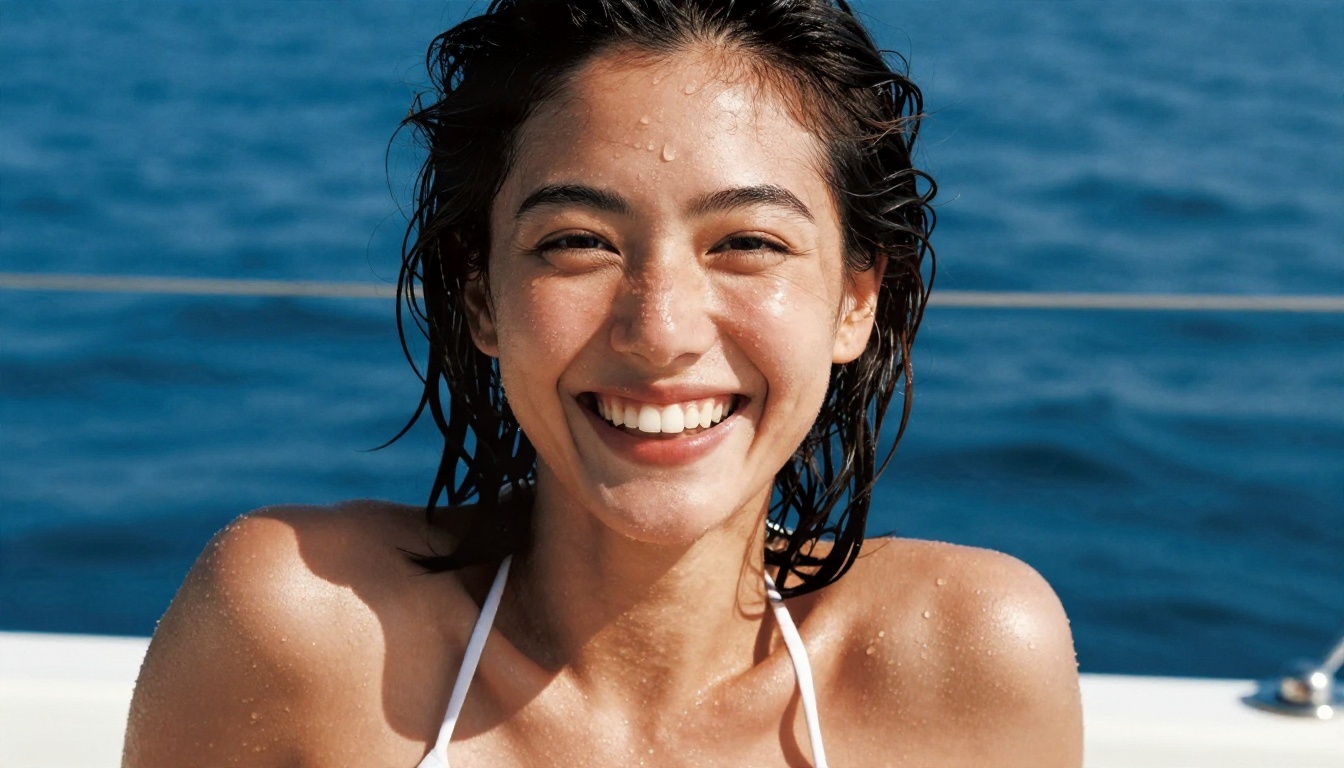
The first frame decides about eighty percent of the result. A sharp, well lit, anatomically clean photo animates beautifully. A blurry one with a strange hand produces a moving blurry hand.
Seedream 4.5 for the First Frame
For adult leaning glamour and swimwear photos, start with Seedream 4.5. It produces sharp, photographic skin, believable fabric and clean hands at high resolution, which is exactly what an image to video model needs to avoid artefacts. It is also quick, so you can generate several candidates in a minute and pick the one with the best pose and lighting.
What makes a good first frame:
- A clear subject with visible edges, not a face lost in shadow.
- Simple background so the model does not invent motion in clutter.
- Natural pose with some implied movement, like a hand in hair or a mid step.
- Soft directional light which survives compression better than hard flash.
Image Editor Pro for Unlimited Retries
When the photo is almost right, PicassoIA Image Editor Pro is the next stop. It offers unlimited generations, which matters more than it sounds. Image to video is a game of volume: you fix a sleeve, change a background, try three crops, and only then animate. Paying per attempt for every tweak adds up fast. Unlimited edits let you polish the frame until it is safe and sharp, then spend your video credits on the final version only.
Image to Video Models Worth Trying
Once the still is ready, the video model matters. Here are the families I would test first, all available on PicassoIA.
The Wan Family
The Wan models are popular for image animation because they follow motion prompts well and keep the subject's identity stable. You have several choices:
Hailuo, Kling and Seedance
Hailuo 2.3 and Hailuo 2.3 Fast are strong on fabric, hair and natural body movement. Kling v2.5 Turbo Pro gives cinematic camera moves and clean motion. Seedance 1 Pro and Seedance 1.5 Pro handle smooth, filmic movement, while Seedance 2.5 pushes clip length much higher.
Veo 3.1 for Sound
If you want ambient audio such as waves, wind or footsteps generated with the clip, try Veo 3.1, Veo 3.1 Fast or Veo 3.1 Lite. Expect stricter moderation than the Wan family, so keep source images tasteful.
| Model | Best for | Speed | Moderation feel |
|---|
| Wan 2.5 and 2.7 I2V | Identity stable motion | Fast to medium | Relatively relaxed |
| Hailuo 2.3 | Fabric and hair | Medium | Moderate |
| Kling v2.5 Turbo Pro | Camera moves | Medium | Strict |
| Seedance family | Smooth filmic motion | Medium | Moderate |
| Veo 3.1 family | Built in audio | Slower | Strict |
💡 Tip: The moderation column is a rule of thumb from testing, not a promise. Policies shift, so run a short test clip before building a project around one model.
Prompts That Move Images Well
A video prompt is not an image prompt. The picture already exists, so you describe only what changes. Repeating the outfit and the room wastes words and sometimes confuses the model.
The Motion Formula
Use this order: subject motion, then camera motion, then light and atmosphere.
She lifts one hand to brush hair from her face, then turns toward the camera with a soft smile. Slow dolly in. Warm late afternoon light, gentle breeze moving the hair and the hem of her dress.
Short, chronological, one main action. If you pile on three actions in five seconds, the model blends them into a smear.
Five Prompts to Copy
- Beach walk: "She walks slowly along the wet sand toward the camera, waves rolling over her feet, hair lifting in the wind. Camera tracks backward at a steady pace. Soft sunrise light."
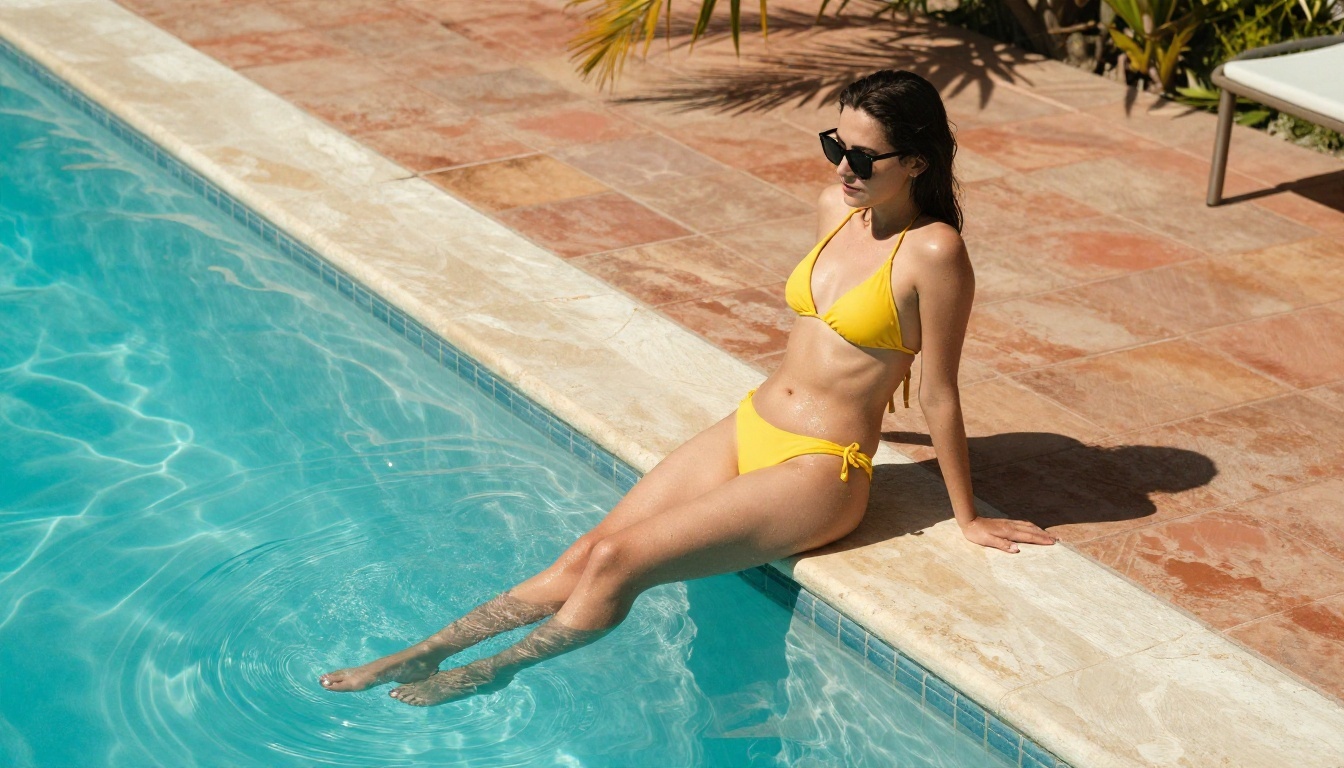
- Pool edge: "She kicks her feet gently in the water, ripples spreading across the surface, then tilts her head back toward the sun. Static camera, slight push in. Sparkling midday reflections."
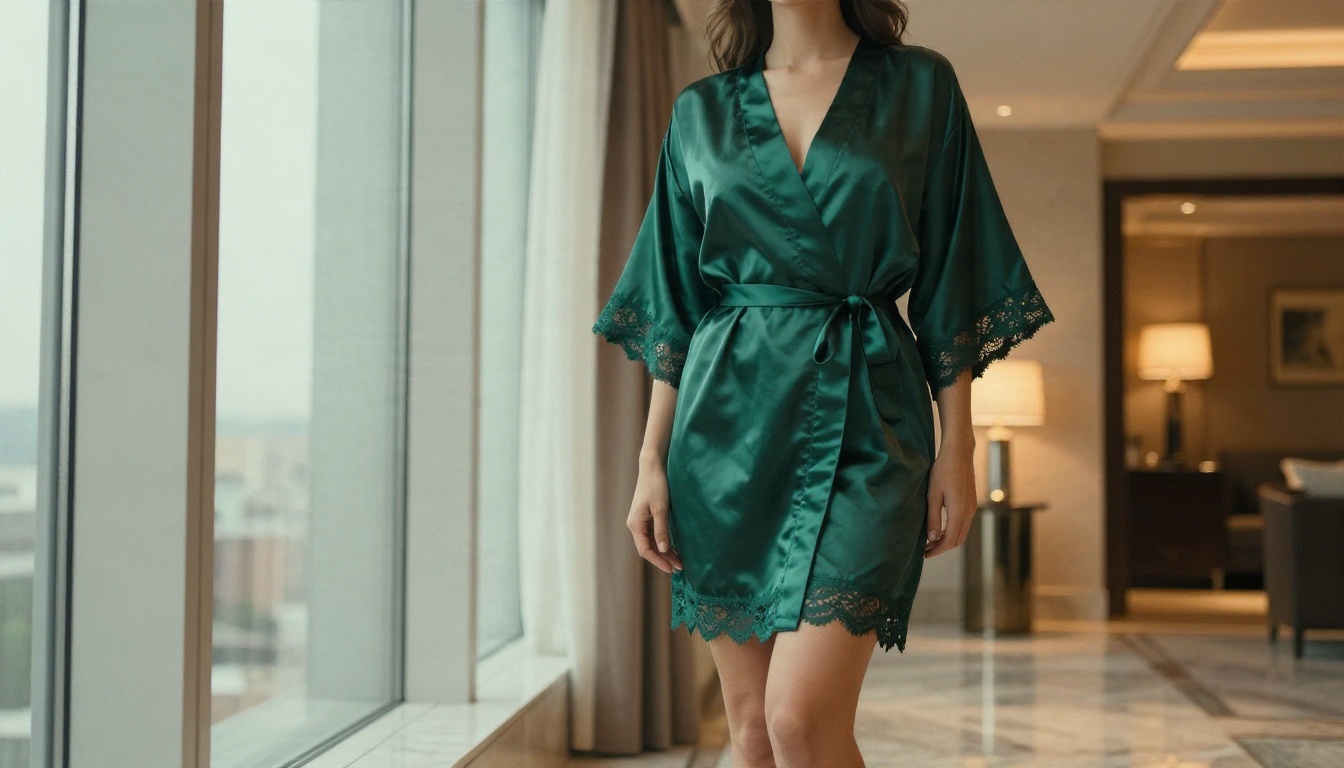
- Hotel robe: "The curtains billow beside her as she steps into the doorway and glances over her shoulder. Slow pan right. Warm lamp glow mixed with soft window light."
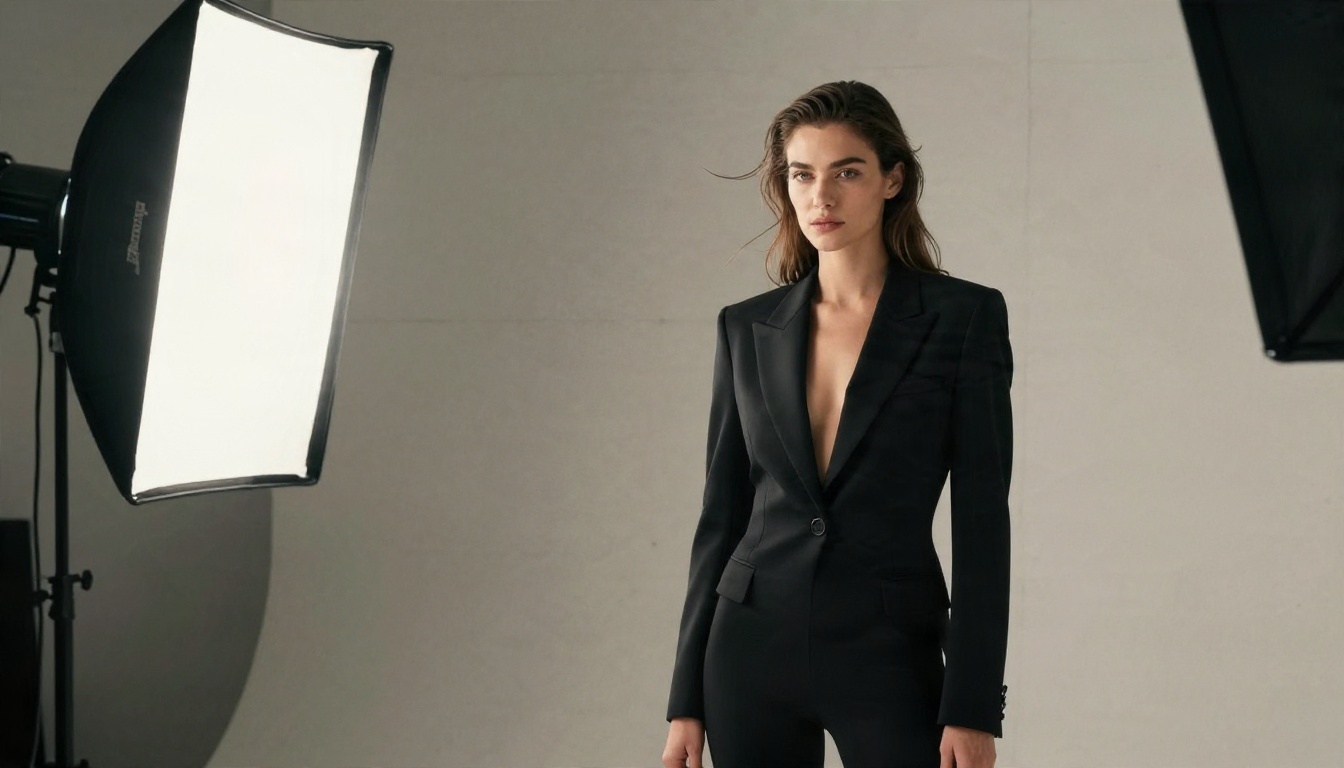
- Studio shoot: "A fan lifts her hair as she shifts her weight and changes pose twice. Handheld feel, subtle camera drift. Soft studio key light."
- Wheat field: "Wind sweeps through the field, her hair and open shirt moving, she smiles and looks toward the horizon. Slow orbit around her. Golden sunset backlight."
Words That Cause Trouble
Some words push both the filter and the model in the wrong direction:
- "Fast", "violent", "spinning": lead to warped bodies and broken faces.
- "Dancing": often triggers limb confusion on cheaper models.
- Anatomical terms: raise the moderation score without improving motion.
- Long lists of adjectives: dilute the single action you actually want.
Gentle verbs work best: turns, smiles, walks, glances, breathes, sways, lifts.
Limits You Will Hit Anyway
No matter which platform you choose, a few walls stay put.
Duration and Resolution
Most image to video models output clips of roughly five to ten seconds, commonly at 720p or 1080p. Longer shots usually mean stitching several clips together, using the last frame of one clip as the first frame of the next. Expect small jumps at the seams. Upscaling afterwards with a super resolution model can sharpen a 720p clip, but it cannot invent detail that was never there.
Face Drift and Morphing
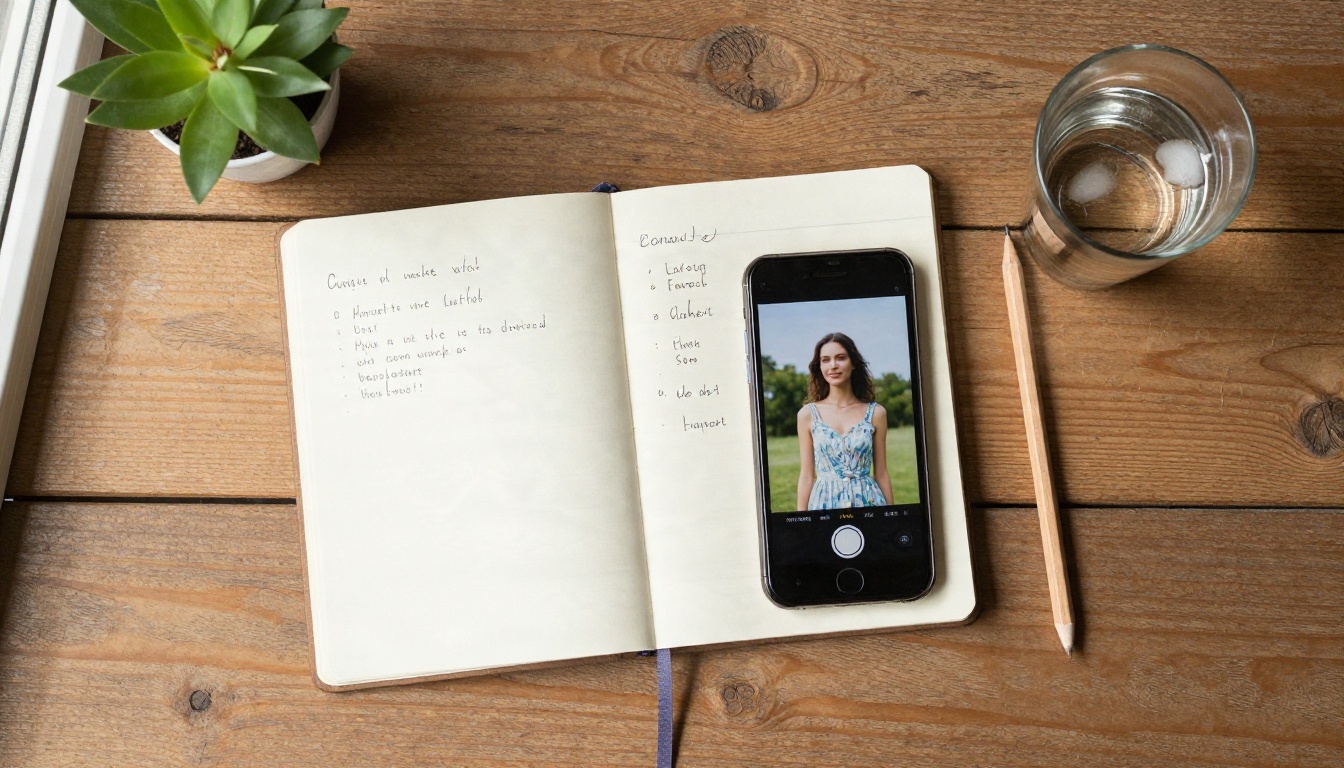
Over five seconds, faces drift. Eyes change shape, teeth multiply, a necklace vanishes. Three habits reduce it:
- Keep the face large and well lit in the first frame.
- Use small motions, not full body turns.
- Generate three or four versions and keep the best, rather than hoping for a perfect first take.
This is where unlimited image editing helps again. A cleaner source means less drift.
Consent and Real People
Animating a photo of a real person who has not agreed to it is where responsible use stops. Use your own photos, generated characters or models who have given permission. Do not animate private photos of coworkers, exes or strangers, and never present generated clips of a real person as authentic footage. Beyond the moral problem, it is the fastest way to get an account banned and, in many countries, to end up in legal trouble.
A Simple Workflow on PicassoIA
Here is the loop that wastes the fewest credits.
Step One: Build the Still
Open Seedream 4.5 and write a photographic prompt: subject, outfit, setting, light, lens. Generate four versions. Choose the one with the cleanest hands, face and background.
Step Two: Polish With Unlimited Edits
Send the winner into PicassoIA Image Editor Pro. Fix stray details, simplify the background, adjust the outfit if the first test gets blocked. Because generations are unlimited, you can do this as many times as you like.
Step Three: Animate a Draft
Take the polished image to Wan 2.5 I2V Fast. Paste one of the motion prompts above, keep the clip short, and watch how the face behaves. If it holds, you have a good source.
Step Four: Run the Final Version
Switch to a higher quality model such as Wan 2.7 I2V, Hailuo 2.3 or Seedance 1.5 Pro. Use the same prompt, compare results, and keep the best take.
Step Five: Sharpen and Share
If the clip is 720p and you want crisper detail, run it through a video upscaler from the AI video enhancement category. Add a soundtrack from an AI music model if the clip has no audio.
| Step | Tool type | Why it saves credits |
|---|
| 1 | Text to image | Cheap, fast candidates |
| 2 | Image editor | Unlimited fixes before video |
| 3 | Fast video model | Cheap motion test |
| 4 | Quality video model | One final render only |
| 5 | Upscaler | Polish without redoing the clip |
Free Versus Paid: A Fair Comparison
It helps to be blunt about the trade offs, because the cheapest path is not always the free one.
What Free Really Costs
Free local setups cost hours. Free tiers cost quality through watermarks and short clips. Free "uncensored" websites often cost you privacy, since you upload photos to a service you know nothing about. If your time is worth anything, a paid platform with unlimited image editing and a pay per clip video model is usually the cheaper route in practice.
When Local Makes Sense
Running Wan locally is sensible if you generate dozens of clips every day, already own a strong graphics card, and enjoy tinkering. For everyone else, the time spent fixing installations beats the savings within a week.
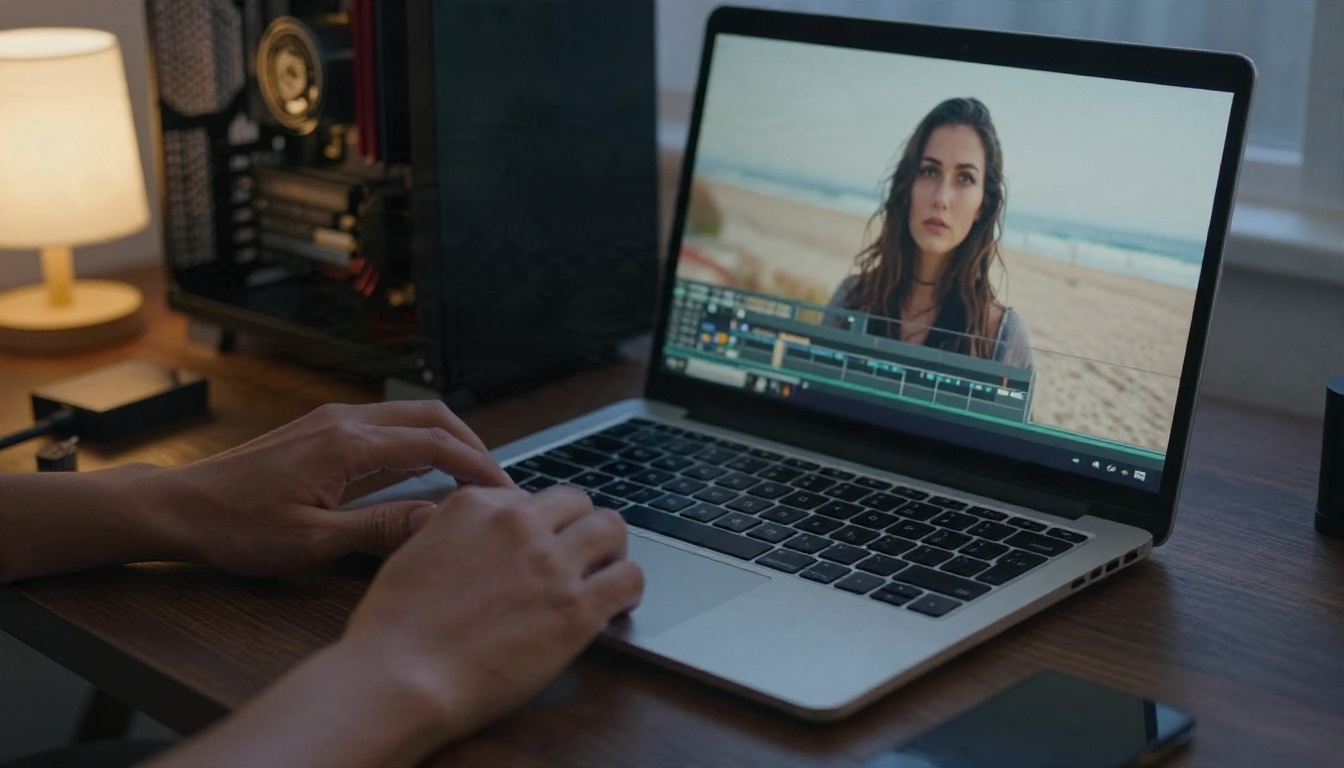
Quick Fixes for Common Problems
The clip gets blocked. Change the source image first: a slightly more covered outfit, a different crop, softer framing. Then rewrite the prompt with gentler verbs.
The face melts. Use a larger, sharper face in the first frame, reduce movement, and try a Wan or Hailuo model, which hold identity better than most.
The motion is barely visible. Add a clear verb and a camera move. "Slow dolly in" or "gentle pan right" tells the model what to do with the frame.
The video looks plastic. Go back to the still. Skin that looks smooth in the photo will look worse in motion. Regenerate it with natural texture, pores and uneven light.
The background wobbles. Simplify it. Plain walls, sky, sand and water animate much better than busy streets.
Try Your Own Moving Photo Today
You now have the full loop: a sharp still from Seedream 4.5, unlimited polishing in PicassoIA Image Editor Pro, and a choice of image to video models from the Wan, Hailuo, Kling, Seedance and Veo families. The fastest way to find what works for your style is to run a small experiment: one photo, three prompts, two models. Compare the clips side by side, keep the winner, and refine from there.
Open PicassoIA, create your first frame, and bring it to life. When you want to see every model on the platform, from image generators to video tools and upscalers, browse picassoia.com/en/all-models and pick the one that fits your idea.