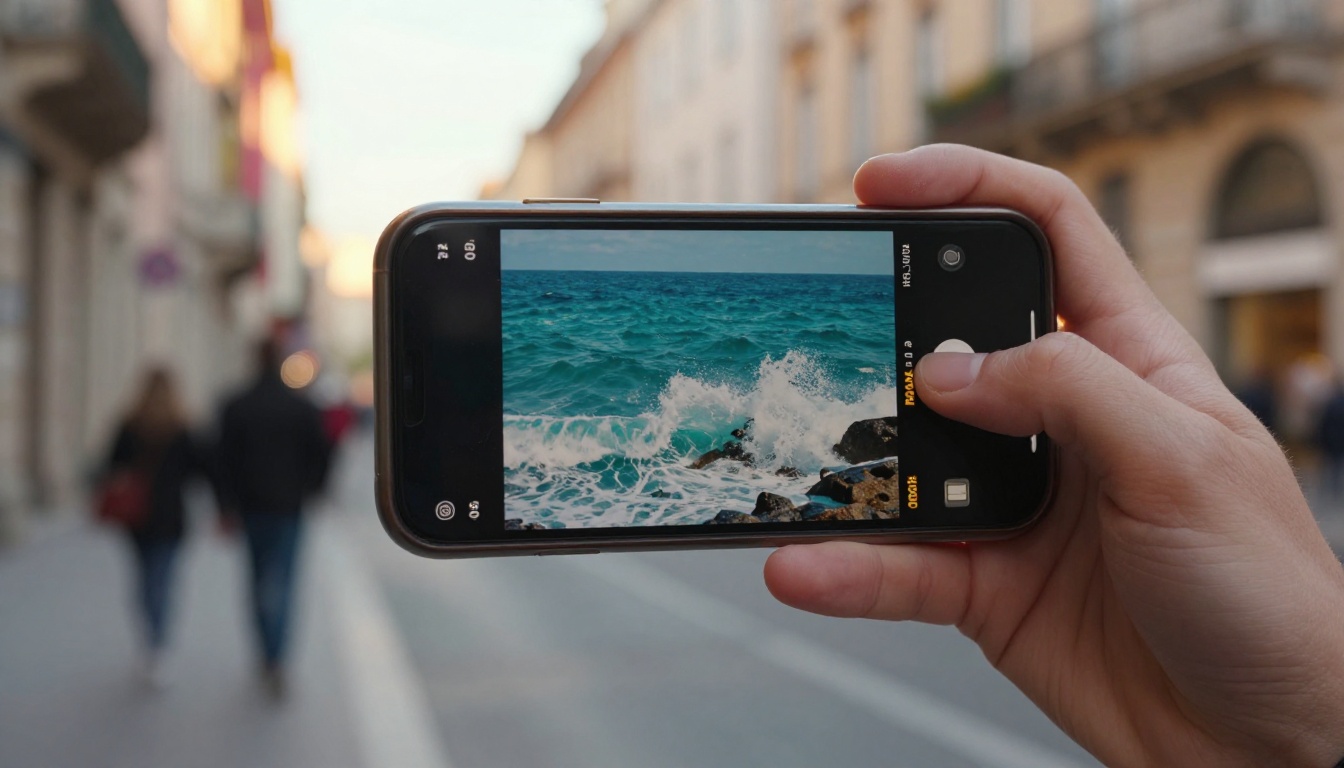
Every AI video platform makes the same promise: type a sentence, get a film. Then you sign up and meet the real product, a credit balance ticking down in the corner of the screen. Ten credits per render, five renders per concept, and suddenly your creative session is a budgeting exercise. Unlimited free AI video generation removes that meter entirely, and once you create without it, the credit model starts to feel like dial-up.
This article breaks down how unlimited generation works on Picasso IA Video, what you actually get in every clip, and the prompt habits that turn a fun toy into a daily production tool.

Why Credits Hurt Creativity
AI video is an iterative craft. The first take is almost never the one you publish; professionals routinely run 5 to 10 variations of a prompt before a clip earns a spot on the feed. Credit systems punish exactly that behavior. Each retry costs the same as a final render, so you stop experimenting early, settle for take number three, and publish something you only half like.
There is a quieter cost too. When every click has a price, you stop playing. And play, the silly prompt, the weird camera angle, the "what if the whale is made of glass" idea, is where the clips that actually go viral come from.
💡 The iteration rule: if a platform makes you think twice before clicking generate, it is shaping your creative output more than your ideas are.

What Unlimited Actually Means
The phrase gets abused across the industry, so here is the precise version. Picasso IA Video has no credit balance at all. Not a generous allowance, not a daily refill: there is simply nothing counting your renders.
What Every Clip Includes
| Feature | What You Get |
|---|
| Length | 5 seconds, fixed |
| Frame rate | 24 fps, cinema standard |
| Audio | Native synchronized sound |
| Resolution | 480p fast or 720p sharp |
| Aspect ratios | 16:9, 9:16, 1:1, 4:3 and more |
| Input | Text prompt, or an image as the first frame |
| Seed | Lockable for repeatable results |
What the Fixed Format Buys You
A consistent 5 seconds at 24 fps is the reason the queue stays fast for everyone. It also happens to be the native length of short form content: hooks, loops, product reveals and reaction beats all live inside that window. You are not generating less video, you are generating the part of the video people actually watch.
Here is a clip rendered exactly this way, in 9:16 for a story format:
Make Your First Clip in a Minute
The model exists as a regular tool on the platform, so the workflow is short.
- Open Picasso IA Video.
- Write your prompt in the text field. Chronological, cinematic descriptions work best: what the camera sees first, what moves, what happens by second five.
- (Optional) Add an input image. The clip uses it as the opening frame and inherits its aspect ratio, which is the fastest way to animate a photo, a product shot or an illustration.
- Pick a resolution: 480p when you are drafting fast, 720p when the take is a keeper.
- Choose an aspect ratio if you started from text: 9:16 for vertical feeds, 16:9 for horizontal platforms, 1:1 for square placements.
- Hit generate, watch it render in seconds, then run it again. And again. Nothing is counting.
💡 Seed trick: when a take is close but not perfect, lock the seed and adjust only one phrase in the prompt. You keep the composition and change just the detail that bothered you.
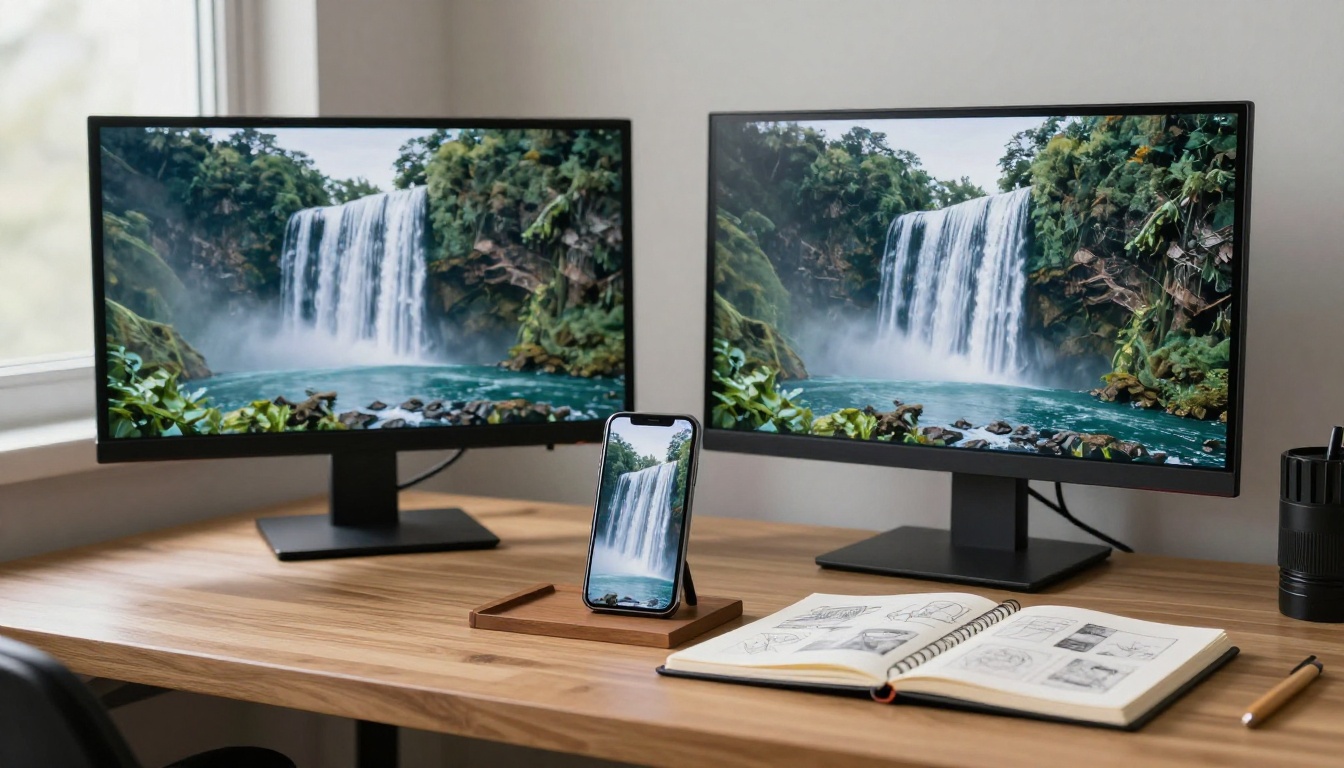
Prompts That Earn Their Five Seconds
The difference between a forgettable render and a clip worth posting is almost always the prompt. Three habits matter most.

Describe Motion, Not Just Scenes
"A lighthouse on a cliff" gives the model nothing to animate. "Waves crash against the cliff base as the lighthouse beam sweeps left to right through evening fog" gives it a beginning, a middle and an end.
Direct the Camera
Name the move: slow push-in, orbital dolly, handheld follow, static wide. The model responds to film language because it was trained on film.
Write the Sound
Audio is generated with the clip, so describe it: "soft rain on a tin roof, distant thunder" shapes the soundtrack as much as the visuals.
What People Build With It
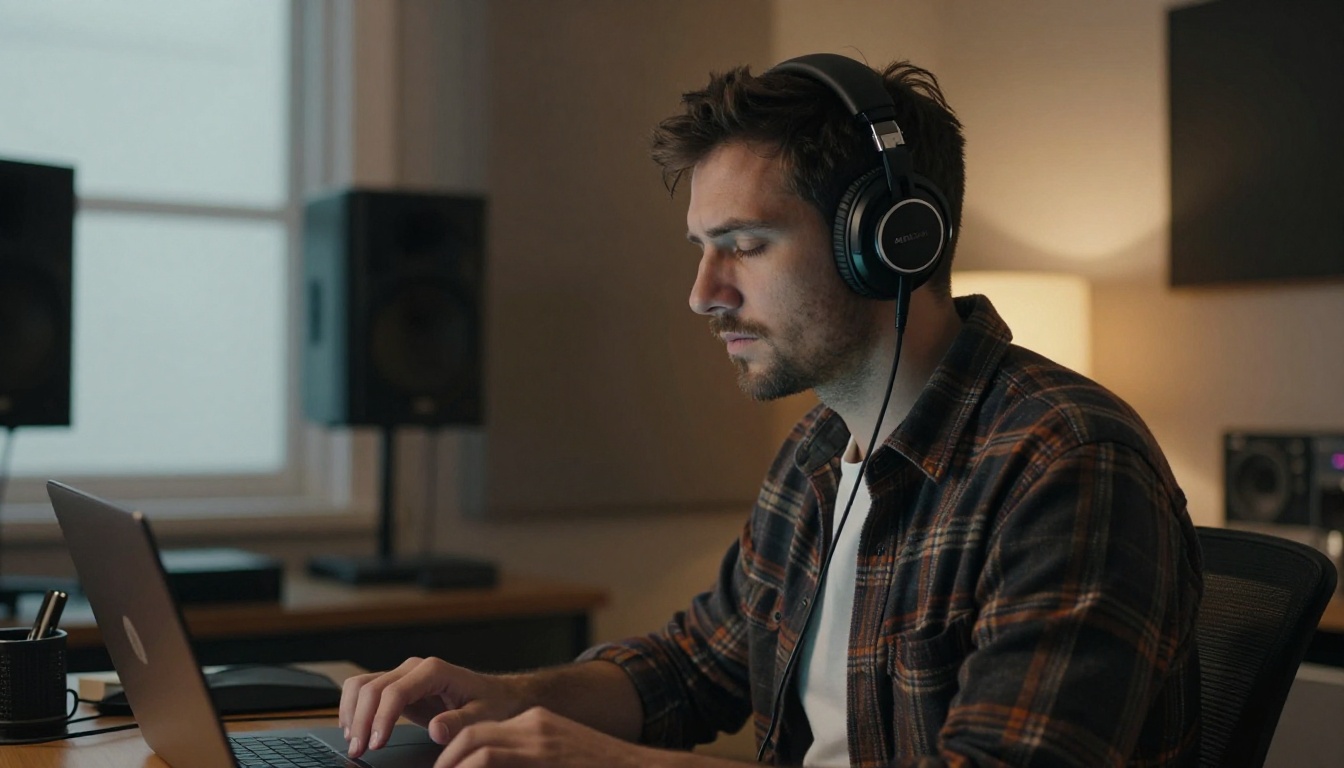
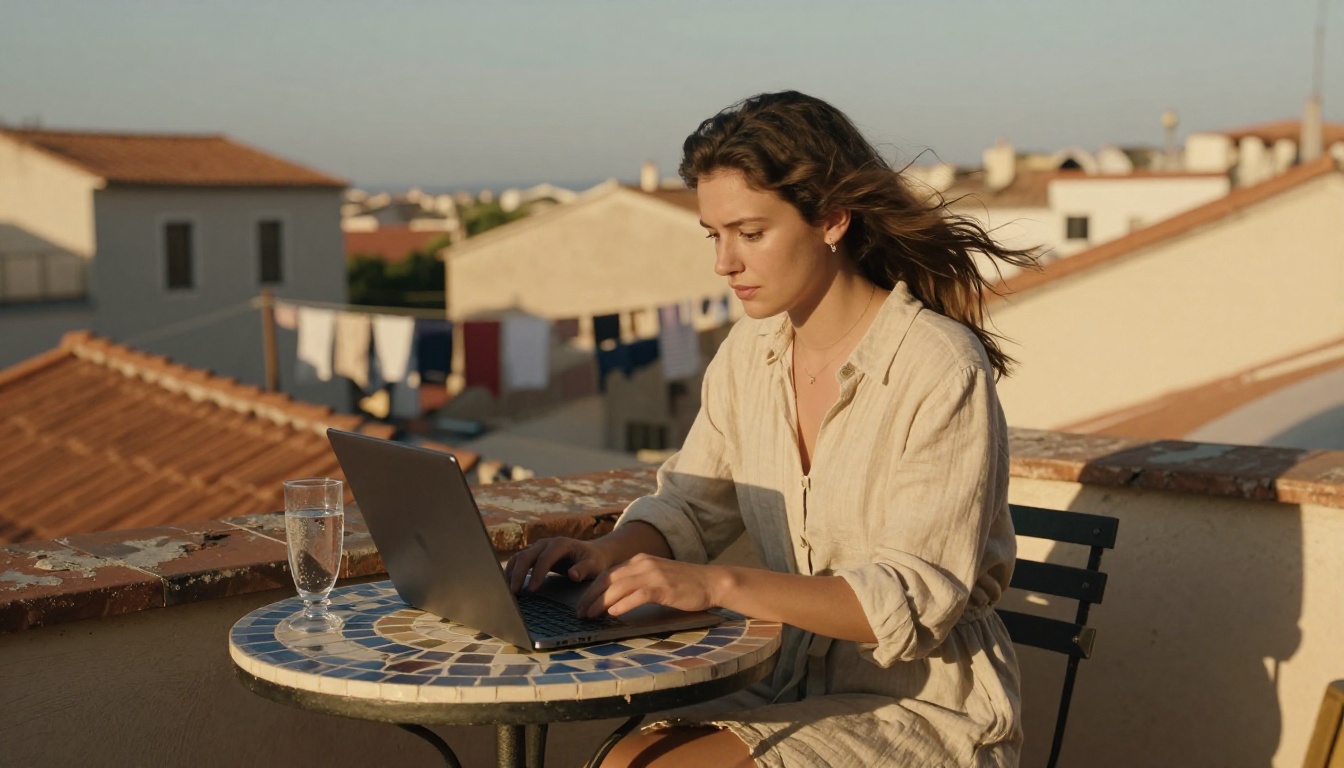
Once the meter is gone, the workflow follows you anywhere: the studio, the sofa, a rooftop with decent wifi.
Daily Social Clips
Creators publishing every day are the biggest winners. A week of story content is fifteen minutes of prompting, in 9:16, at zero cost. A library like this grows in an afternoon:
Product Teasers
Shoot one good photo of your product, feed it in as the opening frame, and describe the move: a slow orbit, a light sweep, a reveal. Small shops get ad-grade motion without a studio. This clip began as a single still photo of a vase and one sentence of direction:
Animated Storyboards
Agencies and filmmakers pitch with motion now. Ten clips, one per beat of the script, and the client sees the film before anyone budgets a shoot day.
Drafting for Premium Models
Unlimited generation pairs naturally with the rest of the catalog. Prove a concept free, then re-render the winning prompt on Veo 3.1, Sora 2, Kling v3 or Seedance 2.0 when you need longer shots or higher resolution. You spend only on ideas that already work.

Unlimited vs Credit Plans: The Math
Take a realistic month: 4 published clips per week, 8 takes per published clip. That is roughly 128 renders, and on most platforms there is a stopwatch running on every single one.

| Approach | 128 Renders Cost | Creative Behavior |
|---|
| Credit packs | Real money, every retry billed | Cautious, fewer takes |
| Capped subscription | A plan tier above what you expected | Rationed bursts |
| Unlimited free | Nothing | Iterate until it is right |
The credit platforms are not lying about their quality; many are excellent. The issue is that their pricing punishes the exact behavior, heavy iteration, that produces good AI video.

Common Questions
Is there a catch?
The format is fixed: 5 seconds, 24 fps, up to 720p. If you need minute-long 4K shots, that is what the premium catalog is for. For short form, drafts and social content, the fixed format is the sweet spot rather than a limitation.
Do clips include sound?
Yes, every render ships with native synchronized audio. There is a toggle to export silent footage when you plan to score it yourself.
Can I animate my own photos?
Yes. Add any image as the opening frame and the clip continues from it, matching its aspect ratio automatically.
Can I reproduce a result?
Lock the seed and re-run the same prompt: you get the same clip. Change the seed for fresh takes on the same idea.
Open a Tab and Start Rendering
The fastest way to feel the difference is to make something. Open Picasso IA Video, describe the first shot that comes to mind, the morning light in your kitchen, a paper boat in a storm drain, your product turning slowly on black, and render it five different ways. No meter, no countdown, no bill. Just you, a prompt box, and as many takes as your idea deserves.
When one of your takes surprises you, the rest of Picasso IA's 100+ video models are right there to push it further.