The gap between a creative brief and a finished video ad used to be measured in days, sometimes weeks. Production crews, stock licensing fees, editing rounds, and revision cycles all stacked up before a single frame reached an audience. Veo 3.1 for Ads and Short Clips collapses that timeline into minutes. This is Google's most refined video generation model to date, and if you work in performance marketing, brand content, or social media production, it is worth understanding in detail.
What Veo 3.1 Actually Is
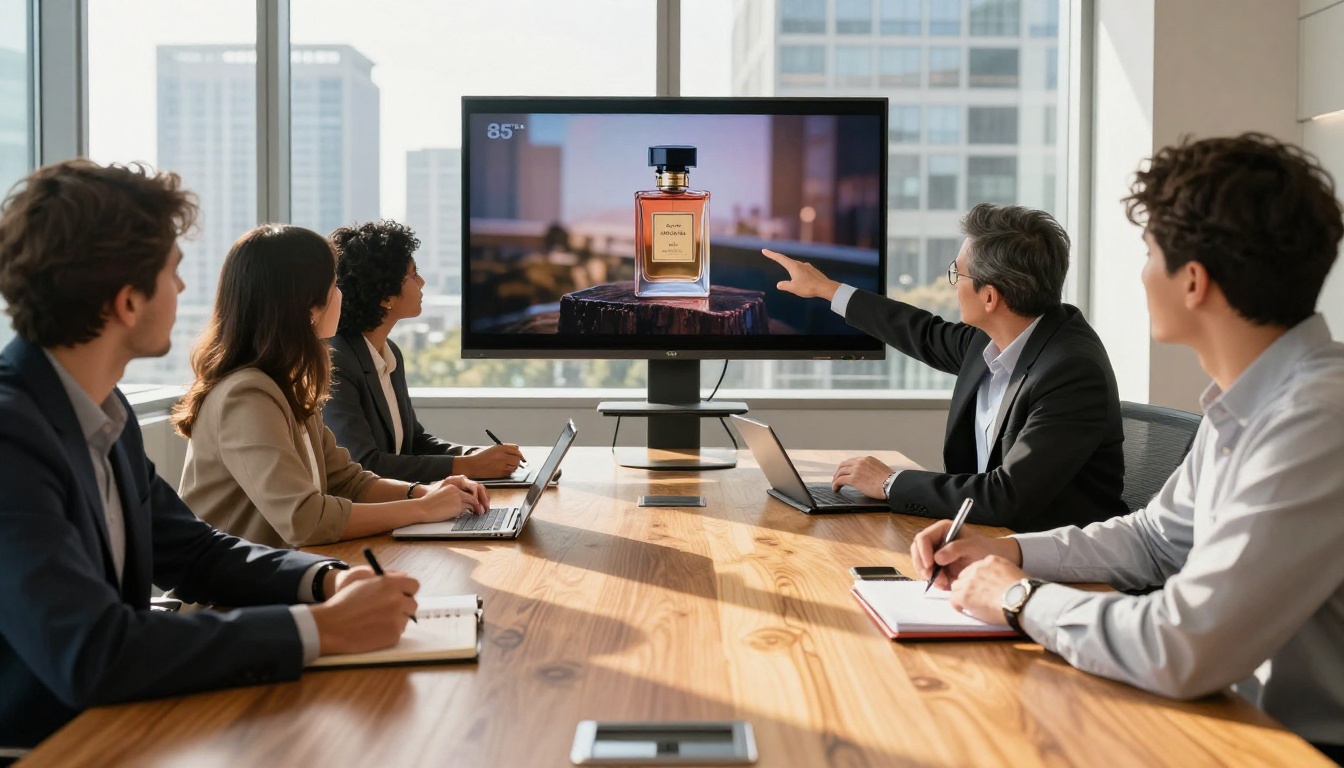
Veo 3.1 is Google's third-generation text-to-video model, built specifically for high-fidelity output at 1080p resolution. It ships in three variants: the full Veo 3.1, a speed-optimized Veo 3.1 Fast, and a lightweight Veo 3.1 Lite for rapid iteration. The three-tier structure gives creators a meaningful choice: maximum quality for hero content, fast turnaround for testing, and lite for drafting at volume.
From Veo 2 to Veo 3.1
Veo 2 was already a strong contender for realistic video output, but it had limitations in motion coherence and audio integration. Veo 3 addressed motion fluidity and introduced native audio generation, a feature that set it apart from most competitors at the time. Veo 3.1 refines both, with noticeably better prompt adherence, more stable camera motion, and audio that actually matches what is happening on screen rather than being a generic ambient layer.
The progression matters for advertisers because each generation directly impacts production quality. Where Veo 2 might produce a product shot with slightly unnatural surface reflections, Veo 3.1 handles specular highlights, depth of field simulation, and motion blur in a way that reads as shot-on-camera rather than generated.
Native Audio Makes the Difference
Most video models produce silent clips. You add music and voiceover in post. Veo 3.1 generates synchronized audio as part of the video itself, including ambient environment sounds, foley effects, and in some cases musical tone that matches the visual mood.
For short-form ad production, this is significant. A 15-second product clip with the sound of a coffee pour, a zipper closing on a luxury bag, or rain hitting a car roof during a test drive scene creates an immediate sensory response that silent clips cannot replicate. Attention metrics on social platforms reward this kind of immersive content.
Why Ads Are the Perfect Use Case
Short-form video advertising operates under brutal constraints. You have roughly 3 seconds to stop a scroll, 6 seconds to communicate a value proposition, and 15 seconds to close with a call to action. Every frame has to earn its place. Veo 3.1 is well-suited to this format because it generates clips that are visually dense with detail from the very first frame.
Short Attention Spans Need Fast Production
The speed-to-output ratio is the real competitive edge here. Traditional production for a 15-second product ad might require a half-day shoot, two days of editing, and a revision round. Veo 3.1 Fast can produce a usable clip in under two minutes from a text prompt. That speed enables something traditional production cannot: true creative iteration.
You can test 10 different visual treatments of the same product in the time it would take to brief a photographer. You can run A/B tests on ad creative at a scale that was previously only feasible for large agencies with significant budgets. For lean marketing teams and independent brands, this is a direct capability upgrade.
The Cost Math for Brands
Consider the typical cost structure for a short social media ad:
| Production Element | Traditional Cost | With Veo 3.1 |
|---|
| Concept and storyboard | $300 to $800 | Included in prompt |
| Filming (half-day crew) | $1,500 to $4,000 | Not required |
| Editing and color grade | $500 to $1,200 | Not required |
| Music licensing | $100 to $500 | Native audio included |
| Revisions (2 rounds) | $300 to $600 | Regenerate in minutes |
| Total estimate | $2,700 to $7,100 | Fraction of that |
The numbers shift the conversation from "can we afford video content" to "how many variations do we want to test."
Veo 3.1 vs. Other Video Models
The text-to-video space has become genuinely competitive. Seedance 2.0, Kling v3, Sora 2, and Hailuo 02 all produce high-quality output with their own strengths. Veo 3.1's specific advantages sit in three areas.
Head-to-Head: Quality and Speed
Prompt adherence: Veo 3.1 follows detailed prompts closely. When you specify lighting direction, camera angle, and subject behavior in a single prompt, it executes all three with more consistency than most competing models at this tier. This matters for ad production where brand guidelines often specify exact visual treatments.
Native audio: This remains a differentiator. While Seedance 2.0 also offers audio-synced generation, Veo 3.1's audio quality and contextual relevance are notably strong. The audio feels composed for the scene rather than selected from a generic library.
Motion stability: Kling v3 produces cinematic motion with strong character animation, but for static product shots and controlled camera movements typical in advertising, Veo 3.1's output is consistently cleaner with less unwanted drift.
What the Numbers Show
💡 For ad creative specifically: Veo 3.1 produces the most consistent output across product, lifestyle, and food categories. Where other models excel in specific niches (Kling for character motion, Sora 2 for cinematic sweep), Veo 3.1 is the reliable all-rounder for broad advertising use.
Compared to Veo 3 Fast, the 3.1 iteration shows measurable improvement in fine-detail preservation during motion. That specific failure mode made earlier versions occasionally unsuitable for product advertising, where a logo or label might smear during a camera move.
How Veo 3.1 Handles Different Ad Types
The model performs differently across ad categories, and knowing where it shines helps you deploy it where it delivers the most value.
Product Showcases
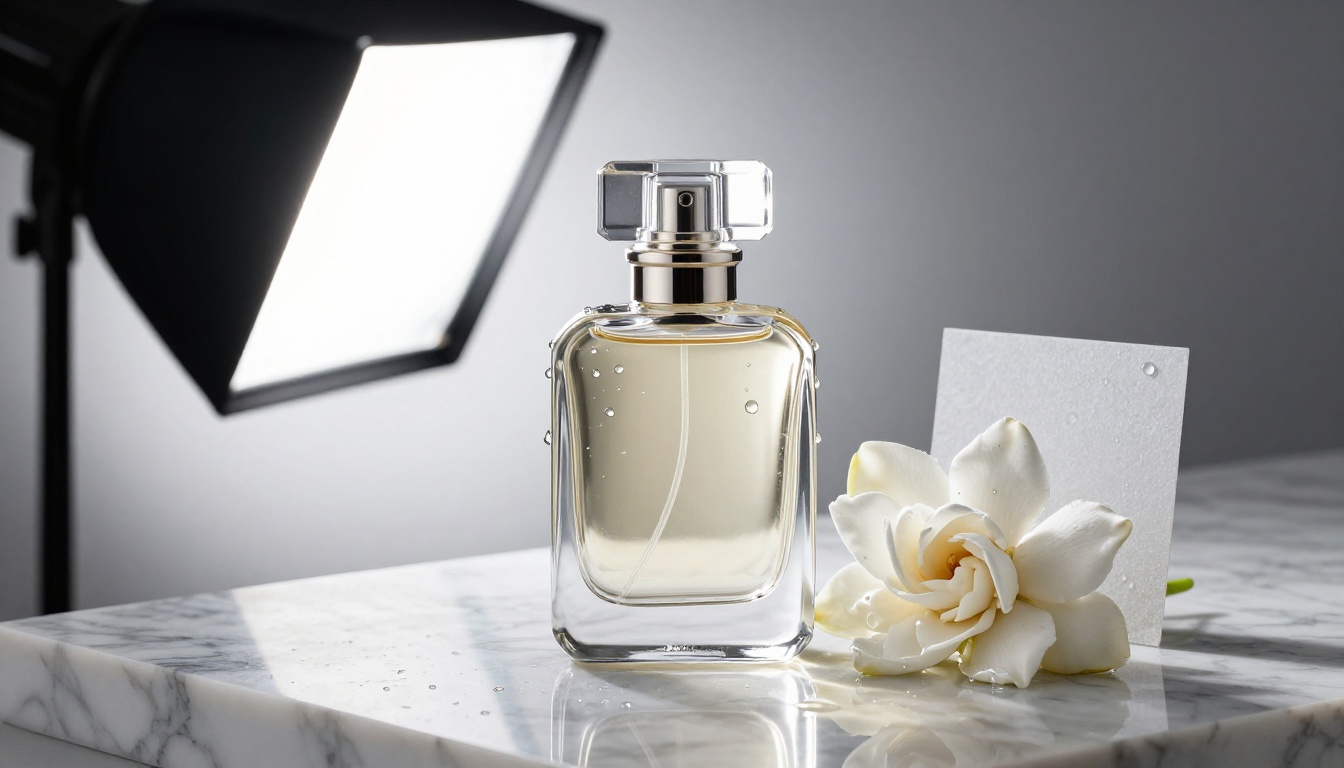
Product showcase ads are where Veo 3.1 is most immediately useful. Describing a product on a surface, specifying lighting direction and angle, and adding subtle motion like a slow rotation or a pour shot produces polished output that directly replaces basic studio photography for digital channels.
The model handles reflective surfaces, glass, liquid, and fabric with strong realism. For e-commerce brands that need consistent product content across many SKUs, this changes the volume equation entirely. You can produce 30 product clips in the time it would take to schedule and shoot a single product photography session.
Prompt structure for product ads:
- Open with the product description and primary material (e.g., "glass perfume bottle with gold cap, faceted surface")
- Specify surface and environment (e.g., "on polished white marble, white studio")
- Add lighting direction (e.g., "single key light from upper left, soft shadow to the right")
- Add camera motion (e.g., "slow push-in from 50cm to 30cm")
- Close with style reference (e.g., "commercial photography, 8K, photorealistic")
Lifestyle and Fashion Ads
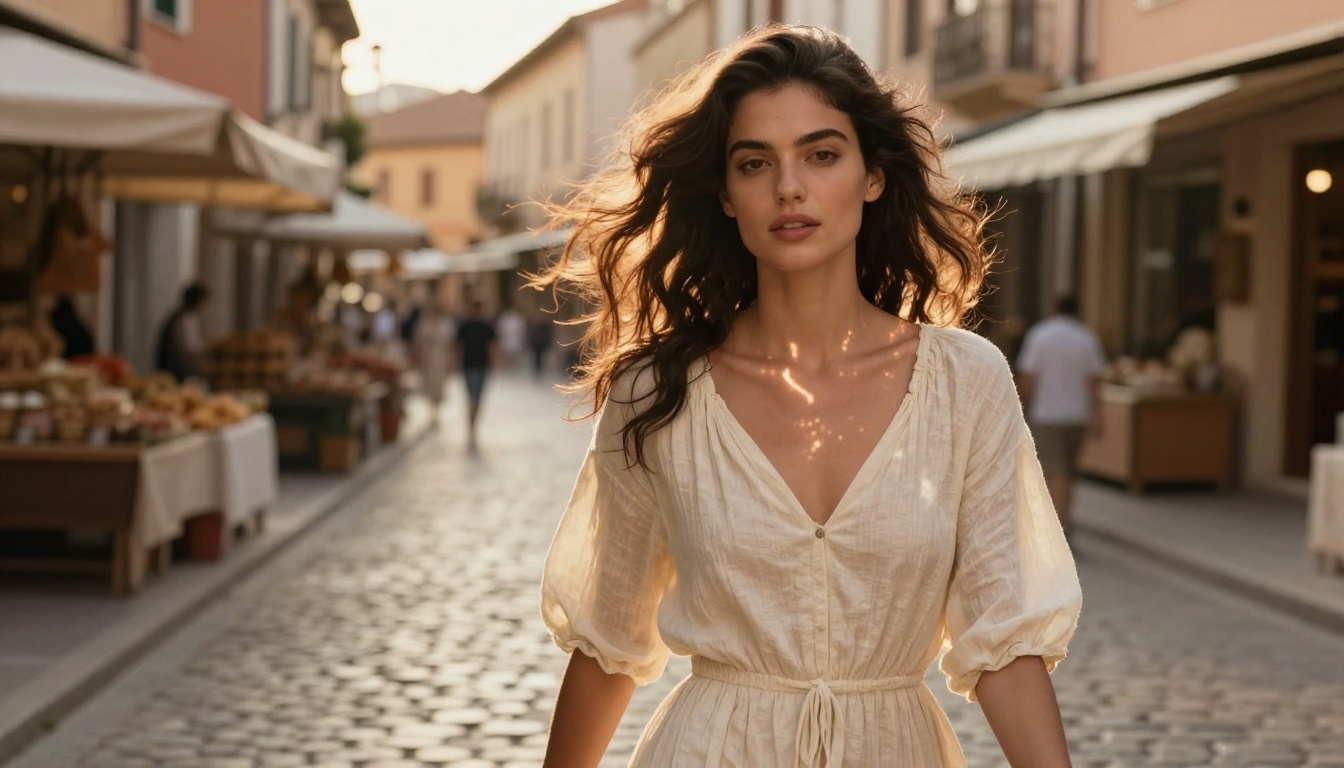
Lifestyle content with human subjects is harder for any video model. Veo 3.1 handles it better than its predecessors but still benefits from smart prompt construction. The most effective approach treats the human subject as secondary to the environment and light in your prompt, letting the model's environment rendering carry the scene.
For fashion specifically, prompts that describe fabric behavior (how a dress moves in wind, how denim creases during walking) produce noticeably more convincing output than prompts focused heavily on facial expression or detailed human anatomy.
💡 Tip: For lifestyle ads, use location-specific environmental cues. "Golden hour light in a Mediterranean market street" produces more consistent and believable results than "outdoor lifestyle setting."
Food and Beverage Clips
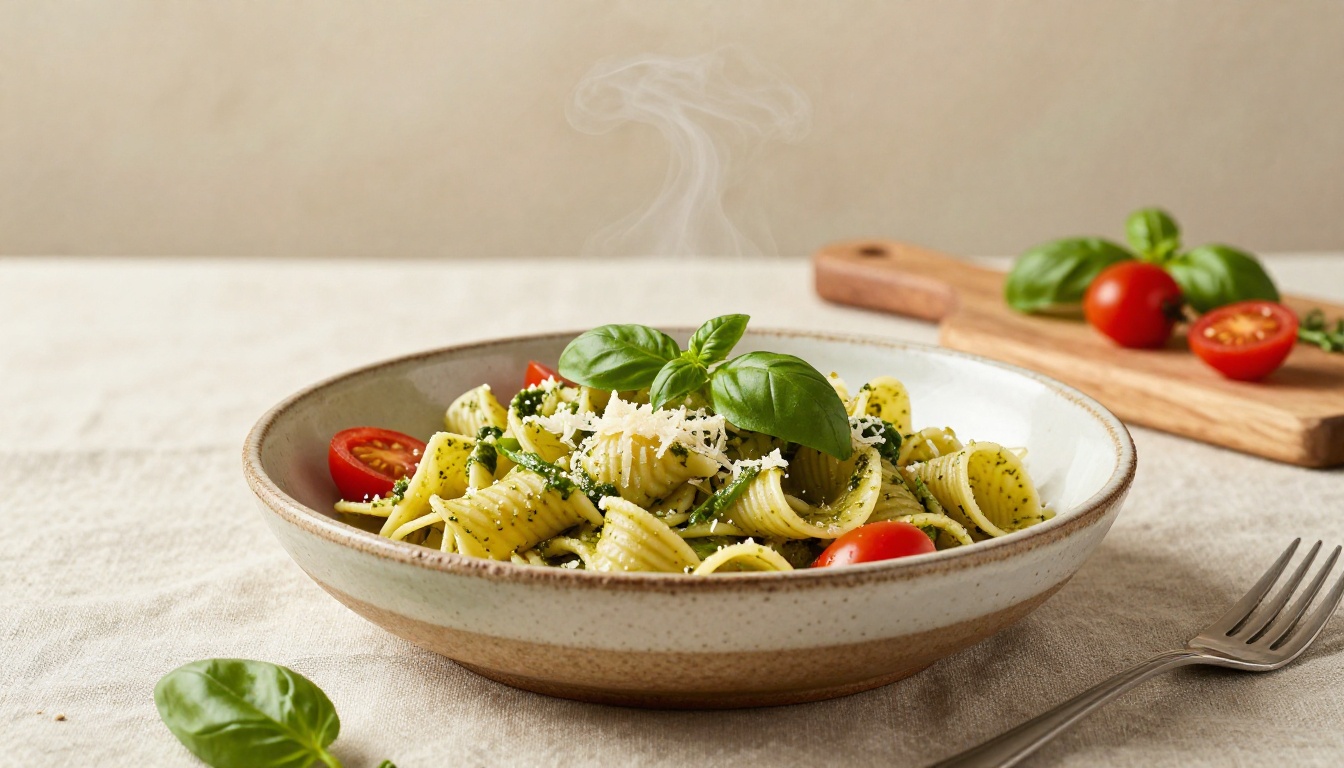
Food and beverage advertising is one of the strongest use cases for Veo 3.1. The model renders steam, condensation, liquid pour, and food texture with remarkable accuracy. A pour shot of coffee or a close-up of a layered cocktail with ice and citrus produces output that looks legitimately shot by a specialist food photographer.
The native audio adds another dimension here. The sound of a bubbling espresso machine, the clink of ice in a glass, or the sizzle of a pan creates ads that are immediately sensory-rich in a way that photograph-based ads cannot replicate. For food brands producing content at scale, this combination of visual and audio fidelity significantly reduces the need for costly studio shoot days.
How to Use Veo 3.1 on PicassoIA

Veo 3.1 is available directly on PicassoIA alongside its variants Veo 3.1 Fast and Veo 3.1 Lite. You do not need a separate Google API account or technical setup. The platform handles authentication and model access, so the entire workflow happens in one interface.
Step 1: Write a Strong Prompt
The single biggest factor in Veo 3.1 output quality is prompt specificity. A vague prompt produces generic output. A detailed prompt with specific lighting, composition, subject behavior, and environment produces content that is immediately usable.
Structure your prompt in layers:
- Subject: What is in the frame and what is it doing
- Environment: Where is this happening, what are the surfaces and background
- Light: Direction, temperature (warm/cool), quality (hard/soft), source
- Camera: Angle (low, aerial, eye level), movement (static, push-in, orbit), lens character
- Style: Photorealistic, commercial, editorial, specific film stock reference
Step 2: Choose the Right Variant
Step 3: Review and Iterate
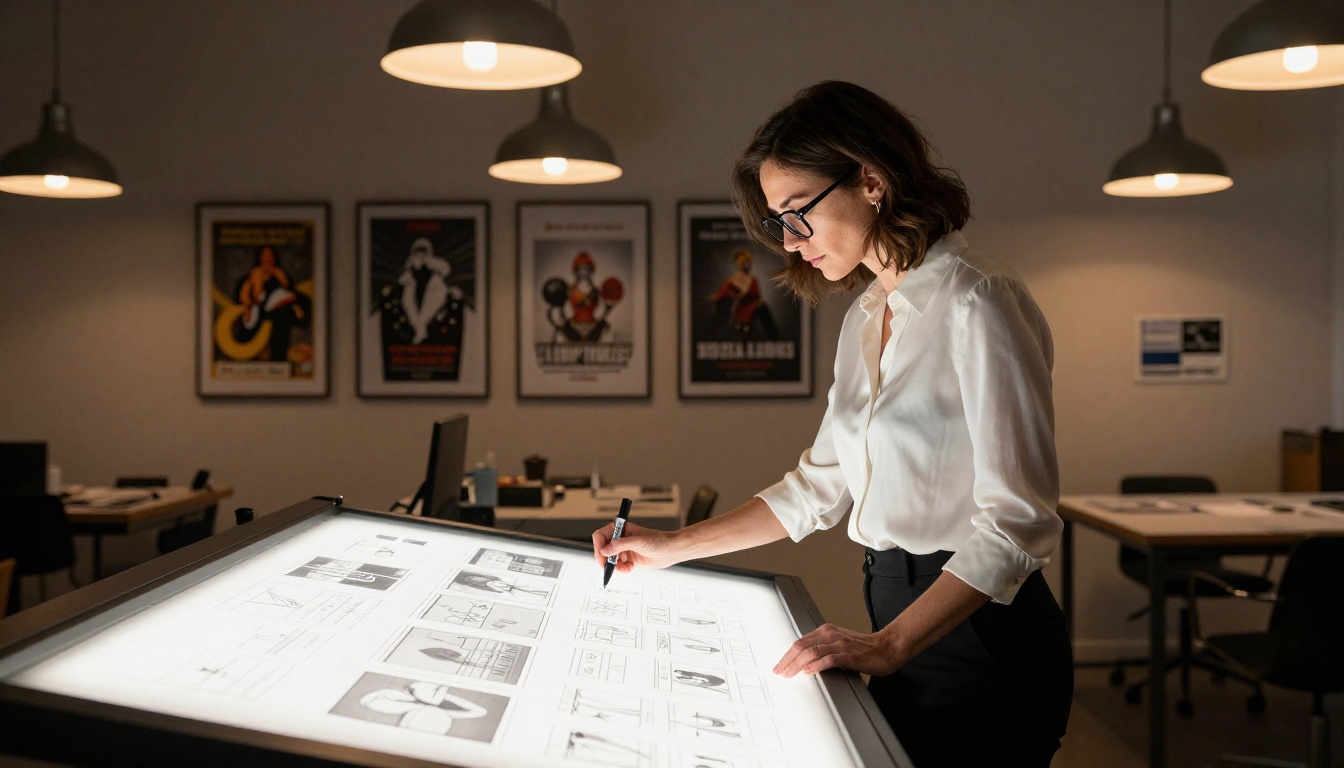
Treat the first output as a draft, not a final. The iteration cycle with Veo 3.1 is fast enough that running 3 to 5 prompt variations on the same concept takes less than 10 minutes. Each iteration teaches you more about how the model interprets your specific product category or visual style.
Keep a prompt log. When a particular prompt structure produces strong output, document it. Over time you build a library of prompt templates specific to your brand that make every subsequent campaign faster and more consistent.
Real Results from Real Prompts
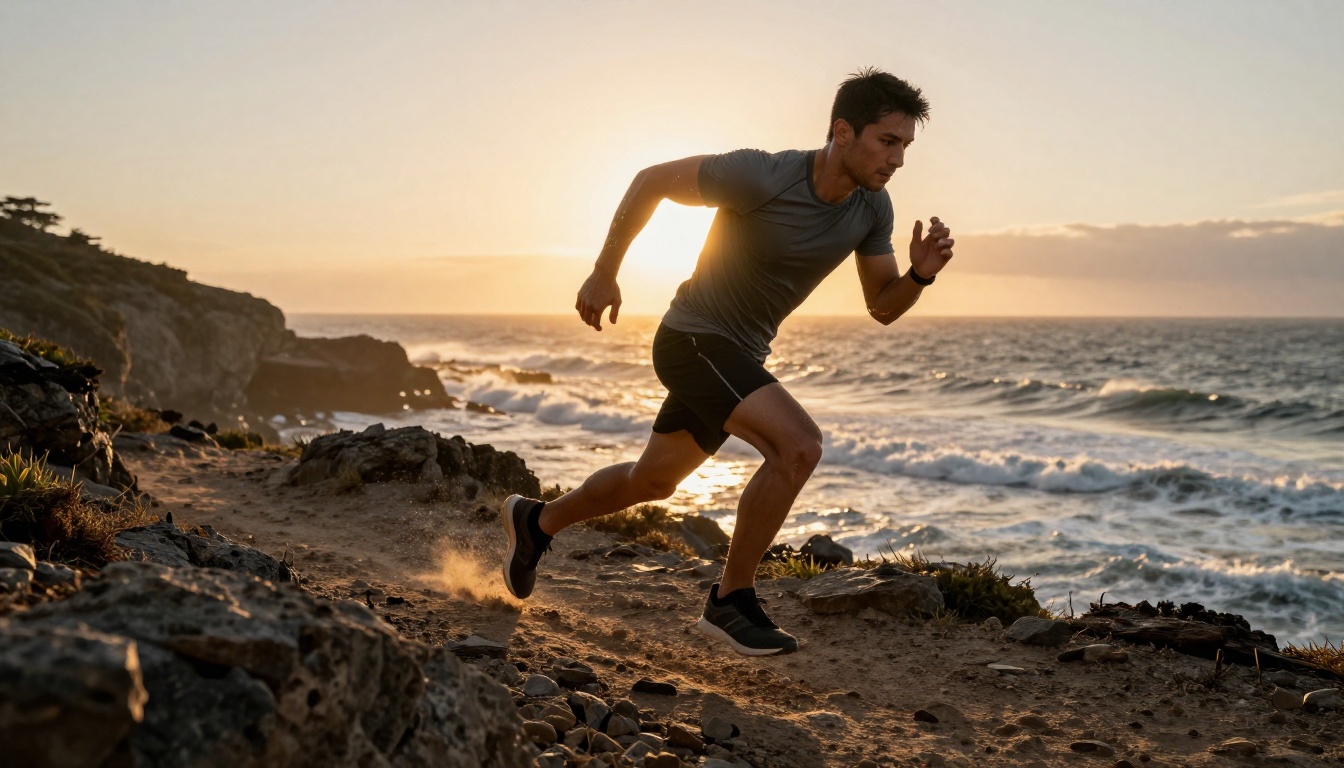
The practical proof of any video model is in the output. Veo 3.1 has been used across fashion, fitness, food, beauty, and automotive categories, and the pattern of what works is relatively consistent across all of them.
What Works, What Doesn't
Works well:
- Static or slow-moving product shots with controlled lighting
- Environmental lifestyle scenes with minimal close-up facial expressions
- Food and beverage content with emphasis on texture, steam, and pour
- Outdoor scenes with strong natural light direction (golden hour, overcast, dawn)
- Fashion content with loose fabric, motion blur, and environmental context
Requires more iteration:
- Tight close-ups of faces with specific expressions
- Complex multi-subject interactions
- Scenes requiring precise text legibility within the video frame
- Very fast motion sports clips where fine detail must be preserved frame-by-frame
Prompt Patterns That Convert
These prompt openings consistently produce strong ad-ready output from Veo 3.1:
For product ads: "Close-up product shot of [product] on [surface], [lighting direction], slow push-in, commercial photography style, 8K photorealistic"
For lifestyle: "[Subject] in [location and time of day], [activity], [light description], shot from [angle], [film stock] color rendering"
For food: "[Food item] on [surface/setting], [steam/liquid/texture detail], single window light from [direction], overhead angle, food photography, 8K"
The common thread is specificity. Every ambiguous element in a prompt is an opportunity for the model to fill in the blank with something that may not match your brand. Give it less room to improvise and the output quality improves noticeably.
What Pairs Well with Veo 3.1
Veo 3.1 works best as part of a broader production workflow rather than in isolation. Several complementary tools sit alongside it on the platform.
Super Resolution takes generated clips and upscales or sharpens output for display at larger sizes, useful when you need to extract a specific frame for a static ad asset pulled from the same video clip.
Lipsync allows you to take a Veo 3.1 clip featuring a spokesperson or character and synchronize it with a pre-recorded voiceover, turning a visually strong scene into a full spokesperson ad without requiring a reshoot.
LTX 2 Pro is worth testing alongside Veo 3.1 for 4K output requirements, as it generates at a higher base resolution. For social media formats where 1080p is the ceiling, Veo 3.1's output is more than sufficient, but for broadcast-ready or large-screen display use, LTX 2 Pro warrants consideration.
💡 Workflow tip: Generate your hero clip with Veo 3.1, then use Veo 3.1 Fast to produce 4 to 6 format variations (different aspect ratios, crops, pacing) for platform-specific delivery. Same brand, same visual language, faster production across every channel.
Pixverse v6 with its cinematic audio integration is another model worth keeping in your rotation for campaign content that leans more narrative and character-driven, where Veo 3.1's product-focused strengths are less relevant.
Start Your First Campaign Now
The barrier to video ad production has dropped significantly. Brands that would previously allocate entire quarterly budgets to a single video shoot can now produce a full month of diverse ad creative in a day. The creative bottleneck has moved from production to ideation, which is where creative talent actually belongs.
Veo 3.1 is available now on PicassoIA. Start with a product you know well, describe it with the lighting and composition detail you would brief a photographer with, and watch how closely the output matches your creative vision. The first clip you generate will tell you more about this technology than any amount of reading about it.
Try Veo 3.1 Fast for rapid testing and Veo 3.1 Lite for drafting at volume. When you are ready for final production-quality output for a real campaign, the full Veo 3.1 delivers results that are ready to serve directly to paid media platforms without additional post-production work.


