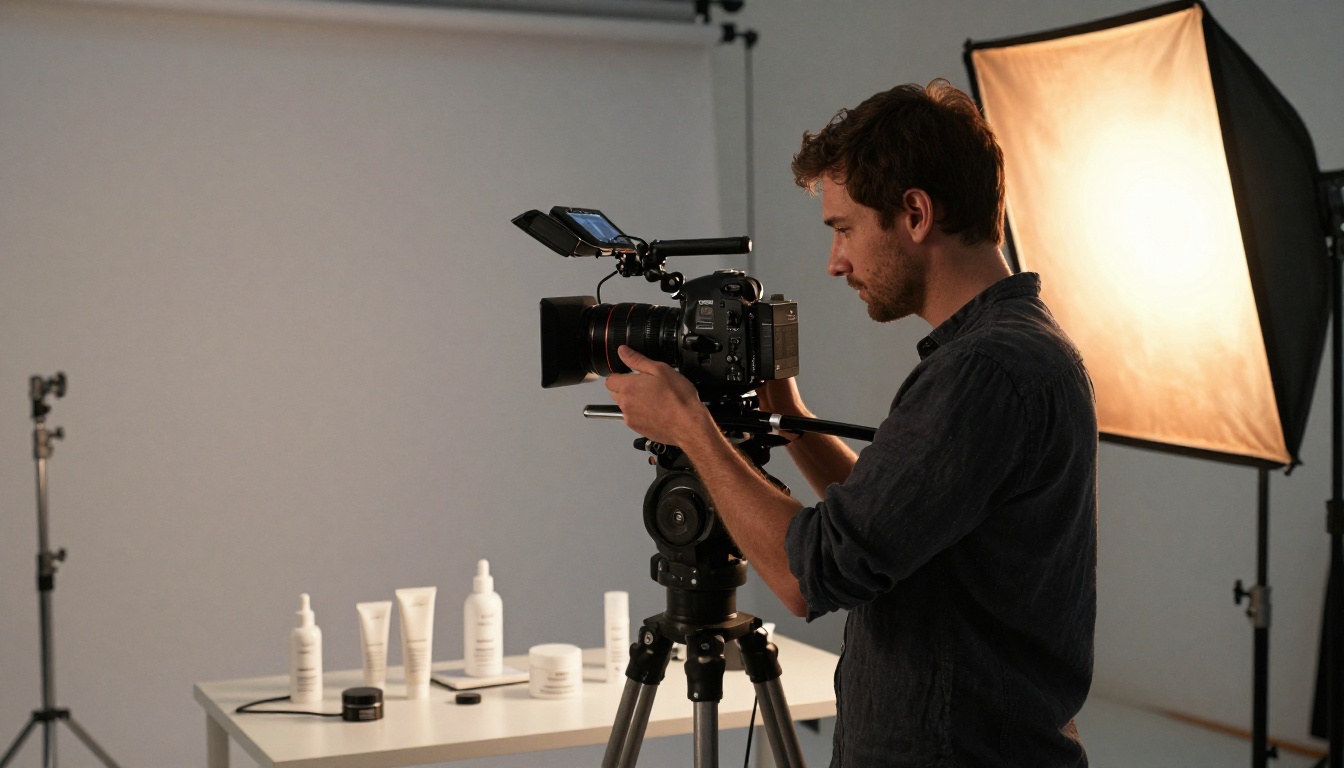
Product videos are no longer optional for launches. They're what separates brands that sell from brands that scroll past. Veo 3.1 is Google's latest text-to-video model, and if you're building a product launch campaign without a production budget, it changes the math in a meaningful way. This article walks through what the model does, how to use it, and where it fits inside a real launch workflow.
What Veo 3.1 Actually Does
Veo 3.1 is Google's third-generation video model and the most capable version released for general access. It generates 1080p video directly from a text prompt, with one feature that separates it from most competitors: native synchronized audio. That means realistic ambient sound, foley effects, and even background music come baked into the clip, without any post-production audio work.
For product launch videos, this matters immediately. A perfume commercial with subtle ambient sound, a tech gadget reveal with crisp tactile click effects, or a skincare ad with soft rainfall in the background were production details that required separate audio teams even at the indie level. Now they come from a single prompt.
Native Audio in Every Clip
Most AI video models output silent clips. You either add music in post-production or use a separate audio AI layer. Veo 3.1 generates the audio and video simultaneously, synchronized from a single prompt. This is not an afterthought feature. It's part of the core model architecture, and it shows in the output quality.
When you write a prompt that includes specific sound cues, the model responds. "A glass perfume bottle being set down on a marble counter, subtle clink, warm room acoustics" will produce video where you actually hear that clink at the right moment. That level of audio-visual integration removes an entire stage from your post-production pipeline.
1080p from a Text Prompt
Veo 3.1 outputs at 1080p resolution, which makes it usable for paid social ads, website hero sections, and product page embeds without upscaling. The faster variant, Veo 3.1 Fast, trades some quality for speed while maintaining the audio feature. For prompt iteration and concept testing, Fast is the right tool. For final deliverables, the full Veo 3.1 model is the better choice.
There is also a Veo 3.1 Lite variant for lightweight tasks and quick concept visualization. All three are available directly on PicassoIA's text-to-video collection. Earlier generations like Veo 3 and Veo 2 remain accessible if you want to compare model generations for a specific visual style.
Why Product Videos Drive Launches
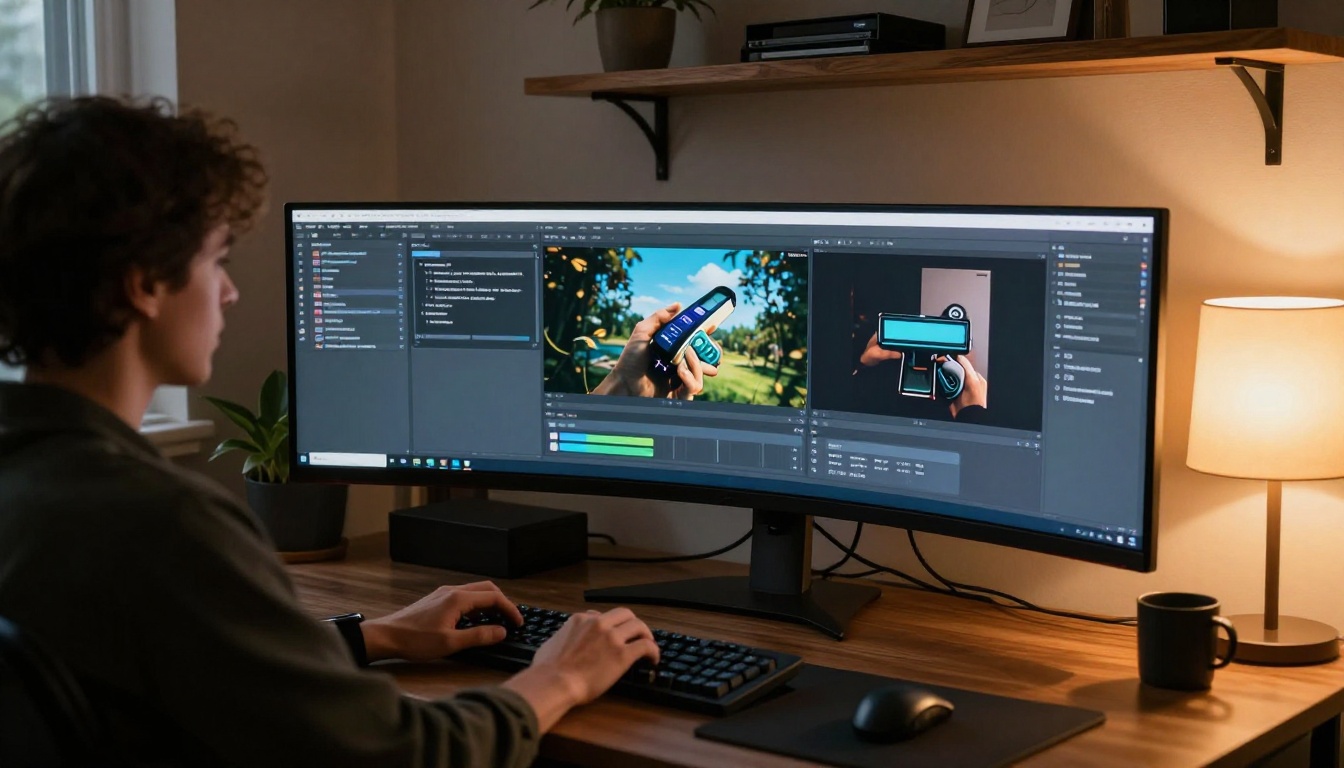
Brands that use video in product launches consistently outperform those that rely on static imagery alone. This isn't about following trends. It's about how attention works in 2027's media environment.
The Attention Economy Reality
Social feeds reward motion. Algorithmic platforms like Instagram, TikTok, and YouTube Shorts prioritize video content in distribution. A static product image competes for attention in a context where everything around it moves. Video enters the equation on different terms: it captures gaze, holds dwell time, and communicates far more information per second than any image can.
For launch day specifically, the first 48 hours of distribution matter enormously. A product video that performs well in that window builds organic momentum that compounds. A static image post typically peaks on day one and stagnates.
What Static Ads Can't Do
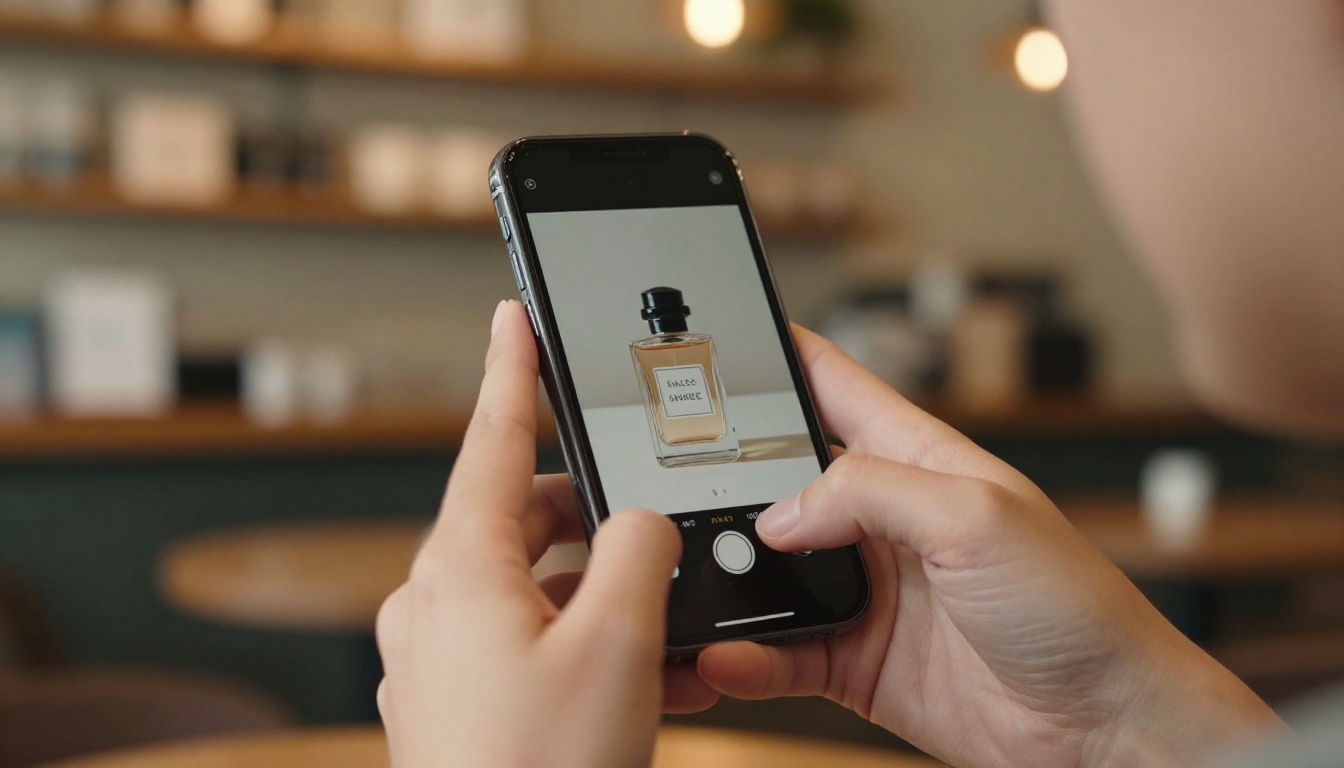
A product photo shows what something looks like. A product video shows how it feels to own it. That distinction is central to e-commerce conversion.
Consider the difference between a photo of a watch and a video of someone sliding it onto their wrist, the clasp clicking shut, the face catching light as the wrist turns. The second communicates texture, weight, scale, and aspiration in roughly four seconds. No image does that.
| Format | Information Density | Emotional Resonance | Platform Distribution |
|---|
| Static Photo | Low | Medium | Moderate |
| Product GIF | Medium | Medium | Moderate |
| Short AI Video (Veo 3.1) | High | High | High |
| Long-form Brand Film | Very High | Very High | Low |
The right video for a product launch is typically 5-15 seconds: short enough for social, long enough to deliver impact. That's exactly the output length Veo 3.1 is built for.
What Products Work Best with Veo 3.1
Not every product category benefits equally from AI video generation. Based on prompt response characteristics, Veo 3.1 performs strongest with:
Texture-rich products: Leather goods, ceramics, glassware, skincare. Products where material detail is part of the purchase decision respond well to Veo 3.1's ability to render surface micro-texture realistically.
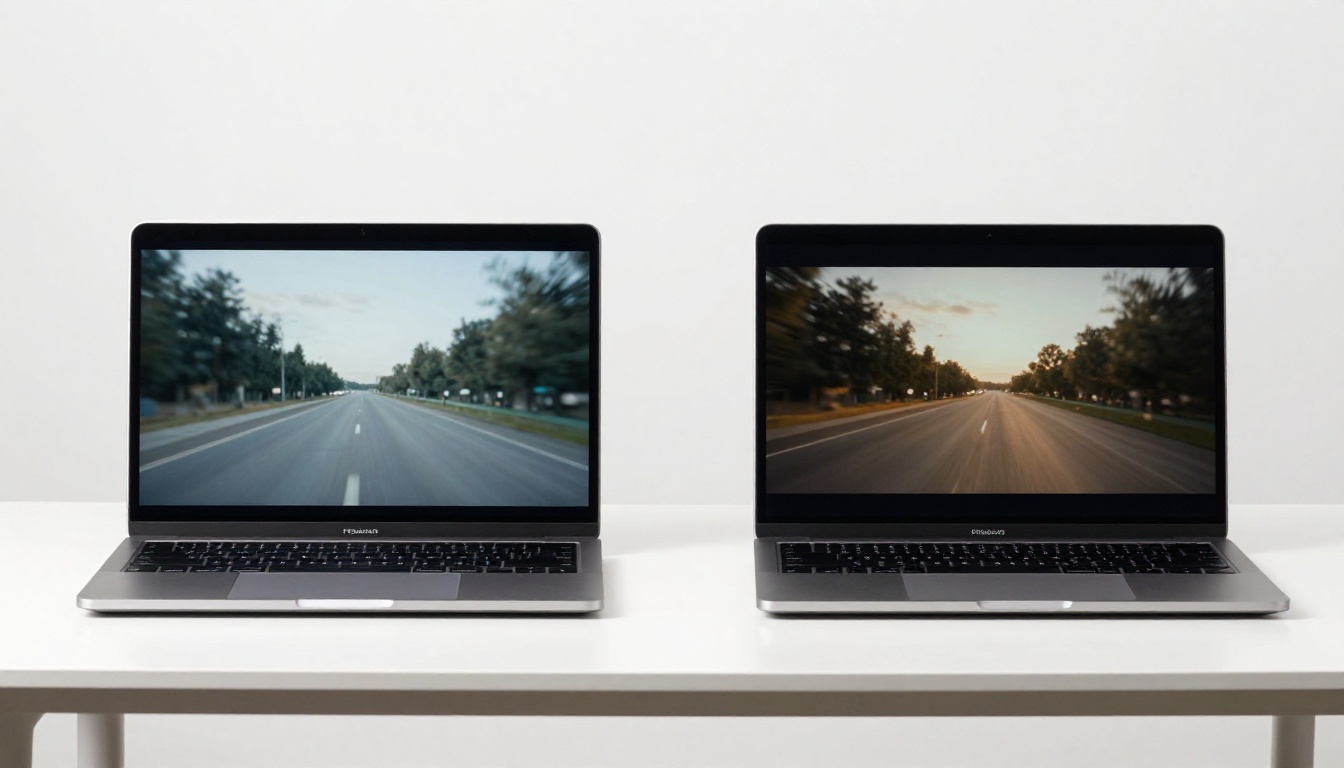
Liquid and fluid products: Perfumes, beverages, oils. The model handles fluid motion and light refraction in liquid with convincing photorealism. A bottle with visible amber liquid that catches light is a compelling visual prompt for Veo 3.1.
Metal and reflective objects: Watches, jewelry, tech accessories. Specular highlights and surface reflections are areas where Veo 3.1 shows photorealism at its clearest.
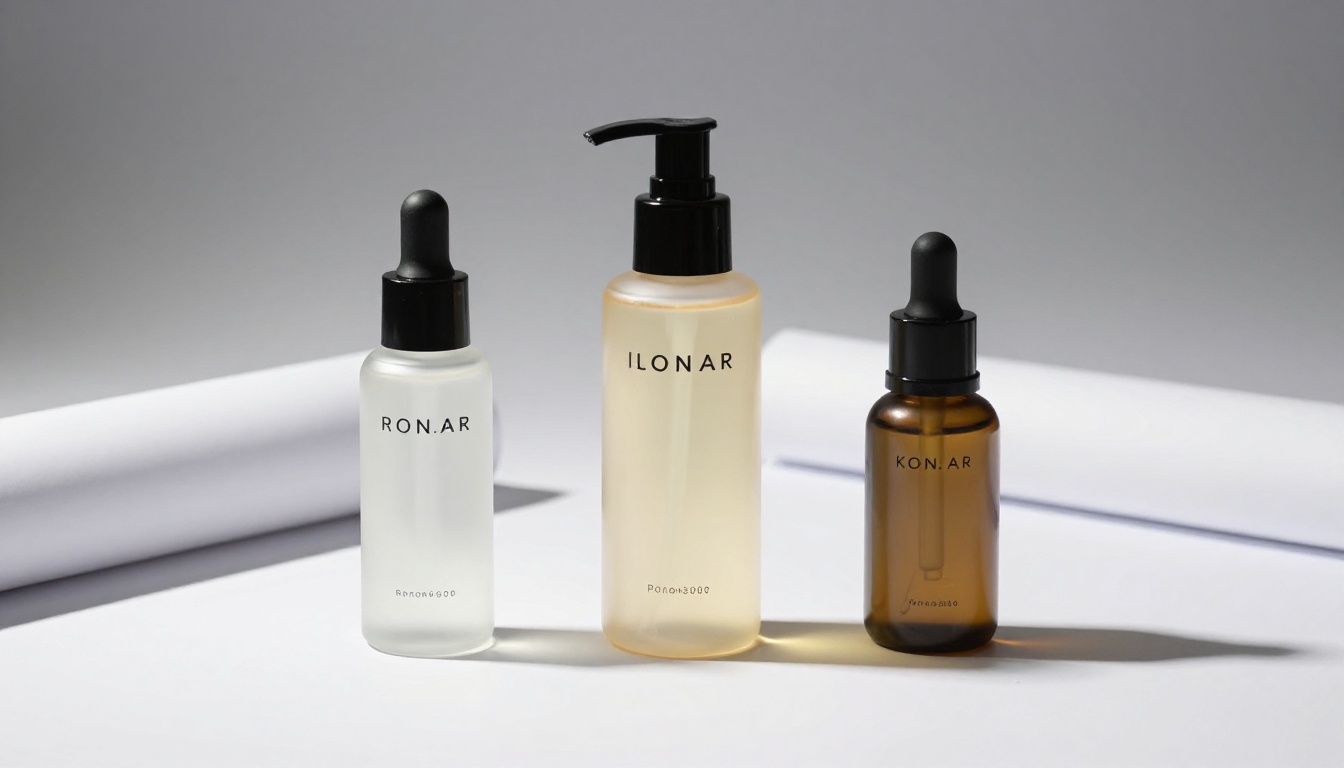
Minimalist packaging: Clean, white-label products with strong silhouettes work well because the model focuses detail on the product rather than a complex environment.
Categories that require complex human interaction, like fitness equipment demonstrations or cooking product how-tos, may need multiple separate clips rather than a single five-second generation. Plan those as sequences: one clip for the product reveal, one for the usage moment, one for the close-up finish.
Building a Launch Video with Veo 3.1
Generating a compelling product video with Veo 3.1 is a function of prompt quality. The model is highly capable but it responds to specific, directorial language. Vague prompts produce generic output. Precise prompts produce production-quality clips.
Write the Prompt Like a Director
Think of every Veo 3.1 prompt as a shot brief. A director doesn't say "show the product nicely." They say: "Slow dolly forward from 12 feet, stopping at 18 inches from the bottle. Morning light from camera-left. The product is on white marble. At the three-second mark, a single water drop falls from the dropper tip."
That level of specificity is what separates average AI video output from something that looks intentional and commercial.
💡 Prompt structure: [Subject + location] + [Camera movement over time] + [Lighting quality and direction] + [Specific detail or sound at a moment] + [Mood or atmosphere]
Applied to a skincare launch: "A frosted glass serum bottle sits on a wet marble counter in a minimal bathroom. Camera starts in close-up on the label, pulls back slowly over five seconds to reveal the full product. Soft morning light from a window to the left. A single droplet falls from the glass dropper onto the bottle cap at second three. Quiet ambient room tone."
That prompt, fed into Veo 3.1, produces something directly usable for a product page hero video.
Match the Shot to the Platform
Different platforms have different requirements. Generating for the wrong format wastes the clip:
| Platform | Ideal Duration | Aspect Ratio | Video Priority |
|---|
| Instagram Reels | 7-15 sec | 9:16 vertical | Very High |
| TikTok | 9-15 sec | 9:16 vertical | Very High |
| YouTube Shorts | 15-30 sec | 9:16 vertical | High |
| Instagram Feed | 5-10 sec | 1:1 or 4:5 | Medium |
| Website Hero | 8-15 sec | 16:9 landscape | High |
| Paid Display Ads | 6-15 sec | Mixed | High |
Veo 3.1 on PicassoIA lets you specify aspect ratio, so the same product concept can be rendered for multiple placements without re-shooting. Generate the 16:9 version for your website and the 9:16 version for social in the same session, using the same prompt adjusted only for framing language.
The Close-Up Technique
The single most effective prompt style for product launch video is the extreme close-up with motion reveal. Start zoomed in on a texture, material, or surface detail of the product. Pull back slowly to reveal the full product. This creates visual tension and reward in a five-second window.
It works because it mirrors how humans examine physical objects when curious. We pick things up and study details before stepping back to see the whole picture.
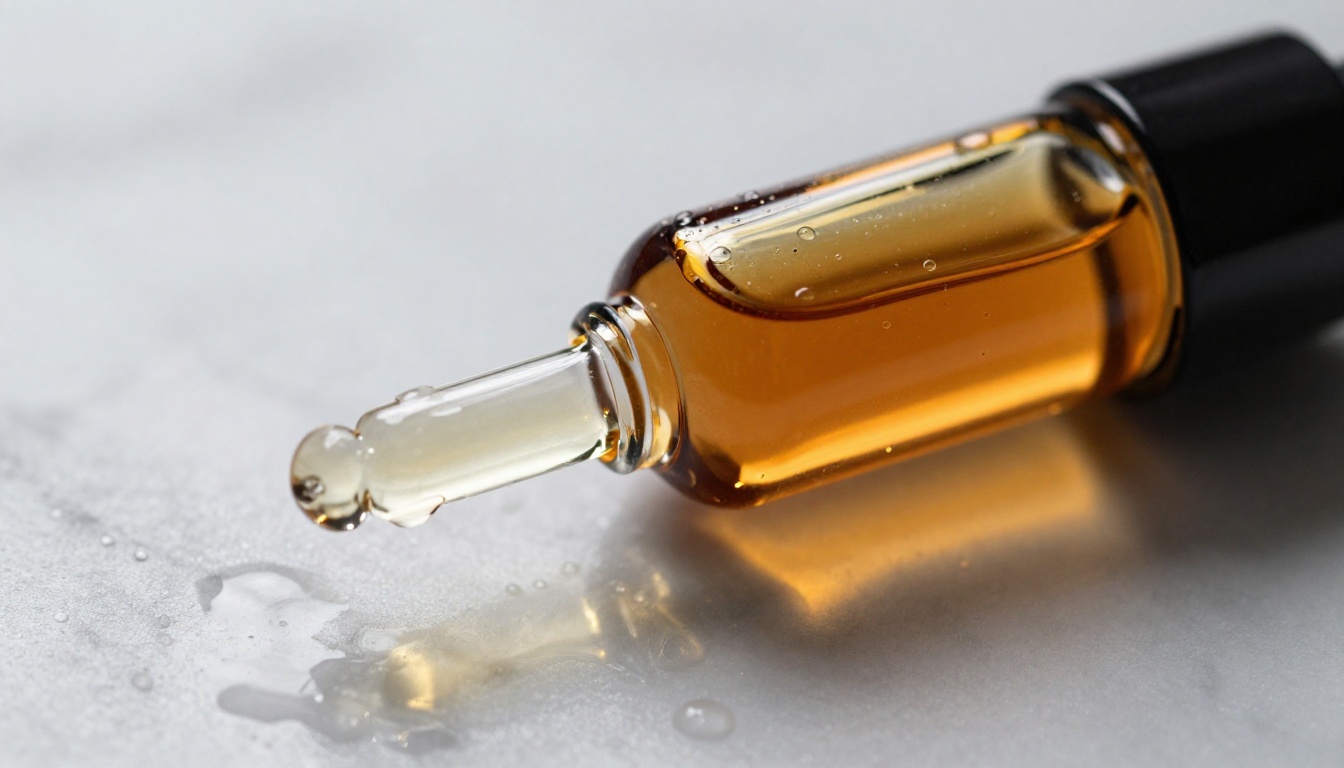
For a product with interesting materials, whether brushed aluminum, frosted glass, or textured leather, start the prompt at that material. "Extreme close-up of a brushed aluminum watch case, the machined edge visible, camera slowly reveals the dial face with each tick of the seconds hand audible, then pulls to wide shot showing the full watch on a dark slate surface."
How to Use Veo 3.1 on PicassoIA
Veo 3.1 is available on PicassoIA without needing API access, billing accounts, or waitlist approval. Here's the exact workflow:
Step 1: Go to the Veo 3.1 model page.
Navigate to the Veo 3.1 model on PicassoIA. You'll see the prompt field and settings panel immediately.
Step 2: Write your directorial prompt.
Use the structure above. Be specific about camera movement, timing, lighting, and any sound elements. The more directorial your language, the more intentional the output.
Step 3: Set aspect ratio.
Choose 16:9 for web or 9:16 for vertical social content. This decision must happen before generating because it shapes the full composition.
Step 4: Generate and review.
Veo 3.1 takes 60-90 seconds per generation. Review for motion coherence, audio sync, and whether the central visual moment lands where you intended in the timeline.
Step 5: Iterate the prompt.
If the first output misses on camera movement, adjust that element specifically. Prompt iteration is faster than re-shooting with a crew. Most outputs that work for production use come from two or three iterations.

💡 Tip: Run Veo 3.1 Fast for prompt iteration. Once the prompt is dialed in, switch to the full Veo 3.1 for your final render. This saves generation credits while you're refining.
Veo 3.1 vs. Other AI Video Models
The AI video generation space has expanded dramatically. Here's how Veo 3.1 compares to the most relevant alternatives for product launch use cases:
For product launch work specifically, Veo 3.1 sits at the top because of audio-visual simultaneity. A product video with integrated sound is substantially more professional than the same video with stock music layered on top. That difference is immediately perceptible to viewers, even if they can't articulate why.
3 Mistakes That Kill Product Videos
These show up consistently in early-stage brand video content, and they're all avoidable with a small shift in how you approach the prompt.
Overloading the Prompt
The biggest mistake is cramming too many visual ideas into a single prompt. "Show the product on marble, then in a forest, then in a person's hands, with dramatic lighting that changes from warm to cool" produces incoherent output. Veo 3.1 is generating a continuous clip. It needs a single continuous scenario.
One location. One camera movement. One central moment. That constraint forces creative decisions rather than deferring them to the model, and the output is always cleaner for it.
Wrong Aspect Ratio for the Channel
A 16:9 video posted to Instagram Reels gets letterboxed or cropped badly. A 9:16 video embedded in a website hero section looks thin and awkward. The aspect ratio decision must happen before generation. When planning a launch, generate at least two versions: landscape for web and vertical for social. They're different prompts, not just different crops.
Ignoring the First Three Seconds
On social platforms, autoplay starts immediately but viewer attention peaks in the first three seconds. If the most visually compelling moment of your product video lands at second eight, most viewers never see it. Write your Veo 3.1 prompt so the hook, whether it's a product reveal, a texture extreme close-up, or a dramatic sound effect, lands within the first two seconds.
💡 Prompt structure tip: Start with "Opens on..." and describe the most visually striking frame first. "Opens on extreme close-up of the product's textured glass surface, light catching the edges. Camera pulls back slowly to reveal the full bottle over five seconds."
More AI Models Worth Trying
Veo 3.1 isn't the only tool for this workflow. Different models have different strengths, and depending on your product category and campaign tone, alternatives may serve specific shots better. Testing across two or three models in the same session is always worth the time.
Seedance 2.0 for Social-First Campaigns
Seedance 2.0 from ByteDance excels at content designed for social media feeds. It generates with native audio and handles high-energy visual styles particularly well. For product categories like fashion, food, and consumer tech where visual energy matters more than cinematic stillness, Seedance 2.0 is worth testing alongside Veo 3.1 and comparing outputs directly.
Kling v3 for Lifestyle and Dark Tones
Kling v3 Video produces high-fidelity, cinematic output that handles shadow and contrast particularly well. For premium lifestyle products, spirit brands, or luxury fashion where the mood is atmospheric and the palette is dark, Kling v3 often produces more dramatic results than Veo 3.1.
The tradeoff: Kling v3 Video does not generate native audio, so sound design needs to happen in post-production. For a brand that already has a sound identity this isn't a dealbreaker, but it adds a step.
Sora 2 for Story-Driven Campaigns
Sora 2 from OpenAI handles narrative sequences and scene continuity better than most other models. If your product launch campaign involves telling a short story, a problem-solution arc or a lifestyle scenario, Sora 2 maintains scene coherence across longer clips in a way that feels natural and intentional.
It also produces native audio, making it a strong contender for branded content that goes beyond pure product shots into storytelling territory.
All of these models are available on PicassoIA at picassoia.com/en/all-models. Browse by category, compare outputs, and build a multi-model workflow that matches your product and campaign goals.
Start Generating Your Launch Video
If you have a product launching in the next few weeks and no production budget, the workflow above is a direct path to professional video content. Write a directorial prompt, generate with Veo 3.1 on PicassoIA, iterate twice, and you have a 1080p video with synchronized audio that holds up next to agency-produced content.
The cost is measured in tokens, not in day rates. The timeline is minutes, not weeks. That changes who can produce premium video content for a launch, and it changes what's possible when you're iterating fast against a real deadline.
Start with a single product, write three or four prompt variations, and compare the outputs. Within an hour, you'll have a clear sense of how the model responds to your specific product category and visual style. That intuition compounds quickly into a reusable prompt library for your brand, and each campaign gets faster and more precise.
PicassoIA's collection of over 87 text-to-video models, from Veo 3.1 to Seedance 2.0 to Kling v3 Video, means you're not locked into a single model's strengths. Build a multi-model workflow where you use Veo 3.1 for hero shots and Seedance 2.0 for social cuts, then run both in the same campaign and see which performs better with your audience. The model that wins for your product category becomes your primary tool, and you'll know that from real output rather than guesswork.


