Spending money on AI tools is easy. Knowing when it actually matters is the hard part. Google's Veo 3.1 has three distinct tiers, and the gap between free and paid is not simply a marketing move: there are real, measurable differences in resolution output, audio generation quality, and generation speed that will either justify the cost or make you feel like you paid for something you could have had for free. This article breaks down exactly what you get at each level, tests the real-world output differences, and gives you a direct answer on when upgrading makes financial sense.
What Veo 3.1 Actually Is

Veo 3.1 is Google's most recent text-to-video model, refined from the original Veo 3 with meaningful improvements in motion coherence, prompt fidelity, and native audio generation. It produces video up to 1080p with synchronized ambient sound, dialogue, and effects, without needing a separate audio model bolted on after the fact.
The distinction from Veo 2 is meaningful: where Veo 2 produced clean but often silent clips, Veo 3.1 treats audio as a first-class output. The model generates sound that reacts to what is happening visually: footsteps on gravel, rain hitting glass, wind moving through trees, crowd ambient noise layered naturally in the mix. That integration is what separates this generation from most competitors.
The improvement from Veo 3 to Veo 3.1 is more incremental than the Veo 2 to Veo 3 leap. Veo 3.1 delivers tighter temporal consistency, where objects hold their properties across frames more reliably, sharper handling of camera motion prompts, and improved natural language adherence when a prompt includes specific lighting or compositional instructions. The previous Veo 3 Fast already showed that speed and quality were not mutually exclusive at this tier, and Veo 3.1 builds directly on that foundation.
Three Distinct Versions
This is where people get confused. "Veo 3.1" is not a single model. Google has released three separate tiers with different performance and access profiles:
Veo 3.1 Lite is the accessible free-tier version. The full Veo 3.1 is the standard paid model at full resolution. Veo 3.1 Fast is the accelerated paid tier with priority queue access for reduced wait times. All three are available on PicassoIA without requiring separate API credential setup.
What "Free" Really Means Here
"Free" in AI video generation does not mean unlimited or unconstrained. Veo 3.1 Lite comes with a defined set of restrictions:
- Resolution capped at 720p (1280x720 maximum output)
- Audio generation with reduced dynamic range compared to the full model
- Standard queue placement that deprioritizes your request during high-load periods
- Shorter typical generation lengths consistent with most Lite-tier video models
- Reduced prompt fidelity for complex or multi-element scene descriptions
It is genuinely usable, and for many casual or exploratory use cases, it is more than enough. But there are specific situations where the free tier's limitations will push you toward results you cannot publish at a professional level.
Free vs Paid: The Hard Numbers
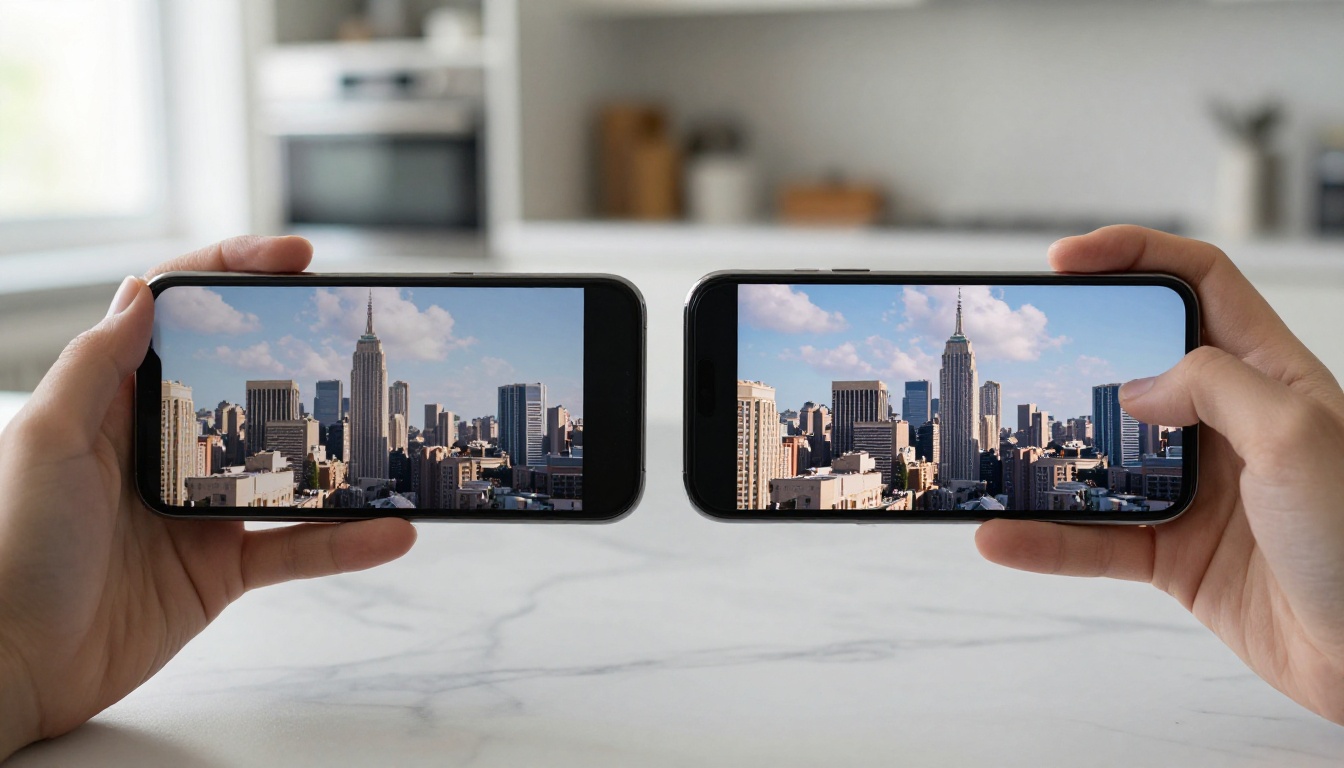
The numbers matter more than the marketing language. Here is where the tiers actually diverge in concrete, measurable ways.
Resolution Caps
This is the clearest, most immediate split. Veo 3.1 Lite caps output at 720p. The full Veo 3.1 and Veo 3.1 Fast both reach 1080p.
On a phone screen, you may not notice. On a television, projected on a wall, or embedded as B-roll in a professional production, 720p reads as noticeably softer. Fine surface detail in skin texture, fabric weave, water surfaces, and foliage all lose their crispness. Motion blur artifacts become more visible at lower pixel density because there is less resolution to smooth them out over time.
💡 If your primary distribution channel is Instagram Stories or TikTok, which both apply their own heavy compression anyway, the resolution difference hurts you less. If you publish to YouTube, client presentations, or professional productions, 1080p is not optional.
Audio Quality
This is the subtler difference, but it matters for anyone putting video in front of a real audience. Both tiers generate native audio. The gap is in dynamic range, ambient layering complexity, and dialogue coherence.
On the full Veo 3.1, ambient sound layers are richer: a beach scene produces distinct wave crash timing, distant background atmosphere, and wind texture, all mixed at reasonable relative levels without clipping or muddiness. On Lite, the same scene tends to produce flatter ambient sound with less textural variation. When multiple sound sources are present in a single scene, Lite blends them less cleanly.
Vocal audio in character-adjacent scenes is also more coherent at the paid tier. Lite can produce muffled or tonally inconsistent vocal sound in scenes involving human subjects, while the full model maintains better separation and clarity.
Speed and Queue Priority
Veo 3.1 Fast is the obvious choice when turnaround time matters. During peak hours, Lite users wait significantly longer than Fast users for identical prompt complexity. The standard paid Veo 3.1 sits in the middle: not the slowest, but without the priority queue position that Fast subscribers receive.
For individual clips generated occasionally, queue wait is a minor inconvenience. For a content creator generating fifteen clips in a single afternoon, the difference between standard and priority queue is the difference between finishing the batch today or tomorrow morning.
Real Output, Real Differences
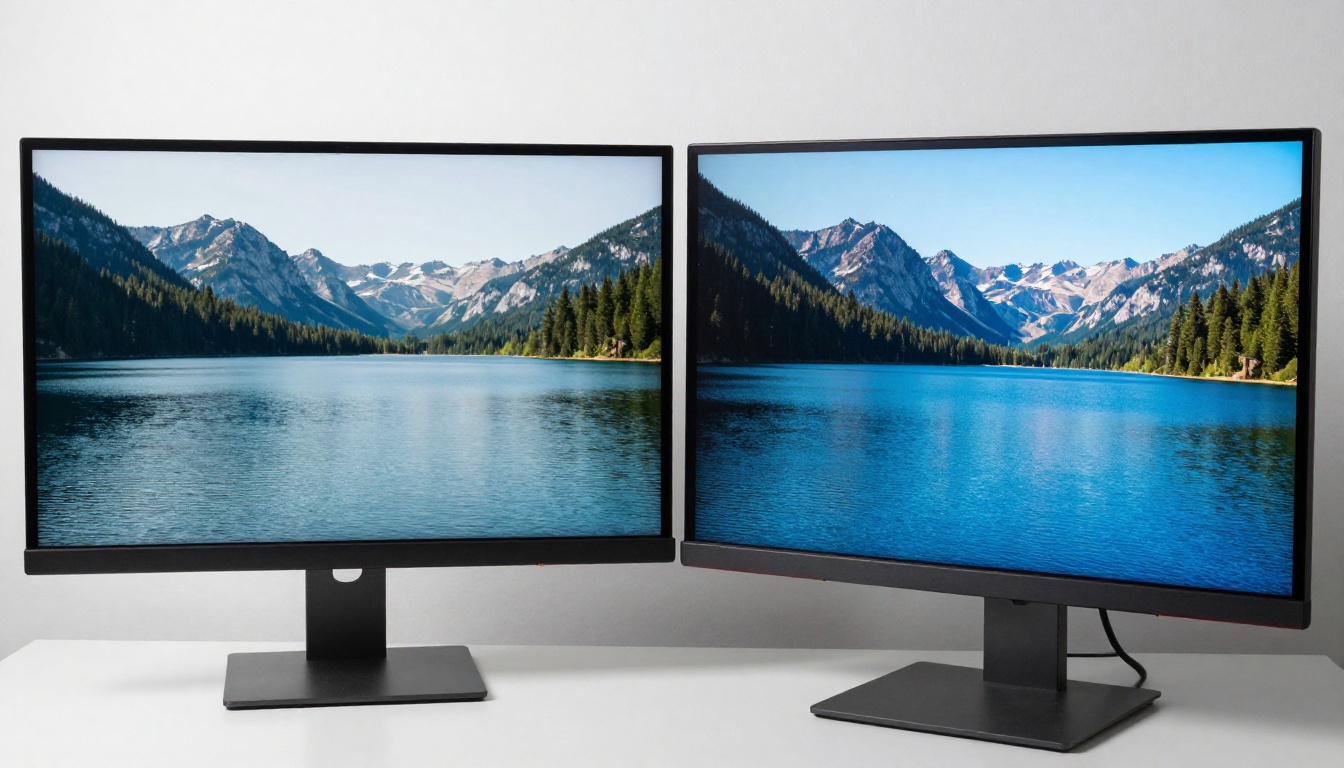
Where Free Falls Short
There are specific use cases where Lite consistently produces output you will not want to publish.
Product showcases. If you are generating video featuring a specific physical product, brand asset, or surface detail, fine resolution matters. Logos, product textures, and packaging design compress poorly at 720p, and Lite's reduced model capacity produces less accurate object rendering overall.
Character consistency. Scenes involving human subjects in motion on Lite often show subtle but distracting inconsistencies in facial topology during camera movement. The paid model maintains better structural integrity through motion.
Complex multi-element prompts. A prompt like "a crowded morning market in Marrakech, vendors calling out, steam rising from food stalls, tourists photographing, narrow laneway with hanging lanterns" pushes Lite past its operational capacity. It starts dropping scene elements, misinterpreting spatial relationships, or producing a flattened version of the described scene. The full Veo 3.1 handles this substantially better.
Professional distribution. Anything going to a client, a YouTube channel with meaningful viewership, or a produced piece of content carries visible professional risk when delivered at Lite quality.
Where Paid Earns Its Price

The paid tier improvement is not just a resolution bump. The full model brings meaningful quality improvements across several dimensions that matter in professional output:
- Temporal consistency: Objects maintain their color, shape, and properties across all frames. A red jacket stays red without flickering or drifting over time.
- Camera motion realism: Dolly shots, slow pans, and handheld-style movement behave with more physical plausibility. On Lite, camera motion can feel "floaty" or inconsistent with real physics.
- Audio sync precision: In scenes with clear cause-and-effect sound, such as a door closing, a glass placed on a table, or footsteps on different surfaces, the paid model times audio events to visual events more accurately.
- Prompt adherence on specifics: When you specify "morning light from the upper left" or "rack focus from foreground to background," the paid model follows those instructions more reliably than Lite.
These compound across a production workflow. The biggest hidden value of the paid tier is the reduction in re-generation rate: the number of clips you have to regenerate because the first output is unusable. That reduction compounds into significant time savings at any meaningful production volume.
How to Use Veo 3.1
PicassoIA hosts all three Veo 3.1 tiers with no additional account setup or credential management required. You access each model directly through the platform interface.
Using Veo 3.1 Lite (Free)
- Go to Veo 3.1 Lite on PicassoIA.
- Write a clear, specific prompt. On Lite, short concrete descriptions outperform long abstract ones.
- Leave the aspect ratio at its default (16:9 for landscape content).
- Submit and wait for your position in the standard queue.
- Download the 720p output and review it against your quality threshold before using it.
💡 Lite prompt tip: One subject, one clear action, one defined environment. "A woman in a red coat walking through a rain-wet cobblestone alley at night, overcast light from above" will outperform "a vibrant dynamic cinematic scene of atmospheric urban night life" on Lite every time.
Using Veo 3.1 Full (Paid)
- Navigate to Veo 3.1 or Veo 3.1 Fast for priority processing.
- Write a rich, detailed prompt. At this tier, specificity in lighting, camera angle, and texture returns visible improvements in output.
- Include camera motion intent when relevant: "slow dolly-in," "gentle aerial pull-back," "steady tracking shot from left."
- Specify audio intent: "ambient crowd murmur," "distant ocean waves," "crisp footsteps on marble."
- Submit and expect 1080p output with layered native audio.
The prompt strategy genuinely differs between tiers. Lite rewards brevity and simplicity. The full model rewards richer descriptions with more specificity.
How It Stacks Against the Competition

Veo 3.1 does not operate without serious competition. Several models available on PicassoIA compete directly in this quality and price band.
Seedance 2.0 vs Veo 3.1
Seedance 2.0 from ByteDance is the closest direct competitor on native audio generation. Both models treat audio as part of the primary output rather than a post-processing addition.
The character difference: Veo 3.1 produces more cinematic, film-like motion, especially in landscape and architectural subjects. Seedance 2.0 leans toward hyper-smooth motion that can read as slightly artificial on real-world subjects. Seedance 2.0's ambient audio is competitive; its dialogue and vocal generation is less refined. Seedance 1.5 Pro remains a strong mid-tier choice if you find Seedance 2.0's motion style preferable.
Kling v3 vs Veo 3.1
Kling v3 Video from Kwai is strong on character animation and facial consistency through motion. For content centered on human subjects, Kling v3 arguably outperforms Veo 3.1 on face structure stability during camera movement. Kling v2.6 remains a reliable shorter-clip option with tight face coherence.
The clear tradeoff: Kling models do not generate native audio. If synchronized sound is important to your workflow, Veo 3.1 wins outright in that comparison.
Sora 2 vs Veo 3.1
Sora 2 from OpenAI delivers strong physics simulation and handles multi-scene narrative prompts with more consistency than Veo 3.1. Sora 2 Pro pushes that further at higher output quality. For story-driven content with specified scene changes, Sora 2 Pro has an edge in narrative coherence.
On audio, the picture reverses: Veo 3.1's audio is native and deeply integrated with visual events. Sora 2's audio layer is more supplementary by comparison.
💡 For narrative content with scene transitions: Sora 2 Pro. For single-scene cinematic clips where audio sync matters: Veo 3.1.
Also worth comparing: Ray 3.2 from Luma for HDR cinematic output, LTX 2 Pro if you need 4K generation, and Pixverse v5 as a fast 1080p alternative with solid visual quality. All are available on PicassoIA alongside the full Veo 3.1 lineup.
Who Should Upgrade, Who Shouldn't
This is the actual question, and the answer depends entirely on what you are making and where it ends up being seen.
Stay on Free If...
- Your distribution is mobile-first: TikTok, Instagram Reels, and similar platforms apply their own heavy compression that narrows the visible quality gap between 720p and 1080p source material significantly.
- You are testing concepts: Veo 3.1 Lite is perfectly adequate for mockups, idea validation, internal review, and rapid-iteration workflows.
- Audio is stripped or replaced in post: If you are layering your own audio track, Lite's audio limitations become irrelevant to your output.
- Volume over quality is the priority: High-frequency generation for rapid-cycle content workflows benefits from Lite's accessibility even with the standard queue wait.
Pay for the Upgrade If...
- You distribute to YouTube, streaming platforms, or client deliverables where 1080p is the professional baseline expectation.
- Audio is part of your deliverable: Any project where ambient sync, atmospheric sound, or natural audio sells the scene needs the full tier to perform reliably.
- You generate at professional volume: Reduced re-generation rates plus faster queue placement on Veo 3.1 Fast creates time savings that compound across a content calendar.
- Complex scenes are your primary use case: Multi-element prompts with specific spatial, lighting, or compositional requirements perform significantly better at the paid tier.
- You are delivering to clients: Lite-tier output carries professional risk when someone else is evaluating the result against a quality standard.
The honest position: for casual, personal, or exploratory use, Veo 3.1 Lite is more than enough. For consistent professional output, the paid tier is not a luxury. It is the version that reliably does what it says it does.
Start Making Videos Today
The fastest way to answer the free vs paid question for your own work is to run the same prompt on both Veo 3.1 Lite and Veo 3.1, then look at the outputs side by side in the actual context where they would be seen. Not on a phone at arm's length. On the display your audience uses.
If the resolution holds up and the audio meets your standard, Lite is your model. If either falls short for your specific use case, the full tier closes those gaps cleanly. For high-volume professional workflows where queue wait time compounds across a weekly content calendar, Veo 3.1 Fast removes the friction that otherwise slows production down.
PicassoIA gives you access to over 87 text-to-video models on a single platform, including all three Veo 3.1 tiers alongside Seedance 2.0, Kling v3 Video, Sora 2, Ray 3.2, LTX 2 Pro, and more. Running a practical comparison across models without managing separate accounts or platform subscriptions is one of the real advantages of working inside a unified platform.
Start with Lite, see where it stops working for what you actually make, and move to the tier that fits. If you want to run Veo 3.1 alongside everything else available in text-to-video AI right now, PicassoIA Video is the place to do it.


