Google has been building toward this moment for years, and Veo 3.1 is the clearest signal yet that AI video generation is no longer a toy. It is a production-grade tool. Released through Google DeepMind, this text-to-video model produces 1080p footage with synchronized native audio from a single prompt, and the results are genuinely difficult to distinguish from real camera work in many scenarios. Whether you are a content creator, filmmaker, or just someone curious about where AI video stands in 2027, this breakdown covers everything worth knowing.
What Veo 3.1 Actually Is
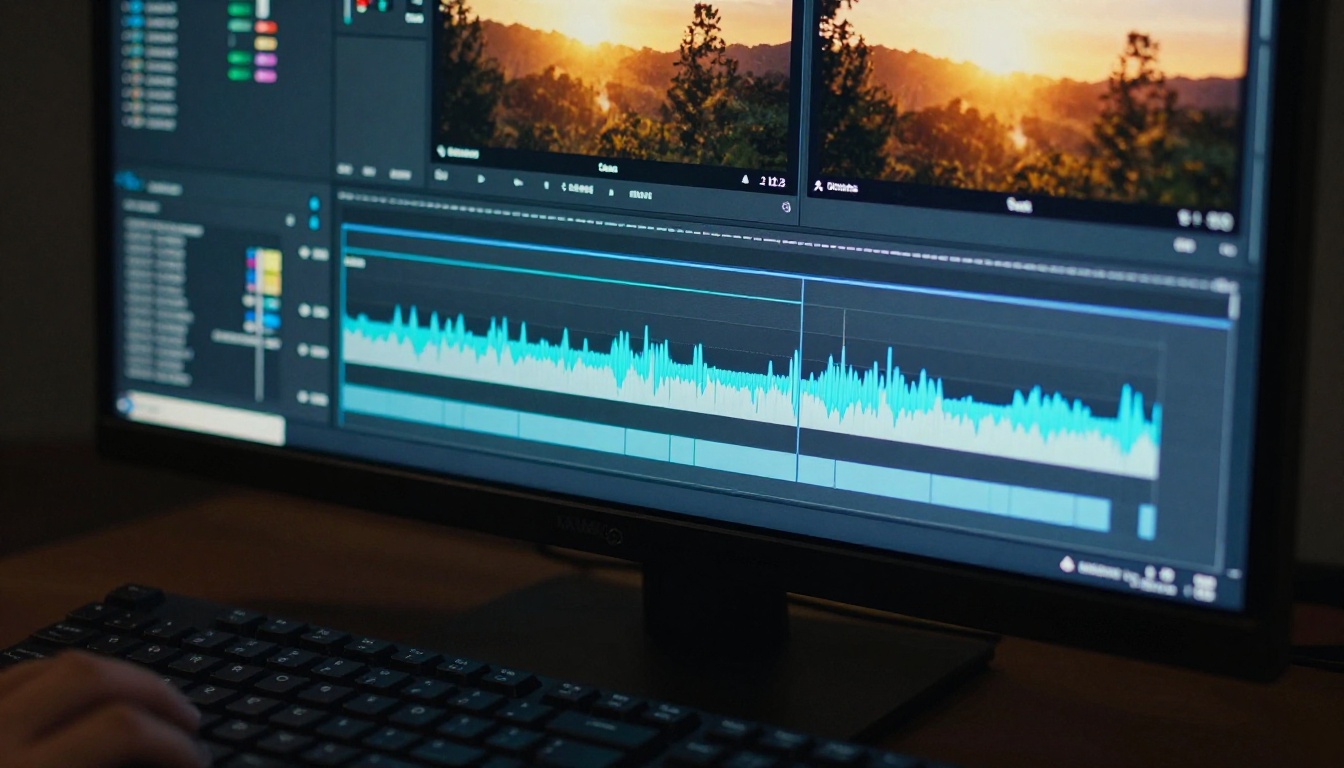
Veo 3.1 is Google DeepMind's most capable publicly accessible text-to-video model to date. It is a diffusion-based generative video model trained on a massive dataset of cinematic and real-world footage, fine-tuned to follow natural language instructions with high fidelity. Unlike earlier models that required separate audio synthesis steps, Veo 3.1 generates audio natively alongside the video, producing speech, ambient sound, and music that are temporally aligned with on-screen action.
The "3.1" in the name signals an iterative refinement over Veo 3: better motion coherence, improved prompt adherence, and more consistent visual quality across longer clips. This is not a complete architectural redesign but a substantial tuning update that addresses the most common failure modes from the previous version.
The Architecture Behind It
At its core, Veo 3.1 uses a video diffusion transformer architecture, a paradigm that has largely replaced older recurrent-based approaches in the field. The model operates in a latent space, encoding video frames into compressed representations and then using the diffusion process to denoise them from random noise toward the target output. Text conditioning is applied at every step through cross-attention mechanisms, allowing the model to read the prompt continuously rather than just at initialization.
What makes this particularly effective for motion is the joint training on temporal coherence. Rather than treating each frame independently, Veo 3.1 models the relationships between adjacent frames explicitly. This is why objects move smoothly and scenes shift without the flickering or warping that plagued earlier AI video models.
Native Audio Generation
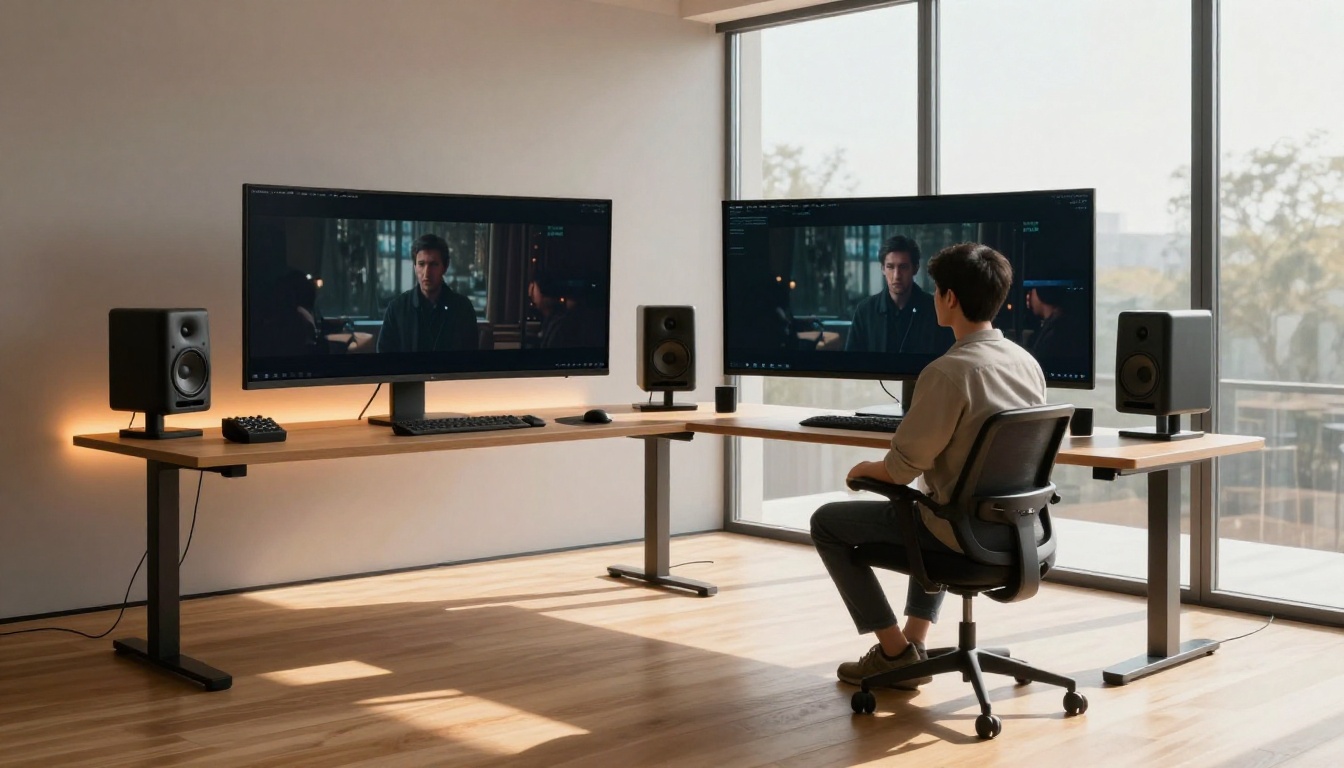
The native audio capability is what most separates Veo 3.1 from previous iterations. Earlier versions of Veo and most competing models produce silent video that requires separate audio work. Veo 3.1 instead generates audio in the same pass, meaning footsteps land when feet hit the ground, voices match mouth movements, and ambient sound fills the scene naturally.
This is achieved through a joint audio-video generation process where both modalities are conditioned on the same text input. The audio is not retrieved or matched from a library. It is synthesized in context, making it far more believable than any post-hoc audio overlay approach.
💡 Note: Native audio is a major reason Veo 3.1 outputs feel more complete than those from competing models, which still require you to assemble audio separately.
Veo 3.1 vs Previous Versions

Understanding where Veo 3.1 sits in the lineage helps calibrate expectations. The progression from Veo 2 to Veo 3 was a large leap: that update introduced native audio, substantially improved prompt following, and pushed maximum resolution to 1080p. Veo 3.1 builds on that foundation rather than reinventing it.
| Feature | Veo 2 | Veo 3 | Veo 3.1 |
|---|
| Max Resolution | 720p | 1080p | 1080p |
| Native Audio | No | Yes | Yes (improved) |
| Prompt Adherence | Good | Very Good | Excellent |
| Motion Coherence | Moderate | Good | Very Good |
| Generation Speed | Slow | Moderate | Faster |
Veo 2 to Veo 3.1
The jump from Veo 2 to Veo 3.1 is significant in practical terms. Veo 2 was already producing impressive footage, but it struggled with complex motion, multi-person scenes, and text rendering. Veo 3 and 3.1 handle these cases substantially better, especially when prompts describe specific actions, camera movements, or environmental conditions.
Where Veo 2 often generated video that looked AI-made due to subtle texture inconsistencies and odd motion artifacts, Veo 3.1 produces footage that regularly passes a casual first look. The improvement in human faces and hands, historically among the hardest subjects for generative video, is particularly noticeable.
Speed Tiers: Fast and Lite
Google has released Veo 3.1 in multiple speed configurations. Veo 3.1 Fast trades some quality for substantially reduced generation time, making it suitable for rapid iteration during the creative process. Veo 3.1 Lite is a compressed version optimized for lower-compute environments while retaining reasonable quality.
The full Veo 3.1 model is the highest-quality option and the one to use when output quality is the priority. For projects where you need to iterate quickly through many prompt variations before committing, starting with Veo 3.1 Fast and finalizing with the full model is a practical workflow.
How Good Is the Video Quality?
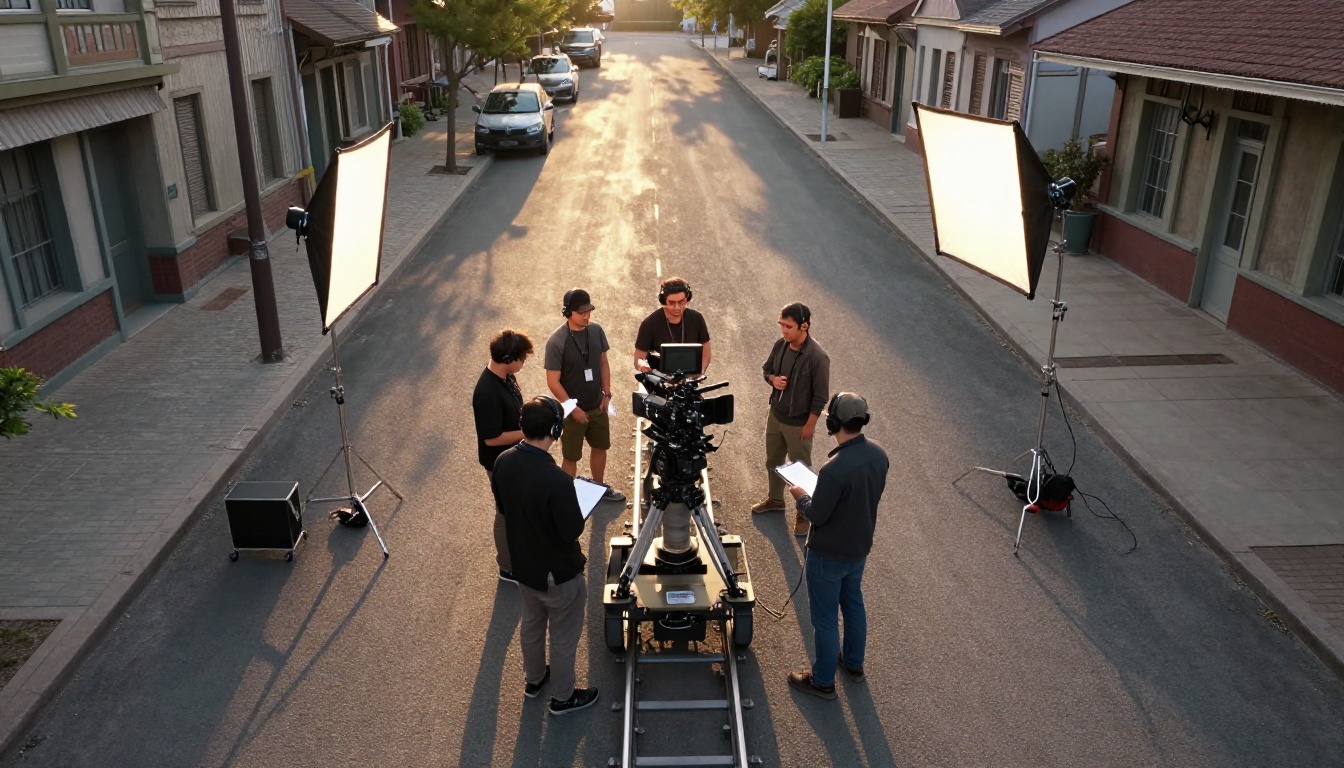
Honest assessment: Veo 3.1 is among the best text-to-video models available in 2027. For straightforward scenes, close-up shots, simple action sequences, and nature footage, the results are photorealistic and highly convincing. For complex multi-character interactions, intricate hand movements, or very precise spatial relationships, there are still limitations that experienced eyes will catch.
Resolution and Frame Rate
Veo 3.1 outputs at 1080p resolution at a standard 24fps, suitable for most digital content use cases including social media, web publishing, and short-form film work. The resolution is genuine, not upscaled from a lower native output, which means fine details like fabric texture, water surface behavior, and environmental lighting hold up when viewed at full screen.
Frame rate consistency is strong. One of the key quality markers in AI video is whether motion feels smooth or "stuttery," and Veo 3.1 maintains consistent temporal cadence throughout the clip duration.
Motion Coherence

Motion coherence refers to how well objects, people, and camera movement remain consistent and believable over time. This is where Veo 3.1 shows its clearest improvements over earlier models. A person walking in frame maintains consistent proportions, clothing behavior, and lighting response throughout the clip. Camera movements like pans, tilts, and tracking shots are smooth rather than lurching.
The model is particularly strong at:
- Environmental motion: wind in trees, water flow, crowd movement in the background
- Single-person actions: walking, gesturing, simple interactions with objects
- Camera-directed shots: explicit prompting of camera angle and movement is respected
- Lighting transitions: scenes that shift from indoors to outdoors or across time of day
Where motion coherence still struggles: fast, complex multi-body interactions, sports sequences, and scenes where two people interact closely.
Veo 3.1 vs the Competition
The AI video generation space has become intensely competitive in 2027. Veo 3.1 is not operating in a vacuum. It competes with strong offerings from OpenAI, Runway, Kwai, and others, all of which are accessible through PicassoIA.
Against Sora 2
Sora 2 from OpenAI is the most direct competitor in terms of positioning and capability. Both models target cinematic quality 1080p output with native audio generation. The differences are nuanced:
- Veo 3.1 tends to produce slightly more natural-looking skin tones and environmental lighting
- Sora 2 shows stronger performance on abstract and stylized prompts
- Veo 3.1 has more predictable audio synchronization for dialogue-heavy scenes
- Sora 2 Pro pushes further on clip length and resolution for professional use cases
Neither model is definitively better across all prompt types. Veo 3.1 excels at naturalistic, documentary-style footage; Sora 2 is often preferred for creative and narrative-driven content.
Against Kling and Runway
Kling v3 from Kwai continues to be competitive, particularly for character-consistent video across longer sequences. Its motion control capabilities via Kling v3 Motion Control are among the most precise in the field.
Runway's Gen 4.5 focuses on creative flexibility and video editing workflows, making it a strong choice for post-production professionals.
Veo 3.1 positions itself above both in raw output quality for photorealistic footage, but the gap is narrow at the top and the right choice depends entirely on your specific use case.
💡 Tip: For rapid iteration without sacrificing too much quality, Seedance 2.0 is worth running alongside Veo 3.1. It also supports native audio and generates at 1080p.
Prompt Writing That Works

Getting quality output from Veo 3.1 requires understanding how the model interprets text. Unlike image generators where you can often dump a list of style keywords, Veo 3.1 responds best to structured, narrative-style prompts that describe the scene as if you are directing a film crew.
What Veo 3.1 Responds To
The model is trained on cinematic footage, so it understands filmmaking language naturally. Use camera direction terms explicitly:
- Camera angle: "low-angle shot," "bird's-eye view," "eye-level medium shot"
- Movement: "slow dolly push," "handheld tracking shot," "static wide"
- Lighting: "soft natural morning light from the left," "overcast diffused lighting"
- Mood and pace: "calm and contemplative," "energetic and fast-paced"
- Subject specifics: describe clothing, approximate age, action, and position in frame
A well-structured Veo 3.1 prompt sounds like a director's brief. Example: "A woman in her thirties walks through a rain-soaked city street at night. Low-angle tracking shot at knee height, following her movement. Warm amber streetlights reflect in puddles. Light rain, calm atmospheric sound. Realistic, cinematic, 24fps."
Common Mistakes to Avoid
Overloading the prompt: Trying to describe too many elements in one prompt causes the model to blend or drop details. One scene, one action, one lighting condition works far better than three combined.
Ignoring audio direction: Since Veo 3.1 generates audio natively, describe the sound environment explicitly. "Quiet ambient coffee shop sounds" or "natural bird calls and light wind" will direct the audio generation toward the right result.
Vague subject descriptions: "A person walks" gives the model too much latitude. "A tall man in a grey overcoat walks" constrains it productively.
Requesting too much simultaneous motion: Multiple people, vehicles, camera movement, and weather all in one clip tend to degrade coherence. Simplify the scene to strengthen the output.
How to Use Veo 3.1 on PicassoIA
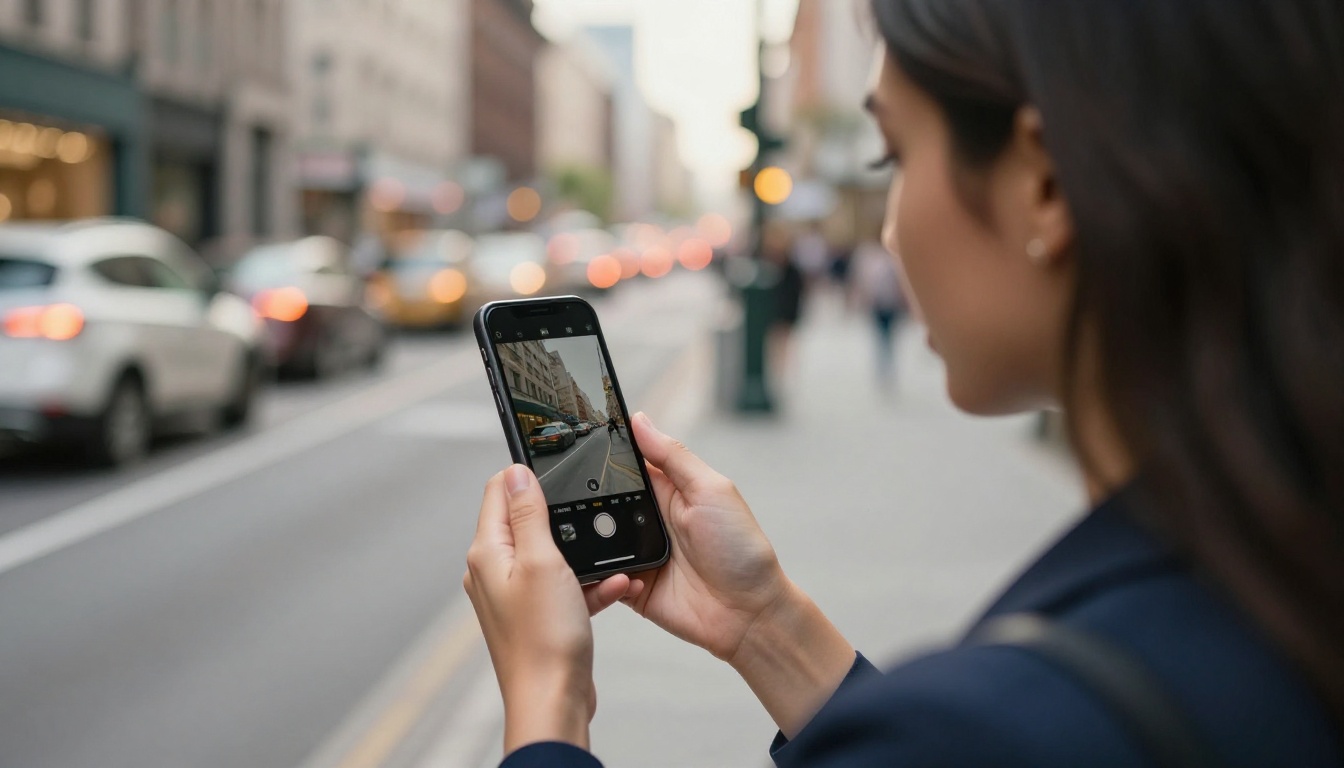
Veo 3.1 is directly accessible on PicassoIA without needing a Google AI account or API setup. Here is how to get your first clip generated.
Step-by-Step
Step 1: Go to the Veo 3.1 model page on PicassoIA. You will see the prompt input field and generation settings.
Step 2: Write your prompt using the filmmaking language approach described above. A solid starting point: "A young woman sits at a cafe window in Paris, morning light streaming through the glass. Medium shot, static camera, soft warm daylight. Ambient cafe sounds and distant traffic."
Step 3: Select your clip duration. Start with shorter clips (5 to 8 seconds) to validate the scene before committing to longer generation times.
Step 4: Specify the audio environment in your prompt. State whether you want ambient sound, dialogue, music, or silence. This directly shapes the native audio output.
Step 5: Generate and review. Download the clip. If motion coherence or specific scene details are off, refine the prompt and regenerate. Use Veo 3.1 Fast for quick test iterations before running the full model.
Parameter Tips
- Aspect ratio: 16:9 is the default and best supported format for Veo 3.1.
- Negative prompting: When available, use it to exclude failure modes, such as "no motion blur," "no flickering," or "no distorted hands."
- Seed values: Once you find a composition you like, note the seed and reuse it with slight prompt variations to maintain visual consistency across a series of clips.
- Choosing the right tier: Use Veo 3.1 Lite for drafts, Veo 3.1 Fast for mid-quality iteration, and full Veo 3.1 for final output.
What You Can Actually Build With It

The practical applications for Veo 3.1 are broader than most people initially consider. Here is where it is being used right now:
Social content production: Short-form video for Instagram, TikTok, and YouTube that would otherwise require a camera crew. A single creator can produce polished, cinematic content at scale using Veo 3.1.
Pre-visualization for film: Directors and producers use AI video generation to pre-visualize scenes before committing to a shoot. Veo 3.1 quality is now sufficient for client-facing pre-vis presentations.
Ad creative: Brands are generating product-adjacent video content, lifestyle footage, and concept ads at a fraction of traditional production cost.
Educational content: Complex concepts can be illustrated with photorealistic footage showing processes, environments, or scenarios that would be expensive or impossible to film practically.
Narrative short films: Writers are generating proof-of-concept footage for short films, using AI video as a storytelling and pitching tool.
The main constraint is still clip length and control over specific details within a scene. For complex narrative sequences requiring consistent characters across many cuts, the workflow involves generating individual clips and editing them together. In those situations, tools like Kling Avatar v2 for character consistency and Wan 2.7 I2V for image-to-video transitions become part of the production stack alongside Veo 3.1.
Try It for Yourself
The most effective way to calibrate what Veo 3.1 can do for your specific use case is to run it against your own prompts. Writing about AI video quality only goes so far. The difference between a good and great prompt is something you feel in the output, and that intuition builds fast once you start generating.
PicassoIA gives you direct access to Veo 3.1, Veo 3.1 Fast, and Veo 3.1 Lite alongside the full range of competing text-to-video models, including Sora 2, Kling v3, and Seedance 2.0. Running the same prompt through multiple models side-by-side is the fastest way to see which one fits your project.
Start with a scene you know well, something you have a clear visual in your mind for, and write the prompt as a director's brief. The results will tell you more than any written comparison can. Head to Veo 3.1 on PicassoIA and start creating.


