The internet caught fire when the first Veo 3.1 clips started circulating. Not because of the subject matter. Because of how it looked. The skin texture, the volumetric lighting, the natural motion blur, the depth of field hitting exactly where a real 85mm lens would. Things that used to require a RED Komodo and a six-person lighting team were suddenly appearing in AI-generated clips, and yes, some of those clips were explicitly adult in nature.
That's the conversation everyone's having in private but almost nobody's writing about directly. Veo 3.1 makes NSFW videos look cinematic in a way that breaks the existing playbook for adult content creation. This article covers what changed, why it matters, and exactly which tools let you reproduce that quality.
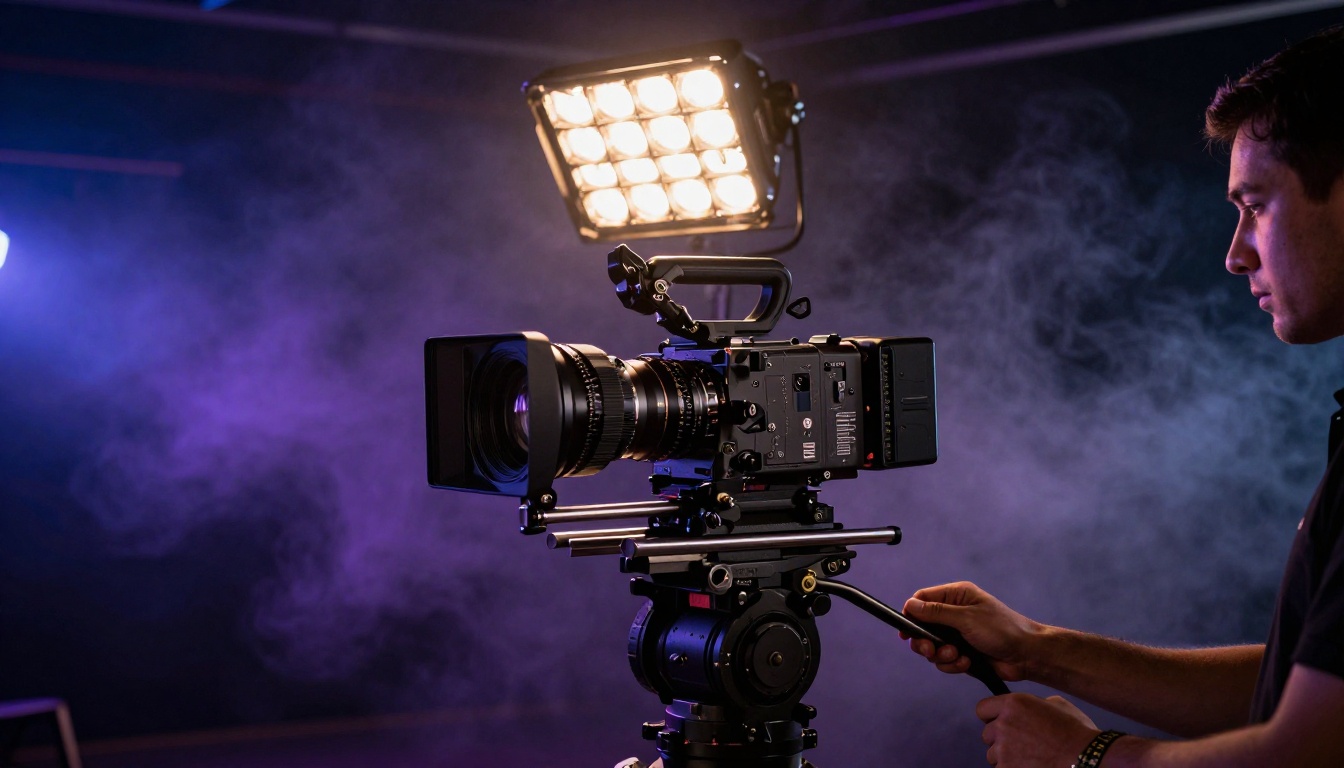
What Veo 3.1 Actually Changed
Previous AI video models had a tell. A certain smoothness to skin that looked painted rather than photographed. Lighting that was even across a face in a way no practical light ever is. Cloth that didn't move with the weight real fabric has. You could look at a frame and know.
Veo 3.1 broke that pattern.
The Rendering Engine Behind the Results
What Google did differently with Veo 3.1 isn't just a resolution bump. The model learned photometric consistency across frames in a way earlier models didn't achieve. When light from a window moves across skin in a Veo 3.1 clip, it wraps around the curves of a face with the same physics a Fresnel spotlight would follow. Shadows have penumbra. Skin shows translucency in areas where real skin is translucent, like earlobes and the edges of fingers.
The result is that Veo 3.1 clips look like they were shot on a cinema camera. At 1080p. With a colorist.
💡 Why this matters for adult content: Most NSFW AI video tools prioritize subject matter over production quality. Veo 3.1 reversed that equation. The quality is so high that the subject matter becomes secondary to the sheer realism.
Three Things That Look Different Now
1. Skin rendering: Veo 3.1 renders subsurface scattering in skin correctly. When a light source is behind or to the side of a subject, the skin glows faintly rather than going flat gray. This is the single biggest reason Veo 3.1 footage passes for real photography at a glance.
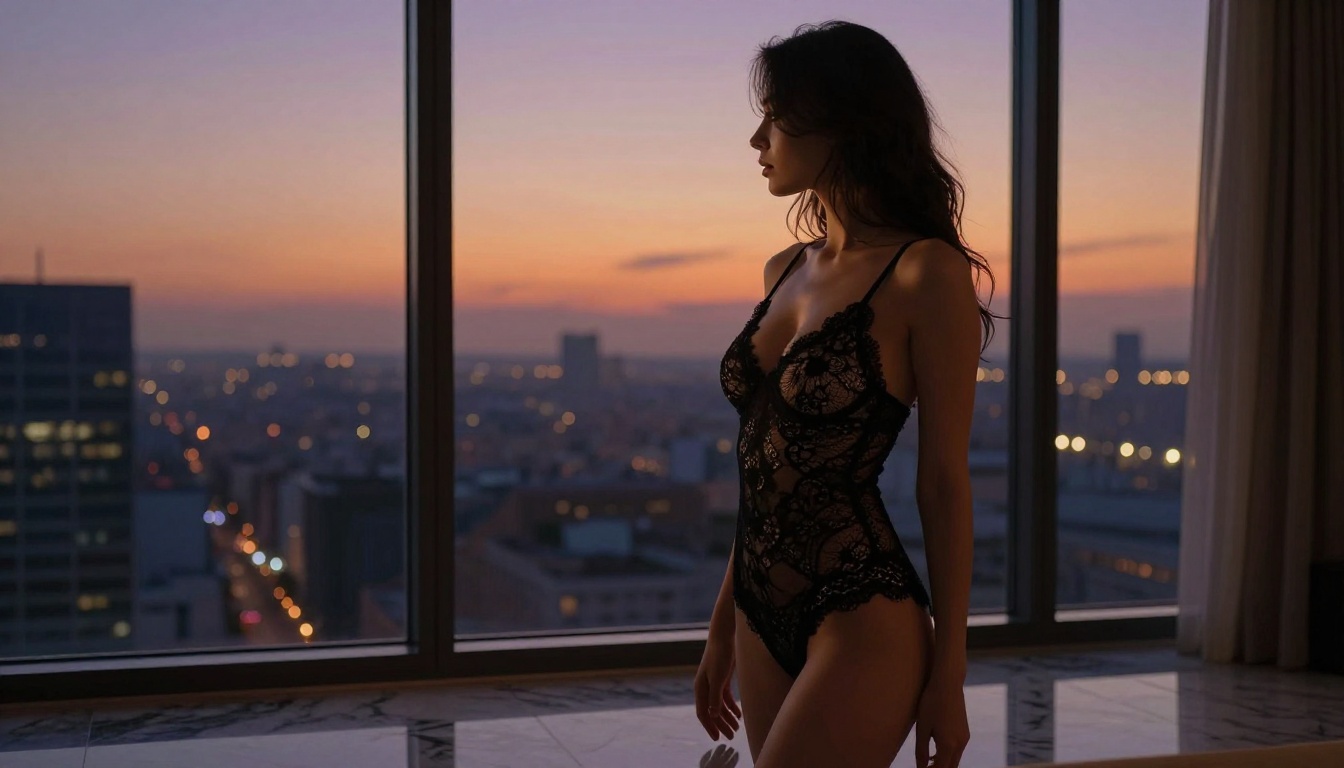
2. Fabric physics: Previous models had fabric that moved like rigid geometry. Veo 3.1 cloth hangs, bunches, and flows with something approximating real drape. Silk looks like silk. Lace has weight. This is critical for suggestive content where fabric interacting with a body is part of the visual language.
3. Camera motion simulation: Veo 3.1 simulates the micro-movements of a handheld camera or the mechanical smoothness of a slider with a level of accuracy that earlier models couldn't achieve. The result is footage that feels operated, not rendered.
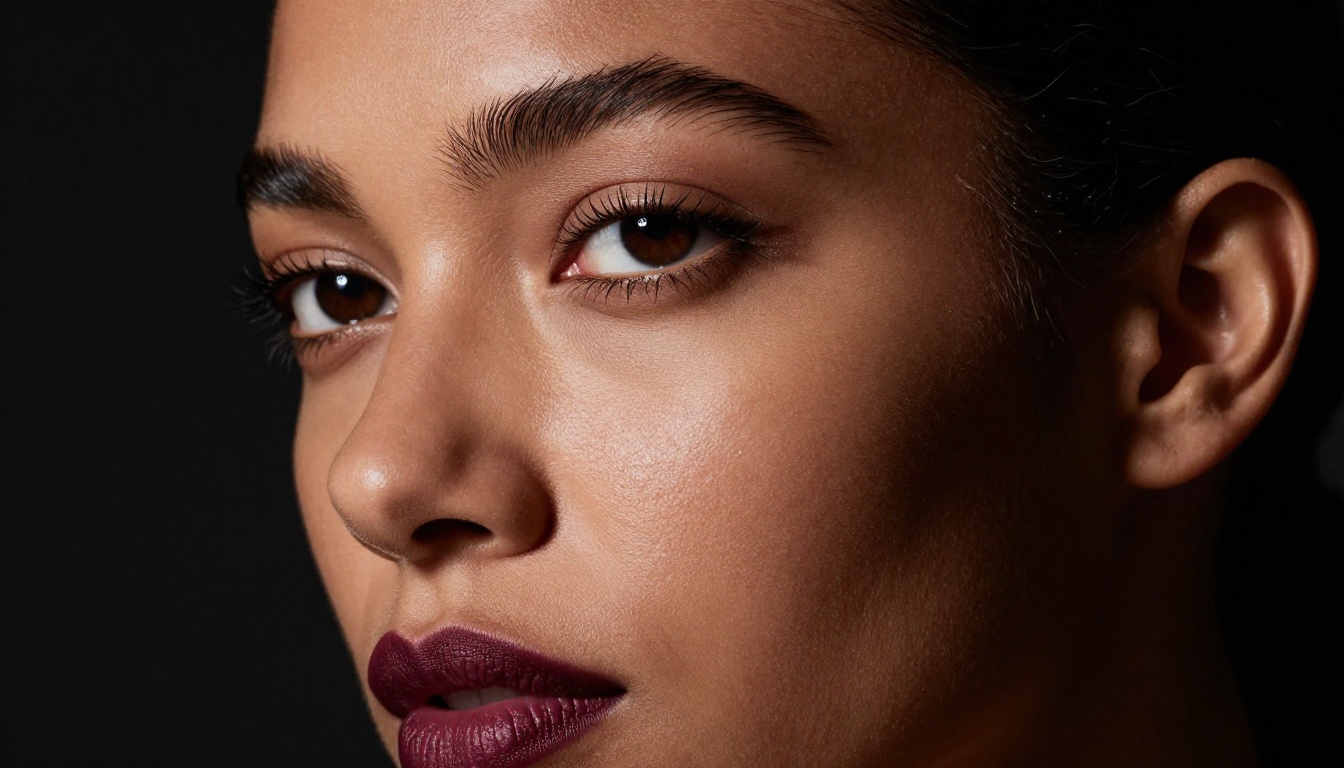
The Quality Gap Nobody Quantified
Adult AI content has existed since the first diffusion models went public. The progression from early Stable Diffusion outputs to where things stand today is dramatic. But video lagged behind images by several years. Until Veo 3.1, even the best AI video tools produced clips that looked obviously synthetic when played in motion.
Before and After: What Actually Changed
| Feature | Previous Gen AI Video | Veo 3.1 |
|---|
| Skin texture | Painted, over-smoothed | Subsurface scattering, pore-level detail |
| Fabric motion | Rigid, delayed | Physics-approximated, weighted drape |
| Lighting consistency | Flat, evenly lit | Photometrically accurate, directional |
| Camera motion | Jitter artifacts | Smooth, simulated operator movement |
| Hair rendering | Solid mass | Individual strand visibility |
| Resolution | Up to 720p | 1080p native |
The jump isn't incremental. It's categorical. Watching older AI video next to Veo 3.1 output is like comparing a VHS recording to a Netflix original.
The Cinematic Lighting Breakthrough
The thing that most separates Veo 3.1 from its predecessors is how it handles directional light. Earlier models lit subjects as if there were a giant diffuse panel surrounding them on all sides. No shadows. No texture. No drama.
Veo 3.1 generates scenes where a single practical light source, like a candle or a window, creates the appropriate pattern of highlights and shadows that a photographer would spend an hour setting up manually. The Rembrandt triangle. The kicker on a shoulder. The rim light that separates a subject from a dark background.
This is why NSFW content shot with Veo 3.1 looks so different. The aesthetic is borrowed from editorial photography and premium adult cinema, not from the flat, overlit look that dominated AI adult content for years.
Who's Generating This Content
The audience for cinematic NSFW AI video isn't a monolith. It breaks into a few distinct groups, each with different needs.
Adult Content Creators
Independent creators on platforms like OnlyFans and Fansly have been early adopters. The appeal is straightforward: production value is a competitive differentiator. When a creator can generate supplementary content that looks like it was shot in a professional studio, that content commands higher subscription prices and stronger viewer retention.
The limitation has always been the uncensored aspect. Most mainstream AI tools, including some versions of Veo 3.1 accessed through official Google APIs, apply content filters that prevent explicit generation. Creators need alternatives.
Visual Artists and Filmmakers
A smaller but growing group uses AI cinematic video as reference material, storyboarding, or direct production content for artistic projects involving the human body. The photorealism of Veo 3.1 means it can serve as a stand-in for expensive photography shoots during the ideation phase.
💡 The platform difference: Official Veo 3.1 through Google's APIs applies content filtering. On PicassoIA, you access Veo 3.1 with more generation flexibility, and you can pair it with explicitly NSFW-capable image and video models for the content that filters don't allow.
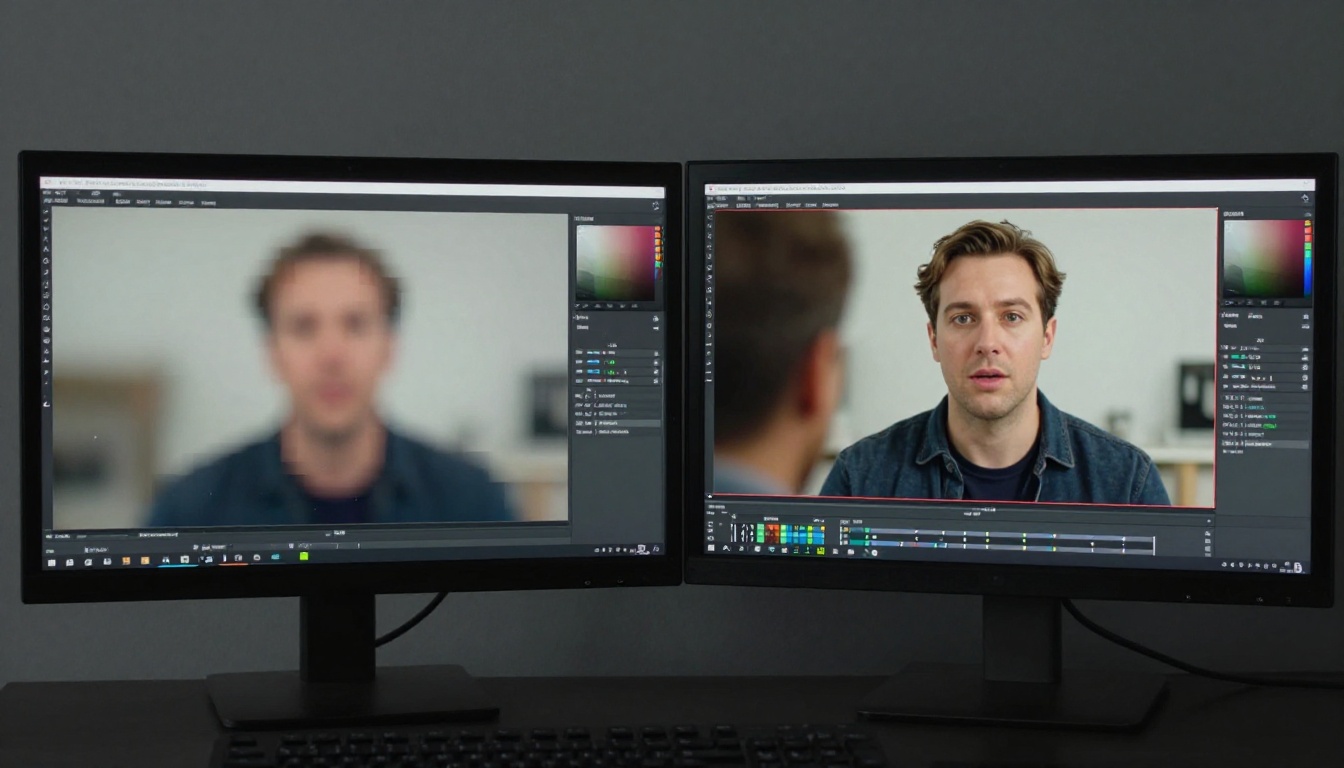
How to Use Veo 3.1 on PicassoIA
PicassoIA provides direct access to Veo 3.1 through its model collection. Here's how to get the most cinematic results.
Pick Your Veo 3.1 Variant
PicassoIA offers three Veo 3.1 versions:
- Veo 3.1: Full resolution, maximum quality, 1080p output. Start here when final quality matters.
- Veo 3.1 Fast: Faster generation with slightly lower latency. Good for iteration.
- Veo 3.1 Lite: Lightweight version for quick concept testing.
Write a Cinematography-First Prompt
The biggest mistake users make is writing prompts that describe subject matter without describing how the shot looks. Veo 3.1 responds directly to photographic language.
Bad prompt: "Beautiful woman in lingerie in a hotel room"
Good prompt: "Woman in black silk lingerie seated on ivory linen hotel sheets, natural window light from the left creating soft shadows across her torso, 85mm f/1.8 shallow depth of field, morning light color temperature 3200K, film grain, cinematic"
The second prompt gives Veo 3.1 a full lighting brief, a lens specification, and a mood. The output will look like it was directed.
Parameter Tips
| Parameter | Recommended Value | Why |
|---|
| Resolution | 1080p | Maximum cinematic quality |
| Motion strength | Medium (0.5 to 0.7) | Prevents over-motion artifacts |
| Prompt length | 80 to 120 words | Enough detail to control lighting |
| Seed | Fixed once a good result is found | Reproducible subject consistency |
Use Image-to-Video for Subject Consistency
If you've generated a strong still image using Seedream 4.5, you can feed that image into video generation tools as the first frame. This preserves the subject's appearance across frames in a way pure text-to-video sometimes misses. Generate once, animate repeatedly.
Describe Motion Explicitly
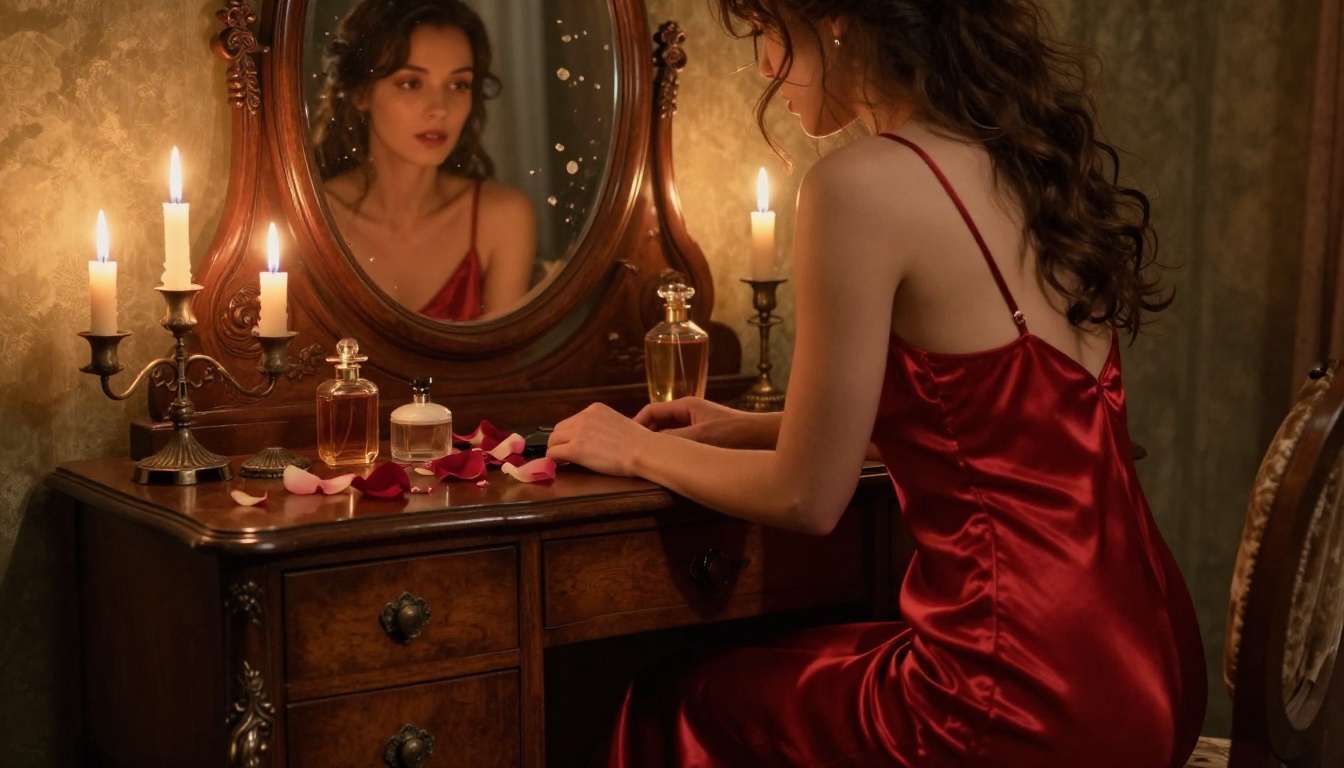
Veo 3.1 excels when you describe motion with precision. "Slow dolly in from medium shot to close-up" produces a more cinematic result than "camera moves closer." Specify the rate of motion, the camera path, and the frame the shot starts and ends on.
Veo 3.1 vs. The Competition
Veo 3.1 doesn't exist in a vacuum. The AI video space has expanded rapidly in 2027, with competing models covering different strengths and content policies.
Model Comparison
Where Each Model Stands Out
Veo 3.1: Unmatched photorealism and lighting simulation. Best for cinematic aesthetics in suggestive content, even where explicit generation is filtered.
LTX 2.3 Pro: The highest technical ceiling at 4K and 50fps. Includes retake (replace a segment) and extend (append footage) modes. The top choice for creators who need final-quality, client-ready output with full NSFW capability.
Seedance 2.0: Excellent for dynamic motion with built-in synchronized audio. Strong NSFW tolerance with 1080p output and natural movement.
P-Video: Safety filter is off by default. Accepts text, image, or audio input. Flexible and fast for iterative NSFW generation across 1 to 10 second clips.
Grok Imagine Video: Generates clips up to 15 seconds from text, an image, or an existing video. No watermarks. Works at 720p or 480p across eight aspect ratios.
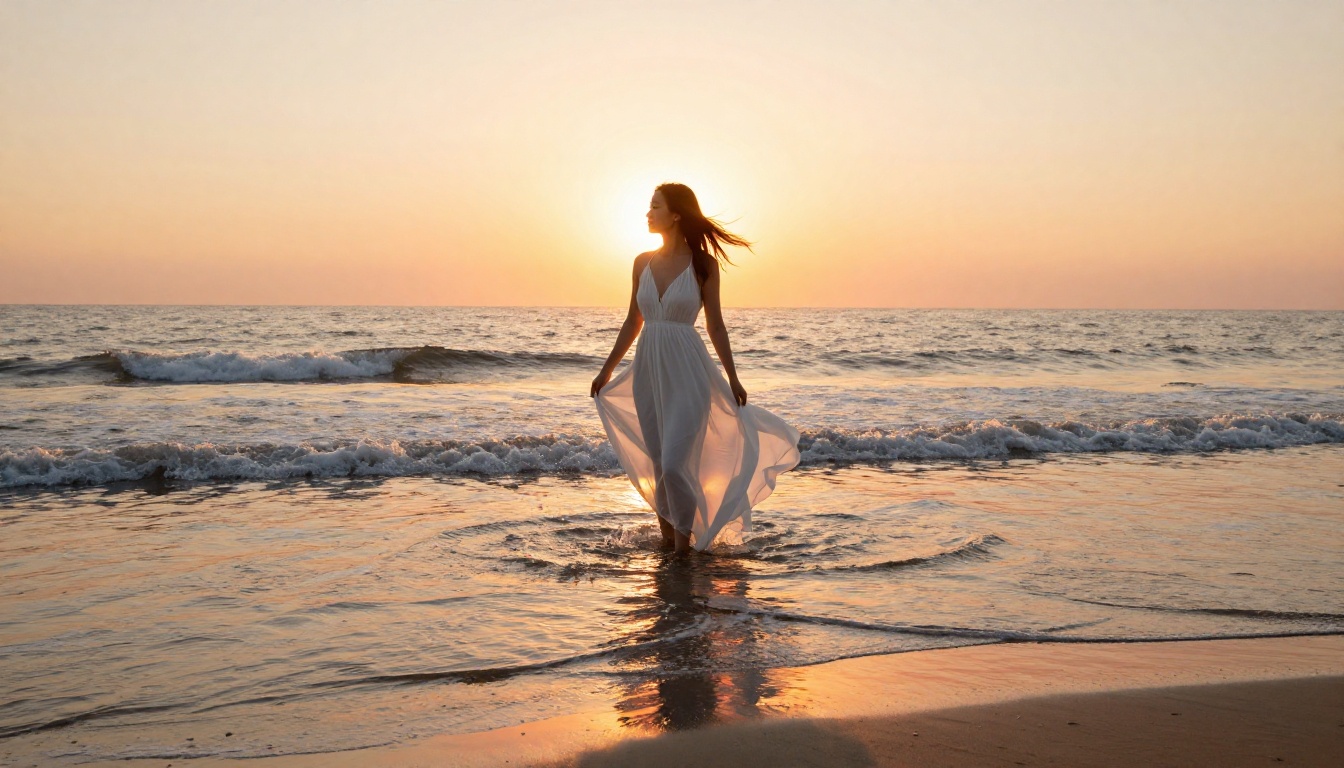
Best NSFW AI Models on PicassoIA
For adult content creators who need cinematic quality and content freedom, the most efficient workflow starts with still images and then animates them.
Start with Images
A photorealistic still gives you a consistent subject to animate. It's faster to iterate on than video generation, and the best image models produce stills that already look like they belong in a premium editorial spread.
Seedream 4.5 is the starting point for almost everything. It accepts NSFW prompts directly, generates ultra-realistic results in under 3 seconds, and supports image editing so you can refine a shot without starting over. Note that the newer Seedream 5 Lite does not allow NSFW content, so make sure you're on Seedream 4.5 specifically.
PicassoIA Image Editor Pro is the unlimited-generation option. On Elite or Infinite plans, you generate as many images as you want with no additional cost. Generating 1,000 images on a per-credit model like Nano Banana 2 would cost around $100. With Image Editor Pro, it's included. Results come back in under a second. It also offers a free 3-generation trial with no credit card required.
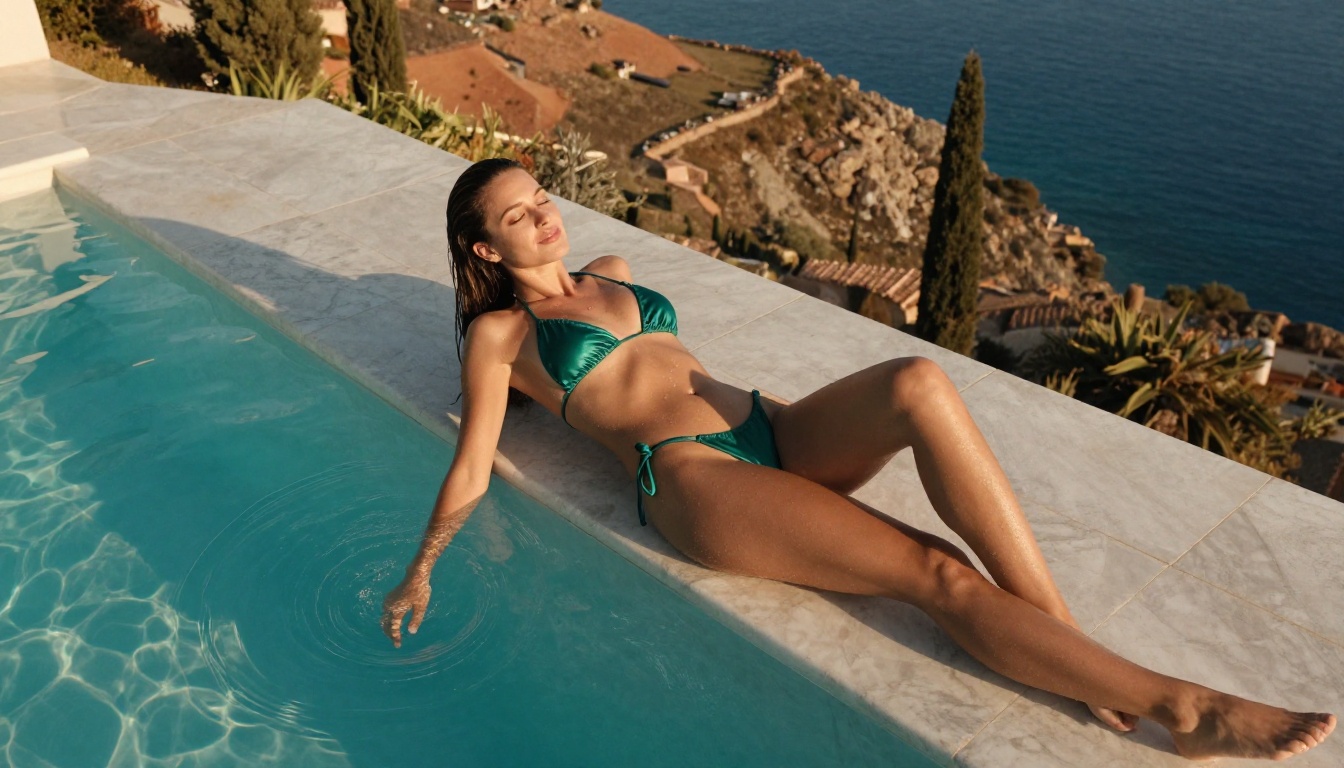
The Full NSFW Model Lineup
Image models:
-
Seedream 4.5 ⭐: Top image model. NSFW-capable, ultra-realistic, generates in under 3 seconds. The best starting point for any cinematic adult content workflow. Its successor Seedream 5 Lite does not support NSFW content.
-
PicassoIA Image Editor Pro: Unlimited img2img generations with no content restrictions. Results in under one second. Free 3-generation trial, no credit card required.
-
Qwen Image 2: Open-source model with no content filter. Edit or generate any image in seconds with very detailed photorealism.
-
Grok Imagine Image: Realistically converts any photo to a bikini or similar format. Natural results with accurate body proportions.
-
Recraft V4: Very realistic text-to-image results with NSFW support.
-
P-Image: Sub-second NSFW image generation. Great for rapid prototyping and volume.
-
prunaai-wan-2.2-image: Highly realistic image generation without content restrictions.
Video models:
-
PicassoIA Video: Unlimited video generation from text prompts. Up to 720p at 5 seconds per clip. No generation caps.
-
P-Video: Text, image, or audio to 1080p video. Safety filter disabled by default. Draft mode for instant low-res preview before final render.
-
Grok Imagine Video: Up to 15 seconds per clip. No watermarks. Works from a text prompt, reference image, or existing video clip.
-
LTX 2.3 Pro: Up to 4K at 50fps with retake and extend editing modes. The highest-fidelity option for client-ready NSFW video output.
💡 Workflow tip: Generate your source image with Seedream 4.5, then animate it with P-Video or LTX 2.3 Pro for cinematic motion. This gives you subject consistency across a photorealistic still and the motion quality of a premium video model.
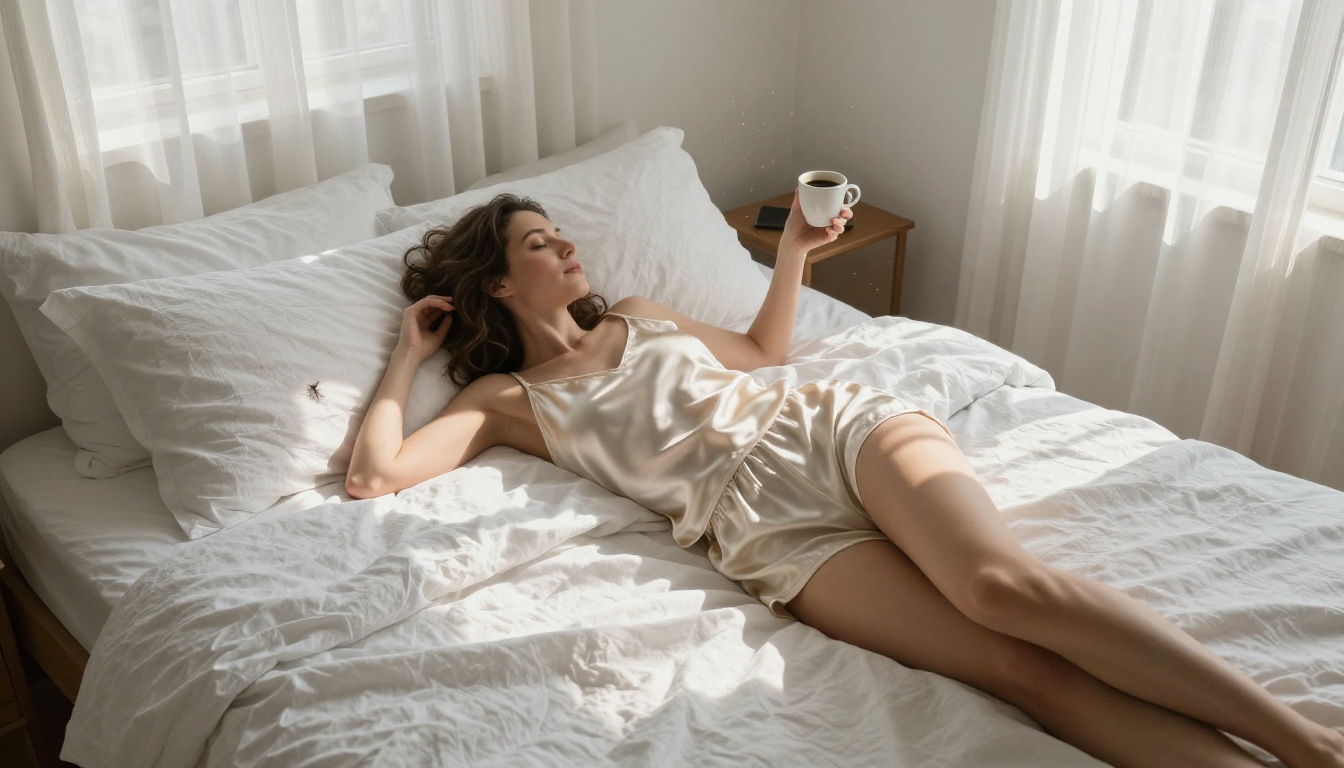
What the Cinematic Standard Actually Requires
Looking at what Veo 3.1 does well is instructive for any AI video workflow. The cinematic quality isn't accidental. It comes from specific photographic choices that any model responds to when you describe them correctly.
The Lighting Rules
Cinematic content uses motivated light, meaning every light source in a scene has a practical reason to exist. A lamp. A window. A candle. Unmotivated flat lighting is what makes AI content look like AI content.
When writing prompts, specify:
- The direction of the primary light (left, right, above, behind)
- The quality of the light (hard, soft, diffused, specular)
- The color temperature (warm tungsten at 3200K, cool window light at 5500K)
- The fill ratio (how much shadow appears on the dark side of the subject)
The Camera Rules
Cinema has established camera conventions that create the perception of professional production. A low angle looking up at a subject creates an imposing, powerful feeling. A high angle looking down is intimate and voyeuristic. A slow dolly-in builds tension. A wide establishing shot gives context before moving to close detail.
These conventions work in AI video exactly as they work in film. Veo 3.1 has learned them from its training data. You need to ask for them explicitly in your prompts.
Depth of Field
Shallow depth of field, where the subject is sharp and the background is soft, is one of the strongest visual signals of professional photography. In prompts, specify your aperture: f/1.4 creates extreme subject isolation, f/2.8 gives comfortable background separation, f/5.6 keeps more of the scene in focus.
Combine a wide aperture spec with a specific focal length for results that read like a specific photographic style. 85mm f/1.8 reads as glamour portraiture. 35mm f/2.0 reads as editorial documentary. 50mm f/1.4 reads as intimate, personal.
💡 Lighting trick: Name your lighting setup directly in the prompt. "Rembrandt lighting" produces a triangle highlight on the shadowed cheek. "Split lighting" creates a hard left-right division. "Butterfly lighting" puts the main light directly above. Veo 3.1 and top image models like Seedream 4.5 recognize these terms and apply them correctly.
Start Creating Cinematic Content Now
The quality gap between generic AI video and what Veo 3.1 can produce is wide. The difference is almost entirely in how you write the prompt, not in raw model capability. Two people using the same model will get dramatically different results based on how much photographic detail they include.
Start with an image. Use Seedream 4.5 to generate a cinematic still with realistic lighting. Describe the light source, the lens, the mood, the fabric texture. Get that right first. Then take the image into P-Video or LTX 2.3 Pro to add motion.
For creators who need volume without per-credit costs, PicassoIA Image Editor Pro makes unlimited generation possible on Elite and Infinite plans. That's 1,000 images for the same price as 1, which changes how you iterate on creative concepts entirely.
The full catalog of NSFW-capable image and video models is at picassoia.com/en/all-models. Start there, pick the model that fits your workflow, and see what cinematic quality actually looks like when the content restriction is removed.


