Two of the most discussed AI video models right now are going head-to-head on the metric that matters most to creators: cinematic motion. Veo 3.1, Google DeepMind's flagship text-to-video model, and Wan 2.6, the open-weight powerhouse from the Wan-Video team, both promise photorealistic footage, but they take fundamentally different approaches to how motion unfolds on screen. If you're choosing between them for your next project, the differences are sharper than the marketing suggests, and knowing where each one excels will save you hours of failed renders and wasted credits.
What Each Model Actually Does
Before comparing outputs frame by frame, you need to understand what each model was built for. They share surface-level goals but diverge significantly in architecture, training data, and design philosophy.
Veo 3.1 at a Glance
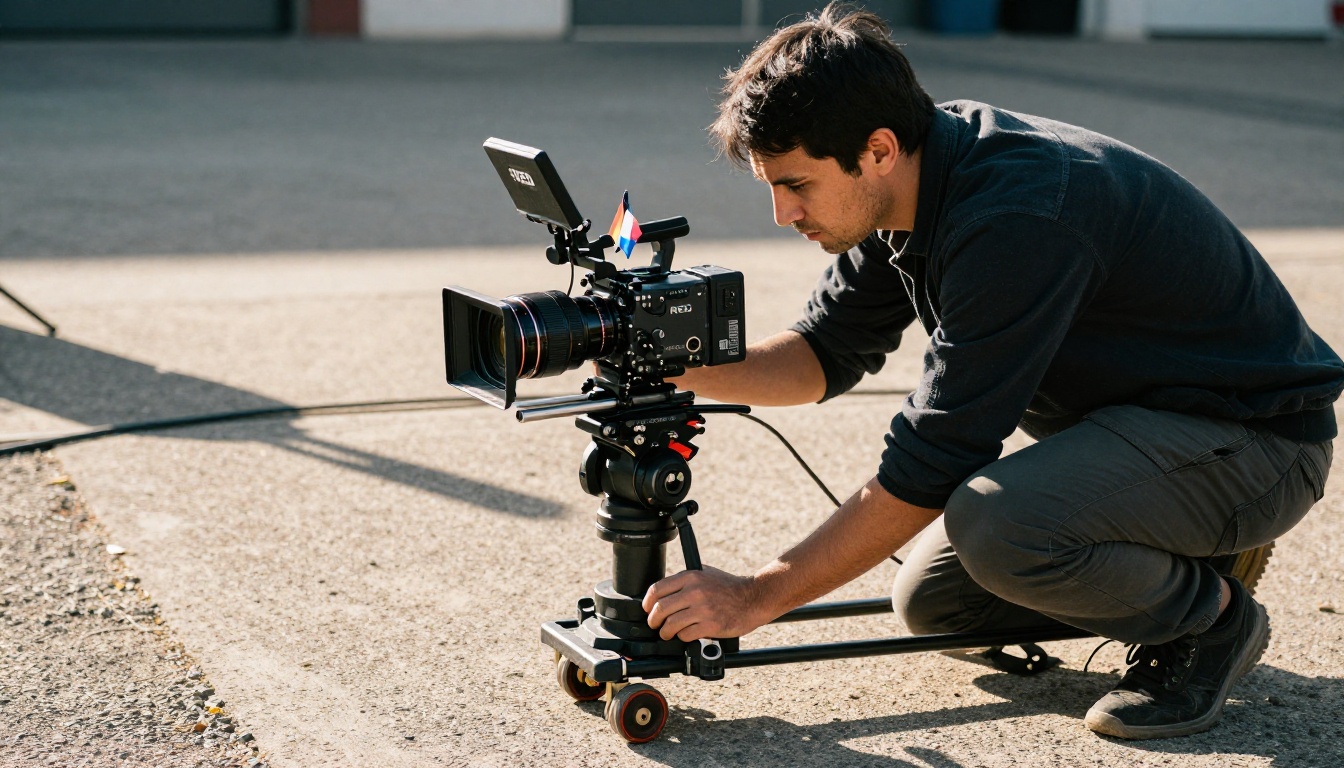
Veo 3.1 is Google DeepMind's latest iteration in the Veo series, designed to produce 1080p video from text prompts with native audio integration baked in from generation. The model builds on Veo 3's already strong motion coherence, adding improved temporal resolution, better handling of multi-subject scenes, and more responsive camera direction control. It runs in multiple speed tiers depending on your workflow: the full Veo 3.1 for maximum quality, the faster Veo 3.1 Fast for rapid iteration, and the lighter Veo 3.1 Lite for quick concept testing.
What makes it distinctly cinematic is its training on a massive curated dataset of film and broadcast content. Prompt responses show genuine understanding of concepts like tracking shots, rack focus, motivated lighting, and lens breathing, terms that most text-to-video models treat as decorative keywords rather than actual production instructions with physical meaning. The difference in output quality when using cinematographic vocabulary is significant and immediately visible.
Wan 2.6 at a Glance
Wan 2.6 T2V is the latest release from Wan-Video, an evolution of the Wan 2.x series that has consistently produced competitive results for an open-weight model. The 2.6 release brings meaningful upgrades to motion sharpness and consistency across the full video duration, along with a dedicated image-to-video variant, Wan 2.6 I2V, that animates still photographs with impressive physical accuracy and composition preservation.
Wan 2.6's core strength is raw motion physics. The model handles fluid dynamics, cloth simulation, and hair movement in a way that rarely looks mechanical or procedurally generated. It lacks Veo's audio integration entirely, but compensates with flexibility: you can anchor generation to a reference image and receive a coherent cinematic clip built around your exact composition, color palette, and subject framing.
Cinematic Motion Quality Side by Side
This is where the real differences show up. Motion quality in AI video isn't just about smooth frame interpolation, it's about whether the physics feel earned, whether the weight, inertia, and timing of movement match what a viewer's body expects to see.
Subject and Body Motion
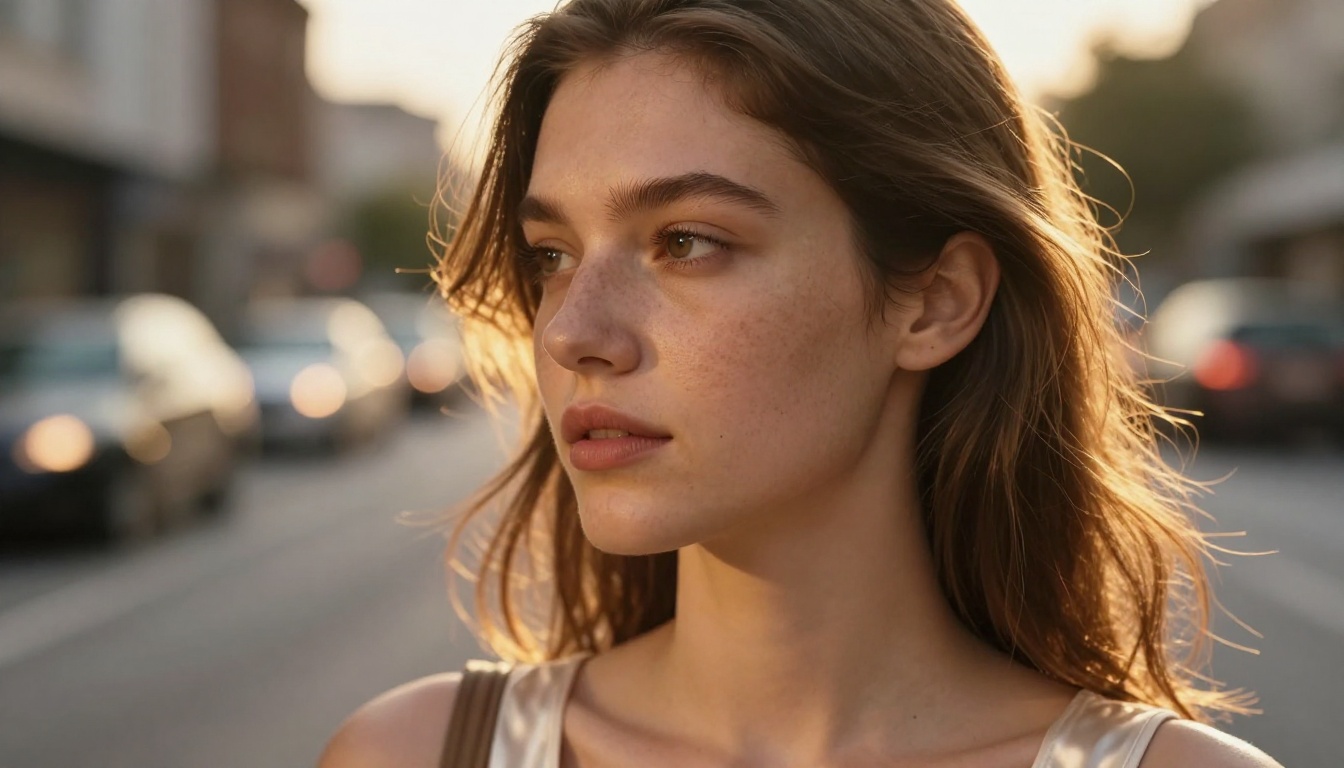
Veo 3.1 handles human subjects with notable precision across the full range of motion types. Walking gaits, arm swings, and facial expressions all move with the kind of weight and timing you'd expect from high-budget film footage. Subtle micro-motions appear without being explicitly prompted: the slight bounce of shoulders during walking, the natural sway of a standing figure responding to a prompt that describes stillness, the involuntary blink and breath movement in a close-up portrait scene.
Wan 2.6 is competitive here, particularly for larger and more dramatic movements. Running, jumping, and crowd scenes tend to produce more convincing inter-subject dynamics on Wan 2.6. Where it shows some weakness is in the very subtle register: a character simply standing and breathing, or a face in quiet conversation, can occasionally produce slight geometric drift over a 6-second clip that breaks the illusion of real photography.
Camera Movement and Control
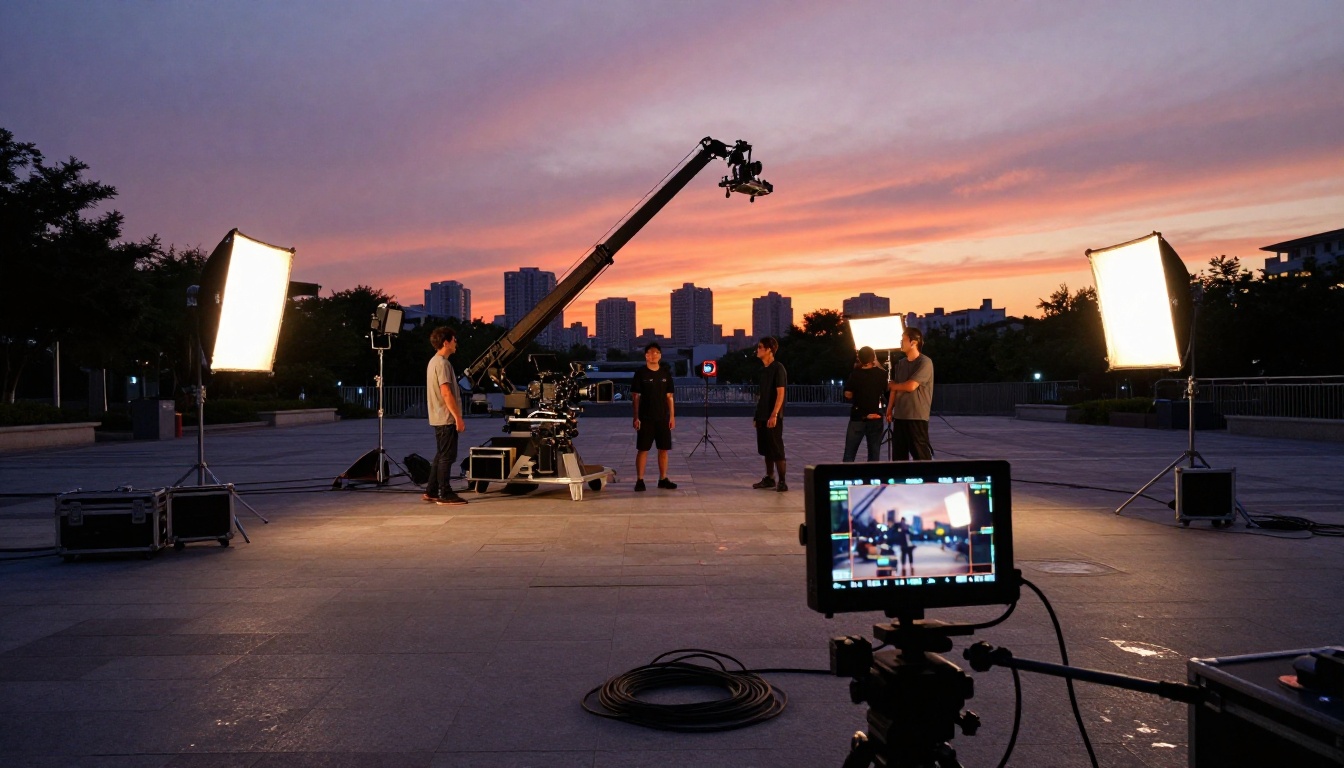
Camera motion is one of Veo 3.1's clearest and most consistent advantages. Prompt phrases like "slow dolly push in", "pan left to reveal the background", or "handheld follow shot at shoulder height" produce motion that directly matches the cinematographic intent. The model understands not just the mechanical direction of camera movement but the feel of different camera rigs and operators. A prompted handheld shot has appropriate micro-shake with the right frequency and amplitude. A crane shot has smooth, weighted deceleration at the end of travel. A zoom has the characteristic breathing distortion of a real lens.
Wan 2.6 can produce camera movement, but the response to complex compound movements is less reliable. Simple lateral pans, push-ins, and pull-outs are consistent. But anything that requires coordinating perspective changes with subject tracking simultaneously, like a simultaneous track-and-zoom, or a follow shot that transitions into a locked-off wide, will be more predictable and accurate on Veo 3.1.
Temporal Consistency Over Duration
Temporal consistency means objects, people, and environments don't change shape, color, or proportion as the video progresses. Both models have improved dramatically in this area over previous versions, but edge cases still appear, especially in clips that approach or exceed 5 seconds in duration.
Veo 3.1 holds subject identity better across longer sequences. A character's clothing texture, face geometry, and environmental context all stay coherent even through camera cuts that the model simulates within a single generation. Background elements like trees, architecture, and crowds maintain their basic shape and position with high reliability.
Wan 2.6 occasionally shows temporal drift in hair, fabric, and background detail elements. In tightly controlled scenes with minimal complexity and a single focused subject, it performs on par with Veo 3.1. In busy multi-element compositions, Veo 3.1 holds the edge in consistency.
💡 For maximum temporal stability on both models: Keep scene complexity focused on one or two primary subjects in a well-defined environment. Add visual interest through camera movement and lighting variation rather than through scene population. A rich empty location with one subject almost always produces better consistency than a crowded scene.
Where Veo 3.1 Has the Edge
Three specific areas where Veo 3.1 is clearly the better choice appear repeatedly when testing both models against professional production requirements.
Native Audio Sync
This is Veo 3.1's most unique capability in the current AI video landscape. The model generates synchronized audio alongside the video, including ambient sound, dialogue impression, and sound effects, all derived from the same text prompt in a single generation pass. The ocean wave you generate will actually sound like an ocean wave. Rain sounds like rain. A crowd scene includes crowd noise. A wind-blown field has the rustle of grass. This is not post-processing layered on top of a mute clip; it emerges from the same model run that produces the visuals.
For social content, brand films, and short-form video where audio presence is essential, this changes the production workflow significantly. You're not spending time in an audio editor laying sound effects onto muted footage. You're receiving a first-draft audio-visual output from a single well-crafted prompt, ready for review and refinement.
Resolution and Sharpness at 1080p
Veo 3.1 outputs at 1080p by default across all scene types. This matters practically for any delivery context that isn't exclusively short-form social media: streaming platform submissions, display advertising specifications, broadcast delivery standards, and commercial client deliverables all have 1080p as a minimum baseline. At 1080p, Veo 3.1's motion fidelity holds up under close inspection. Fine textures, skin detail, and fabric weave remain readable at full size without the upscaling artifacts that appear when you stretch a lower-resolution output.
Prompt Adherence to Film Vocabulary
Veo 3.1 has distinctly better prompt adherence on cinematographic language. Describing a scene with specific film terminology produces outputs that reflect those precise instructions rather than a generic approximation of them. Terms like anamorphic bokeh, split diopter focus, motivated key light from camera left, exposure latitude, or film grain at 400 ISO all produce measurable, visible differences in output quality and stylistic accuracy when compared to plain descriptive language.
Wan 2.6 is not a lesser model. For specific use cases, it's the better choice, sometimes by a substantial margin.
Image-to-Video Pipeline
Wan 2.6 I2V is among the best image-animation models currently available anywhere. You provide a still photograph along with a text description of the desired motion, and the model generates a clip that extends naturally from your image's existing composition, color grading, lighting direction, and subject position. The Wan 2.6 I2V Flash variant adds speed for rapid iteration without compromising the fundamental physics quality.
This pipeline is invaluable for photographers, visual artists, illustrators, and anyone who already has strong visual assets and wants to add cinematic movement to them. Veo 3.1 doesn't offer this kind of image-anchored generation with the same composition fidelity and motion realism.
Speed and Iteration Volume
Wan 2.6 T2V consistently completes generation faster than full Veo 3.1 runs at comparable quality settings. For iterative workflows where you need to test many prompt variations of the same scene before committing to a final render, this speed advantage has a real impact on creative momentum. You can cycle through more experiments in the same time window, which means more opportunities to discover the prompt phrasing that produces the exact motion behavior you're after.
Creative Flexibility Through Fine-Tuning
Because Wan 2.6 is open-weight, the global creator community has built extensive fine-tuning infrastructure around it: LoRA adapters, style checkpoints, motion-specific fine-tunes, and character-consistent trained variants. Specific aesthetic styles, genre-accurate motion signatures, and highly consistent character outputs are achievable through these fine-tuned Wan 2.6 variants in ways that closed proprietary models like Veo 3.1 simply don't yet support.
Head-to-Head Benchmark Table
Here is how both models perform across the metrics that actually matter for professional cinematic production work:
| Feature | Veo 3.1 | Wan 2.6 |
|---|
| Max Resolution | 1080p | 720p to 1080p |
| Native Audio | Yes | No |
| Image-to-Video | Limited | Full (I2V variant) |
| Camera Motion Accuracy | Excellent | Good |
| Temporal Consistency | Excellent | Good |
| Human Subject Physics | Excellent | Very Good |
| Fluid and Cloth Dynamics | Very Good | Excellent |
| Generation Speed | Moderate | Fast |
| Fine-tuning Support | No | Yes |
| Prompt Adherence | Very High | High |
| Open Weight | No | Yes |
💡 Both models include a fast variant for prototyping: Veo 3.1 Fast and Wan 2.6 I2V Flash are your best entry points for testing prompt ideas before committing to full-quality generation runs.
Which Scenes Each Model Handles Best
Slow Motion and Water Sequences
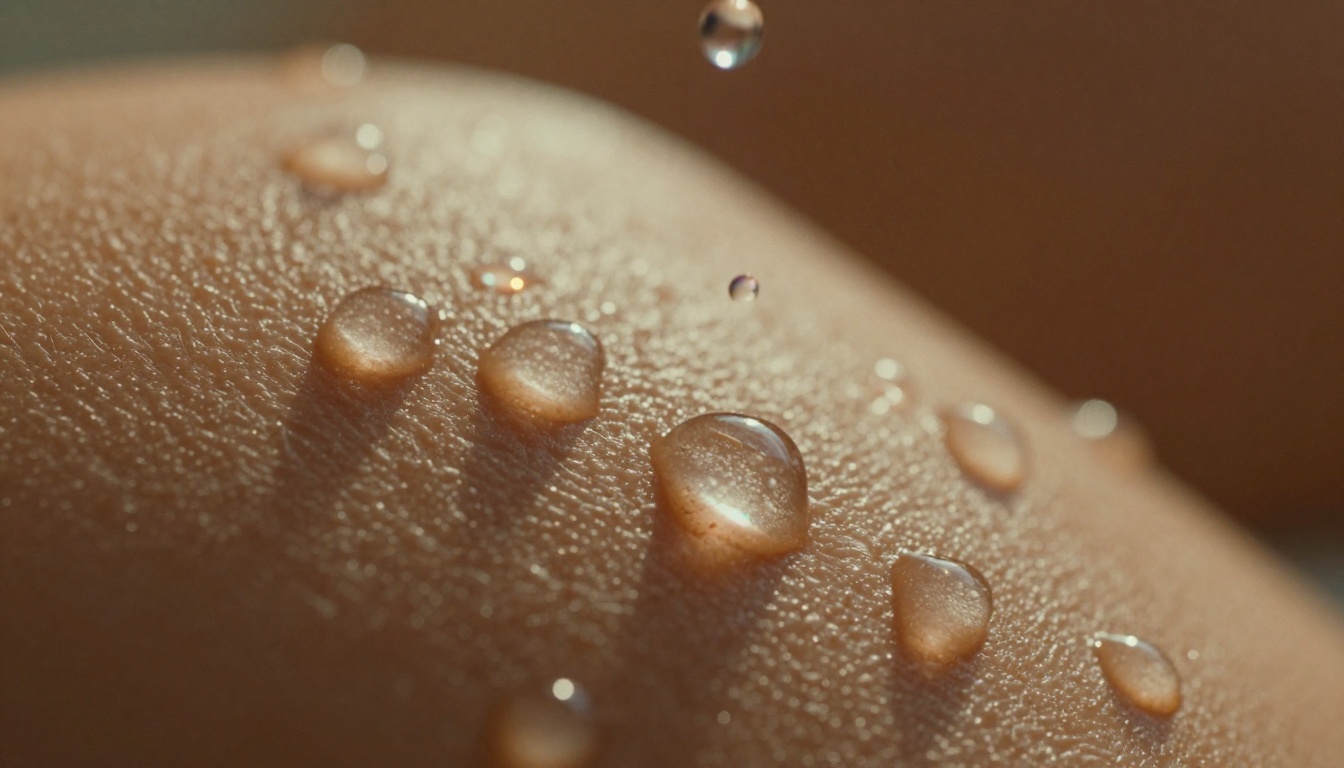
Both models handle slow-motion sequences, but water physics is where the gap between them becomes most visible. Wan 2.6 produces more convincing fluid dynamics: splashing, ripple propagation through a water surface, wave break patterns at a shoreline, and the surface tension behavior of small drops all look physically accurate and consistent frame to frame. Veo 3.1's water rendering is strong, but occasionally shows subtle periodic artifacts in large water surfaces on close inspection.
Night Scenes and Low-Light
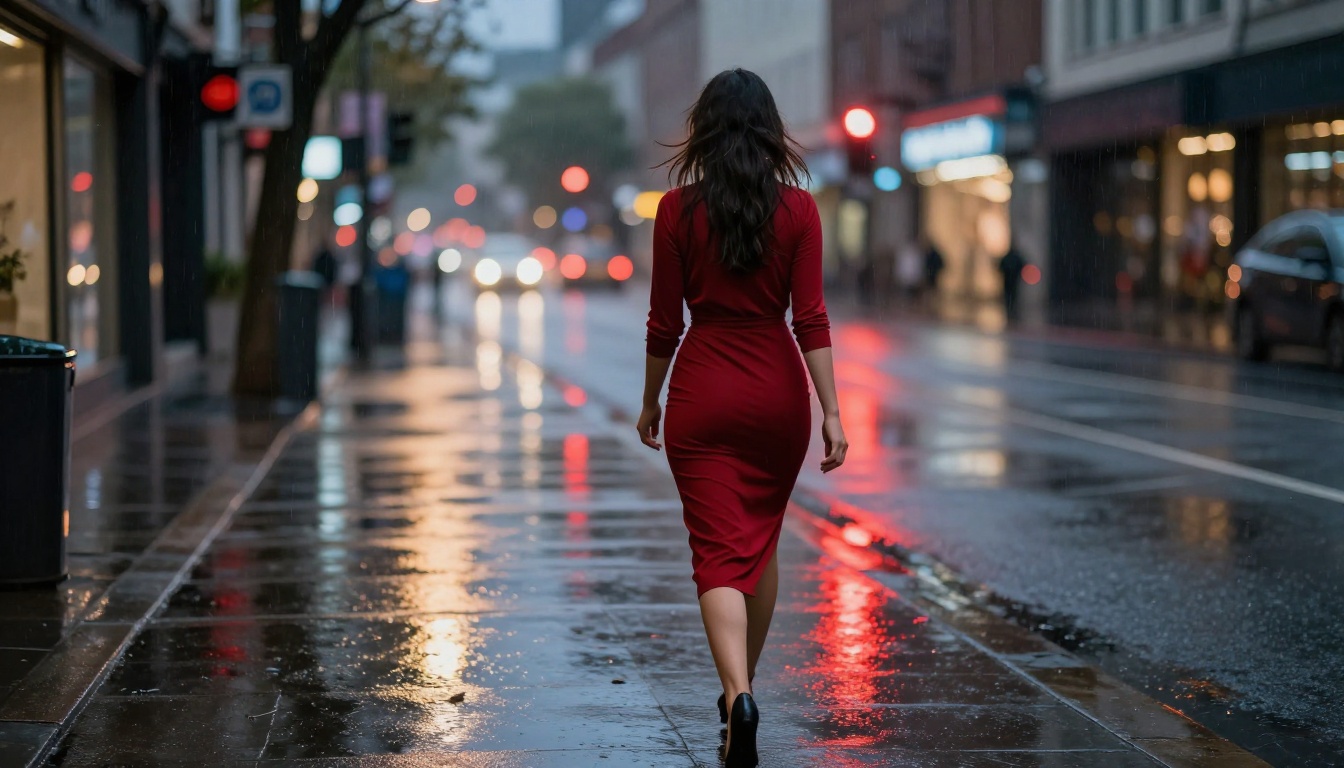
Veo 3.1 handles low-light scenes with better noise structure and light source coherence. Streetlights cast convincing pools of illumination with accurate falloff curves. Neon reflections in rain puddles follow physical optics logic: the color, shape, and distortion of reflections correspond to the actual light sources in the scene. The model's training on real film footage produces grain structure and highlight rolloff that reads as genuine photographic low-light rather than AI-generated darkness.
Wan 2.6 in low-light delivers excellent results in controlled compositions but sometimes generates light sources that flicker slightly between frames, or produces inconsistent shadow directions in scenes with multiple competing light sources. Single-source nighttime scenes perform much better than complex multi-light environments.
Aerial and Landscape Shots
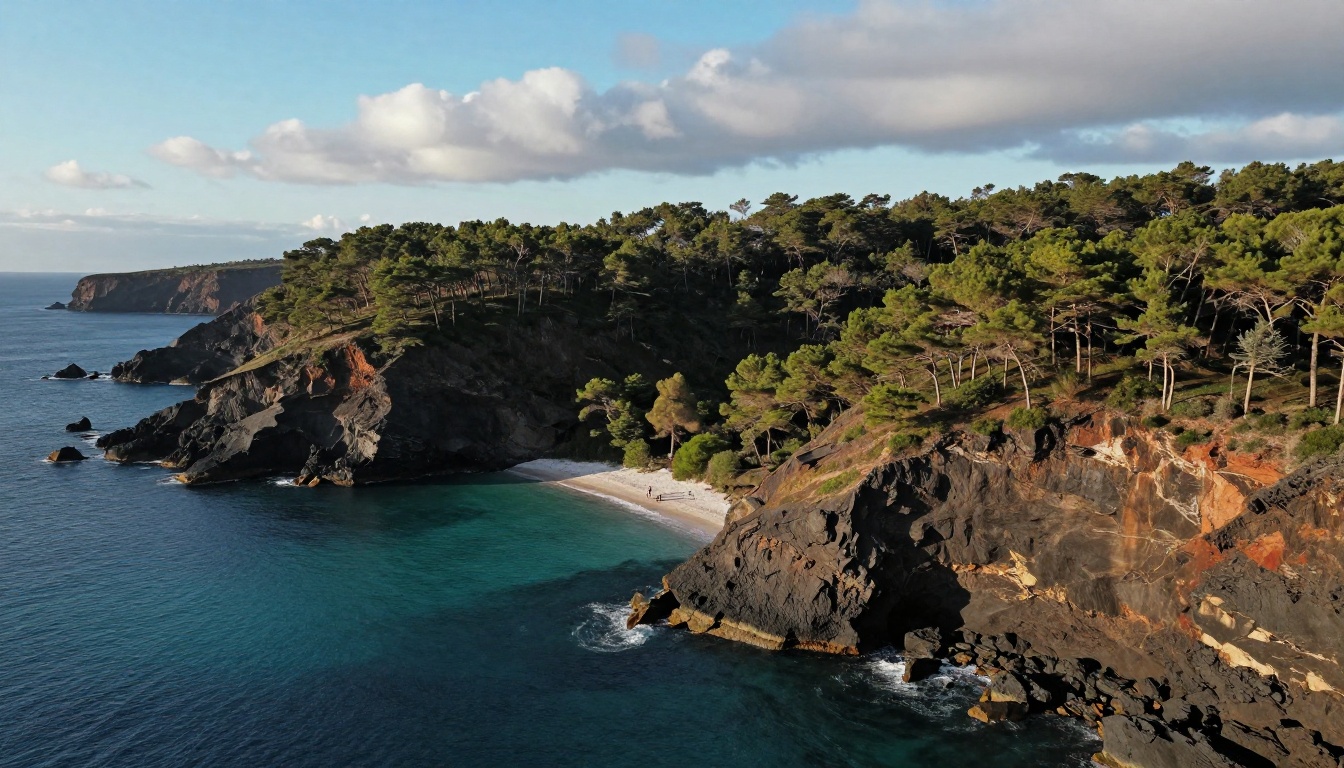
Aerial compositions expose temporal consistency weaknesses quickly, because every frame contains vast amounts of visual information: terrain texture, cloud movement, water surface variation, atmospheric haze depth, and vegetation detail, all of which must stay coherent for the duration. Veo 3.1 handles landscape aerials with strong consistency: cloud movement follows believable physics, terrain textures hold their detail and color without drift, and atmospheric conditions like haze and sun angle stay stable. Wan 2.6 performs better on simpler aerial compositions with one clear focal subject and a less complex background environment.
How to Use Both Models on PicassoIA
Both Veo 3.1 and Wan 2.6 T2V are available directly on PicassoIA with no local setup, no GPU requirements, and no software installation.
Running Veo 3.1 Step by Step
- Go to Veo 3.1 on PicassoIA
- Write your prompt using specific cinematographic language: "Slow tracking shot following a woman walking through a wheat field at golden hour, 35mm film look, shallow depth of field, the sound of wind through grass"
- For faster iteration, use Veo 3.1 Fast to test prompt variations before committing to a full-quality render
- Review the audio output alongside the video. If the ambient sound doesn't match your visual intent, refine your prompt with explicit audio descriptors placed at the end of the prompt
- For quick social clips with faster turnaround, try Veo 3.1 Lite
Prompting techniques that work best with Veo 3.1:
- Specify camera movement with rig terminology: "slow push in", "handheld follow", "locked-off wide", "crane descent"
- Name lighting setups explicitly: "backlit by setting sun from camera left", "single motivated key light from window right"
- Include film stock or camera references: "Kodak Vision3 color response", "anamorphic lens with horizontal flare"
- Put audio descriptors after visual descriptors to give both equal weight
Running Wan 2.6 Step by Step
- For text-to-video, go to Wan 2.6 T2V
- For animating an existing photograph, use Wan 2.6 I2V: upload your image, then describe the specific motion you want to add
- For speed-first iteration, Wan 2.6 I2V Flash generates draft outputs in a fraction of the time
- Describe motion in terms of physics rather than film vocabulary: "her hair moves in a steady breeze from the left, each strand responding independently" outperforms "shot on 35mm film with wind"
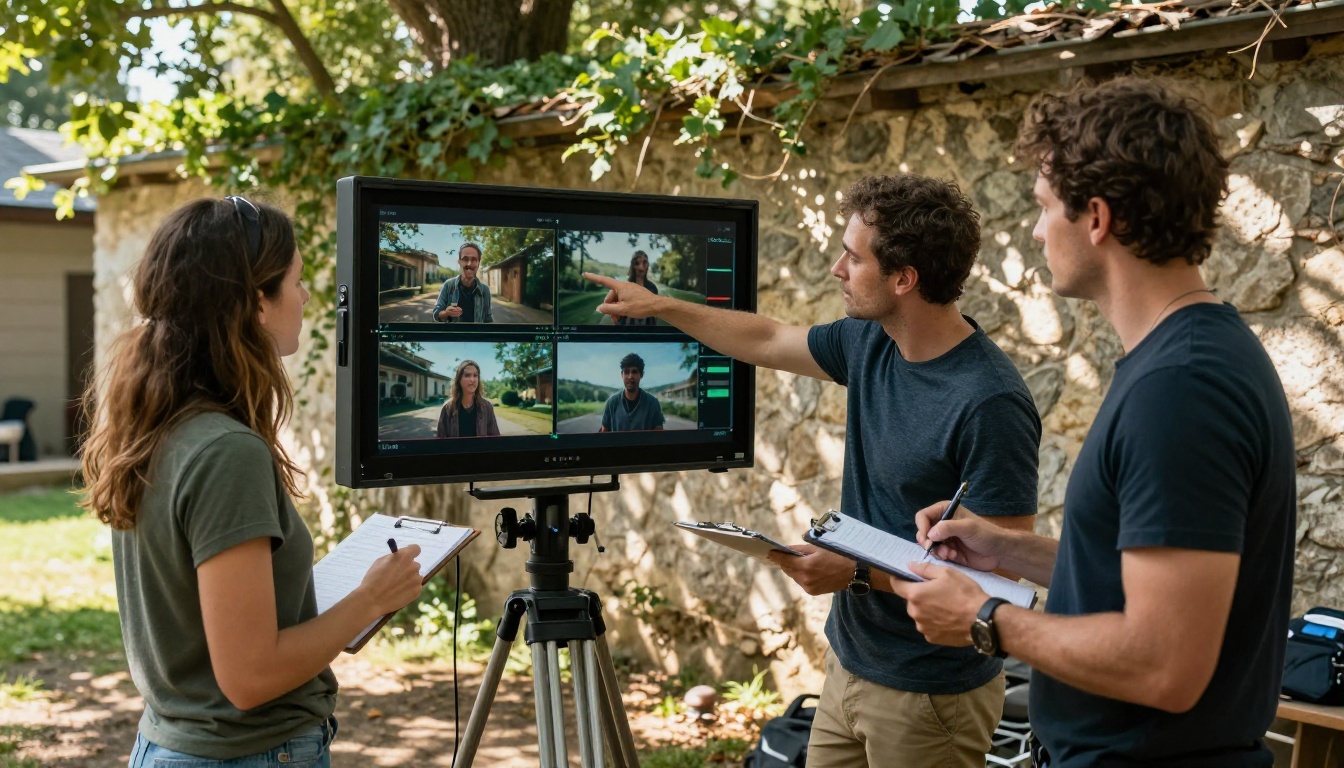
- Keep scene complexity focused on one or two subjects for the best temporal consistency across the full clip duration
Prompting techniques that work best with Wan 2.6:
- Physical descriptors outperform cinematographic ones: describe how materials behave, not how a camera would capture them
- Describe both the starting state and the intended ending state of the motion within the same prompt
- For I2V, give the model explicit permission to add motion: "the figure begins walking toward camera", "the water surface begins to ripple outward"
- Use negative prompts to suppress drift: "no flickering, consistent lighting, stable background"
The Right Model for Your Work
The choice between Veo 3.1 and Wan 2.6 isn't about which is objectively superior. It comes down to what your specific project actually requires from its video generation pipeline.
Choose Veo 3.1 when:
- Synchronized audio is required in your deliverable
- Cinematographic camera direction and vocabulary are central to your creative intent
- You need reliable temporal consistency in complex multi-element scenes
- 1080p is a hard delivery requirement
- You're working with text-only prompts and want maximum prompt adherence
Choose Wan 2.6 when:
- You're animating existing still photographs or illustrations
- Generation speed and iteration volume matter more than single-pass polish
- Physical motion accuracy for fluids, cloth, and hair is the priority
- Fine-tuning or community-trained model variants are part of your production pipeline
- You want the flexibility of an open-weight architecture
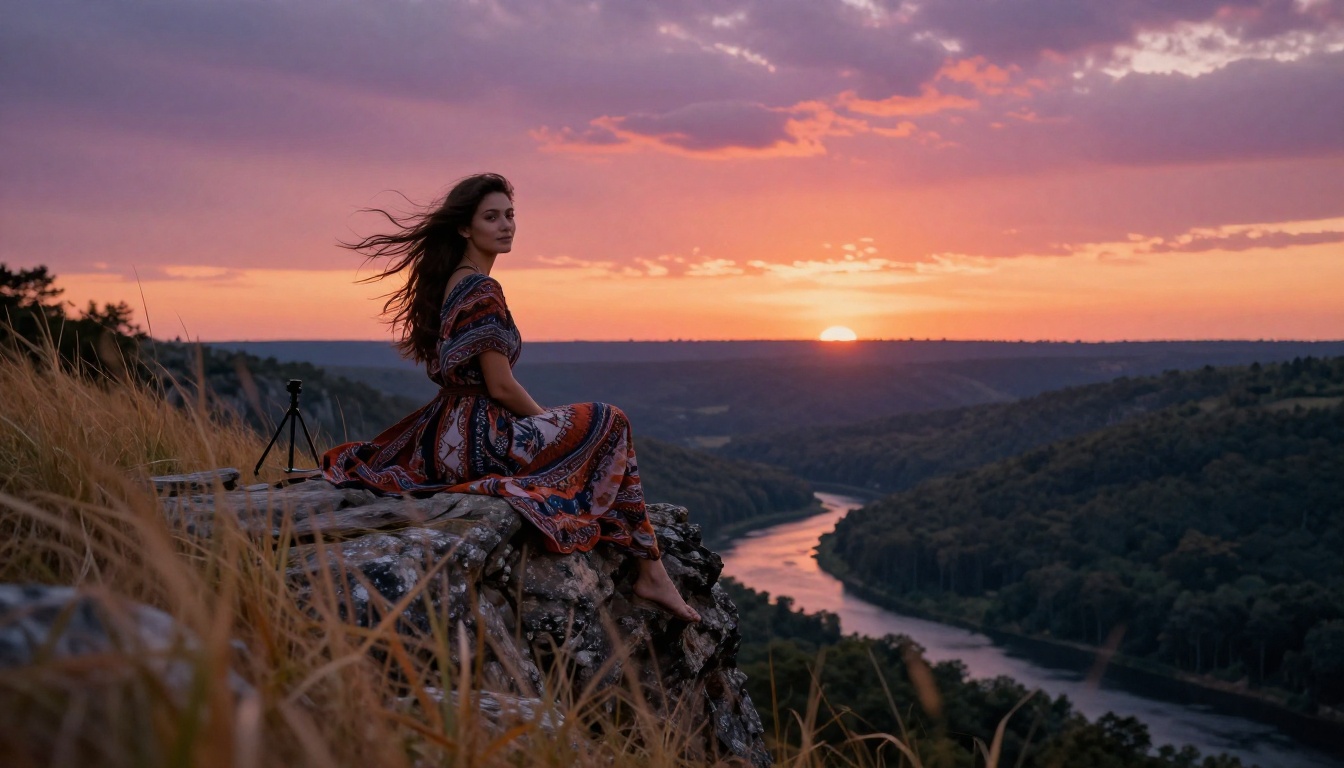
Both models sit alongside a broad ecosystem of text-to-video tools on PicassoIA, including Kling v3 Video for cinematic motion control, Seedance 2.0 for built-in audio generation, and Veo 3 as the proven predecessor with a strong community of tested prompts behind it. The platform lets you run the same scene description across multiple models and compare outputs side by side, which remains the fastest and most reliable way to identify which tool produces the motion quality that serves a specific shot.
If you haven't tested a demanding cinematic prompt through both Veo 3.1 and Wan 2.6 yet, now is the time to find out which one's physics feel real to your eye. Run the same scene on both, watch how fabric moves, how faces hold, how a camera simulates weight and travel. That first impression, whether the motion lands or gives itself away as synthetic, is the only benchmark that actually counts when your audience is watching.


