The text-to-video space has split into two clear camps. On one side, Google's Veo 3.1 delivers closed, cloud-hosted cinematic generation with native audio, engineered for photorealism. On the other, Wan 2.7 T2V from the Wan Video team brings open-weight flexibility, fine-tuning access, and a deep ecosystem of community variants. Both are available on PicassoIA today. Both are genuinely impressive. The real question is which one belongs in your workflow.
What Makes a Great Text-to-Video Model
Not every comparison metric matters equally. Before running either model, it helps to know what to actually prioritize.
Prompt Accuracy
The model needs to do exactly what the text says. That sounds straightforward, but most video models still struggle with spatial relationships ("a red car parks behind the building"), precise counts ("two children sit on a bench"), and compound descriptions that mix subject, environment, and motion in a single prompt. High prompt accuracy means fewer retries, shorter iteration loops, and more predictable production.
Motion and Temporal Coherence
This is where most models still fail. Temporal coherence means objects remain consistent across every frame: a hand does not sprout extra fingers mid-clip, a shirt does not randomly change color, and a face does not morph between shots. Motion quality describes how naturally subjects, cloth, water, and camera moves respond to physical forces.
Output Resolution and Speed
1080p has become the baseline expectation for anything intended to reach a professional audience. Generation speed matters for iteration-heavy work where you are testing dozens of prompt variations. A model that needs 10 minutes per clip is suitable for final renders, but painful during creative development.
Customization and Control
Can you fine-tune it? Can you supply a reference image as a starting frame? Can you explicitly control camera trajectory? These capabilities separate professional tools from simple demos.
Veo 3.1 at a Glance
Google's Veo 3.1 is the third major generation of their video synthesis research. The model generates 1080p video with synchronized native audio, meaning the ambient sounds in a scene are produced alongside the visuals, not layered in post. Describe a coffee shop and you get the background chatter, the espresso machine hiss, and the clinking of ceramic cups, all timed precisely to what appears on screen.
Native Audio and 1080p Output
Native audio is Veo 3.1's most distinctive feature among current models. No other model in this comparison produces synchronized audio as part of the core output. For social content, short films, or product videos that need atmosphere, this eliminates an entire production step.
The 1080p output quality is consistent. Colors follow physically accurate behavior, lighting interacts with surfaces correctly, and fine detail like fabric weave, hair strands, and skin texture holds up at full resolution.
PicassoIA also carries Veo 3.1 Fast for situations where iteration speed outweighs maximum quality, and Veo 3.1 Lite for lower-compute needs. The original Veo 3 remains available and is still one of the most consistent models for prompt-accurate cinematic output.
💡 For maximum photorealism with audio, Veo 3.1 is the strongest single-model choice on PicassoIA right now.
What Veo 3.1 Does Well
- Photorealistic human subjects: Natural body language, realistic facial expressions, and physically accurate skin lighting are consistent strengths.
- Ambient scene coherence: Complex environments like crowded streets, forest interiors, and architecture hold together across all five seconds without objects glitching.
- Prompt specificity: Multi-clause prompts describing specific actions, backgrounds, and moods are honored with notably high accuracy compared to previous generations.
- Native audio generation: Synchronized soundscapes matching the visual scene require no additional post-production.
Where It Falls Short
- No fine-tuning: Veo 3.1 is a closed commercial API. Custom characters, brand appearances, and specific visual styles cannot be trained onto it.
- No open weights: Self-hosting or integrating into a custom pipeline is not possible.
- Credit cost: Veo 3.1 is among the higher-cost options per generation on PicassoIA.
- Camera control is implicit: Unlike models that accept explicit camera trajectory instructions, Veo 3.1 infers camera movement from the description. Results are good but less predictable than models with direct control inputs.
Wan 2.7 Pro at a Glance
Wan 2.7 T2V is the latest release in the Wan Video series, which has built a strong reputation in the open-source community for balancing quality with accessibility. The Pro designation refers to the full 14-billion-parameter version, as distinct from lighter distilled variants built for speed.
Open-Weights Architecture
This is the fundamental difference from Veo 3.1. The weights are publicly available, meaning thousands of community fine-tunes, LoRA adapters, and custom style packs already exist for the Wan architecture. If you need a model trained on your brand's visual identity or a specific art direction, Wan 2.7 is the platform that allows it.
The Wan ecosystem on PicassoIA is also notably wide. Beyond text-to-video, Wan 2.7 I2V animates existing images with natural motion, and Wan 2.7 R2V handles reference-to-video workflows, animating specific subjects extracted from reference photographs.

What Wan 2.7 Pro Does Well
- Motion physics: Fluid, cloth, and character movement are among the most natural of any open model. Improvements from Wan 2.5 to 2.7 are most visible in how organic materials like hair and fabric behave.
- Camera control: Wan 2.7 responds accurately to camera-motion prompts like "slow push-in," "pan left with subject tracking," and "aerial descend."
- Cost efficiency: Compared to Veo 3.1, running Wan 2.7 on PicassoIA is significantly more affordable per generation, making high-volume experimentation practical.
- Community ecosystem: The open-weight architecture gives access to a wide library of style-specific fine-tunes that closed models simply cannot match.
- Image animation: Wan 2.7 I2V is among the most capable image-to-video models currently available, producing natural motion from still photographs.
Where It Falls Short
- No native audio: Wan 2.7 Pro outputs silent video. Audio must be added in post-production.
- Human faces under close scrutiny: At very tight focal lengths on faces, Wan 2.7 can produce subtle temporal artifacts that Veo 3.1 handles more gracefully.
- Standard output is 720p: The default T2V pipeline outputs at 720p rather than 1080p. Upscaling adds an extra step.
- Full model is slower: The 14B parameter version takes longer per generation than distilled alternatives. For quick iteration, Wan 2.5 T2V Fast is a better starting point.
Head-to-Head: Real Prompt Tests
Test 1: Cinematic Landscape
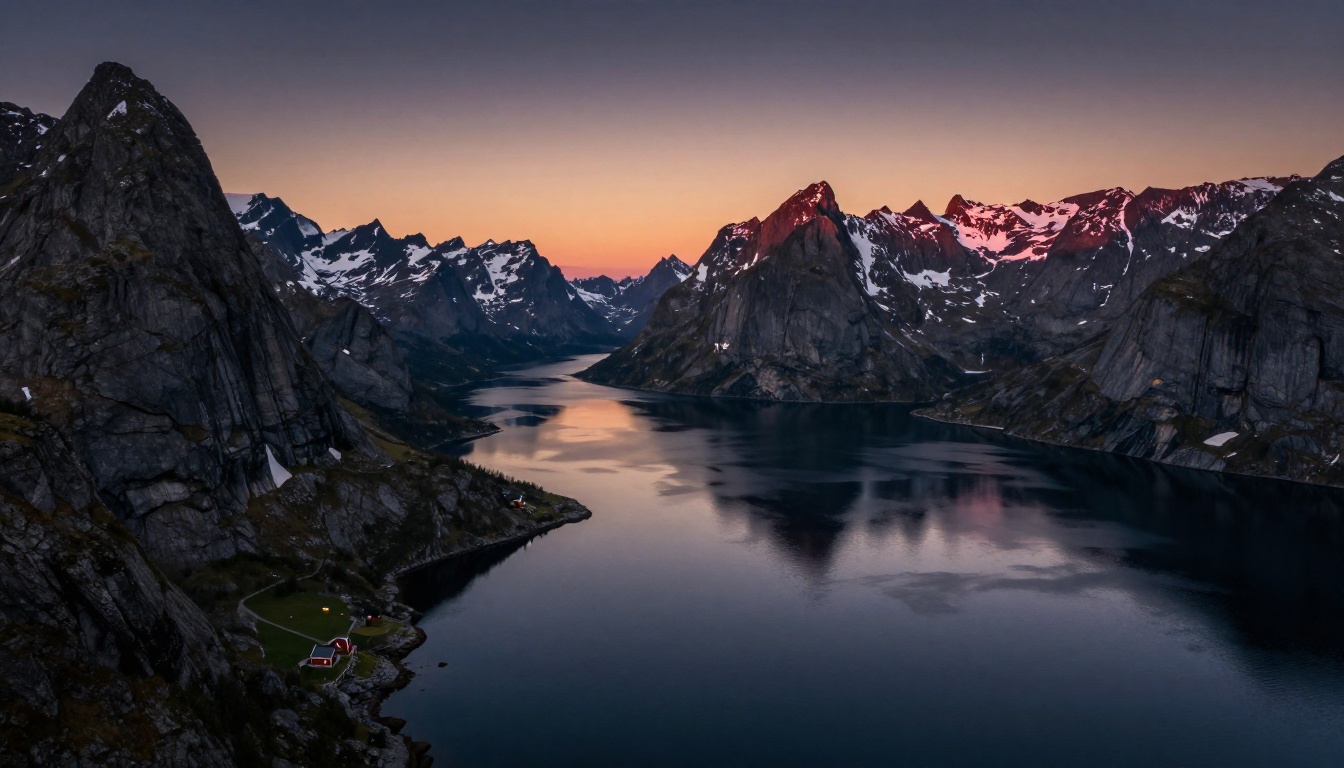
Prompt: "Aerial view of a Norwegian fjord at blue hour, mist rising from the water, small red cabin visible on a pine-covered shore, gentle camera pull-back."
- Veo 3.1: Produced a cinematic, color-accurate result with convincing mist behavior. The cabin texture and water reflections were photorealistic. The pull-back was smooth and natural, and ambient nature sounds were generated simultaneously.
- Wan 2.7 Pro: Also produced a high-quality result with excellent mist physics. Color grading skewed slightly cooler than Veo 3.1. The pull-back motion was slightly more mechanical, though still within a professional range.
Result: Veo 3.1 by a narrow margin, mainly for audio generation and color accuracy.
Test 2: Human Motion
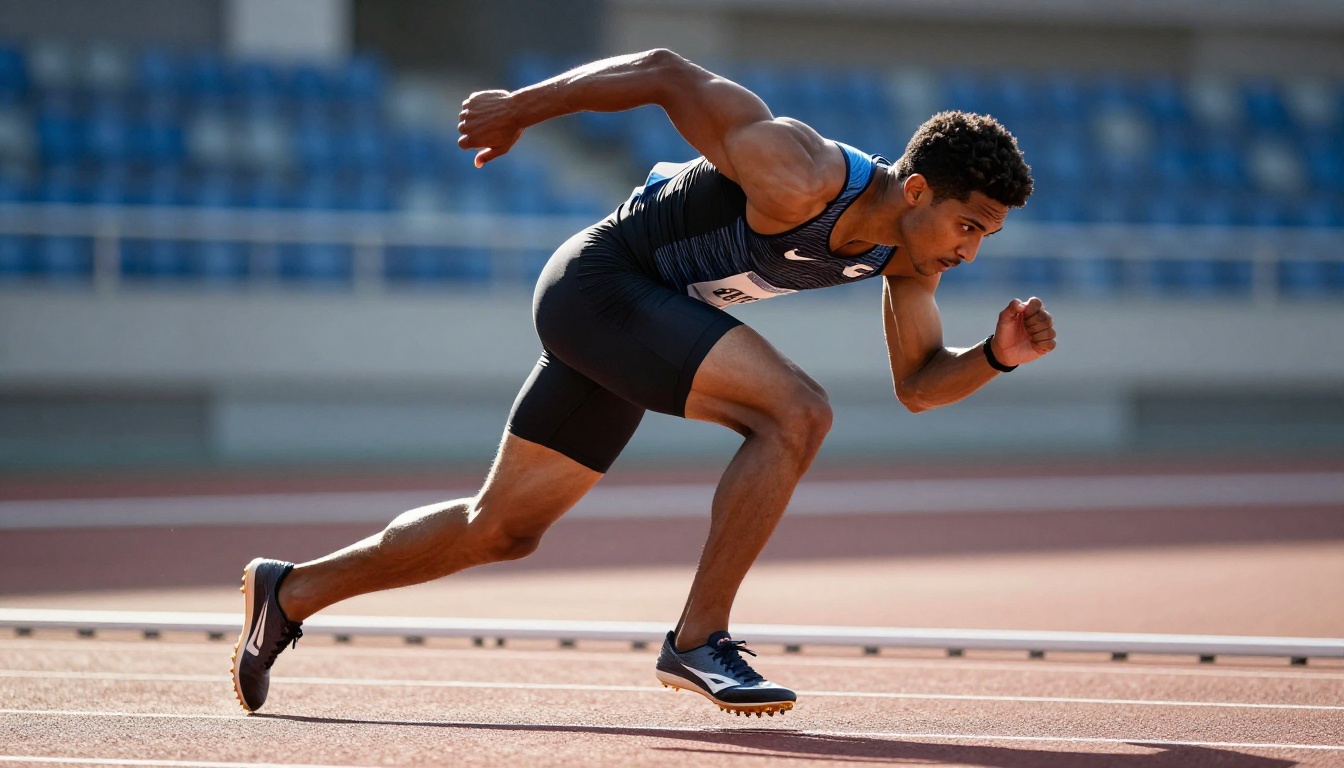
Prompt: "A male sprinter accelerating from a starting block on an outdoor track, morning sunlight, 400mm telephoto, slow motion."
- Veo 3.1: Handled human anatomy exceptionally well. Muscle definition, natural body mechanics during acceleration, and fabric stretch on the compression clothing were accurate across all five seconds.
- Wan 2.7 Pro: Performed strongly on body mechanics and track surface texture. Minor temporal flickering appeared on the shoe-track contact frame, but the overall output was production-suitable.
Result: Veo 3.1 on human subject accuracy, though Wan 2.7 Pro's result would work for most professional contexts.
Test 3: Abstract Creative Prompt
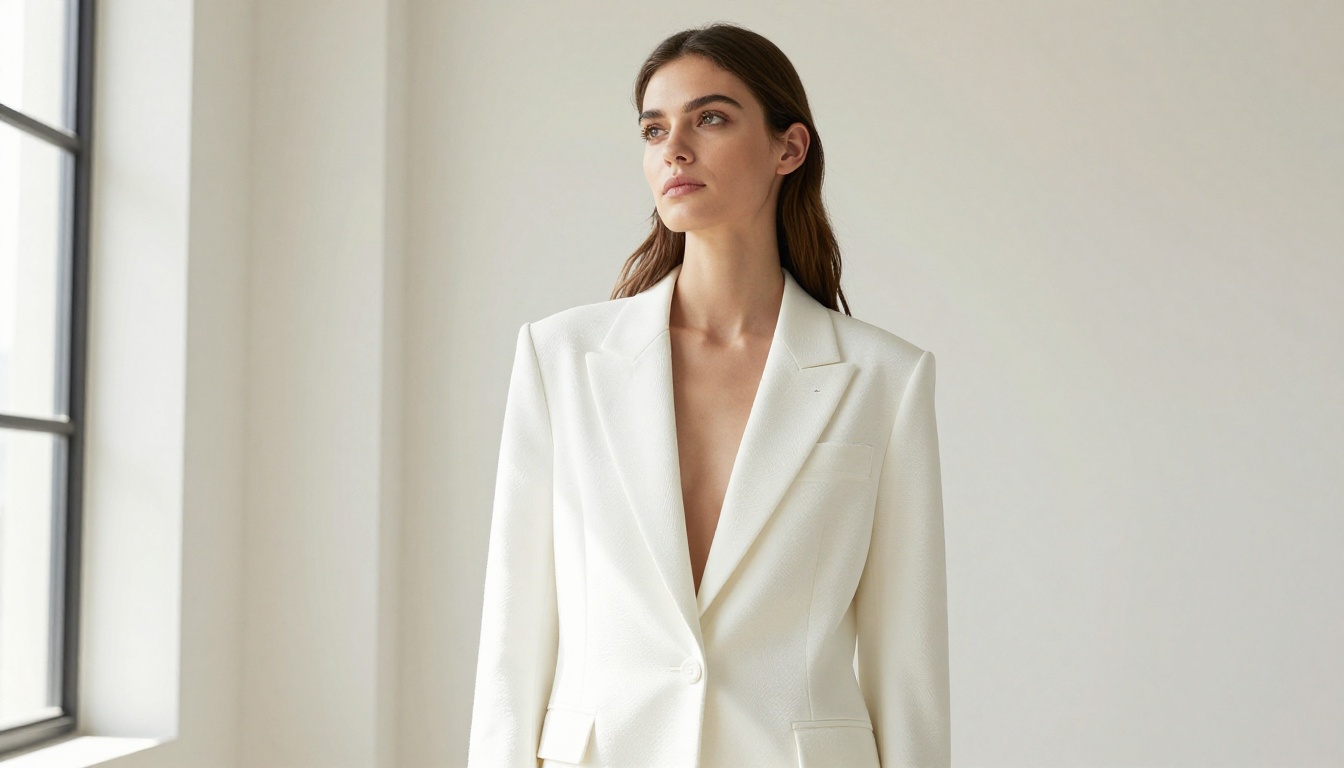
Prompt: "A fashion model in a white structured blazer walking through a minimalist studio, Rembrandt lighting from the left, the camera follows at eye level."
- Veo 3.1: Clean result with accurate lighting simulation. Blazer fabric movement was excellent. The follow-cam motion was subtle but present.
- Wan 2.7 Pro: Produced a slightly more contrasty, stylized result. For creators who want a specific visual aesthetic rather than strict realism, Wan 2.7 Pro's tendency to push contrast can be an advantage, especially with fine-tuned style LoRAs applied.
Result: Tie. Veo 3.1 wins on realism. Wan 2.7 Pro wins on stylistic flexibility.
Side-by-Side Specs
| Feature | Veo 3.1 | Wan 2.7 Pro |
|---|
| Max Resolution | 1080p | 720p (1080p configurable) |
| Native Audio | Yes | No |
| Open Weights | No | Yes |
| Fine-tuning | No | Yes |
| Image Animation | Limited | Wan 2.7 I2V |
| Reference-to-Video | No | Wan 2.7 R2V |
| Camera Control | Implicit, prompt-based | Explicit, prompt-based |
| Generation Speed | Medium | Medium-Slow (full 14B) |
| Cost per Generation | Higher | Lower |
| Best Use Case | Cinematic realism with audio | Style control and fine-tuning |
How to Use Veo 3.1 on PicassoIA
Veo 3.1 Step by Step
- Open Veo 3.1 on PicassoIA.
- Write a detailed text prompt. Include subject, environment, lighting, camera angle, and any motion or atmosphere details. Specificity produces better results.
- Select duration if the option is available (typically 5 to 8 seconds).
- Submit the generation. Veo 3.1 produces audio alongside the video, so the output clip includes synchronized ambient sound.
- Download or publish your clip directly from PicassoIA.
💡 For faster iteration during prompt testing, switch to Veo 3.1 Fast. It generates significantly faster with a small quality reduction, letting you find a strong prompt before committing credits to the full model.
Prompt tips for Veo 3.1:
- Specify lighting direction precisely: "warm afternoon light from the upper right" produces better results than "nice lighting."
- Name the camera perspective: "85mm portrait compression," "24mm wide environmental shot," or "GoPro first-person perspective."
- Describe the atmosphere in physical terms: "humid misty morning air," "dry desert heat with visible heat shimmer," "rain-soaked urban street at night."
- For audio: describe the sound environment directly. "A busy coffee shop with espresso machine sounds and soft background conversation" produces synchronized audio that matches the scene.
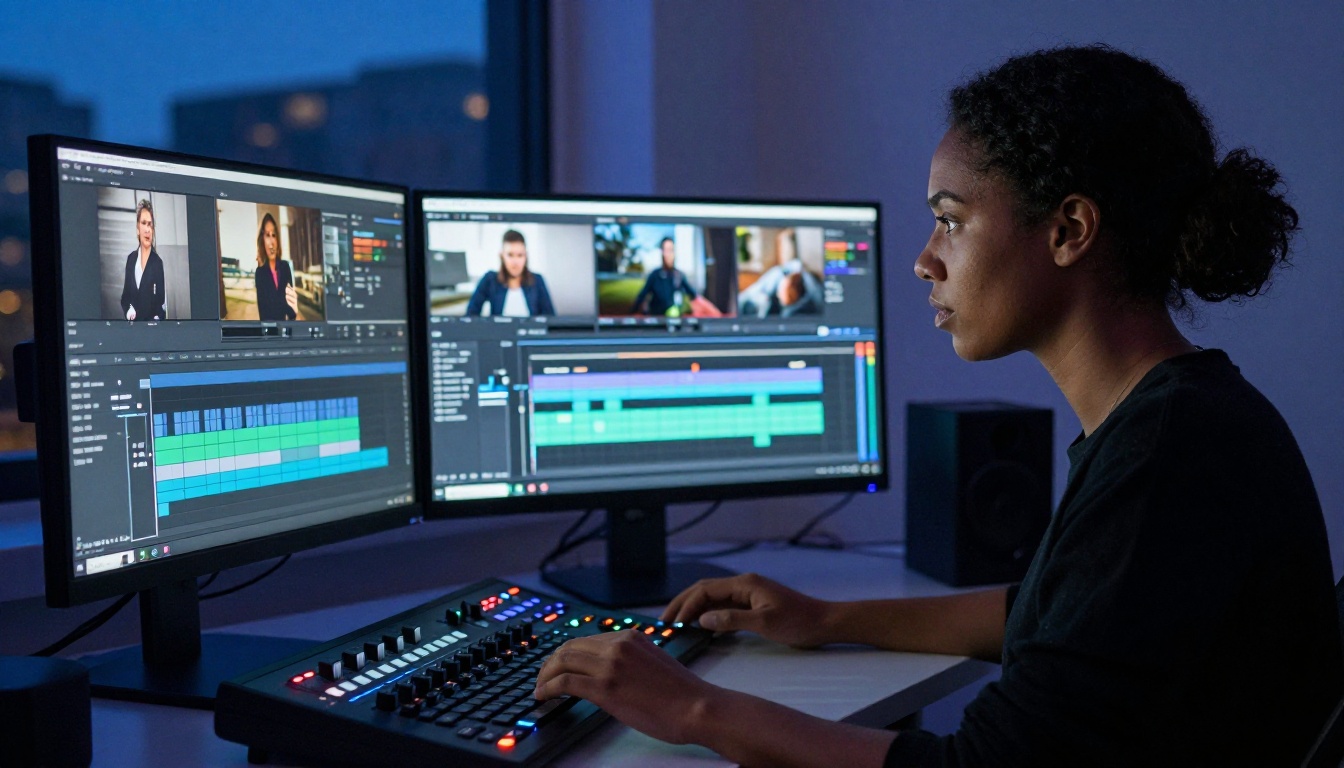
Wan 2.7 Pro on PicassoIA
Wan 2.7 T2V Step by Step
- Go to Wan 2.7 T2V on PicassoIA.
- Write your prompt with explicit camera motion included. Wan 2.7 responds well to specific cues: "slow dolly-in," "orbit around the subject at shoulder height," "tracking shot following the subject from behind."
- For starting from an existing image, use Wan 2.7 I2V. Upload your still and describe the desired motion.
- For animating a specific person or object from a reference photo, use Wan 2.7 R2V.
- Download the output. Since there is no native audio, plan to add sound in a video editor or use Wan 2.2 S2V from the same family for audio-synced motion.
💡 If you want faster, lower-cost iterations while testing prompts, start with Wan 2.6 T2V or Wan 2.5 T2V. Prompts developed on older versions translate well to 2.7 Pro.
Prompt tips for Wan 2.7 Pro:
- Use explicit camera instruction: "Camera starts static, then executes a slow push-in toward the subject's face over 5 seconds."
- Describe physical motion explicitly: "The subject's long coat billows backward as they stride forward against wind. Fabric edges flutter with realistic physics."
- For higher quality output, target the 1080p configuration if available, or run through PicassoIA's super-resolution tools afterward.
Which One Is Right for You?
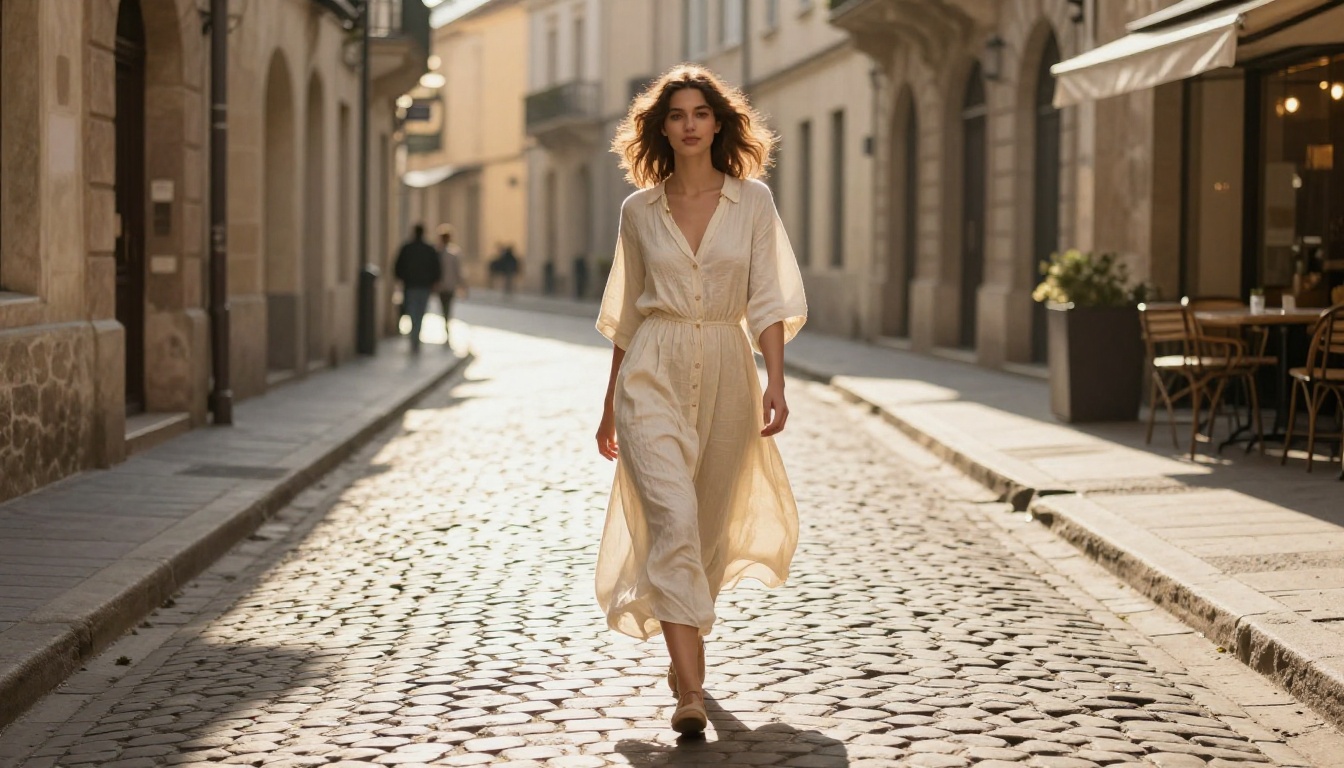
The answer depends on your actual production context, not on which model has the highest raw benchmark score.
Choose Veo 3.1 if:
- You need synchronized native audio without a post-production step.
- Your content is photorealistic and human-centric (people, portraits, environmental scenes).
- You are producing polished final outputs rather than exploratory iterations.
- You want the highest available realism ceiling without fine-tuning.
Choose Wan 2.7 T2V if:
- You need to fine-tune on custom characters, brand visuals, or specific art styles.
- You are starting from a still image and want to animate it with Wan 2.7 I2V.
- You want explicit, predictable camera control in your prompts.
- You need to run many generations affordably during creative development.
- You are building a pipeline that requires open-weight model access.
Use both if your workflow involves rapid iteration during creative development followed by high-quality final renders. This is the most common professional approach: run Wan 2.7 Pro for speed and cost efficiency while developing prompts, then switch to Veo 3.1 for final output when you need audio and maximum photorealism.
Neither model exists in isolation. PicassoIA's catalog includes over 100 text-to-video models, including Seedance 2.0 with built-in audio, Kling v3 for cinematic motion control, Ray 3.2 for HDR video output, Sora 2 Pro for high-fidelity prompt accuracy, and LTX 2 Pro for 4K resolution. The Veo 3.1 vs Wan 2.7 Pro comparison is ultimately about two different production workflows, not just two isolated tools.
Try Both Right Now
Both Veo 3.1 and Wan 2.7 T2V are accessible today on PicassoIA without local setup, hardware requirements, or API configuration. You write a prompt, click generate, and your clip is ready within minutes.
The fastest way to find your preferred model is to run the same prompt through both and compare results side by side. Your use case will make the answer obvious within two or three iterations.
PicassoIA's free video generator is also available if you want to experiment before committing credits. The full text-to-video catalog at picassoia.com/en/all-models shows every model currently running on the platform.
Stop reading about it. Generate your first clip and see which one fits your vision.


