Virtual Staging AI Free: Real Estate Photos With Prompts
Furnish a vacant room without paying for staging software. This article shows how to shoot the source photo, copy-ready prompts for living rooms, bedrooms, dining nooks, offices, bathrooms and patios, a step by step Image Editor Pro workflow, a model comparison and the disclosure habits that keep listing photos honest.
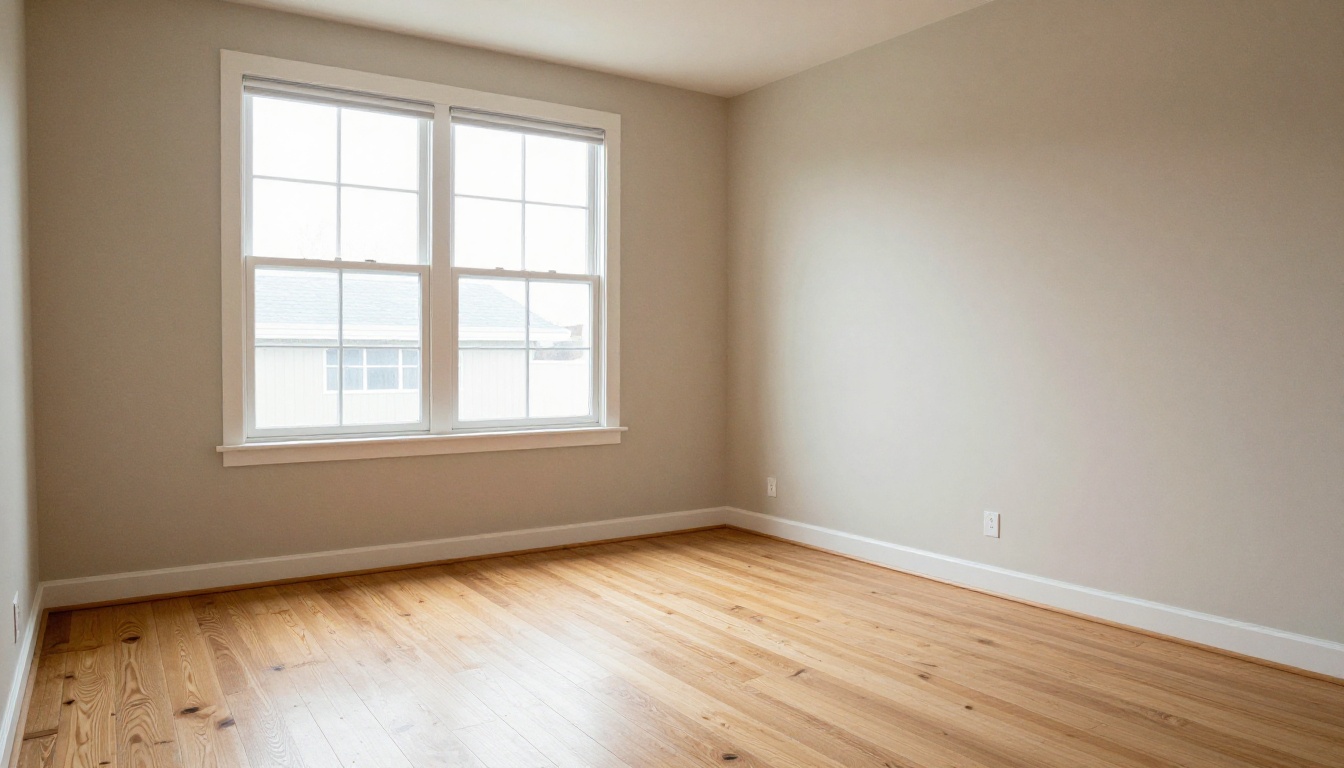
An empty room photographs badly. The floor looks smaller than it is, the ceiling feels lower, and a buyer scrolling through listings has no idea where a sofa would sit. Virtual staging solves that by adding furniture, rugs, art and plants to the photo itself, and you no longer need a paid service to do it. A free AI image editor and a well written prompt can furnish a vacant living room in a few minutes.
This article lays out a working method for virtual staging AI free: how to shoot the source photo, copy-ready prompts for six room types, a step by step workflow in Image Editor Pro on PicassoIA, a model comparison, and the disclosure habits that keep your listing photos trustworthy. Whether you are an agent with twelve vacant listings or a homeowner selling one house, the process is the same.
What Virtual Staging Actually Means
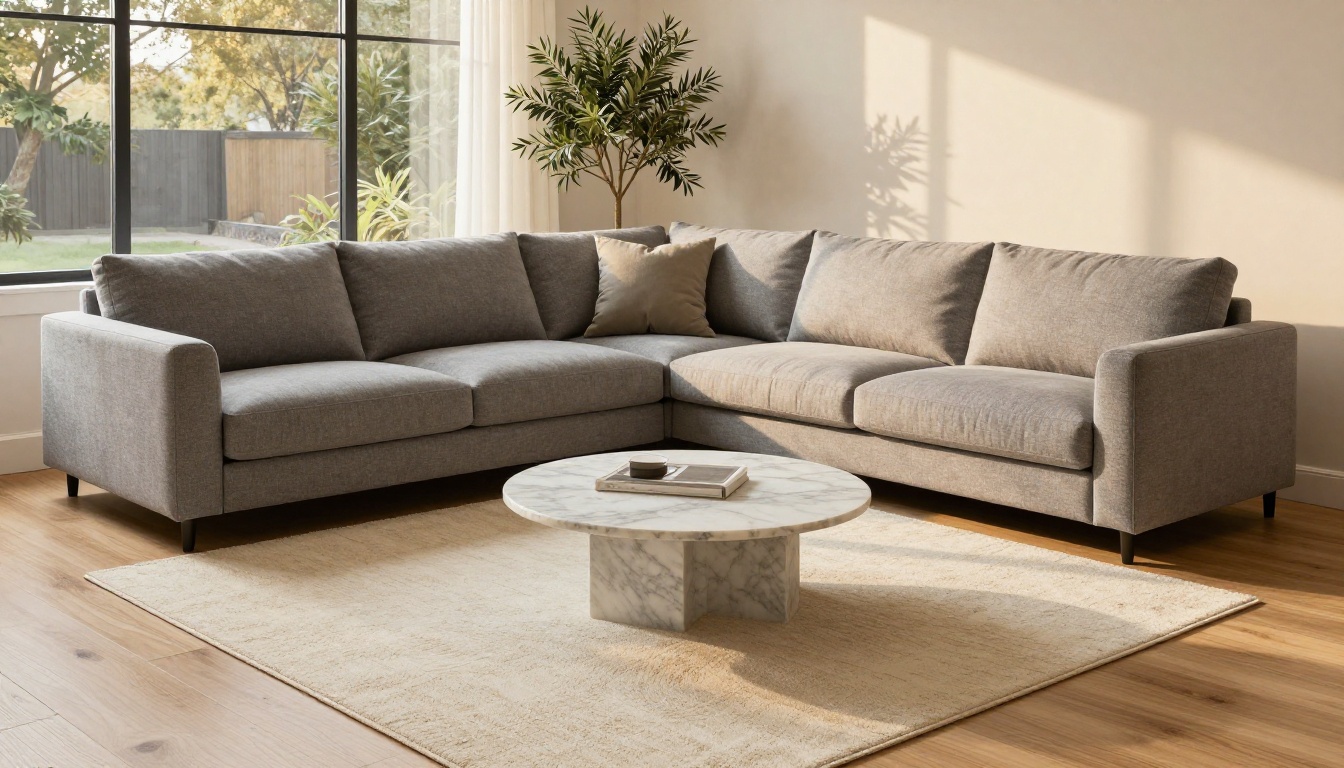
Virtual staging adds furniture, décor and lighting to a photograph of an empty or sparsely furnished room. Nothing physical moves. The house stays vacant, and only the picture changes.
Staging vs. Editing
The line between the two matters. Staging adds removable things: a sofa, a table, a lamp, a rug. Editing changes the property itself: new flooring, repainted walls, a bigger window, a hidden stain. Staging is accepted practice when it is labeled. Editing misleads buyers and can cause real trouble after a viewing. Everything in this article stays on the staging side of that line.
Why Buyers Respond
Most buyers meet a home through photos long before they step inside. An empty room hides its scale, so people guess, and they usually guess small. A sofa, a rug and a dining table give the eye instant reference points. Can my bed fit here? Where would the desk go? Furnished photos also read warmer than bare walls, which makes a listing feel lived in and worth a visit.
💡 Shoot first, stage second. The AI can only furnish what the camera captured. A sharp, level, well lit empty room produces a believable staged room. A crooked, dim one never does.
Where Free Fits In
Three routes get furniture into a listing photo. Here is how they compare.
Route
Typical cost
Speed
Control
Best for
Physical staging
Often thousands per property
Days
Total
High end listings
Paid virtual staging service
Often charged per photo
Hours to days
Low to medium
Agents who want it handled for them
Free AI prompt route
Low or none, depending on the plan
Minutes
High
Homeowners, small agencies, test listings
What Free Tools Usually Limit
Free staging apps tend to come with trade-offs: watermarks on exports, a daily credit cap, low resolution output, a short menu of preset styles, and little say over where each piece goes. None of that is a dealbreaker for a first test. Check the limits before you commit a whole photo set to one tool, though, because a listing with half its photos watermarked looks unfinished.
The Prompt Based Route
An image editing model gives you a different deal. Instead of picking from presets, you describe the furniture in plain language. The model reads the photo, preserves the architecture, and adds what you asked for. You choose the style, the colors, the number of pieces and the light. The trade-off is that you do the quality control yourself, which is what the rest of this article is built around.
Free is not always the right call. A luxury listing with demanding buyers, a room with awkward geometry such as a vaulted ceiling with odd angles, or a brokerage with a strict compliance workflow may justify a paid service or a physical stager. The prompt route shines for standard rooms, quick tests and tight budgets.
Prep the Photo First
Shoot for the Edit
A few habits at the camera save a lot of retries later:
Shoot from a corner at about chest height, so the floor and two walls are visible.
Keep verticals straight. Tilted walls make new furniture look pasted on.
Turn on every light and open the blinds. Even, bright light gives the model something to match.
Use a tripod or a steady surface so edges stay sharp.
Clear the floor of cables, boxes and stray objects the AI might build around.
Take a second, tighter frame of each room for detail shots.
You do not need to stage every room. Start with the spaces buyers judge first: the living room, the primary bedroom and the dining area. Kitchens and bathrooms already carry plenty of fixed features, so they gain less from extra furniture.
Fix Light Before Furniture
Editing models try to match the shadows of new furniture to the light already in the photo. A grey, flat, underexposed shot produces sofas that seem to float. Correct exposure and white balance first. If the room is still dim, a relighting model such as Qwen Image Edit Plus LoRA Relight can rebalance the light before any furniture goes in.
Prompts That Work by Room
Every prompt below follows one formula: room and style + furniture with materials and colors + light direction + a preservation line + a photographic finish. The preservation line matters most. It tells the model to leave the walls, windows, floor and ceiling alone.
💡 End every prompt with: "Keep the walls, windows, doors, flooring and ceiling exactly as in the original photo." Without it, models like to redecorate your architecture.
Pick one style per property and stay with it, so every staged photo in the listing looks like the same home. This cheat sheet gives you vocabulary to drop into the first part of any prompt.
Style
Furniture cues
Palette
Warm modern
Linen sofa, walnut tables, brass lamps
Oatmeal, terracotta, cream
Scandinavian
Low platform bed, oak, sheepskin throw
White, pale wood, soft grey
Mid century
Tapered legs, teak sideboard, curved armchair
Mustard, teak, olive
Coastal
Washed linen sofa, rattan, jute rug
Sand, white, sea blue
Industrial loft
Leather sofa, steel shelving, reclaimed wood
Charcoal, rust, tan
Living Room
The living room sets the tone for the whole listing, so give it the most detail.
Furnish this empty living room in a warm modern style: oatmeal linen sofa with two terracotta pillows, round walnut coffee table with a ceramic vase, cream jute rug, slim brass floor lamp, potted olive tree near the window. Soft afternoon light from the right. Keep the walls, windows, flooring and ceiling exactly as in the original photo. Photorealistic, natural shadows, 24mm real estate photography.
Bedroom
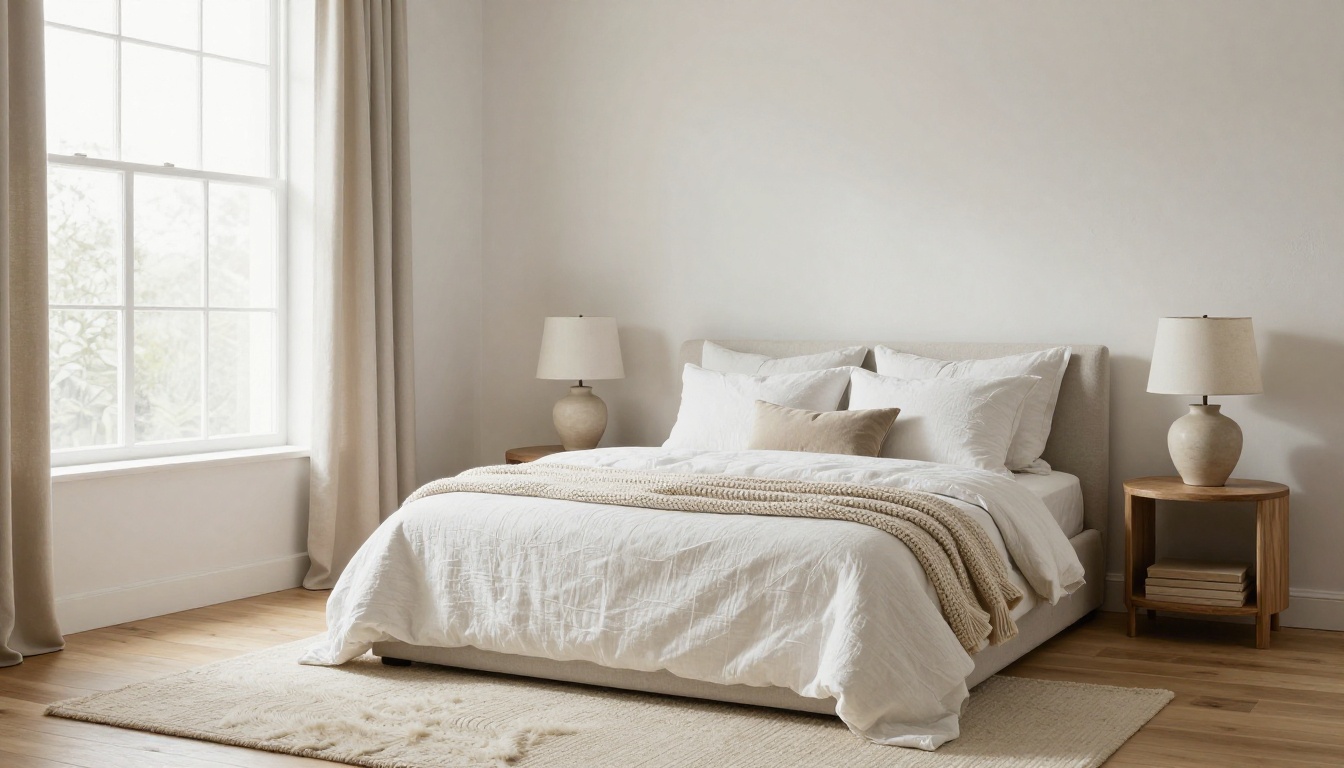
Bedrooms sell comfort. Stick to calm colors and soft textures, and keep the bed centered on the largest wall.
Stage this empty primary bedroom in a calm Scandinavian style: low platform bed with white linen bedding and a chunky knit throw, two round oak nightstands with small ceramic lamps, sheepskin rug on the floor, one framed botanical print above the bed. Diffused morning light from the window. Keep the walls, windows, flooring and ceiling exactly as in the original photo. Photorealistic, soft fabric folds.
Dining Nook
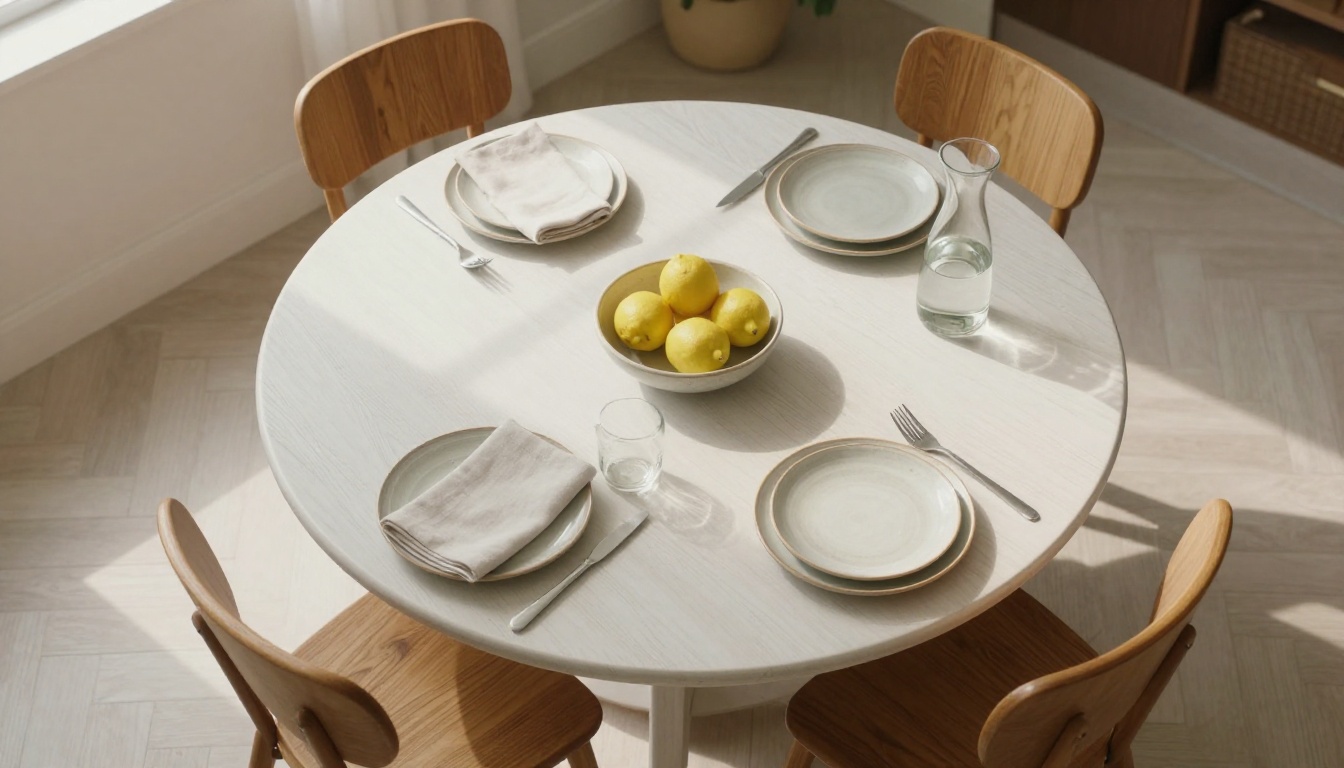
Small dining areas look best with a round table, because round shapes fit tight corners and read as friendly.
Add a round white oak dining table with four curved wooden chairs, stoneware plates, linen napkins, a glass carafe and a bowl of lemons to this empty dining area. Soft window light from the left, believable shadows under the chairs. Keep the walls, windows, flooring and ceiling exactly as in the original photo. Photorealistic, 35mm lens.
Home Office
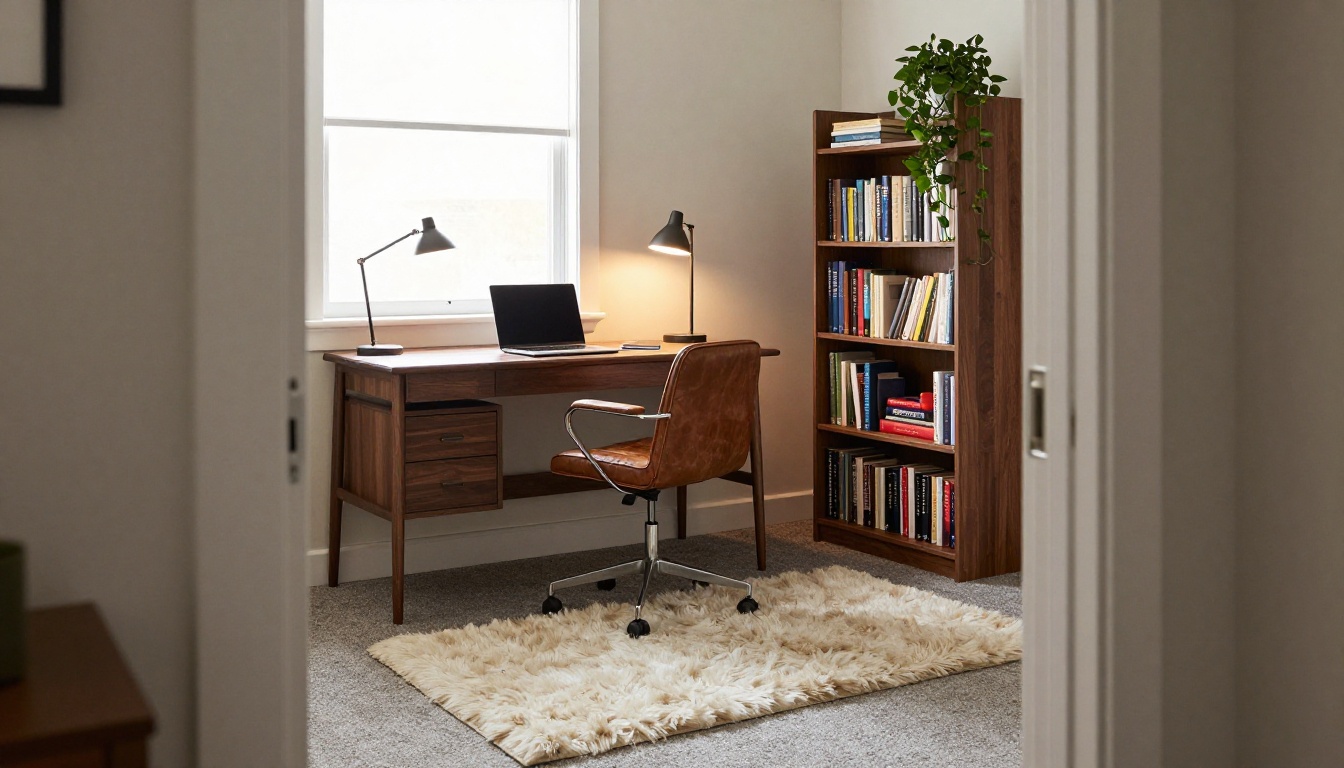
A spare room becomes a bedroom, a nursery or an office depending on the buyer. Staging it as an office is the safest bet, since many buyers now look for a place to work from home.
Turn this spare room into a home office: walnut desk under the window with a closed laptop and a desk lamp, black leather chair, tall bookshelf with neatly arranged books and one trailing plant, small wool rug. Cool daylight from the window balanced with warm lamp light. Keep the walls, windows, flooring and ceiling exactly as in the original photo. Photorealistic.
Bathroom
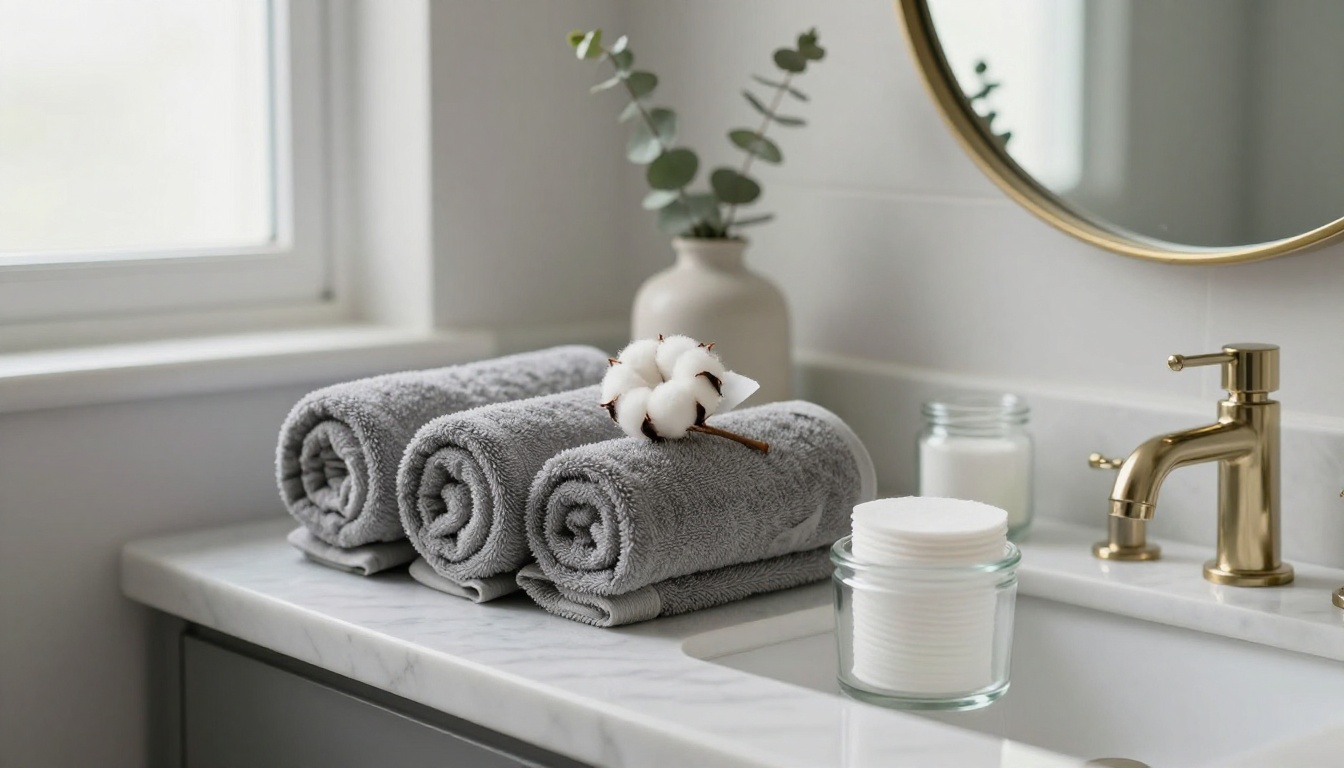
Bathrooms are different. The fixtures are permanent and buyers inspect them closely, so dress the room with soft items only.
Dress this bathroom with soft items only: rolled grey towels on the vanity, a eucalyptus sprig in a ceramic bud vase, a small glass jar of cotton pads, a folded white bath mat. Do not change the vanity, tub, tiles, mirror or fixtures. Soft light from the window. Photorealistic, 28mm lens.
Patio and Yard
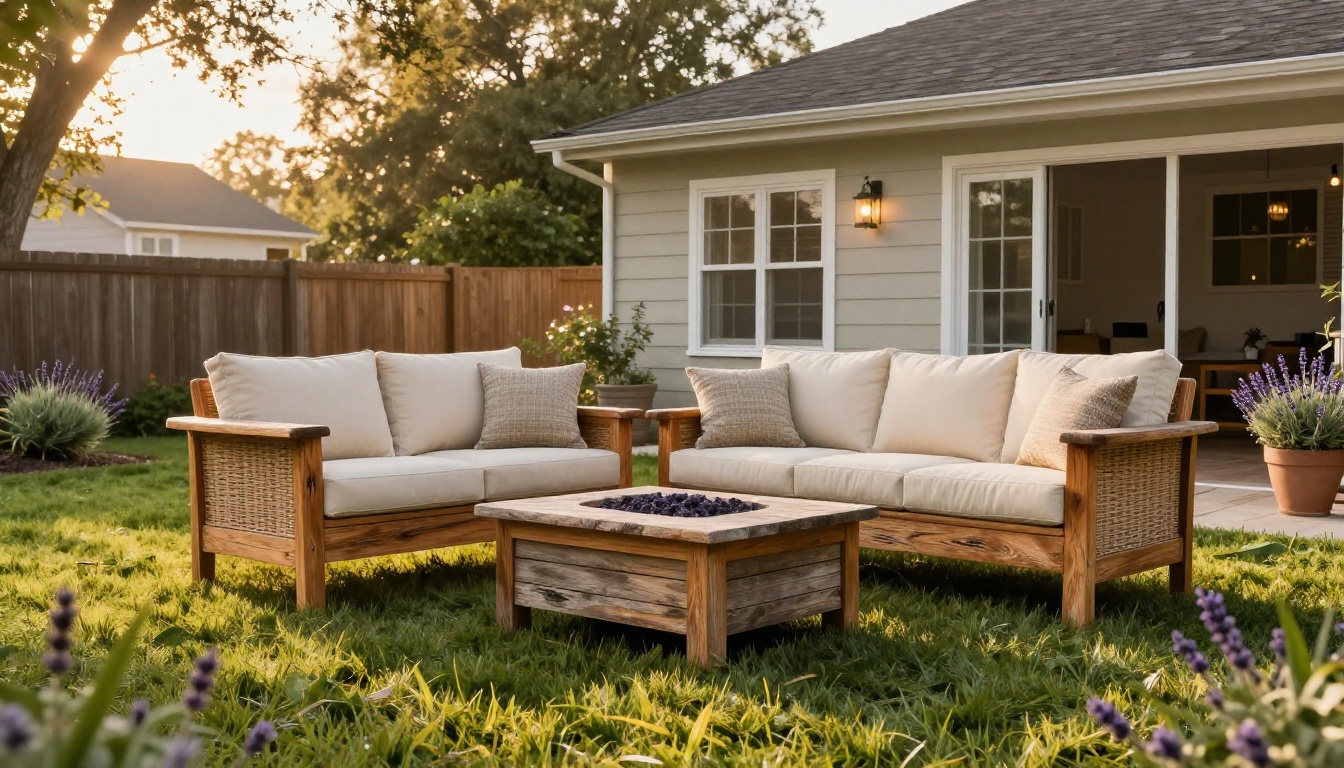
Outdoor space adds square footage in a buyer's mind. A few well chosen pieces tell them the patio is meant for evenings and weekends.
Furnish this empty patio with a teak outdoor sofa with cream cushions, a low stone fire bowl, two potted lavender plants and a woven outdoor rug. Warm golden hour light from behind the house. Keep the house, fence, lawn and paving exactly as in the original photo. Photorealistic, 24mm lens.
How to Use Image Editor Pro on PicassoIA
Image Editor Pro edits an existing photo from a text instruction and offers unlimited generations. That suits staging well, because the first result is rarely the best one and you will want to iterate without watching a counter.
Step by Step
Open the model page and sign in to your PicassoIA account.
Upload the empty room photo, the one you already corrected for exposure and white balance.
Paste a room prompt from the section above and swap in your own style, colors and furniture.
Generate, then zoom to 100% and check four things: the floor line, the window edges, the scale of the furniture and the shadows under every leg.
Iterate one change at a time. If the sofa is wrong, send a short follow-up such as "replace the sofa with a green velvet one" rather than rewriting the whole prompt.
Save the best version and run it through an upscaler if the portal needs a larger file.
Settings That Matter
One change per pass. Short, single edits hold the rest of the room steady.
Limit the furniture list. Five to seven pieces look believable. Twenty look like a showroom.
Match the era of the house. A 1960s ranch and a glass condo want different furniture.
Keep the original aspect ratio so portal crops do not slice off the sofa.
Save every version. The third attempt is not always better than the first.
When a result looks off, add one targeted sentence to the prompt instead of starting over:
Problem
Sentence to add
Furniture looks too big
"Scale all furniture to a room of this size and leave clear walking paths."
Shadows look pasted on
"Cast soft shadows on the floor that match the window light."
Walls or windows changed
Repeat the preservation line and shorten the furniture list.
Style feels random
Name one style and two colors only.
Rug climbs the wall
"The rug lies flat on the floor with edges parallel to the walls."
Picking the Right Model
Several PicassoIA models handle photo edits well. They differ in how closely they follow long instructions and how well they preserve the original frame, so it pays to test two or three on the same room.
Portals display listing photos large, and AI edits often come out smaller than a camera file. Run your final pick through Real-ESRGAN for a clean 2x or 4x increase, or try Crystal Upscaler when you want extra detail in fabric and wood grain.
Keep Listings Honest
Virtual staging earns trust only when buyers can tell what they are looking at. A few habits protect you and the listing:
Label every staged photo with a plain note such as "Virtually staged", on the image and in the description. Many MLS boards and local rules require disclosure, so check yours. A line like "Furnishings in these photos are digitally added" in the listing description does the job.
Never alter permanent features. Floors, walls, windows, views, fixtures and room size stay exactly as they are.
Show the empty room too. Include at least one unedited photo of each staged space.
Scale furniture to the room. An oversized sofa makes a small room look bigger than it is, and the viewing will undo the effect fast.
Do not hide defects. Stains, cracks and damage stay visible.
Inspect for AI slips. Look for bent chair legs, extra table legs, melted lamps, floating shadows and rugs that climb the wall.
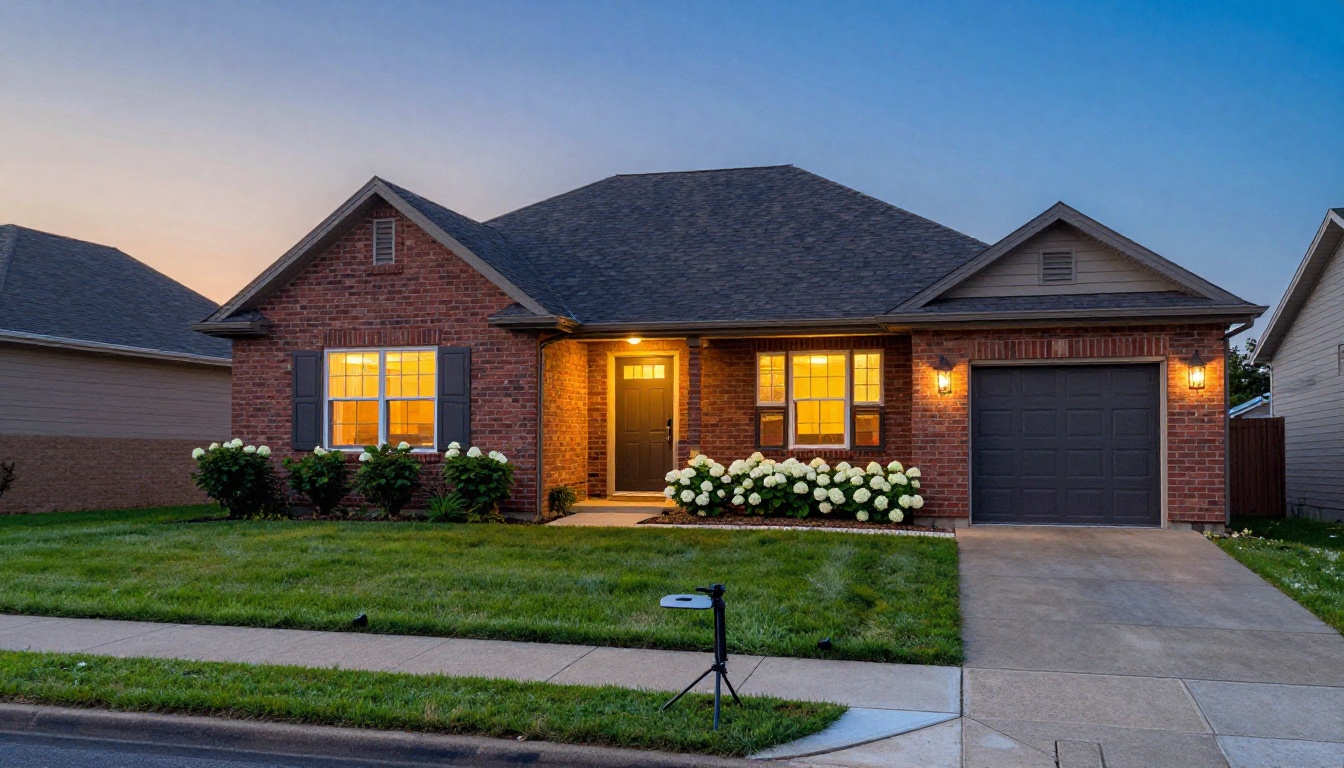
The same rule applies to exterior touch-ups. A dusk shot with lights glowing in the windows is fine when the house really looks like that. Replacing a damaged roof or an overgrown lawn is not.
Stage Your Next Listing
You do not need a budget for staging software to make a vacant room look like a home. You need a clean photo, a prompt with a preservation line, and the patience to run a few versions. Pick the room that worries you most, open Image Editor Pro on Picasso IA, upload the photo and paste the matching prompt from this article.
Try the same room in Flux Kontext Pro and Nano Banana Pro, compare the three results side by side, and keep the one a buyer would believe. When you want more options, browse the full catalog at picassoia.com/en/all-models, and send your best before and after to the next client who says an empty room cannot sell.