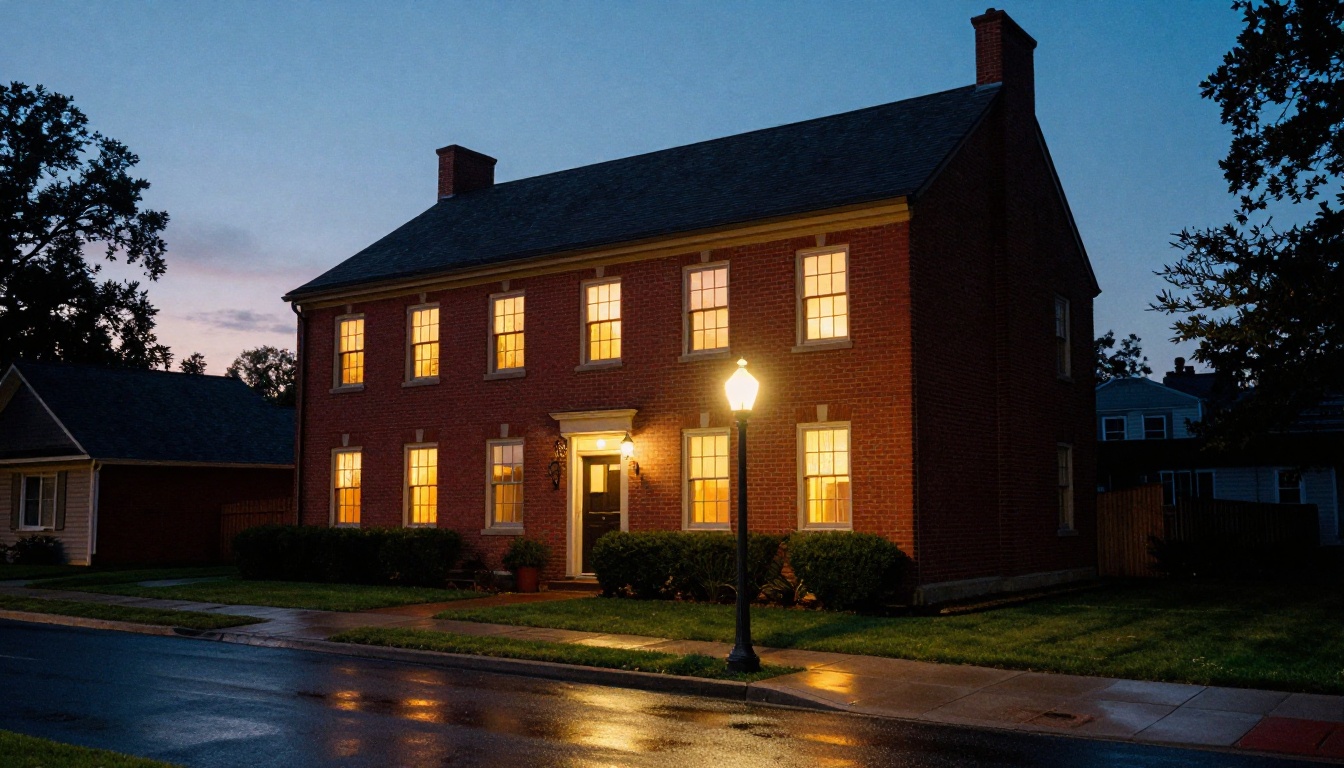
A listing photo shot at noon under a flat gray sky tells buyers almost nothing about how a house feels. The same house at dusk, with warm light spilling from every window and a deep blue sky behind the roofline, looks like a place where people already live. That difference is why virtual twilight photos for real estate with AI have become a standard edit for agents, photographers and short-term rental hosts. You start with an ordinary daytime exterior, describe the dusk you want, and an image model rebuilds the sky, switches on the windows and adds soft landscape lighting in a few seconds.
This article shows how the edit works, what separates a believable result from an obvious fake, and exactly how to run it with PicassoIA Image Editor Pro. It also includes a model comparison, prompts for different property types, and the mistakes that get edited photos questioned by buyers and listing services.
What Virtual Twilight Actually Means
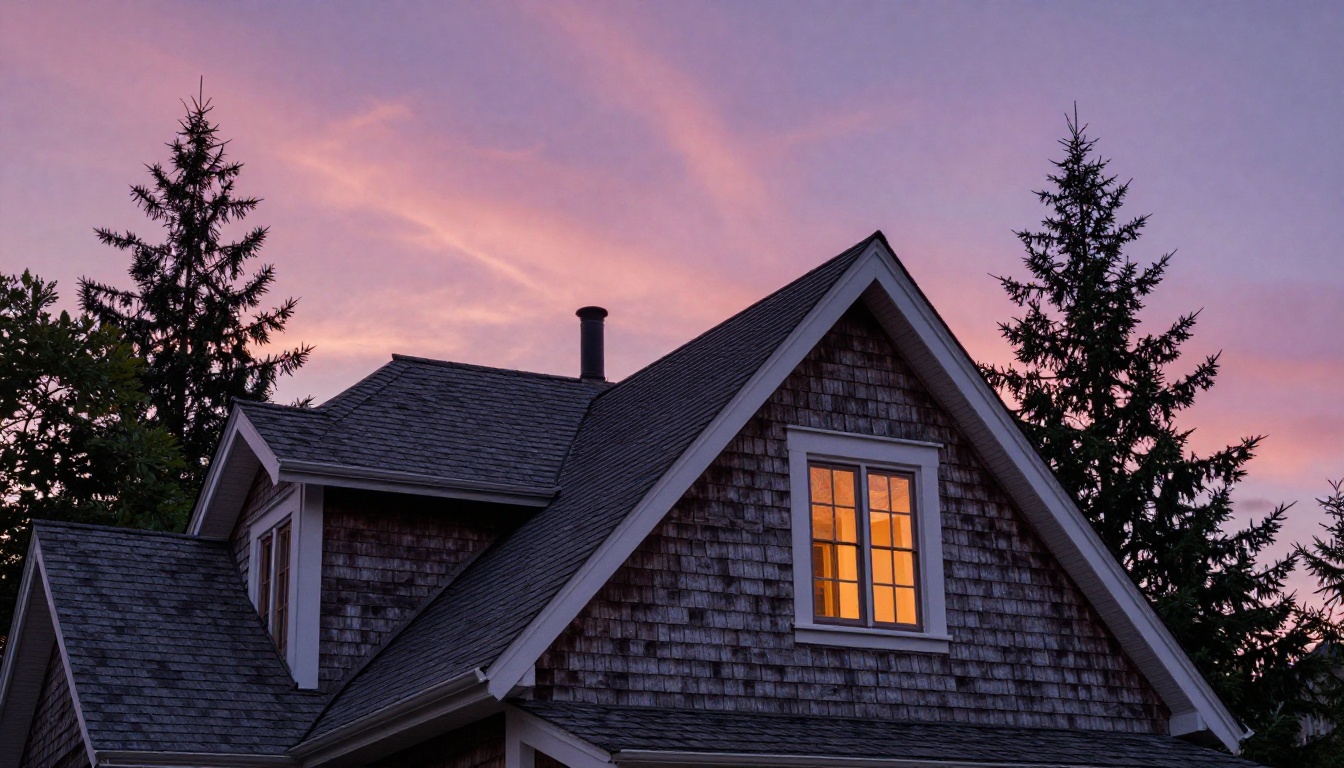
A virtual twilight photo is a daytime exterior that has been edited to look like it was shot in the short stretch after sunset, when the sky still holds color and the lights inside the house are already on. Photographers often call that stretch blue hour. Real estate photographers love it because the sky and the interior glow sit at similar brightness, so one frame can show both the building and the rooms inside it.
The Edit in Plain Terms
The old method meant opening Photoshop, masking every window by hand, swapping the sky, painting light cones under the porch lamps and then correcting the color of the lawn and driveway. A skilled retoucher could do it well, but it was slow, so most agents only ordered it for premium listings. An AI image editor replaces that chain of manual steps with a sentence. You describe the result, and the model handles all of these changes at once:
- Sky: a gradient from deep blue at the top to soft orange or pink near the horizon.
- Windows: warm interior light with believable depth behind the glass.
- Exterior lights: porch lanterns, wall sconces, path lights and uplights on trees.
- Surfaces: a cooler overall tone with faint reflections on driveways and wet-looking pavers.
- Everything permanent: roofline, siding, landscaping and proportions stay exactly as photographed.
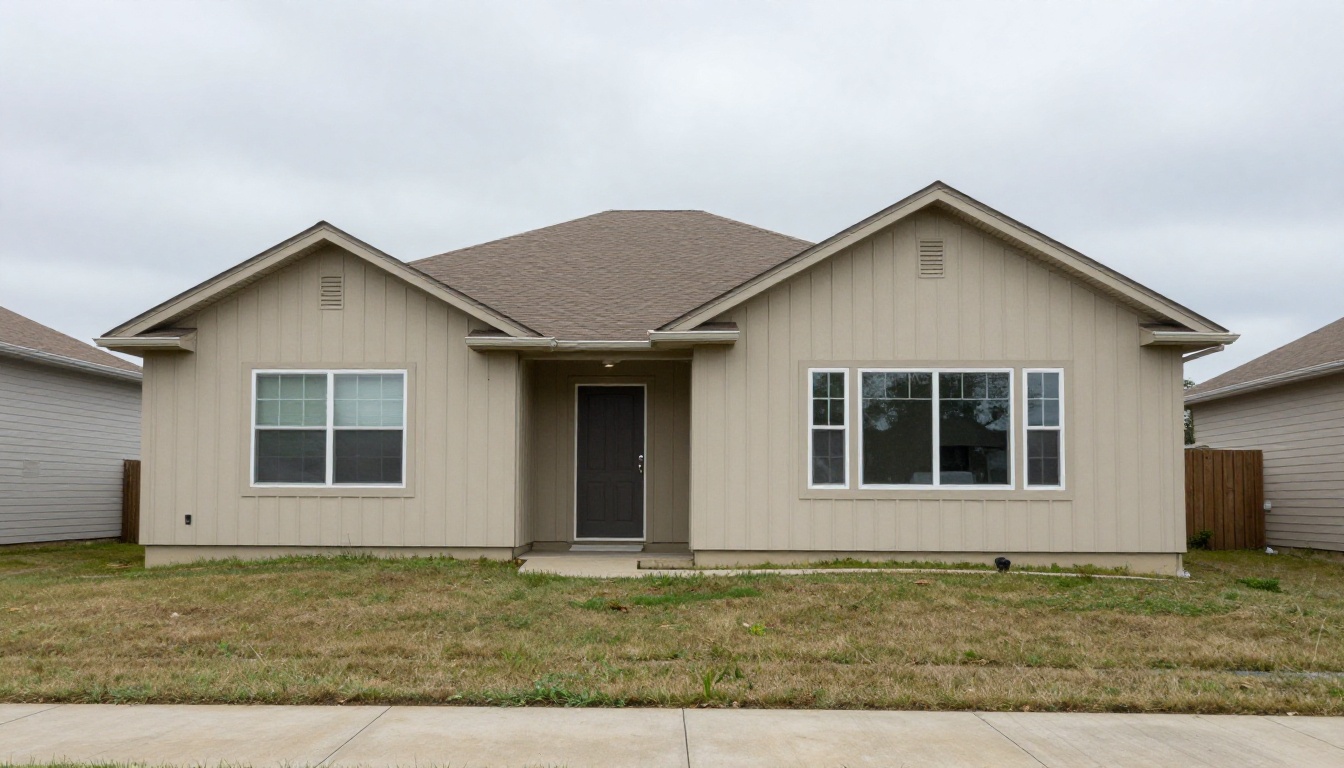
A flat midday exterior like this one is the usual starting point. Nothing is wrong with the photo, but nothing invites a click either.
Why Buyers Click Dusk Photos
Property portals show listings as a grid of thumbnails, and nearly all of them are daytime shots with similar blue-gray skies. A dusk image breaks that pattern immediately. The contrast between a cool sky and warm windows pulls the eye to the house, and the glow suggests comfort, evenings at home and a place that feels occupied rather than staged. That emotional read happens before a buyer reads a single word of the description.
The edit is not limited to resale listings. Short-term rental hosts use dusk exteriors to stand out in a crowded search page, and builders use them on new construction photos taken at midday, when the landscaping is still young and the site looks bare.
💡 Tip: Use the twilight edit for the lead exterior and one or two supporting angles. Keep the rest of the gallery in honest daylight, because buyers still want to see how the property looks in normal conditions.
Real Twilight Shoots vs AI Edits
A real twilight shoot is still the gold standard when conditions cooperate. The problem is that conditions rarely cooperate on the day you need them to.
The Narrow Shooting Window
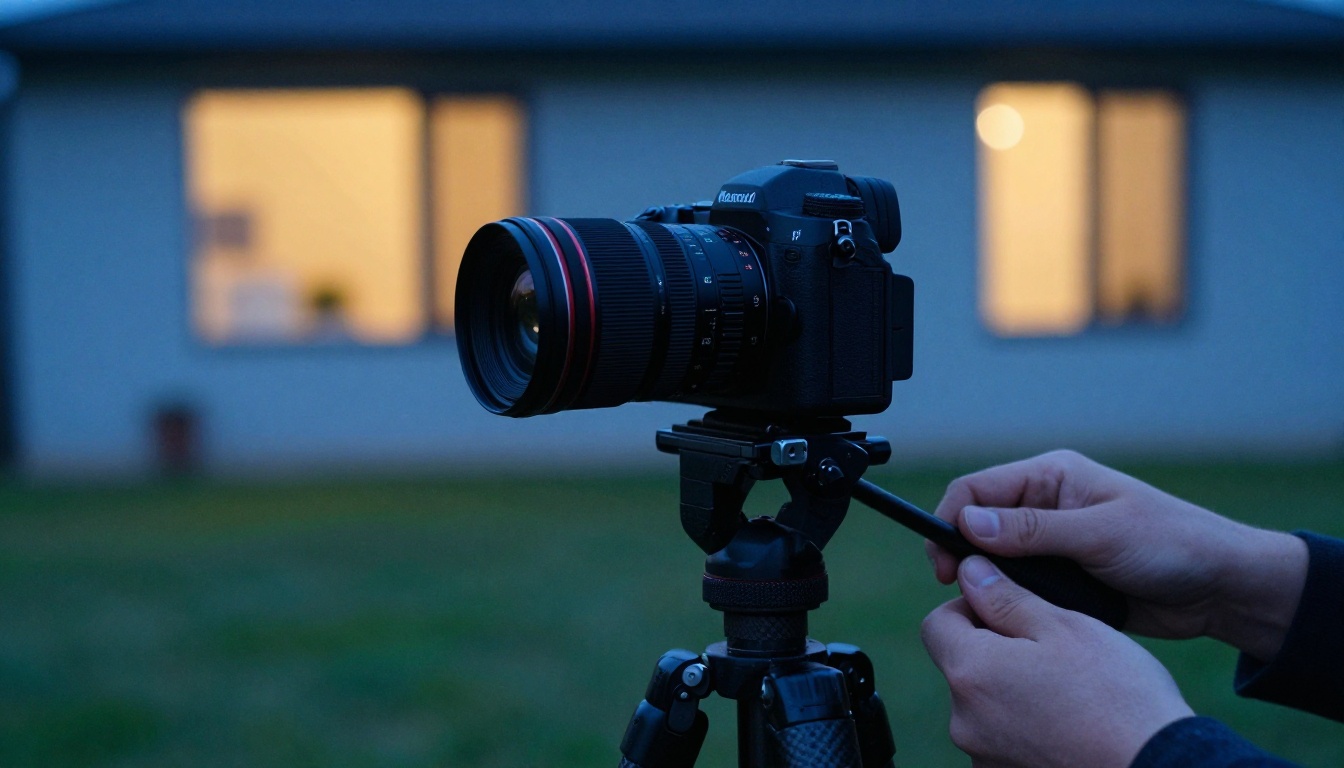
The usable light in a real twilight session lasts roughly twenty to thirty minutes after sunset. The photographer has to arrive early, turn on every lamp in the house, set up a tripod, and bracket exposures while the sky changes color minute by minute. Rain, thick cloud or an early dark evening can ruin the whole visit, and a reshoot means paying for a second trip and waiting for another good evening. If the listing goes live Friday and the forecast is gray, the shoot simply does not happen.
Cost, Speed and Risk
Here is how the two approaches compare in practice:
| Factor | Real twilight shoot | AI virtual twilight |
|---|
| Timing | Only about 20 to 30 minutes per evening | Any time, from any daytime photo |
| Weather | Depends on a clear or interesting sky | Sky is chosen in the prompt |
| Extra visit | Often a second trip after the daytime shoot | None, the daytime photo is enough |
| Turnaround | Next day or later after editing | Seconds per image |
| Retakes | A reshoot needs a new evening | Change the prompt and run it again |
| Realism ceiling | Highest, because the light is genuine | High when the source photo is clean |
AI does not make real twilight photography obsolete. A high-end listing with a hired photographer already on site should still get a real dusk session. For everything else, such as rentals, resale homes, quick turnarounds and listings shot by an agent on a phone, the virtual version closes the gap at almost no cost.
What Makes a Dusk Edit Believable
Buyers are better at spotting fake light than most editors assume. Three details decide whether an edit passes.
Window Glow That Looks Lived In
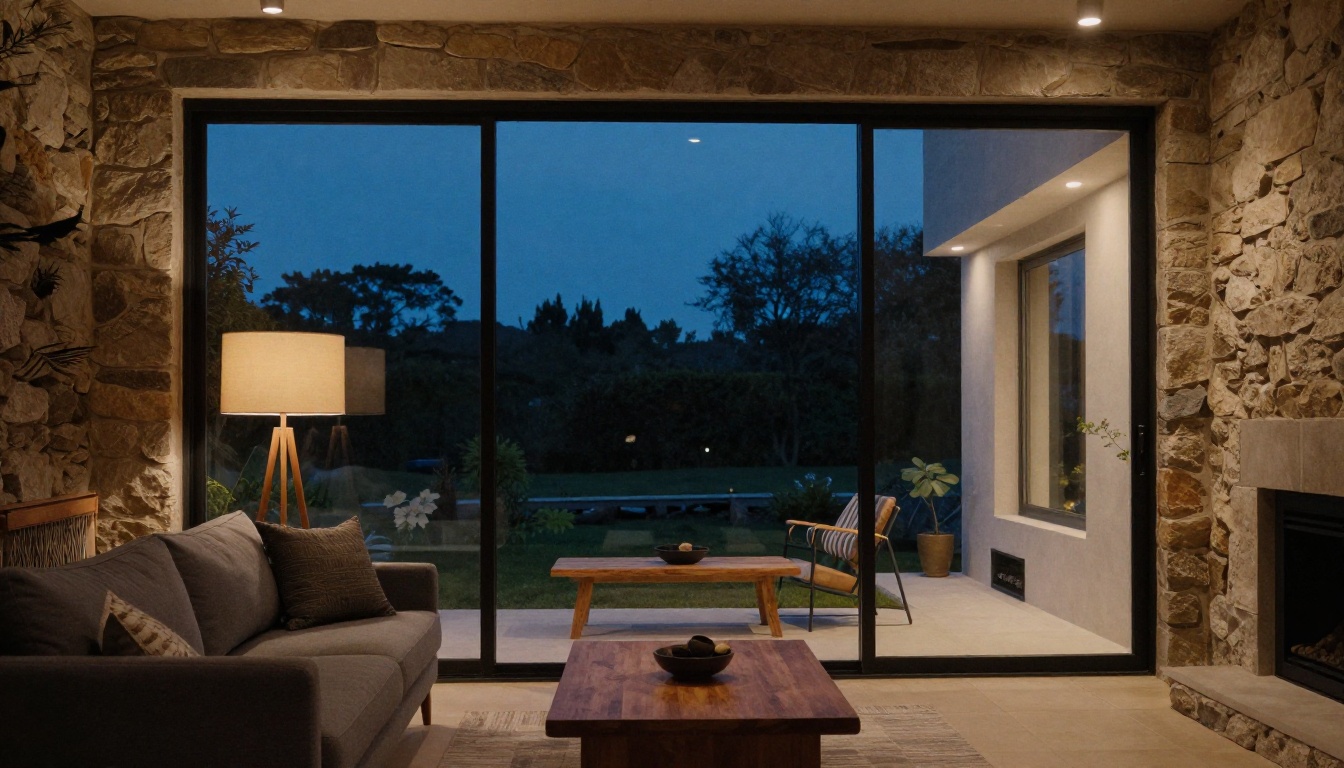
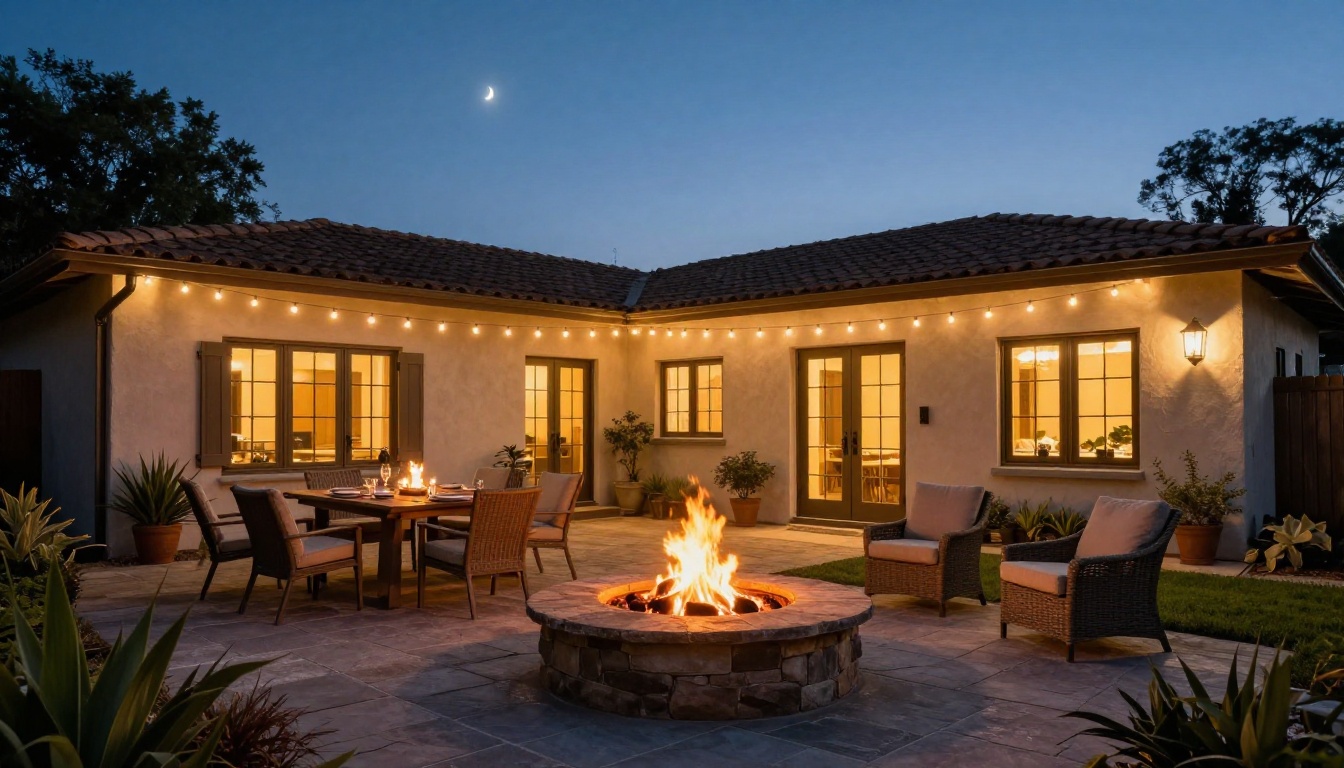
Real interior lighting is warm, usually around 2700K to 3000K, and it is never perfectly uniform. Some rooms are brighter than others, a lamp in the corner makes a pool of light, and you can make out furniture or a pendant fixture through the glass. If every window is the same flat yellow rectangle, the edit looks pasted on. Ask for varied warm light with visible furniture and pendant lamps behind the glass and keep the highlights from blowing out.
A Sky That Matches the Light
The sky should be brightest and warmest near the horizon, directly behind the house, and darkest at the top of the frame. A sky with a hot orange band on the left while the walls are lit from the right is an instant giveaway. Thin streaks of high cloud catching the last color look natural, while dramatic storm clouds and a giant moon rarely do.
Light Sources and Shadows
At dusk there are no hard sun shadows. If the source photo has crisp midday shadows under the eaves and the edit keeps them, the brain senses a contradiction. A good prompt asks for soft, even ambient light and for lamps, sconces and uplights to cast their own gentle glow on nearby surfaces. Reflections matter too: a damp driveway or a pool surface that mirrors the sky sells the scene instantly.
Which Photos Work Best
The source photo does most of the work. A sharp, evenly exposed daytime image gives the model clean edges to work with, and a messy one gives it problems to guess at.
Strong source photos:
- Shot straight on or at a slight angle, with the verticals reasonably upright
- Evenly lit, even if the sky is overcast and boring
- Windows visible and not hidden by heavy glare or tightly drawn blinds
- No cars, bins, hoses or people in the foreground
- High resolution, since upscaling later can soften fine detail
Photos to skip or fix first:
- Strong backlight, where the house is a dark silhouette against a bright sky
- Dense trees or shrubs that hide most of the facade
- Wide-angle distortion that bends the walls
- Direct sun reflections that blow out whole windows
Before uploading, spend two minutes on prep. Straighten tilted verticals, lift the shadows slightly if the facade is dark, and crop out clutter at the edges. Small fixes at this stage stop the model from guessing, and guessing is where odd results come from.
Different property types also call for different dusk details. Use this as a starting point when you write the prompt:
| Property type | Dusk detail to request |
|---|
| Suburban house | Lit porch lantern, path lights, warm windows on both floors |
| Home with a pool | Pool glowing turquoise, patio string lights, reflections on the deck |
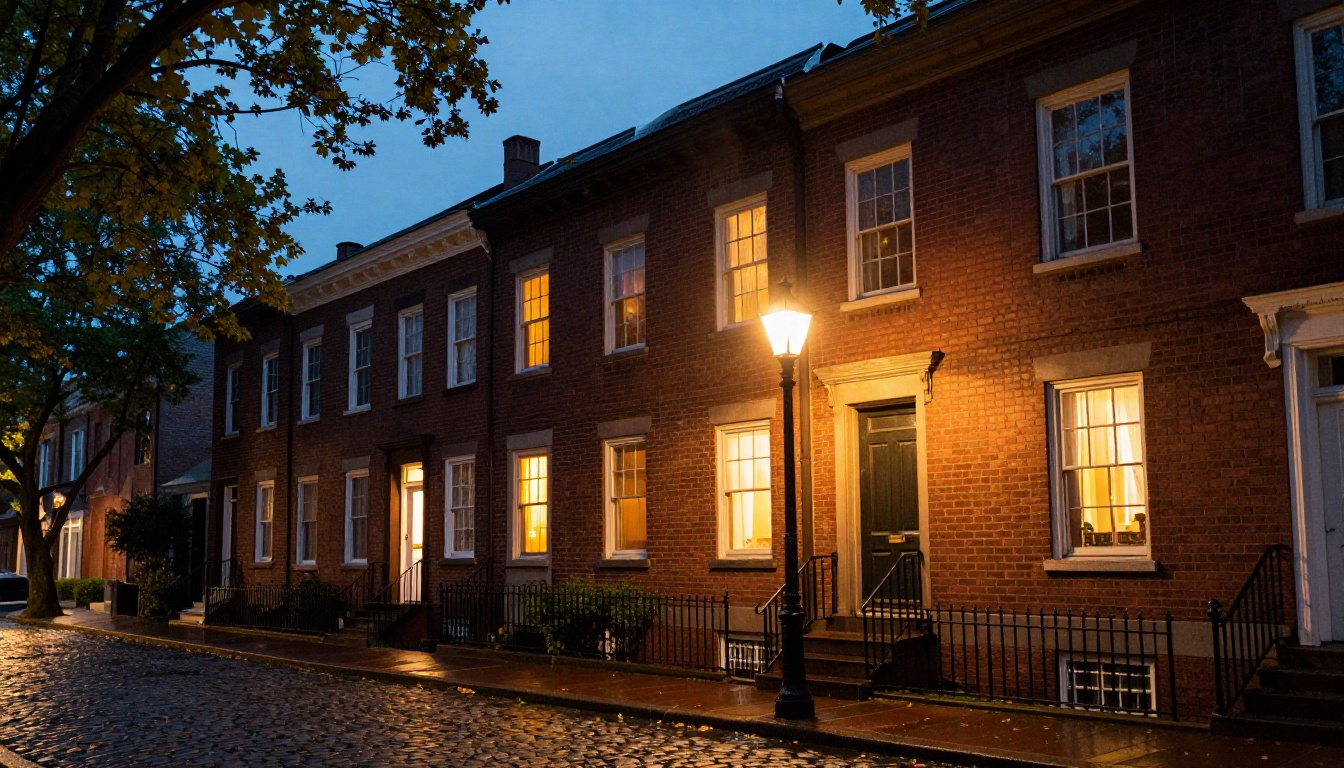
| Townhouse row | Warm entry lights on each stoop, a street lamp, damp pavement |
| Condo or apartment block | Varied lit windows, lobby glow, soft sky behind the roofline |
| Cabin or rural property | Single warm porch light, deep blue sky, faint first stars |
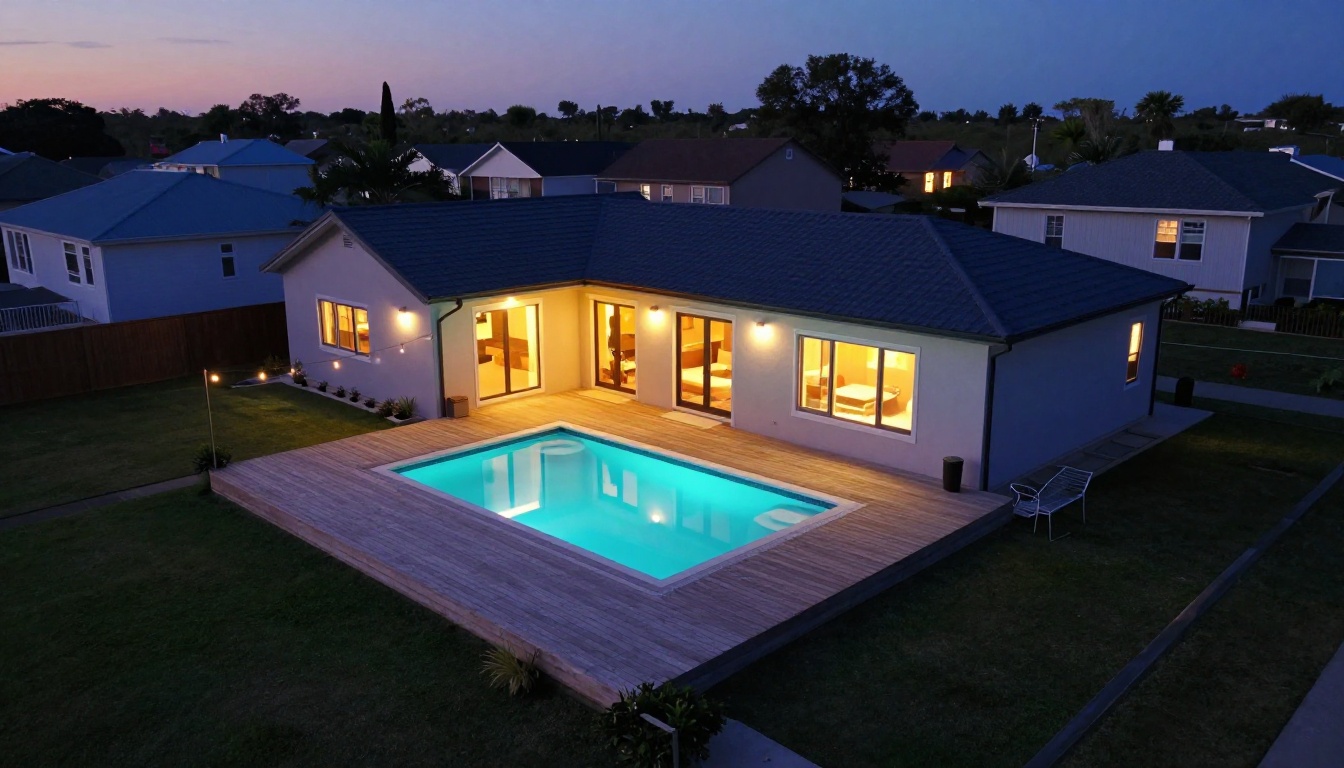
Aerial shots deserve a special mention. A real drone session at dusk needs a qualified pilot, a calm evening and careful exposure, so few listings ever get one. Running a daytime drone frame through the same edit is a cheap way to get that premium look.
How to Use PicassoIA Image Editor Pro
PicassoIA Image Editor Pro edits a photo from a plain-language instruction, accepts up to three reference images, and is unlimited, so you can iterate on one listing as many times as you need without watching a quota. Its own example gallery includes a day-to-night conversion that switches on window lights and lamps while keeping the architecture unchanged, which is exactly the job a virtual twilight needs.
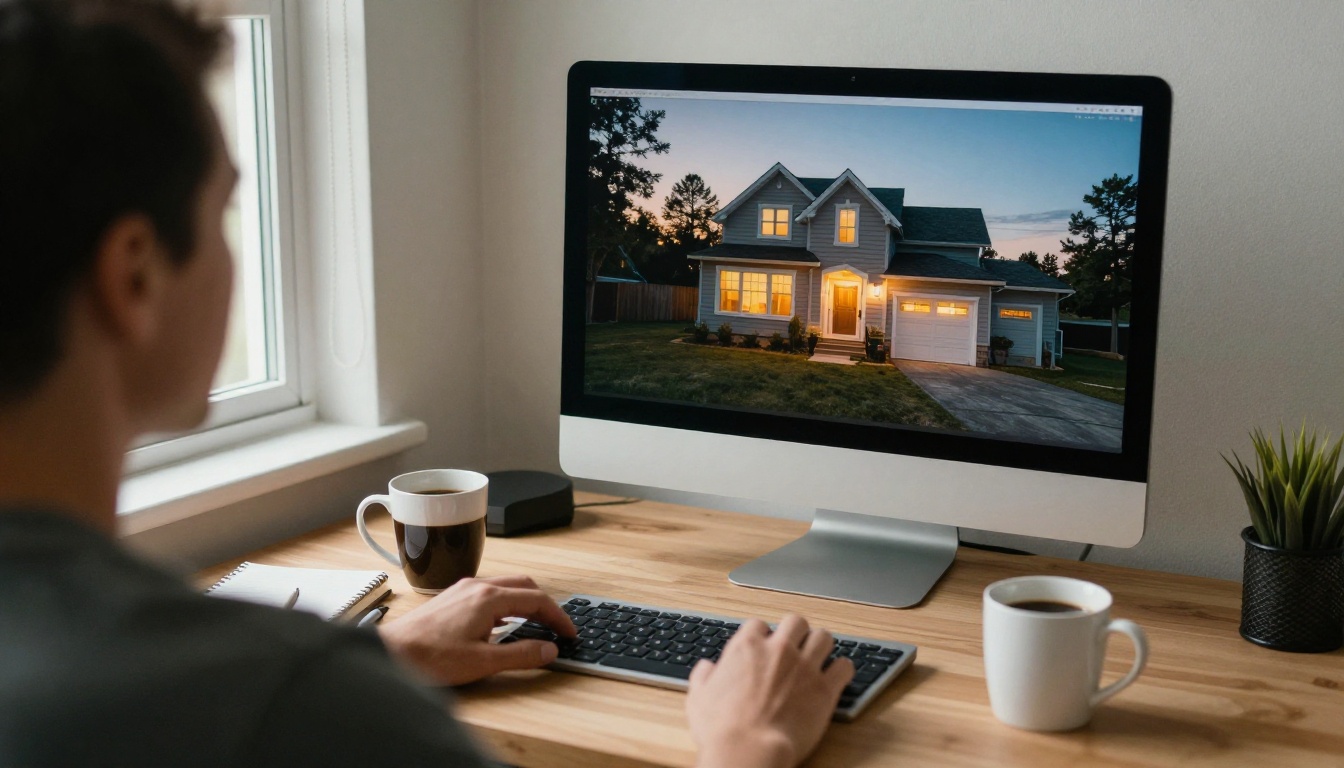
Step by Step
- Open the model page and upload your daytime exterior as the first image. The first image is always treated as the primary one.
- Paste a dusk prompt that names the sky, the window light, the exterior lights and what must stay unchanged (a full example is below).
- Keep the aspect ratio on match input image so the edit has the same framing as the original photo.
- Set outputs to 2 so you get two variations in one run and can compare them side by side.
- Choose JPG at quality 95 for portals. Quality applies to JPG and WebP, while PNG stays lossless and produces a larger file.
- Check the result against the believability rules above: matching sky, varied window glow, no leftover midday shadows.
- Lock the seed once you like a result, then reuse it to produce a consistent look across the other angles of the same property.
After each run, zoom to 100% and check four spots: the edge of the roofline against the new sky, the window frames, the grass line and any house numbers or signs. These are the places where a model is most likely to smear detail. If one of them looks soft, rerun with a tighter prompt rather than fixing it by hand.
Most listings need four to eight exterior frames. Run the front elevation first, settle on the sky and glow you like, then reuse the same prompt wording and seed for the rear and side angles so the dusk looks consistent from photo to photo. A gallery where every picture has a different sky and a different window color tells buyers something is off.
Settings That Matter
| Setting | Recommended choice | Why |
|---|
| Images | Daytime exterior as image 1 | Anchors the architecture |
| Aspect ratio | match_input_image | Keeps the original framing |
| Number of outputs | 2 | Gives you a choice every run |
| Output format | JPG | Widest portal support |
| Output quality | 95 | Sharp edges around rooflines |
| Seed | Fixed after a good result | Repeatable look across a gallery |
Prompts for Different Homes
Start with this base prompt and adjust the details in the second sentence:
Convert this daytime exterior into a real estate twilight photo. Replace the sky with a deep blue dusk gradient fading to soft orange at the horizon. Turn on warm interior light in every window with varied brightness, switch on the porch lantern and path lights, and add gentle reflections on the driveway. Keep the house, roofline, landscaping, driveway and camera angle exactly the same.
Swap in extra details when the property calls for them:
- Pool home: "Light the pool from within in soft turquoise and add warm patio string lights."
- Townhouse: "Add warm lights at each entry and one vintage street lamp, with a damp pavement."
- Large windows: "Show furniture and pendant lamps faintly through the glass, no blown-out highlights."
- Rural cabin: "One warm porch light, deep blue sky, a few faint stars near the top."
💡 Tip: Always write "keep everything else exactly the same" in the prompt. Without that line, a model may tidy the lawn, add shrubs or restyle the facade, and then the photo no longer matches the property.
Other PicassoIA Models Worth Trying
No single model wins every photo, so it helps to keep a short list for edits that need a different touch.
A practical workflow is to run the main conversion in Image Editor Pro, then send the best result through Qwen Image Edit Plus LoRA Relight if the overall warmth needs a nudge. That model offers an 8-step fast preset for quick previews and a 40-step detailed pass for the final file, and it lets you fix the seed to repeat a result. Finish with the upscale model if the portal wants a larger file.
Turning Stills Into Short Clips
Once a dusk still looks right, it can become a short social clip. Models such as Wan 2.7 I2V and Kling v2.1 animate a photo into video. Ask for a slow push toward the front door, with window lights steady and a gentle drift in the clouds. Keep the motion subtle: a calm dusk clip feels like a walk-up, and a flashy one feels like an ad.
Mistakes That Make Edits Look Fake
Most failed twilight edits break one of a few rules. Check each result against this list before it goes in a listing.
Overdone Skies and Glow
- A sunset that is too dramatic. Real twilight skies are subtle. Ask for soft color, not fire.
- Windows that glow like lamps. Interior light should not spill onto the siding as a halo.
- Every light switched on. A few dark windows are normal and make the scene believable.
- Leftover midday shadows. Crisp shadows under the eaves contradict a dusk sky.
- Texture melting. Zoom into brick, shingles and grass. If they look smeared, rerun with a tighter prompt or a sharper source.
Honesty With Buyers
A twilight edit changes the lighting, not the property. Do not use the same tool to remove a power line, hide a neighbor's building, widen a lot or add a pool that does not exist. Many listing services expect edited or virtually altered images to be labeled, and some ask for the original daytime photo alongside the edited one, so check the rules for your market before you publish. Keep every original file, and add a simple line such as "Exterior shown with virtual twilight" in the photo caption. It protects you and builds trust with buyers.
Try Your Own Dusk Photo Today
The fastest way to see the difference is to take one daytime exterior you already have and run it through the steps above. Open PicassoIA Image Editor Pro, upload the photo, paste the base prompt, and compare the two outputs it returns. Adjust the sky, window glow and exterior lights until the result looks like something you could have shot yourself on a calm evening, then try a second angle with the same seed.
If you want a different look, browse the full model list at picassoia.com/en/all-models and run the same photo through two or three editors. You will usually find a favorite within a few minutes, and from then on a dusk lead image is one prompt away for every listing you work on.


