The gap between "AI-generated" and "looks real" in video has never been narrower, and Wan 2.6 is one of the clearest examples of why. Released as part of wan-video's ongoing model series, version 2.6 specifically targets the two biggest failure points in AI video output: temporal coherence (how smoothly things move between frames) and spatial detail retention (how well textures, edges, and fine structure hold up across the clip). If you have worked with any earlier Wan release or a competing model and noticed that hair, fabric, or water tends to turn into a smeared mess halfway through the clip, Wan 2.6 is the direct answer to that problem.
What Wan 2.6 Actually Is
Wan 2.6 sits in the middle of the wan-video generation ladder, positioned above 2.5 and below the newer 2.7 series. It uses a diffusion transformer architecture trained at 14 billion parameters, which gives it considerably more capacity than the lighter 1.3B variants in the same family. The extra parameter count shows up not in abstract benchmarks but in a very specific way: the model's ability to hold consistent object identity and surface appearance across frames without needing aggressive denoising steps.
The Architecture Behind It
The model processes video as a sequence of latent frames through a full-attention mechanism rather than sliding window attention, which is one reason it handles longer motion arcs better than window-limited models. Full temporal attention means every frame in the generation sequence can directly influence every other frame, preventing the "drift" problem where a moving object gradually changes shape or color as the clip progresses.
Why the Parameter Count Matters
A 14B model has roughly ten times the representational capacity of a 1.3B model. In practice, this means the network can store and apply more precise motion priors from training data. When you prompt for "a woman walking through a field," a smaller model has to generalize broadly. The larger model has seen enough variation to know what realistic fabric movement looks like at different walking speeds, what grass does underfoot in wind, and how to maintain consistent lighting direction across the full clip length.
💡 The 14B model is slower than the fast variants but produces noticeably better texture and edge stability. For final-quality renders, always prefer it over speed-optimized versions.
The Motion Problem in AI Video
AI video generation has had a consistent problem for years: frames look great individually, but the transition between them creates visual artifacts, flickering textures, or limb deformation. This is the temporal coherence problem, and it is specifically what differentiates good video models from mediocre ones.
Temporal Coherence Explained
Temporal coherence means that the visual identity of an object stays consistent over time. A red jacket stays red. Hair stays the same length. A hand that moves left continues moving left without random jitter. Diffusion models generate video by denoising frames, and without strong temporal coupling, each frame is essentially a slightly modified version of random noise constrained by the prompt. The connections between frames are weak, so small inconsistencies compound into visible artifacts.
What Makes Motion Look "AI"
Three specific failure modes are most recognizable to viewers:
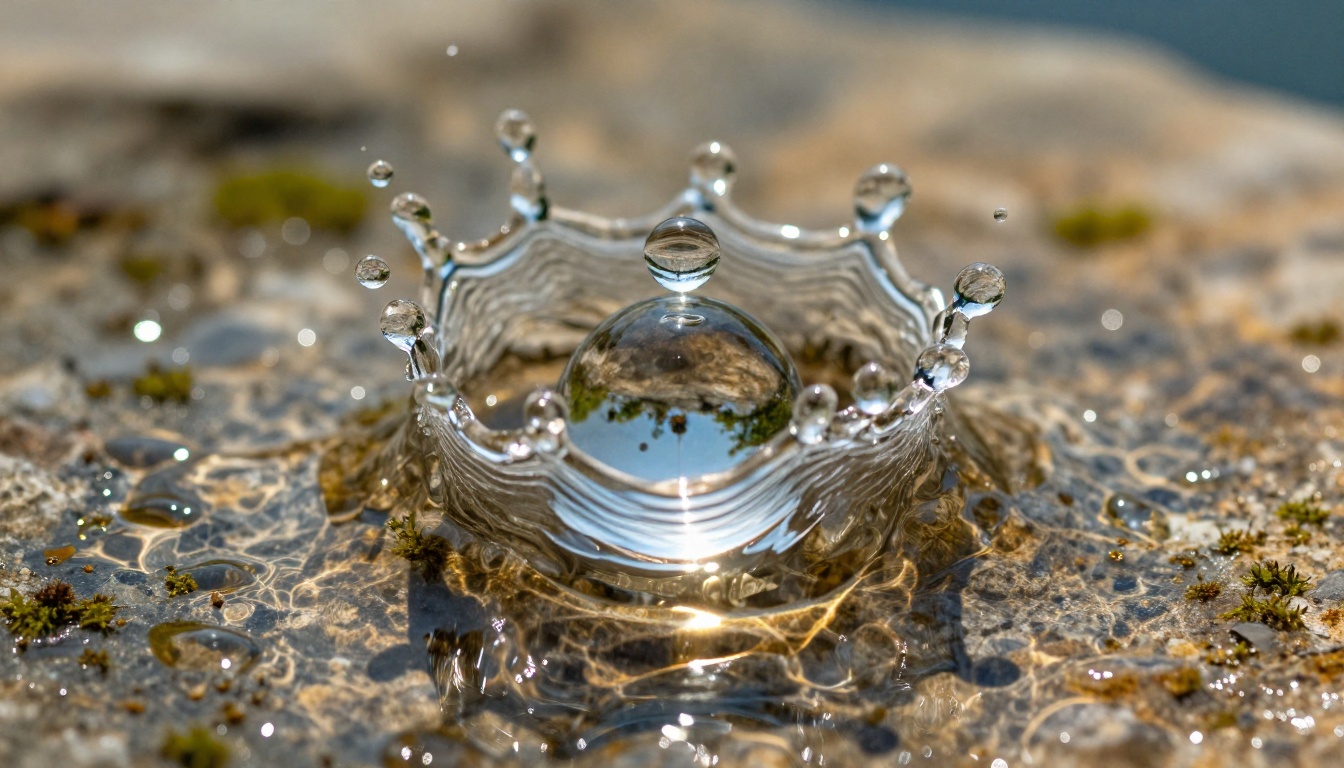
- Texture swimming: Surface patterns like wood grain, fabric weave, or skin texture appear to shift and drift even when the object itself is stationary
- Limb morphing: Fingers, arms, or legs change shape during movement as the model loses track of anatomical consistency
- Background flicker: Static background elements pulse or shimmer between frames due to frame-level noise variation
Wan 2.6 addresses all three through its attention architecture and a training regime specifically designed around motion coherence loss, penalizing the model during training for exactly these types of artifacts.
How Wan 2.6 Handles Detail
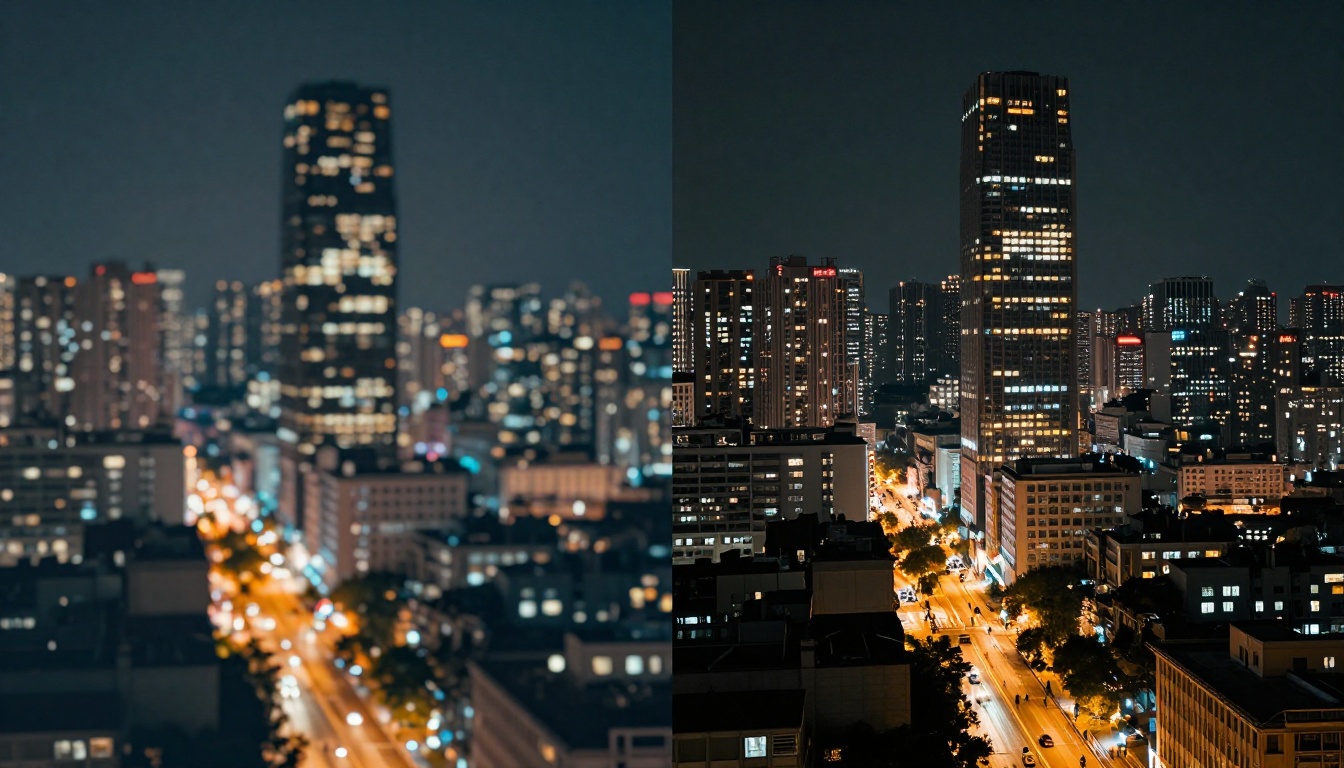
Spatial detail in video is harder than in images because the model has to maintain that detail across time. Generating a single sharp frame is one challenge. Keeping that same level of sharpness 40 frames later, after the camera has moved or the subject has shifted, is a fundamentally harder problem.
Fine-Grained Texture Rendering
Wan 2.6 uses a VAE (variational autoencoder) with a higher spatial compression ratio than earlier versions, which preserves more texture information through the latent encoding step. What this means in output terms: fabric weave, facial pores, hair strand separation, and rough surface materials all hold their structure better than in 2.5 or earlier models.
The 480p vs 720p Difference
Wan 2.6 generates at native 720p resolution for its standard configuration, which is a step up from the 480p of older variants. But resolution number alone does not tell the story. A 720p video with poor texture detail looks worse than a sharp 480p clip. What Wan 2.6 delivers is high spatial frequency content at 720p, meaning it renders small, dense details rather than smooth low-frequency color blobs. Fine detail in hair, fur, textiles, and foliage is where this shows most clearly in real outputs.
💡 For close-up shots where texture detail is critical such as product demos, portrait animation, or fabric movement, Wan 2.6 is a stronger choice than many higher-resolution models that sacrifice detail for speed.
T2V vs I2V: Which One to Use
Wan 2.6 comes in two primary variants that serve different creative workflows. Choosing the right one changes both the input you need to prepare and the type of output you can expect.
Text to Video with Wan 2.6 T2V
Wan 2.6 T2V takes a text prompt and generates a video clip from scratch. This is the right choice when you are creating content from an idea rather than from a source image. It works best with:
- Action-driven prompts: Movement descriptions get better results than static scene descriptions
- Atmospheric prompts: Weather, lighting conditions, and environmental motion (wind, rain, crowd) are areas where Wan 2.6 T2V excels
- Short clip loops: 4 to 8 second clips with clear motion direction
The model responds well to camera movement instructions in the prompt. Phrases like "slow dolly forward," "tracking shot," or "static camera" meaningfully affect output behavior.
Image to Video with Wan 2.6 I2V
Wan 2.6 I2V takes a static image and animates it. This is the more controlled option because you are defining the starting visual state precisely. The model then generates motion that is consistent with both your image content and your text prompt describing the motion.
For animating portraits, product photography, architectural stills, or illustrations into video, I2V is the superior workflow. The model is particularly strong at:
- Natural environmental animation (trees, water, sky, fabric)
- Subtle face and body motion without distortion
- Parallax camera moves on landscape and architectural photography
Wan 2.6 I2V Flash is the faster version of the same model, trading some detail fidelity for significantly reduced generation time. Use it for iteration and drafts, then switch to the full I2V for final output.
How to Use Wan 2.6 on PicassoIA
Both Wan 2.6 variants are available directly on PicassoIA's platform. Here is the step-by-step process for each.
Step-by-Step: Text to Video
- Open Wan 2.6 T2V on PicassoIA
- Write your prompt in the text field. Start with the main subject and movement, then add environment and lighting
- Set the resolution to 720p for best detail retention
- Set duration between 4 and 6 seconds for the most coherent results
- Adjust the guidance scale between 6 and 8 (higher values follow the prompt more literally; lower values allow more creative variation)
- Click Generate and wait for the clip to render
💡 Adding motion speed descriptors to your prompt ("slowly," "rapidly," "gently drifting") has a measurable effect on output velocity. Wan 2.6 T2V reads these modifiers more reliably than many competing models.
Step-by-Step: Image to Video
- Open Wan 2.6 I2V on PicassoIA
- Upload your source image. For best results use a 16:9 image at 1280x720 or higher
- Write a motion prompt describing what should move and how. Do not describe the image content itself, only the motion ("the hair flows gently in a warm breeze, leaves in the background rustle slowly")
- Set motion strength between 50 and 70 for natural-looking movement without excessive distortion
- Generate
Parameter Tips That Matter
| Parameter | Recommended Range | Effect |
|---|
| Guidance Scale | 6.5 to 7.5 | Prompt adherence vs. visual quality |
| Motion Strength (I2V) | 45 to 75 | Amount of movement vs. image fidelity |
| Inference Steps | 30 to 50 | Quality vs. generation speed |
| Duration | 4 to 6 seconds | Coherence over time |
Lower motion strength settings in I2V are ideal for portrait and product animation where you want subtle life rather than dramatic movement. Higher settings work for environmental and action shots where large-scale movement is the point.
Wan 2.6 vs Nearby Models
Knowing where Wan 2.6 sits relative to adjacent models helps you pick the right tool for each project.
Against Wan 2.5 and Wan 2.7
Wan 2.5 T2V is a capable predecessor but shows the older model's weaknesses in fine texture rendering. On clips with fabric, hair, or complex surface material, 2.5 tends to produce more texture swimming. Wan 2.6 addresses this directly with its improved VAE and attention coupling.
Wan 2.7 T2V and Wan 2.7 I2V represent the next step forward, adding further improvements to resolution and motion dynamics. For the highest-quality output in the Wan series, 2.7 is the current ceiling. But Wan 2.6 remains a strong choice when generation time matters, as it is consistently faster than 2.7 at comparable settings.
Against Other Studios
A focused comparison on the metrics where Wan 2.6 distinguishes itself:
| Model | Motion Smoothness | Texture Detail | Speed | Resolution |
|---|
| Wan 2.6 T2V | Very High | High | Medium | 720p |
| Wan 2.6 I2V | Very High | Very High | Medium | 720p |
| Wan 2.5 T2V | Medium | Medium | Fast | 480p to 720p |
| Wan 2.7 T2V | Excellent | Very High | Slow | 1080p |
| Wan 2.6 I2V Flash | High | Medium | Very Fast | 720p |
The Flash variant sacrifices texture detail for speed, making it the right tool for rapid iteration rather than final output.
When Wan 2.6 Is the Right Call
Not every project needs Wan 2.6. Knowing when to reach for it versus a faster or higher-resolution alternative saves time and credits.
Scenarios Where It Excels
- Product animation: Animating a product photo with subtle motion, rotating highlights, or fabric movement. The I2V variant handles this with minimal distortion.
- Portrait animation: Adding natural breathing, eye movement, or hair drift to a still portrait
- Nature and environment clips: Water, wind, foliage, and atmospheric motion are all areas where temporal coherence matters most
- Short-form social content: 4 to 6 second loops where smooth, polished motion is the primary quality requirement
When to Pick Something Else
- Long-form clips over 10 seconds: Temporal coherence degrades at longer durations. For clips beyond 8 seconds, Wan 2.7 I2V or other models with better long-range consistency are worth the extra generation time.
- 1080p is a hard requirement: Wan 2.6 tops out at 720p. For 1080p output, step up to Wan 2.7.
- Rapid prototyping at volume: If you need 20 draft clips before committing to a style, Wan 2.6 I2V Flash or faster variants will save significant time.
💡 Use Flash for concept iterations, then switch to the full model once you have locked down the motion approach and prompt wording. This workflow typically produces better final results than going straight to the full model without iteration.
What Real Outputs Actually Show
Looking at Wan 2.6 outputs across different subject types reveals consistent patterns. Fabric and clothing animation is where it outperforms most alternatives in its generation speed class. A simple "light dress moving in wind" prompt produces cloth simulation that would have required physics-based rendering just a few years ago.
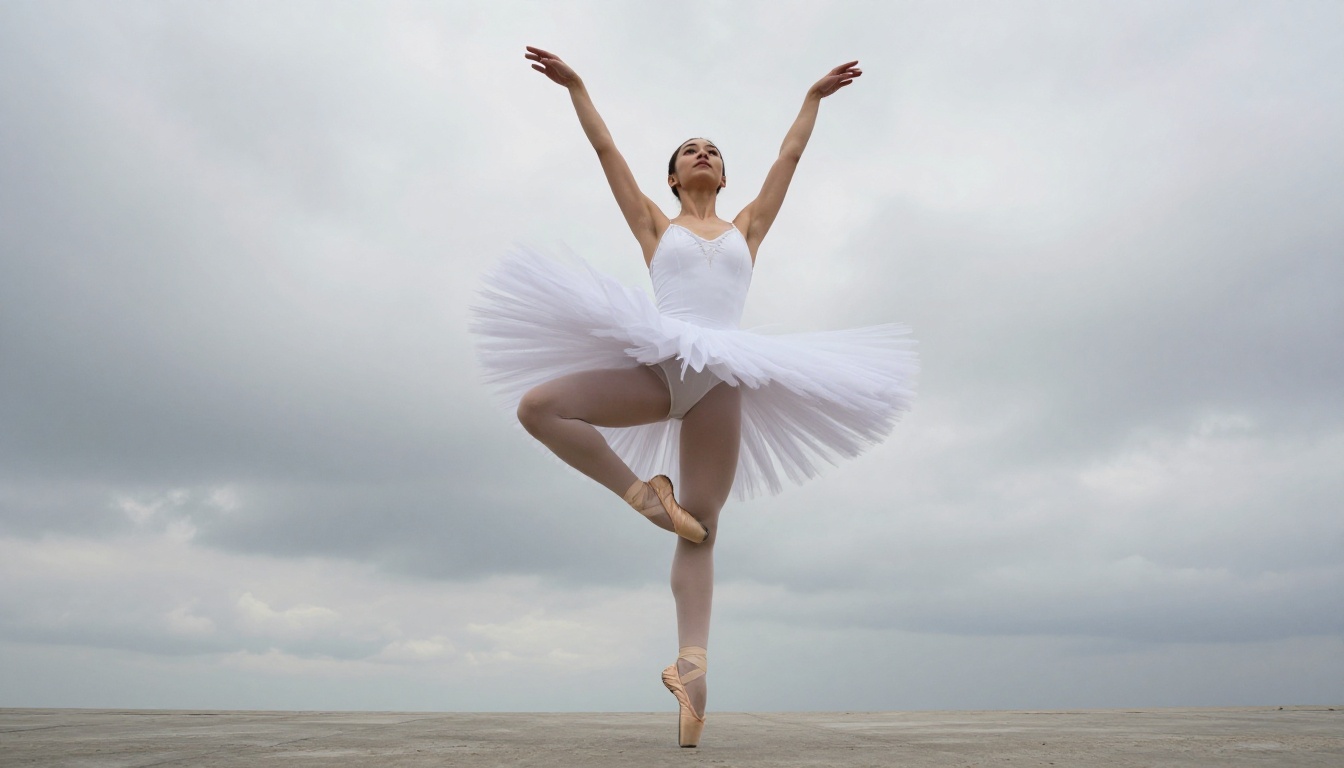
Human motion is reliable for slow to medium speed movement. Walking, head turns, and hand gestures render with good anatomical consistency. Fast athletic movement is the one area where artifacts still appear more frequently.
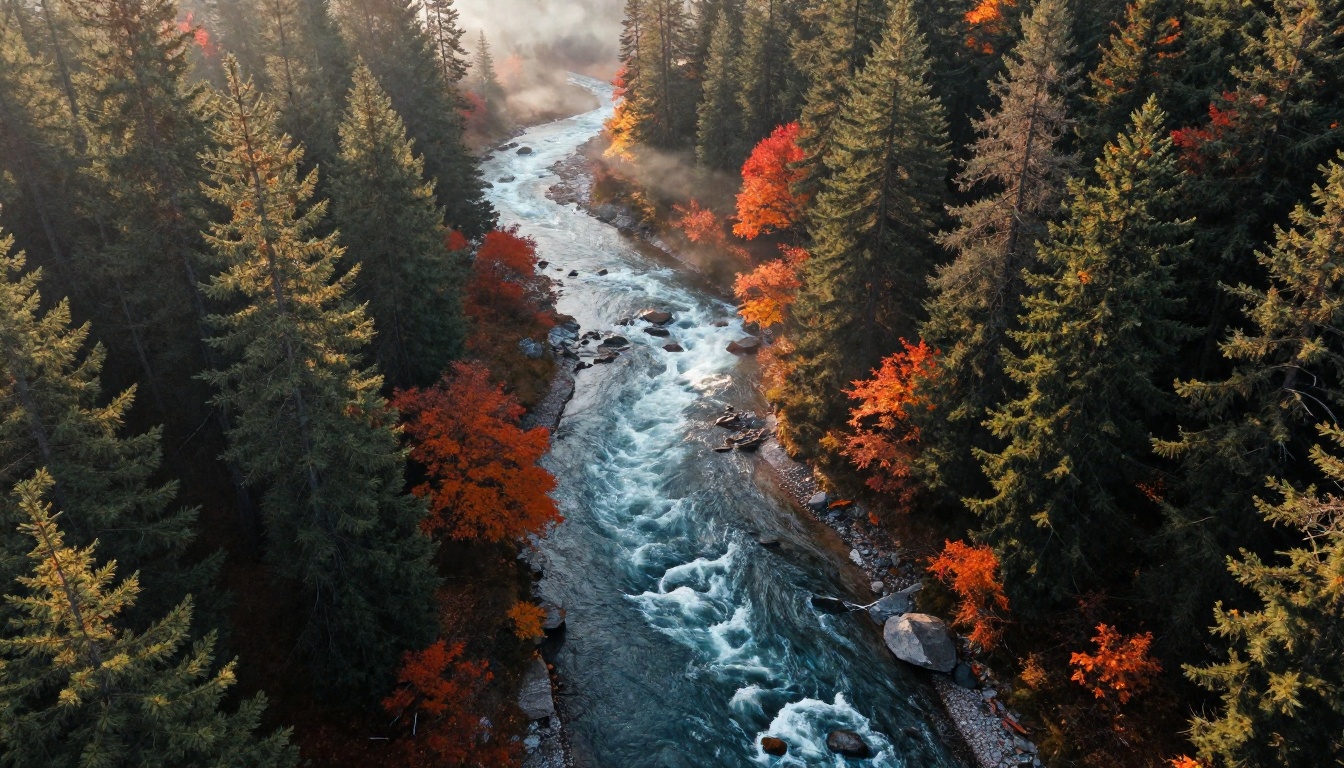
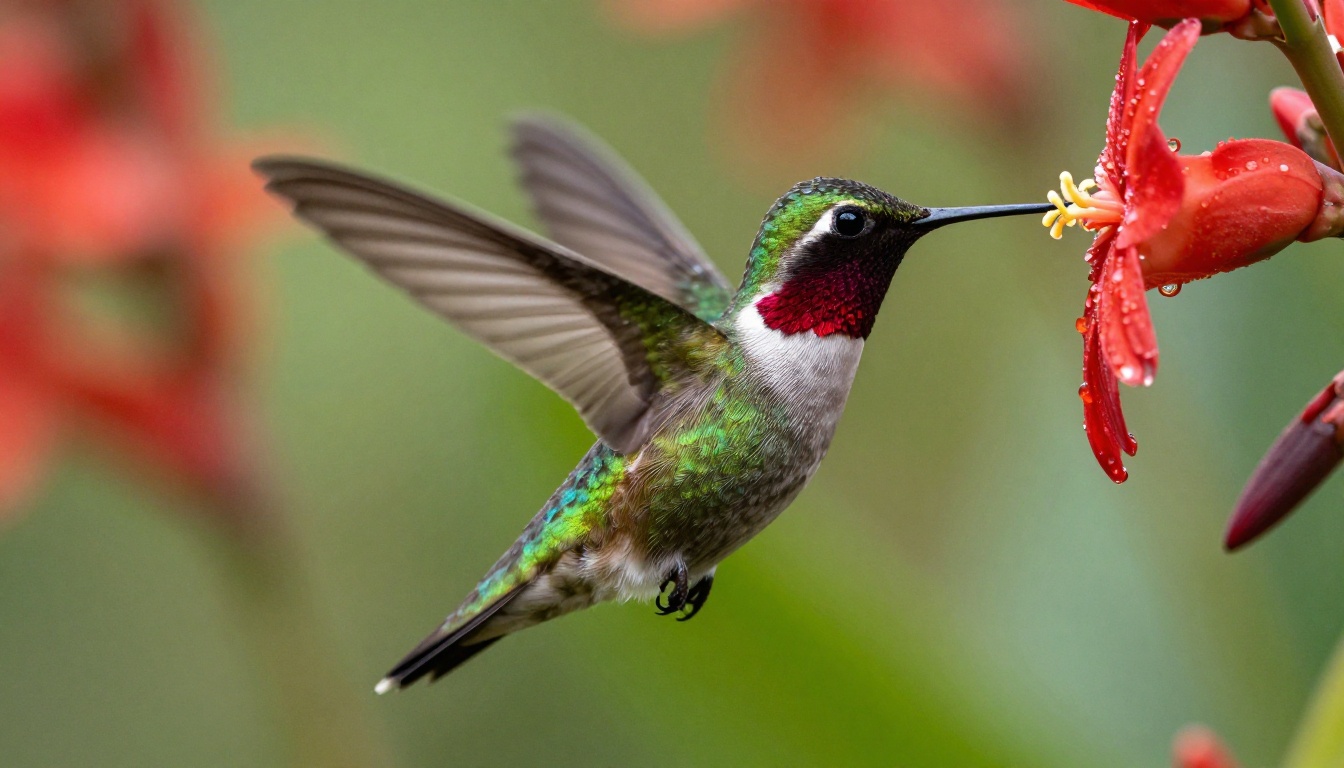
Environmental animation is a consistent strength. Water, clouds, fire, and vegetation respond to prompts in ways that feel physically plausible. The model seems to have been trained on significant volumes of nature footage, and it shows in the output quality for these subject types.
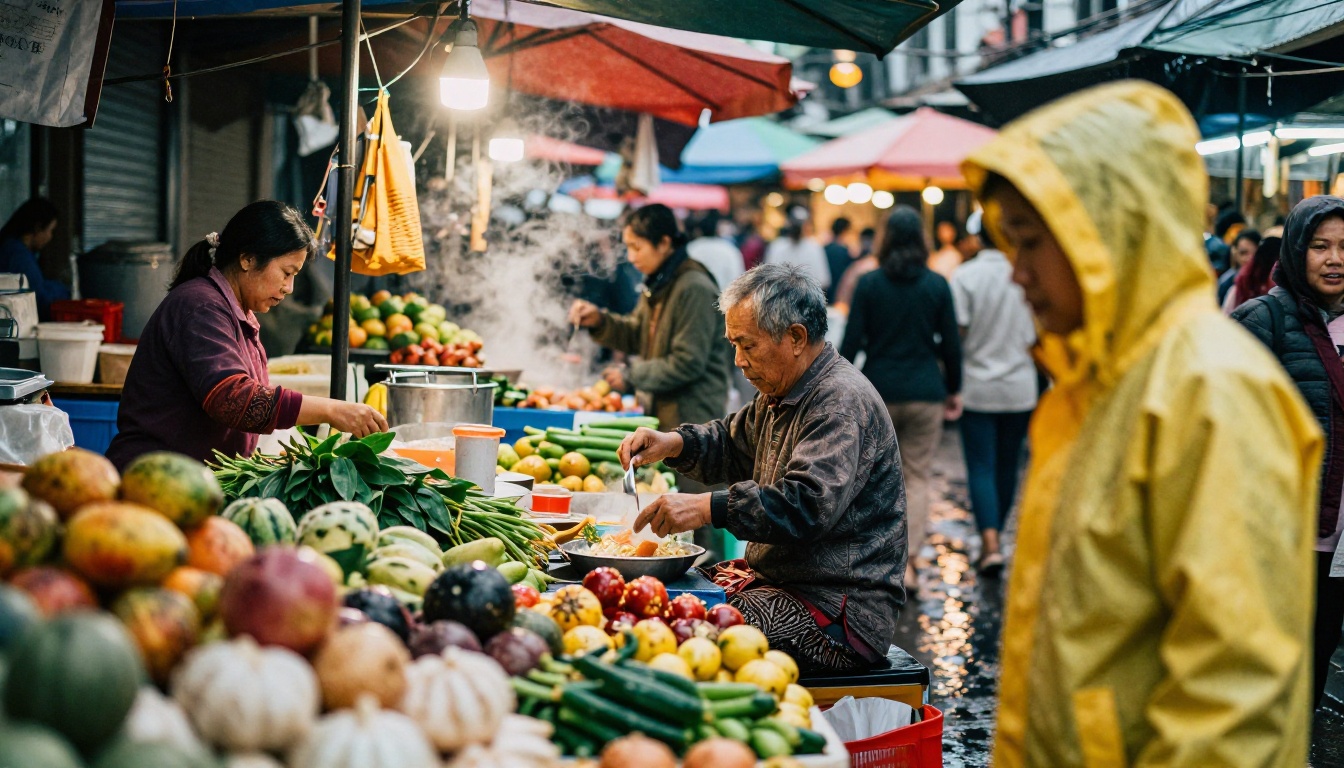
Architectural and product animation via the I2V path produces clean results with minimal distortion. Parallax camera moves on still photography are particularly strong, creating convincing depth illusion from flat source images.
Start Creating Your Own Videos on PicassoIA
The best way to see what Wan 2.6 actually does for your specific use case is to run your own prompts. PicassoIA gives you access to both Wan 2.6 T2V and Wan 2.6 I2V alongside the full Wan family including Wan 2.5 T2V Fast, Wan 2.7 T2V, and over 100 other text-to-video models in a single interface.
If you are starting with animation for the first time, begin with the I2V variant. Upload a photograph you already have, write a simple motion prompt (15 to 25 words describing only what moves and how), and generate at default settings. That first output will give you a clear baseline for what the model does well with your content type.
From there, adjusting a single variable at a time, whether prompt wording, motion strength, or guidance scale, gives you the fastest path to the specific output quality you are after. Wan 2.6 rewards experimentation, and with the Flash variant available for rapid iteration, the cost of experimenting is low.


