Picking between Wan 2.6 and Seedance 2.0 is a practical decision that shapes the quality of every video you produce. Both arrived with strong reputations for fluid, believable motion, but the way each model achieves that result is fundamentally different. One thrives in cinematic scenes with natural physics. The other prioritizes semantic comprehension of your prompt, producing outputs that are precise and polished in different ways. If you've been stuck going back and forth without a clear answer, this breakdown will settle it.
What Makes These Two Different
The short answer: architecture and training philosophy. Wan 2.6 comes from wan-video, a research-focused team with deep roots in diffusion model optimization. Seedance 2.0 is ByteDance's flagship video generation model, trained on a massive proprietary dataset with a heavy focus on prompt fidelity and natural-looking human motion.
Both operate as diffusion transformers, but they diverge on what they optimize for during training. Wan 2.6 leans toward physical realism: flowing water, fabric dynamics, particle effects, and camera motion look authentic because the model respects physics-based motion constraints. Seedance 2.0 is trained to precisely follow your text prompt, so what you write is what you get, at the expense of occasionally producing motion that is smooth but slightly stylized.
Wan 2.6 in a Nutshell
Wan 2.6 is the text-to-video variant of the Wan 2.6 series. The family also includes Wan 2.6 I2V for animating static images, and the faster Wan 2.6 I2V Flash for quicker iterations. The T2V version produces videos at up to 720p with strong temporal consistency across scene elements. Its biggest strength is natural-environment motion, where wind, water, fire, and organic materials behave exactly the way you'd expect in real life.
Specs at a glance:
- Output resolution: up to 720p HD
- Default duration: 5 seconds
- Motion style: physics-aware, natural movement
- Prompt sensitivity: moderate, benefits from detailed descriptions
- Best for: landscapes, environments, abstract motion, fluid dynamics
Seedance 2.0 in a Nutshell
Seedance 2.0 from ByteDance takes a different approach. It ships with built-in audio generation, high prompt adherence, and a strong emphasis on human character motion. The model reads poses, gestures, and facial expressions with a level of accuracy that most open-source models still struggle to match. There is also a faster variant, Seedance 2.0 Fast, which trades a small margin of quality for significantly reduced generation time.
Specs at a glance:
- Output resolution: up to 1080p
- Built-in audio: yes, native audio generation included
- Motion style: semantically precise, prompt-faithful
- Character handling: excellent facial and body motion
- Best for: human subjects, dialogue scenes, storytelling content

Motion Quality, Frame by Frame
This is the core question. When you run both models with the same prompt, what do you actually see?
The straightforward answer: Wan 2.6 wins on physical realism, Seedance 2.0 wins on character believability. That is not a compromise position. It is a genuine architectural difference with direct practical implications for what each model is best used for.
How Wan 2.6 Handles Motion
Wan 2.6 produces motion that looks like it was shot on a real camera. Elements like water, smoke, loose fabric, and foliage respond to implied physics rather than just interpolating between keyframes. When you prompt a scene with wind moving through a forest, each leaf behaves independently rather than moving as a rigid unit. This is temporal diffusion working at a granular level, and it is one of Wan 2.6's clearest strengths.
💡 Tip: For Wan 2.6, add physics descriptors to your prompt: "leaves swaying in a breeze," "fabric rippling," or "smoke curling upward" will dramatically improve naturalism in the final output.
Camera motion is another area where Wan 2.6 stands out. Slow pans, dolly shots, and tilt movements feel grounded, with proper parallax shift between foreground and background elements. This makes it the go-to choice for cinematic establishing shots and environment-focused content.
Where it gets weaker: complex human motion. Hands, fingers, and rapid body movements occasionally lose coherence across frames. It is not severe, but you will notice it when comparing to Seedance 2.0 on the same subject-focused prompt.
Seedance 2.0 Motion Realism
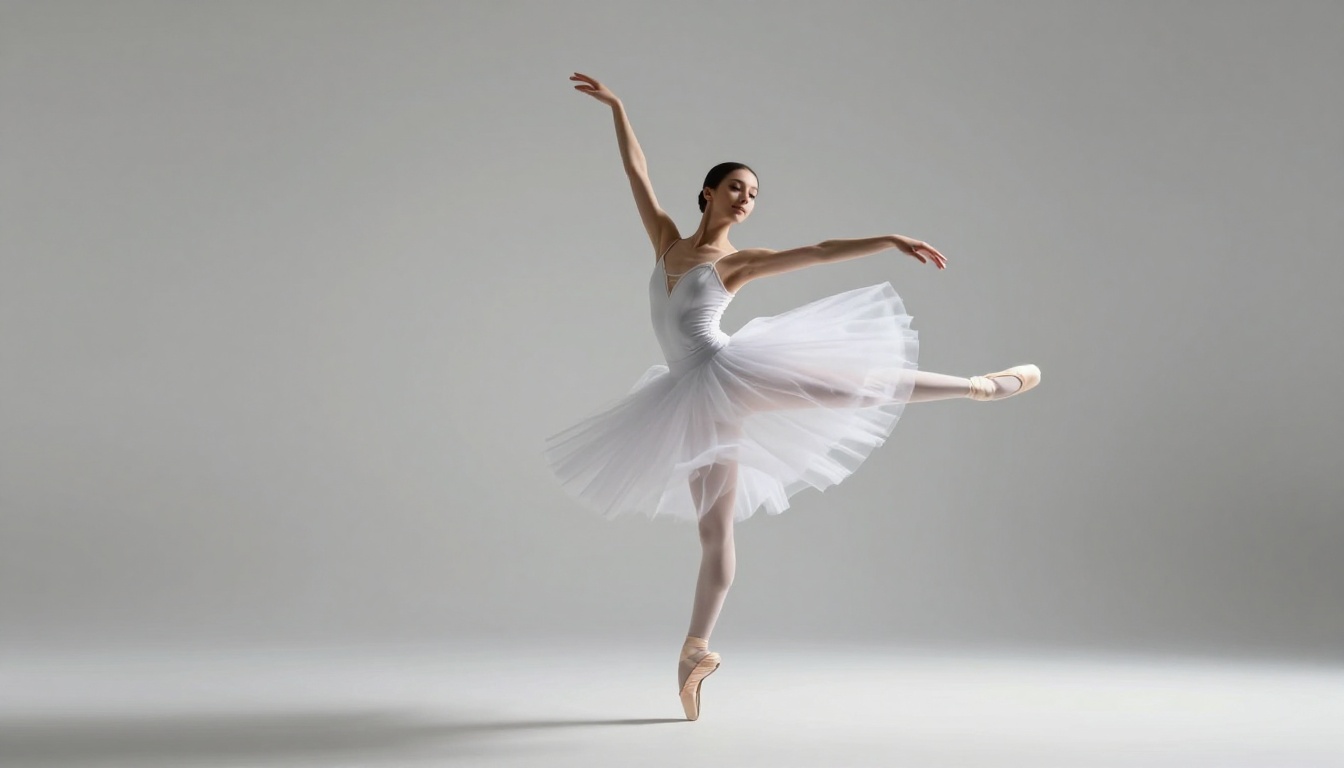
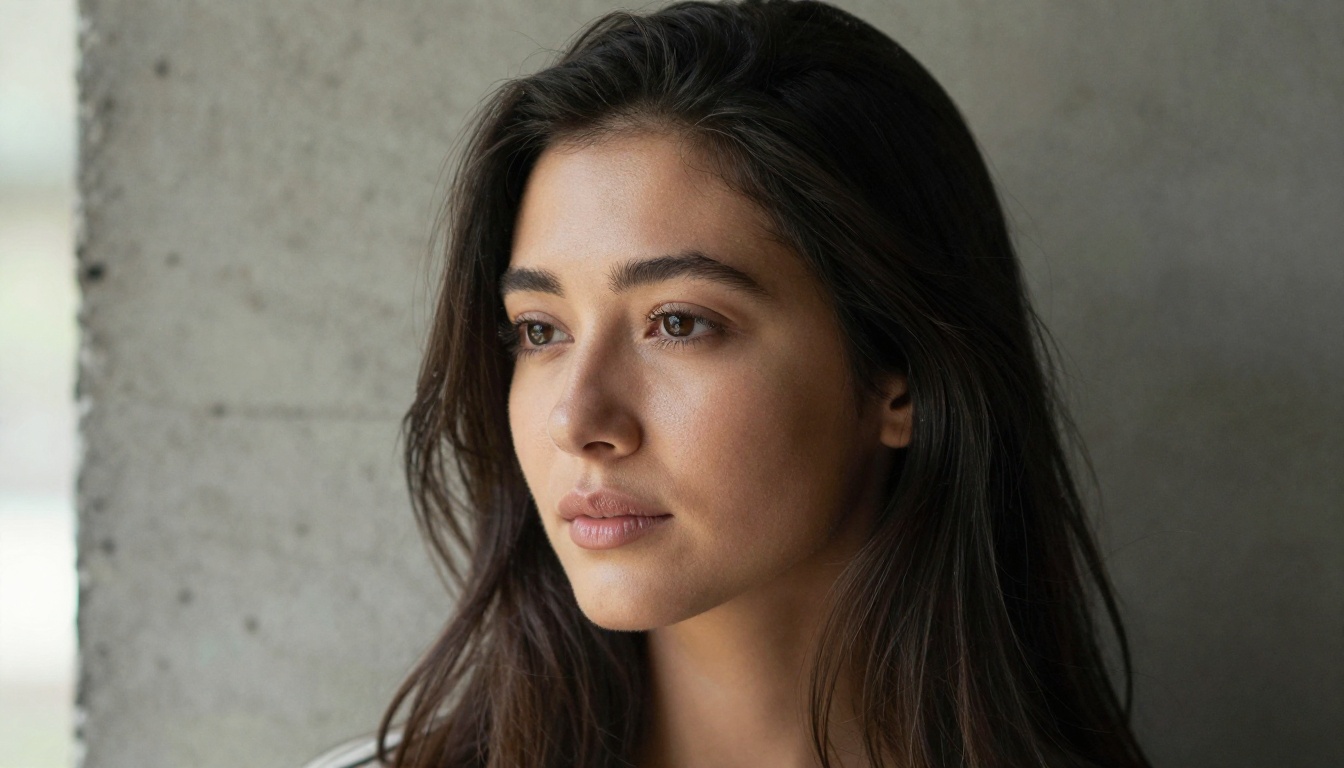
Seedance 2.0 handles human subjects with a precision that is immediately noticeable. A woman turning to look at the camera, a person walking with natural weight distribution, a character reacting with a subtle expression change: all of these read as genuinely real. ByteDance has invested heavily in human motion data, and it shows in every frame.
The integrated audio is another differentiator. Unlike models that require a separate audio sync step, Seedance 2.0 generates sound that matches what is happening visually. Footsteps land with proper timing, ambient sound shifts with the environment, and speech syncs naturally when included in the prompt.
💡 Tip: When using Seedance 2.0 for characters, describe emotional state in your prompt. "Walking with confident stride" or "turning with a soft smile" will produce noticeably more expressive output than generic motion descriptors.
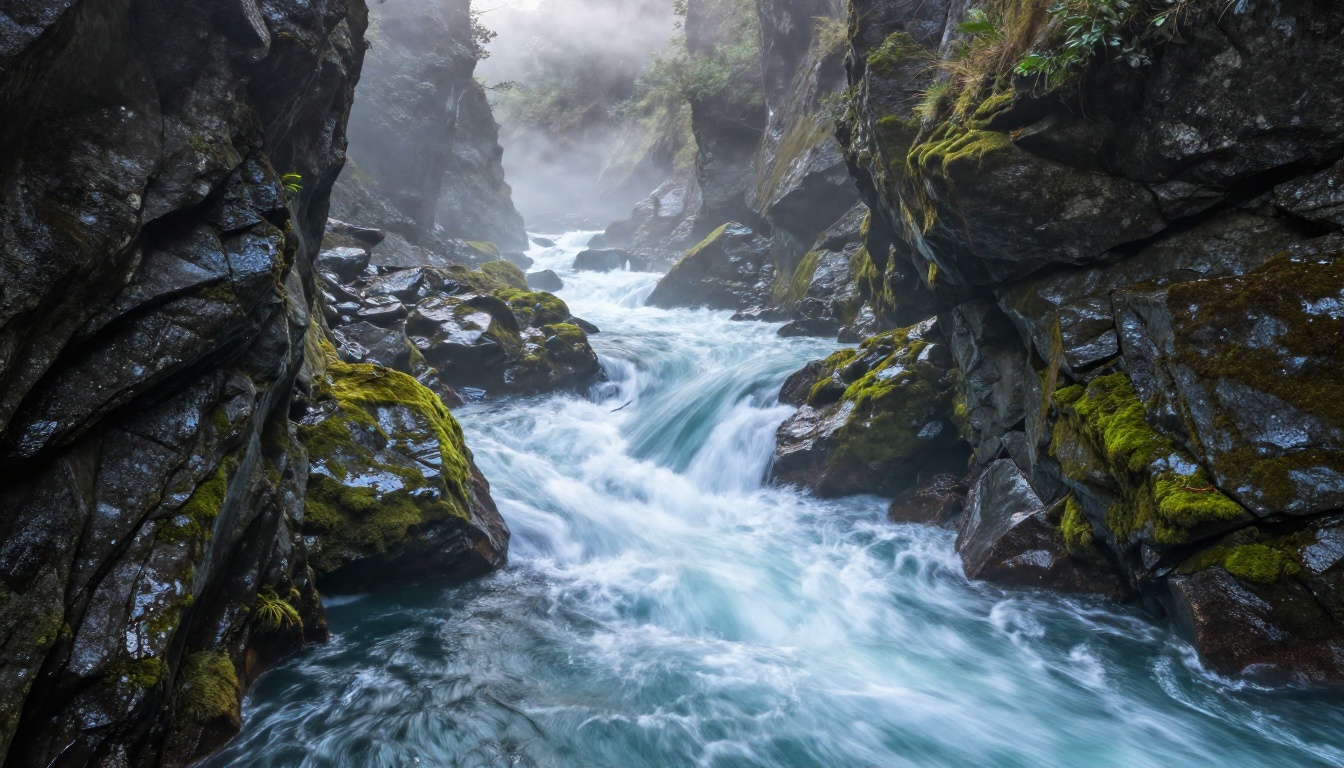
The gap shows up in non-human physical phenomena. Fluid dynamics, particle systems, and natural environmental motion in Seedance 2.0 look good but feel slightly stylized, as if the model is approximating physics rather than respecting it at a particle level.
The Details That Separate Them
Temporal Consistency Under Pressure
Temporal consistency is the measure of whether objects remain stable across frames. It is the difference between a subject that holds its form throughout a shot and one that flickers, warps, or partially dissolves mid-video. Both models are solid here, but they fail in different ways when pushed to their limits.
| Scenario | Wan 2.6 | Seedance 2.0 |
|---|
| Flowing water | Excellent | Good |
| Human face close-up | Good | Excellent |
| Fast object motion | Good | Excellent |
| Complex hand gestures | Moderate | Good |
| Long hair in wind | Excellent | Good |
| Crowd scenes | Moderate | Good |
| Camera pan, wide shot | Excellent | Good |
For most commercial use cases, both models perform well. The table above shows where each begins to diverge when working at the edge of their capabilities.
Character Motion vs. Camera Motion
This is the clearest practical split between the two models.
Pick Wan 2.6 when:
- Your scene focuses on environment, landscape, or abstract motion
- Camera movement is central to the composition
- You are working with natural elements: water, fire, wind, smoke, particles
- The scene has few or no human subjects in motion
Pick Seedance 2.0 when:
- Your scene features people as the primary subject
- You need precise expression and gesture accuracy throughout the clip
- Integrated audio will save you a post-production step
- You want 1080p output without a separate upscaling pass

Speed and Output Quality
Render Times at a Glance
Neither model is particularly slow by modern standards, but the generation time difference matters when you are iterating rapidly on multiple concepts.
Seedance 2.0 Fast significantly reduces wait time when you need quick iteration. Wan 2.6 I2V Flash offers a similar speed tier when starting from an image input rather than a text prompt.
Resolution and Format Support
This is one area where Seedance 2.0 holds a clear technical advantage. Native 1080p output means your videos are production-ready without running them through a separate super-resolution pass afterward. Wan 2.6 tops out at 720p natively, though you can pair it with a super-resolution model if final resolution is a requirement.
For projects where resolution matters immediately, that distinction is significant. For rapid prototyping and concept testing, the 720p output from Wan 2.6 is more than sufficient. The tradeoff ultimately comes down to whether your workflow needs 1080p inline or whether post-processing is already part of your pipeline.
How to Use Wan 2.6 on PicassoIA
Both Wan 2.6 and Seedance 2.0 are available directly on PicassoIA without any external accounts or API configuration. You can start generating immediately from your browser.
Step-by-Step with Wan 2.6 T2V
- Go to the Wan 2.6 T2V model page
- Write your text prompt in the input field. Start with the scene, then add motion descriptors: "A narrow mountain stream flowing over mossy rocks, water splashing naturally, morning light filtering through forest canopy, slow pan right"
- Set your duration (5 seconds is the default and works well for most scenes)
- Click Generate and wait for the video to render
- Download the output or use it directly in your project
Prompt tips for Wan 2.6:
- Add camera motion descriptors: "slow pan right," "tilt down slowly," "static wide shot"
- Specify lighting conditions: golden hour, overcast diffuse light, harsh midday sun
- Include texture descriptors: "wet stone surface," "fine dust particles," "rippling light reflections"
- Use negative prompts focused on artifacts: "blurry, flickering, low quality, distorted"
💡 For image-to-video, use Wan 2.6 I2V to animate a still image you have already generated. This gives you precise starting composition before adding motion.
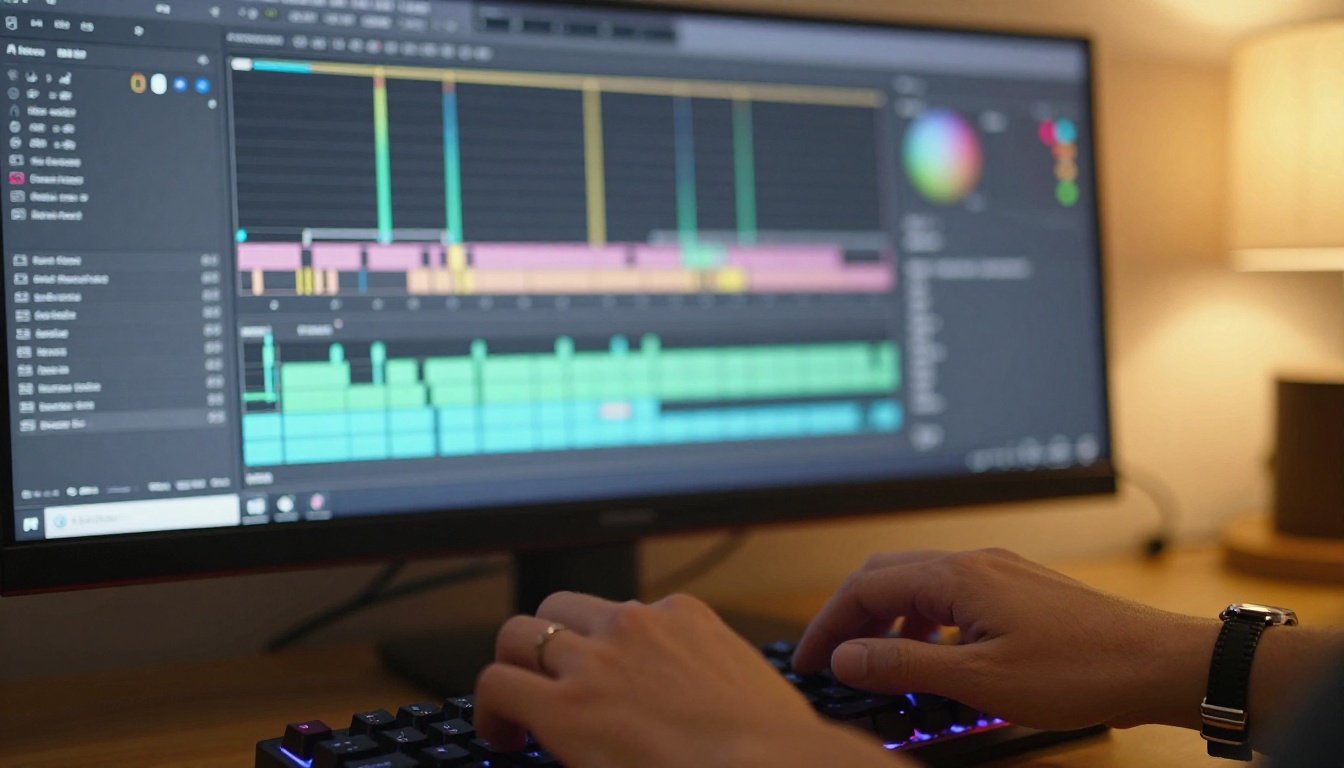
How to Use Seedance 2.0 on PicassoIA
Step-by-Step with Seedance 2.0
- Navigate to the Seedance 2.0 model page
- Write a detailed prompt with emphasis on character behavior: "A young woman in a red coat walking along a rainy city sidewalk, looking up at the buildings, expression of wonder, natural confident stride"
- For audio-aware output, include sound descriptors: "rain sounds, distant traffic, footsteps on wet pavement"
- Select your aspect ratio (16:9 for cinematic, 9:16 for vertical social content)
- Click Generate and review the output
Prompt tips for Seedance 2.0:
- Add emotional descriptors: "joyful," "thoughtful," "hesitant," "energetic"
- Describe interaction details: how a character holds an object, which direction they face
- Include timing hints: "slowly turning around," "pausing briefly then continuing to walk"
- Use Seedance 2.0 Fast for prompt exploration before committing to full quality renders
💡 For narrative content at scale, pair Seedance 2.0 with the Seedance 1.5 Pro model for earlier-generation outputs when budget efficiency matters per clip.
Which One Actually Wins?
There is no single objective winner, because the right answer depends entirely on what you are making. That said, here is the honest split.
The Right Pick for Your Project
If your work centers on cinematic visuals, environmental storytelling, or scenes where physical realism in non-human elements matters, Wan 2.6 will give you outputs that feel genuinely shot on location. Water moves like water. Wind affects fabric the way it should. Camera motion creates proper parallax depth. The visual language is inherently photographic.
If your work features human subjects prominently, requires high resolution from the first render, or benefits from integrated audio, Seedance 2.0 is the stronger choice. Its ability to read how people move, express, and interact is class-leading at this price point, and 1080p native output removes a step from your production workflow.
The hybrid approach works well, too. Use Wan 2.6 to establish wide environmental shots, then cut to Seedance 2.0 for close-up character moments. Both models are accessible side by side on the same platform, so switching between them during a single project is entirely practical without any friction.
For creators who want to push further, the newer Wan 2.7 T2V and Wan 2.7 I2V now bring 1080p output to the Wan series while preserving its physical realism strengths, making the resolution gap between both families much smaller in the latest generation.

Try Both and See for Yourself
The fastest way to form a real opinion is to run the same prompt through both models and compare the outputs side by side. PicassoIA makes this immediate: Wan 2.6 T2V, Wan 2.6 I2V, Seedance 2.0, and Seedance 2.0 Fast are all available without any external accounts or API configuration required.
Start with one strong prompt. Run it on both. Notice where the motion feels physically real versus visually smooth but approximate. That direct comparison will tell you more about which model fits your creative instincts than any written breakdown, including this one.
The platform also gives you access to over 87 text-to-video models in one place, so if you find that neither Wan 2.6 nor Seedance 2.0 fits a specific project, there are models optimized for every niche: from hyper-fast iteration to cinematic 4K output with audio. Whatever your video workflow looks like, there is a model on PicassoIA built for exactly that use case.