There is a strange physics to a phone screen. Your thumb is moving faster than your eyes, and a clip has roughly half a second to convince that thumb to stop. Wan 2.7 is one of the few AI video models that actually respects that constraint, and when you treat it as a vertical-first tool rather than a stretched 16:9 afterthought, the difference shows up in your retention curves. This article walks through the prompt patterns, aspect ratio tactics, camera moves, and variant choices that consistently produce phone-ready clips, the kind that earn replays instead of swipe-offs.
Why Vertical Wins on Phones
Short-form video is not a trend anymore. It is the default. TikTok, Instagram Reels, YouTube Shorts, Snap Spotlight, Pinterest Idea Pins, and even LinkedIn now reward portrait clips with measurable distribution boosts over their 16:9 siblings. If you publish horizontally and rely on a feed crop, you give the algorithm one less reason to push your content.
The 9:16 Habit Is Permanent
People hold their phones one way. They tilt to horizontal only for long-form movies, sports, and the occasional gaming session. Everything else, including the bulk of social and messaging time, happens in portrait. That habit shaped the entire creator economy, and any AI workflow that ignores it is fighting muscle memory.
Where Vertical Video Lives
| Surface | Native Aspect | Typical Length |
|---|
| TikTok | 9:16 | 7 to 60 seconds |
| Instagram Reels | 9:16 | 7 to 90 seconds |
| YouTube Shorts | 9:16 | up to 60 seconds |
| Snap Spotlight | 9:16 | up to 60 seconds |
| LinkedIn vertical | 9:16 | 15 to 60 seconds |
Notice the pattern. Every modern feed wants the same shape and roughly the same duration. Wan 2.7 happens to slot neatly into that 5 to 10 second sweet spot per clip, which is exactly the length of one strong story beat.
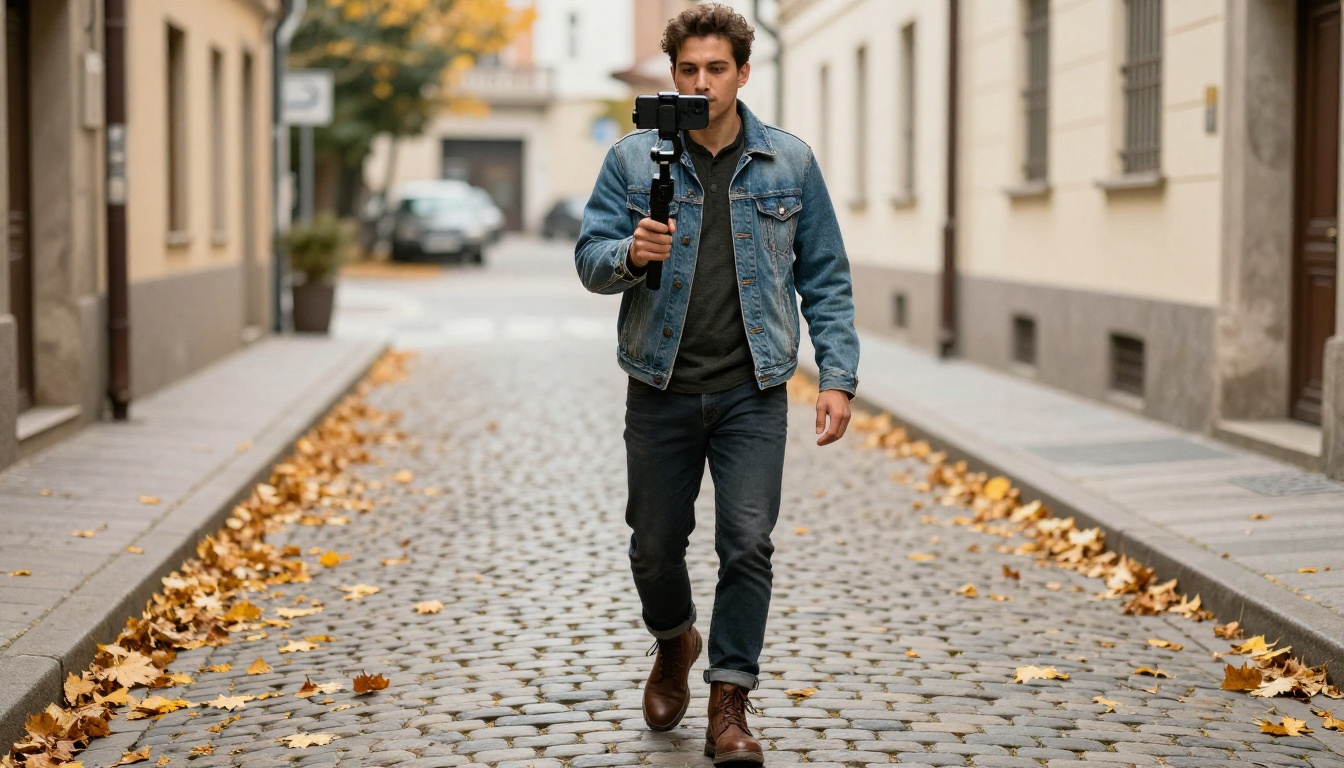
What Wan 2.7 Actually Brings
Wan 2.7 is the latest jump in the open Wan family from Alibaba's Tongyi lab, and it ships in three variants on PicassoIA. Each one solves a slightly different problem, and picking correctly matters more for vertical than for horizontal because phones forgive nothing in the bottom third of the frame.
1080p Output Without Compromise
Wan 2.7 renders at full 1080p, which on a vertical canvas means roughly 1080 by 1920 pixels of usable resolution before social platforms re-compress. That headroom is exactly what you need when your thumbnail will be reposted, screen-recorded, and remixed by other creators. Lower-res alternatives blur the moment they get a second pass through TikTok's encoder.
Three Variants, Three Jobs
There are three Wan 2.7 endpoints on PicassoIA, and they map cleanly to three creative problems:
- Wan 2.7 T2V for pure text-to-video moments where you have an idea but no source image yet.
- Wan 2.7 I2V for animating a still photo you already love into a 5 to 10 second clip.
- Wan 2.7 R2V for reference-driven generation where you want a specific subject to appear across the motion.
Most beginner mistakes come from picking the wrong one. We will walk through that decision next.

Phone-First Composition Rules
The single biggest difference between a horizontal cinematographer and a vertical creator is where your composition lives. Vertical is a tall corridor, not a wide stage. Wan 2.7 reads aspect ratio cues from your prompt and from the source image when you use I2V, so writing for the shape pays off immediately.
Safe Zones for Captions
On TikTok and Reels, the bottom 18 percent of the screen is partially obscured by usernames, captions, and music tags. The top 8 to 10 percent is taken by status bars and clock overlays. Anything important needs to live in the middle 70 percent.
💡 Tip: When you prompt Wan 2.7, explicitly mention "subject centered in the upper-middle frame" or "main action in the middle vertical third". The model honors these spatial words far better than vague phrases like "well composed".
Faces in the Top Third
Faces sell vertical video. Eyes near the top third of the frame produce the highest watch-time scores across nearly every short-form benchmark publishers track. When prompting Wan 2.7 T2V or I2V, treat eye line as a load-bearing element. Say it. Try a phrase like "subject's eyes near the upper third, gazing slightly off-frame."
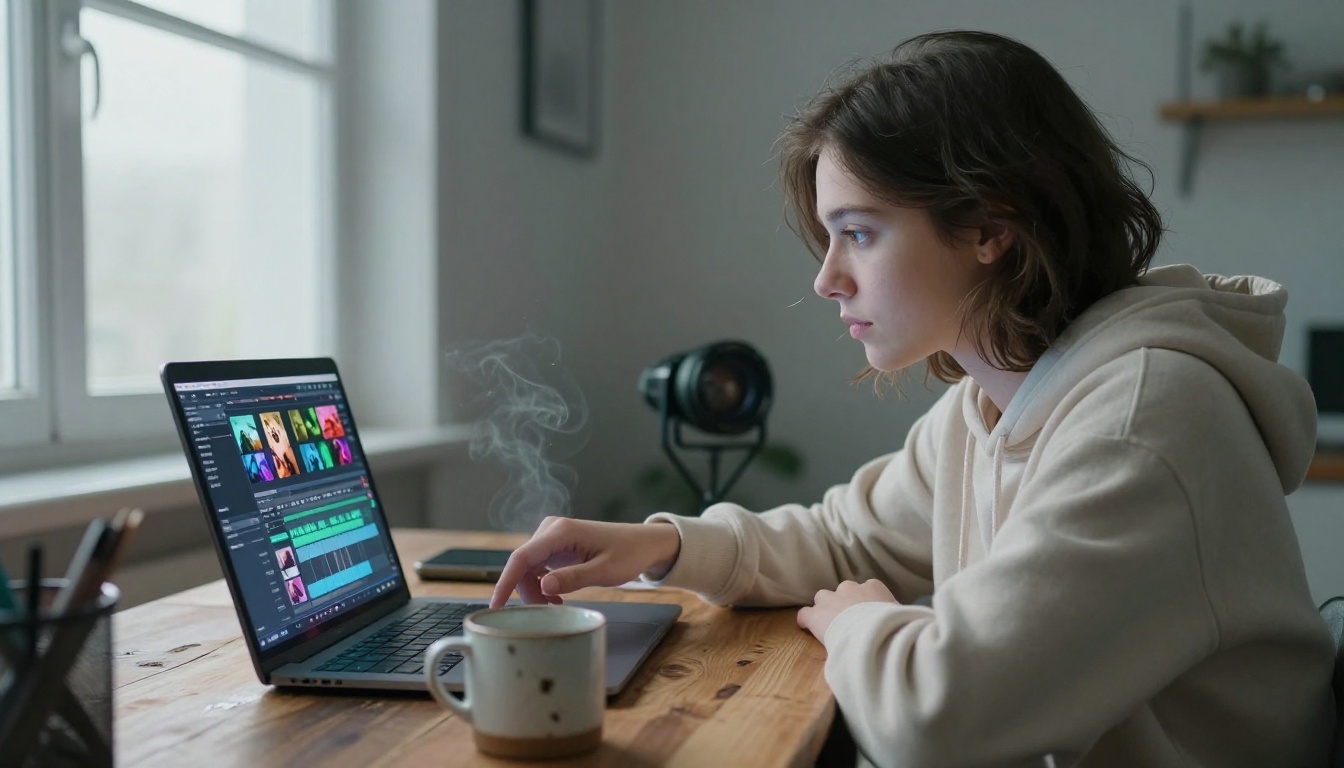
Prompt Writing That Lands
Wan 2.7 responds best to prompts that read like a short shot list rather than a paragraph of moodboard adjectives. The model has strong native motion priors, so describing exactly what should move, in what order, and how the camera reacts gets you 80 percent of the way to a usable take on the first try.
The Three-Block Prompt Pattern
A reliable structure for any Wan 2.7 prompt looks like this:
- Subject block. Who or what is in frame, in concrete physical detail.
- Motion block. What happens across the five-second window, chronologically.
- Camera and look block. How the camera moves and what the lighting feels like.
A real example:
A young surfer in a black wetsuit waxes her board at the shoreline at sunrise. She stands up, tucks the board under her arm, then walks straight toward the breaking waves. Camera slow dolly-in from low waterline angle, warm golden hour rim light from the right, soft film grain, photoreal.
That prompt, fed into Wan 2.7 T2V, will produce a tightly composed vertical clip without any fight. Notice there are no contradictions and no abstract style words doing the heavy lifting.
Words Wan 2.7 Loves
These tokens consistently bias the output toward usable phone-ready footage:
- "vertical portrait composition"
- "shallow depth of field"
- "natural sunlight"
- "handheld, subtle motion"
- "tracking shot"
- "shot on film"
- "documentary realism"
Words to Drop
These hurt more than they help, especially on vertical:
- "epic"
- "cinematic 4K hyperrealistic ultra detailed"
- "8K masterpiece"
- "trending on artstation"
Stacked adjective spam used to work in older diffusion models. Wan 2.7's text encoder treats those tokens as noise and waters down the rest of your prompt.
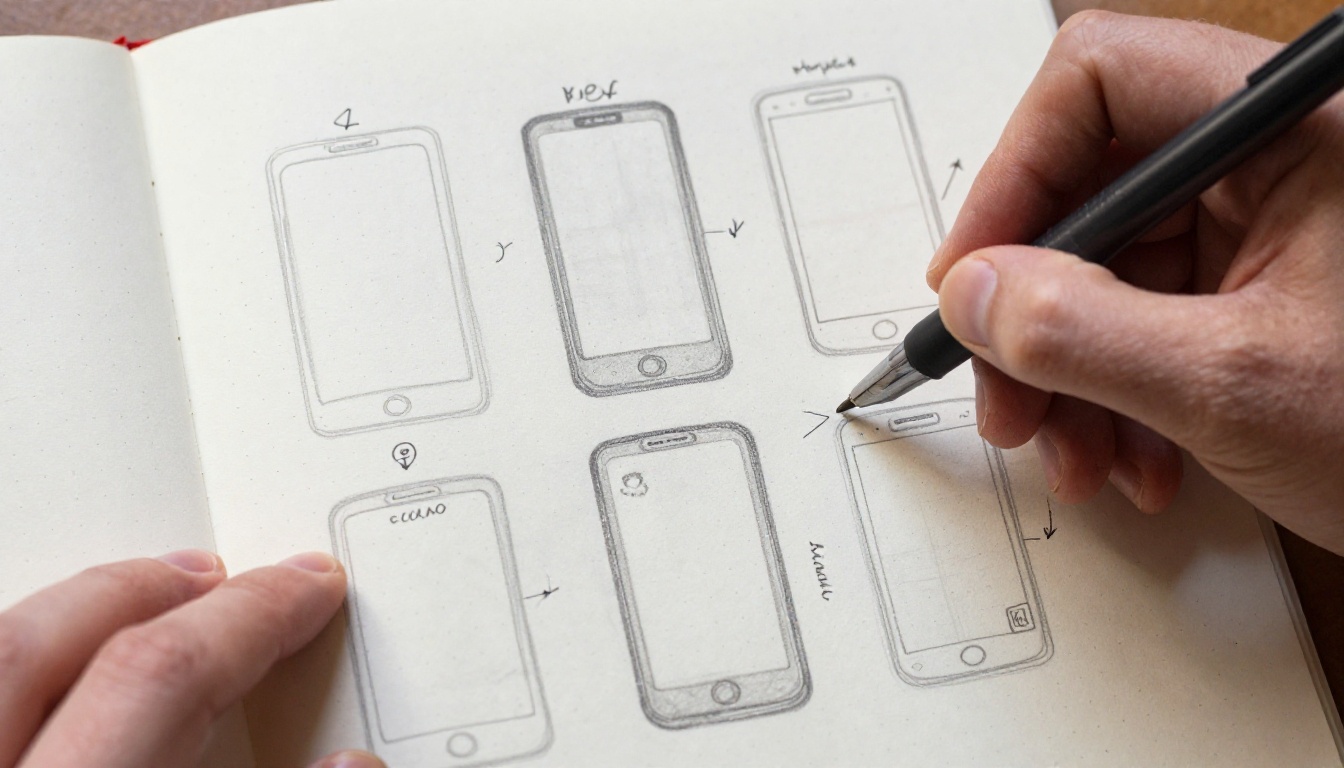
Picking the Right Wan 2.7 Variant
This is where most short-form creators trip. The three variants are not interchangeable, and pushing the wrong one through your idea costs renders and time.
Pure Text Prompts
If you have only a written concept and no reference image, reach for Wan 2.7 T2V. Text-to-video is best when:
- You want full creative freedom in subject design.
- The shot is more about atmosphere than a specific person.
- Your prompt describes a generic environment rather than a known character.
Animating a Single Photo
When you already have an image you love, the right tool is Wan 2.7 I2V. Image-to-video preserves the exact composition, color palette, and faces from your source frame, then layers motion on top. This is the single most reliable way to get on-brand vertical clips for a creator with an existing visual identity.
💡 Pro tip: Feed I2V a source image that is already in 9:16. The model honors match_input_image aspect ratio and keeps your composition intact. Feeding it a 16:9 image and asking for vertical output is the fastest path to awkward cropping.
Reference Subject Workflows
If the same person or product needs to appear across many clips, Wan 2.7 R2V is the right call. Reference-to-video accepts a subject image and applies the prompt-driven motion while keeping identity consistent. Brand creators with a recurring face or mascot live in this variant.
| Variant | Input | Best For |
|---|
| Wan 2.7 T2V | Text only | Concept clips, atmospheres, scenes |
| Wan 2.7 I2V | Photo plus text | Animating a specific frame you already shot |
| Wan 2.7 R2V | Reference subject plus text | Consistent recurring person or product |
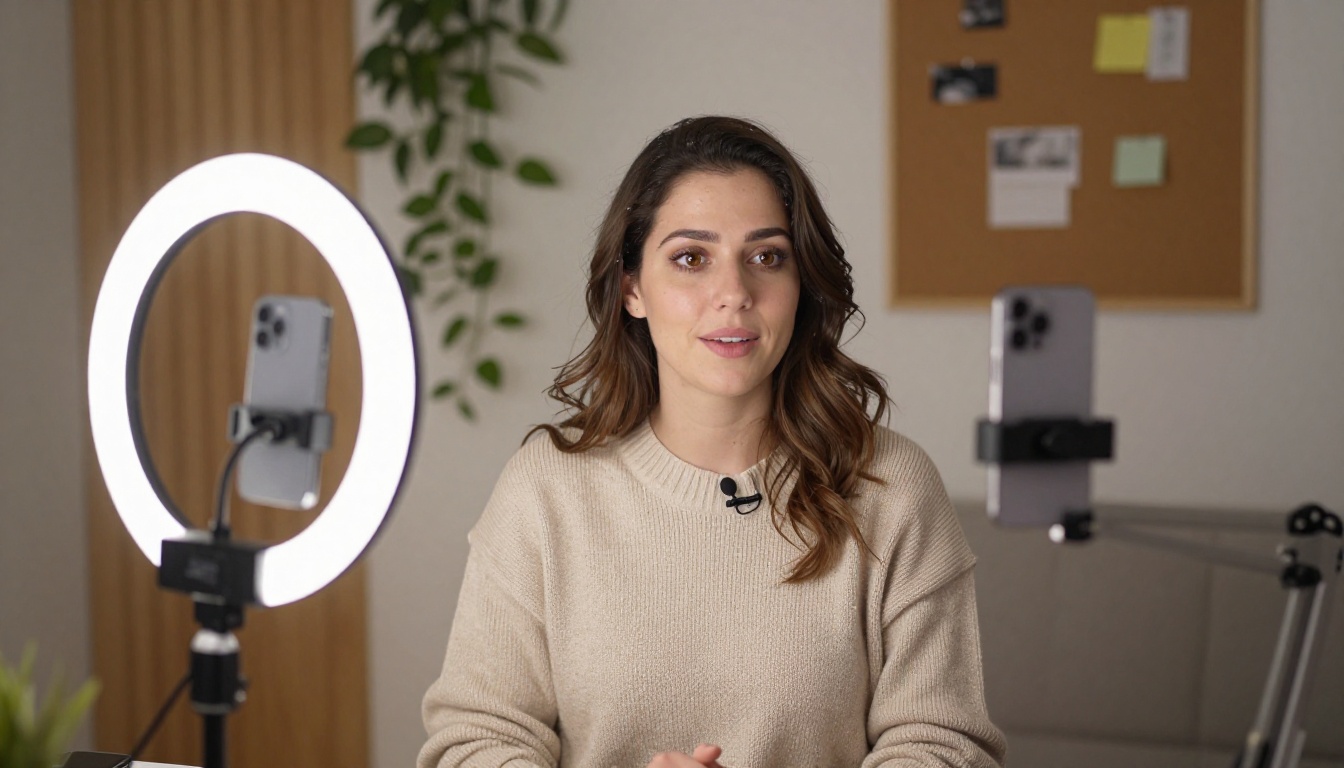
Camera Moves That Feel Cinematic
Vertical does not mean static. Wan 2.7 handles a handful of motion patterns extremely well, and pairing each one with the right subject is what gives your clip an editorial feel rather than a slideshow vibe.
Vertical Dolly-In
A slow push toward the subject is the strongest opening move on phones. It mimics the way our eyes lock onto a face in a crowded feed, and Wan 2.7 produces buttery smooth dollies when you describe them explicitly. Try this phrase: "slow dolly-in from chest height, ending tight on the eyes."
Slow Tilt-Up
Tilting from feet to face works beautifully on vertical because the camera path matches the natural shape of the frame. Use this for fashion reveals, sneaker drops, and full-body dance.
Locked-Off Frames
Sometimes the best motion is zero camera motion. Lock the frame and let the subject do the work. This is especially strong for talking-head intros, where any drift pulls attention away from the words. Try: "locked-off tripod, no camera movement, subject delivers line directly to lens."
Lighting Choices That Survive Compression
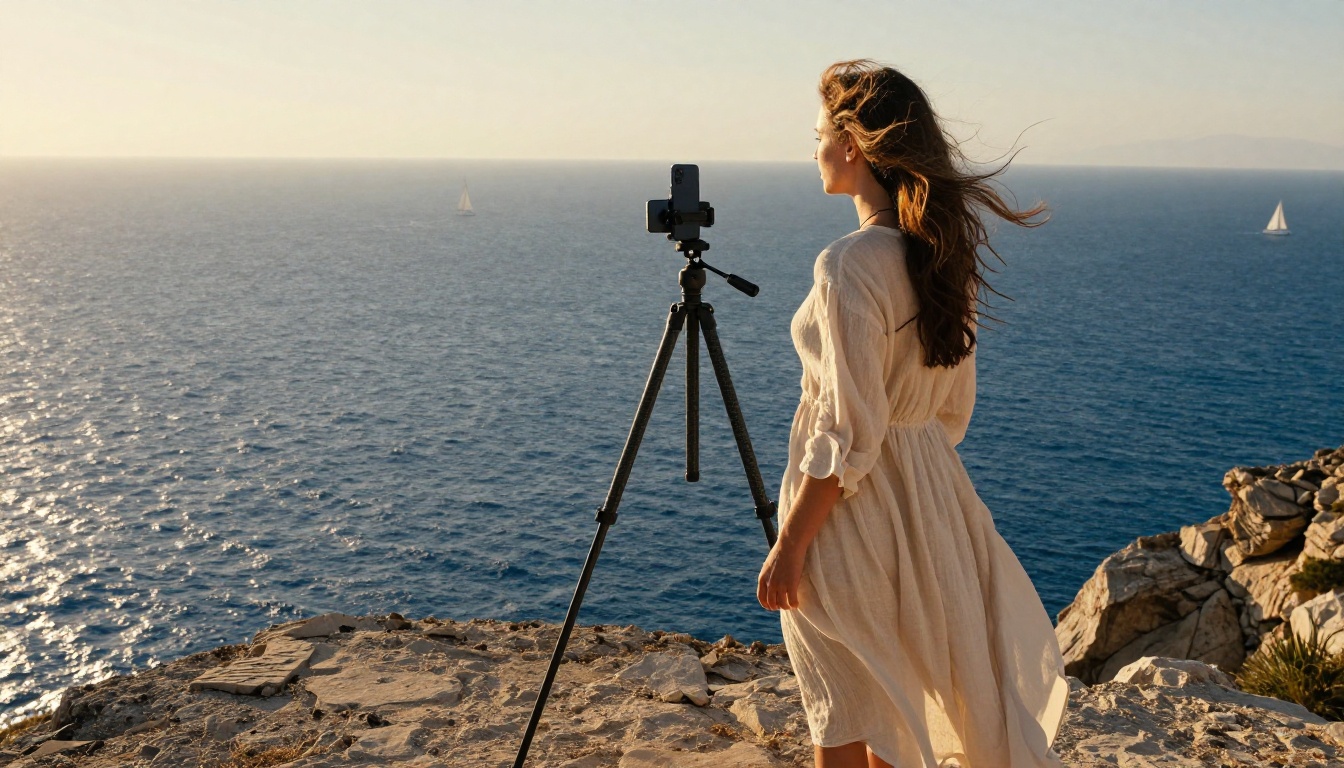
Phones compress hard. Subtle gradient skies, low-contrast skin tones, and delicate shadow rolloff are exactly what TikTok's encoder eats first. Prompting Wan 2.7 for the right light up front saves you a re-shoot later.
Golden Hour First
Warm directional sunlight is the most forgiving choice. It carries through compression with the color story intact, gives faces a flattering rim, and reads as expensive to viewers without any color grade in post.
Window Light for Indoor Scenes
For interiors, prompt "large diffused window light from the left, soft falloff" instead of mentioning brand names or specific studio kits. Wan 2.7's training data is dense with this phrasing and produces consistent natural results.
Avoid Mixed Color Temperatures
Mixed color temps confuse the model and the codec. Stick to one dominant light per shot. If you want a sodium-vapor sunset feel, say "single warm sunset light source from low right, no fill". The output cleans up dramatically.

Sound Sync Without Native Audio
Wan 2.7 outputs silent video, which is actually a benefit for short-form. You get to score every clip yourself, which means the cut points snap to the beat you choose rather than fighting a generated audio bed. Two field-tested approaches:
Drop the Cut on Frame 24
Wan 2.7 renders at 24 frames per second. If your music has a clear downbeat, place the first hard cut exactly on that beat and let the rendered motion peak land on the same frame. Viewers feel it even if they cannot name it.
Match Motion to Tempo
Slow dolly moves pair with 80 to 100 BPM. Locked-off frames pair with quick 130 to 150 BPM cuts. Fast handheld tracking pairs with anything above 160. Picking the right move for the right song doubles perceived production value.
How to Use Wan 2.7 on PicassoIA
Three short walkthroughs follow the three variants. Each one assumes you already have an account on Picasso IA and credits in your wallet.
Step-by-Step for Wan 2.7 T2V
- Open Wan 2.7 T2V on PicassoIA.
- Paste a three-block prompt in the text field.
- Set aspect ratio to 9:16.
- Choose 1080p output and 5 seconds duration.
- Hit generate, wait roughly 90 seconds.
- Download the MP4 directly to your phone or desktop.
Step-by-Step for Wan 2.7 I2V
- Open Wan 2.7 I2V.
- Upload a vertical 9:16 source image you already love.
- Write a short motion-only prompt, since composition is already locked.
- Pick 1080p, 5 seconds.
- Generate, review, regenerate if motion drifts.
Step-by-Step for Wan 2.7 R2V
- Open Wan 2.7 R2V.
- Upload a clear reference photo of the subject you want to recur.
- Write a three-block prompt that describes the new scene, motion, and camera move.
- Choose 1080p vertical.
- Run the render. Use the same reference across a series for visual continuity.
Tips That Save Credits
- Preview at lower resolution first if the platform allows it, then re-render in 1080p once you like the motion.
- Save your most reliable prompts in a swipe file you reuse.
- Render in batches of three with small prompt variations rather than ten copies of the same prompt.
Common Mistakes to Avoid
Three specific failure modes hit creators repeatedly. Spotting them early saves credits and protects your render queue.
Overstuffed Prompts
A 400-word prompt does not produce a better Wan 2.7 clip. It produces a confused one. Keep prompts under 80 words, structured in the three-block pattern above.
Wrong Aspect Ratio
If you feed Wan 2.7 I2V a horizontal source and ask for vertical, the model crops mid-render and you lose your composition. Always start with a 9:16 source for vertical output.
Forgetting the Motion Verb
Prompts without a clear motion verb produce drifting, ambient clips with no story beat. Always include at least one of: walks, turns, lifts, pours, opens, glances, runs, dances, sits, reaches.
| Mistake | Symptom | Fast Fix |
|---|
| Overstuffed prompt | Confused motion, weak subject | Cut to 60 words, three blocks |
| Wrong aspect ratio | Awkward crop, lost composition | Use 9:16 source for I2V |
| No motion verb | Drifting ambient clip | Add one concrete action verb |
Make Your First Vertical Clip Today
The fastest way to internalize all of this is to render one clip tonight. Pick a single photo you already shot in 9:16, feed it to Wan 2.7 I2V on PicassoIA with a three-block prompt, and watch what comes back. If you start from scratch, Wan 2.7 T2V handles concept clips beautifully, and Wan 2.7 R2V is waiting whenever you want a recurring face or product across a whole series. Build a small habit of one render per day, study what landed in your retention curves, and your vertical instincts sharpen faster than any tutorial can teach. Picasso IA gives you the room to experiment, the variants to match every shot, and the resolution to ship straight to TikTok, Reels, and Shorts without a quality penalty. Open your phone, point a camera at something interesting, and let Wan 2.7 do the rest.


