The AI video space has been moving fast, and Wan 2.6 sits right at the intersection of accessibility and quality. Released by Alibaba's research team as part of the Wan open-weight series, version 2.6 represents a substantial step forward in what is possible with open-source video generation. Whether you're turning text prompts into cinematic footage or animating a still photo into fluid motion, this model family does things that were reserved for closed commercial products just months ago.
What Wan 2.6 Actually Is
Wan (short for Wan Video) is Alibaba's open-weight AI video generation model series. Unlike closed-source systems that operate behind APIs with usage fees, the Wan models are released with publicly available weights, meaning researchers, developers, and creators can run them locally or access them through platforms like PicassoIA without proprietary restrictions.
Version 2.6 builds on the foundation set by 2.1, 2.2, and 2.5, introducing targeted improvements to motion quality, resolution handling, and prompt adherence. It is not a ground-up rewrite. It is a careful refinement of the diffusion-based video synthesis pipeline that the Wan team has been iterating on throughout 2024 and early 2025.
The Architecture Behind It
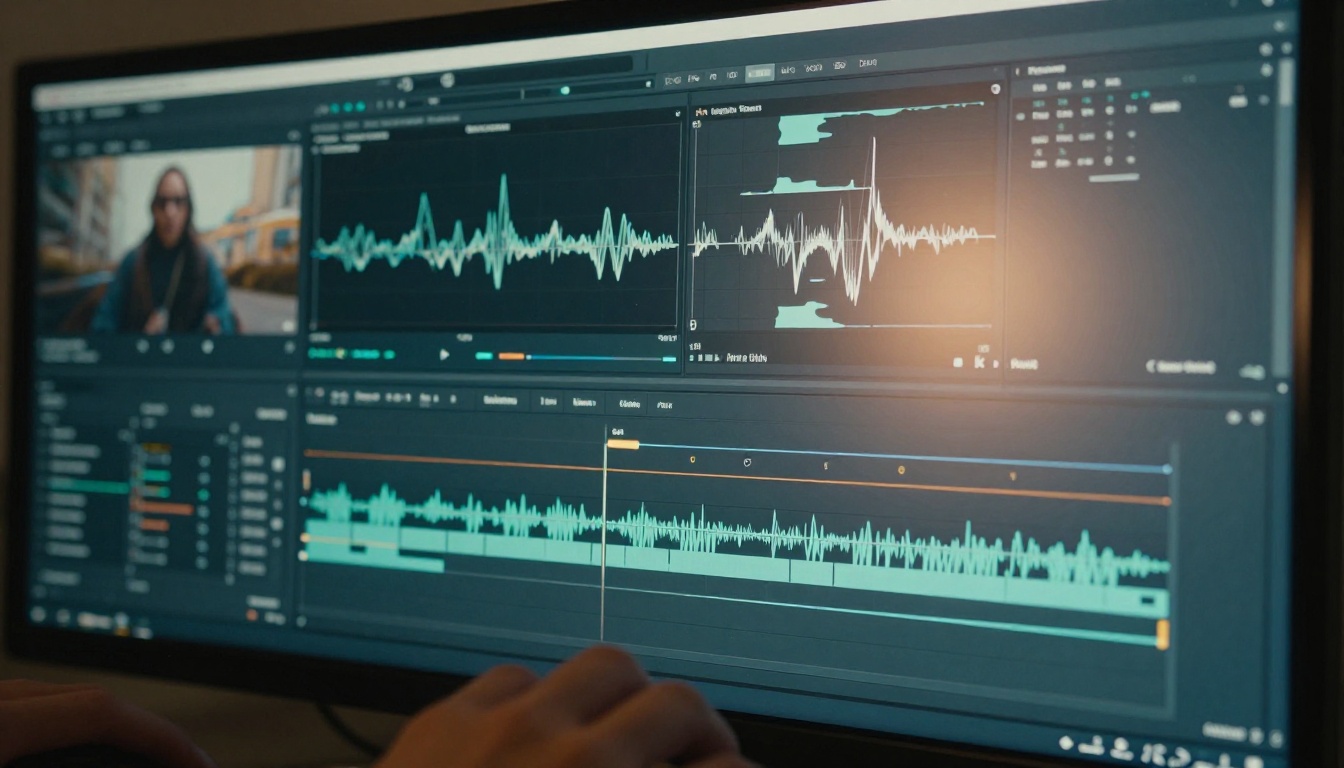
Wan 2.6 uses a video diffusion transformer architecture. Rather than generating video frame-by-frame independently, it models the entire temporal sequence together, which produces more coherent motion than older approaches that stitched frames together post-hoc.
The training pipeline uses a combination of:
- Text conditioning for prompt adherence in T2V mode
- Image conditioning for I2V mode, where a source image anchors the first frame
- Temporal attention layers that enforce consistency across frames
The result is a model that treats motion as a continuous event rather than a series of disconnected images. This matters enormously when generating things like flowing hair, water movement, or human body motion, all of which tend to collapse into visual noise in weaker models.
How It Differs from Earlier Versions
Each version in the Wan series made targeted improvements:
| Version | Notable Change |
|---|
| Wan 2.1 | Baseline open-source release, 480p/720p output |
| Wan 2.2 | Faster inference, S2V support, animate-replace feature |
| Wan 2.5 | Improved prompt adherence, faster T2V variants |
| Wan 2.6 | Higher resolution output, stronger I2V temporal consistency, flash variant |
The jump from 2.5 to 2.6 is most noticeable in image-to-video tasks. Earlier versions sometimes produced "drift" where the generated video departed visually from the source image after a few frames. Wan 2.6 tightens that anchor considerably.
The Three Models in the 2.6 Family
Wan 2.6 ships as three distinct variants, each targeting a different use case.
Wan 2.6 T2V
Wan 2.6 T2V is the text-to-video variant. You provide a written prompt describing a scene, and the model generates a short video clip from scratch. The 2.6 T2V model handles up to 1080p output and shows meaningful improvement in:
- Scene composition: objects and subjects are placed more intentionally based on the described camera angle
- Motion magnitude: actions described in prompts (running, waves crashing, objects falling) carry more realistic physical weight
- Lighting consistency: the light direction established in the first frame holds through the clip
For pure text-to-video generation, Wan 2.6 T2V competes directly with commercial models while remaining accessible via open weights.
Wan 2.6 I2V
Wan 2.6 I2V is the image-to-video variant. You supply a source image and a text prompt describing the desired motion, and the model animates the scene. This is where Wan 2.6 shows its strongest improvements over previous versions.
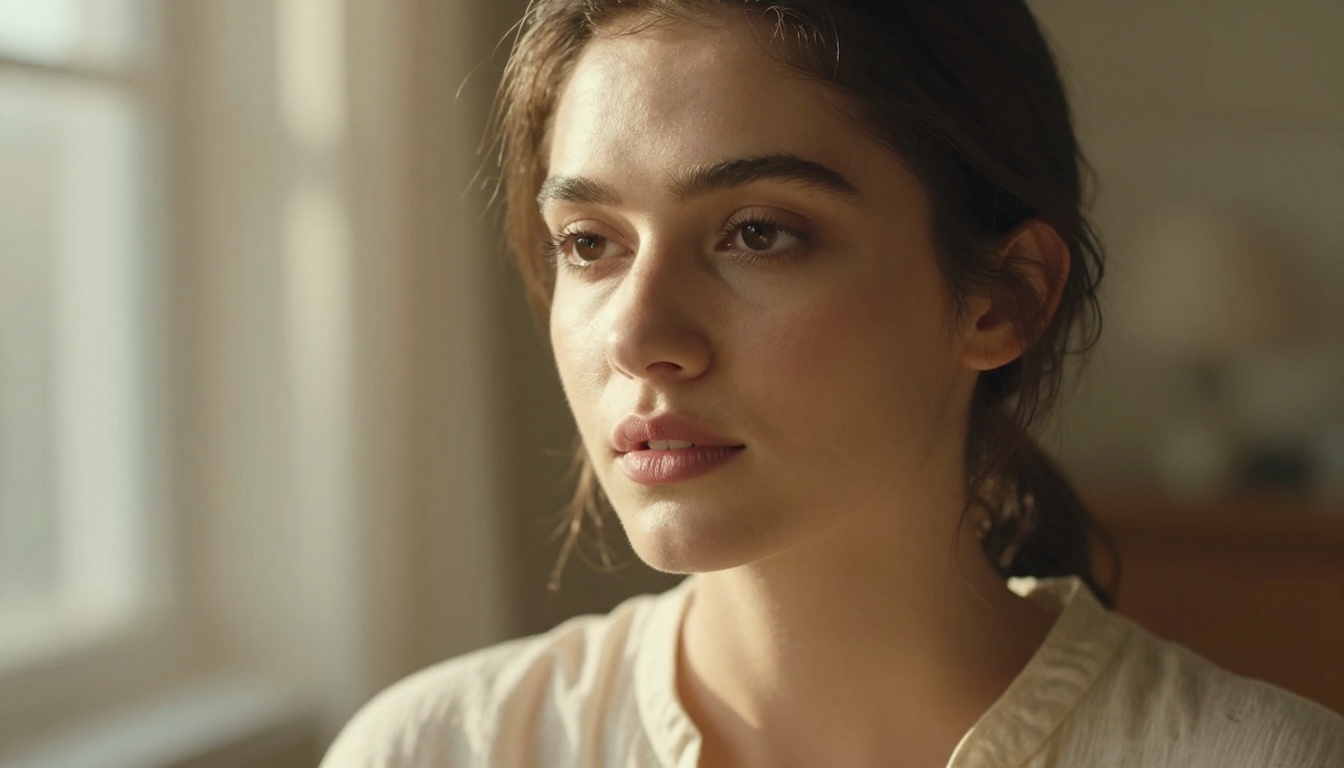
The I2V model's ability to preserve subject identity across frames is noticeably better. When you animate a portrait, the person's face maintains its structure rather than morphing or dissolving into abstract motion artifacts. This is the result of stronger image conditioning applied at multiple layers of the diffusion process.
💡 Tip: For best results with Wan 2.6 I2V, keep your motion prompt specific. Instead of "make her move," try "she slowly turns her head to the right, hair shifting gently with the motion."
Wan 2.6 I2V Flash
Wan 2.6 I2V Flash trades some output quality for dramatically faster generation times. This variant is useful for:
- Rapid iteration: testing multiple motion concepts on the same source image before committing to a full render
- High-volume workflows: when you need to animate dozens of images for a project and generation speed is a bottleneck
- Quick previews: checking motion direction and timing before switching to the full I2V model for final output
The Flash variant produces shorter clips at reduced resolution but maintains enough quality to make it genuinely useful rather than just a rough sketch.
What Changed in Wan 2.6
Resolution and Motion Quality
The most tangible upgrade in Wan 2.6 is its resolution ceiling. The 2.1 and early 2.2 models capped practical output at 720p with noticeable softness. Wan 2.6 produces genuinely sharp 1080p output, and the motion within that resolution is cleaner.
This is not just about raw pixel count. Higher resolution at the same quality level requires the model to maintain coherence across far more spatial information per frame. Wan 2.6 achieves this by improving how the temporal attention layers share information across both spatial and time dimensions simultaneously.
The practical result: motion in Wan 2.6 looks physically plausible. Water moves like water. Fabric moves like fabric. Hair reacts as a unified system rather than individual strands doing disconnected things.
Prompt Adherence Improvements
Previous Wan versions sometimes produced videos that drifted from the written prompt halfway through the clip, reverting to generic motion patterns. Wan 2.6 applies text conditioning more aggressively throughout the generation process, not just at the beginning.
This means prompts like "a woman sits down at a café table, places her bag on the chair, and opens a menu" have a much better chance of following through on each described action rather than collapsing into a simple generic-movement output. The model stays on task.

What About Audio?
Wan 2.6 does not generate audio natively. The model produces silent video output. If your project requires synchronized sound, you will need to pair it with a separate audio generation tool. Within PicassoIA, the Wan 2.2 S2V model handles sound-synchronized animation, and the platform's text-to-speech and AI music generation tools can add audio as a separate step.
Real-World Results
What It Handles Well
Wan 2.6 performs best in these scenarios:
- Natural environments: landscapes, weather effects, and organic motion like plants in wind or ocean waves
- Human subjects with simple actions: walking, turning, sitting, and subtle facial expressions
- Camera movement: slow pans, gentle push-ins, and orbital moves around a subject
- Product animation: rotating objects, floating items, and simple reveal motions
The model has clearly been trained on a wide variety of real-world footage, and it shows in how naturally it handles physics-based motion as the primary content.
Where It Still Falls Short
Wan 2.6 struggles with:
- Complex multi-subject interactions: two people shaking hands, or crowded scenes with independent motion for each person
- Fine detail in hands and faces during fast motion: a persistent weakness across the current generation of video diffusion models
- Long sequences: the model generates clips of a few seconds, and extending these into longer narratives requires careful stitching
- Highly abstract prompts: the model gravitates toward realistic output and resists truly non-physical scenarios
These are limitations of the broader category of video diffusion models right now, not specific failures of the Wan architecture.
Wan 2.6 vs Other Models
The AI video space is crowded. Here is how Wan 2.6 sits relative to the other major options available on PicassoIA:
| Model | Strengths | When to Pick Wan 2.6 Instead |
|---|
| Kling v2.6 | Cinematic motion, excellent narrative video | Open-weight access, lower cost at scale |
| Veo 3 | Native audio, very high realism | Comparable visual quality at more accessible pricing |
| Sora 2 | Long-form coherence, complex scenes | Shorter clips with less prompt engineering needed |
| Seedance 1 Pro | Fast generation, solid T2V output | Wan 2.6 I2V quality surpasses Seedance on photo animation tasks |
| Wan 2.7 T2V | Latest Wan release, highest overall quality | Wan 2.6 is faster and still highly capable for most tasks |
If you need the absolute best commercial quality and budget is not a concern, Veo 3 or Kling v2.6 are strong options. For scale, transparency, or cost efficiency, Wan 2.6 is difficult to beat at its price point.
How to Use Wan 2.6 on PicassoIA

PicassoIA gives direct access to all three Wan 2.6 variants without any local setup, GPU requirements, or technical configuration. You open the model, write your prompt, and generate.
Using Wan 2.6 T2V
- Open Wan 2.6 T2V from the text-to-video collection
- Write your scene prompt, specifying subject, action, environment, and camera angle
- Select your output resolution: 720p for speed, 1080p for quality
- Set the clip duration, typically 4 to 6 seconds for best temporal coherence
- Generate and review. If the motion direction is wrong, adjust the prompt before regenerating
💡 Prompt tip: Include camera language. "Slow push-in on a woman reading at a café, shallow depth of field, golden afternoon light" produces far better results than "woman reading."
Using Wan 2.6 I2V
- Open Wan 2.6 I2V from the collection
- Upload your source image. A clean, well-composed photo with a clear subject works best
- Write a motion prompt describing what should happen, not what is already in the image
- Generate at 1080p for final output, or use Wan 2.6 I2V Flash for fast iteration passes
- If the subject drifts from the source image, add more physical detail about the subject in the motion prompt
Combining Models for Longer Work
For projects that need more than a few seconds of footage:
- Generate multiple clips using the same source image or a consistent text prompt style
- Use PicassoIA's video editing tools to trim and sequence individual clips
- Apply AI video upscaling and stabilization as a finishing step
This multi-generation approach is how most professional AI video workflows actually run. Single long-form generation at high quality is still an open research problem for all models in this class.
Who Should Use Wan 2.6
Wan 2.6 is a strong fit for:
- Content creators who need short video clips for social media, product showcases, or narrative content
- Designers and photographers who want to bring still images to life using the I2V model
- Developers and researchers who want a capable open-weight video model with transparent architecture
- Marketers producing volume content who need consistent, cost-efficient generation at scale
- Filmmakers using AI-generated footage as B-roll, concept visualization, or storyboard animation
It is not the right tool if you need native audio, very long clips, or extremely complex multi-character scenes. For those cases, Sora 2, Veo 3, or Kling v2.1 Master will serve you better.
The best way to see firsthand what Wan 2.6 can do is to run it on something you already have. Take a photo you've shot, open Wan 2.6 I2V on PicassoIA, and write a motion prompt that describes exactly what you want the scene to do. Run the Flash variant first to check timing and direction, then switch to the full I2V model for your final output.
If you're starting from scratch without a source image, Wan 2.6 T2V lets you build from a text description alone. The more specific your prompt, the more intentional the result. Camera angle, lighting conditions, subject action, and scene environment all influence the output in measurable ways.
PicassoIA's full catalog of text-to-video models also includes newer releases like Wan 2.7 T2V and Wan 2.7 I2V if you want to compare what the latest version offers on top of 2.6. Running both back to back on the same prompt is the fastest way to decide which fits your quality and speed requirements.
There are over 87 video generation models on the platform, from fast free options to professional-grade cinematic tools. If Wan 2.6 is your starting point, the collection gives you every direction to go from there.


