Wan 2.6 is one of the most capable open video generation models available today. But like any powerful tool, it rewards people who speak its language. A mediocre prompt gives you a mediocre video. A well-structured Wan 2.6 prompt, built with the right subject, motion, atmosphere, and camera cues, produces results that feel genuinely cinematic. This article breaks down exactly how to write those prompts, with real examples you can copy and test right now.
What Wan 2.6 Actually Does Well
Before writing for a model, it helps to know what it genuinely excels at. Wan 2.6 is strong in three areas that matter most for detailed video output: temporal coherence (objects and people stay consistent from frame to frame), natural motion physics (hair, fabric, water, and fire move in ways that feel plausible), and scene composition (it respects framing instructions like "wide shot" or "close-up" and maintains them through the clip). Where it can struggle is generating text within the frame, complex multi-character interactions with specific blocking, and very long-duration clips with dramatic scene changes.
How Wan 2.6 reads your prompt
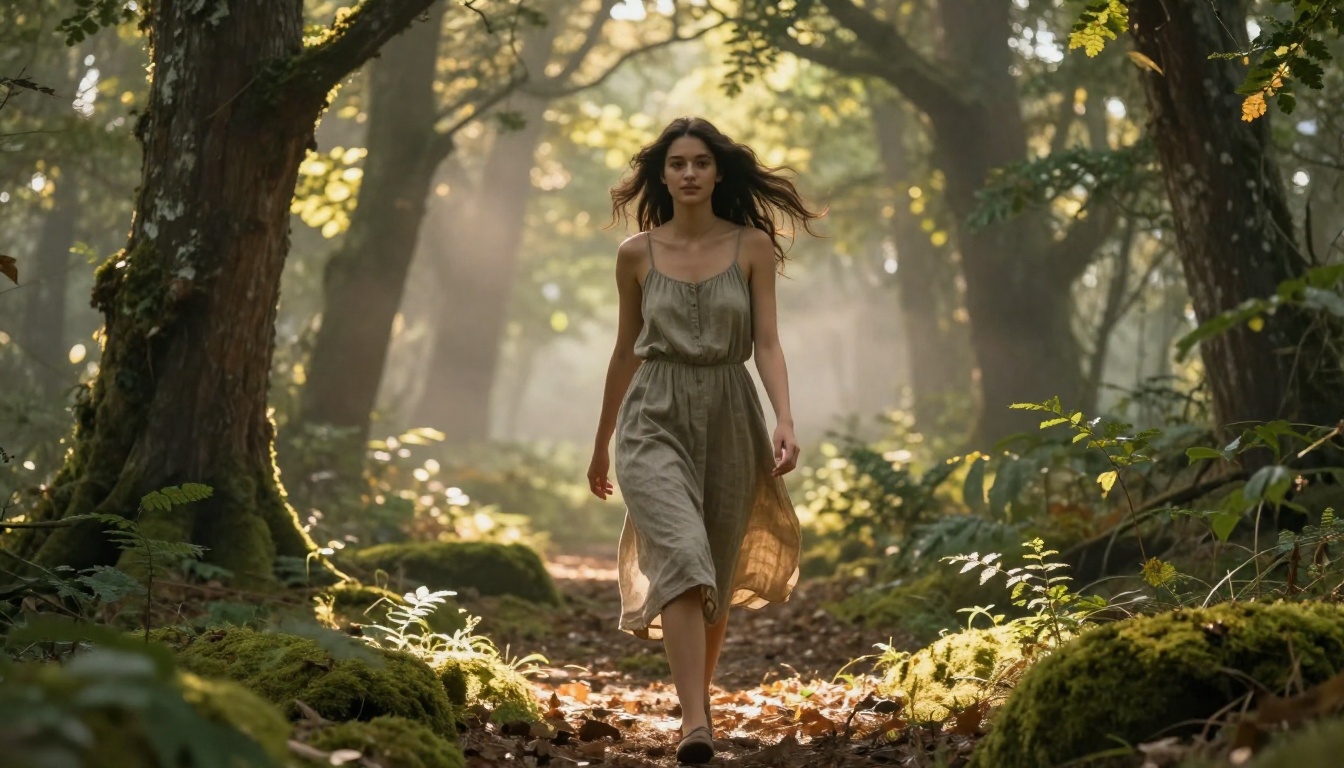
The model processes your text as a unified context window, not as a list of separate instructions. This means the order of your prompt matters. Elements you place at the start carry more weight in the final output. A prompt that opens with "cinematic lighting" before naming the subject will often produce lighting that dominates the scene at the expense of the subject itself. Always front-load the subject and its primary action. Let everything else support that core.
T2V vs I2V: different prompt needs
Wan 2.6 T2V builds the entire visual from scratch based on your text. That means your prompt needs to carry 100% of the scene information: the subject's appearance, the environment, and the lighting. Wan 2.6 I2V starts from a reference image, so your prompt shifts focus entirely to motion. What moves, how, and in which direction. For I2V, avoid re-describing what is already visible in the image. Instead, describe the change: "camera slowly pushes in," "her hair lifts in the wind," "the crowd begins to move left."
The Anatomy of a Strong Wan 2.6 Prompt
Every effective Wan 2.6 prompt has four layers. Each layer carries distinct information the model uses to make decisions about the video it generates. You can write a two-sentence prompt or a twelve-sentence one, but if all four layers are present, you will get more consistent, detailed output every time.

Subject and action come first
Start with who or what is in the scene, and what it is doing. Be specific about appearance when it matters: age range, clothing, hair, posture. Vague subjects produce generic results. Compare these two openings:
- Weak: "A woman walking in a park"
- Strong: "A woman in her 30s wearing a beige trench coat walking slowly through a rain-wet urban park"
The second version gives the model enough to build a specific, coherent subject. The texture of the coat, the wet pavement reflections, the deliberate pace — these details propagate through every frame.
Environment and atmosphere
After your subject, define the world around it. The environment is not just a backdrop; it creates the lighting conditions, the color palette, and the motion context. Include the time of day, weather or ambient conditions, and one or two specific environmental details that add depth:
- "overcast afternoon light filtering through a glass canopy"
- "golden hour light from the left, long shadows on cobblestone"
- "interior of a dimly lit library, warm reading lamps, dust particles in the air"
These details tell the model how to light the scene and what secondary motion to include: dust, rain, leaves, ambient crowd movement.
Camera movement and angle
Wan 2.6 responds well to standard cinematography language. Be direct about what the camera is doing:
| Camera Term | What It Produces |
|---|
slow push in | Gradual zoom toward the subject |
tracking shot | Camera moves alongside the subject |
wide establishing shot | Full environment reveal |
close-up, locked off | Static tight frame on face or object |
low angle, slight upward tilt | Dramatic framing, subjects appear larger |
aerial, top-down | Bird's eye view |
Including a camera instruction is one of the highest-leverage additions you can make to any Wan 2.6 prompt. Without it, the model defaults to a static medium shot in most cases.
The quality block at the end
Close every prompt with a short quality block. This signals the output style and resolution target:
"cinematic, photorealistic, 8K, Kodak Portra 400 grain, natural lighting, no text, no watermarks"
You do not need to vary this much between prompts. Keep it consistent. The model uses it as a style anchor for the entire generation.
20 Ready-to-Use Prompts
Below are 20 tested prompts organized by subject type. Each follows the four-layer structure. Use them as-is or adapt them to your specific scene.
Nature and landscape videos
1. "A dense pine forest at dawn, light fog drifting between the trees, slow forward dolly through a narrow path, morning light filtering through the canopy from the right, birds visible in soft blur in the distance, cinematic, photorealistic, 8K, natural grain"
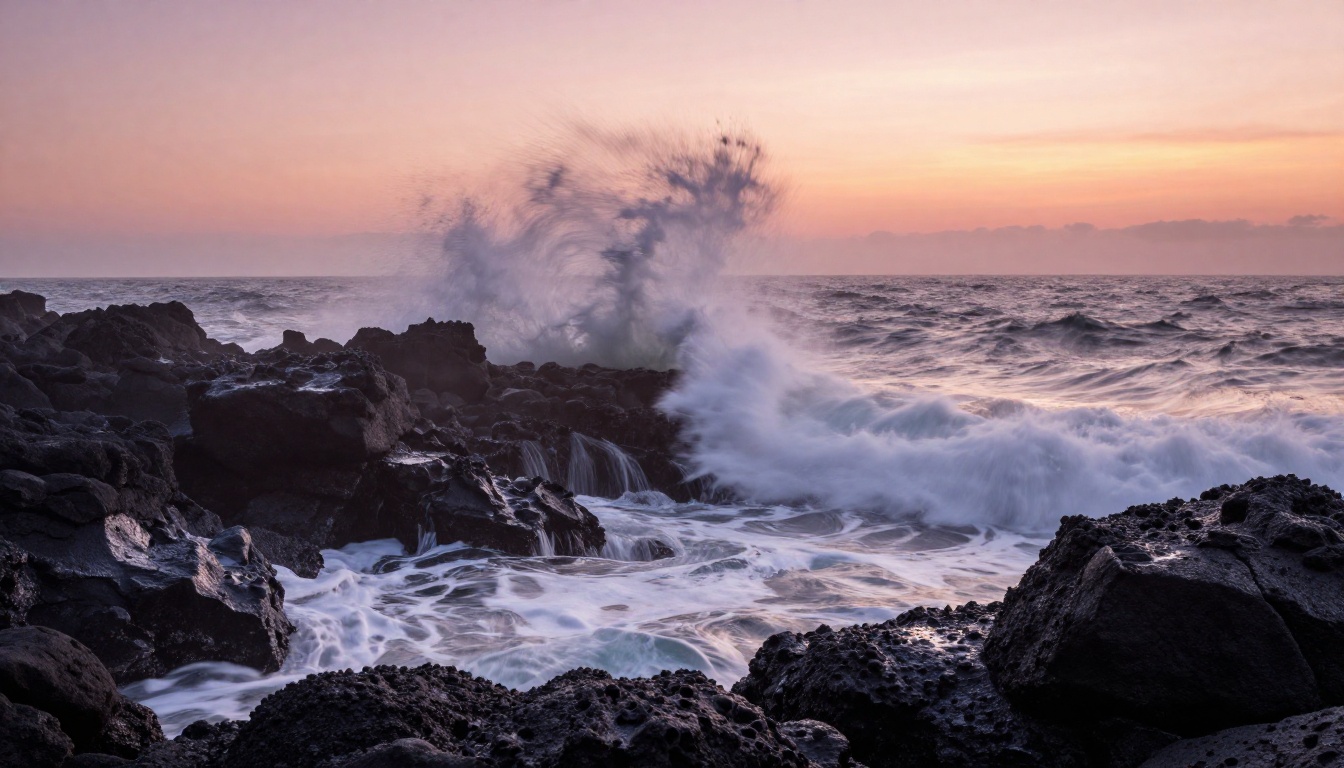
2. "Powerful ocean waves crashing against dark basalt rocks at sunrise, white foam erupting upward, low angle wide shot, warm amber light on the horizon, mist rising from the impact, slow motion, cinematic, photorealistic, 8K"
3. "A wheat field under a stormy sky, stalks bending in a strong wind from left to right, wide shot, dark gray clouds overhead with a single beam of light breaking through, camera locked off, photorealistic, cinematic, Kodak Portra 400"
4. "A shallow mountain stream over moss-covered rocks, macro close-up of the water surface, slow push in, afternoon diffused light from above, individual water droplets and bubbles visible, natural grain, 8K photorealistic"
5. "Cherry blossoms falling from a tree in a park, a woman sitting on a bench below, petals drifting in slow motion, wide shot transitioning to medium, soft overcast light, Kodak Portra 400 aesthetic, cinematic"
People and urban scenes
6. "A man in a charcoal wool suit walking through a busy underground train station, motion blur on commuters around him, medium tracking shot at shoulder height, fluorescent overhead light with pockets of shadow, cinematic, photorealistic"
7. "A young woman in a yellow linen dress standing at the entrance of an old stone alley in a Mediterranean town, slight breeze lifting the hem of her dress, medium locked-off shot, warm midday light, deep shadows in the archway behind her, 8K photorealistic"
8. "A chef in a white coat working quickly at a professional kitchen station, steam rising from multiple pans, close-up on hands, warm tungsten overhead light, fast-paced motion, documentary style, photorealistic, natural grain"
9. "Two people sitting across from each other at a small café table by a window, rain falling outside, one person laughing, medium two-shot, soft diffused window light, bokeh of café interior in background, Kodak Portra 400 aesthetic"
10. "A woman in athletic wear running through a park at early morning, dew on the grass, her breath visible in cold air, tracking shot from the side at waist height, blue-gray pre-dawn light, motion blur on her feet, cinematic, photorealistic"
Intimate and atmospheric
11. "Extreme close-up of a single candle flame in a dark room, camera locked off, the flame flickering slowly, warm amber light spilling onto a dark wooden surface below, photorealistic, 8K, film grain"
12. "A woman in a cream-colored silk robe standing at a rain-streaked window at night, city lights blurred through the glass behind her, medium shot from behind, cool blue-gray ambient light, her reflection visible in the glass, photorealistic cinematic"
13. "A dog sleeping on a hardwood floor in a sunlit apartment, dust motes drifting in a beam of afternoon light, wide angle locked-off, warm golden light, naturalistic, documentary style, Kodak Portra 400 grain, photorealistic"
14. "Hands wrapping around a steaming ceramic coffee mug, close-up, soft morning window light from the left, wooden table surface with grain texture visible, steam curling upward, slow push in, photorealistic, 8K"
15. "A woman in a red bikini lying on a wooden deck chair beside a turquoise pool in bright afternoon sunlight, camera at low angle from pool level, water reflections playing on her skin, light breeze moving her hair, photorealistic, natural grain, cinematic"
Abstract and environment-driven
16. "Rain falling on a still pond surface, hundreds of circular ripples overlapping, aerial top-down locked shot, soft gray overcast light, no subjects, slow motion, hyper-detailed water texture, photorealistic, 8K"
17. "City traffic at night from above, light trails in long exposure style, aerial slow push-in from 200 meters, deep blue-black sky, orange and white streaks from headlights and taillights, photorealistic cinematic"
18. "A large flock of starlings performing a murmuration over a coastal wetland at dusk, wide aerial shot, warm pink and orange sky, fluid group motion, camera locked off, photorealistic, natural grain"
19. "Interior of an old abandoned greenhouse, overgrown plants pushing through broken glass panels, late afternoon light streaming through the broken ceiling, slow forward dolly at floor level, dust particles in the light beams, photorealistic, 8K"
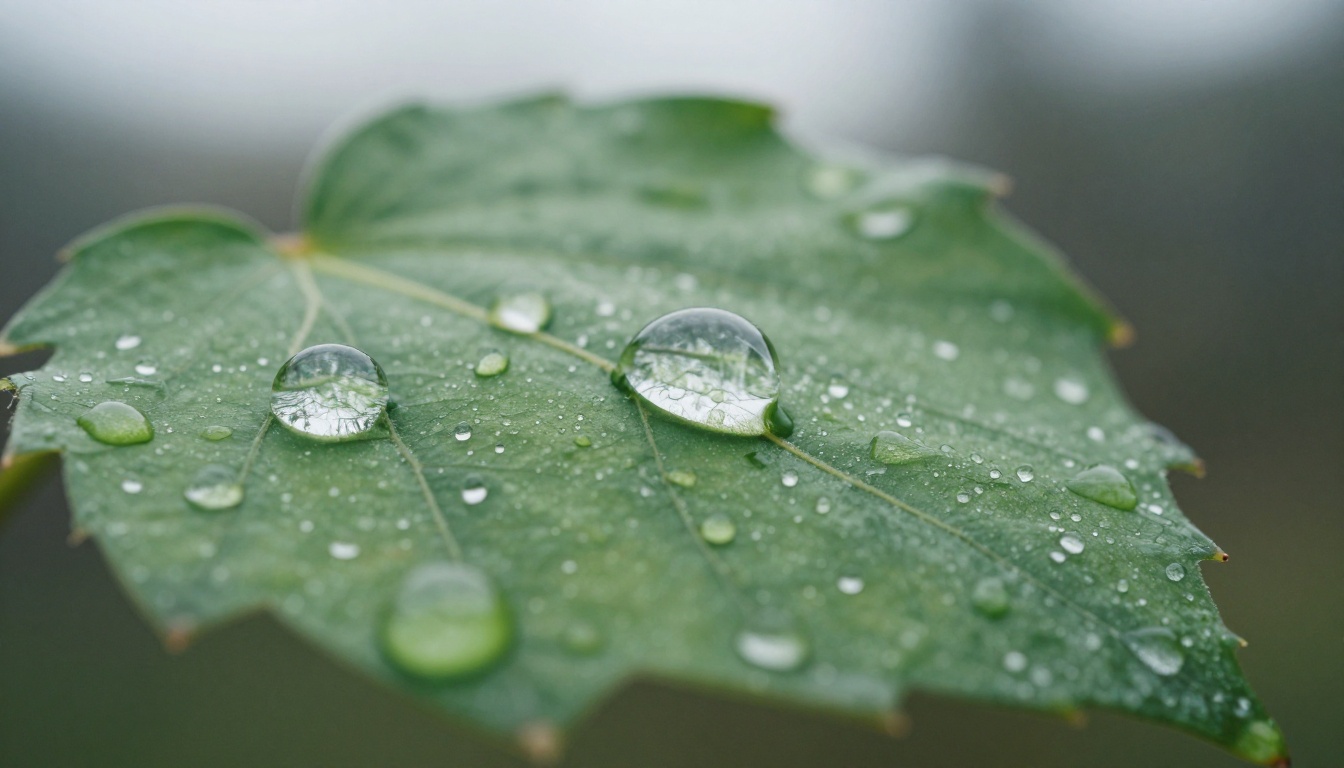
20. "A single autumn leaf floating down from a tree and landing on wet pavement, close-up tracking shot following the leaf, diffused overcast light, deep red and orange leaf color against gray pavement texture, slow motion, photorealistic, film grain"
What Weakens Your Results
Even with good structural knowledge, certain habits consistently reduce output quality with Wan 2.6. These are the three patterns worth actively avoiding.
Vague or generic subjects
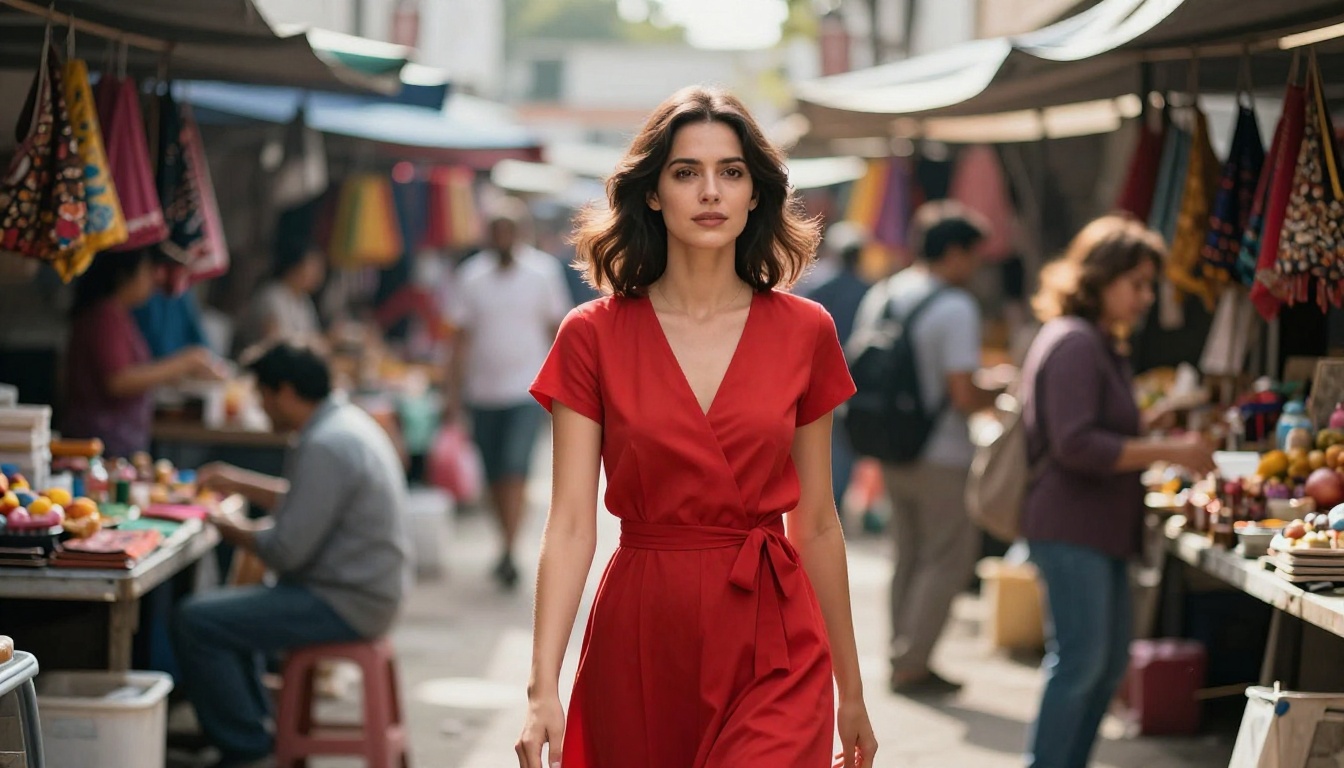
"A person walks down a street" gives the model almost nothing to work with. The result will be bland and inconsistent across frames. Every element of your subject needs at least one specific qualifier: what they look like, what they are wearing, how they are moving, and at what pace. Generic prompts also tend to produce the most common visual interpretation, the model's equivalent of a stock photo.
Conflicting instructions
"A wide-angle extreme close-up" is a contradiction. So is "bright nighttime lighting" or "slow fast-paced movement." These force the model to make arbitrary choices, usually resulting in something that satisfies neither instruction. Be internally consistent. If the scene is dark, do not ask for bright color saturation. If the shot is wide, do not expect facial micro-details.
Prompt overload
There is a real upper limit to how much instruction Wan 2.6 can act on simultaneously. Prompts that stack 15 or more distinct visual requests tend to produce muddled, inconsistent frames where no single element is handled well. A useful rule: if you cannot describe the scene in two clear sentences, the prompt is too complex. Prioritize the three or four elements that matter most and build the rest of the scene with broad strokes.
Proven Prompt Templates
Templates are not shortcuts; they are structural scaffolding. Use these three formulas as starting points for any video type. Replace the bracketed sections with your specific scene details.
The cinematic standard formula
[Subject + appearance] [primary action] in [environment], [time of day or weather], [camera shot type and movement], [secondary environmental detail], [quality block]
Example: "A woman in a navy peacoat walking slowly across a rain-wet bridge in the city, overcast morning light, medium tracking shot from the side, sparse pedestrian traffic blurred behind her, cinematic, photorealistic, 8K, Kodak Portra 400 grain"
The close-up portrait formula
Extreme close-up of [subject face or object], [primary motion or expression], [lighting description with direction], [background condition], [quality block]
Example: "Extreme close-up of a woman's face, eyes slowly closing and reopening, soft window light from the upper left, slightly out-of-focus wall texture behind her, skin pores and fine hairs visible, photorealistic, 8K, natural grain"
The wide environment formula
[Wide or aerial shot type] of [environment], [atmospheric condition], [key motion element], [camera behavior], [quality block]
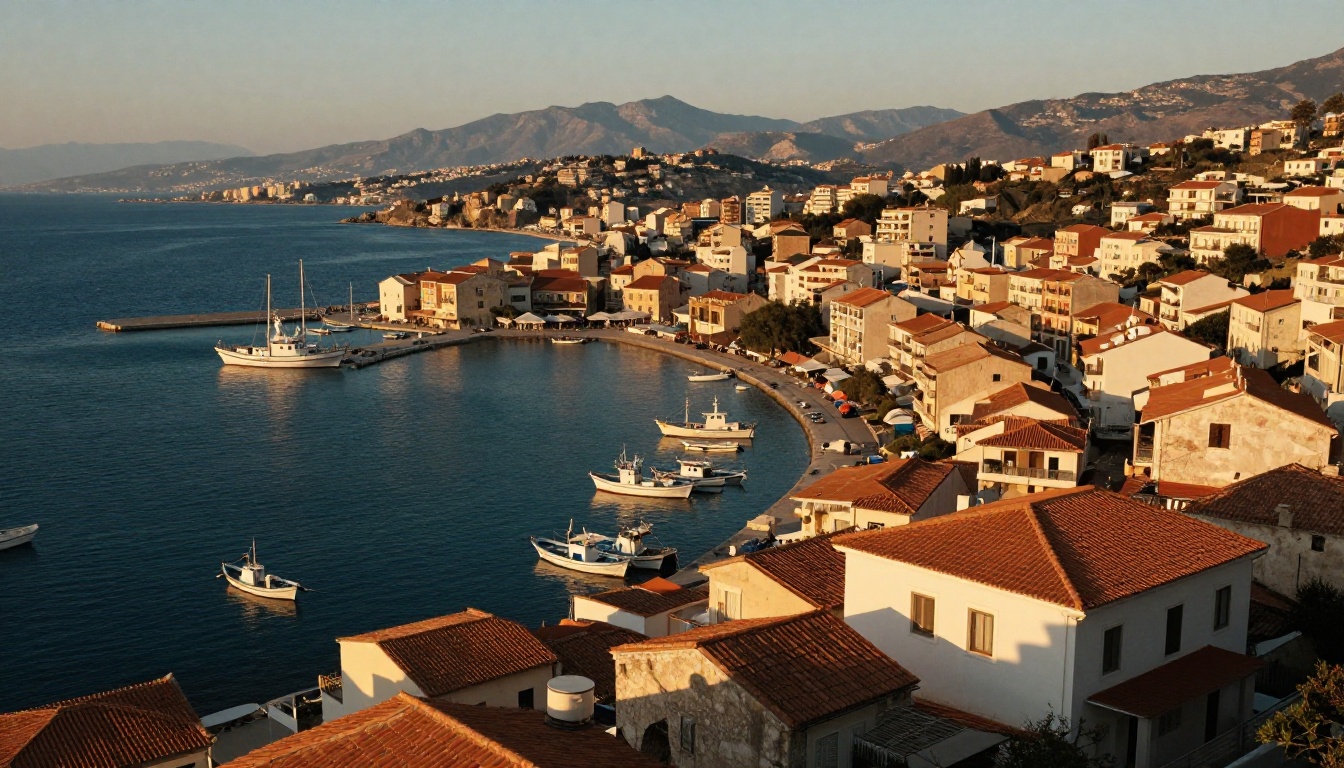
Example: "Wide aerial shot of a coastal town at sunset, warm amber light on terracotta rooftops, a single fishing boat moving slowly through the harbor, gradual slow push-in from above, atmospheric haze at the horizon, photorealistic, cinematic, 8K"
How to Use Wan 2.6 T2V on PicassoIA
PicassoIA has both Wan 2.6 T2V and Wan 2.6 I2V available, so you can run text-to-video and image-to-video workflows from the same platform. Here is how to use them effectively.
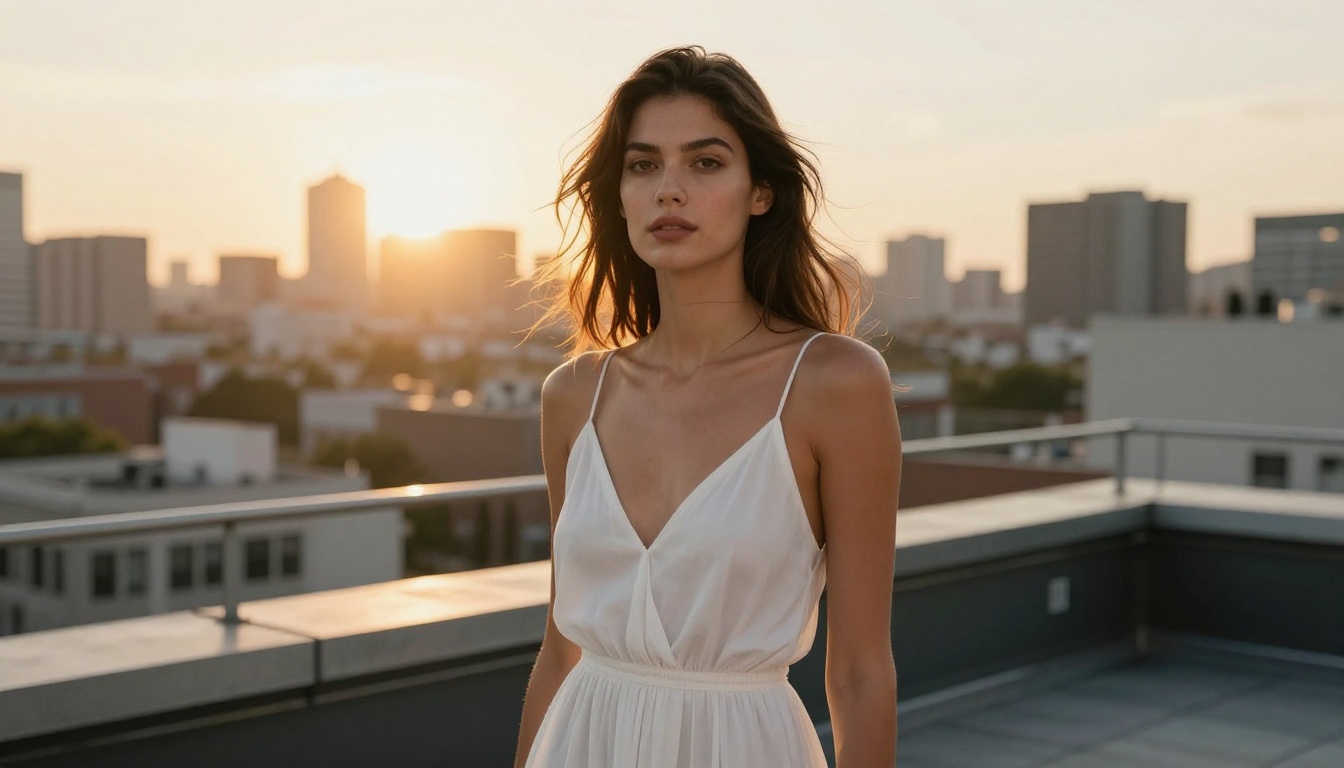
Step by step
- Open Wan 2.6 T2V or Wan 2.6 I2V on PicassoIA.
- For T2V: paste your full structured prompt into the text field. For I2V: upload your reference image first, then write a motion-only prompt.
- Set your resolution. 720p works well for testing; step up to 1080p for final output once the prompt is refined.
- Set duration. 5 seconds is ideal for single-scene clips with clear motion. Extend to 8-10 seconds only when the scene has natural progression.
- Generate and review the first frame preview if available before committing to the full render.
- If the result does not match your intent, isolate which layer failed (subject appearance, lighting, camera angle) and revise only that part of the prompt.
Parameter tips for sharper video
| Parameter | Recommended Setting | Why It Matters |
|---|
| Resolution | 720p (test), 1080p (final) | Higher resolution amplifies the detail from your prompt |
| Duration | 5-8 seconds | Shorter clips maintain temporal coherence better |
| Guidance scale | 7.5-9.0 | Higher values follow your prompt more strictly |
| Seed | Fix it during iteration | Same seed lets you test prompt changes cleanly |
💡 Tip: When iterating, change only one element of your prompt at a time. Changing multiple layers simultaneously makes it impossible to identify what improved the output.
Also worth testing: Wan 2.6 I2V Flash for faster generation when you need quick motion previews, and Wan 2.7 T2V if you want to benchmark against the latest generation in the Wan family.
Wan Model Comparison for Prompting
If you are deciding which Wan model to use for a specific project, the differences in how they handle prompts matter for your workflow.
| Model | Best For | Prompt Sensitivity | Speed |
|---|
| Wan 2.2 T2V Fast | Quick drafts and speed testing | Moderate | Very fast |
| Wan 2.5 T2V | Balanced quality | High | Moderate |
| Wan 2.6 T2V | Cinematic detail, complex scenes | Very high | Moderate |
| Wan 2.6 I2V | Animating still images | High (motion-focused) | Moderate |
| Wan 2.7 T2V | Latest quality benchmark | Very high | Moderate-fast |
| Wan 2.7 I2V | Latest image animation | Very high | Moderate-fast |
Wan 2.6 sits at the sweet spot between generation speed and prompt fidelity for most use cases. If you are working with reference images, Wan 2.6 I2V produces noticeably more stable subject consistency than the 2.5 generation. For the absolute latest output quality in the Wan family, Wan 2.7 T2V and Wan 2.7 I2V are worth testing side by side.
Start Creating Your Own Videos
The prompts in this article give you a working foundation, but the real skill is in adapting the structure to your own scenes. Take any of the 20 examples, swap the subject, change the environment, and adjust the camera language. The four-layer formula holds across almost every scenario.
PicassoIA makes it straightforward to test these prompts directly in Wan 2.6 T2V without any setup required. You can also use Wan 2.6 I2V if you want to start from a photographic reference and describe only the motion. For faster iteration cycles, Wan 2.6 I2V Flash lets you generate quick motion tests before committing to a full-quality render.
If your goal is highly detailed, cinematic video output, specificity is the only variable that actually matters. Write like a cinematographer giving instructions to a camera operator: name the shot, describe the light, define the motion. The model responds to clarity. Give it that, and it gives you detail in return.

💡 Start with one of the templates above, test it on Wan 2.6 T2V, and iterate on a single layer at a time. Within a few generations, you will have a personal formula that works reliably for your specific content style.


