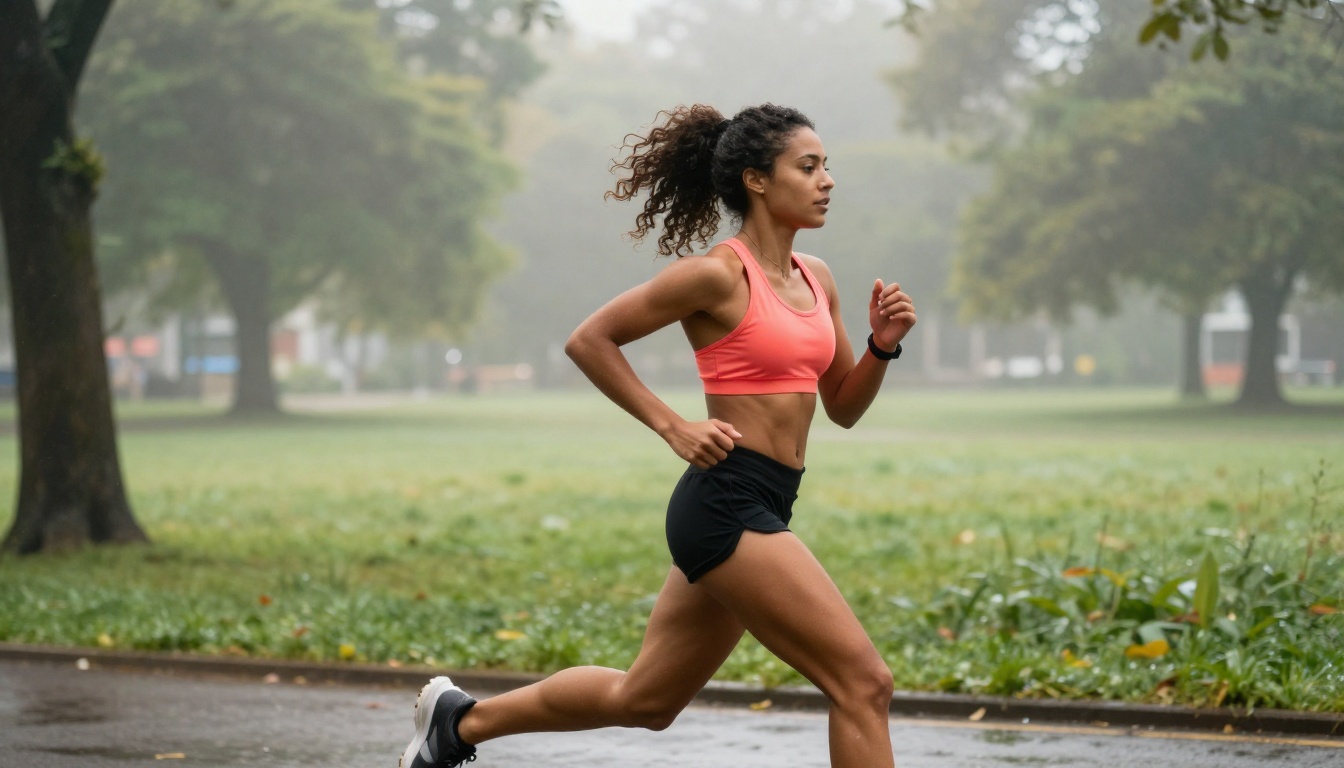
Picking between Wan 2.6 I2V and Seedance 2.0 for image-to-video generation is not a simple decision. Both models have earned serious attention in 2027, and both produce impressive results, but they make very different trade-offs in motion physics, subject fidelity, rendering speed, and creative flexibility. If you have been testing both and still feel unsure which one to commit to for your workflow, this is the breakdown you need.

What Each Model Is Built For
Understanding the design philosophy behind each model helps predict when it will succeed and when it will struggle.
Wan 2.6's Core Architecture
Wan 2.6 I2V is the image-to-video variant of WanVideo's flagship generation suite. It operates on a video diffusion transformer architecture trained extensively on cinematic and documentary-style footage. The model's priority is temporal coherence: it tries to maintain consistent scene structure across all frames, which makes camera motion feel smooth even when subjects are performing complex or fast-moving actions.
The model produces output at up to 720p by default, with extended sequences possible. Its strength is naturalistic motion, particularly for organic subjects like flowing water, windswept fabric, and walking humans. Wan 2.6 also has a faster Flash variant, Wan 2.6 I2V Flash, which sacrifices some frame precision for significantly lower generation time.
Seedance 2.0's Core Architecture
Seedance 2.0, developed by ByteDance, takes a different approach. It is trained primarily on high-definition lifestyle and commercial content, which makes it exceptionally strong for subject-focused shots: close-up portraits, beauty content, fashion, and any scenario where the human face or body is the primary element.
Seedance 2.0 is built to preserve subject identity across frames. If you feed it a portrait photograph, it will hold that person's facial features, skin texture, and proportions extremely well throughout the entire clip. It also natively handles audio-reactive generation, giving it a distinct advantage for content that syncs to music or voiceover.
Motion Quality Side by Side
This is where most people's comparison stops. They look at a few clips, pick a winner based on vibes, and move on. A deeper look reveals something more interesting.
How Wan 2.6 Handles Motion
Wan 2.6 excels at wide-scene motion. When the input image contains environment elements like trees, grass, ocean, or architectural backgrounds, the model animates these secondary elements beautifully and with physical plausibility. Grass sways with realistic inertia. Water ripples outward from contact points. Fabric moves with natural drag and resistance.
Camera motion in Wan 2.6 is also a strong point. The model can simulate push-ins, slow pans, and orbital camera moves without introducing the warping or shimmering artifacts that plague many competing models. This makes it particularly useful for landscape photography, travel content, and environmental scenes.
Note: Wan 2.6 performs best when the input image has a clear depth separation between subject and background. Flat or highly compressed images may result in less convincing spatial motion.
Seedance 2.0's Motion Signature
Seedance 2.0's motion is more controlled and precise. Rather than animating the entire scene with environmental physics, it focuses the kinetic energy on the primary subject. A woman in a portrait photograph will have subtle, realistic head movement, natural blinking, and shoulder breathing animation. The background will remain stable or drift softly.
This approach is intentional. ByteDance designed Seedance to work well for social media and commercial content where the subject needs to feel alive but the background should not distract or shift. The result is clean, confident subject animation with minimal scene noise.
| Feature | Wan 2.6 I2V | Seedance 2.0 |
|---|
| Environmental motion | Excellent | Moderate |
| Subject motion precision | Good | Excellent |
| Camera move simulation | Excellent | Limited |
| Background stability | Variable | High |
| Physics realism | Very High | Moderate |

Subject Fidelity and Detail Preservation
The test that reveals the biggest differences between these models is feeding them the same high-resolution portrait photograph and comparing the output frame by frame.
Face and Skin Consistency
Wan 2.6 handles faces reasonably well for general use, but it can introduce subtle identity drift over longer clips. This is especially visible in the eyes and mouth region during fast movement, where the model sometimes interpolates features in ways that feel slightly off. For close-up portrait work, this is a meaningful limitation.
Seedance 2.0 is much stronger here. Its training data skews heavily toward human-centric content, and the result is that facial identity remains locked across frames with a precision that is noticeably better than most competitors. Eye shape, skin tone gradients, and lip contour stay consistent even through significant head movement or expression changes.
Fabric, Hair, and Fine Detail
Wan 2.6 I2V wins back ground when it comes to secondary detail animation. Hair strand physics, fabric flutter, jewelry movement, and accessory interaction all behave with convincing physical logic in Wan 2.6 outputs. A woman in a flowing dress will have her skirt animated with realistic air resistance and gravity.
Seedance 2.0 tends to simplify these secondary elements. Fabric does not always move as convincingly, and hair physics can feel slightly under-animated compared to Wan 2.6. For shots where secondary detail motion matters as much as the face, this gap is real.
Tip: If your source image is a tight portrait with minimal clothing or background visible, use Seedance 2.0. If the shot has environmental elements, flowing materials, or wide framing, Wan 2.6 will serve you better.

Speed, Resolution, and Cost
Both models run on high-end infrastructure but at different efficiency profiles.
Generation Time
Wan 2.6 I2V takes longer to generate at equivalent quality settings. A 5-second clip at 720p typically takes 2 to 4 minutes depending on queue load. The Wan 2.6 I2V Flash variant cuts this down substantially, trading some frame refinement for speed.
Seedance 2.0 and its faster sibling Seedance 2.0 Fast are optimized for throughput. Standard generation of a 5-second clip runs closer to 90 seconds to 2 minutes on average. For workflows that require rapid iteration or batch production, this difference adds up quickly.
Resolution and Output Quality
| Specification | Wan 2.6 I2V | Seedance 2.0 |
|---|
| Max resolution | 720p | 1080p |
| Max clip length | 10s+ | 10s |
| Audio generation | No | Yes |
| Frame rate | 24fps | 24fps |
| Aspect ratio support | 16:9, 9:16, 1:1 | 16:9, 9:16, 1:1 |
Seedance 2.0's 1080p output is a meaningful advantage for any professional production workflow. If the final destination is a high-definition screen or commercial delivery, Seedance 2.0 gives you more pixels to work with. Wan 2.6's strength comes from its ability to render fine spatial detail even at 720p, which often looks sharper than competitors running at the same pixel count.

Best Use Cases for Each
When Wan 2.6 Is the Right Pick
Go with Wan 2.6 I2V when:
- Your input image contains rich environmental context: landscapes, cityscapes, natural settings, architectural scenes
- You need convincing secondary motion: flowing fabric, windswept hair, moving water, foliage
- Camera movement simulation is part of your desired output
- Your subject is not a close-up portrait where identity precision is critical
- You are animating full-body shots, wide angles, or lifestyle photography
- Physical realism in the environment matters more than subject identity lock
Typical content types: travel photography, fashion editorial in scenic settings, landscape animation, lifestyle brand content, architecture visualization.
When Seedance 2.0 Wins
Go with Seedance 2.0 when:
- Your source image is a portrait or near-portrait composition
- Subject identity needs to remain locked across all frames with no drift
- You are producing content for social media at 1080p
- You need native audio generation capability alongside the video
- Batch generation speed is important for your workflow
- The final output is intended for beauty, fashion close-up, or influencer content
Typical content types: portrait animation, beauty campaigns, social media content, talking-head style content, music video stills brought to life.
How to Use These Models on PicassoIA
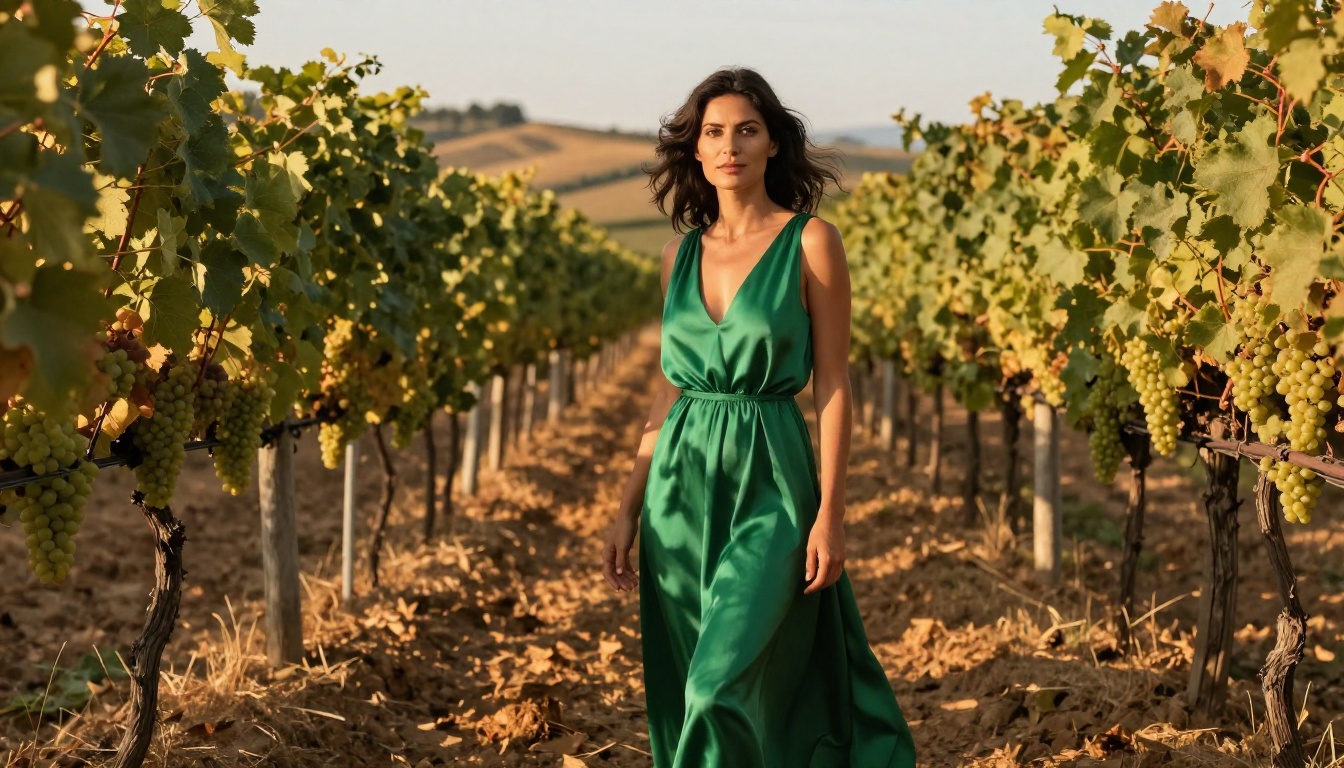
Both Wan 2.6 I2V and Seedance 2.0 are available directly on PicassoIA, which means you can test and compare them side by side without setting up any local infrastructure.
Running Wan 2.6 I2V on PicassoIA
- Open the Wan 2.6 I2V model page on PicassoIA
- Upload your source image using the image input field
- Write a motion prompt describing how you want the scene to move (for example: "camera slowly pushes in, fabric sways gently in wind, trees move in breeze")
- Set your desired aspect ratio and clip length
- Submit and wait for the generation to complete
Prompt tips for Wan 2.6 I2V:
- Be specific about environmental motion: "leaves rustling", "water rippling", "clouds drifting"
- Describe camera movement explicitly: "slow zoom in", "gentle right pan", "subtle push forward"
- Keep subject motion natural: "woman breathes softly, slight head turn to the left"
- Avoid over-describing the subject. Let the model handle secondary physics once you set the scene conditions.
Running Seedance 2.0 on PicassoIA
- Open the Seedance 2.0 model page on PicassoIA
- Upload your portrait or lifestyle photograph
- Write a motion prompt focused on the subject: "woman smiles softly, slight head movement, blinks naturally"
- If you are using Seedance 2.0 Fast for rapid prototyping, select the fast variant from the model selector
- Submit and review output
Prompt tips for Seedance 2.0:
- Focus your prompt on the subject's movement and expression
- Describe micro-movements: "gentle breathing", "slight smile forming", "eyes glancing left"
- Specify mood if applicable: "serene", "confident", "relaxed and warm"
- For audio-reactive content, describe the audio context in the prompt to help the model sync motion to expected rhythm
Other I2V Models Worth Testing
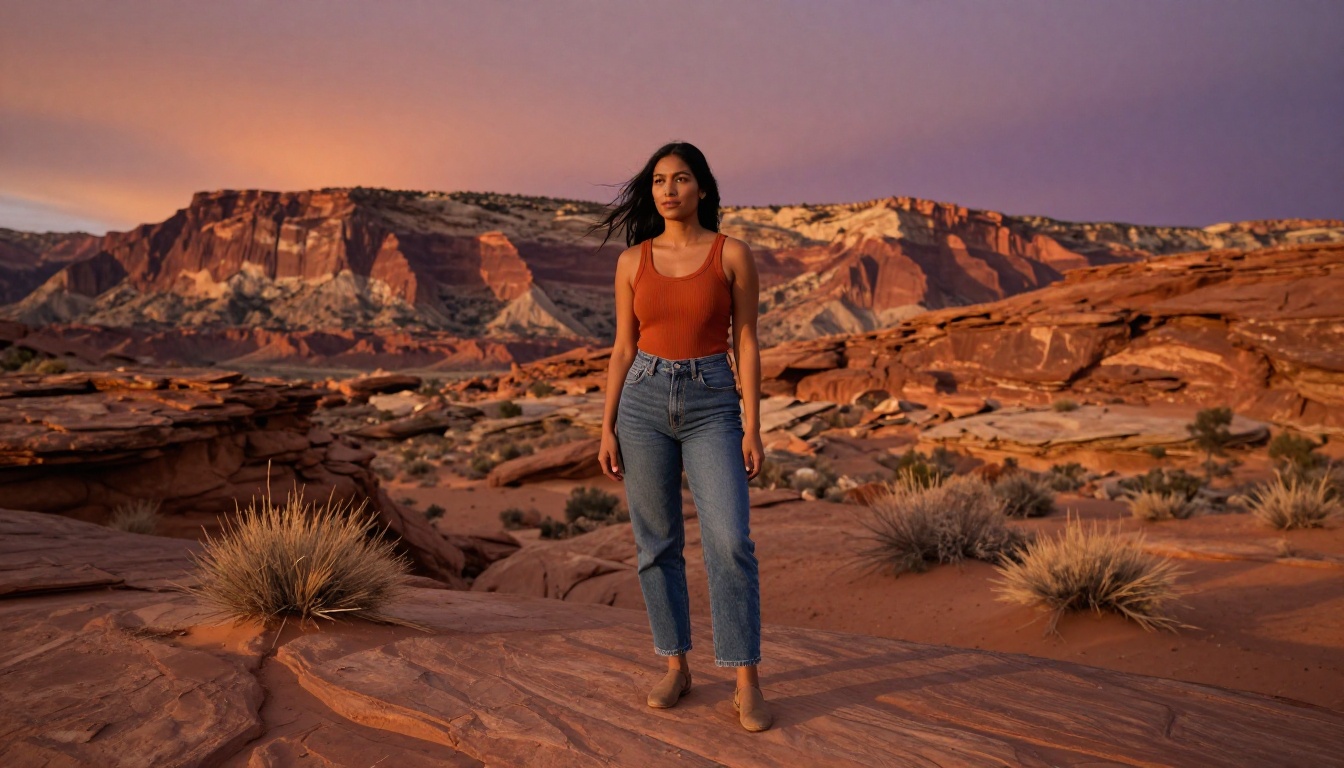
These two are not the only options. PicassoIA hosts a broad selection of image-to-video models, and depending on your specific needs, one of the following alternatives might be worth running alongside your Wan 2.6 or Seedance tests.
Wan 2.7 I2V is the next iteration after Wan 2.6 and offers improved subject consistency while retaining the environmental motion strengths the Wan family is known for. If you are starting a new project rather than an existing one, it is worth comparing 2.6 and 2.7 side by side before committing.
Kling v2.6 from Kwai is a strong competitor in the portrait animation space. It handles facial animation with a different set of strengths than Seedance, particularly around lip and micro-expression detail, making it a strong third option for close-up human content.
Hailuo 2.3 from MiniMax is an excellent choice for cinematic content where dramatic lighting and wide-scene motion are central to the creative vision. It performs particularly well with images that have strong compositional depth.
Wan 2.5 I2V Fast is a more efficient generation option for users who need the Wan physics quality but want faster turnaround at a lower resource cost, particularly useful for high-volume batch workflows.
Wan 2.2 I2V Fast offers an older but proven architecture that many creators continue to prefer for specific types of environmental animation where later versions occasionally over-process the output.
The Real Verdict
If you are forced to pick just one model and cannot test both: use Seedance 2.0 for portrait and social content, use Wan 2.6 for everything with an environment or a complex scene.
The honest answer for most creators is to use both. Neither model is definitively better. They occupy different segments of the image-to-video problem, and the best workflows often use one for prototyping and the other for final output, or select based on the specific input photograph's composition and framing.
Subject-centric tight shots: Seedance 2.0 is the clear choice. Scene-rich environmental images: Wan 2.6 I2V wins comfortably.
What makes this comparison genuinely interesting heading into the second half of 2025 is where each team is focusing their iteration. The Wan Video team has been pushing toward higher resolution and better identity preservation in each successive version, with Wan 2.7 I2V already narrowing the portrait gap significantly. ByteDance's Seedance team has been building toward richer scene motion in parallel releases.
The gap between these two approaches is shrinking. But right now, the distinction is real, the use cases are genuinely different, and picking the wrong model for your input type will produce visibly worse results than picking the right one.
Worth knowing: Both Wan 2.6 and Seedance 2.0 are available across all standard aspect ratios on PicassoIA, so vertical 9:16 content for social feeds is just as accessible as cinematic 16:9 output.

Start Creating Your Own Animated Content
The fastest way to understand the real difference between these models is to run your own images through both of them and compare the results directly. No benchmark table or written comparison fully replaces seeing your specific photograph animated by each model.
PicassoIA gives you direct access to Wan 2.6 I2V, Seedance 2.0, Seedance 2.0 Fast, Wan 2.6 I2V Flash, and over 100 additional video generation models from a single interface. You can test the same image across multiple models in a single session and build a real intuition for which one matches your creative style and output requirements.
Take a photograph you already like, upload it, write a simple motion prompt, and run it through both. The difference will be immediately obvious, and you will have a clear answer for your specific workflow within minutes of experimenting.