Free AI video generation has moved fast. Not long ago, getting a usable clip from a text prompt meant paying per second or waiting months on a waitlist. Today, two models dominate the conversation about what "free" can actually do: Wan 2.7 T2V from Wan Video and Kling v3 Video from KwaiVGI. Both are accessible at no cost through PicassoIA, but they are not interchangeable. Choosing the wrong one for your project type means wasted generations, missed shots, and frustration. This piece breaks down exactly where each model wins, where it falls short, and which scenarios favor which tool.
What Each Model Actually Offers
Before comparing outputs, it helps to understand the design philosophy behind each model. Wan 2.7 Pro is built by Wan Video, a team that has iterated rapidly through multiple versions in a compressed timeframe. Kling 3.0, developed by KwaiVGI (the AI arm of Kuaishou), brings the visual quality sensibility of one of the largest short-video platforms in the world. These different origin stories produce meaningfully different model behaviors.
Wan 2.7 Pro: The Free Tier Breakdown
Wan 2.7 T2V is the text-to-video variant of the 2.7 Pro line, capable of generating clips at up to 1080p resolution on supported platforms. The free tier on PicassoIA gives you access to the full model capability, not a downgraded version. This matters because most "free" AI video tools quietly reduce resolution or clip length on free accounts.
What the free tier includes:
- Max resolution: 1080p
- Clip length: 5 seconds per generation
- Frame rate: 24 fps
- Generation modes: Text-to-video via Wan 2.7 T2V, image animation via Wan 2.7 I2V, and reference-subject animation via Wan 2.7 R2V
- Core strengths: Consistent physics, natural environmental motion, strong scene coherence
The model handles physical objects and environmental motion particularly well. Water ripples, fabric movement, smoke dissipation, and camera pans feel anchored to realistic physics. Where earlier Wan versions occasionally produced that "AI soup" quality in complex scenes, 2.7 Pro holds composition significantly better across the full 5-second clip duration.
Kling 3.0: The Free Tier Breakdown
Kling v3 Video represents the third major generation of KwaiVGI's flagship model. The free access tier on PicassoIA includes the full resolution pipeline without watermarks or quality throttling.
What the free tier includes:
- Max resolution: 1080p
- Clip length: 5 seconds per generation
- Frame rate: 24 fps
- Generation modes: Standard text-to-video, camera-controlled output via Kling v3 Motion Control, and combined-pipeline output via Kling v3 Omni Video
- Core strengths: Human motion fidelity, facial expression accuracy, cinematic framing instincts
Kling 3.0's biggest leap over prior versions is in human subjects. Characters move with noticeably better anatomical plausibility. Hands, historically one of the weakest points for video AI, render with fewer artifacts under Kling 3.0 than under most competing models at any price tier.
Video Quality Side by Side
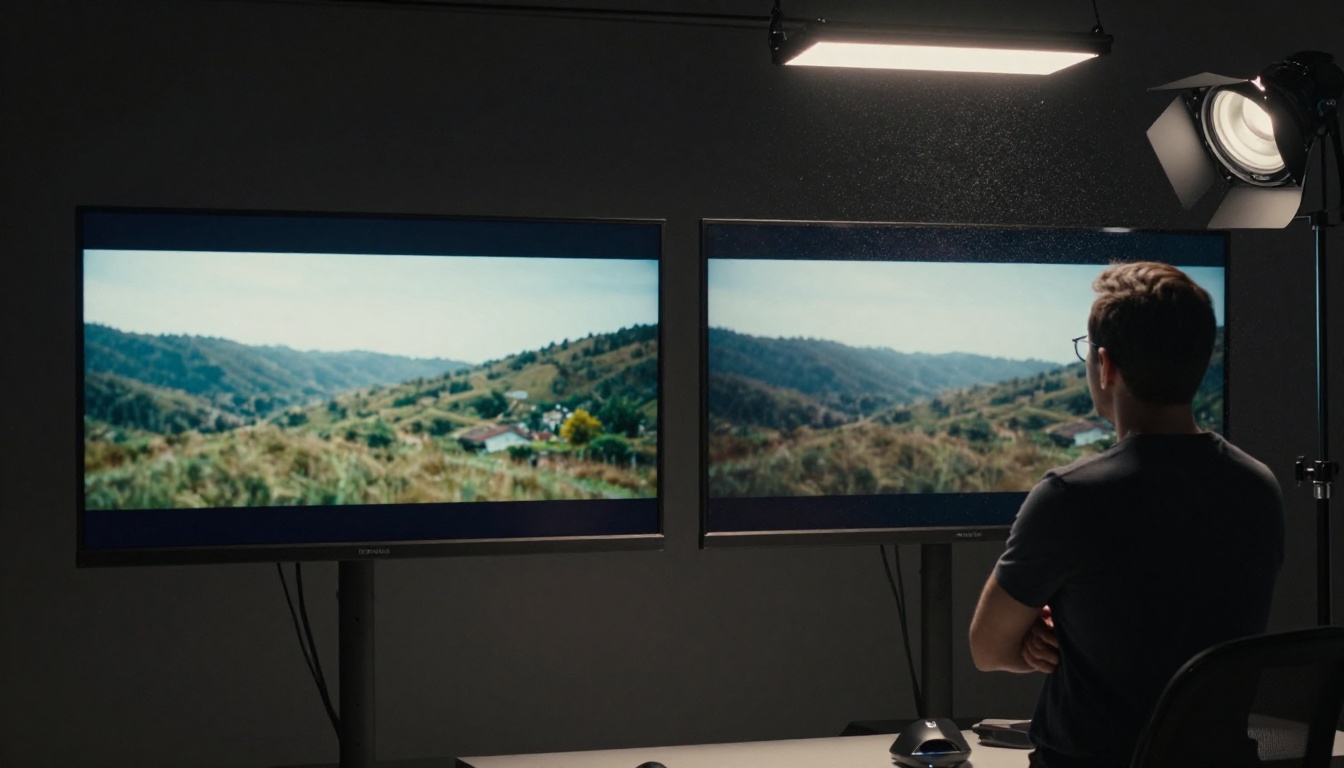
Both models output 1080p video when running on PicassoIA. But resolution numbers don't tell the whole story. Perceptual quality, texture fidelity, and motion smoothness create the real difference between a clip that looks polished and one that looks like a demo reel.
Resolution and Actual Sharpness
At 1080p, Wan 2.7 Pro produces sharper texture detail in non-human subjects: foliage, architecture, landscape surfaces, and product materials. You'll notice this most in wide establishing shots where the background environment needs to hold detail across the full frame without collapsing into mush.
Kling 3.0 trades some environmental texture sharpness for smoother motion rendering on foreground subjects. The result feels more "commercially graded" even if individual textures are softer in peripheral areas. Think of it as the difference between a documentary aesthetic (Wan) and a commercial production aesthetic (Kling). Neither is wrong; they suit different content types.
| Quality Metric | Wan 2.7 Pro | Kling 3.0 |
|---|
| Environmental texture detail | Excellent | Good |
| Human skin rendering | Good | Excellent |
| Background consistency across 5s | Very good | Good |
| Motion smoothness on moving subjects | Good | Very good |
| Close-up surface texture | Very good | Good |
| Cinematic color grading out-of-box | Good | Very good |
Motion Accuracy
This is where the two models diverge most clearly and most consequentially.
Wan 2.7 Pro handles physical system motion better. Liquid, smoke, cloth, leaves, and particle effects feel grounded. The physics simulation isn't perfect, but it's consistent across the clip duration. When a scene involves wind through trees, waves on a shoreline, or steam rising from a surface, Wan 2.7 Pro produces more physically plausible motion than Kling 3.0.
Kling 3.0 handles character-driven motion better. Walking cycles, head turns, expressive gestures, reaching movements, and athletic motion all come out cleaner. The model has clearly been trained on massive quantities of human movement footage, and it shows in every generation that puts a person at the center of the action.
💡 If your prompt centers on a person doing something, use Kling 3.0. If your prompt centers on a place or environment, use Wan 2.7 Pro.
Speed and Generation Time
Speed matters when you're iterating through prompt variations or running multiple clips for a project. Neither model is instantaneous on the free tier, but wait times differ in ways that compound across a full production session.
Wan 2.7 Pro averages roughly 90 to 120 seconds per generation on PicassoIA's infrastructure. During off-peak hours this can drop to around 60 to 70 seconds. Generation time stays relatively consistent regardless of scene complexity because the model processes at a fixed compute budget per output.
Kling 3.0 runs slightly faster on average, typically 70 to 100 seconds per clip. The v3 architecture appears to have been optimized for faster inference cycles, which shows up in real-world wait times rather than just benchmark numbers.
For users running multiple clips in sequence, this difference compounds:
| Scenario | Wan 2.7 Pro | Kling 3.0 |
|---|
| 5 clips (off-peak) | ~8 minutes | ~6 minutes |
| 10 clips (peak hours) | ~20 minutes | ~16 minutes |
| Single urgent clip | ~90 seconds | ~75 seconds |
| 20-clip overnight batch | ~40 minutes | ~32 minutes |
If turnaround time is critical for client work, Kling 3.0 holds a consistent speed advantage. If you're running unattended batches where absolute completion time matters less than quality per clip, the difference is worth sacrificing for whichever model suits the content type.
Prompt Following Ability
Prompt adherence is arguably the most practical metric for day-to-day use. It answers the question: does the model actually produce what you asked for?
Both models follow prompts well relative to free-tier video AI from two years ago. But their specific strengths differ, and knowing those differences lets you write prompts that play to each model's training.
Where Wan 2.7 Wins on Prompts
Wan 2.7 Pro follows compositional and spatial instructions with high accuracy. Prompts that specify camera angle ("low-angle shot looking up at a skyscraper"), movement direction ("camera slowly pans left to reveal the cityscape"), and scene layout ("subject standing in foreground, distant mountains behind") produce on-target outputs consistently.
The model also handles multi-clause prompts without collapsing complexity. A prompt containing three distinct scene elements tends to hold all three rather than defaulting to whichever element is most visually dominant.
Where Wan 2.7 struggles: abstract emotional tone. Asking for "a melancholic atmosphere" or "joyful energy in the scene" produces inconsistent results. The model responds much better to physical descriptors ("overcast sky, desaturated color palette, very slow camera drift") than to emotional shorthand.
Where Kling 3.0 Wins on Prompts
Kling 3.0 is dramatically better at character behavior prompts. "A woman laughing while brushing her hair in morning light" or "a man typing urgently at a desk, glancing nervously at the clock" produce on-target outputs at a much higher success rate than either Wan 2.7 or most competing free-tier models. The model interprets intent behind character actions rather than just processing the surface-level description.
Kling 3.0 also handles cinematic style references more accurately. Describing a visual grammar ("filmed like a 1970s Italian drama, desaturated warm tones, shallow focus") translates to visible stylistic choices in the output. This isn't something Wan 2.7 Pro replicates reliably.
Where Kling 3.0 struggles: precise environmental composition. Backgrounds in Kling generations occasionally drift from what was specified, especially when a character is dominant in the frame and the model effectively allocates most of its "attention" to rendering that person correctly.

How to Use Wan 2.7 on PicassoIA
Both models are available on PicassoIA with no subscription required. Here is how to generate with Wan 2.7 and get the most out of the free tier.
Step by Step
- Go to Wan 2.7 T2V on PicassoIA for text-to-video generation
- If you want to animate an existing still image, switch to Wan 2.7 I2V instead
- Write your prompt using specific physical descriptors rather than emotional shorthand. Camera angle and movement instructions should come first in the prompt.
- Submit and wait for the generation queue to process your clip. Free-tier queue times vary by time of day.
- Download your MP4 at full 1080p resolution with no watermark.
For reference-based animation, Wan 2.7 R2V accepts a reference image of a character or object and animates it according to your motion prompt. This is particularly useful for product demonstrations, brand mascot animation, and consistent character content across a series of clips.
💡 Prompt structure for Wan 2.7: Front-load your camera and environment description before describing the subject's action. The model weights earlier prompt tokens more heavily for compositional and spatial decisions.
Example strong Wan 2.7 prompt: "Wide establishing shot from a low angle, camera slowly tilting upward, revealing a fog-covered forest at dawn, ancient oak trees with rough bark texture visible in the foreground, soft diffused morning light filtering through the canopy, mist drifting between the trunks, photorealistic"
How to Use Kling 3.0 on PicassoIA
Step by Step
- Navigate to Kling v3 Video on PicassoIA for standard text-to-video generation
- For shots where you need to control the camera path explicitly, use Kling v3 Motion Control, which accepts structured camera trajectory inputs rather than leaving camera movement to interpretation
- Write character-centric prompts with behavioral specificity: what the person is doing, how they feel, what they're reacting to, and what the quality of light in the scene is
- For scenes requiring both strong character rendering and environment composition, try Kling v3 Omni Video which runs a combined pipeline for both
- Review the output and refine on character behavior descriptors if the motion isn't reading correctly
Kling 3.0's Motion Control variant is one of the most underused features available on the free tier. Unlike standard generation where camera movement is implied through the text prompt and often misinterpreted, Motion Control accepts explicit camera path parameters. This makes it possible to specify a dolly-in, orbit, or crane shot with precision rather than relying on probabilistic interpretation.
💡 Prompt structure for Kling 3.0: Describe the character's internal state and physical behavior simultaneously. Pairing psychological detail with physical action produces noticeably better outputs than listing actions alone.
Example strong Kling 3.0 prompt: "A young woman in her early 30s sits at a window seat in soft morning light, holding a coffee cup with both hands, gazing out at the rain, a subtle smile forming at the corners of her mouth, close-up shot at 85mm, shallow depth of field, warm interior light contrasting with the grey light outside"
Best Use Cases for Each Model
Based on output characteristics observed across the free tier, here is where each model performs at its ceiling:
Wan 2.7 Pro is the stronger choice for:
- Nature and landscape footage (forests, oceans, deserts, cityscapes without people)
- Product showcase clips where surface texture, material detail, and environmental staging matter
- Abstract or atmospheric scenes without human subjects
- Drone-style or slow camera movement sequences
- Multi-element compositions with specific spatial layout requirements
- B-roll footage for documentary, corporate, or travel content
- Weather and environmental phenomenon (rain, fog, fire, water)
Kling 3.0 is the stronger choice for:
- Social media clips where a person is the focal point
- Testimonial, lifestyle, and narrative-style video content
- Fashion, beauty, and health content featuring human subjects
- Sports, athletic movement, and physical performance clips
- Character animations requiring distinct body language and expression
- Any scene where the hands, face, or full-body motion of a character matters
- Content that references a cinematic style or visual era
Neither model wins universally across all content types. In practice, many creators use both within the same project: Wan 2.7 Pro for B-roll establishing shots and environmental footage, Kling 3.0 for any clip where a human character is the narrative focus.
For creators who want to avoid choosing at all, PicassoIA's free unlimited video generator is worth bookmarking as a starting point. For projects that need audio-synchronized video, Seedance 2.0 and Veo 3.1 are also available on PicassoIA and bring built-in audio generation that neither Wan 2.7 nor Kling 3.0 offer natively.
The Real Difference at Zero Cost
The free tier debate often comes down to a practical question: is the free version actually useful, or is it a teaser designed to push you toward a subscription?
For both Wan 2.7 Pro and Kling 3.0 through PicassoIA, the answer is unambiguously that the free tier is production-capable. You're not getting watermarked clips, 360p resolution, or 3-second limits. You're getting full 1080p, 5-second, 24fps output that these models are capable of producing.
The practical implications for different creator types:
For social media creators: An entire short-form video library can be built using nothing but the free tier across both models. Character content through Kling 3.0, environment and B-roll content through Wan 2.7 Pro, and the output quality holds up at every standard social media resolution.
For brands and marketing teams: Product demonstration clips, lifestyle footage, and brand atmosphere videos are achievable at broadcast quality without a budget line for video AI tools. The cost of iteration is time, not money.
For independent filmmakers: Both models serve as practical pre-visualization tools. Running a shot concept through either model before committing to a shoot location or camera setup costs nothing and takes under two minutes.
For content educators and researchers: Neither model requires a credit card to access. The entire comparison in this article is reproducible by anyone with an internet connection.
The constraint on the free tier isn't quality. It's throughput: queue times and generation limits per session. Working within those constraints means batching prompts intelligently and using each model for its documented strengths. Doing so closes the gap between free and paid tiers to something most creators won't notice.
💡 Throughput tip: Run your Kling 3.0 character clips in one browser tab while your Wan 2.7 environment clips are queuing in another. Both queues run independently on PicassoIA, which effectively doubles your free-tier throughput without any workaround required.
The Verdict
Wan 2.7 Pro Free and Kling 3.0 Free are not competing for the same use case. They are complementary tools with clearly defined strengths that correspond to different content types.
Pick Wan 2.7 Pro when your content is environment-driven, requires strong scene composition, or involves complex physical motion without human subjects. The model's physics fidelity and spatial accuracy make it the stronger choice for landscape, product, abstract, and atmospheric content.
Pick Kling 3.0 when your content centers on human characters, requires believable body language and facial expression, or needs the kind of cinematic framing instinct that comes from training on vast volumes of human-centered footage. Any clip where a person is the story belongs in Kling's pipeline.
Use both whenever your project mixes character footage and environmental footage. The two models on PicassoIA's free tier collectively cover more creative territory than either covers alone, and running them in parallel costs nothing extra.
The right question was never which model wins. It's which model fits the specific shot you're building right now. Both are available, both are free, and both are ready to use at picassoia.com/en/all-models. The only thing left is to start generating.


