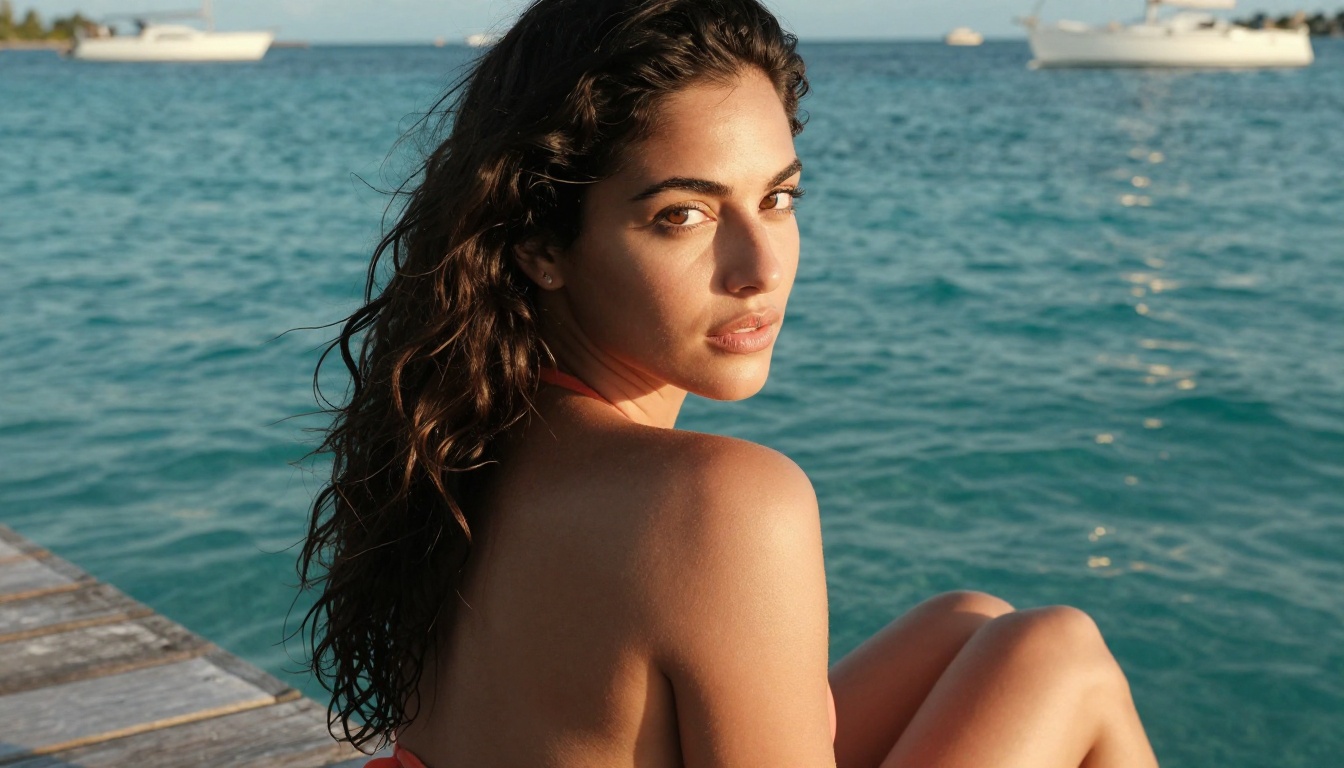
The first time you drop a portrait into Wan 2.7 I2V and watch that person's hair lift in the breeze, their chest rise with a slow breath, and the ocean behind them come alive with rolling waves, you realize something fundamental has changed about what AI video can do. This is not interpolation or cheap frame-blending. Wan 2.7 Pro Turns Photos Into Hot Videos by actually understanding the 3D space inside the image, the likely physics of every surface, and the type of motion that would feel natural in that specific setting.
The result is a five-second clip that could pass as footage shot with a real camera. And on PicassoIA, you can do it right now, without installing anything, without a GPU, and without any professional editing experience.
What the Model Actually Does
Wan 2.7 is built on a video diffusion architecture that treats image animation as a temporal completion problem. When you give it a photo, it does not look at pixels and apply a motion filter. It analyzes the image at a semantic level, identifies subjects, backgrounds, depth layers, and the likely physical relationships between them, then generates the entire video sequence as a coherent whole.
This is why the results feel expensive. A generic motion tool might blur the background and nudge foreground pixels. Wan 2.7 generates individual frames that are each internally consistent, with correct lighting, natural skin behavior, and environmental physics that respect the original scene.
Reading a Photo Like a Scene
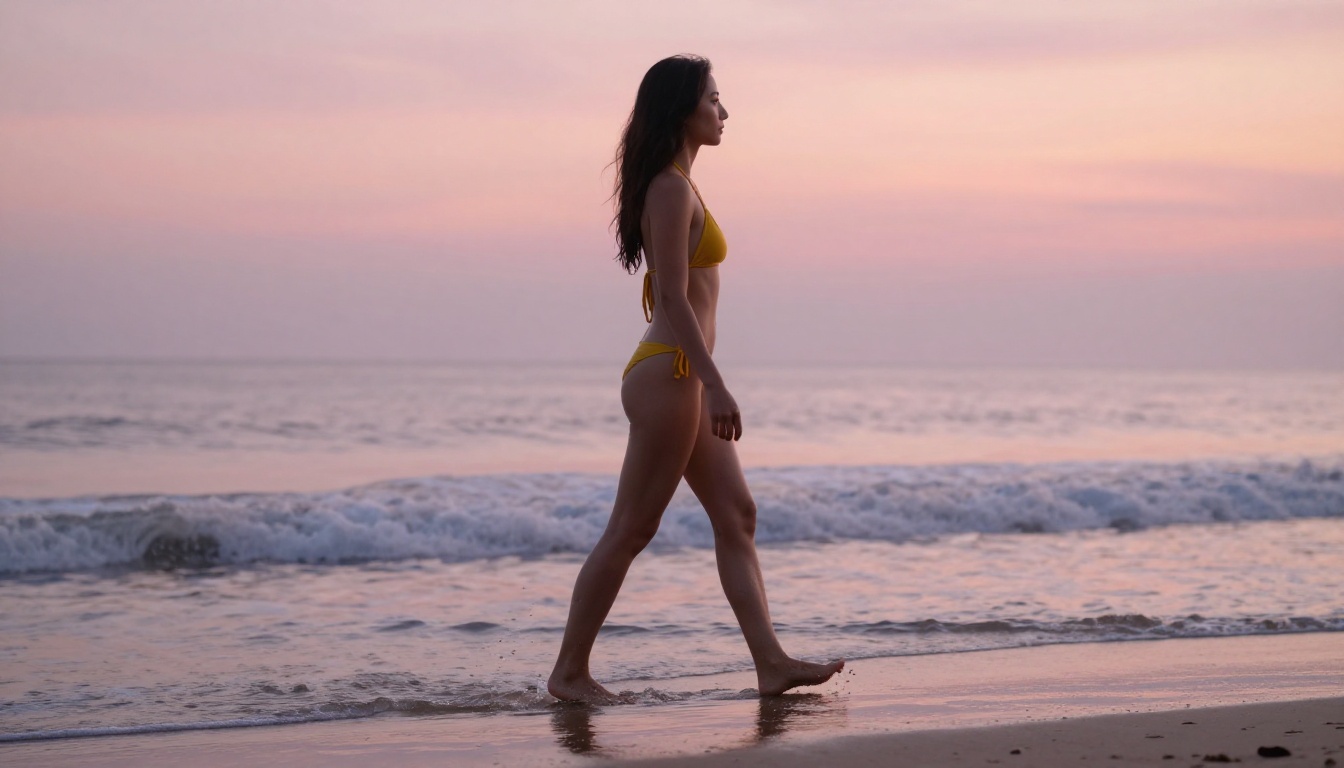
The model treats your input as the first frame of a video that was never shot. It infers ambient conditions from the light in the image. A photo taken on a sunny beach triggers wave motion, hair movement from the wind, and natural ambient-light variation across the frame. A studio portrait generates subtle breathing, delicate eye movement, and soft natural drift in head position. A fashion photo on a city street adds pedestrian blur in the background and clothing micro-movement in the foreground.
💡 The cleaner and higher-resolution your input photo, the more material the model has to work with. Source your images at 4K or higher for the best animated output.
Why Motion Looks This Real
Three things separate Wan 2.7 from older animation models:
- Semantic scene understanding: It knows that water moves differently from hair, which moves differently from fabric.
- Temporal consistency: Every generated frame references all others, not just the previous one. This prevents drift and flickering across the clip.
- Physics-aware generation: Gravity, wind, buoyancy, and inertia are implicit in the model's training. Water falls down. Loose fabric catches air. Hair has weight and responds accordingly.
These properties combine to make the output feel genuinely filmed rather than artificially animated.
The Full Wan 2.7 Suite on PicassoIA
PicassoIA hosts the entire Wan 2.7 family. Each variant does something distinct, and knowing which one to reach for saves you generation credits and time.
Wan 2.7 I2V (Image to Video)
Wan 2.7 I2V is the model that puts photos into motion. Upload any image, write a prompt describing the motion you want, and the model generates a five-second clip at up to 1080p. It handles portraits, landscapes, product shots, fashion photography, swimwear and beach content, and any other photographic subject with equal fluency.
Wan 2.7 T2V (Text to Video)
Wan 2.7 T2V works from text alone, generating a video from a written description without needing a source image. It shares the same core architecture as the I2V variant, which means the same quality ceiling and the same physics awareness. Use it when you want to create scenes from scratch rather than animating existing photos.
Wan 2.7 R2V (Reference to Video)
Wan 2.7 R2V takes a step further by letting you provide a reference subject and placing that subject into a generated scene. You can take a portrait of a person and animate them in an entirely new environment, separate from the original photo's background. This makes it invaluable for creative and commercial content where you want character consistency across different visual contexts.
How to Use Wan 2.7 I2V on PicassoIA
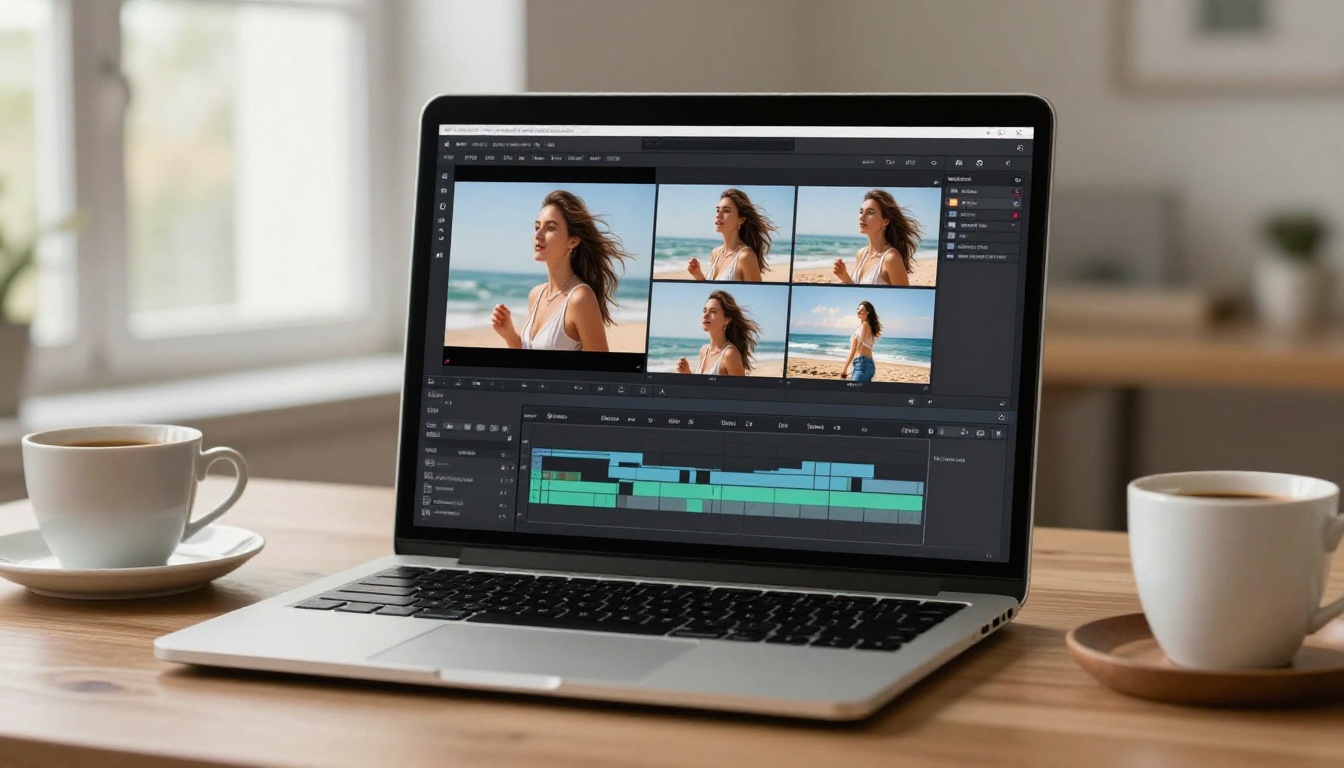
PicassoIA makes the workflow straightforward. Here is exactly what the process looks like from start to final video.
Four Steps to Your First Animated Photo
Step 1: Open the model
Go to Wan 2.7 I2V on PicassoIA. You will see the input panel with an image upload field and a text prompt box.
Step 2: Upload your photo
Click the upload area and select your source image. Supported formats include JPEG, PNG, and WebP. For best results, use a photo with a clear subject and a well-lit background. Avoid heavy filters, extreme noise, or severe compression artifacts in the input file.
Step 3: Write your motion prompt
This is the most important step. The prompt tells the model what should move and how. Write in plain, descriptive language. Specify what you want animated: hair, water, clothing, body movement, camera direction. Be specific but not over-constrained. Two to three motion cues per prompt typically produces the best results.
Step 4: Select resolution and generate
Choose your output resolution (720p or 1080p for best quality), then run the generation. Processing typically takes between 30 and 90 seconds depending on server load. Download your MP4 when it completes.
💡 Generate at 720p first to test your prompt, then switch to 1080p for your final version. It saves time and credits during the iteration phase.
Photos That Work Best
Not all input images produce equally impressive animation. These types of photos consistently deliver the strongest results:
| Photo Type | Why It Works Well |
|---|
| Beach and ocean portraits | Water animation is one of the model's core strengths |
| Fashion and swimwear shots | Fabric and hair movement look cinematic and natural |
| Nature landscapes | Trees, grass, and water follow realistic physics |
| Lifestyle portraits | Breathing and subtle movement feel completely authentic |
| Rooftop or outdoor urban | Wind effects on clothing and hair animate beautifully |
Avoid heavily edited photos with artificial backgrounds or exaggerated color grading. The model's physics engine works best with images that already look like they could be frames from real footage.
Writing Prompts That Produce Hot Results
The prompt is where most people either win or lose with Wan 2.7 I2V. The model responds well to motion-focused, physically descriptive language. Think about what a film director would tell a cinematographer: what moves, how fast, what the camera does, and what atmosphere the scene carries.
Motion Vocabulary That Works
Here are specific phrases and structures that consistently produce strong outputs:
For subjects:
- "hair gently flowing in the ocean breeze"
- "dress fabric rippling in a warm wind from the left"
- "subject takes a slow, deep breath, chest rising naturally"
- "water cascading down her shoulders in slow motion"
- "eyes shift subtly downward then return to camera"
For environments:
- "waves rolling in from the right, foam spreading at the shoreline"
- "palm fronds swaying overhead in a light tropical breeze"
- "sunlight flickering through tree canopy above"
- "bokeh lights in the background pulse softly"
For camera:
- "slow dolly-in toward subject"
- "gentle cinematic pan from left to right"
- "camera holds steady with slight natural handheld drift"
- "aerial pull-back revealing the full beach below"
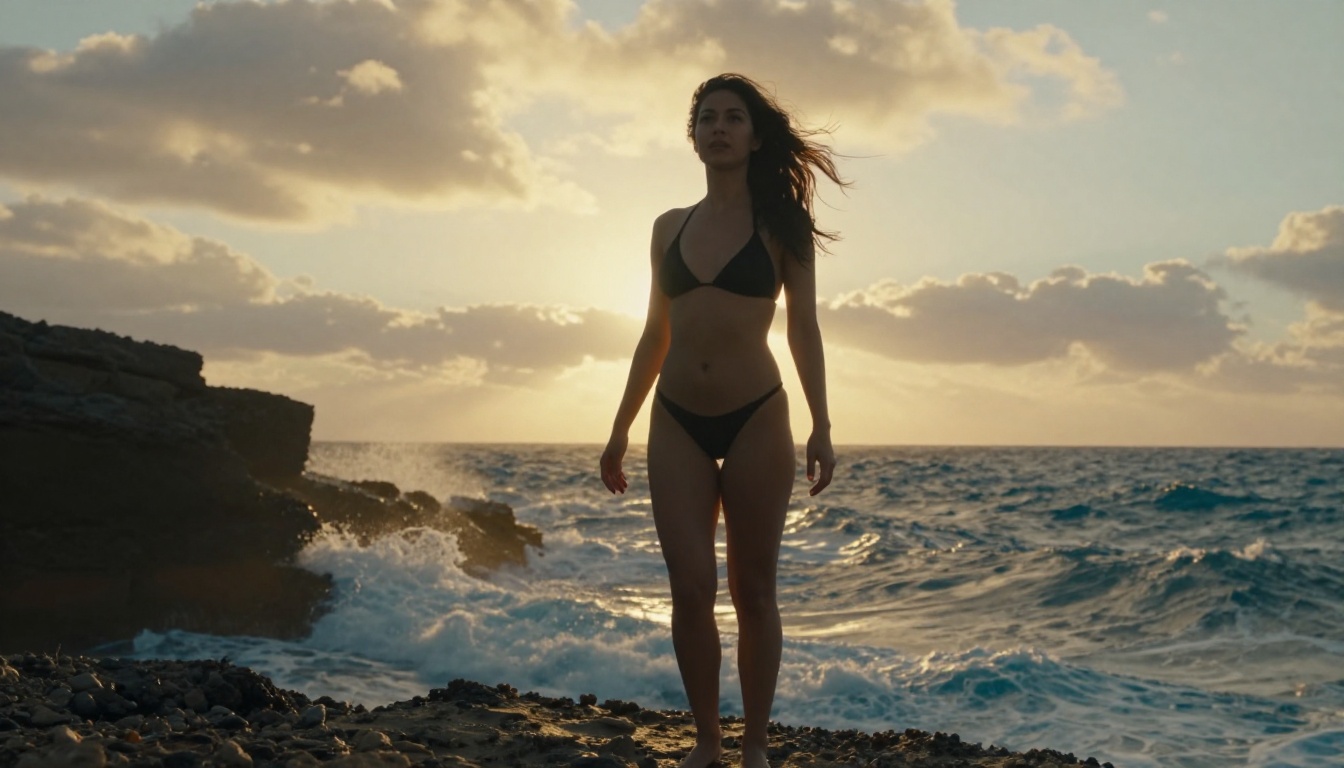
Combine these elements. A prompt like "woman's hair flows gently in the sea breeze, waves roll in slowly behind her, camera performs a slow cinematic dolly-in, warm golden light shifts slightly as clouds pass overhead" gives the model all the motion cues it needs to produce a compelling result.
What to Avoid in Prompts
Certain prompt patterns produce poor results or confuse the model:
- Describing the subject's appearance rather than their motion ("beautiful woman in a red dress" tells the model nothing new about movement, it can already see the image)
- Requesting impossible physics ("hair blowing upward against gravity without a fan")
- Overloading the prompt with too many simultaneous actions (the model works best with two to three primary motion cues)
- Using abstract aesthetic terms without physical grounding ("ethereal" and "dreamlike" need to be paired with concrete physical descriptions to have any useful effect on the output)
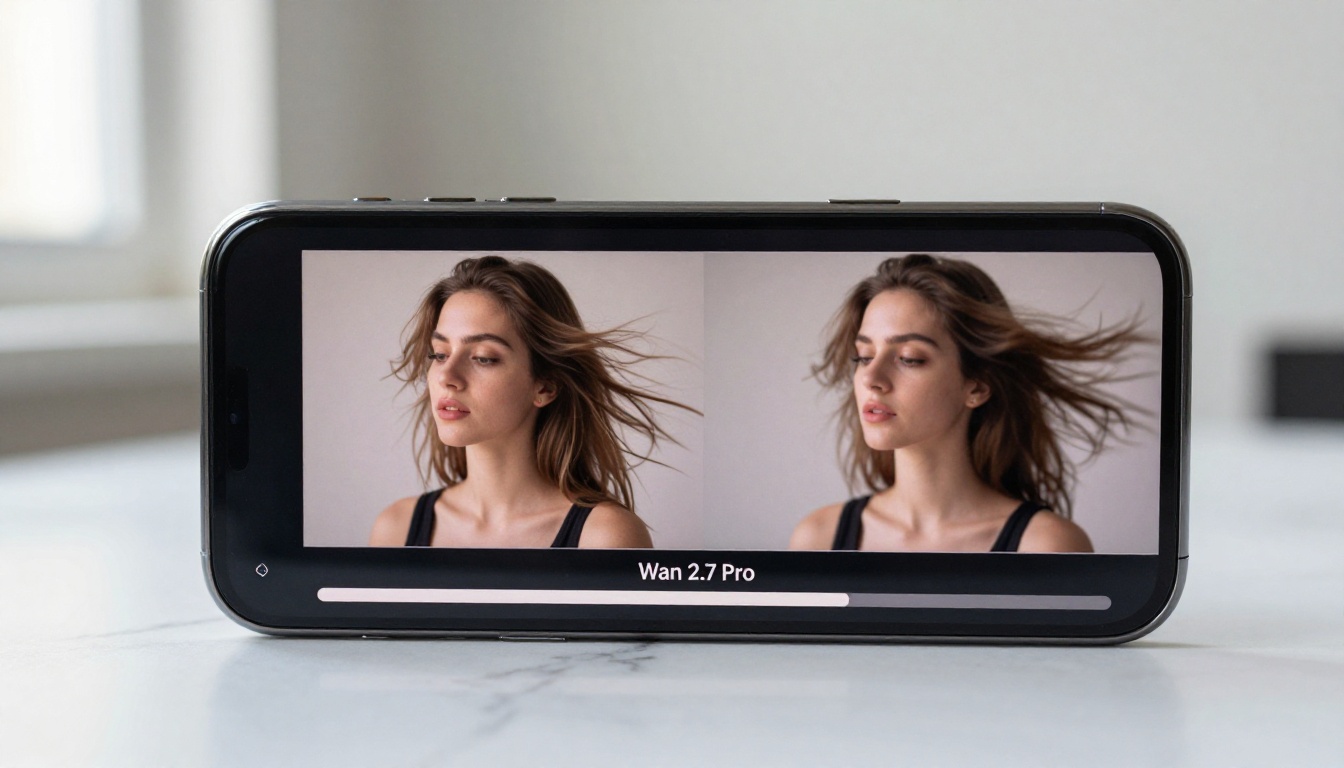
Wan 2.7 vs The Top Rivals
PicassoIA hosts a large collection of photo-to-video models. Here is how Wan 2.7 I2V compares to the strongest alternatives currently available on the platform.
| Model | Resolution | Strengths | Best For |
|---|
| Wan 2.7 I2V | Up to 1080p | Physics realism, temporal consistency | Portraits, nature, fashion |
| Kling v3 Video | 1080p | Cinematic motion, strong character fidelity | Character animation, dramatic scenes |
| Seedance 2.0 | 1080p with audio | Native synchronized audio, fast generation | Social content and reels with sound |
| Hailuo 02 | 1080p | Detailed subject preservation | Product and beauty shots |
| Pixverse v5.6 | 1080p | Speed and style variety | Quick content batches |
| LTX 2.3 Pro | 4K | Highest resolution available | Professional and large-screen content |
Wan 2.7 I2V's main advantage is the balance between generation speed, physics quality, and input fidelity. It does not alter your subject. The face, body proportions, and clothing all carry through to the animation exactly as they appear in the source photo. Several competing models introduce subtle drift in subject appearance across frames. Wan 2.7 does not, which is critical when you are working with real portraits or commercial photography where identity accuracy matters.

Other Models Worth Trying
If Wan 2.7 I2V does not match your exact use case, PicassoIA has several strong alternatives worth knowing about.
For the fastest turnaround: Wan 2.2 I2V Fast runs on the same lineage as 2.7 but prioritizes speed over maximum quality. It is ideal for quick concept tests before committing to a full-quality run with the newer model.
For video with native audio: Seedance 2.0 is the platform's strongest model when you need your clip to come with synchronized ambient sound, music, or dialogue. It generates audio alongside the video in a single pass, which removes an entire post-production step.
For cinematic character motion: Kling v3 Video specializes in complex character movement and dramatic scene composition. If you need a subject to perform a specific action over a longer arc of motion, Kling v3 handles it with fewer artifacts and more expressive results.
For 4K output: LTX 2.3 Pro delivers the highest resolution available on the platform. For work displayed on large screens, printed marketing material, or broadcast-format content, the extra pixel density makes a visible difference in perceived quality.
For earlier Wan I2V versions: Wan 2.6 I2V and Wan 2.5 I2V are still available on the platform and produce solid results, particularly on portrait-type images where the incremental quality difference between versions is less pronounced.

Tips for Stunning Results
Getting great video from Wan 2.7 I2V is repeatable once you understand the relationship between photo quality and animation quality. The model can only work with what you give it.
Input Photo Quality Matters More Than Anything
The single biggest predictor of a great animated clip is the quality and composition of the source photo. Pay attention to these four factors:
- Lighting: Flat, overexposed, or heavily shadowed photos produce muddy animation. Photos with clear, directional natural lighting animate beautifully because the model has strong lighting information to preserve and extrapolate.
- Sharpness: Motion blur in the source image confuses the model's understanding of scene geometry. Use photos that are crisp throughout the subject.
- Background complexity: Simple, clean backgrounds give the model more freedom to animate them naturally. A complex, cluttered background can produce artifacts as the model tries to animate too many competing elements simultaneously.
- Subject framing: Full-body or three-quarter shots animate better than extreme close-ups for most motion prompts. Close-ups work well specifically for face and hair animation where the motion is subtle and contained.
💡 Photos shot in natural outdoor light with a shallow depth of field produce some of the most cinematic animations. The blurred background becomes a beautifully animated bokeh layer, while the sharp subject carries all the detailed motion work.
3 Mistakes People Make
1. Using a prompt that describes the photo instead of the motion. The model already sees the image. Your prompt should only describe what moves and how. Restating what is visually obvious wastes your token budget and dilutes the motion cues.
2. Generating at low resolution and expecting high-quality output. Resolution settings are not interchangeable. The physics simulation and temporal consistency at lower resolutions are deliberately reduced to save compute. If you need professional-quality output, generate at 720p minimum and use 1080p for final delivery.
3. Trying to animate a busy photo with too many competing elements. Wan 2.7 I2V excels at animating one to three primary elements per scene. When the source image has ten things the model needs to animate simultaneously, results become less controlled and artifacts become more visible. Simpler compositions consistently produce more satisfying, higher-quality clips.
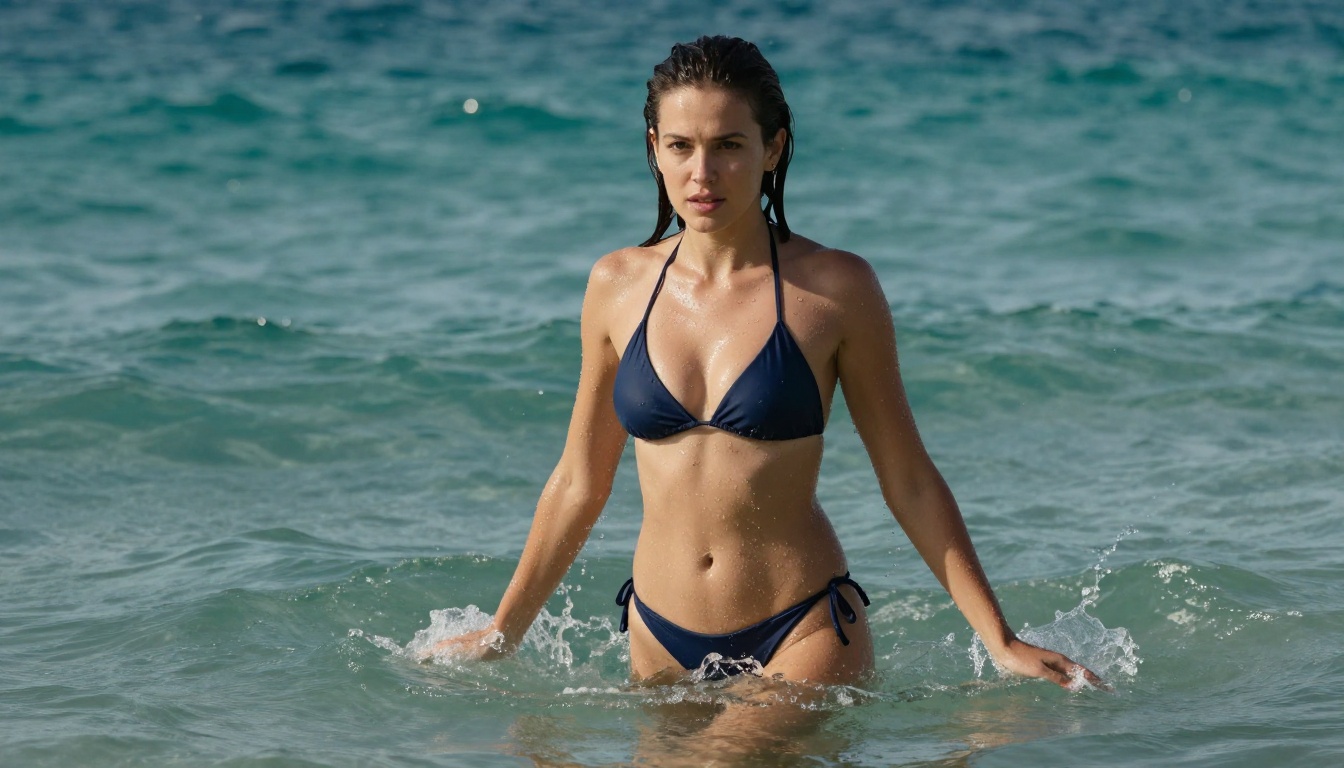
Bring Your Photos to Life on PicassoIA
The distance between a photo and a video has essentially collapsed. Wan 2.7 I2V does the work that used to require motion capture rigs, expensive post-production software, and full production teams. You upload an image, write a clear motion description, and come back to a professional-quality video clip in under two minutes.
Whether you want to animate a portrait from a photoshoot, bring a fashion shot to life for social content, or create cinematic imagery from a travel photo, the tools are ready on PicassoIA alongside Wan 2.7 T2V, Wan 2.7 R2V, and over 100 other video generation models in every category.
The best way to understand what Wan 2.7 can do is to run it on your own photos. Drop your first image into Wan 2.7 I2V, write a two-sentence motion prompt, and see what comes back. Most people are genuinely surprised by how far the first result lands from what they expected, and how good that surprise actually looks.
Browse the full catalog of AI video models at picassoia.com/en/all-models.


