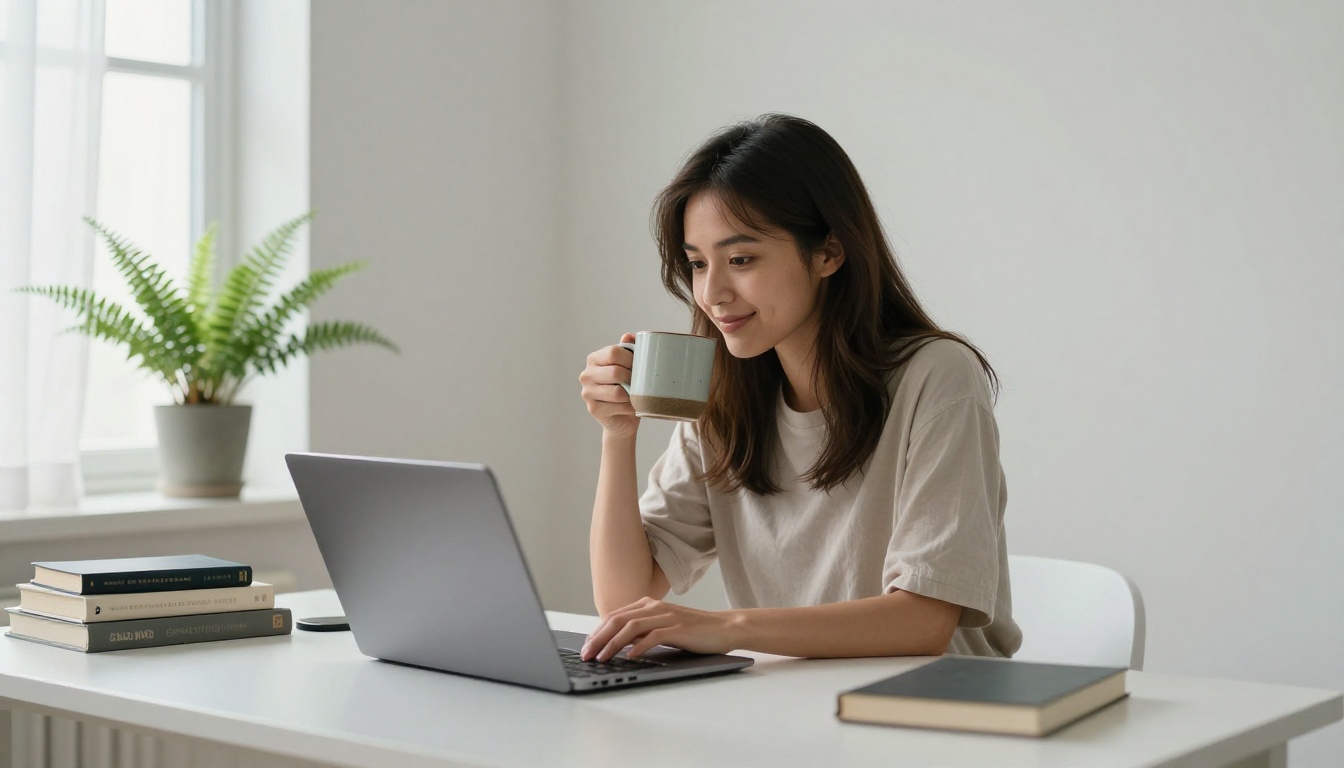
There is a moment every AI image user eventually hits. You type a careful, detailed prompt, hit generate, and something is slightly wrong. The hands have six fingers. A background sign reads gibberish. The character you built across three precise prompts looks like a completely different person in the next image. These are not random glitches. They are structural blind spots built into how current AI image models actually work, and recognizing each one is the difference between wasted credits and efficient, intentional creative output.
This is a direct look at what an AI image model can't do yet, why each limitation exists at a technical level, and which real tools help close each gap.
The Text Problem Is Worse Than You Think
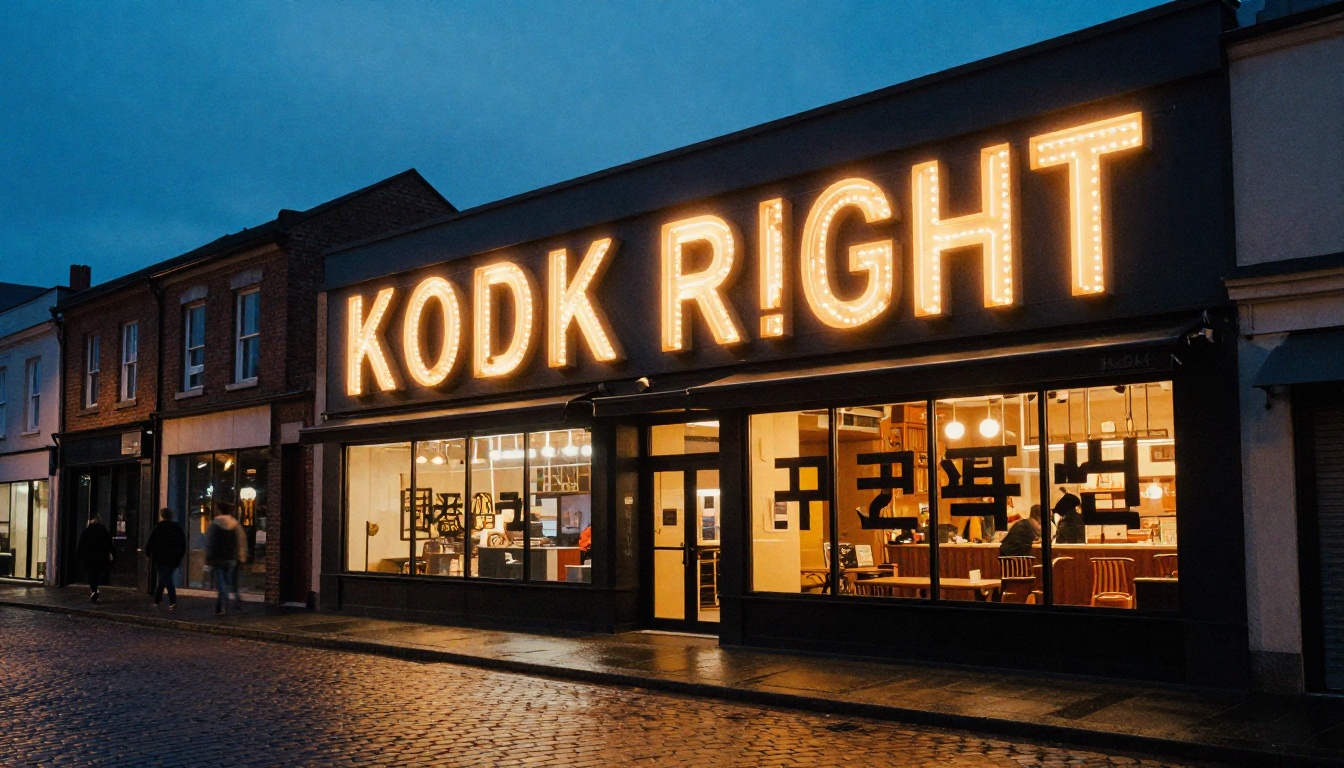
AI image models do not "write" text. They have no concept of letters as discrete symbols carrying meaning. Instead, they learn that certain pixel patterns appear near certain caption words in training data, and they reproduce those visual textures. The result is something that looks convincingly like text until you read it closely, at which point it falls apart into meaningless shapes and overlapping strokes.
Why Letters Break Down
When you prompt a standard diffusion model to show readable text on a sign, a book cover, or a printed label, the model pulls from statistical associations between caption words and pixel patterns. Short, common words occasionally survive intact. Anything longer, or any text requiring precise letter spacing and consistent geometry, degrades quickly. The model has no internal dictionary, no concept of letterforms as symbolic units, and no mechanism for verifying that what it rendered is actually readable.
This is why AI-generated images of restaurants, storefronts, product labels, menus, books, and newspapers almost always contain garbled text. The model is not making an error by its own standards. It is pattern-matching the visual appearance of text without encoding any linguistic meaning whatsoever.
The problem compounds with non-Latin scripts. Models trained mostly on English-language data perform especially poorly on Arabic, Chinese, Korean, Thai, or Cyrillic characters, producing textures that are visually reminiscent of the script family but utterly illegible when read by someone who speaks the language.
Riverflow 2.0 Pro Is the Exception
Not every model shares this limitation equally. Riverflow 2.0 Pro was designed specifically with typography control in mind, allowing you to embed fonts and specify readable text placement with far greater accuracy than standard diffusion models. Riverflow 2.0 Fast provides the same typography capability in a faster workflow for time-sensitive projects. If accurate text is a hard requirement for your output, these models are the direct solution, not a workaround.
💡 Tip: Keep any text in your prompt short. Wrap the exact word in quotes (e.g., "SALE") and use a typography-aware model. Standard diffusion models reliably fail on strings longer than two or three common words.
Hands Are Still a Recurring Nightmare
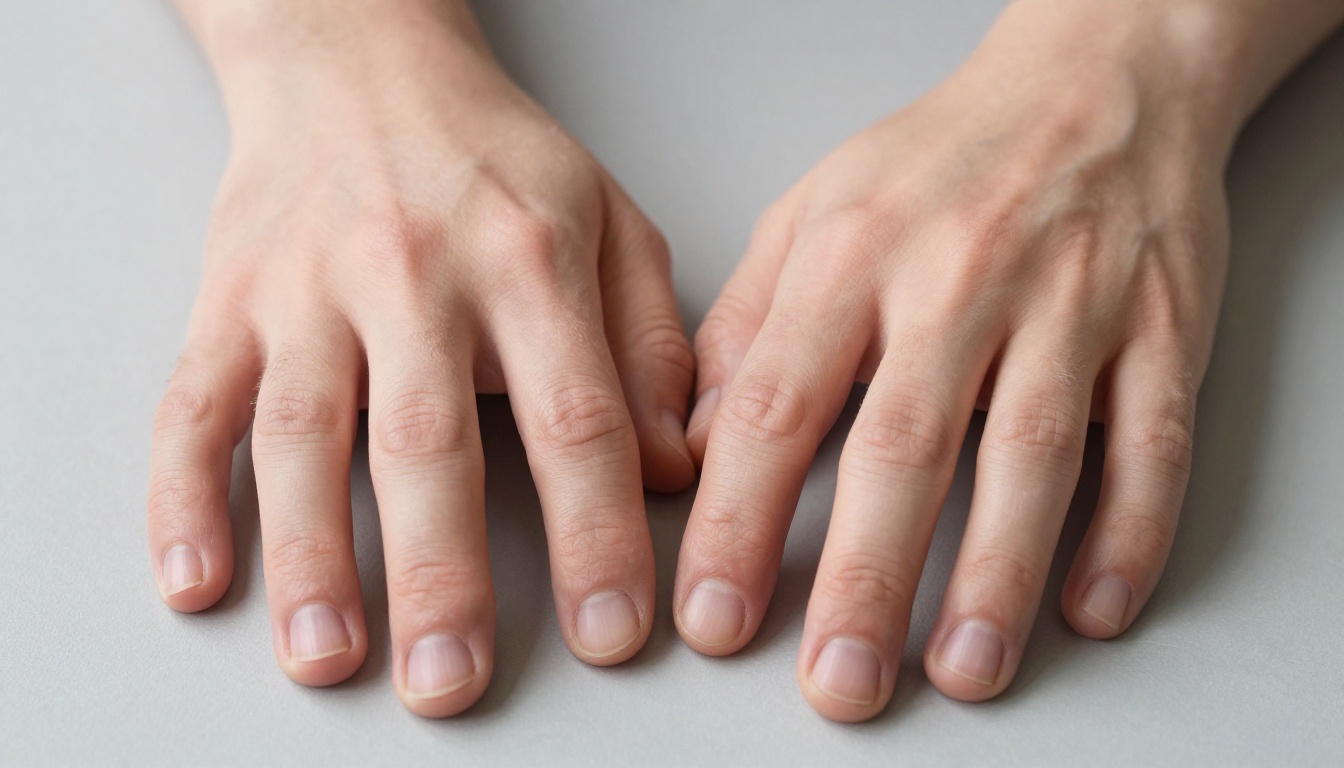
Hands are the most-cited failure in AI image generation, and the problem runs deep. Human hands are structurally complex: 27 bones, variable pose configurations, and enormous variability in lighting, angle, and partial occlusion. Training datasets contain hands in millions of configurations, but models have consistently failed to generalize a reliable anatomical structure from all that variance.
Why the Model Counts Wrong
Diffusion models do not count. There is no arithmetic happening when a model renders a hand. The number of fingers that appears in the output is a statistical likelihood based on what pixel patterns fit the surrounding composition, not a deliberate decision. When hands are partially occluded, in unusual poses, or near other complex objects, the model distributes finger-shaped patterns across the available space without anatomical constraint. Six fingers is common. Merged knuckles, boneless-looking palms, and hands with no clear wrist attachment all happen regularly.
Newer architectures trained on higher-resolution, carefully curated datasets have reduced this problem significantly. But even the strongest current models produce hand failures under certain compositional conditions, particularly when hands are interacting with small objects, gripping things, or positioned at unusual angles.
Fixing Hands with Inpainting
Prompting harder rarely fixes the problem. The most reliable workaround is inpainting: generate the full image first, then mask and regenerate the hand region specifically with a focused anatomical prompt. PicassoIA Image Editor Pro makes this workflow direct, letting you draw a mask around the problem area and re-generate it while the rest of the image stays intact. Qwen Image Edit Plus offers similar inpainting precision with strong detail preservation at the mask boundary.
💡 Tip: Add "five fingers, correct human anatomy, natural finger separation, no extra digits" to any prompt that shows hands in the foreground. It does not eliminate the problem but measurably reduces failure rate.
Same Character, Different Face
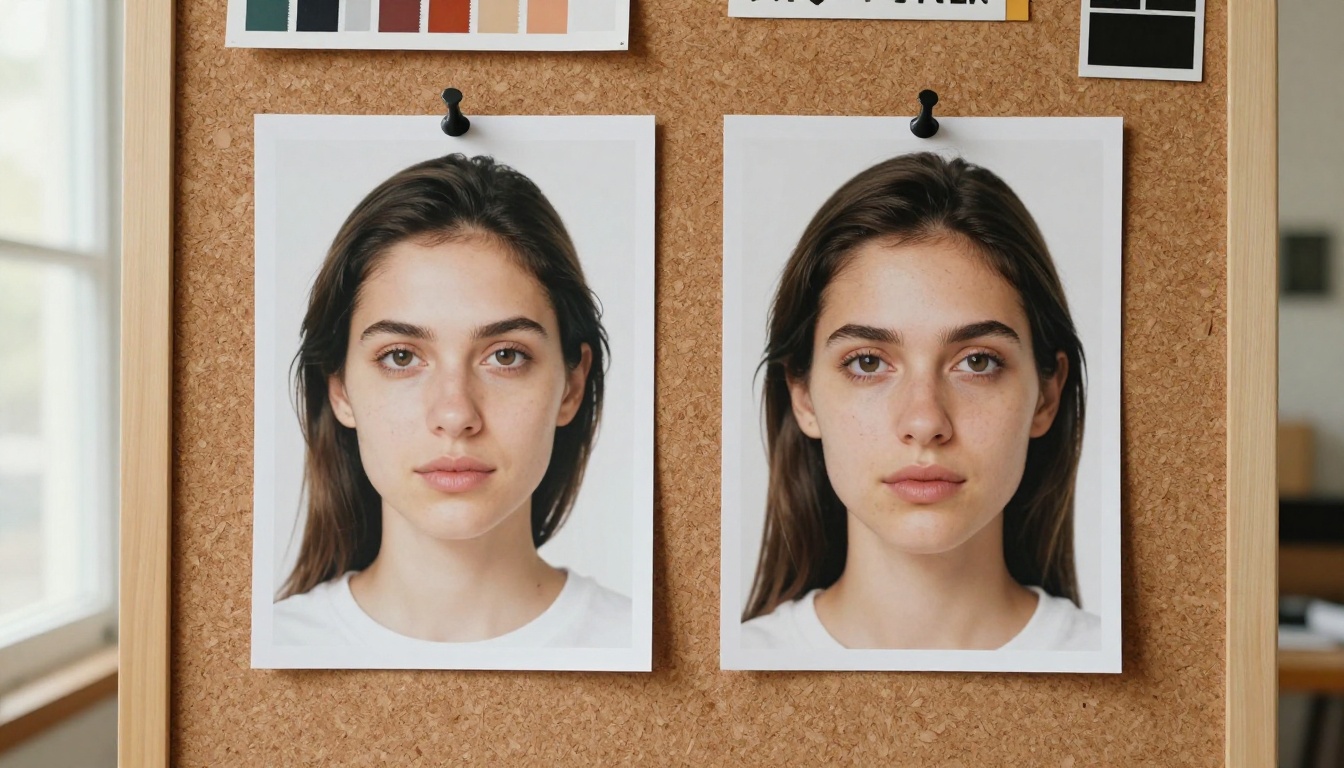
Generating the same recognizable character across multiple images is one of the most requested capabilities in AI image generation and one of the hardest to achieve with standard text-to-image models. Prompt the same physical description twice and you get two different people. Change a single adjective and the face shifts again. This is not a prompting skill problem. It is a structural property of how diffusion models generate each image independently from scratch.
The Identity Drift Problem
Each image a diffusion model produces starts from randomized noise. There is no character memory between generations. Even with highly specific physical descriptors (exact eye color, distinctive jawline shape, specific hair texture, a unique scar), the model samples from a probability distribution and produces a variation within that range rather than a reproduction of a fixed individual. The more generations you run, the more the face drifts away from the original intent.
This creates tangible problems for product campaigns, visual storytelling, brand characters, and any workflow requiring a recognizable recurring subject. A series of images of "the same woman" produced purely through text prompting will look like a casting call, not a consistent character across scenes.
Flux Redux Dev for Stable Variations
Flux Redux Dev approaches this problem differently. It takes an existing image as its reference and generates coherent visual variations that preserve the subject's core identity, composition, and style. This is the most accessible route to consistent character generation without training a custom LoRA from scratch. For campaigns requiring a recognizable face across multiple scenes, using Redux Dev with a single strong reference portrait significantly reduces identity drift between generations.
💡 Tip: Generate one ideal character portrait with your highest-quality model first. Then use Flux Redux Dev for all scene variations from that anchor image, rather than re-prompting from a text description each time.
Logos and Real-World Brands
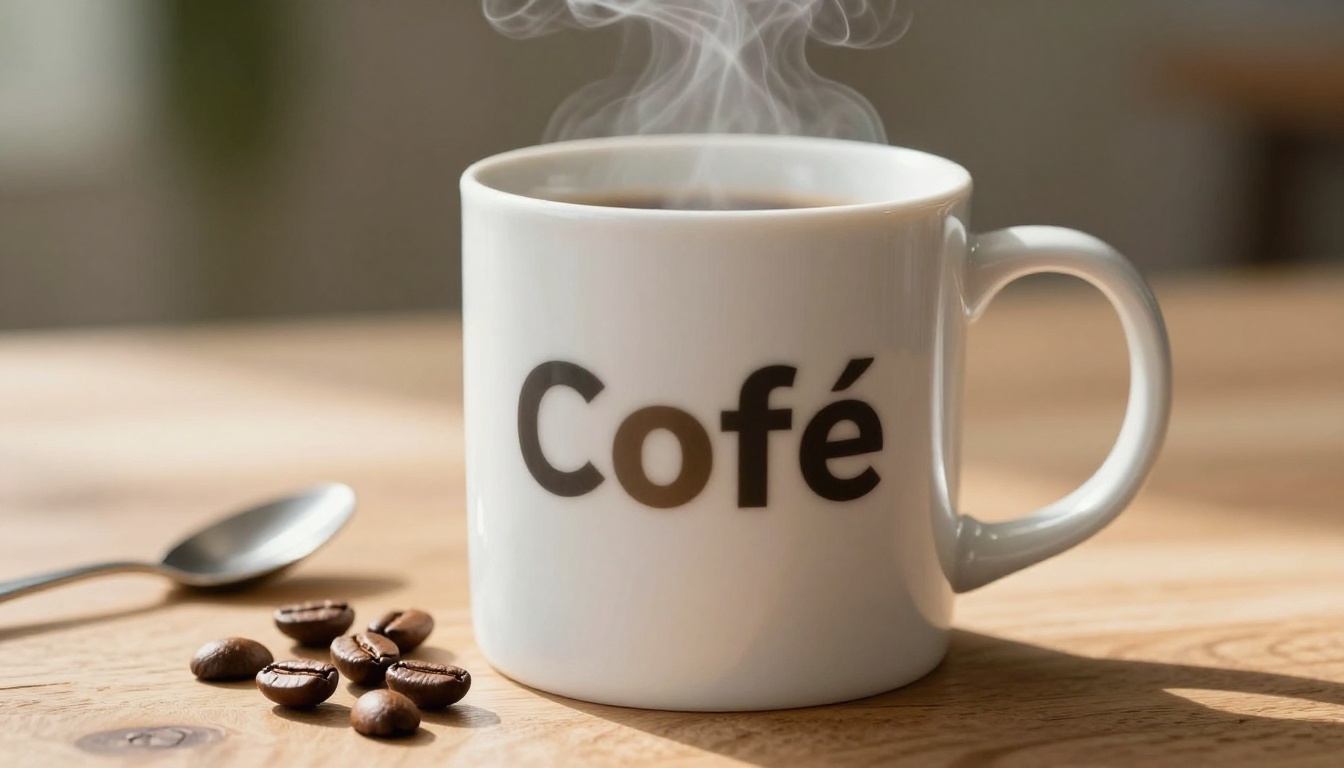
AI image models cannot accurately reproduce real-world trademarked logos or specific brand marks. This reflects both a legal constraint embedded in training procedures and a technical one: logos depend on exact geometric proportions, specific color values, and precise letterform spacing that diffusion sampling cannot faithfully reconstruct.
What Happens with Trademarks
When you prompt for a product with a real brand logo, the model produces an aesthetic approximation. The shape and color read as correct at a glance. The letter forms are recognizable as almost-right. But characters merge, proportions drift, and the geometric precision required for brand accuracy is absent. Models have been trained on millions of images containing real brands but have been guided during training to avoid exact reproduction, both for copyright reasons and because pixel-perfect geometric faithfulness is not what diffusion sampling optimizes for.
The Product Photo Workaround
The cleanest solution is to separate the generation step from the branding step entirely.
| Scenario | Best Approach |
|---|
| Product mockup with brand | Generate the product shape and lighting, add logo in design software |
| Lifestyle shot with branded item | Use a generic product version in the prompt |
| Packaging with label text | Generate the form and material, typeset the label separately |
| Campaign imagery with real product | Use AI for environment and mood, composite real product photo over it |
Seedream 4.5 excels at generating clean 4K product surfaces with accurate material textures and controlled lighting. Use it to establish the visual environment, then add the accurate brand mark in Photoshop, Figma, or any compositor afterward. The result looks identical to a fully AI-generated image but with brand-accurate typography.
Spatial Logic Is Broken
Place a red ball to the left of a blue cube. Show two people with a third standing between them. Position an object in the foreground while another sits directly behind it at a specific angle. Standard diffusion models fail on all of these with frustrating regularity. Spatial reasoning errors are systematic rather than occasional.

Left and Right Confusion
Diffusion models work through pixel-level denoising, not spatial reasoning. "Left" and "right" are abstract relational concepts that models only partially map to compositional statistics absorbed from training data. The statistical association is real but weak. In practice, left-right positions are swapped or ambiguous roughly half the time.
Camera-relative language tends to perform better than directional terms. "Foreground object," "background element," "near camera," "far from viewer," and "upper right corner of frame" connect more reliably to compositional patterns the model has internalized. Positional keywords anchored to the frame outperform relational directions anchored to subjects within the image.
Counting and Placement
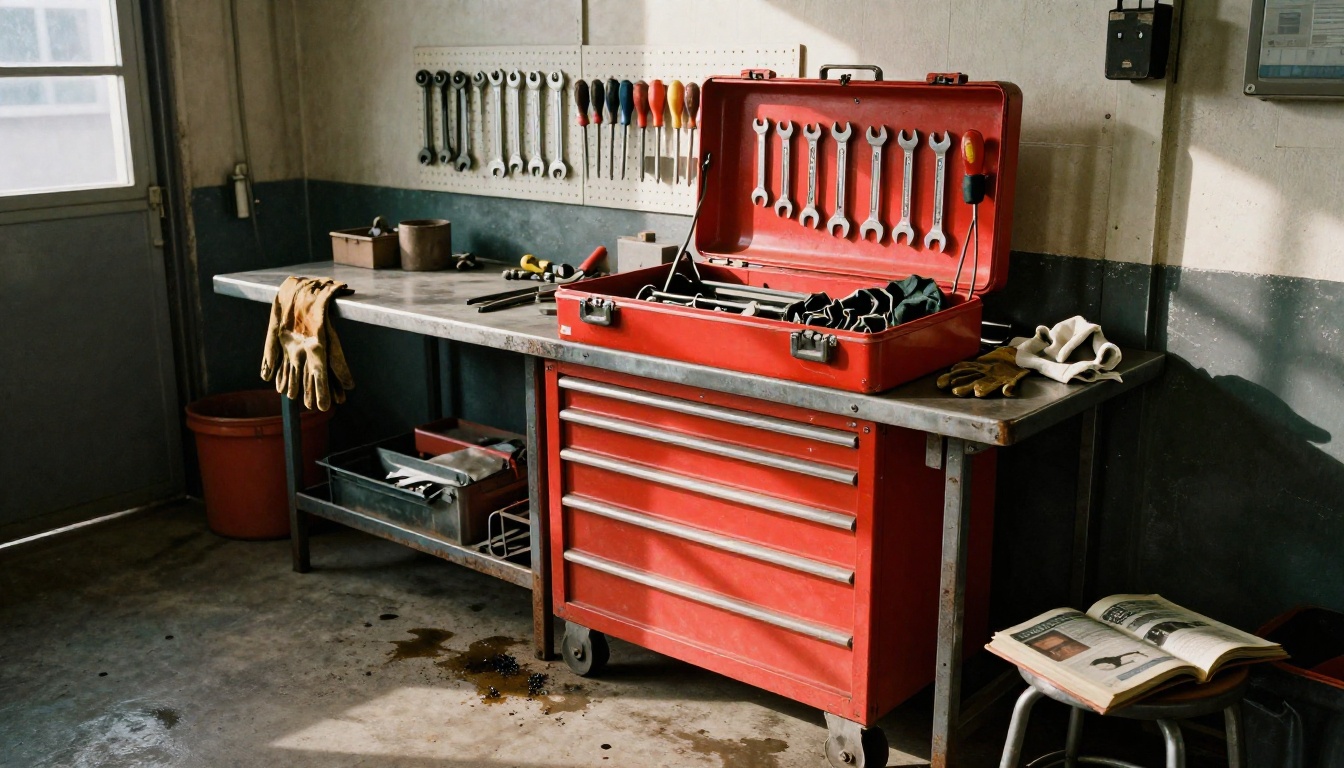
Counting is equally unreliable. "Three dogs" often yields two or four. "Five people in a group" rarely produces exactly five. "A single tree on the right side" sometimes becomes two trees or none at all. The model has no arithmetic verification step, so it distributes subject patterns across available space based on what looks compositionally plausible to its learned distribution, not what the number in the prompt specified.
What actually helps:
- Describe spatial relationships rather than absolute positions: "Person A stands in front of Person B, with B visible just behind A's shoulder"
- Use frame-anchored terms: "center frame," "upper right," "lower left corner," "filling the foreground"
- Generate multiple variations and select the one that matches the intended arrangement
- For precision-critical compositions, use ControlNet-based structural control available through PicassoIA Image to define exact object positions with a reference skeleton or depth map
Cultural and Regional Detail
Models trained predominantly on Western internet data carry that skew into every generation. Prompt for "traditional clothing" and the output defaults toward European folk dress. Regional architecture, ceremonial objects, non-Western scripts, and culturally specific foods are rendered with stereotyped approximations or, in some cases, visually plausible details that do not actually exist in the referenced culture.
Western Bias in Training Data
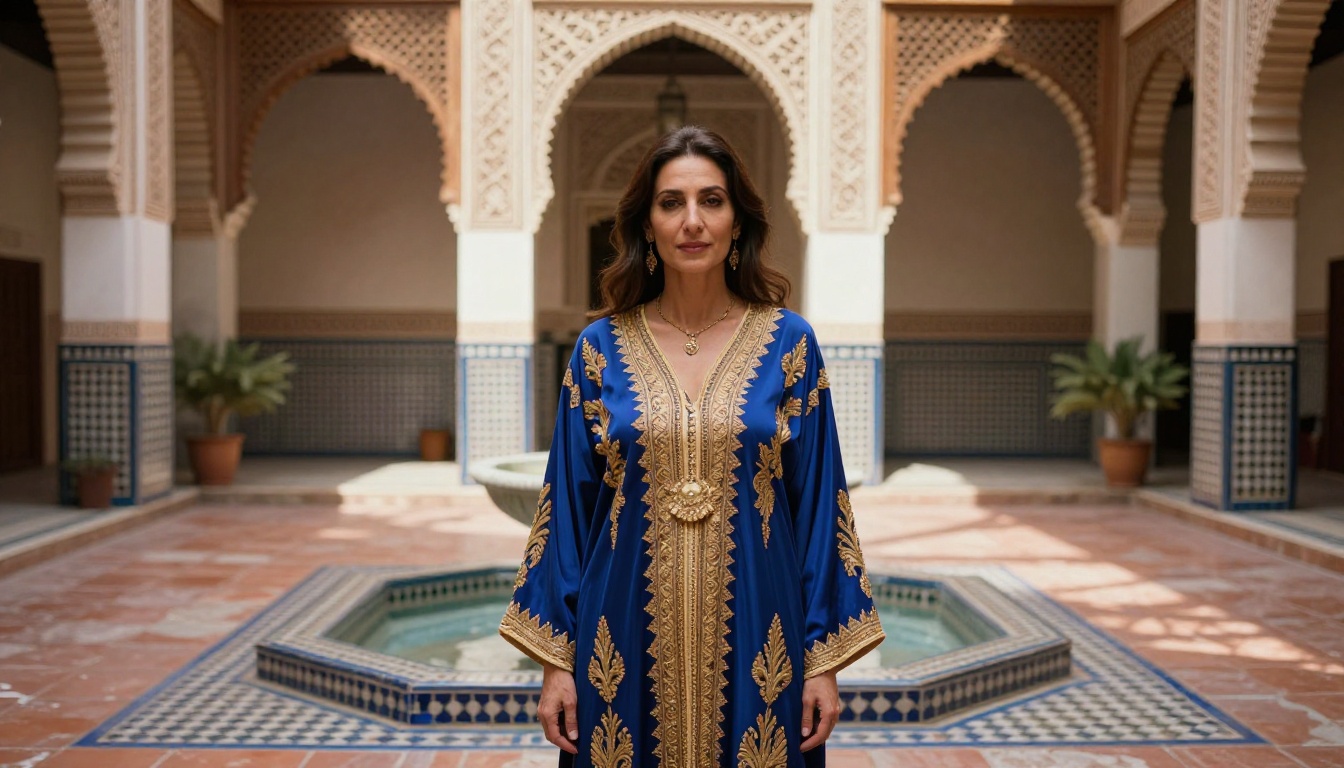
Most large-scale image datasets used for training AI models skew heavily toward English-language web content, stock photography libraries dominated by Euro-American subjects and settings, and social media from high-income, English-speaking markets. The practical consequence is a model that has encountered far fewer examples of West African ceremonial dress, East Asian rural architecture, Andean weaving patterns, or Central American market scenes than it has of a New York studio apartment or a Paris street cafe.
The visible result: reduced accuracy, generic visual approximations, and sometimes factually incorrect visual details when prompts move outside the model's densely represented zones. A traditional garment might look broadly correct in silhouette and color but display embroidery patterns that belong to a different culture or time period entirely.
What Prompts Can and Can't Fix
Specificity helps significantly. Naming the exact garment (kaftan, hanbok, kente cloth, huipil, ao dai), specifying the region and period, and including concrete visual details (zellige tile, indigo needlework, ikat weave pattern, specific dyeing technique) moves the model toward more accurate territory than generic cultural labels. But no prompt can compensate for a fundamental gap in training data volume. A model that has seen very few examples of a specific regional artifact will hallucinate plausible-looking visual details that are simply wrong.
For projects where cultural accuracy matters, validate AI output against photographic references before using it in public-facing work. GPT Image 2 demonstrates notably broader cultural coverage due to diverse training data and performs comparatively better on non-Western subjects than models trained on more homogenous datasets.
What Today's Best Models Actually Do Well
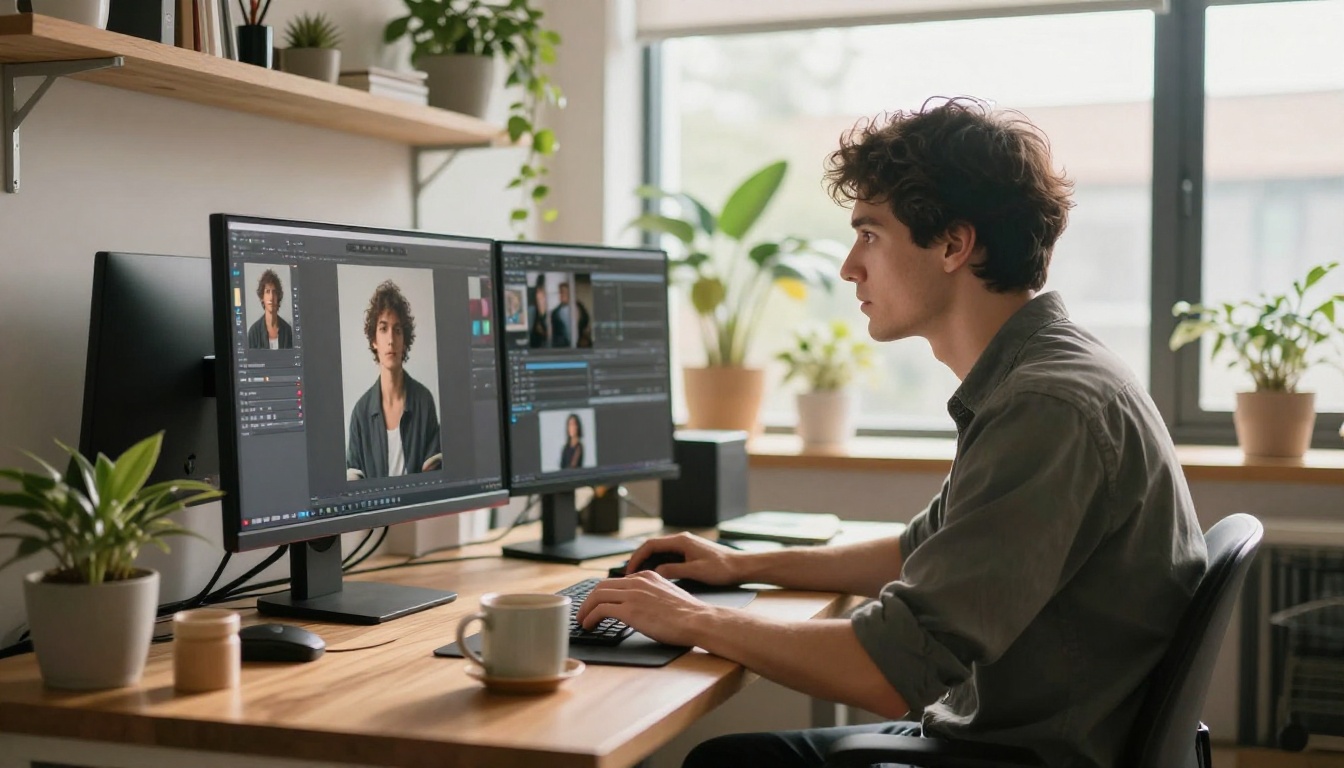
The limitations above are real, but they coexist with genuinely exceptional capabilities. Current AI image models are not mediocre tools with a few good moments. They are powerful tools with specific structural blind spots, and those blind spots are predictable.
Where current models perform exceptionally well:
| Capability | Strength Level |
|---|
| Atmospheric lighting and mood | Exceptional |
| Photorealistic skin, fabric, metal textures | Exceptional |
| Nature, landscape, and open environment | Excellent |
| Single-subject portrait photography | Excellent |
| Interior design and architecture | Strong |
| Product isolation on clean backgrounds | Strong |
| Abstract and conceptual imagery | Strong |
| Typography and logo reproduction | Weak |
| Complex spatial arrangements | Weak |
| Cross-session character consistency | Weak |
The strongest production workflow plays to these strengths while routing around the weaknesses at each stage.
PicassoIA Image Editor Pro covers the correction layer: inpainting broken hands, outpainting compositions to extend the frame, replacing specific objects in an otherwise good image, and restoring detail quality in problem areas. Pairing it with Hunyuan Image 2.1 for base generation gives you high-resolution 2K drafts with strong texture detail, then targeted region fixes for any specific problem areas that come back wrong.
The Workflow That Actually Works
Trying to prompt a perfect image in a single pass works occasionally and fails often. A more reliable approach treats generation and editing as two separate phases:
- Generate a strong base image with your chosen model
- Identify specific problem areas: hands, text, spatial errors, character drift
- Use inpainting to isolate and fix each problem region independently with a targeted prompt
- Apply super-resolution upscaling if your final output requires larger print dimensions
- Composite any brand marks, accurate text, or specific logos in external design software afterward
This matches how the technology actually performs rather than fighting against its structural properties.
Start Creating with Real Limits in Mind
Knowing what an AI image model can't do yet is not a reason to use it less. It is a reason to use it faster and with considerably less frustration. The gap between "what the prompt described" and "what the model delivered" closes quickly when you know where to expect drift and which tools to reach for at each stage.
PicassoIA brings together over 90 text-to-image models alongside editing tools, super-resolution, face-swap capabilities, and video generation in one platform. Whether you are correcting anatomy with PicassoIA Image Editor Pro, placing readable typography with Riverflow 2.0 Pro, maintaining character consistency with Flux Redux Dev, or generating 4K portraits with Seedream 4.5, the right tool for each specific limitation is already available.
AI image models are not there yet for flawless, perfectly controlled output on every prompt. But they are capable enough right now that recognizing their ceiling makes every creative workflow faster, not slower.
Pick a prompt, pick a model, and start generating. The workarounds are easier than they look.