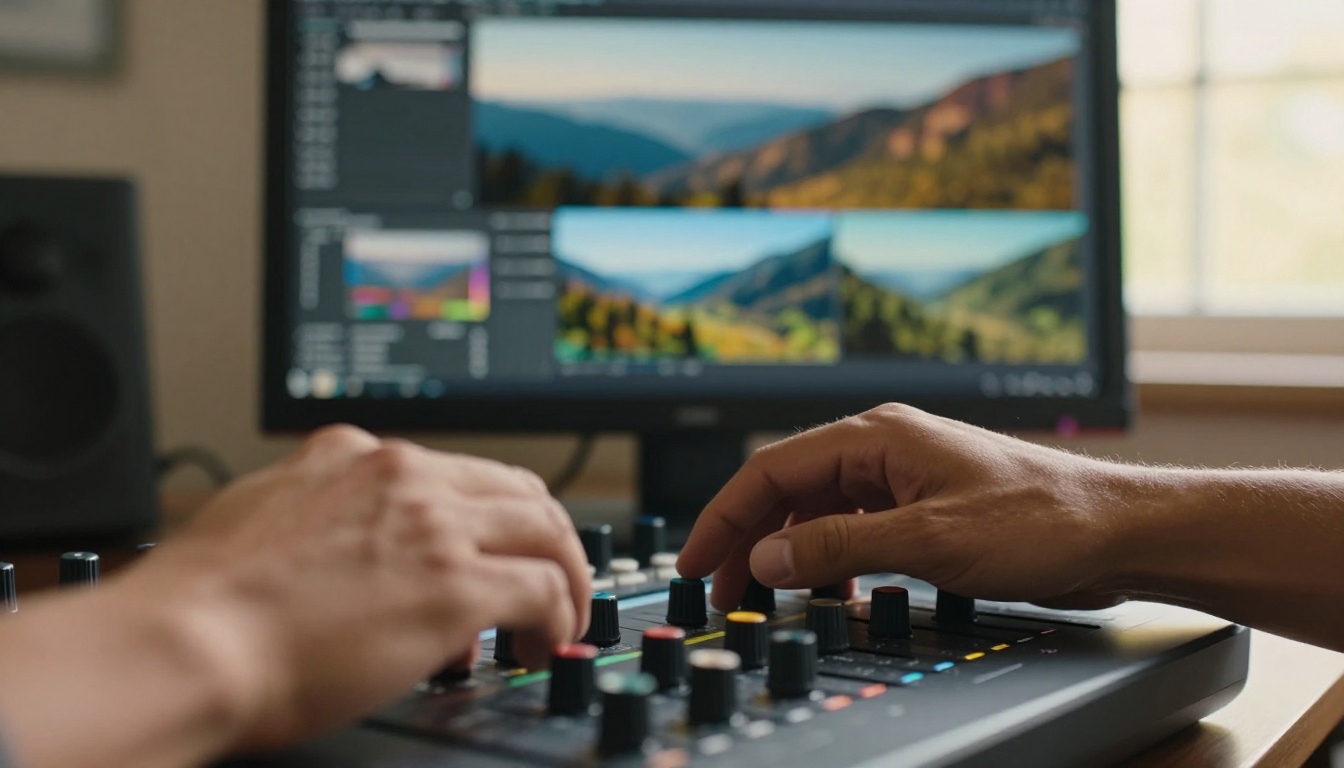
Visual effects used to be gatekept. You needed a compositing team, a rendering farm, and a budget that could fund a small film school. Today, a solo creator with a laptop can strip a background, erase an unwanted object, recolor an entire scene, and upscale footage to 4K, all inside a browser, in under ten minutes. That shift did not happen because editing software got a little better. It happened because AI fundamentally changed what visual effects are.
What AI Visual Effects Actually Do
The phrase "AI-powered visual effects" covers a wide territory. At its core, it means using machine learning models, specifically neural networks trained on millions of images and videos, to automate tasks that once required skilled human labor. Instead of a rotoscope artist hand-drawing masks frame by frame, a neural network identifies the subject in milliseconds. Instead of a colorist spending three days on a grade, an AI model reads the tonal values across every frame and applies consistent corrections in seconds.
The defining characteristic is contextual awareness. Traditional software processes pixels. AI models process meaning. That distinction is what makes this a genuine shift in how visual effects work, not just a speed improvement.
Beyond Filters and Presets
There is an important distinction to make early: AI visual effects are not filters. A filter applies the same static transformation to every pixel. AI visual effects understand context. A background removal AI does not just erase pixels below a brightness threshold. It identifies what is a person, what is the environment behind them, and generates a clean, accurate edge around complex subjects like hair, transparent fabric, or motion blur.
That contextual awareness is what makes the technology genuinely new, not just faster.
How Neural Networks Power the Magic
The models behind AI visual effects are typically built on one of three architectures:
- Convolutional Neural Networks (CNNs): Excel at spatial analysis. They power most image segmentation and upscaling tools.
- Diffusion Models: Generate or regenerate pixel data. Used in inpainting (filling removed objects with realistic backgrounds) and style transfer.
- Transformers: Process sequences of video frames to maintain consistency across time. Critical for stable background removal and motion tracking across video clips.
When you use Video Erase Object to remove something from a clip, all three concepts work in sequence. A segmentation model identifies the object, a diffusion model regenerates the background pixels, and a temporal consistency model ensures the result does not flicker across frames.
The 6 Core Types of AI Visual Effects
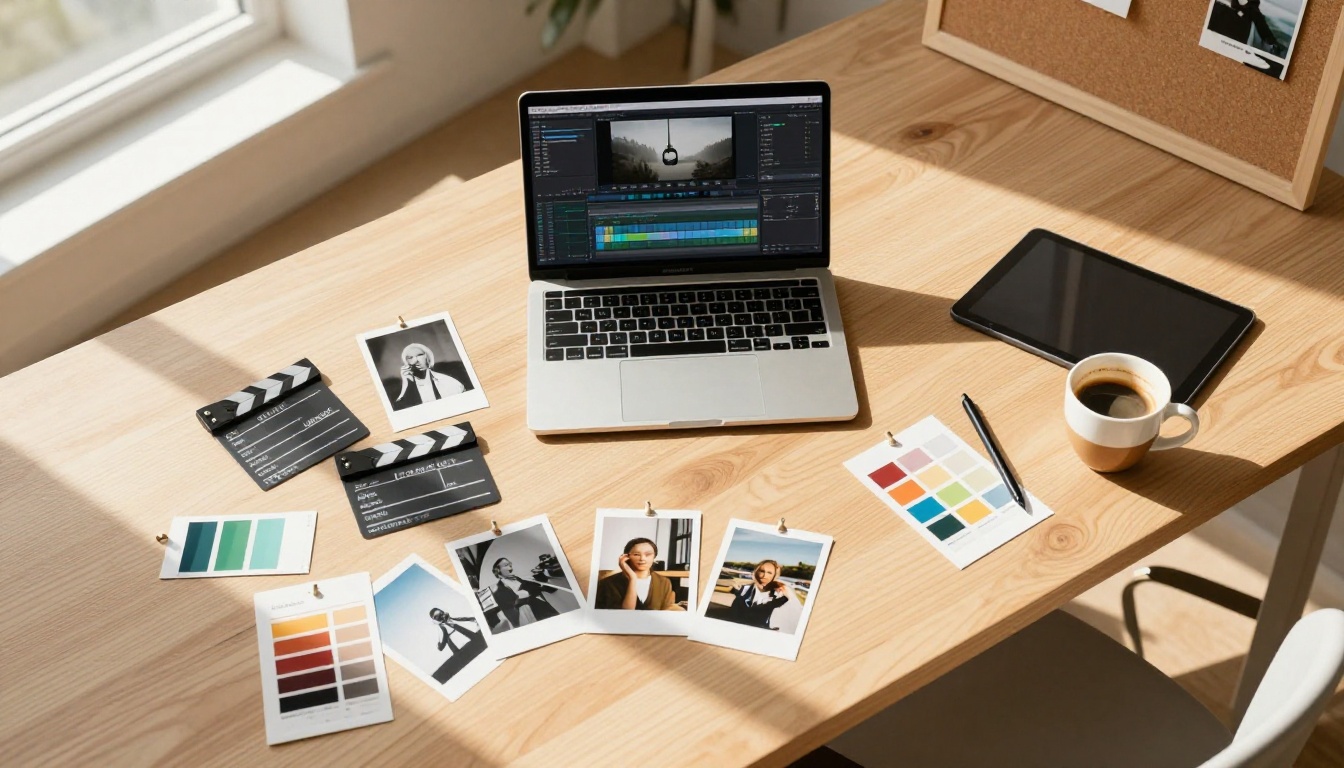
AI VFX is not one technology. It is a collection of distinct capabilities, each solving a specific problem in video production. Here are the six that matter most right now.
Background Removal and Replacement
This is the entry point for most creators. AI background removal trains a segmentation model to identify foreground subjects, even with messy edges like wind-blown hair, and cleanly separate them from whatever is behind them. No green screen required.
Video Remove Background handles this for moving footage, processing every frame with temporal awareness so the mask does not jump or shimmer between cuts. The result is production-quality separation that previously required a professional compositing artist and hours of manual work.
Tip: For the cleanest results, shoot in even, consistent lighting. The AI struggles most when the subject and background share similar color temperatures or tonal values.
Object Removal and Scene Cleanup
Need to remove a mic boom that crept into a shot, a distracting sign, or an extra who was not supposed to be in frame? AI object erasure identifies the unwanted element, removes it across every frame, and fills the gap with a realistic reconstruction of what should be there, using surrounding texture and context as reference.
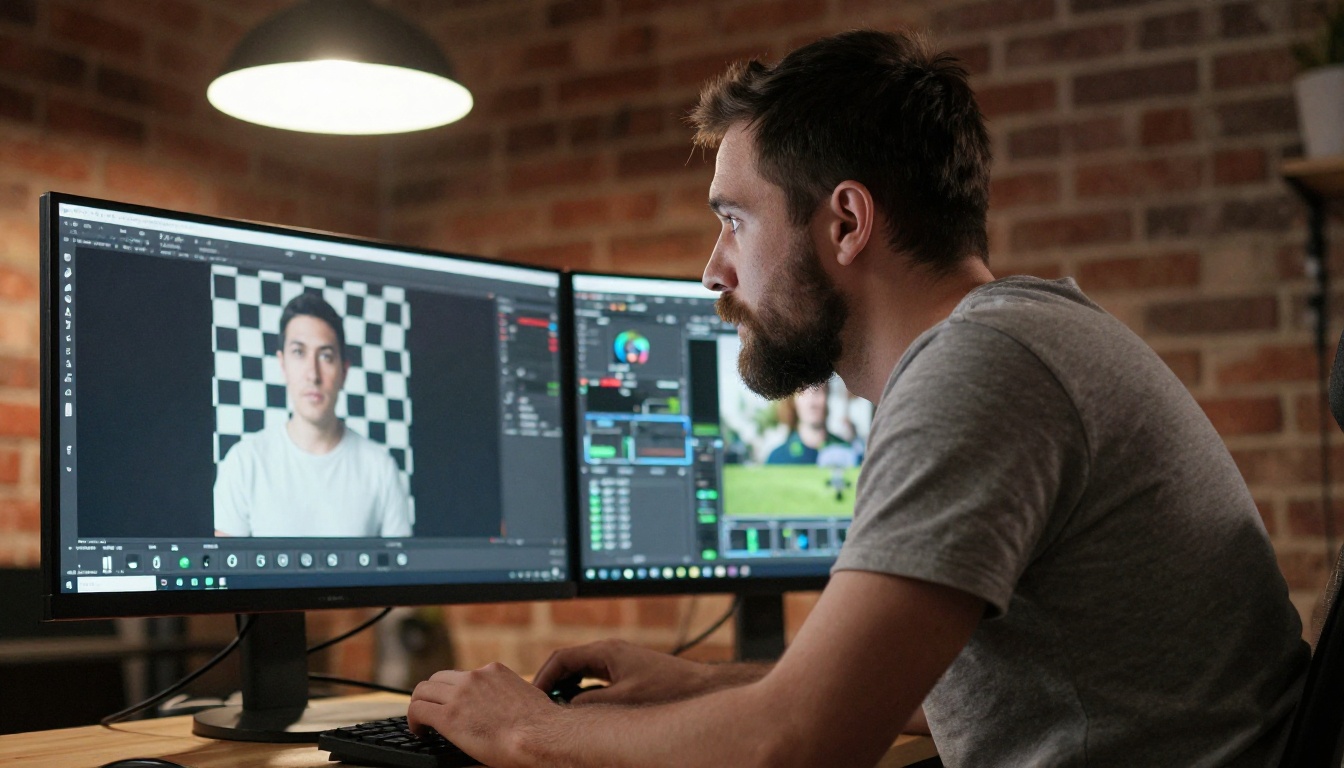
Video Erase Object handles object removal across video, while LTX 2 Retake lets you re-render specific sections of a clip, regenerating portions of the scene entirely when removal alone is not enough.
Color Grading and Style Transfer
Color grading historically required deep technical knowledge: lift, gamma, gain, hue curves, secondary corrections. AI grading tools now analyze a reference image or video, extract its color characteristics, and apply a matching grade to your footage automatically.
Style transfer goes further. Models like Gen 4 Aleph and Modify Video can restyle an entire video, changing the visual tone, texture, and atmosphere using a text prompt or reference image while preserving the motion and composition of the original footage.
Tip: Style transfer works best on footage with clear subjects and consistent camera movement. Rapid cuts or extremely shaky footage can confuse temporal consistency models and produce visible artifacts between frames.
Video Upscaling and Sharpening
Shooting in 4K is not always possible. Old archive footage, phone clips, and compressed downloads often arrive looking soft and noisy. AI upscaling models are trained to recognize patterns of blur and compression and reconstruct the high-frequency detail that was lost.
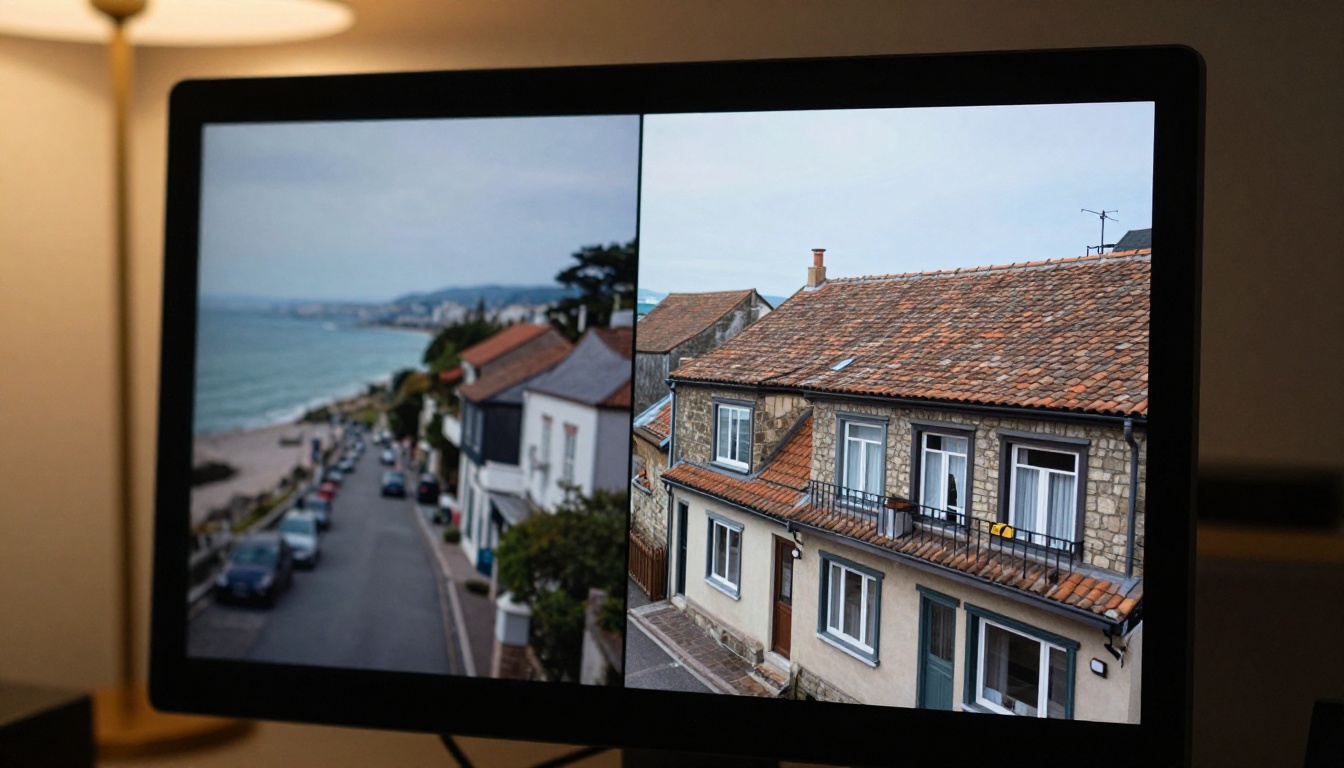
The difference between AI upscaling and simple interpolation (what older software does) is dramatic. Simple upscaling guesses missing pixels based on adjacent ones. AI upscaling infers what textures, edges, and surfaces should look like, based on patterns developed from training on millions of high-resolution images.
Crystal Video Upscaler, Video Upscale by Topaz Labs, and Upscale v1 by Runway all offer high-quality video upscaling with different trade-offs in speed and detail recovery. For still images, Real ESRGAN and Clarity Pro Upscaler produce exceptional results on compressed or degraded source material.
AI Motion Stabilization
Shaky handheld footage is one of the most persistent problems in independent film and user-generated content. AI stabilization goes beyond the basic warp stabilizer found in standard editors. It analyzes camera motion vectors across frames, separates intentional movement from unwanted shake, and applies intelligent corrections that preserve cinematic feel without the over-stabilized, jello-like results of older algorithms.
This matters enormously for content shot on phones or action cameras, where stabilization quality directly affects whether footage reads as professional or amateurish to the viewer.
AI Sound Design for Video
Visual effects do not exist in a vacuum. Sound is half the experience, and AI audio tools now close that loop. These models analyze the visual content of a video and generate contextually appropriate sound effects that sync to what is on screen, without manual placement or licensing.
Thinksound analyzes footage content and generates layered sound effects matching the environment. MMAudio adds AI-generated audio synchronized to video events. Video to SFX v1.5 generates realistic sound effects directly from visual cues. Together, these tools close a post-production workflow that previously required a dedicated sound designer.
Who Uses AI Visual Effects (and Why)
AI VFX adoption is not limited to any single professional category. The problems these tools solve are universal across film, content creation, and brand production.
Filmmakers Without Big Budgets
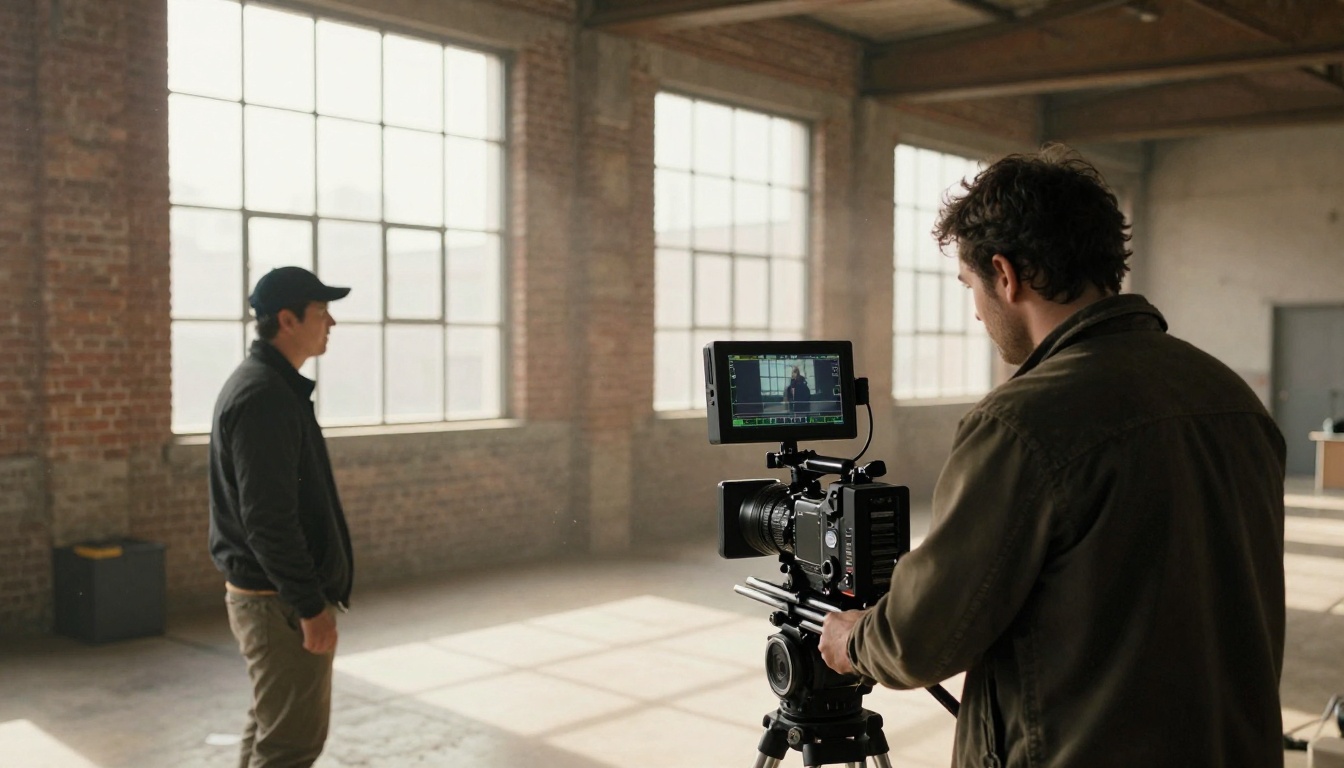
Independent filmmakers are the biggest beneficiaries. A director shooting a two-person dialogue scene on location no longer needs to plan around distracting backgrounds or imperfect production conditions. AI cleanup tools fix it in post. A cinematographer working with limited equipment can recover shaky shots and low-light footage that previously would have been unusable.
The visual gap between independently produced films and studio-level productions is narrowing faster than most people in the industry anticipated. AI is the primary reason.
Content Creators and Social Media
For creators posting to YouTube, Instagram, and TikTok, AI visual effects are a production speed multiplier. Background replacement for product shots, automatic captioning via Autocaption, reformatting footage between aspect ratios using Reframe Video. These tasks used to require dedicated software and considerable training. Now they run in the cloud, in minutes, without specialized knowledge.
The volume of polished content a single creator can produce in a week has increased by an order of magnitude compared to what was possible before these tools existed.
Marketing and Brand Video
Brand teams producing video content at scale have a particular advantage here. AI visual effects reduce the cost per video significantly, making it viable to produce a higher volume of polished content without scaling the production team proportionally.

Text-driven editing tools like Lucy Edit 2, Wan 2.7 Videoedit, and Kling o1 allow marketing editors to describe changes in plain language and see them executed automatically. This is a complete departure from the timeline-drag-and-keyframe era of editing.
AI VFX vs Traditional VFX
This comparison is not about which is better in all situations. It is about knowing which tool fits the job and when.
Speed and Cost: The Real Numbers
| Task | Traditional VFX | AI VFX |
|---|
| Background removal (30-sec clip) | 2-4 hours (manual roto) | Under 2 minutes |
| Object removal (single shot) | 1-3 hours | 5-15 minutes |
| Color grade (5-min video) | 1-2 days | Under 30 minutes |
| Video upscale to 4K | Not retroactively possible | 10-30 minutes |
| Style transfer / restyle | Weeks of compositing | Minutes with text prompt |
The time savings are not marginal. They are categorical. Tasks that once required specialized software licenses, years of training, and dedicated workstation hardware now run in a browser with no prior experience required.
Quality: Where Each Side Wins
Traditional VFX still has the edge in:
- Complex compositing where elements interact with physics and lighting in highly specific ways
- Character animation at the level of major theatrical productions
- Bespoke creative decisions where a human art director's vision needs precise, controlled execution
AI VFX wins on:
- Speed and iteration for fast-turnaround content production
- Accessibility for non-specialist creators with no technical training
- Consistency across large volumes of clips processed in batch
- Recovery tasks like upscaling, stabilization, and noise reduction on existing footage
The most effective workflows combine both. AI handles the repeatable tasks at scale, and human editors focus on the creative decisions that genuinely require judgment and artistic intent.
Text-Driven Video Editing
The newest and most powerful category. These tools accept plain-language instructions and execute the edit automatically, from removing an object to restyling the entire visual mood of a clip.
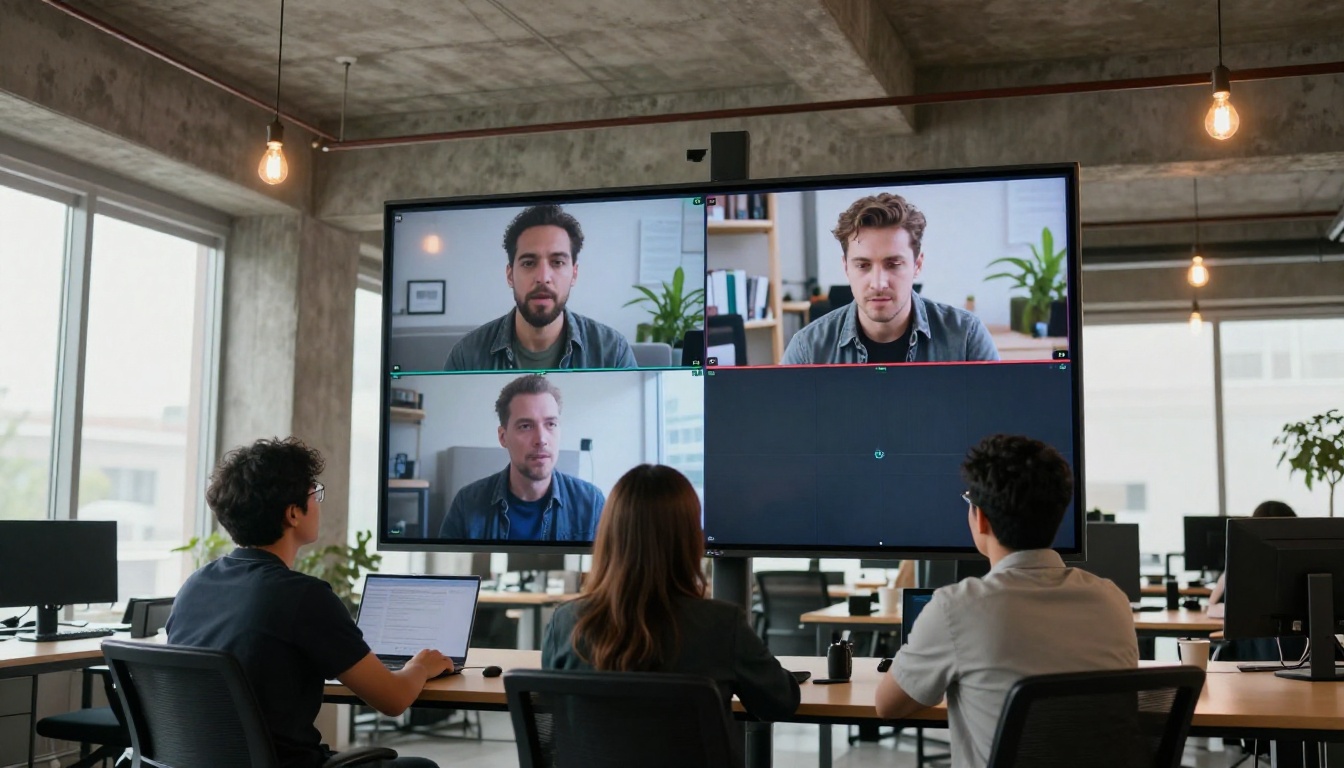
- Lucy Edit 2: Real-time text-based video editing with natural language input
- Wan 2.7 Videoedit: Strong on scene-level changes and color transformations via text
- Kling o1: Handles complex rewrites and restyling across entire clips
- Gen 4 Aleph: Restyle and recut existing footage with creative text direction
- Modify Video: Visual style modification with high temporal consistency across frames
AI Background and Object Tools
- Video Remove Background: Clean background removal across moving footage, no green screen required
- Video Erase Object: Remove objects, people, or distractions from any shot automatically
- LTX 2 Retake: Re-render specific video sections for targeted corrections and regenerations
AI Video Upscaling
- Crystal Video Upscaler: Photorealistic 4K upscaling with strong detail recovery on degraded footage
- Video Upscale (Topaz Labs): Sharper footage at 4K resolution and up to 120fps
- Video Increase Resolution: Resolution scaling tuned for broadcast and web delivery
- Real ESRGAN Video: 4K video upscaling with strong performance on compressed source material
3 Mistakes People Make with AI VFX
Starting with Low-Quality Footage
AI models are excellent at inference. They are not capable of manufacturing information that was never captured. Soft, heavily compressed, or poorly exposed footage produces better output than the original when run through an AI model, but the ceiling is always set by what the camera recorded first. Shooting in the highest quality your equipment allows remains the single most important step in any AI-assisted workflow.
Rule of thumb: AI upscaling recovers resolution. It cannot recover exposure that was never captured. Get the shot right first.
Skipping the Stacking Step
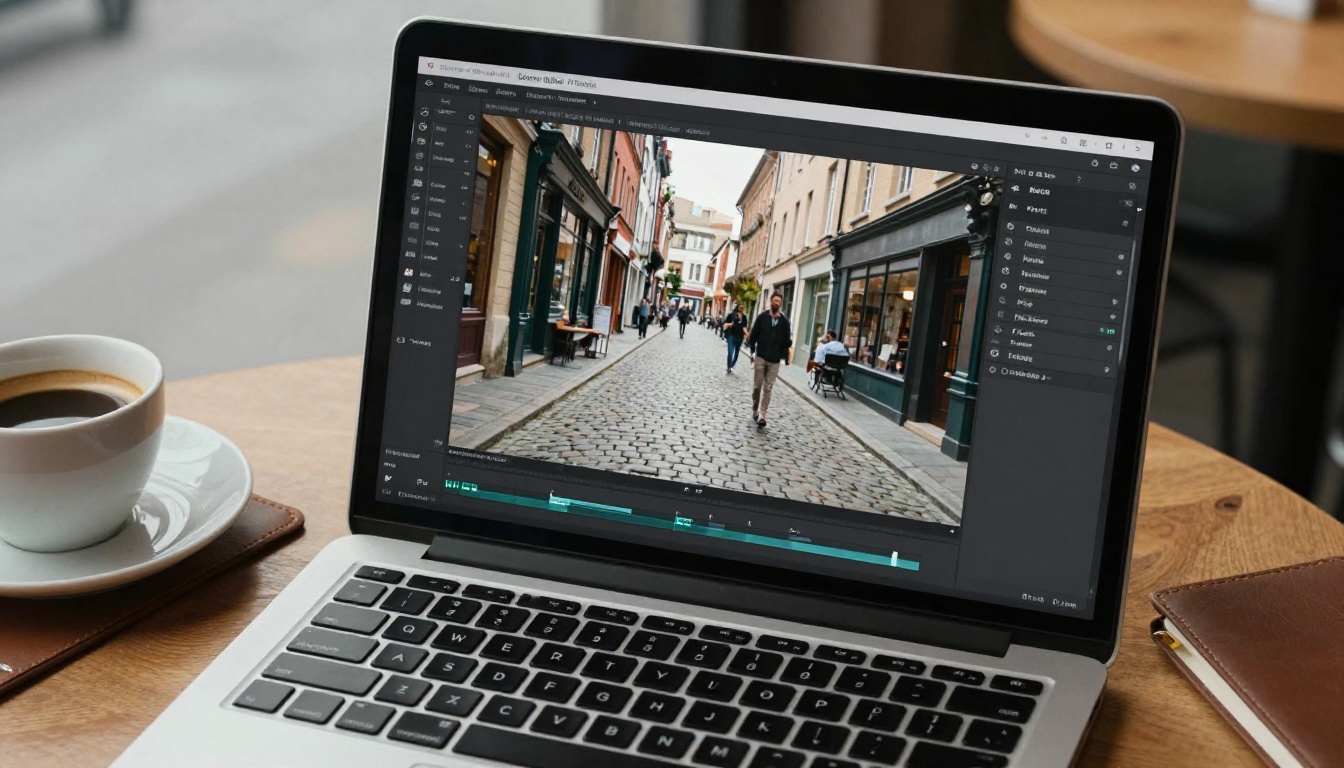
Many creators run background removal or object erasure and stop there, missing the compounding benefit of chaining tools together. After background removal, running the result through Clarity Pro Upscaler or Real ESRGAN sharpens the edges that the segmentation model softened. After color grading, running through a video sharpening tool recovers micro-contrast lost during processing. Stacking tools in sequence produces results that single-tool workflows never achieve on their own.
Ignoring Audio
Visually polished footage with mediocre audio reads as amateur, regardless of how sharp the image looks. After applying your visual effects, add contextually appropriate sound using Thinksound or MMAudio, and caption the result with Autocaption for social platforms where most viewers watch without sound on. The full post-production stack covers visual, audio, and accessibility, in that order.
Start Creating with AI Effects Today
AI-powered visual effects are no longer experimental. They are production-ready, accessible to anyone with a browser, and improving at a pace that makes today's capabilities look modest compared to where the technology is heading in the next twelve months.
If you have footage sitting on a drive that you dismissed as unusable, run it through Crystal Video Upscaler or Video Increase Resolution. If background conditions were not ideal during the shoot, Video Remove Background and Video Erase Object can save shots you thought were lost. If you want to restyle an entire video without reshooting a single frame, Gen 4 Aleph and Modify Video handle it from a single text prompt.
Picasso IA puts all of these tools in one place, accessible without installations, subscriptions to multiple platforms, or specialized hardware requirements. Try creating your first AI-assisted visual effect and see how quickly the results surpass what you thought was possible with the resources you already have.


