If you have spent any time comparing AI image generators side by side, you already know that most models falter the moment you ask them to produce something that should look like a real photograph. Flat skin, fake light, artificial bokeh, and that telltale "AI smoothness" that gives everything away. Flux changes that conversation. Built by Black Forest Labs, Flux was engineered from the start to solve the exact problems that made photorealistic AI generation feel impossible, and the results have surprised even seasoned photographers.
This breakdown covers what Flux actually does better than competing models when the goal is a photorealistic image: skin texture, lighting physics, depth of field rendering, portrait accuracy, landscape realism, and the specific architectural choices that make those strengths possible.
Why Flux Looks Different From the Start
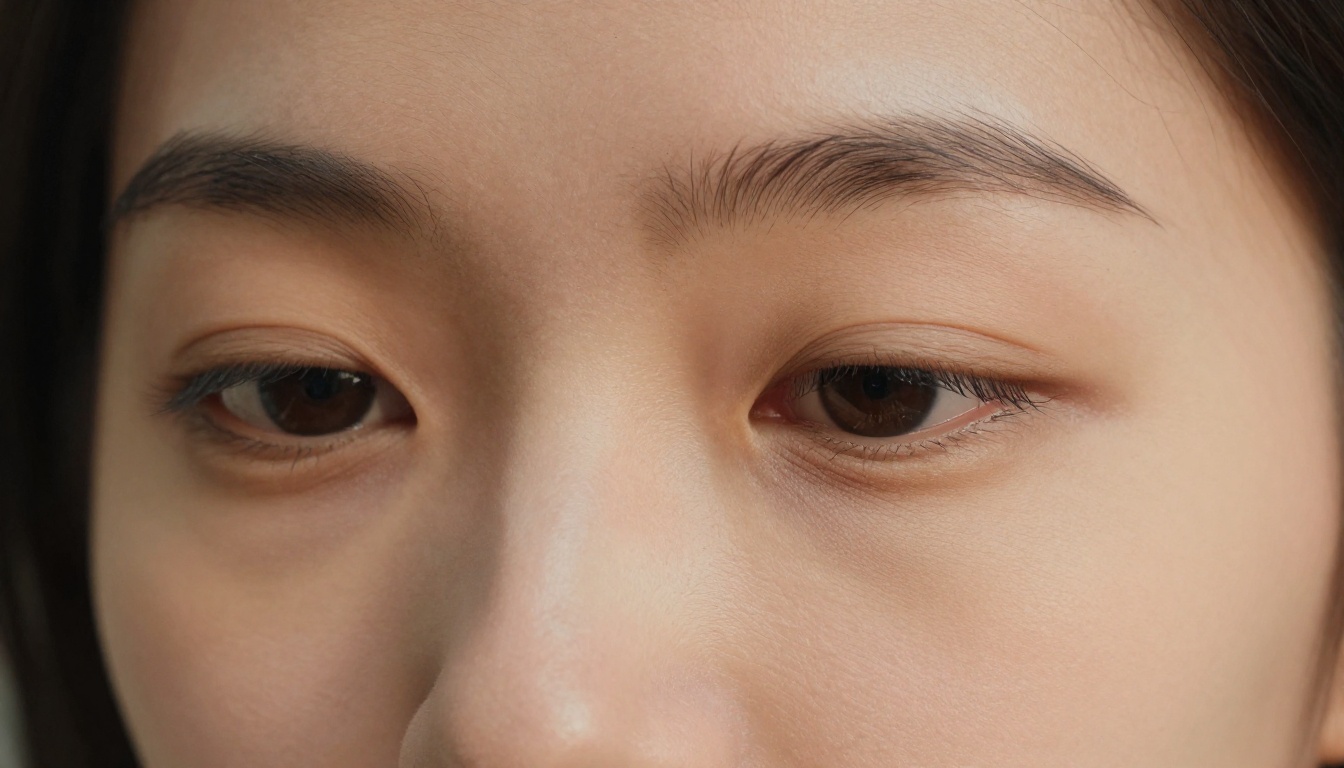
The difference you see in a Flux output is not a filter or a style preset. It comes from how the model was designed at a fundamental level. Most image generators that preceded Flux used Denoising Diffusion Probabilistic Models (DDPMs), which work by gradually adding and removing noise in many small steps. Flux uses a different framework called Rectified Flow Matching, which learns a straighter trajectory from noise to the final image. The practical effect is sharper, more coherent detail in fewer steps, particularly in areas where texture matters most: skin, fabric, hair, and natural surfaces.
Flow Matching vs. Traditional Diffusion
| Feature | Traditional Diffusion | Flux (Flow Matching) |
|---|
| Path from noise to image | Curved, iterative | Rectified, efficient |
| Detail coherence | Can blur fine texture | Preserves micro-detail |
| Steps required | 20-50+ typical | 4-50 depending on variant |
| Face and skin accuracy | Prone to smoothing | Natural pore-level fidelity |
| Lighting gradients | Moderate | Physically plausible |
The transformer backbone in Flux (a Diffusion Transformer, or DiT) handles spatial relationships across the whole image simultaneously, rather than processing local patches independently. This is why skin on one side of a face matches the skin on the other, why shadows fall consistently, and why background elements relate properly to foreground subjects.
💡 The short version: Flux sees the whole image at once. That holistic processing is why photorealistic results feel spatially coherent instead of pieced together.
Skin Texture: Where Flux Pulls Ahead
No area separates real photographs from AI-generated images more quickly than skin. Human vision is finely tuned to detect faces, and the slightest anomaly triggers immediate recognition that something is off. Flux handles skin in ways that most competing models simply cannot replicate at the same quality level.
Pores, Hair, and Surface Detail
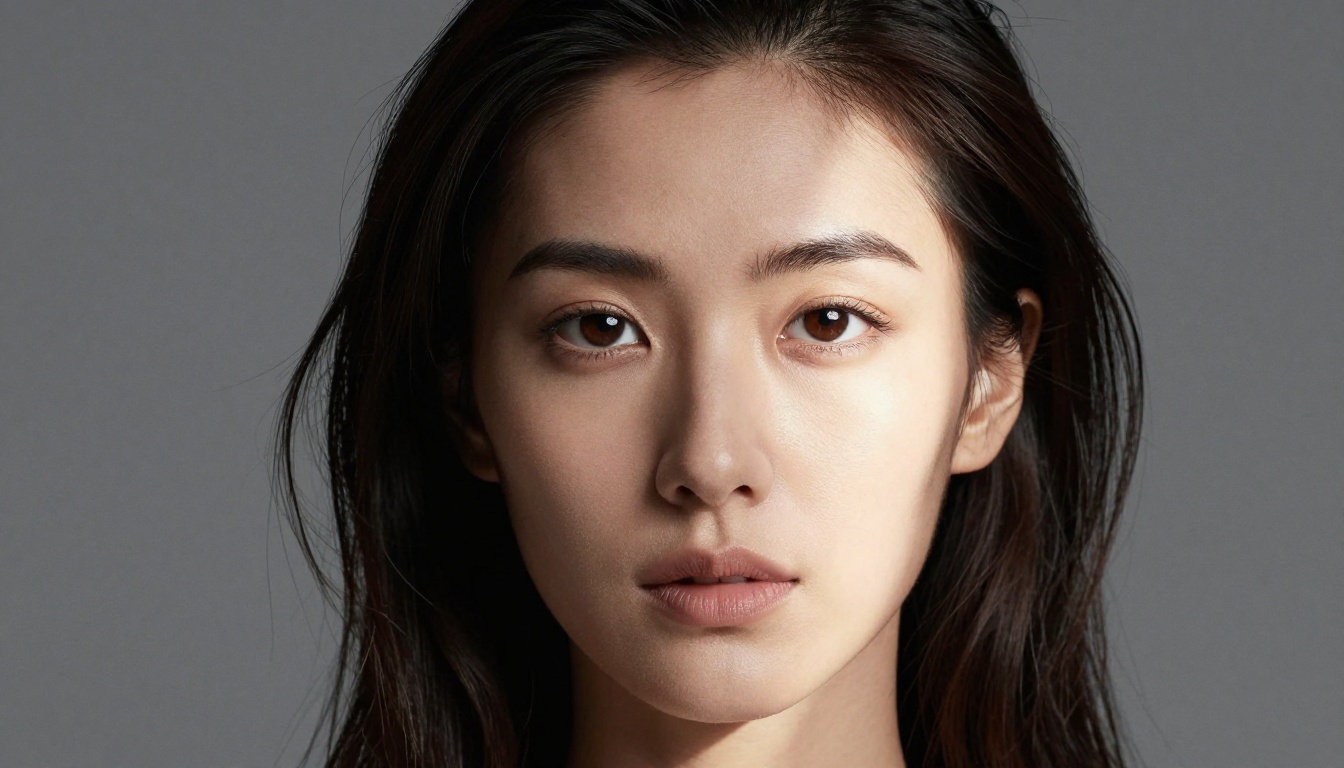
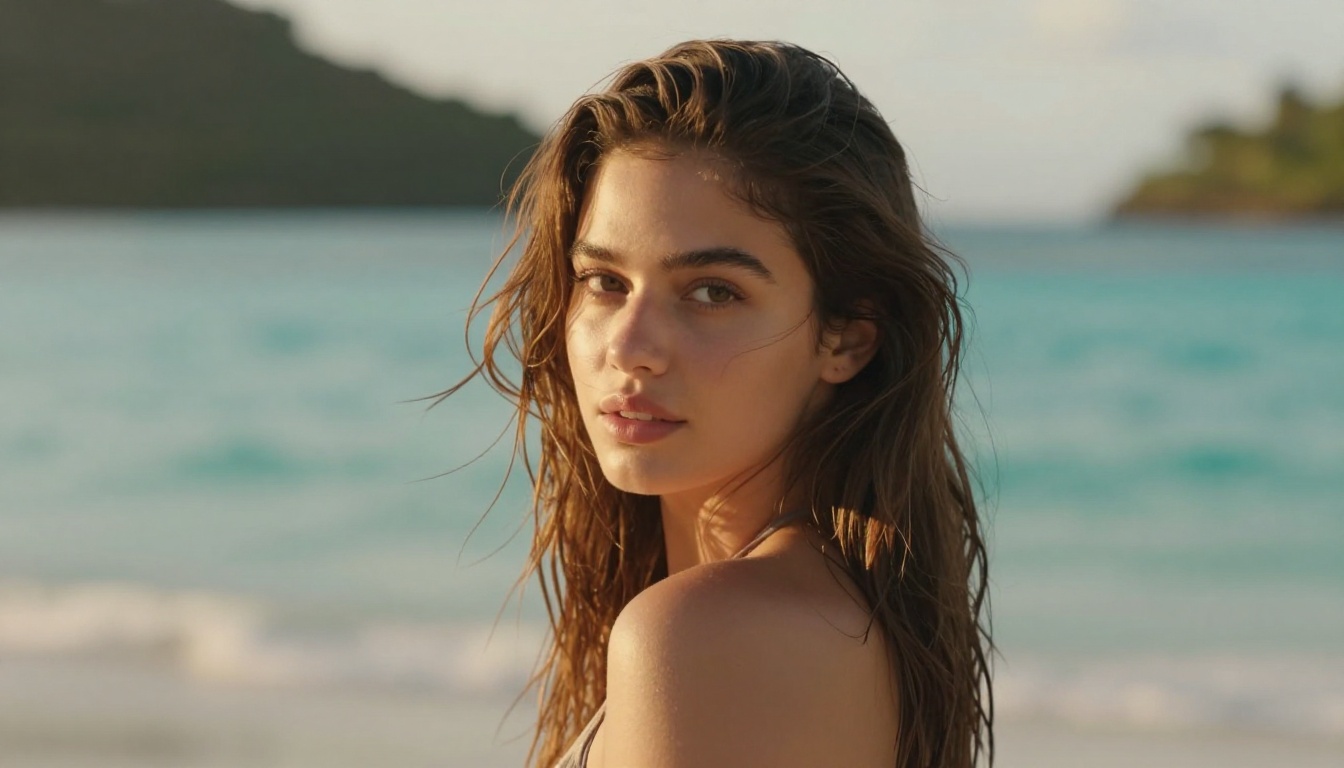
The most obvious sign of a weak photorealism model is skin that looks like it has been airbrushed or coated in wax. Flux generates visible pore structure that varies naturally across different facial zones: larger around the nose, finer near the temples. Fine vellus hair (the small facial hairs present on real skin) appears in the right locations. Lip texture shows micro-creases. These details are not random noise; they spatially correlate to match how real skin looks under specific lighting conditions.
Individual hair strands in portraits present a notorious challenge for AI models. Flux renders hair with strand-level separation, including natural flyaways and the way light transmits through lighter strands near the edges. The result is hair that does not look like a painted solid mass.
Eyes and Emotional Accuracy
Eyes are the hardest part. The iris texture, the specular catchlight reflecting the light source, the natural moisture along the lower lash line, the way skin folds slightly around the eye socket. Flux Pro handles all of this with a level of accuracy that frequently fools viewers on first inspection.
Catchlights (the bright reflections in the iris) in Flux outputs correctly mirror the described light source. If you prompt for window light from the left, the catchlight appears in the upper-left quadrant of the iris. This is physically consistent behavior, not a coincidence, and it is one of the clearest signals that the model is processing light as a real directional phenomenon.
Lighting That Follows Physics
After skin, lighting is the second most important factor in determining whether a photo looks real. Real cameras capture light that bounces, scatters, wraps around subjects, and creates complex shadow gradients. AI models that were not trained with lighting coherence in mind produce outputs where shadows point in different directions, highlights burn out unnaturally, and subjects look like they are lit from every direction at once.
Shadow Behavior and Directionality
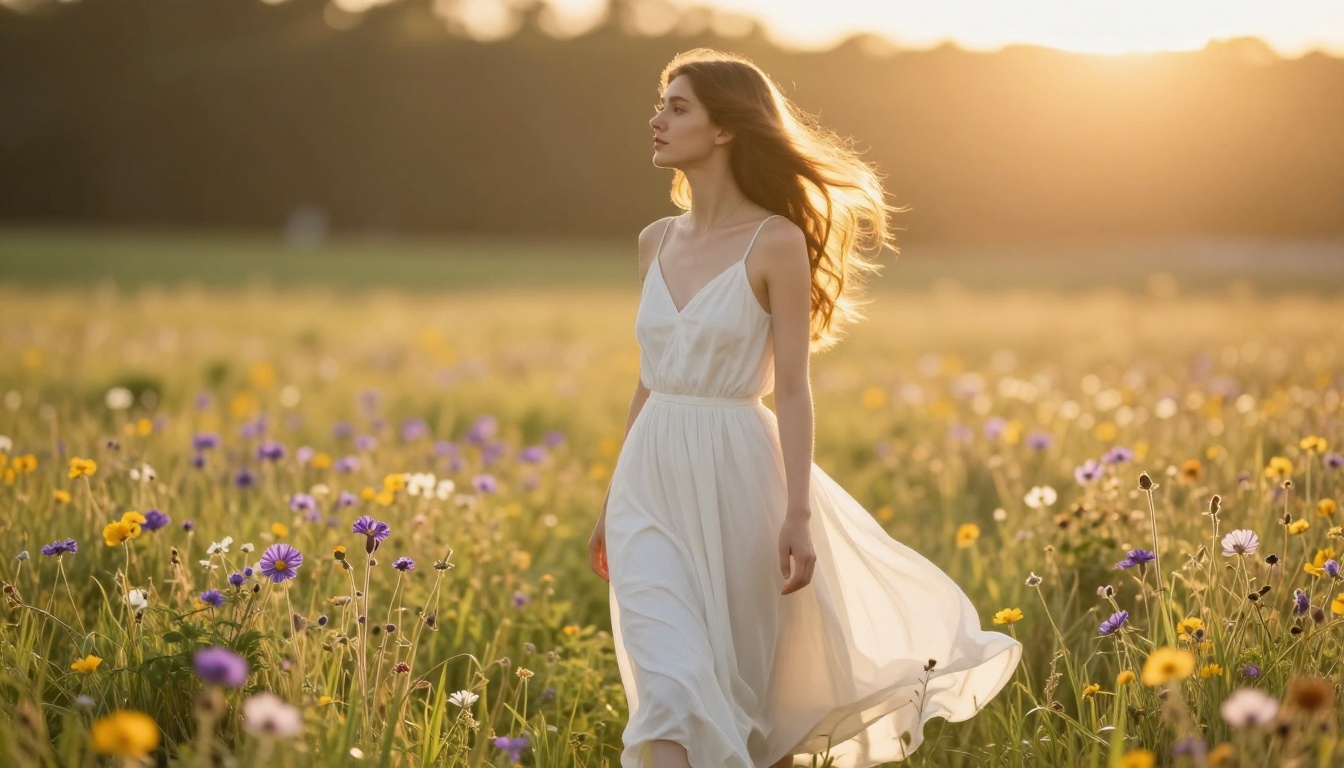
Flux treats light as a spatially consistent source. When you describe a specific lighting setup in your prompt, such as "Rembrandt lighting from the upper right" or "overcast diffused light," the model maintains that directionality across the whole frame. Shadows fall consistently and at angles that match the described source. The triangle shadow beneath the eye characteristic of Rembrandt lighting appears in the correct position, at the correct scale relative to the face.
Soft-box light vs. hard directional light also renders differently in Flux, as it does in real photography. Soft sources create wide, gradual shadow transitions. Hard sources like direct sunlight produce crisp shadow edges with harder contrast ratios. The model does not blend these behaviors randomly.
Subsurface Scattering on Skin
This is a subtle but critical detail. In real photography, light does not just reflect off skin; it penetrates slightly and scatters beneath the surface, creating a warm internal glow in thin areas like ears, lips, and the edges of fingers when backlit. Flux replicates this subsurface scattering behavior, which contributes significantly to why skin in its outputs feels warm and alive rather than plastic.
💡 Prompt tip: Add "subsurface scattering, translucent skin, backlit" to your photorealistic portrait prompts when using Flux 1.1 Pro Ultra for maximum effect.
Natural Shadow Complexity
Real scenes have multiple light sources even in "single source" setups. Ambient skylight fills shadows from all directions, bounce light from nearby surfaces adds secondary color, and reflected light from the ground lifts shadow detail. Flux produces ambient occlusion (the subtle darkening where surfaces meet, like where a chin meets a neck) that happens correctly without being over-emphasized. The result is shadows that have detail and color rather than being simple dark zones.
Depth of Field and Lens Behavior
Real photographs are captured through glass lenses with specific optical characteristics. Depth of field, bokeh, lens aberration, and focus falloff are fundamental properties of photographic imaging that AI models often replicate poorly. Flux handles these with unusual fidelity.
Bokeh Without Artifacts
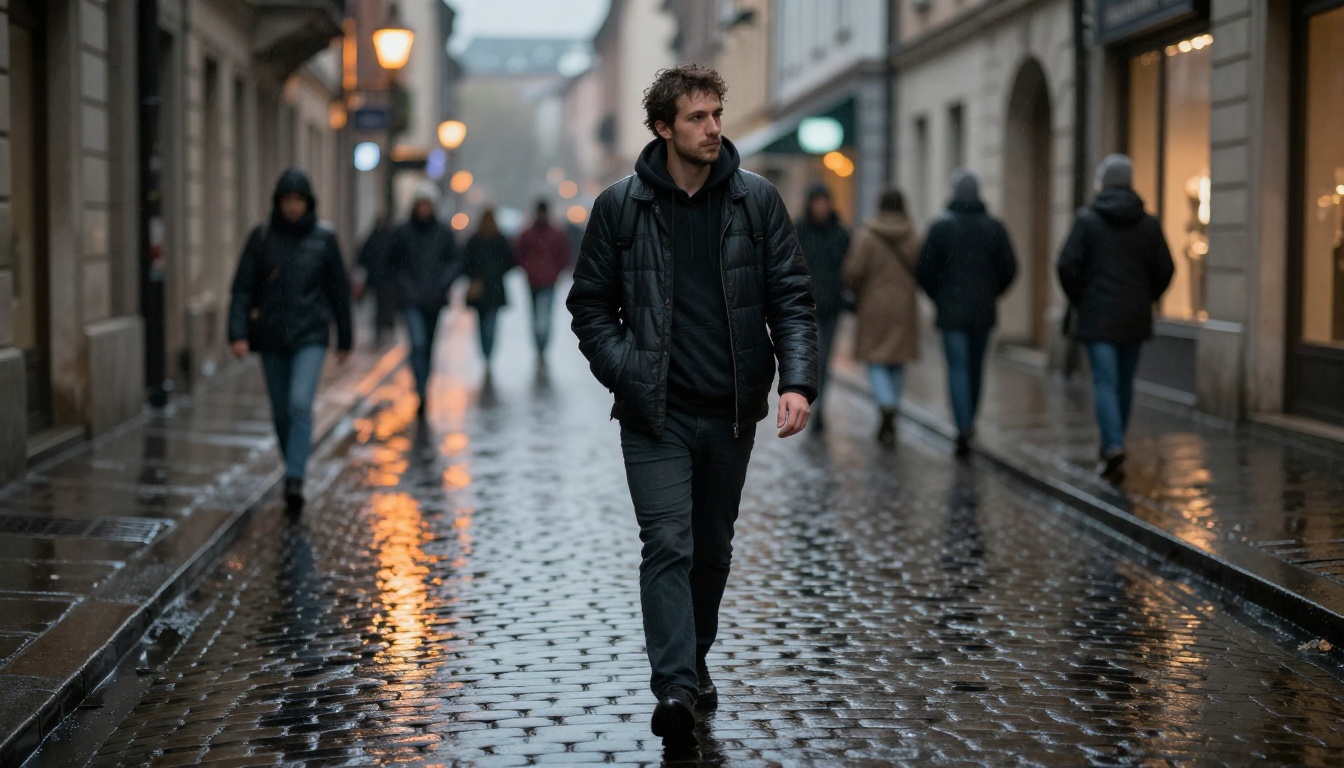
Bokeh (the aesthetic quality of the out-of-focus areas in a photograph) is technically difficult for AI models because it requires understanding which elements are at which depth, then applying appropriate blur gradients. Poor implementations produce bokeh that looks like a blur filter applied to a flat image. Flux generates physically plausible bokeh where the blur amount correlates to distance from the focus plane, point light sources in the background create circular or slightly swirling blur shapes depending on the described lens type, and foreground elements that extend into the frame also receive appropriate blur.
Focus Transitions
The transition from sharp to soft in a real photograph is gradual and continuous, not a sharp line. With an 85mm f/1.4 lens focused on a subject's eyes, the nose tip begins to blur slightly, the ears blur more, and the background becomes a soft wash. Flux Dev replicates this graduated focus falloff in portrait prompts with precision that competing models frequently miss, producing a flat, equally-sharp result instead.
Film Grain and Analog Character
When you specify film stock in a prompt (Kodak Portra 400, Fujifilm Velvia, Kodak Ektar), Flux applies grain patterns that match the characteristics of those specific emulsions. Portra 400 grain appears fine, warm, and luminance-based. Velvia grain is smaller and paired with the model's high-saturation color rendering. This is not just a noise overlay; the grain interacts with the image content correctly, appearing more visible in shadow areas and nearly invisible in bright highlights, as it does in real film photography.
Portraits: The Full Package
Portrait photography demands the convergence of every strength described above. The subject, background, lighting, and focus all need to work together. Flux has become the preferred model for AI portrait generation precisely because it handles this convergence reliably.
Background-Subject Integration
One of the most common tells in AI portrait generation is a subject that looks pasted onto a background. The edge between subject and environment lacks the micro-detail of real photography: small stray hairs crossing into the background, the way bright backgrounds create a slight edge glow on dark hair, the color bleeding from a warm background into the shadow side of a face. Flux maintains these integration details, making subjects feel spatially embedded in their environments.
Skin Tone Accuracy Across Different Subjects
Flux demonstrates strong performance across diverse skin tones and facial features. Undertones, the warm reddish tones in light skin versus the cooler deeper tones in darker skin, render accurately rather than being approximated. This consistency across different subjects is part of what makes Flux reliable for portrait work requiring ethnic and demographic diversity.
Landscape and Environmental Realism
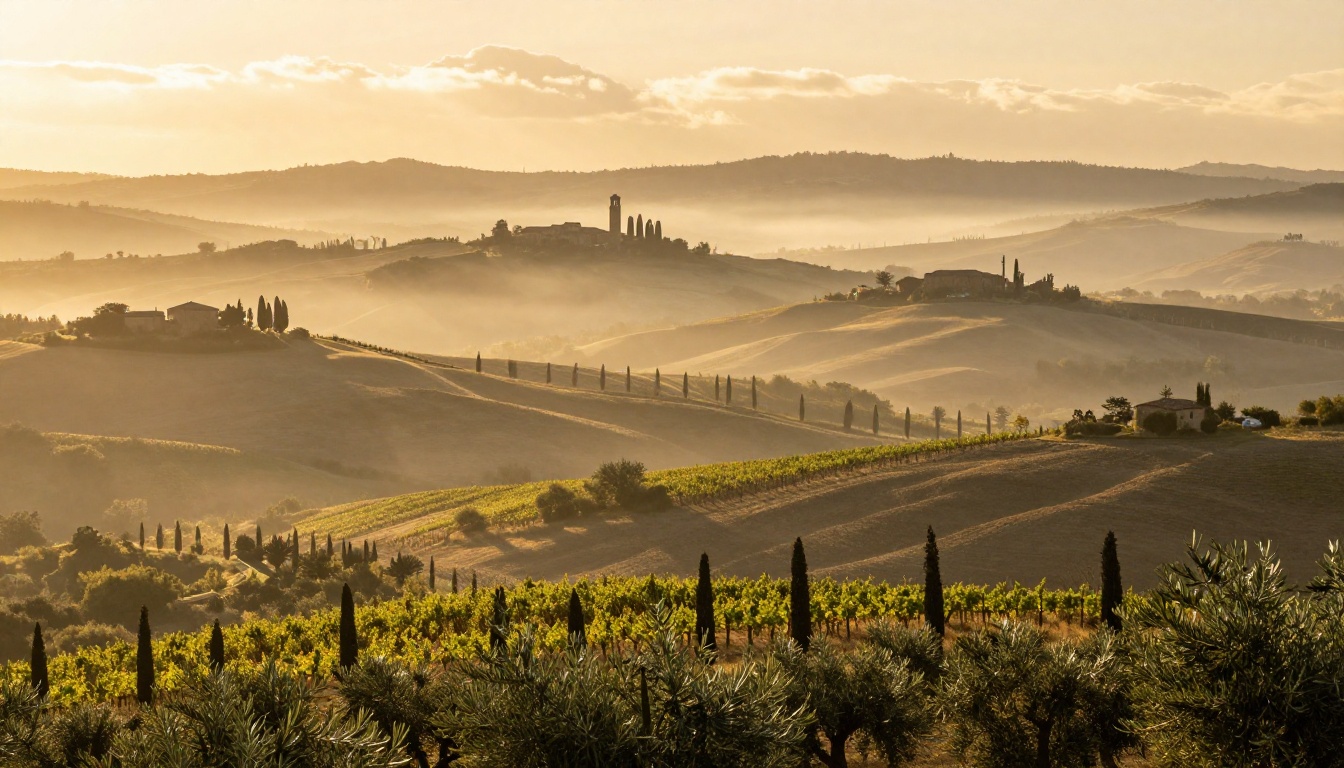
Beyond portraits, Flux performs exceptionally well for landscape and environmental photography. Atmospheric perspective (the way distant objects appear lighter and less saturated due to air and particles between the camera and the subject) renders correctly in wide landscape prompts.
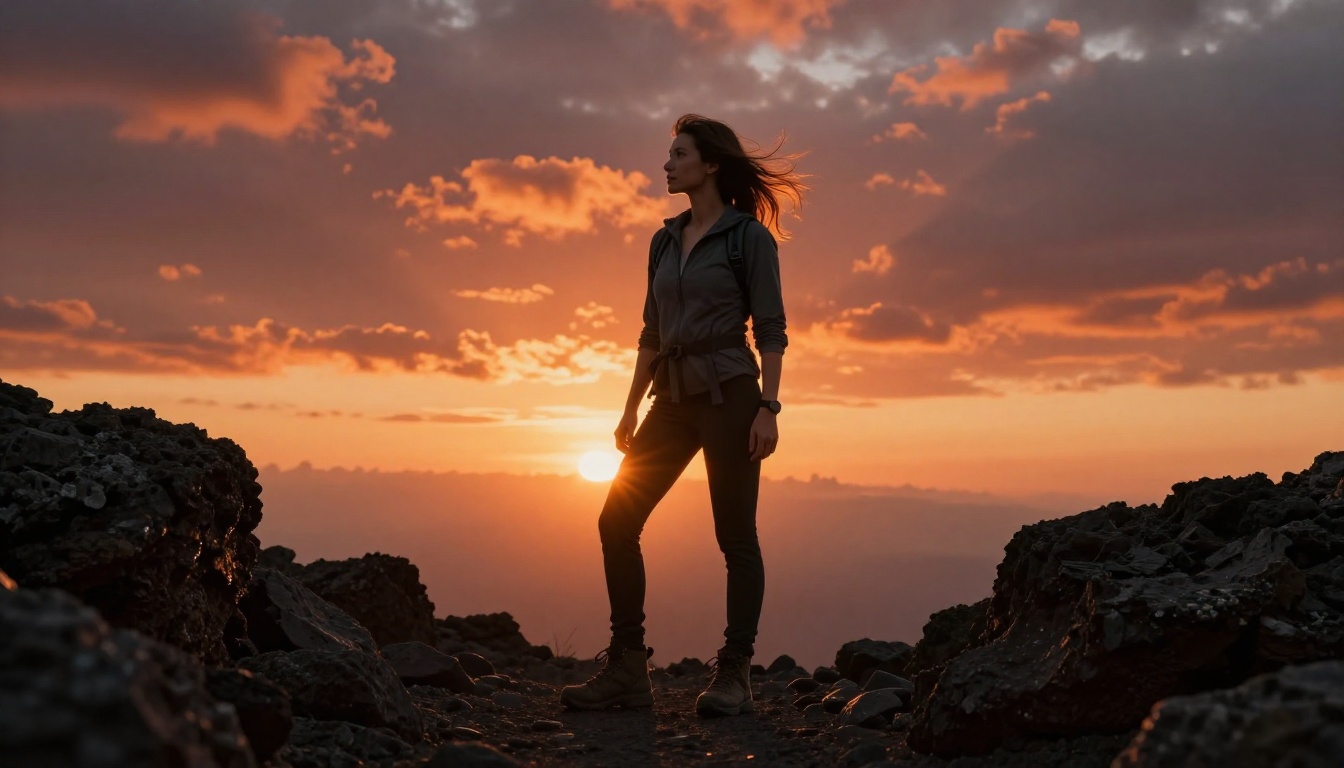
Textures on natural surfaces like rock faces, tree bark, water surfaces, and soil all benefit from the same micro-detail generation that makes skin look realistic. Water surface rendering is particularly strong, with Flux correctly handling reflections, ripple patterns, and the way polarized light creates specular highlights on flat water.
💡 Landscape tip: Use "atmospheric perspective, layered depth, volumetric morning light" in wide landscape prompts with Flux 2 Pro for results that look like medium-format landscape photography.
Flux Models Built for Realism
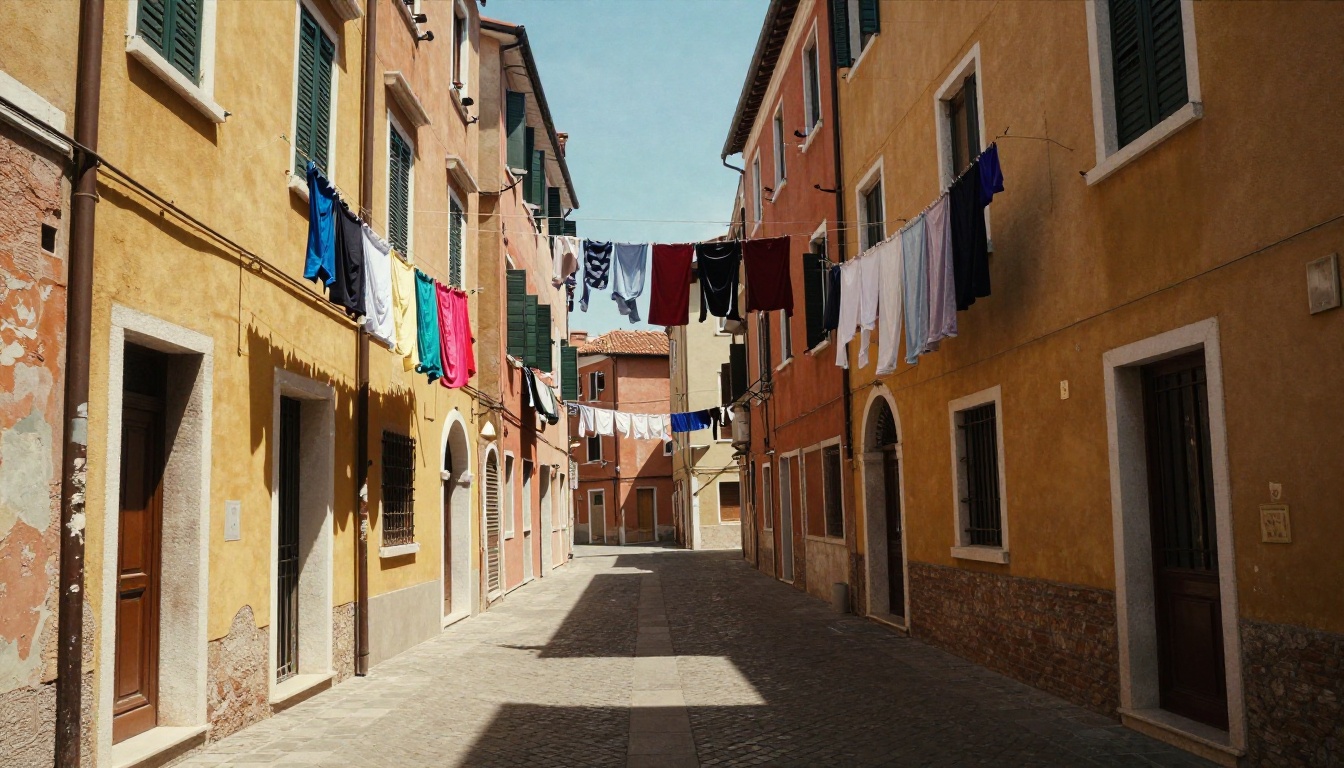
Not every Flux variant is equally suited for photorealistic output. Knowing which model to choose changes the result significantly.
The Pro Tier
Flux Pro and Flux 1.1 Pro are the primary models for maximum photorealistic fidelity. These are closed-weight models optimized for quality over speed. For portrait and commercial photography replication, these deliver the sharpest skin detail and most accurate lighting behavior.
Flux 1.1 Pro Ultra adds support for higher native resolutions, making it the right choice when you need a large output with maximum detail retention. The ultra-resolution capability means you get 4 megapixels of photorealistic detail without upscaling artifacts.
Flux 2 Pro and Flux 2 Max represent the latest generation, with improved prompt adherence and even stronger photorealistic rendering in both portrait and landscape contexts.
The Dev and Schnell Tiers
Flux Dev is an open-weight model that produces results remarkably close to Pro quality. It requires more steps (25-50) than Schnell but rewards that investment with better detail and coherence. Most creative professionals experimenting with Flux start here before committing to Pro.
Flux Schnell prioritizes speed, completing generations in 4 steps. For rapid iteration and prompt testing before committing to a Pro generation, Schnell gives fast feedback on composition and lighting without waiting.
Flux Dev LoRA opens up fine-tuning on top of the Dev model, allowing you to train on a specific subject (a person, a location, a product) and then generate photorealistic images of that subject in new contexts.
Specialized Variants
Flux Fill Pro handles inpainting with photorealistic output, meaning you can replace elements within an existing photo while maintaining the lighting and texture coherence of the surrounding image.
Flux Depth Pro and Flux Canny Pro allow structural control over generation using depth maps and edge detection respectively, useful when you need photorealistic output that matches a specific spatial layout or reference composition.
Flux Kontext Pro, Flux Kontext Dev, and Flux Kontext Max are designed for multi-image context tasks, including maintaining subject consistency across multiple outputs, which is particularly useful for portrait series and character consistency work.
How to Use Flux on PicassoIA for Realistic Photos
PicassoIA hosts the full Flux ecosystem, giving you immediate access to every variant described above without any API setup or local hardware requirements. Here is exactly how to get photorealistic results from day one.
Step 1: Choose the Right Model
Go to the Flux Pro page on PicassoIA for maximum quality. If you want to iterate quickly first, start with Flux Schnell to test compositions before committing to a full Pro generation.
Step 2: Structure Your Prompt
Photorealistic prompts need specific technical language. Follow this structure for consistent results:
- Subject description (who or what, pose, expression)
- Environment (location, time of day, weather)
- Lighting specification (direction, quality, color temperature)
- Camera and lens details (focal length, aperture, film stock)
- Texture and atmosphere (grain, haze, surface properties)
Example prompt that works:
"Close-up portrait of a 28-year-old woman with natural skin texture, looking slightly off-camera, seated near a north-facing window, soft diffused overcast daylight from the left, 85mm f/1.8 depth of field, Kodak Portra 400 grain, hyper-realistic skin detail, natural lip texture, individual eyelashes, RAW 8K photography"
Step 3: Parameter Tips
- Steps: Use 28-35 steps for Dev, fewer for Schnell, leave Pro at default
- Guidance Scale: 3.5 to 4.5 for portraits, lower for environmental shots
- Aspect Ratio: 4:3 or 3:2 for portrait photography feel, 16:9 for landscapes
- Negative Prompts: Add "digital art, illustration, cartoon, painting, 3D render, CGI, plastic skin" to push output toward photographic realism
Step 4: Refine With Fill and Kontext
If the result is 90% right but a specific area needs fixing, use Flux Fill Pro to repaint just that section. The inpainting matches the photorealistic style of the surrounding image seamlessly.
For maintaining a specific subject across multiple shots (like a portrait series or product campaign), Flux Kontext Max keeps facial features and lighting consistent between generations.
What Flux Does Not Do Well
Honest assessment requires noting where Flux has limitations for photorealistic work. Text rendering within images remains inconsistent, though significantly better than earlier Stable Diffusion versions. Hands are more reliable than with previous models but still occasionally produce extra fingers or unnatural proportions with certain angles. Very complex multi-person scenes with multiple interacting subjects at close range can introduce facial blending artifacts.
These limitations narrow with each model generation. Flux 2 Pro and Flux 2 Max show measurable improvements in hand anatomy and multi-subject coherence compared to the original Flux Pro.
Create Your Own Realistic Photos
The gap between AI-generated images and real photography has been closing for years, and Flux represents the most significant step forward in photorealistic generation that the field has seen. Every strength described in this article is accessible right now on PicassoIA, with no installation, no API key management, and no waiting.
Pick a subject you have always wanted a perfect photorealistic image of. Write a detailed prompt using the structure above. Start with Flux Dev for your first iteration, refine the prompt based on what comes back, then run your final version through Flux 1.1 Pro Ultra for maximum resolution and detail.
The results consistently surprise people who have not worked with Flux before. The gap between a well-prompted Flux image and a real RAW photograph has become genuinely difficult to identify at a glance, and that gap shrinks with every new model release. There has never been a better time to start.


