Spending $20 a month on ChatGPT Plus and barely touching GPT-4 is one of the most common AI budget mistakes people make. On the flip side, staying on a free plan when your business depends on commercial-use rights is a worse mistake. The real difference between free and paid AI tools is specific, not obvious, and knowing it saves money or makes it worth spending.
This is not a soft overview. It is a direct breakdown of what each tier actually delivers, where quality actually diverges, and when the price tag starts making sense.
The Real Gap Between Free and Paid
The gap between free and paid is not about which one is "smarter." It concentrates in four hard constraints that free tiers enforce: speed, output quality caps, volume limits, and commercial rights.
Speed and Queue Priority
On a free tier, you are sharing compute with thousands of other users. During peak hours, that translates to waits of 30 to 90 seconds per image, video generation timeouts, and text model throttling. Paid tiers route requests to dedicated infrastructure with shorter or no queues.
For one image, that delay is annoying. For a batch of 50, it adds 40 minutes of pure waiting to your workflow. If time is any part of your cost structure, that wait is not free.

Output Quality Caps
Free tiers cap output resolution. Image generators return 512px or 768px files by default. Some platforms enforce mandatory watermarks. Others route free users to older, less capable model versions, even when a newer model is available, to preserve paid plan value.
The result is outputs that look noticeably different at a technical level: less detail in skin texture, softer edges, lower tonal range, and in many cases visible JPEG compression artifacts baked into the file before you even download it.
💡 Watermarks are a legal issue, not just an aesthetic one. A watermarked AI output cannot be used commercially on most platforms. That is a rights restriction, not a quality preference.
Volume Limits
Free plans typically allow 10 to 50 generations per day across image, video, and text tools. At personal use levels, that ceiling rarely causes problems. At any kind of professional or content production scale, it becomes the main bottleneck. Two articles, a cover image, and a few retries, and you have exceeded 50 generations before lunch.
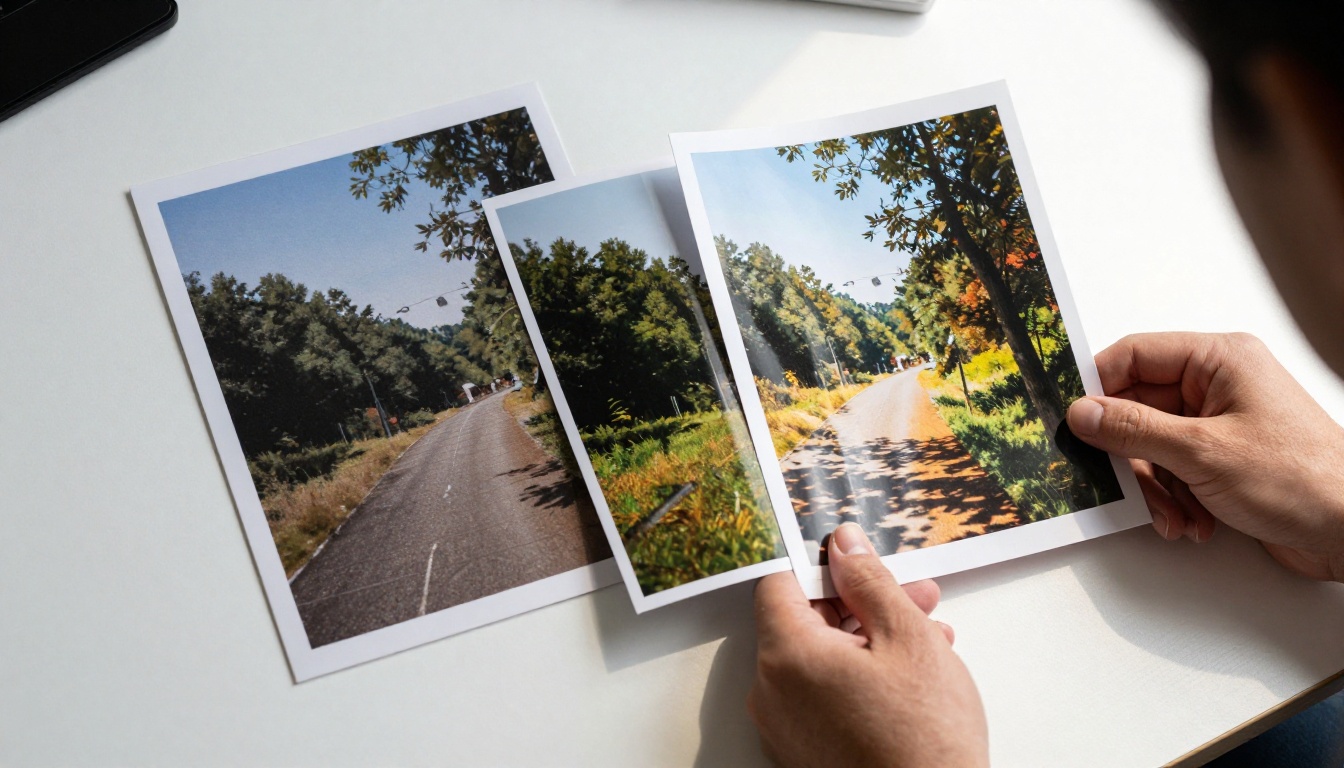
Image generation is where the free-vs-paid divide is most visible, and where the consequences of staying on the wrong tier are most immediate.
Watermarks and Resolution Limits
Standard free-tier output across major image platforms is 512x512 to 768x432 pixels. That resolution supports prompt testing and composition checking. It does not support print, social media at full quality, client deliverables, or anything that needs to be cropped significantly.
Watermarks compound this. Most platforms stamp their logo into the image itself, not just as an overlay you can remove in editing. The watermark is part of the pixel data. Removing it requires paid software and leaves visible artifacts.
Daily Generation Caps
At 50 daily generations, you hit the ceiling faster than expected. Ten images for an article, plus three or four retries per image when the first attempt misses the mark, puts you at 40 to 50 generations for a single article. A second piece in the same day and you are blocked until the next reset.
Model Access Restrictions
Most platforms restrict free users to base model versions. The quality gap between a base model and a current model is significant. On PicassoIA, the difference between Real ESRGAN and Clarity Pro Upscaler on an identical input image is immediately visible in skin pores, hair strands, and surface texture detail. On most standalone platforms, the stronger model is behind a paywall. On PicassoIA, both are part of the same library.
| Feature | Free Tier | Paid Tier |
|---|
| Output resolution | Up to 768px | 1024px and above |
| Watermarks | Present on most platforms | None |
| Daily limit | 10-50 generations | 200 to unlimited |
| Model access | Base versions only | Full current library |
| Commercial rights | Restricted or denied | Included |
Text AI: Where Free Gets Closest

Text AI is where the free tier has come closest to matching paid performance, particularly since open-weight models from Meta, Mistral, and DeepSeek arrived with genuinely competitive output quality.
Context Window Differences
Free tiers typically offer 4K to 8K token context windows. Paid plans open access to 128K tokens or more. For short conversations and quick tasks, the difference is invisible. For long document processing, extended code sessions, or multi-document synthesis, exhausting a 4K context means losing earlier instructions, hallucinating prior details, or starting over entirely.
GPT-4o free users get a limited number of premium queries per day before being switched to GPT-4o Mini. The Mini version handles everyday tasks reliably. It underperforms on complex multi-step reasoning, subtle instruction following, and long-form coherence. The switch happens automatically, often without a clear notification.
Reasoning Models Cost Extra
Extended chain-of-thought reasoning models are the biggest hidden paywall in text AI right now. O1 and O4 Mini approach problems by thinking through multiple reasoning steps before answering. That dramatically improves performance on math proofs, logic chains, and multi-hop research tasks. Free tiers do not include these models.
The practical workaround: open-weight reasoning models close much of that gap without a paywall. DeepSeek R1 delivers reasoning quality that rivals O1 on many benchmarks and runs freely on PicassoIA. Grok 4 handles complex multi-step problems well. Kimi K2 Thinking applies step-by-step reasoning to structured tasks without requiring a paid subscription.
💡 Not every free model is a downgrade. Gemini 2.5 Flash is free, fast, and genuinely strong on document processing. Claude 3.5 Haiku handles fast coding tasks well at no cost. The strategic choice is knowing which free model matches or exceeds a paid alternative at specific tasks.
Video Generation: The Biggest Paywall
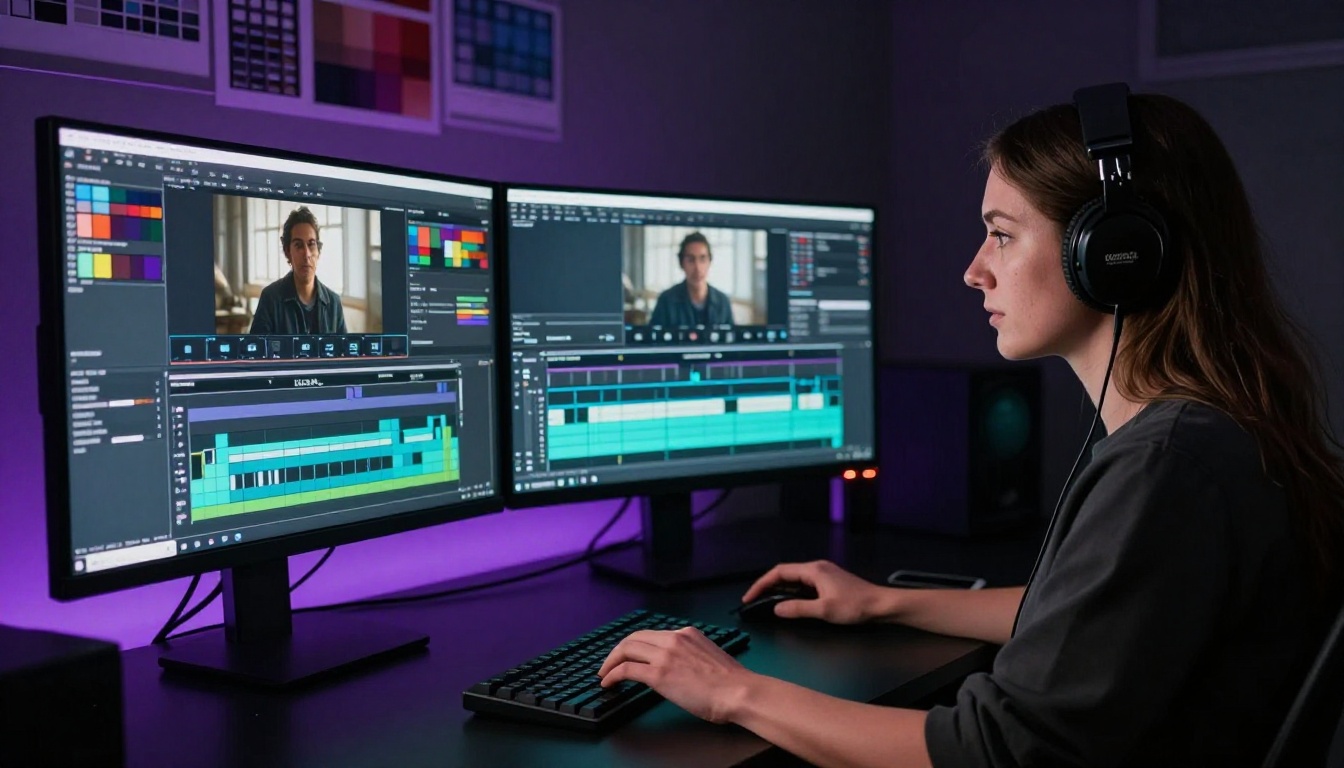
Video is where the free-vs-paid gap is widest. There is no segment where the free tier comes close to professional usability.
What Free Video Tools Cannot Do
Free video generation tools impose constraints that make them incompatible with any real production workflow:
- Resolution capped at 480p, with no option to go higher
- Duration limited to 3-5 seconds per generation
- No audio layer, or only pre-generated ambient tracks
- 5 to 10 generations per day maximum
- No commercial rights on outputs
These are not minor inconveniences. They are structural walls. A 5-second, 480p clip without commercial rights is a demo, not a deliverable.
Resolution and Duration Limits
720p and 1080p generation requires substantially more compute per frame than 480p. Professional platforms price this accordingly. On every major platform, HD video generation is paid-only. 4K video is either unavailable or sits at the highest paid tier only.
Duration limits compound the restriction. A 5-second clip requires cuts to tell any story. Social media ads, product demos, and explainer content all need 10 to 30 seconds minimum. Free tiers deliver none of that. For anyone building a real video content pipeline, the free tier is a proof-of-concept entry point, nothing more.
Upscaling and Sharpening: Often Overlooked
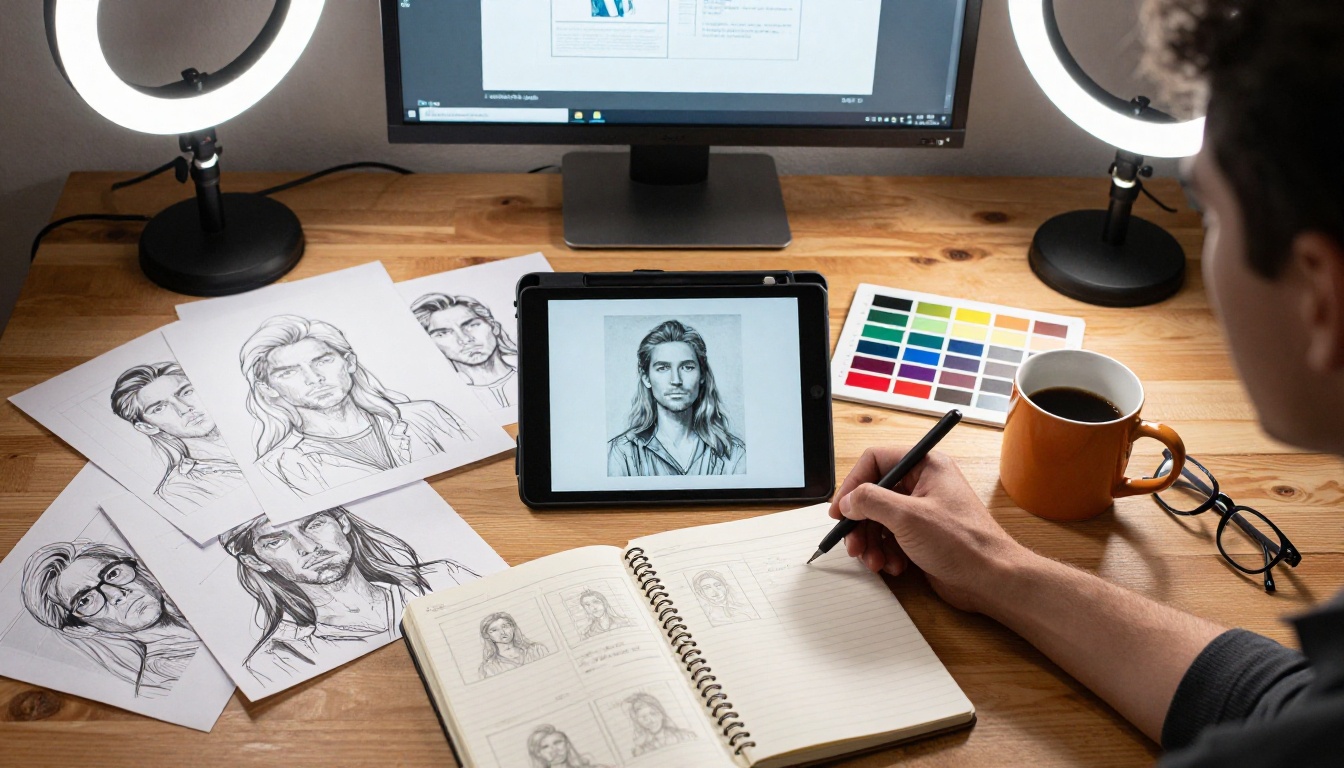
Upscaling is one of the most practical AI capabilities and one of the most ignored in free-vs-paid conversations. A 512px image naively stretched to 2048px is unusable. The same image processed through an AI upscaler that synthesizes detail during scaling looks like a different output entirely.
On PicassoIA, Topaz Image Upscale can enlarge images up to 6x with AI-generated detail synthesis. Google Upscaler handles 4x reliably without distorting structure. Crystal Upscaler is specifically trained on portrait data, producing sharper eyes, clearer skin texture, and better hair definition than general-purpose upscalers.
For video footage, Crystal Video Upscaler and Topaz Video Upscale can take low-resolution or archival footage and output something that reads as professional quality content.
These tools are absent from most free plans or limited to one or two uses per day. If you are generating images at free-tier resolution and then trying to upscale them to print quality, you are stacking two limitations on top of each other.
When Free Is Enough
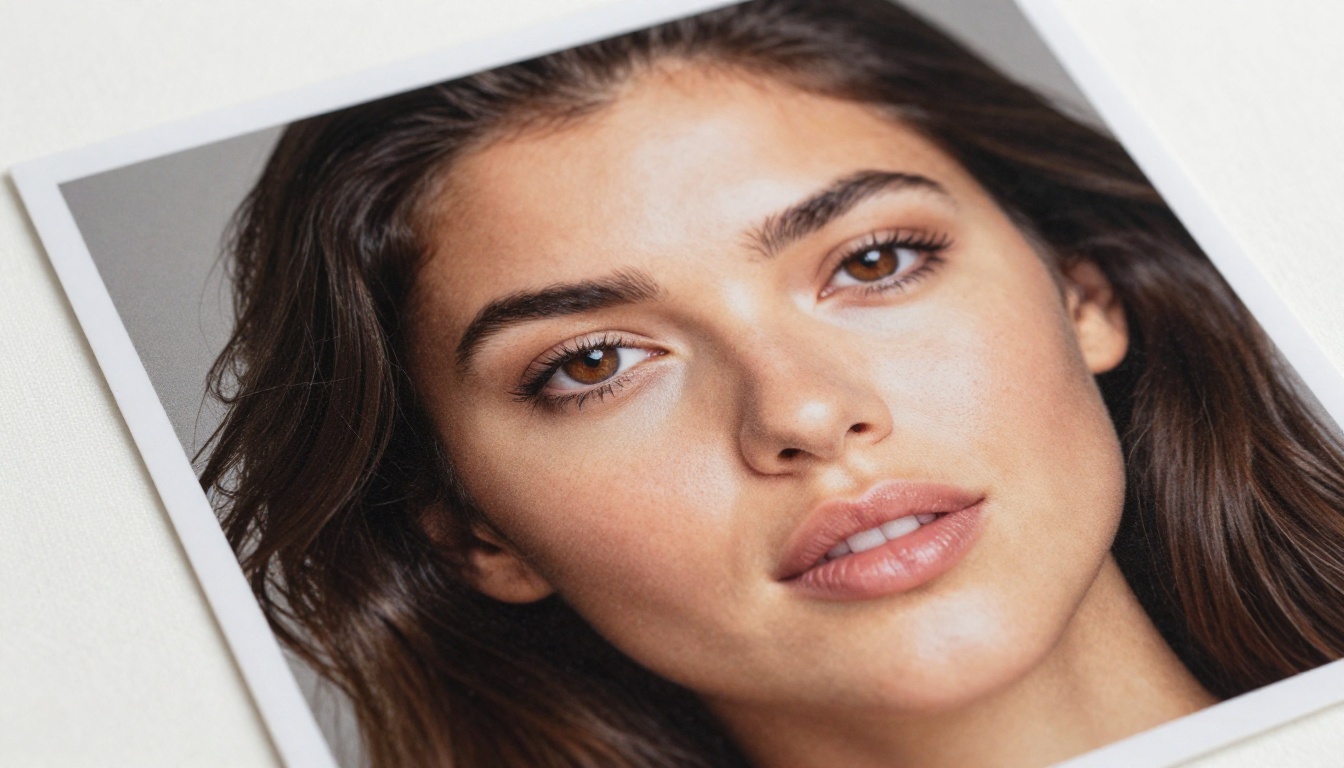
Free AI tools are genuinely sufficient for a defined set of use cases. The mistake is assuming you need to pay before knowing which category you are in.
Personal Projects vs Commercial Use
If your outputs stay personal, the commercial rights restriction is irrelevant. No monetization means no license needed. A 768px image is fine for a personal blog post. A watermark you can crop out of a social post nobody is monetizing is a minor inconvenience, not a dealbreaker.
For building intuition about prompting, iterating on style references, or simply testing what a model can do, free tiers are the right starting point. Using your daily limit on experimentation costs nothing and builds the judgment you need to spend credits wisely later.
The Right Free Tier Strategy
The most efficient approach to free AI tools:
- Use open-weight LLMs for writing and brainstorming: Mistral 7B, Llama 2 70B Chat, and Meta Llama 3 70B Instruct handle first drafts, outlines, and brainstorming at zero cost with no daily cap on PicassoIA
- Use paid tools for final outputs only: Generate 10 prompt variations on a free tool, select the best prompt, then use the paid model for the final high-resolution result
- Batch paid usage: Most paid plans reset daily. Concentrating usage into structured sessions means staying within limits without needing to upgrade tiers
When Paid Becomes Worth It

The paid tier pays for itself at a specific threshold: when the output is going to a client, a published product, or a monetized platform.
Commercial Rights Matter More Than Quality
The legal dimension is where most creators make costly mistakes. Outputs from free-tier tools on most platforms carry usage restrictions that prohibit commercial use entirely. That means you cannot:
- License outputs for stock libraries
- Include outputs in client deliverables
- Use outputs in paid advertising campaigns
- Sell products that incorporate the images or videos
This is a rights issue, not a quality issue. A free-tier image that looks better than a paid-tier image is still unusable commercially under a restrictive license. Read the terms of service of every tool you use before assuming otherwise.
Volume and Speed
At professional scale, generation speed is a cost factor. A freelancer producing 200 images per month with a 30-second queue wait spends over 100 minutes passively waiting. On a fast paid queue with near-instant generation, that shrinks to under 5 minutes. When time is how you bill clients, that is a straightforward calculation.
| Use Case | Free Tier OK? | Reason |
|---|
| Personal blog with no revenue | Yes | No commercial rights needed |
| Prompt testing and iteration | Yes | Volume stays low |
| Client deliverables | No | Commercial rights required |
| Paid social media ads | No | Commercial rights and quality both matter |
| Stock content licensing | No | License restrictions prohibit it |
| High-volume content pipelines | No | Daily caps become a hard blocker |
| Background removal at scale | No | Daily limits hit within one project |
How PicassoIA Changes the Math
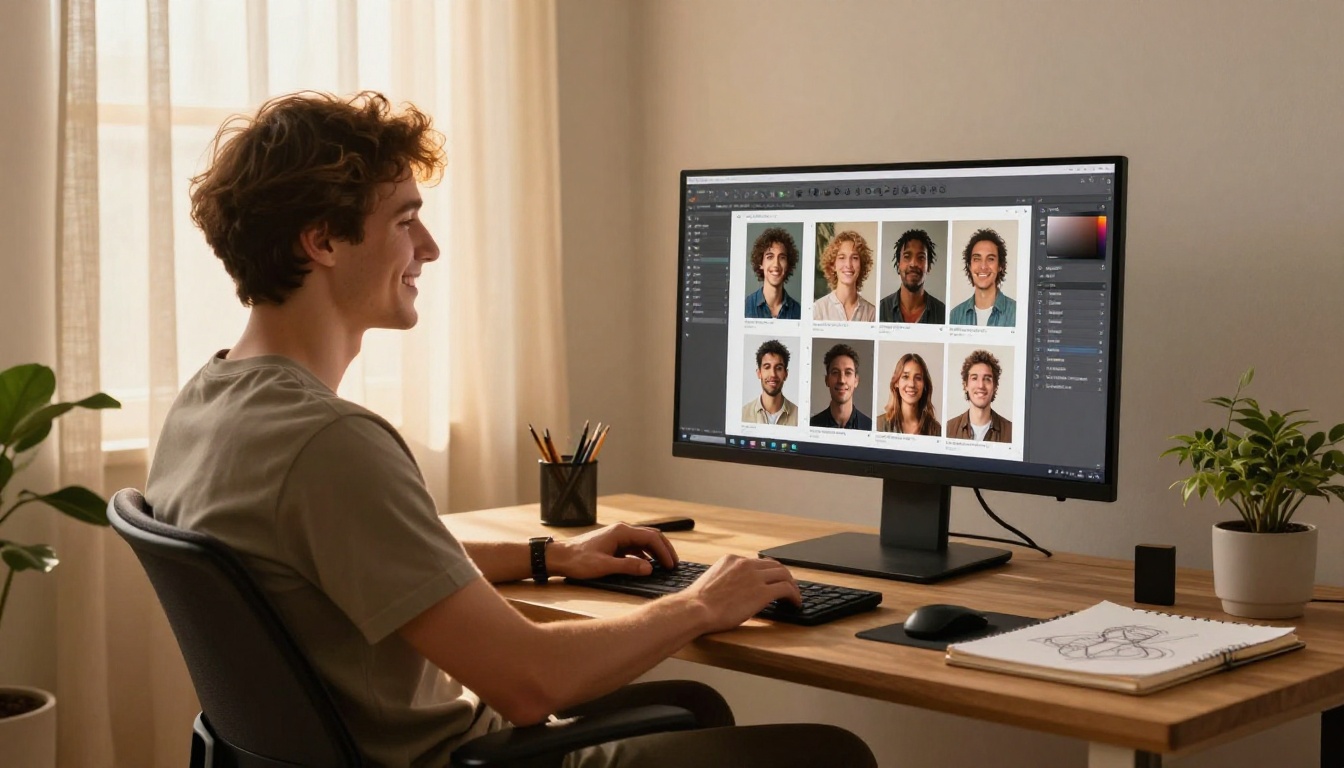
Most platforms force a binary choice: stay limited on the free tier or subscribe fully to a single vendor's ecosystem. PicassoIA structures access differently.
Rather than paying for one proprietary tool's "Pro" plan, you get access to a library of 90+ text-to-image models, 87+ text-to-video models, LLMs from every major provider, and a full suite of upscaling and editing tools in one place. Models include GPT-5, Claude Opus 4.7, Gemini 3.1 Pro, DeepSeek v3.1, and dozens more, all accessible from the same interface without switching subscriptions.
Free Models with No Watermarks
Several models on PicassoIA are available without a paid subscription and without watermarking outputs. That includes open-weight text models like DeepSeek R1 and Llama 4 Maverick Instruct, fast utility models like Gemini 2.5 Flash, and practical image tools like Bria Remove Background and Real ESRGAN. That is a usable production toolkit before you spend a single credit.
Try Before You Pay
picassoia.com/en/all-models gives you access to the full model catalog so you can test any model before committing credits. That changes the dynamic entirely: instead of subscribing to a platform hoping the default model fits your output style, you test 10 different models, find the one that works for your content, and then spend credits on actual production rather than on discovery.
The honest answer to "should I pay for AI tools?" is: pay for the specific capability you cannot get free, from a platform that lets you access that capability without locking you into a single pipeline. For creators who need image generation at scale, commercial rights, HD video output, and access to the strongest available reasoning and language models, a platform with this breadth at a single subscription price changes the cost structure considerably.
Start with the models that require no credits. See what the free tier actually delivers in your specific workflow. Then spend on the outputs that genuinely require it. That is the real answer to what free vs paid AI tools actually get you.


