Grok Imagine Video arrived with almost no fanfare relative to its capabilities. xAI quietly shipped a text-to-video model that, in the right hands, produces strikingly cinematic clips from plain English descriptions. But the first question everyone asks is the same: what can it actually make? Not in theory, not in a press release. In practice, right now, with a real prompt typed into an interface.
This article gives you the honest answer, broken into specific content categories with real notes on output quality, prompt behavior, and how it stacks up against other tools available on PicassoIA. Whether you're a content creator evaluating AI video tools, a marketer looking for production-ready clips, or a developer building a video pipeline, this breakdown covers the full scope of what the model produces.
What Grok Imagine Video Actually Is
xAI's video model, explained
Grok Imagine Video is a generative video model built by xAI, the AI company founded by Elon Musk. It takes a text prompt and returns a short video clip, typically 5 seconds in length, rendered at a cinematic frame rate. The model was built to integrate directly into the Grok assistant interface, which means it's accessible through conversational prompting rather than a standalone studio tool.
What separates it from earlier-generation video AI is its handling of physical motion. The model doesn't just slide a static image across the frame or apply a dissolve effect. It simulates genuine movement: a camera that pushes through a scene, water that flows with surface tension, fabric that responds to wind. That physical plausibility is where users consistently report being surprised by the output.
On PicassoIA, the model is available as Grok Imagine Video, giving you direct API access without needing a separate Grok subscription.

The difference between Grok Imagine and Grok Imagine R2V
There are two distinct Grok video tools to know. The standard Grok Imagine Video takes a text prompt and generates a clip from scratch. The second, Grok Imagine R2V, stands for Reference-to-Video. You feed it a source image, and it animates that image into a clip.
R2V is the more versatile of the two for most creative workflows. You control the visual style through the source image rather than purely through text, which makes consistency far easier to achieve across multiple clips. If you're building a series of videos that need to share a visual identity, R2V is where to start.
💡 Pro tip: Use Grok Imagine R2V when you already have a branded visual identity. The model animates from your source image, so your color palette, character design, and composition carry through to the output without needing to describe them in the prompt.
Types of Videos Grok Can Create
Cinematic landscape shots
This is where the model genuinely excels. Grok Imagine Video produces landscape clips with a confidence that's difficult to match at similar prompt complexity. You can describe a sunrise over volcanic terrain, a coastal fog rolling into a harbor, or a time-lapse-style cloud formation over a desert plateau, and the model returns a clip that feels like it was captured on a cinema camera with a crew.
The physical behavior of natural elements is well-calibrated. Water reacts to wind and gravity, light changes across a sky with atmospheric coherence, and distant objects maintain consistent scale as a virtual camera moves through the scene. The model has clearly been trained on a wide range of natural footage, and it shows in how confidently it handles environmental motion.

Useful prompt patterns for landscapes include specifying the time of day, weather conditions, camera movement direction, and a texture detail for the foreground element. The model responds well to camera language borrowed from cinematography: dolly-in, aerial pan, rack focus, push-through.
Landscape scenarios the model handles well:
- Dawn fog lifting over a rice paddy field with a slow forward dolly
- Aerial descent toward a snow-capped mountain peak with cloud layer below
- A wave crashing onto an empty beach in slow motion
- Time-lapse sky movement over an urban roofline at dusk
- Autumn forest with wind moving through the canopy from a low angle
Portrait and character animation
Portrait animation is a more nuanced challenge. Grok Imagine Video can produce clips of human subjects with convincing micro-movements: a subtle head tilt, natural blinking, breathing motion. The strength lies in subtlety. When the model attempts dramatic action or full-body motion, quality degrades more quickly than it does in landscape scenarios.
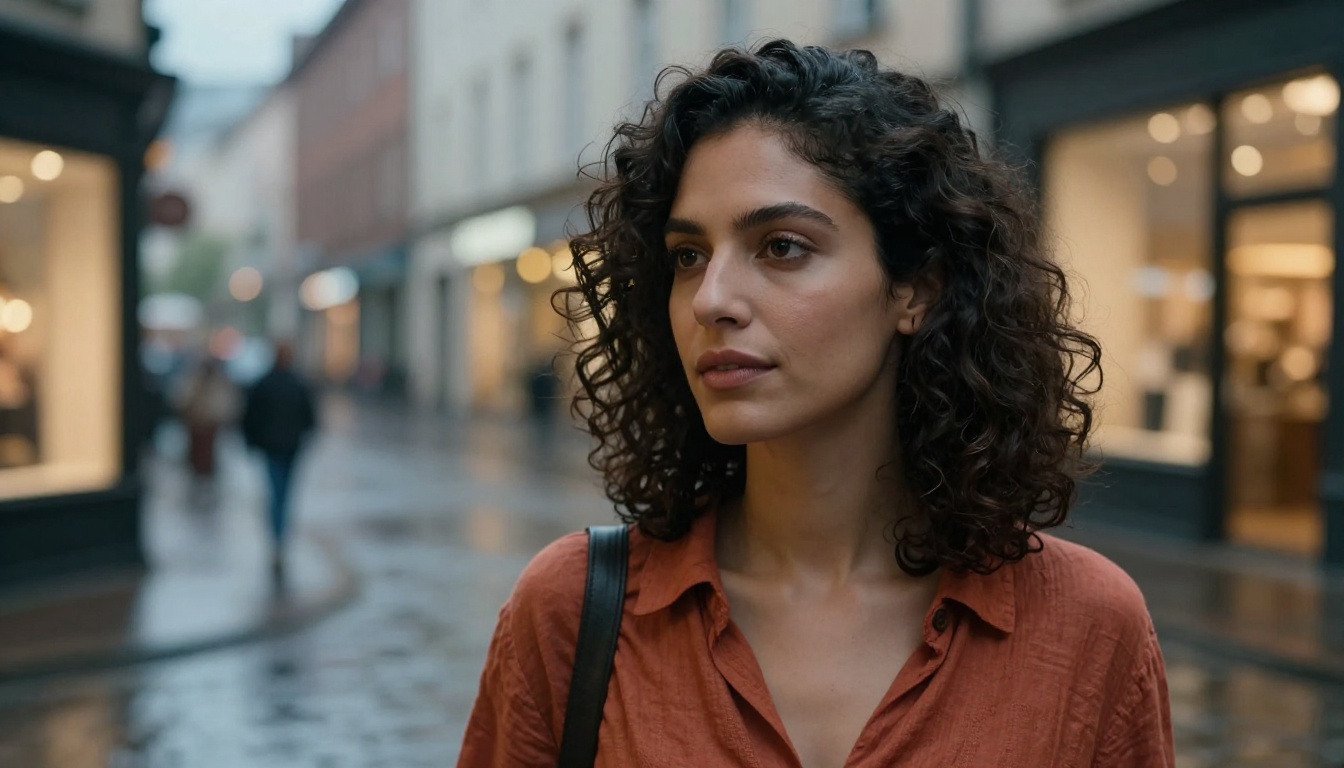
For portrait use cases, Grok Imagine R2V is the stronger approach. By providing a source portrait image, you skip the face-generation lottery that comes with text-only prompting. The model then focuses entirely on animating what's already in the frame.
Portrait content worth testing:
- Animated profile images for social content with subtle breathing movement
- Brand spokesperson clips with natural head motion and eye movement
- Artistic portrait loops with depth-of-field breathing effects
Where caution is warranted:
- Prompts requesting walking, running, or complex hand gestures
- Multi-person scenes where spatial consistency matters across frames
- Extreme close-ups of mouths in motion (results vary significantly)
Abstract motion and atmospheric clips
One underused category: abstract and atmospheric video content. Grok Imagine Video handles fluid simulations, volumetric light effects, and texture-based motion with impressive coherence. Prompts like "ink dispersing in slow motion through clear water" or "morning light breaking through industrial fog in an empty warehouse" produce clips that require almost no post-processing.
This makes the model genuinely useful for background loops, intro sequences, and brand video overlays where mood is the goal rather than narrative. Production teams using AI video often overlook abstract content, but it's frequently the fastest path to broadcast-usable material.

Prompt Characteristics That Matter
How the model reads scene descriptions
Grok Imagine Video responds well to what you might call cinematographic specificity. It doesn't just want to know what's in the scene. It wants to know the lighting condition, the camera behavior, the time of day, and the atmospheric quality. Generic prompts produce generic output.
The model rewards prompts structured like a shot description from a director's shooting script, covering five elements:
- Scene: what environment, what conditions, what time
- Subject: what's in frame, where it's positioned
- Motion: what moves, in which direction, at what speed
- Camera: how the virtual camera moves through the frame
- Light: direction, color temperature, quality (hard vs. diffused)
What works and what doesn't
| Works Well | Avoid |
|---|
| Natural environments with weather | Complex dialogue or speech |
| Slow, deliberate camera movements | Fast-cut editing within a single clip |
| Single-subject portrait animation | Crowded group scenes |
| Atmospheric and fluid simulations | Logo reveals or typographic motion |
| Macro and close-up texture detail | Sports with rapid full-body movement |
| Time-of-day transitions | Multi-scene narratives in one prompt |
💡 Tip: Keep the prompt focused on one central action or motion. The model handles "camera slowly pushes toward a lighthouse at dusk while fog rolls in from the left" better than "camera pans left while a boat approaches, a storm rolls in, and a lighthouse beam rotates overhead." One motion. One atmospheric condition. One camera direction.
Output Quality and Resolution
What to realistically expect
Grok Imagine Video outputs clips at a resolution suitable for standard viewing sizes. For social media content, website backgrounds, presentation visuals, and content previews, the quality is production-usable without additional processing. For broadcast-standard or large-format display contexts, running the output through a super-resolution upscaler is worth the extra step.
The 5-second clip length is a real constraint to plan around. It's long enough for a mood-setting intro, a looping background, or a single visual beat in an edit. Most professional AI video workflows stack multiple clips in post rather than relying on a single long generation, and that approach works well with Grok's output.
Frame-to-frame consistency is strong for landscape and atmospheric content. It weakens in complex character scenes, particularly around hands, teeth, and eyes during active motion.
Side-by-side with other AI video tools
The AI video generation space has become genuinely competitive in 2027. Grok Imagine Video sits in an interesting position: not the fastest model available, not the highest resolution by default, but it has a cinematic coherence in landscape and atmospheric content that a number of competitors don't consistently match.
| Model | Core Strength | Best Content Type |
|---|
| Grok Imagine Video | Physical realism, cinematic landscapes | Natural scenes, mood-setting clips |
| Seedance 2.0 | Built-in audio, strong text adherence | Social content, product video |
| Kling v3 Video | Motion control, cinematic narrative | Premium brand video, storyboarded sequences |
| Veo 3 | Native audio, 1080p benchmark quality | Broadcast-quality production |
| LTX 2 Pro | 4K output, fast generation | High-resolution still-motion work |
| Wan 2.7 T2V | 1080p, versatile open-weight quality | Everyday generalist video needs |
No single model dominates every category. The right workflow uses the model that fits the content type. PicassoIA makes switching between them fast, without a separate subscription for each tool.
How to Use Grok Imagine Video on PicassoIA
Step-by-step workflow
Accessing Grok Imagine Video through PicassoIA puts the model inside a consistent interface alongside over 100 other video models, all accessible without separate accounts or API keys.
Step 1. Go to Grok Imagine Video on PicassoIA.
Step 2. Write your prompt using the five-element structure: scene, subject, motion, camera direction, lighting. Aim for 30-50 words for the best balance of control and coherence.
Step 3. Submit and wait for generation. The model typically returns results within 30-90 seconds depending on current server load.
Step 4. Review the output. If the motion or composition isn't right, adjust one element at a time rather than rewriting the entire prompt. Isolating variables makes it easier to understand what's driving the result.
Step 5. Download the clip or pass it directly into your editing workflow.
Settings that change the result
Within PicassoIA, you can switch between Grok Imagine Video (text-to-video) and Grok Imagine R2V (image-to-video) depending on your starting point. For R2V, the quality of the source image directly affects the animation output: use a clean, well-lit photograph or a high-quality AI-generated image for best results.
💡 Workflow trick: Generate your source image first using one of PicassoIA's text-to-image models, then pass that image directly into Grok Imagine R2V. This gives you precise control over the first frame before animation begins, rather than leaving it to the model's interpretation of a text description.
Other Models Worth Testing Alongside It
Seedance 2.0 for audio-synced content
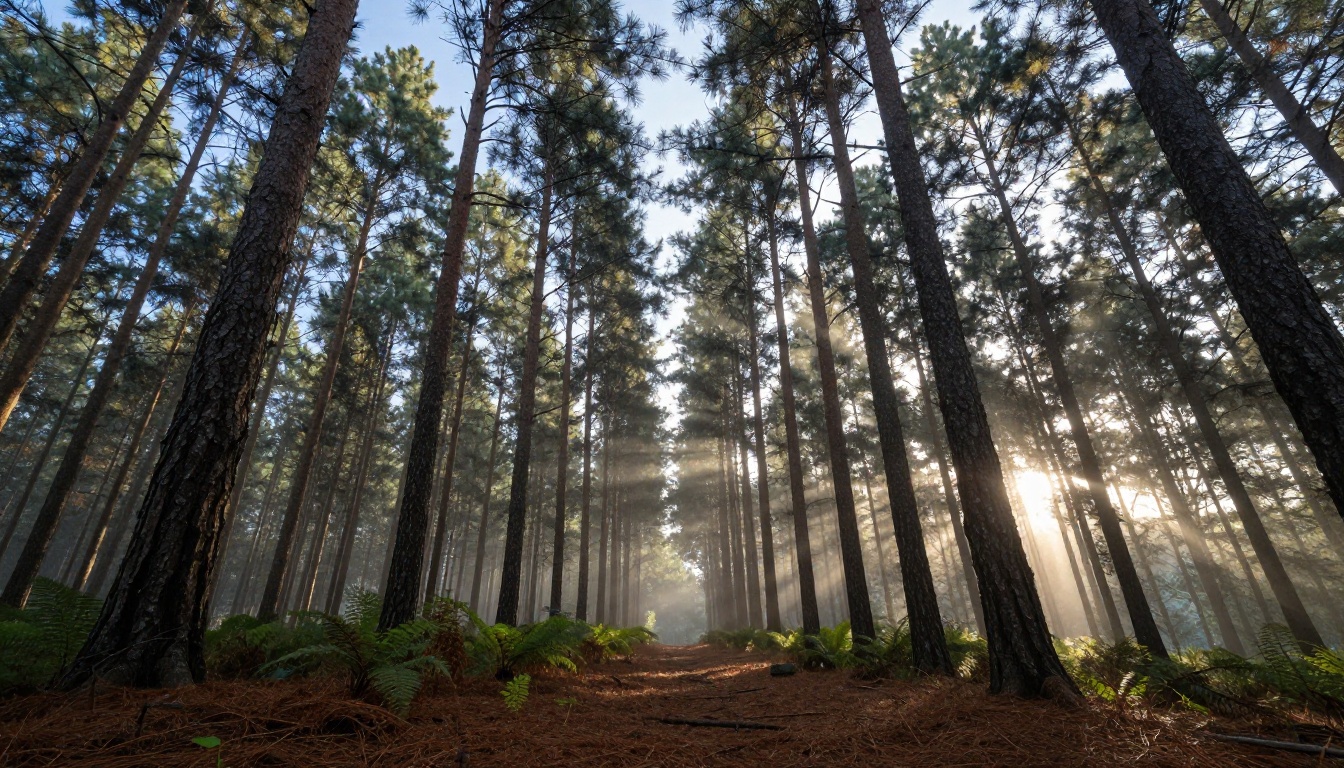
Seedance 2.0 from ByteDance is among the few models that generates synchronized audio alongside the video in a single step. If your content needs ambient sound, natural atmosphere, or musical texture baked directly into the clip, Seedance 2.0 handles that without requiring a separate audio generation pass. For landscape content with wind, water, or crowd sounds, the difference in production value is substantial.
Kling v3 for cinematic narrative control
Kling v3 Video offers motion control features that let you specify the trajectory and behavior of camera movement with precision. For brand video work or narrative sequences where each shot needs to match a storyboard exactly, Kling's motion control tooling gives you repeatability that Grok's text-only interface doesn't match. When the production requirement is consistency across a series of clips, Kling v3 is the tool to reach for.
Veo 3 for broadcast-quality outputs
Google's Veo 3 pushes the quality ceiling for AI video currently available. The model generates 1080p clips with native audio at a level of physical realism that makes it the benchmark for production-quality AI video in 2025. If Grok Imagine Video is where you prototype a visual idea and evaluate whether it has potential, Veo 3 is where you produce the version that goes into a final deliverable.
Other models worth knowing: Pixverse v6 pairs cinematic AI audio with strong visual quality, Sora 2 brings OpenAI's generation quality with audio sync, and Ray Flash 2 720p delivers fast 720p results when turnaround speed matters more than maximum quality.
Start Creating Your Own AI Videos
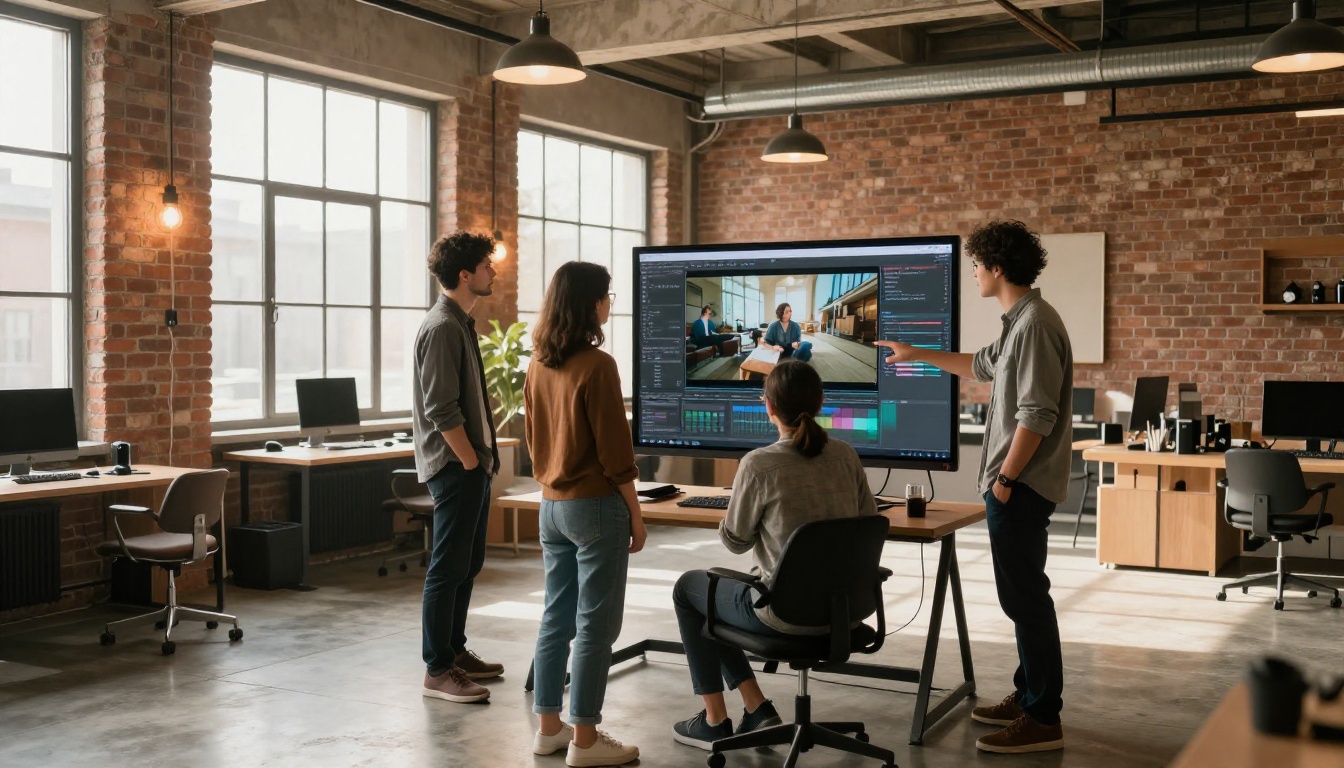
Grok Imagine Video does a few specific things better than most tools in this category: it renders natural environments with convincing physical motion, it animates portraits with subtle realism through its R2V mode, and it responds to cinematographic prompt language in a way that rewards users who think in shots rather than descriptions.
The ceiling on what you can actually produce rises significantly when you stop thinking in terms of a single model and start combining them. Generate a source image with PicassoIA's text-to-image collection, animate it with Grok Imagine R2V, layer in audio with Seedance 2.0, and upscale the final output with PicassoIA's AI video enhancement tools. That four-step workflow produces results that would have required a full production team two years ago.
Everything you need for that workflow lives in one place: picassoia.com/en/all-models.

If you've been curious about what Grok Imagine Video can create, the fastest way to find out is to put a well-structured prompt in front of it. The model rewards specificity and punishes vagueness. Try one landscape clip, one portrait animation via R2V, and one abstract atmospheric clip. The difference in output quality between a vague description and a precise shot script is more dramatic than any equipment or subscription upgrade you could make. Start with the prompt, get the result, adjust one element, and repeat.


