There is something a slideshow will never do for you. No matter how beautiful your photos are, no matter how carefully you sequenced them or how perfect the music, a slideshow is still just a series of frozen moments. It flips. It holds. It transitions. Then it flips again. The viewer watches time stop and start, over and over, and their brain processes it exactly that way: as separate, isolated snapshots glued together with a fade effect.
Image to video is something fundamentally different. It does not flip between photos. It animates them, pulling out the motion that was always implied inside the still frame and letting it breathe. A woman's hair does not jump from position A to position B between slides. It moves continuously, strand by strand, in real time, the way hair actually moves when the wind touches it.
That difference sounds simple. In practice, it separates work that feels alive from work that feels assembled.
The Problem With Slideshows

Slideshows have been the default for decades. PowerPoint, Keynote, Google Slides, Instagram carousels: the format is so deeply embedded in how people share visual information that most creators do not even question whether it is the right tool. They just reach for it automatically.
What a slideshow actually does
A slideshow is a sequencing tool. It arranges static images in an order and adds timing, transitions, and often music. The viewer's eye moves from slide to slide and the brain fills in the gaps. It is efficient, fast to produce, and easy to consume on any device.
For certain use cases, that is exactly right. A product catalog with 20 items to compare? Slides work well. A before-and-after comparison? Slides are ideal. Information-dense presentations where people need to pause and read? Slides are the obvious format.
What it will never do
The moment your goal shifts from presenting information to creating feeling, the slideshow starts to fail. Here is why:
- It interrupts time. Every transition is a cut, a break, a full stop. The viewer's emotional buildup resets with every click.
- It cannot show movement within a frame. If you have a photo of a crowded city street at rush hour, the slideshow shows you a frozen crowd. The video shows you a crowd moving.
- It has no temporal depth. A photo captures one single instant. A video captures a duration. That duration is what allows mood, pacing, and story to develop.
- It cannot carry organic audio. Background music layered over slides is decoration. Audio generated alongside moving imagery, synchronized to the motion, feels embedded in the content itself.
💡 The core issue: Slideshows ask the viewer to imagine motion and feeling. Image to video delivers it directly.
Motion Changes Everything

Human vision evolved to detect motion before anything else. Movement triggers an involuntary attentional response in the visual cortex. It is not a preference. It is hardwired. When something moves in your field of vision, your eyes snap to it automatically before conscious thought kicks in.
Slideshows exploit this exactly once, at each transition. The fade or cut captures attention briefly, then delivers a static image. That static image competes with every other thing in the viewer's environment for ongoing attention.
Video does something the slideshow cannot match: it sustains the motion signal. As long as anything is moving in the frame, including flowing fabric, drifting clouds, rippling water, or blowing hair, the viewer's visual system keeps re-engaging. They do not look away. The content holds them without requiring any action on their part.
How the brain processes moving images
When you watch video, your brain activates regions associated with empathy and embodied simulation. You do not just observe the content. You partially experience it. This is why footage of someone running feels more visceral than a photo of a runner. The temporal sequence, the continuous flow of motion, triggers mirror neuron responses that still images cannot reach.
This effect has real consequences for content creators:
| Content Type | Average Watch Time | Emotional Recall |
|---|
| Slideshow (10 slides) | ~15 seconds | Low |
| Short video (10 seconds) | ~8 seconds | High |
| Animated image (5 seconds looping) | ~12 seconds per loop | Medium-High |
The numbers favor video not because it is longer, but because motion creates sustained attention that static images must constantly re-earn.
Why still images stop time
Photography is the art of the decisive moment. The single most important function of a photograph is that it stops time, preserving a fraction of a second that would otherwise vanish. That is photography's superpower.
It is also its limitation when you need time to flow.
A photograph of a waterfall shows you the water. An animated image-to-video clip of that same photograph shows you the water falling. The cliff, the mist, the surrounding rocks stay anchored exactly as they were in the original photo. But the water moves. And because everything else stays consistent with the original composition, the effect feels more cinematic than most footage taken on location.
5 Things Only Video Can Do
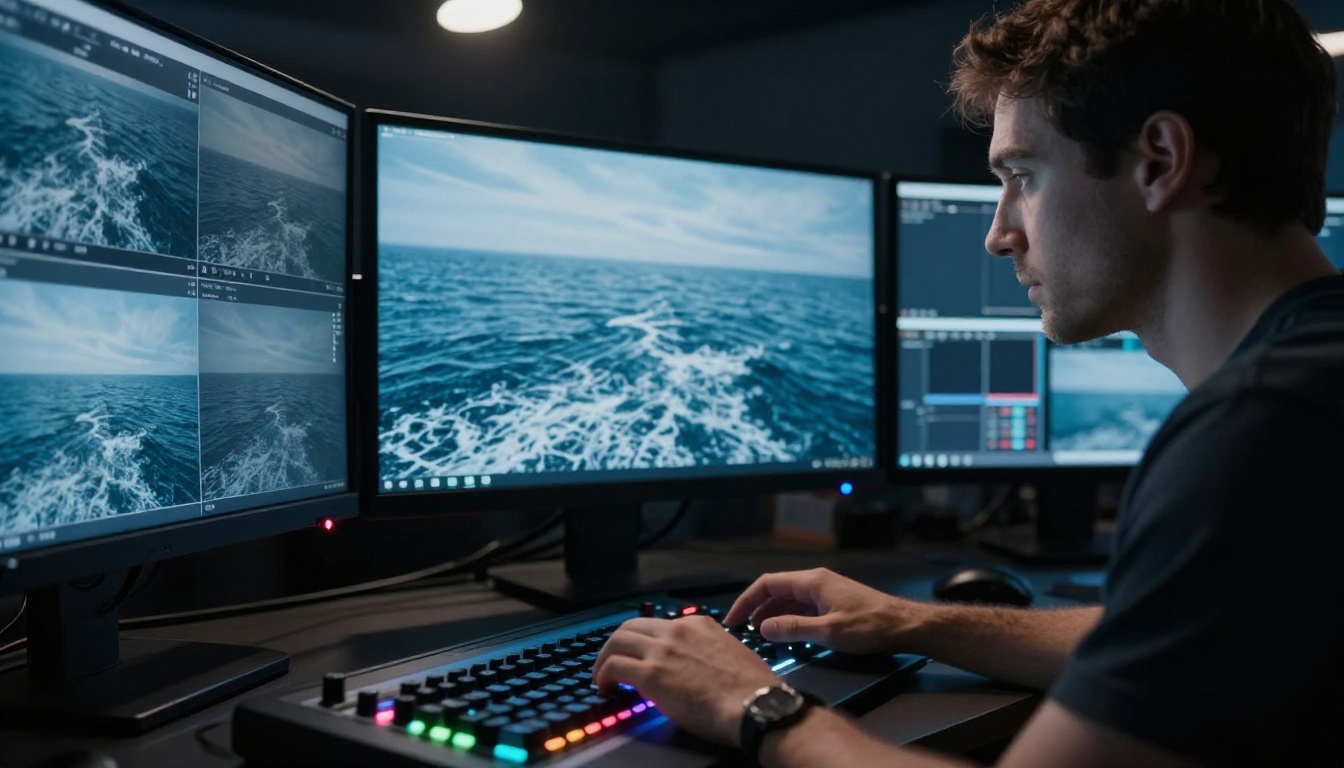
Here is the clearest way to think about what image to video actually adds. These are five capabilities that no slideshow, no matter how well designed, can replicate.
1. Continuous motion
A slideshow shows you frames. Video shows you the space between the frames. That space is where motion lives. Wind through trees. Fabric shifting. Eyes moving. Breath rising and falling. None of this exists in a slideshow. All of it can exist in an animated image.
Modern image-to-video AI models like Wan 2.7 I2V are specifically built to read the physical logic of a still image and generate plausible, natural motion from it. The model does not randomly add movement. It identifies what would move in the scene, a person's hair, water in the background, a flag in the wind, and animates it with physical consistency.
2. Temporal depth
Time is the fourth dimension of visual storytelling. A slideshow gives you none of it per frame. An image-to-video clip gives you seconds of it, and those seconds carry pacing. A slow dolly push-in feels different from a fast zoom. A still moment with subtle environmental motion feels different from active motion. All of these temporal qualities are absent in a static slide.
3. Synchronized audio
Background music in a slideshow is decorative. It starts when the presentation starts and plays through all the slides, disconnected from any specific visual event. Image-to-video output, particularly from models like Seedance 2.0, includes audio generated alongside the video, synchronized to the motion itself. The sound of wind matches the moving trees. The ambient texture of the environment is embedded in the clip. That synchronization is something a slideshow with a music track will never replicate.
4. Storytelling through time
A story requires a beginning, middle, and end. A single slide is just a beginning. A slideshow forces the viewer to construct narrative across disconnected moments. A short video, even five seconds long, can carry a complete narrative arc: a woman turns her head, catches the light, smiles slightly. That arc happens within the clip. No viewer action required. No gap-filling required.
5. Attention control
In a slideshow, the viewer's eye can go anywhere in the frame. There is no motion to direct it, so it wanders. In a video, motion guides gaze. The moving element naturally draws the eye, which means the creator controls exactly where the viewer looks and when. That control over attention flow is one of the most underestimated advantages of video over static visual formats.
💡 Why this matters for marketing: Controlled gaze means controlled message delivery. You can sequence what the viewer notices, not just what they see.
Real Use Cases Where Video Wins

The theoretical differences are clear. In practice, certain use cases reveal the gap between slideshows and animated images in immediate, measurable ways.
Wedding and portrait photography
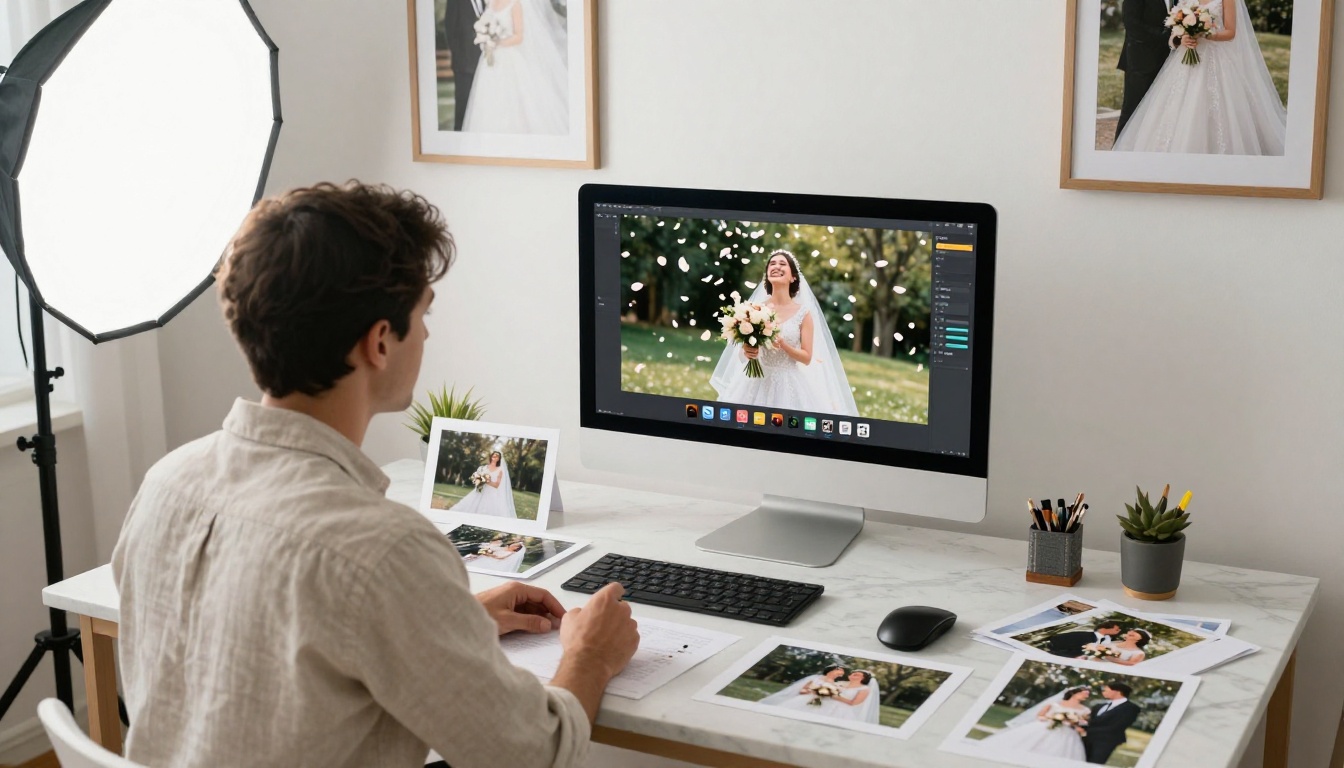
Wedding photographers have always delivered slideshows as part of their packages: 200 photos set to music, auto-advancing, sent to the couple as a digital memory. The format works, but there is a ceiling on how much emotion it can carry.
An animated image-to-video version of even five pivotal wedding moments, the first look, the vows, the bouquet toss, the first dance, changes the product entirely. The frozen second of a bride's dress catching the wind, or a groom's expression held in animated time, carries a weight that a slide flip between two static frames cannot reach.
Models like Kling v2.1 can take a single portrait photograph and animate the subject with natural micro-motion: a slight breath, a hair strand moving, eyes that track naturally. The result feels like a living portrait rather than a frozen moment. That is a deliverable worth offering.
Product marketing

Product photography produces beautiful, controlled images. E-commerce relies on it. But a product photo in a slideshow or carousel still requires the viewer to click through, to stay present through multiple static frames. Data on product videos versus static galleries consistently shows higher purchase intent for video, not because video is inherently better, but because motion holds attention through the full product story.
Take a perfume bottle product shot. As a still image, it shows the bottle, the light, the surrounding props. As an animated clip, petals fall, light refracts through the glass in real time, steam rises. The same photograph, animated, becomes a commercial. Tools like Ovi I2V, which generates videos with synchronized audio from any photo, can take a product image and output exactly this kind of clip in seconds.
Travel and landscape content
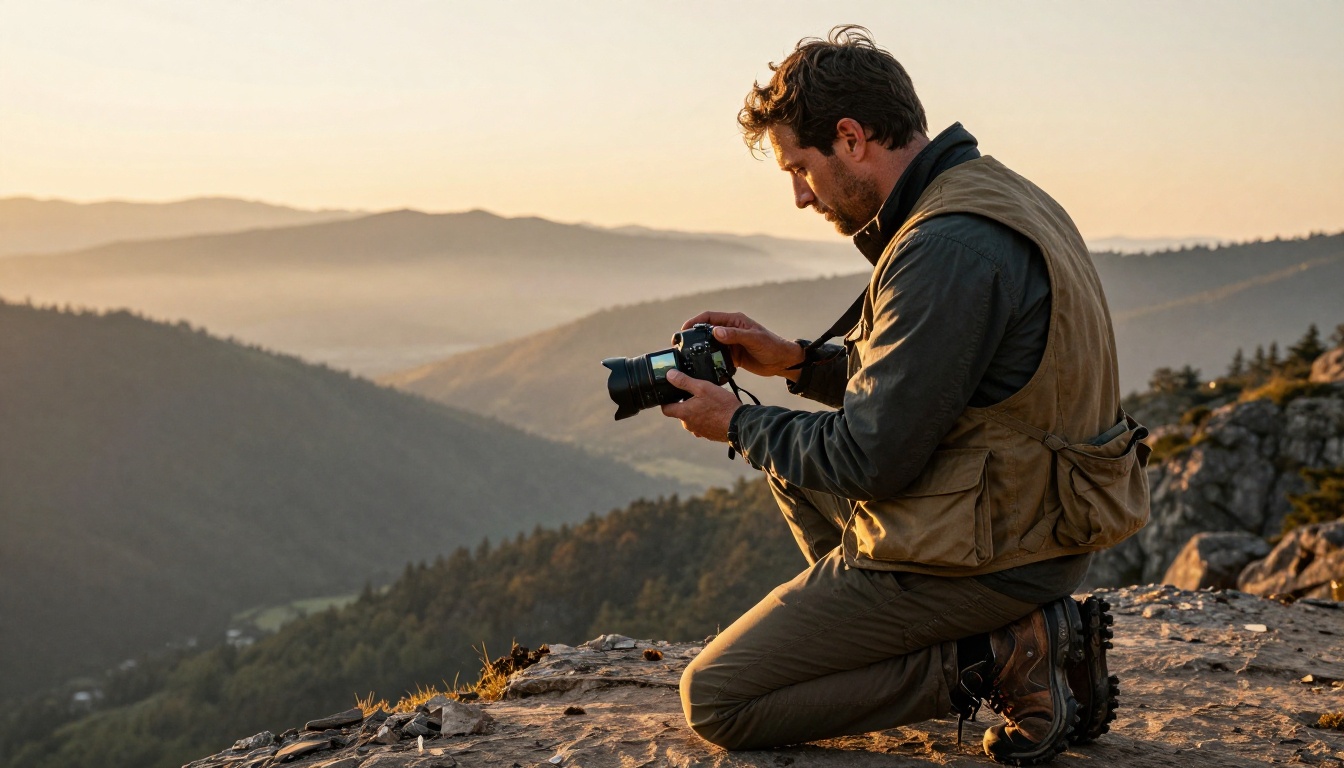
Travel content lives or dies on atmosphere. A slideshow of landscape photography can be beautiful. But the viewer knows they are looking at frozen moments. Clouds do not move. Light does not shift. The sense of being there is absent.
An animated image-to-video clip of a mountain vista, with mist rolling slowly between ridges and the color of the sky shifting, creates a sensory experience closer to actually standing there than any number of static slides. Gen4 Turbo is specifically designed to convert images into dynamic videos fast, making it practical to turn a batch of travel photography into short animated clips without hours of production work.
Social media and short-form content
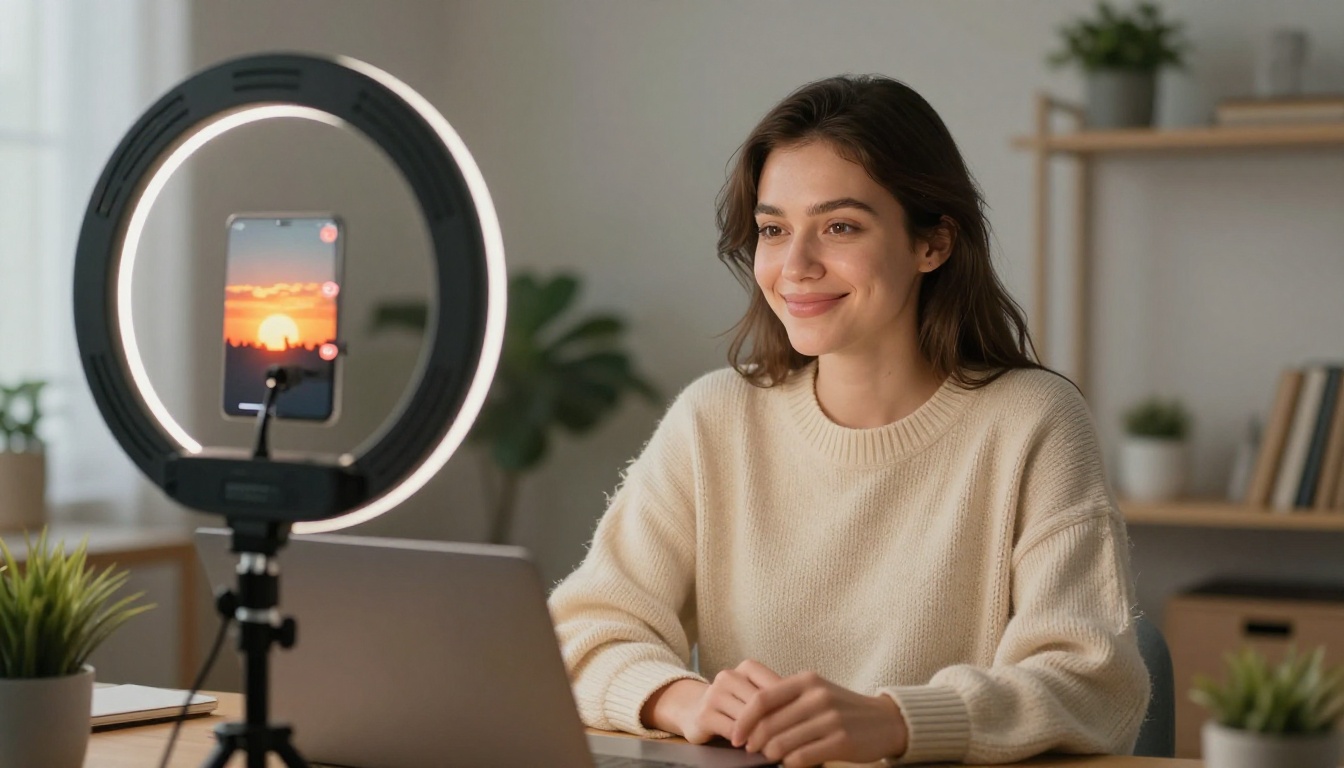
Platforms like Instagram, TikTok, and Pinterest now treat video and animated content as higher-priority in their algorithms than static images. A carousel post can perform well, but a short animated clip of the same content will consistently outperform it in reach and saves.
The production gap between photos and video has historically made video harder to choose. With AI image-to-video tools, that gap closes substantially. A single photograph can become a polished, motion-rich five-second clip in minutes. Hailuo 2.3 and P Video both offer fast, accessible image-to-video generation that fits into a content workflow without requiring a video production background.
💡 The practical shift: Image-to-video does not replace photography. It extends it into the dimension that modern platforms actually reward.
How AI Makes This Possible Now
The core challenge with turning a photograph into a video has always been the same: a photo captures one moment, and a video requires many. A human video editor sourcing footage, compositing it, and color-matching it to the original photo might spend hours on a single shot. The result often looks obviously stitched together.
AI image-to-video models solve this differently. They learn the visual language of the physical world from vast datasets of real video, including how cloth moves in wind, how water flows, how hair responds to motion, how light changes through time. When they receive a still image, they do not composite additional footage. They infer what the scene's motion would have looked like based on everything they have absorbed about how similar scenes behave.
The result is that motion looks native to the original image, not grafted onto it.
The models that matter
The text-to-video category on PicassoIA includes a wide range of image-to-video capable models, each with different strengths:
Each accepts an image as input and returns a short video clip. Some add audio. Some specialize in human subjects. Some excel with landscape and environment content. Choosing between them depends on what is in your source image and what kind of motion you are trying to create.
Trying It on PicassoIA
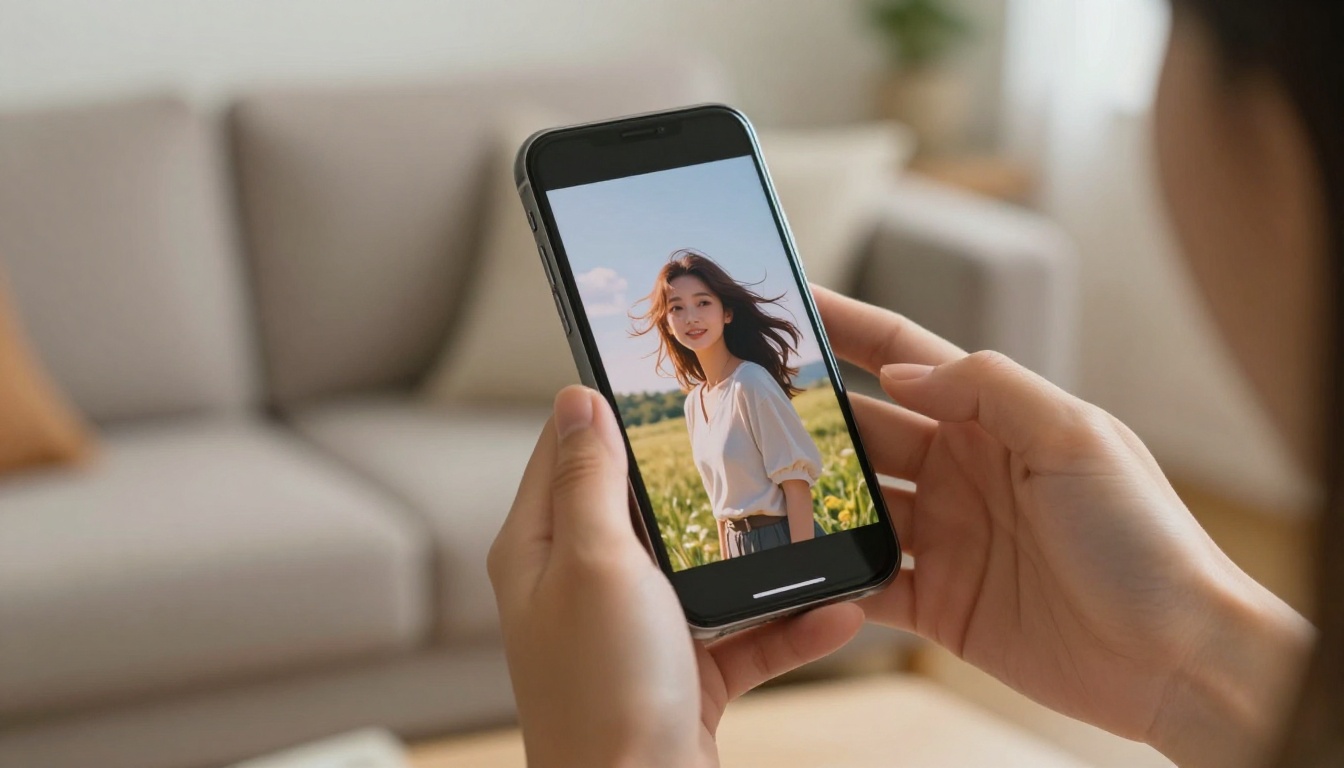
PicassoIA gives you direct access to the full range of image-to-video models through a single platform. The PicassoIA Video tool is a solid starting point if you want to experiment with both text-to-video and image-to-video generation in one place.
Here is how a basic image-to-video workflow looks in practice:
Step 1. Start with a strong photograph. The better the source image, the more convincing the motion output. High-contrast images with clear subjects tend to animate most naturally. Avoid heavily compressed JPEGs or images with excessive noise.
Step 2. Choose a model based on your subject. For portraits and people, Kling v2.1 or Kling v3 Video produce natural facial and body motion. For environments and landscapes, Wan 2.7 I2V handles atmospheric motion exceptionally well.
Step 3. Write a motion prompt. Describe what should move and how: "gentle breeze moving through the subject's hair, soft ambient light shifting, slow dolly push-in." The specificity of your prompt determines the quality of the motion output.
Step 4. Generate and review. Output clips are typically 5 seconds. Review the motion for physical consistency. If movement does not match the prompt, adjust your description and regenerate.
Step 5. Use the output as content. A five-second animated clip from a photo can be used directly as a social media post, embedded on a website, or used as a hero video without any additional editing.
💡 The main difference from editing software: You are not animating the photo manually with keyframes. The model does the motion inference. Your job is to describe what you want and choose the right model for the subject.
The platform also includes Veo 3 for text-to-video with native audio when you want to go beyond an existing photograph entirely, and Wan 2.5 I2V as a reliable option for image animation with strong output quality at accessible generation speeds.
For users who want to try image-to-video with built-in audio, Seedance 2.0 and its faster counterpart Seedance 2.0 Fast generate motion and sound together, so the animated output already includes ambient audio without any additional production steps.
From Photos to Living Images
The slideshow is not disappearing. For information-heavy presentations, product catalogs, and linear story sequences where viewers need time to read or compare, it remains a practical format. But for any use case where the goal is emotional impact, sustained attention, or the feeling of being present in a moment, it has a ceiling that image-to-video does not share.
The technology that used to require a film crew, a motion graphics artist, and a production budget now fits inside a web platform. You upload a photograph. You describe the motion. You get a video.
The gap between a slideshow and a living image used to be a production gap. Now it is a choice.
If you have a library of photographs worth animating, the starting point is picassoia.com/en/all-models, where the full range of image-to-video and video generation tools are available to try directly. Pick one photograph that matters to you and see what it looks like when it moves.


