Something shifted in the past 18 months. The conversation stopped being about generating images and started being about moving them. Image to video sits at the exact intersection of those two capabilities, and if you produce content for a living, it is likely the most consequential development to arrive in your workflow since the smartphone camera changed photography forever.
This is not a feature built for VFX studios or Hollywood post-production houses. It is for the photographer who wants their portfolio to breathe. For the brand manager who needs 30 short clips per week without booking a film crew. For the solo creator who captured one perfect frame and wants to give it motion, atmosphere, and life.
Here is what image to video actually means, how the technology produces results, and what it is already doing inside the workflows of creators who adopted it early.
What Image to Video Actually Does
The premise is straightforward: you supply a static image and a text prompt describing motion, and an AI model produces a short video clip in which the scene animates. The result is not a slideshow or a crossfade. The model infers depth, lighting direction, object relationships, and physics from the image, then generates plausible motion across a sequence of frames.
What comes out is a coherent video. Wind moves through hair. Water ripples. A camera appears to dolly forward into a room. People blink and shift weight. The motion is inferred from context, not composited from pre-built assets.
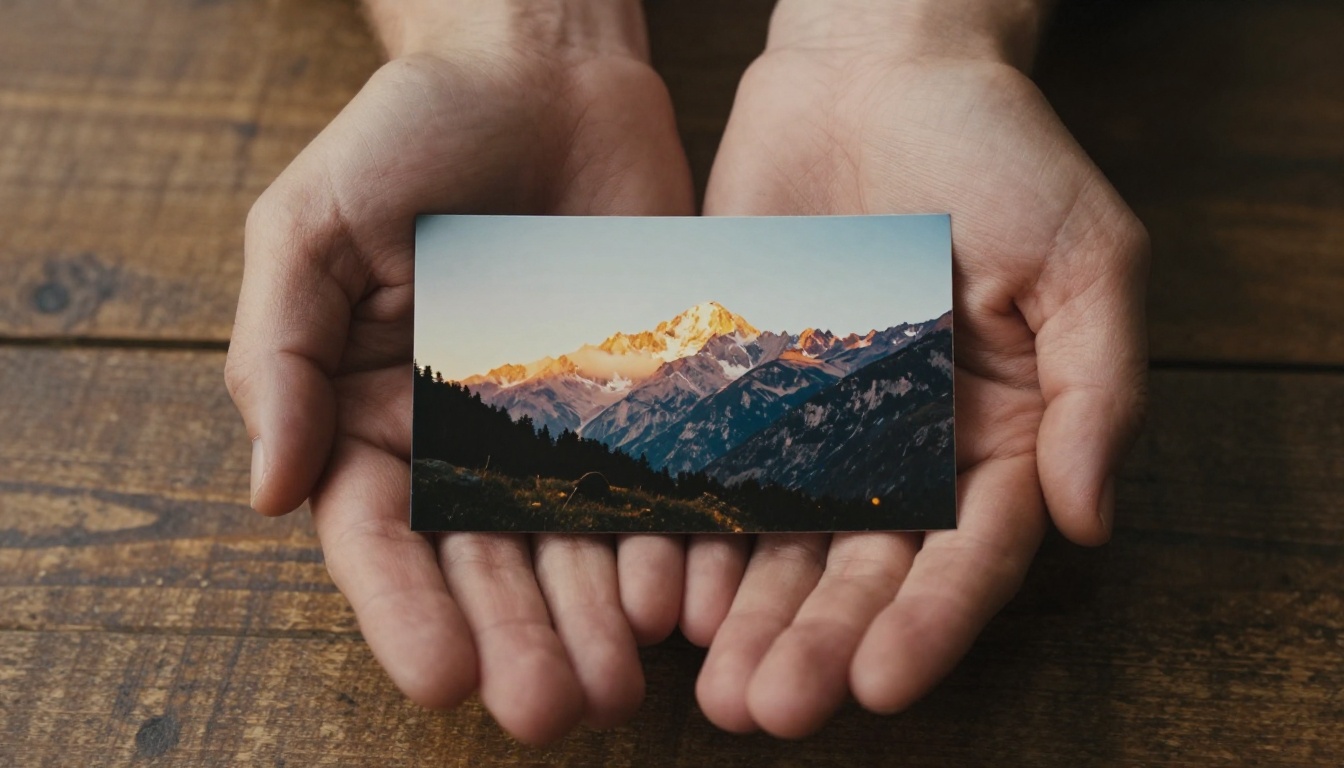
From a single frame to five seconds of motion
The output duration varies by model. Most current systems produce clips between 4 and 10 seconds. That sounds short until you consider how much of modern short-form video is built from clips exactly that length. A five-second clip of a product rotating, a landscape breathing with wind, or a portrait subject glancing toward camera is not a novelty. It is a usable production asset.
The quality of the output depends heavily on the quality of the input. High-resolution images with clear depth cues, strong lighting, and identifiable foreground-background separation produce dramatically better results than flat, low-contrast shots. This is worth noting because it reinforces something photographers already know: a technically excellent image is valuable at every stage of the creative pipeline.
The motion you get is not random or arbitrary. Current generation models have a strong prior toward naturalistic physics: objects do not levitate, faces do not morph, and lighting consistency is maintained across frames. This commitment to physical plausibility is what separates the latest models from earlier systems that felt more like abstract distortions than genuine animation.
How diffusion models generate the motion
Without going deep into model architecture, the core mechanism is an extension of the same diffusion process used in image generation. The model learns a statistical understanding of how pixels change over time in real video. When given a reference frame, it conditions its generation process on that image, producing subsequent frames that are visually consistent with the information it received.
The motion prompt acts as a steering mechanism. Phrases like "slow dolly forward," "leaves rustling in the breeze," or "subject turns slightly to look left" push the generation in specific directions. Specificity matters. A vague prompt produces vague motion. A precise, physical description of what should happen produces motion that reflects actual intent.
Some models also accept a reference end frame, so you can specify both where the motion starts and where it ends. This bidirectional control produces considerably more predictable results for professional applications where output consistency across a batch of clips matters.
Why Creators Are Paying Attention Now
The technology has existed in rough form since 2022. What changed in 2024 and 2025 was quality crossing a perceptual threshold. Early image-to-video models produced jittery, anatomically implausible results that looked like footage from a flawed deepfake. Current systems like Wan 2.7 I2V, Seedance 2.0, and Kling v3 Video produce clips that hold up to scrutiny at social media resolution.
The social media speed problem
Platforms reward volume and recency. A creator who posts daily outperforms a creator who posts weekly, regardless of relative quality above a certain baseline. This creates relentless pressure on production speed.
Video content has historically required more time to produce than photo content. You need a camera setup, a shoot, capture, editing, export. Even a simple 15-second Reel involves multiple steps that a photograph does not. Image to video compresses that gap significantly. You can take your existing photo library and produce dozens of short video clips from it in a single afternoon. The source assets already exist. The generation is the only new step in the pipeline.
What makes this especially valuable is that algorithms across Instagram, TikTok, and YouTube Shorts consistently prioritize video content over static posts in distribution. A creator who publishes video daily receives disproportionately more reach than one publishing photos at the same frequency. Image to video removes the bottleneck that prevented many photographers and visual creators from taking advantage of that dynamic.
💡 Creators who already have strong photography archives are at a structural advantage. Every quality image you have already taken is a potential video clip waiting to be generated.
Budget shifts in content production
Professional video production is expensive. Even a modest brand shoot with crew, equipment, and post-production can run into thousands of dollars per day. Small brands and independent creators cannot sustain that cost at the volume modern platforms demand.
Image to video does not replace professional video production for flagship content. What it does is fill the gaps. The campaign hero video gets produced properly. The 20 pieces of supporting content that would have required additional shoot days get produced from stills using AI video models. The total cost of the content calendar drops while the volume stays high. Brands that previously could afford two shoot days per quarter can now maintain consistent video output across the full year without increasing their production budget.
5 Real Use Cases for Creators
The applications that have seen the most traction are not hypothetical. They are being used right now by creators and brands across categories.
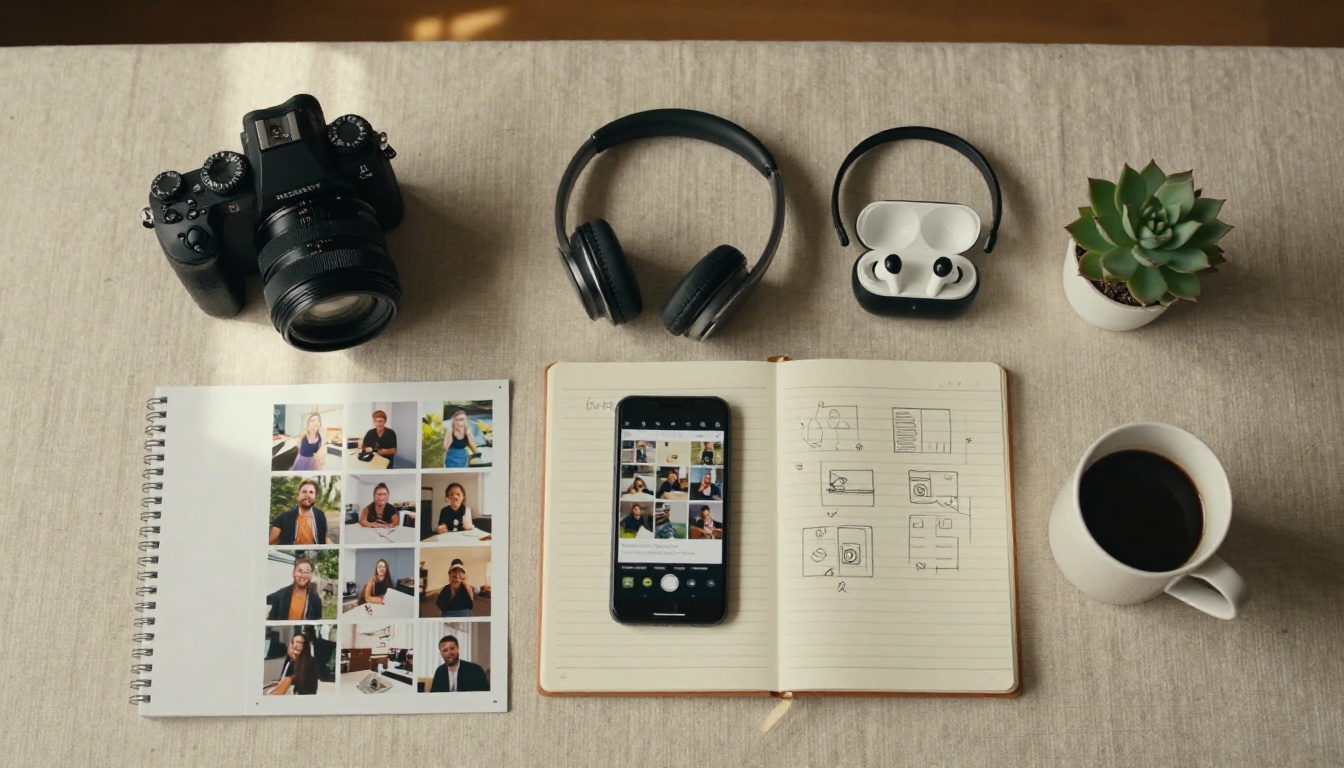
1. Product animation for e-commerce
A still product photograph is what most e-commerce platforms require. But social media platforms reward video. Image to video lets a brand take the same product photography it already commissioned and produce short clips showing the product with subtle motion effects that draw the eye on a scrolling feed.
A perfume bottle with light refracting through it. Sneakers with fabric texture responding to gentle movement. A watch face catching reflections as the camera slowly circles the subject. These are short, looping clips that perform well in paid social contexts and organic feeds alike. The cost is a fraction of a dedicated video shoot, and the source assets are already paid for.
2. Travel and lifestyle storytelling
Travel photographers accumulate thousands of strong images. Most of those images never get meaningful distribution because static photos compete poorly with video on modern platforms. Image to video changes the math. A landscape photograph of fog rolling over mountains becomes a clip with actual movement. A coastal scene with crashing waves, inferred from a long-exposure still, becomes something that actually breathes.
The same applies to lifestyle content. A morning coffee setup with steam rising. A beach scene with gentle wave motion. An urban street with pedestrians blurred into gentle motion trails. Content that sits on hard drives because it is "just a photo" becomes usable inventory for video-first channels.
3. Music and art promotion
Musicians and visual artists have always faced the challenge of making static artwork move. Album covers, poster art, digital paintings: these formats are designed for static display but need to perform on video-first platforms. Image to video provides a direct pipeline from finished artwork to animated content that meets platform requirements without compromising the aesthetic of the original piece. A painting with subtle light shift across its surface. An album cover where a single element drifts slowly across the frame. These are immediately publishable.
4. Real estate and architecture
Real estate photography is a mature, high-volume industry. Interior photos are produced at scale for listings and marketing. What image to video adds is the ability to create virtual walk-through impressions from still photographs. A wide-angle interior shot can animate with a slow camera push that suggests moving through the space. An exterior photograph can breathe with natural light changes and atmospheric movement. These clips perform well in listing promotions on social channels where video content receives algorithmic priority in feed distribution.
5. Personal brand content
For creators building an audience around their personality and expertise, image to video provides a way to produce "presence" content without being on camera constantly. A strong portrait, animated with subtle motion and ambient atmosphere, performs better in feeds than a flat headshot. Event photography becomes short recap clips. Behind-the-scenes stills can be animated to give followers a sense of being present at a shoot or production.
The Models That Do This Well
Not all image-to-video models perform equally across every use case. The current landscape on PicassoIA includes models optimized for different priorities: photorealism, speed, motion expressiveness, and output resolution. Understanding which model fits which situation saves significant time during production.
For photorealistic output
Wan 2.7 I2V consistently produces output where the physics of the scene hold together across the full clip. Fabric moves believably. Water behaves like water. Hair does not develop extra strands or disappear mid-generation. For creators working with photography that needs to remain photorealistic through the animation process, this is the model to start with.
Kling v3 Video and Hailuo 02 are strong alternatives for situations where cinematic motion quality is the priority. Both handle complex scenes with multiple subjects better than most competing models at the same resolution tier. If your source image has human subjects, these two models are particularly strong at maintaining facial consistency across the animated clip.
For speed and high volume
If you are producing content at volume, generation speed matters as much as quality. Gen4 Turbo is designed around fast iteration. You can test multiple motion prompts for the same source image in the time a slower model would take to produce a single result. Wan 2.6 I2V offers similar speed advantages while maintaining acceptable quality for most social media applications where you are targeting feeds rather than broadcast.
For productions that need native audio alongside the visual output, Seedance 2.0 and Veo 3 both generate synchronized ambient sound as part of the output, which removes the need to add audio in post-production for many use cases.
💡 For brand content where quality is paramount, use LTX 2 Pro for its 4K output. For daily social media production runs, Gen4 Turbo keeps the pace without sacrificing acceptable quality.
All of these models are available through PicassoIA without needing to configure API access, manage infrastructure, or maintain separate subscriptions across multiple platforms. One account gives you access to the full library.
3 Mistakes That Kill Your Output
The technology is powerful but specific in what it responds to well. Most poor results trace back to the same handful of errors that appear consistently across different models and use cases.
Blurry or low-resolution source images
Image to video models cannot invent detail that is not present in the source image. A blurry photograph produces a blurry video. A heavily compressed JPEG with visible block artifacts will produce a video where those artifacts animate and multiply across the generated frames. The minimum viable input is a sharp, well-exposed image at least 1024 pixels on its shortest side. For 1080p or 4K output, start with images that are 2000 pixels or wider.
This is where photographers have a natural structural advantage over other creator types. Anyone who has been shooting in RAW format and maintaining a proper archiving workflow has source material that sits well above the minimum requirements. The quality of your image archive directly determines the ceiling of your video output quality.
Vague motion prompts
"Make it move" is not a prompt. Neither is "cinematic." These instructions give the model almost no information to work from and result in generic, unconvincing animation that feels arbitrary rather than intentional.
Effective motion prompts describe physical events in specific terms. "Camera slowly dollies forward, flowers in the foreground shift slightly in a breeze, soft morning light remains constant, depth of field stays shallow" is a prompt a model can act on productively. Specify what is moving, how it is moving, and what stays still. Give the camera a behavior. Reference the lighting conditions. The more physically specific you are, the more controllable and repeatable the output becomes across multiple generation attempts.
Mismatched aspect ratios
This is a technical issue that catches people off guard. If your source image is a 9:16 portrait shot and you generate a 16:9 landscape video, the model has to fill in significant content on both sides of the original frame. The content generated in the extended areas is almost always visually inconsistent with the original image in terms of color, lighting, and spatial coherence. Match your source image ratio to your intended output format. Crop your source image to the target ratio before submitting it if they do not already align.
What to Try First on PicassoIA
PicassoIA makes every model referenced in this article accessible through a single interface. There is no infrastructure to configure, no API tokens to manage, and no per-seat software subscription to justify to anyone. The full library of AI video models is accessible on demand.
The practical starting point is to pick one image from your existing library that is sharp, well-exposed, and has clear depth separation between a foreground subject and its background. Load it into Wan 2.7 I2V on PicassoIA. Write a motion prompt that describes something physically specific: a breeze moving through the scene, a slow camera push toward the subject, a subject turning slightly to one side while maintaining gaze direction. Run the generation. Review what comes back.
The first result may not be exactly what you imagined. That is expected and normal. Run a second generation with a more specific prompt. Run a third with a different source crop or adjusted aspect ratio. Within three or four iterations, most users find a result they can actually use in a content context.
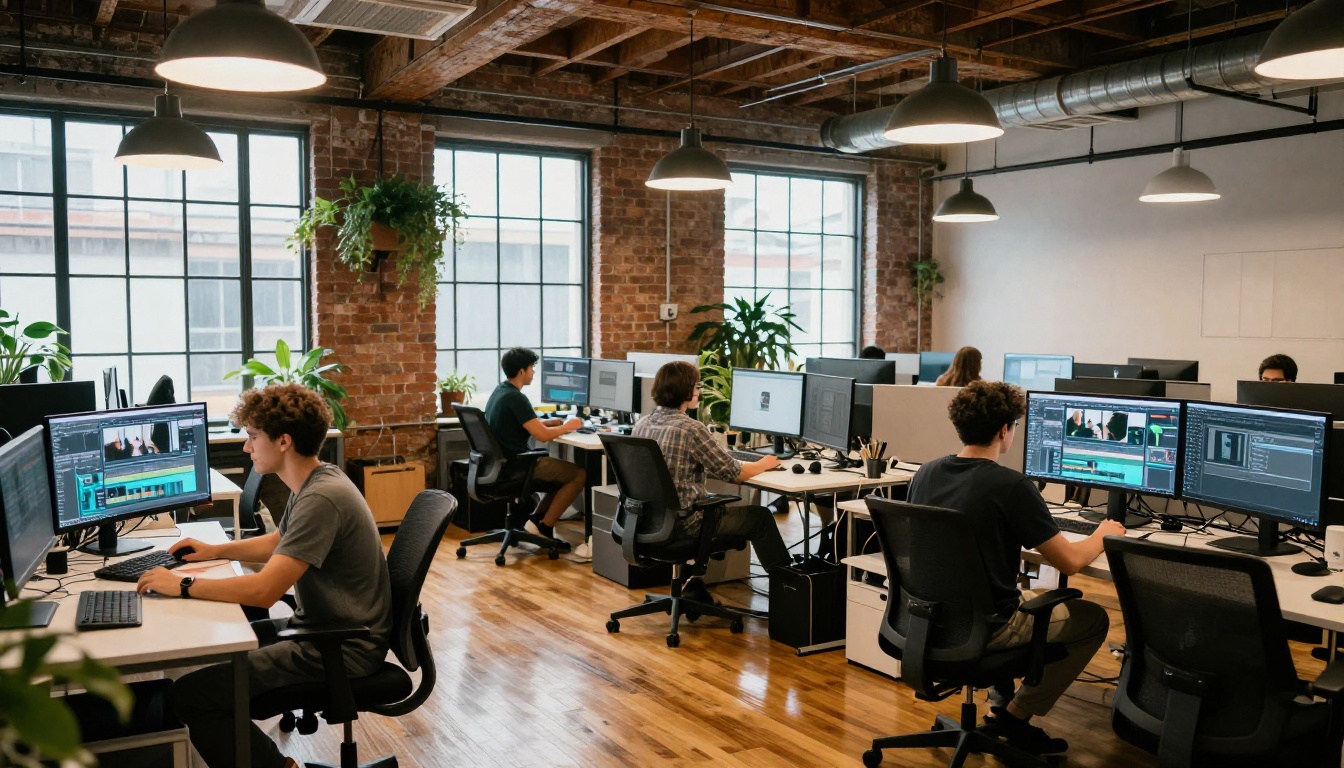
From there, the workflow becomes about volume and consistency. If you have 50 strong images in your archive, you have 50 starting points for video content. A single afternoon of systematic generation using a consistent prompt structure can produce a full month of short-form video for any platform you publish on. No shoot required. No crew to coordinate. No equipment to rent or locations to book.
The creators who are ahead of this curve are not doing anything complicated or inaccessible. They are taking their best photographs, running them through image-to-video models with specific motion prompts, and using the output to stay active on video-first platforms without doubling their production workload. The barrier to entry is lower than it has ever been.
💡 Start with your 10 strongest images. Generate one clip per image with a specific motion prompt. Post the best three to your primary platform. That is a week of video content produced in an afternoon.
If your content calendar has always been limited by production time rather than ideas or source material, image to video is the most direct solution to that specific bottleneck. Your archive of photographs already contains the raw material for months of video content. The tools on PicassoIA are ready and accessible without a setup process.
Visit picassoia.com/en/all-models to see the full library of video models and start generating from your existing images today.


