Every hour of recorded audio takes a professional human transcriptionist roughly four hours to convert into text. That ratio has defined the economics of transcription for decades. AI audio transcription has changed that equation completely, bringing that same hour of audio down to seconds with accuracy rates that now rival, and in many cases beat, a trained human typist.
What AI Audio Transcription Actually Is
AI audio transcription is the automated process of converting spoken audio into written text using machine learning models. You feed it an audio file, a video, or a live microphone stream, and it returns a timestamped, formatted text document in seconds.
It is not simple voice recognition from the early 2000s. Modern AI transcription uses large neural networks trained on millions of hours of multilingual speech, capable of handling accents, overlapping speakers, background noise, and even specialized vocabulary like medical terminology or legal jargon.
The Old Way vs. The New Way
Before AI, transcription meant one of two things: paying a human professional to listen and type, or using rigid, rule-based software that fell apart the moment someone spoke with an accent or paused mid-sentence.
| Method | Speed | Accuracy | Cost |
|---|
| Human Transcriptionist | 4 hrs per 1 hr audio | Very High | $$$ |
| Old Speech Software | Real-time | Low-Medium | $ |
| AI Transcription (2024+) | Near-instant | High to Very High | $ |
The shift happened because of deep learning. Neural networks stopped trying to match phonemes against fixed dictionaries and instead learned the statistical patterns of language itself.
What "Automated" Really Means
When people say a transcription tool is "automated," they mean the model handles the full pipeline without human checkpoints. It receives the audio, processes it through acoustic and language models, and outputs text, all without queues or waiting for human review.
💡 Worth knowing: Most modern AI transcription tools also support speaker diarization, which means the model can separate "Speaker 1" from "Speaker 2" in a multi-person conversation, making meeting notes and interview transcripts far more readable.
How It Works, Step by Step
The process sounds simple from the outside: audio goes in, text comes out. But what happens in between involves several distinct technical stages that each affect the final quality.
From Sound Waves to Text
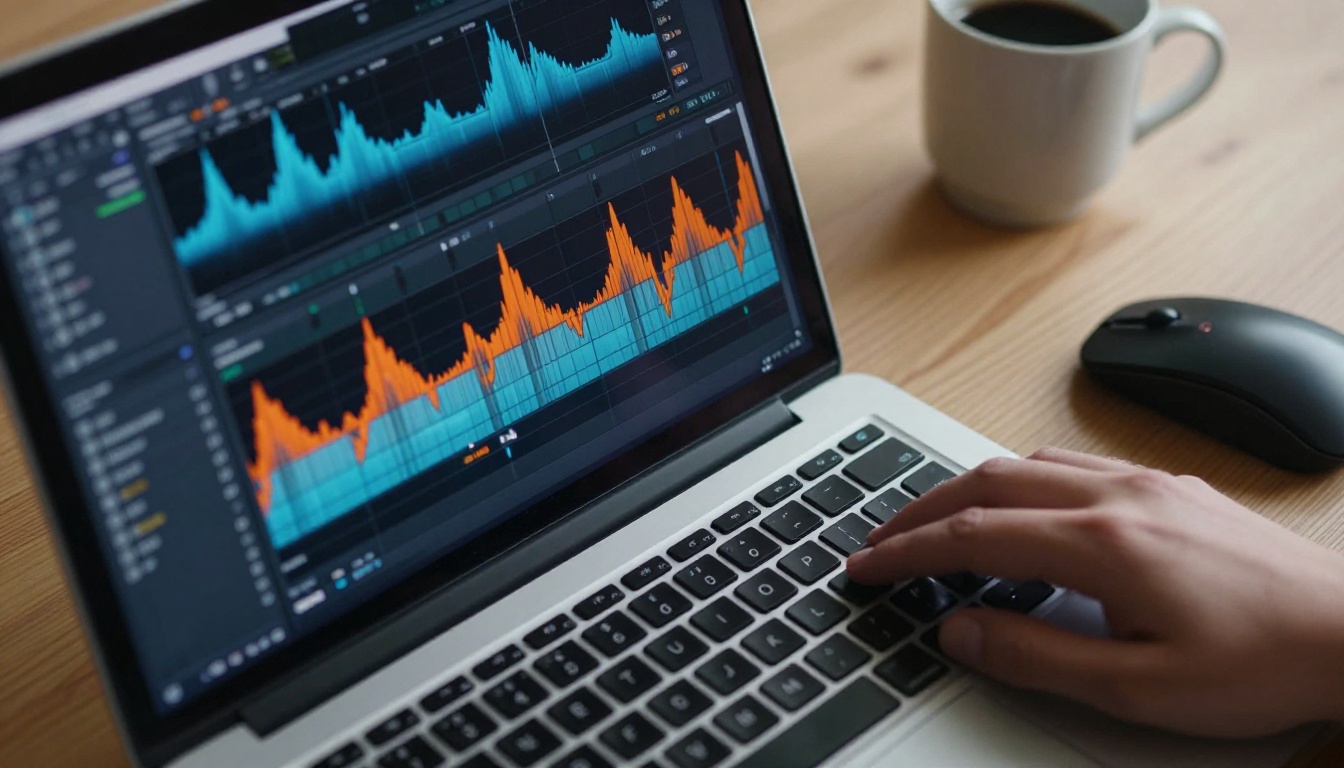
Audio is a continuous wave of pressure changes. Before any language model touches it, the audio gets converted into a spectrogram, essentially a visual map of frequency and time. The AI reads this map the same way you might read a musical score: patterns, rhythms, and shapes that correspond to phonemes (the building blocks of spoken language).
This acoustic model identifies what sounds were made. Then a separate language model takes those sounds and decides which words make the most sense in context. That second step is where AI transcription separates itself from older software. "Two" vs. "too" vs. "to" are acoustically similar. The language model picks the right one based on what surrounds it.
Deep Learning and Neural Networks
Modern speech-to-text models are trained on enormous datasets of audio paired with human-verified text. The model maps acoustic patterns to linguistic meaning through a process called sequence-to-sequence learning, where the input sequence (audio frames) gets translated into an output sequence (words).
Architectures like Transformer models have dramatically improved transcription quality over the past few years. These models process the entire audio context at once rather than reading left-to-right, which means they can revise an early word guess when later context clarifies meaning.
Speaker Diarization Explained
Diarization is the technical term for "who spoke when." A diarized transcript looks like this:
- [Speaker A]: "Can we push the deadline to Friday?"
- [Speaker B]: "That depends on whether the assets are ready."
This is especially useful for meeting notes, podcast episode show notes, and interview transcripts. Most high-quality AI transcription models, including the ones available on PicassoIA, handle diarization automatically.
Accuracy, Speed, and What to Expect
Not all AI transcription tools deliver the same quality. Knowing what drives accuracy helps you choose the right model for your specific needs.
Word Error Rate (WER)
The industry standard metric for transcription quality is Word Error Rate (WER). It measures the percentage of words the model gets wrong. A WER of 5% means the model makes about one mistake every 20 words. The best modern models achieve WER below 3% on clean audio.
💡 Benchmark context: Human professional transcriptionists typically achieve a WER of around 4%. Some AI models now perform better than that baseline under controlled conditions.
What Affects Accuracy
Several factors push WER up or down in real-world use:
- Audio quality: Background noise, room echo, and compression artifacts all reduce accuracy
- Accent and dialect: Models trained on diverse datasets handle more accent variation
- Speaking pace: Very fast speech increases error rates; deliberate speech reduces them
- Domain vocabulary: General models struggle with medical, legal, or technical terms unless fine-tuned on domain-specific data
- Audio format: Lossless formats (WAV, FLAC) outperform heavily compressed formats (low-bitrate MP3)

6 Industries That Rely on It
AI audio transcription is not a niche tool. It has become foundational infrastructure across a wide range of professional fields.
Healthcare
Doctors spend an average of 16 minutes per patient on documentation. Voice dictation connected to AI transcription cuts that to under 2 minutes. Clinical notes, discharge summaries, and referral letters get converted automatically, reducing administrative burden and the risk of documentation errors.

Journalism and Media
Interviews that once required hours of manual transcription are now ready in seconds. Journalists can search transcripts for specific quotes, cross-reference sources, and publish faster. Broadcast media uses real-time transcription for live closed captions, which is now legally required in many countries.

Legal
Court reporters charge between $3 and $7 per page. AI transcription brings that cost near zero for depositions, client meetings, and legal proceedings. Law firms use it to create searchable archives of recorded conversations, dramatically speeding up case research.
Content Creation
Podcasters, YouTubers, and course creators use transcription to repurpose audio content into blog posts, social captions, and SEO-rich articles. A 30-minute podcast episode becomes a 3,000-word article in minutes.
Education
Lecture recordings transcribed automatically become accessible to students who are deaf or hard of hearing. Universities also use transcription to create searchable course archives, allowing students to find specific concepts without rewatching full recordings.
Corporate and Remote Teams
Meeting platforms now integrate AI transcription natively. Every decision, action item, and discussion point gets captured without anyone taking manual notes. Teams across time zones can read what happened instead of attending every call live.
Real-Time vs. Batch Transcription
AI transcription operates in two fundamental modes, and choosing between them depends entirely on your use case.
When You Need Instant Results
Real-time transcription processes audio as it is being spoken, returning text with a lag of typically under one second. Use cases include:
- Live closed captions for broadcasts or video calls
- Voice commands for software interfaces
- Live note-taking during meetings or lectures
- Customer service call monitoring
The tradeoff is accuracy: real-time models have less context to work with, since they cannot "look ahead" to clarify ambiguous words.
When Batch Processing Wins
Batch transcription processes a complete audio file after it has been recorded. Because the model has access to the entire audio context, accuracy is significantly higher. Use cases include:
- Podcast and video post-production
- Interview and deposition transcription
- Archiving voice recordings
- Creating subtitles for pre-recorded video
💡 Practical tip: For anything where accuracy matters more than speed, always choose batch over real-time. The quality difference on complex audio can be dramatic.
How to Transcribe Audio on PicassoIA
PicassoIA gives you direct access to five high-performance speech-to-text models, each built for different scenarios. Here is how to use them and what each one is best for.
The Models Available
| Model | Best For | Languages |
|---|
| GPT-4o Transcribe | Highest accuracy, general use | 50+ |
| GPT-4o Mini Transcribe | Fast, cost-effective transcription | 50+ |
| Gemini 3 Pro | Long audio files, multilingual | 100+ |
| Granite Speech 3.3 8B | Enterprise, privacy-focused | 6 |
| Granite Speech 4.1 2B | Lightweight, fast deployment | 6 |
Transcribing With GPT-4o Transcribe
GPT-4o Transcribe by OpenAI is the strongest all-purpose option for most users. Here is the full process:
Step 1: Open the model page
Navigate to GPT-4o Transcribe on PicassoIA and click "Run."
Step 2: Upload your audio
Supported formats include MP3, WAV, M4A, FLAC, and MP4 audio tracks. Files up to several hours long are supported.
Step 3: Set your language (optional)
If your audio is in a specific language, selecting it explicitly improves accuracy. Leave it blank for automatic language detection.
Step 4: Choose output format
Select between plain text, timestamped paragraphs, or JSON with word-level timestamps. For video subtitles, choose the SRT format option.
Step 5: Run and download
The model processes your file and returns the transcript. For a one-hour file, expect results in 30 to 90 seconds.
Tips for Better Results
- Trim silence: Remove long pauses at the start and end of recordings before uploading
- Normalize audio levels: Use free tools like Audacity to bring audio to -14 LUFS before transcribing
- Separate speakers before upload: If possible, export individual speaker tracks for cleaner diarization
- For Gemini 3 Pro: This model handles very long recordings exceptionally well, making it the best choice for full podcast episodes or lengthy interviews
- For speed: GPT-4o Mini Transcribe returns results faster than the full GPT-4o model with minimal quality loss on clean audio
- For regulated environments: Granite Speech 3.3 8B and Granite Speech 4.1 2B from IBM are built for deployment where data sovereignty and privacy compliance are non-negotiable

What to Do With Transcribed Text
Getting the transcript is step one. What you do with it determines the actual value.
Repurpose Audio Into Content
A transcription is raw material. With minimal editing it becomes:
- Blog posts: Clean up filler words, add subheadings, and you have a publishable article
- Show notes: Paste the first 200 words of a podcast transcript as the episode description
- Social captions: Pull the three best quotes from an interview transcript for Instagram or LinkedIn
- Email newsletters: Summarize a recorded webinar into a 400-word recap for subscribers
Search, Archive, and Analyze
Text is infinitely searchable. Audio is not. Transcribing your archive of recordings means you can find any quote, decision, or discussion point with a simple text search. Teams use this for:
- Compliance archives: Store transcribed call recordings for regulatory review
- Customer research: Spot recurring themes and pain points across dozens of interview transcripts
- Training data: Use real conversation transcripts to fine-tune internal AI models
- Accessibility: Provide written versions of all audio content for hearing-impaired audiences
Start With Any Recording You Already Have
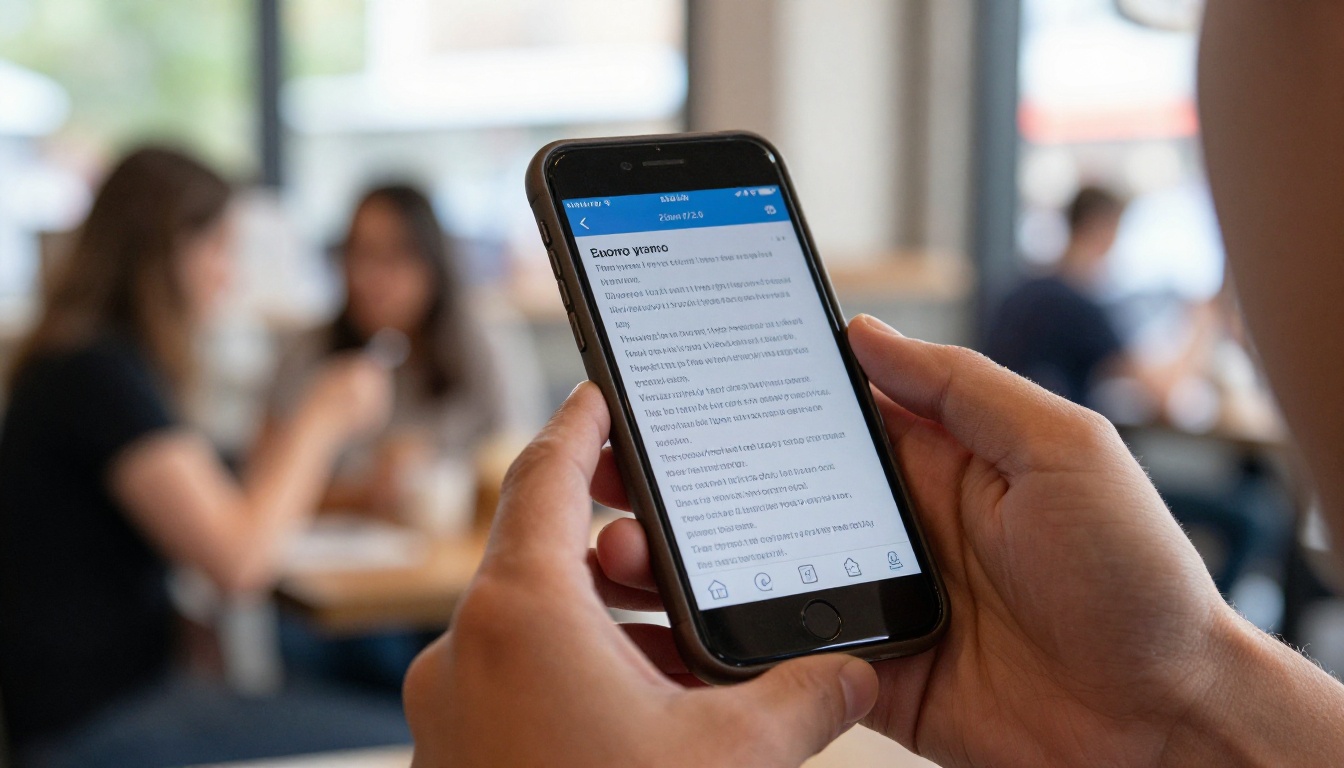
AI audio transcription is one of the most immediately practical tools in the current AI ecosystem. There is no onboarding time, no training required, and the output is immediately usable. If you have any recordings sitting on your hard drive, whether they are interviews, meetings, voice memos, or podcast episodes, you already have everything you need.
The five speech-to-text models on PicassoIA cover every scenario from fast mobile transcription to high-accuracy enterprise workflows. GPT-4o Transcribe and Gemini 3 Pro are the best starting points for most people. If you need multilingual support across more than 100 languages, Gemini 3 Pro is the strongest option. For speed and efficiency on shorter clips, GPT-4o Mini Transcribe delivers fast results without sacrificing quality on clean audio.
Pick a file, run it through a model, and see what comes back. The results are almost always faster and more accurate than expected.


