What if you could take any video, swap the language, and have the speaker's mouth match the new audio perfectly? That is exactly what AI lipsync does, and it has moved from a research curiosity into a practical production tool in less than three years.
What AI Lipsync Actually Does
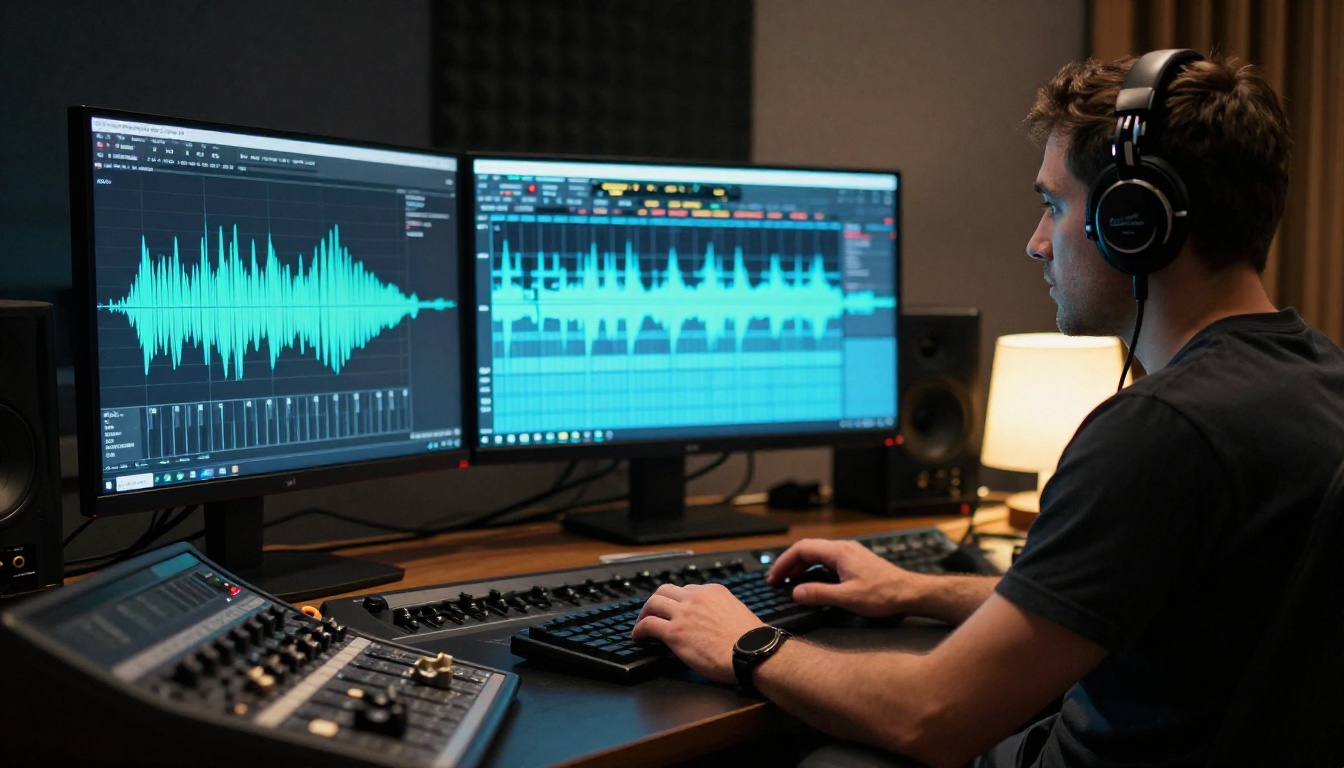
AI lipsync is the process of automatically aligning a person's visible lip and jaw movements in a video to match a new audio track. The original audio may be in English and the target audio in Spanish, or the swap could be from one speaker to another entirely. Either way, the AI modifies the facial region in each frame so the mouth appears to articulate the new speech naturally.
This is different from subtitling, which simply adds text. It is also different from voice cloning, which changes only the audio. AI lipsync changes the video itself, making the speaker's face appear to deliver entirely new words.
The Core Mechanics
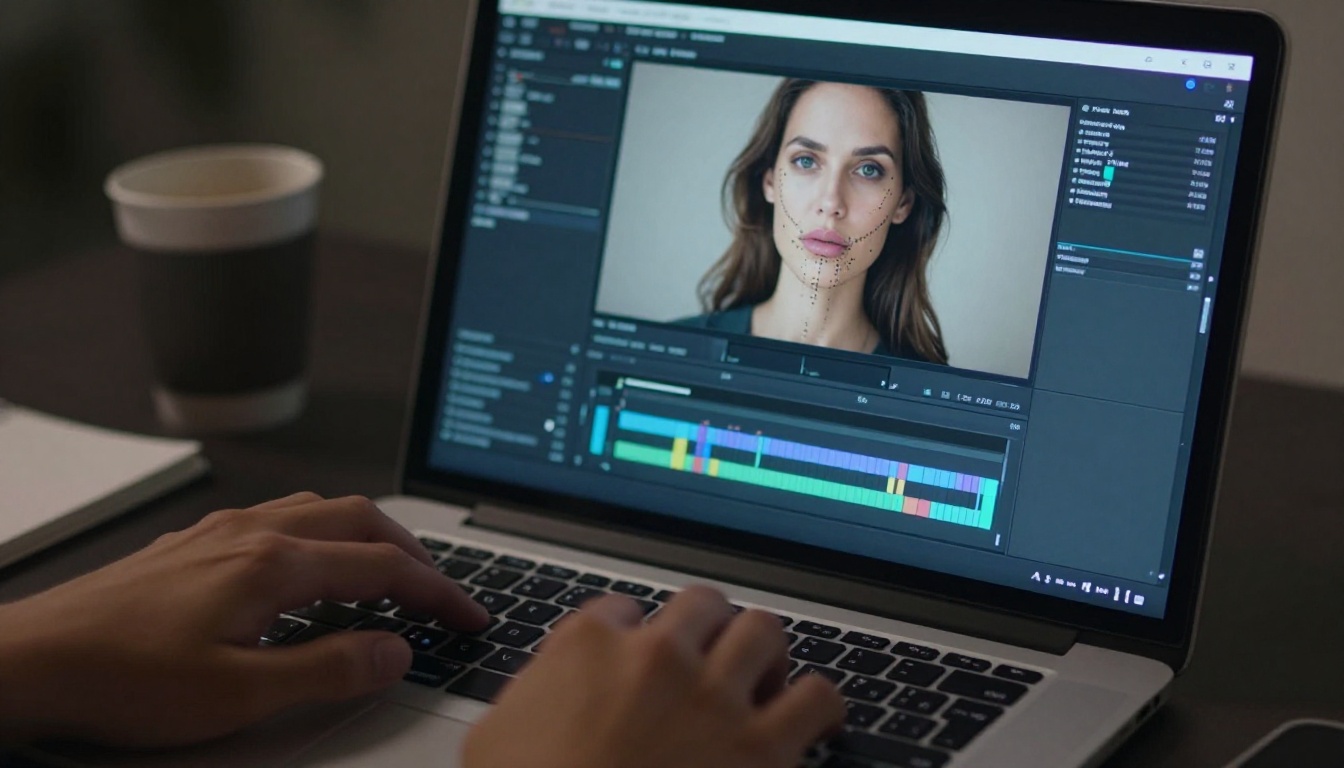
At the technical level, most AI lipsync systems work in three stages. First, the model detects the face and isolates the mouth region using facial landmark detection, mapping dozens of points around the lips, jaw, and chin. Second, it analyzes the target audio phoneme by phoneme, since each phoneme (the smallest unit of sound in speech) produces a specific mouth shape called a viseme. Third, the model synthesizes new frames where the mouth region matches the viseme sequence from the audio, blending the modified geometry back into the original face and background.
The result is a face that appears to speak new words, even if the original speaker never said them.
Audio-Driven vs. Text-Driven Sync
There are two primary approaches to AI lipsync:
- Audio-driven: The model takes an audio file and maps it directly to visemes. It does not need to know the language, only the sounds. This makes it flexible and language-agnostic.
- Text-driven: The model takes a text script, generates speech internally via text-to-speech, and then syncs the resulting voice to the video. This gives more control over timing but requires high-quality TTS output.
Most production tools today are audio-driven, which means you bring your own voiceover and the model handles the sync.
Why the Results Look Real Now
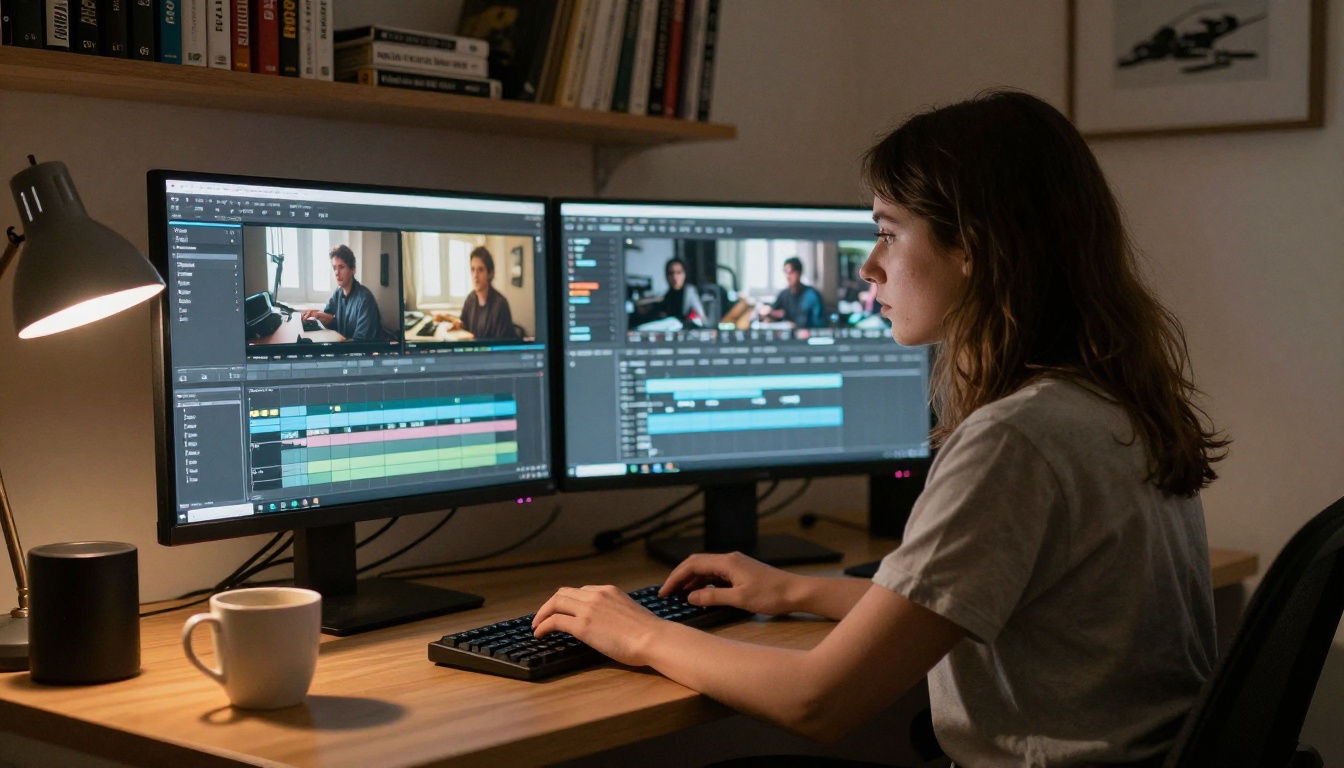
Three years ago, AI lipsync had an unmistakable "rubber face" quality. The mouth moved, but the blending was off, the transitions were jarring, and the jaw moved independently of the cheeks. Today, the gap between AI lipsync and professional ADR (Automated Dialogue Replacement, the traditional film technique for re-recording dialogue in post) has narrowed significantly.
Deep Learning and Facial Mapping
Modern models are trained on thousands of hours of video paired with audio transcriptions. This gives them rich priors about how human faces move during speech: the slight tightening of the corners of the mouth before a bilabial consonant like "p" or "b," the jaw drop ratio for open vowels, the way the chin moves with the neck. They do not just animate the lips. They animate the whole lower face as a coordinated system.
Omni Human 1.5, developed by ByteDance, demonstrates this well. It generates full-face animation from a single photo paired with an audio input, producing temporally consistent head movement and natural blinking alongside the lip motion.
Temporal Consistency Matters
The hardest problem in AI lipsync is not making one good frame. It is making 600 good frames in a row. If the blending is even slightly inconsistent between frames, the human eye catches it immediately due to temporal aliasing. The viewer does not consciously notice what is wrong. They just feel that something is off.
💡 Tip: Models that process video in temporal chunks (not frame by frame) produce smoother results because they account for motion between frames, not just within them.

5 Use Cases Where It Actually Works
AI lipsync is not a solution for every video problem. But in these five situations, it genuinely delivers.
Dubbing for Global Audiences
This is the highest-value use case by volume. A 20-minute explainer video in English can reach Spanish, Portuguese, French, and German audiences with dubbed versions that look like the original speaker is actually delivering those languages. Video Translate by HeyGen handles 150+ languages specifically for this purpose, covering both the translation and the lip sync in a single workflow.
The economics are compelling. Professional voice dubbing with a localization studio might cost $500 to $2,000 per language per video. AI dubbing brings that to near-zero variable cost once the workflow is set up.
| Dubbing Method | Cost per Language | Turnaround Time |
|---|
| Professional studio | $500 to $2,000 | 5 to 15 business days |
| AI lipsync (no review) | $5 to $30 | Under 1 hour |
| AI lipsync (with review) | $50 to $200 | 1 to 2 days |
Creating Talking Avatars
You do not need a video of a real person to use lipsync technology. Tools like P Video Avatar and Fabric 1.0 by Veed let you upload a portrait image and animate it with any audio you provide. The result is a talking avatar that can represent a brand, a fictional character, or a synthesized spokesperson, without hiring an actor or booking studio time.
This is particularly useful for:
- Product explainers that need a human face but not a real person on camera
- Brand avatars that can be updated with new scripts as messaging changes over time
- Internal communications where a consistent presenter persona is needed at scale across multiple regions
Omni Human handles single-photo animation with natural head movement and facial dynamics, making the avatar feel less static than older portrait-animation approaches.
Social Media Content at Scale
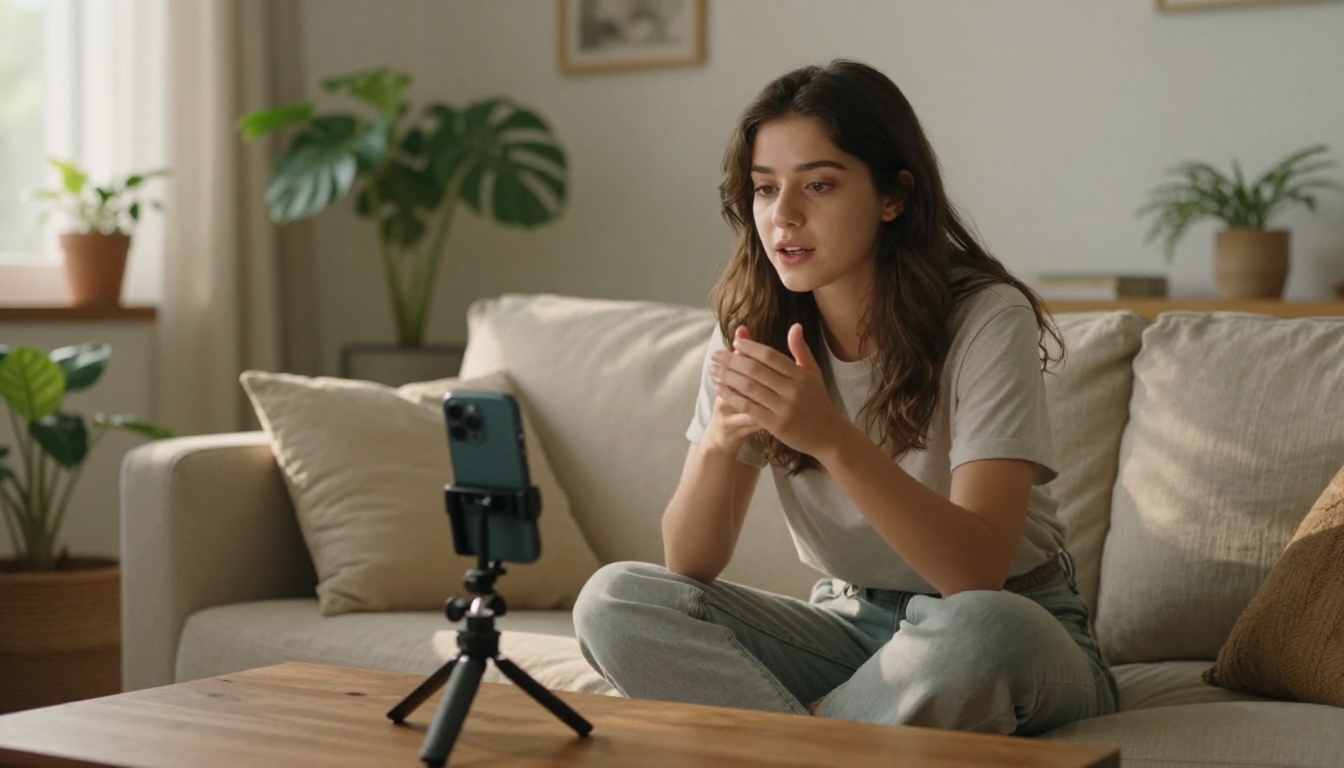
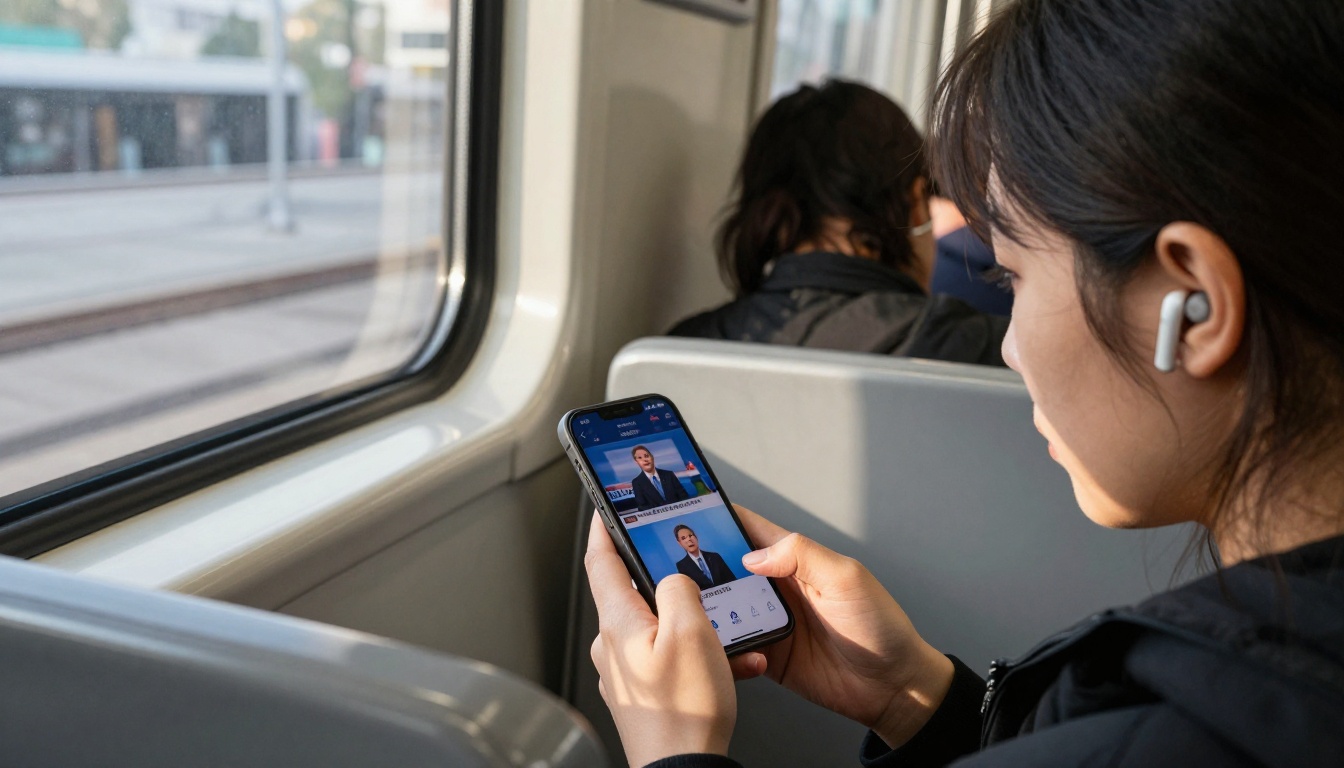
Social platforms reward consistency: daily posts, weekly series, recurring formats. The bottleneck for creators who appear on camera is not ideas. It is recording time. AI lipsync lets a creator record a master version of their content and re-voice it for different languages, different tones, or different audience segments without reshooting the original footage.
Lipsync Speed by HeyGen is built for this use case, prioritizing processing speed over maximum accuracy so creators can iterate quickly between versions.
💡 Tip: For short-form content under 90 seconds, speed-optimized models deliver results that are indistinguishable from slower, higher-accuracy models in most feed viewing contexts.
Corporate Training Videos
Corporate L&D teams produce enormous amounts of video content: compliance training, onboarding modules, product updates. These videos often need to be delivered in multiple regional languages across global workforces. AI lipsync converts a single master recording into localized versions without re-booking the presenter or managing conflicting studio schedules.
Lipsync Precision by HeyGen focuses on accuracy over processing speed, making it appropriate for longer-form professional content where timing errors in a 45-minute training video would be costly to identify and fix.
Post-Production Fixes
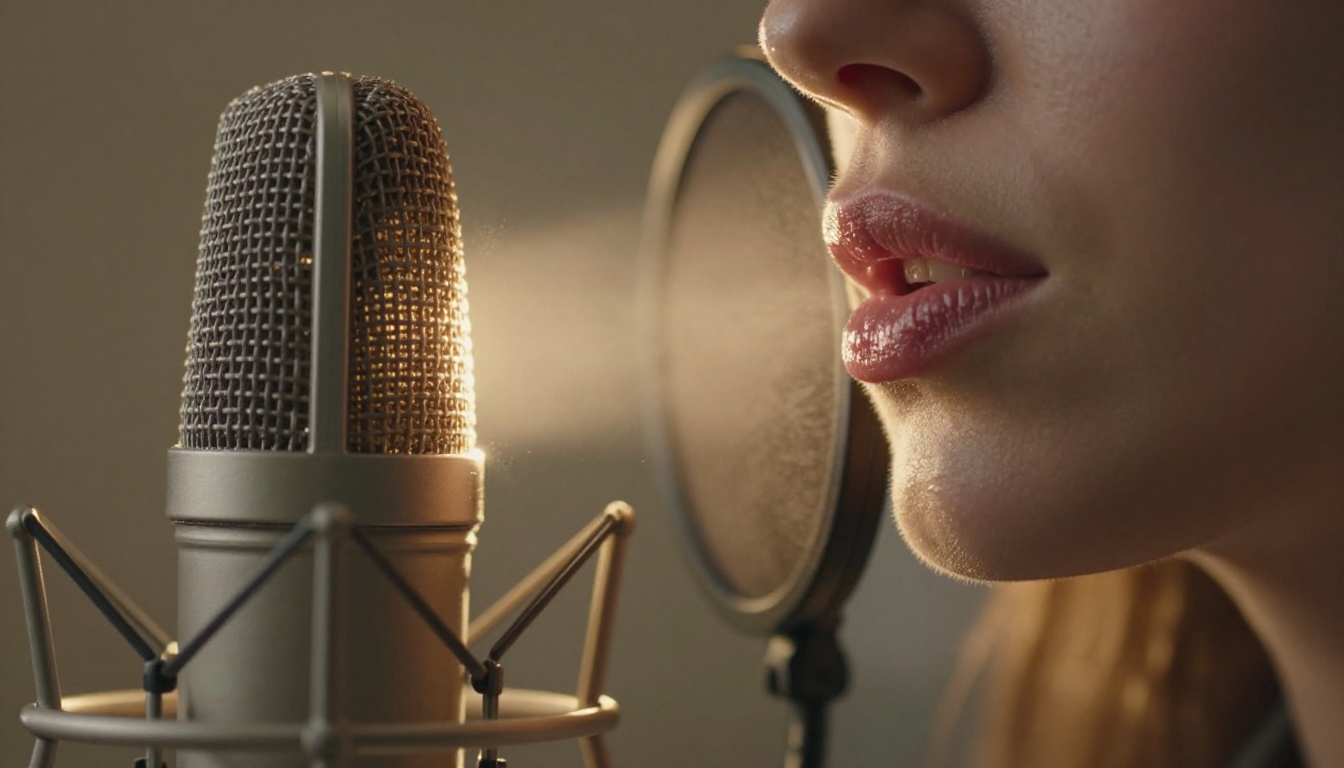
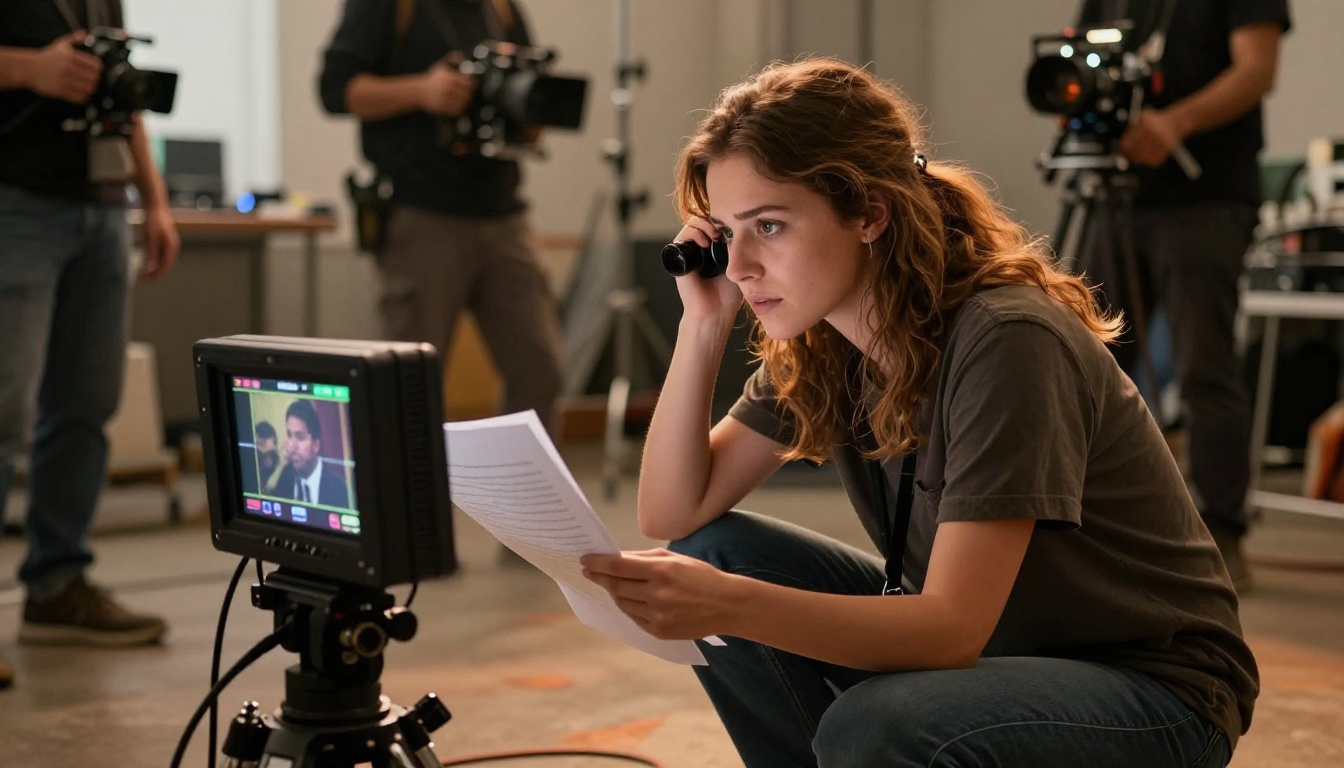
This is an underrated use case. An actor delivers a line. The audio replacement from ADR or a different take is clean, but the lip movements in the visual do not match. In traditional film production, this means either cutting around the shot or bringing the actor back. With AI lipsync, the editor can sync the replacement audio to the existing footage directly, keeping the shot that worked visually while fixing only the audio layer.
React 1 by Sync and Lipsync 2 by Sync are both aimed at this precision editing workflow, offering fine-grained controls that let editors work at the phoneme level rather than guessing at whole-word timing.
When AI Lipsync Struggles
Knowing where the technology breaks down is as important as knowing where it works.
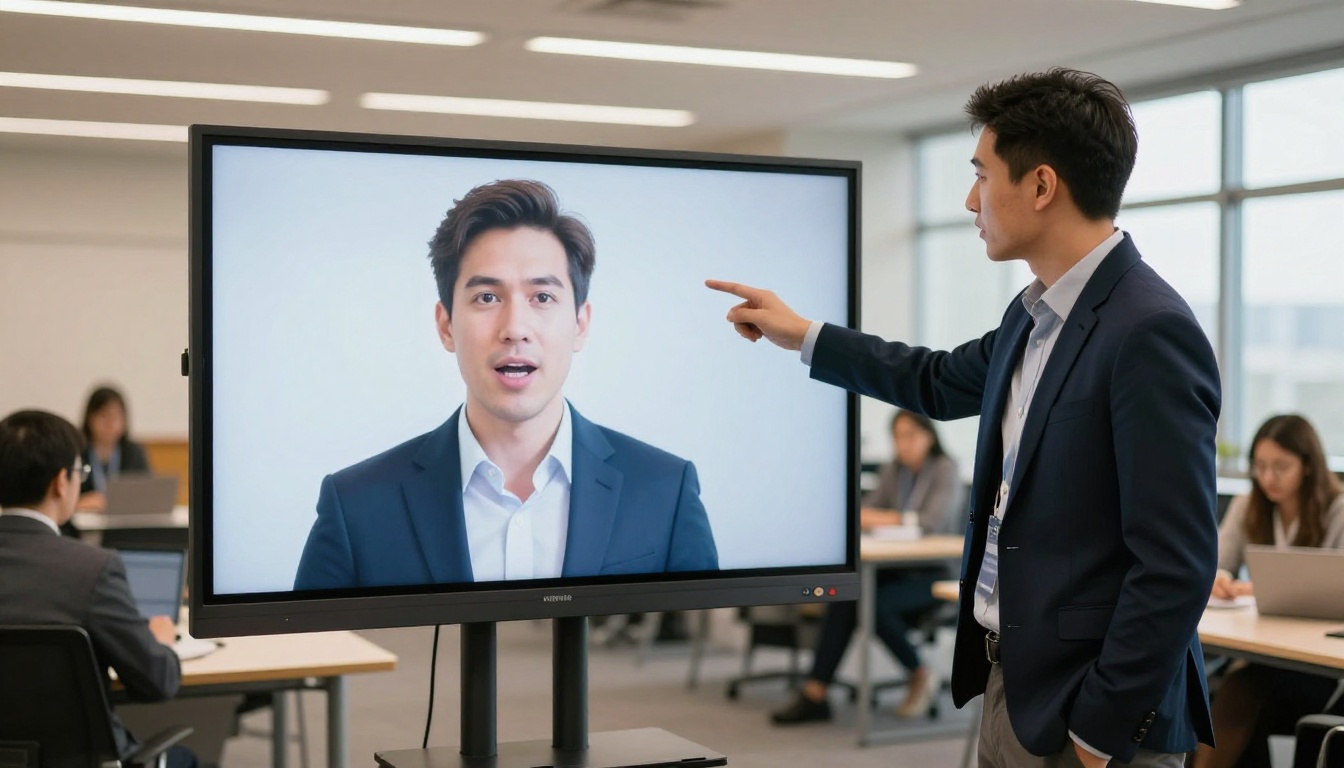
Extreme Head Angles
AI lipsync models are trained primarily on faces in a frontal or near-frontal orientation. When the subject is in a three-quarter view, profile, or looking significantly upward or downward, mouth synthesis quality drops sharply. The model has less reference geometry to reconstruct the mouth area, and blending artifacts become visible at the cheek and chin boundary.
If your video frequently cuts to wide angles or profile shots during dialogue, AI lipsync is not the right solution for those shots. Apply it only to the frontal coverage in your edit.
Low-Quality Source Video
Compression artifacts, motion blur, and low resolution all degrade lipsync output significantly. The model needs to accurately detect and reconstruct the mouth region frame by frame, and if the source footage is under 720p or heavily compressed, the output quality will reflect those source limitations directly.
💡 Tip: Always work from the highest-quality source file available, ideally 1080p or above. If your source is low-quality, run it through a super-resolution model first before applying lipsync.
How to Use Lipsync on PicassoIA
Since multiple lipsync models are available on the platform, the workflow is straightforward once you know which model fits your use case.
Picking the Right Model
Use this quick decision framework:
Step-by-Step with Lipsync 2 Pro
Lipsync 2 Pro by Sync is the most precise general-purpose lipsync model on the platform. Here is how to use it:
- Prepare your video: Use a clean, well-lit frontal shot at 1080p or above. Remove background music from the source audio track if possible so the face detection is not confused by the original speech frequencies.
- Prepare your audio: Record or generate the replacement audio at 44.1kHz or 48kHz. WAV format is preferred over MP3 to preserve the full frequency range the model uses for phoneme detection.
- Upload to Lipsync 2 Pro: Navigate to Lipsync 2 Pro on the platform. Upload your video file and audio file in the designated input fields.
- Set sync mode: Choose between "tight" sync (prioritizes exact phoneme match, may show slight facial stiffness on fast speech) or "natural" sync (prioritizes smooth animation, with a small timing variance acceptable for most content).
- Review the output: Watch the output at full speed first, then scrub frame by frame through phonetically complex sections (sibilants, plosives) where artifacts are most likely to appear.
- Iterate on problem sections: If the output has artifacts on specific words, trim the audio at those points, re-record just those words, and re-run the model on that clip segment only.
Top Models at a Glance
5 Tips for Better Results
Getting good AI lipsync output is partly about the model and mostly about the inputs. These five practices make a measurable difference:
-
Stabilize the face in the source video. If the camera is handheld and the face drifts around the frame, the model has to re-detect landmarks on every frame independently. A stabilized, locked-off shot gives the model consistent geometry and produces cleaner blending at the mouth boundary.
-
Match audio loudness to the original. If the replacement audio is significantly louder or quieter than the ambient noise in the original video, the viewer's brain notices the discrepancy even when the lips look correct. Normalize your replacement audio to the original track's loudness (measured in LUFS) before syncing.
-
Use phonetically clear recordings. Mumbled, over-compressed, or heavily accented speech produces more viseme ambiguity for the model. Clearly articulated speech with consistent microphone distance gives the phoneme detection more reliable input to work with.
-
Watch for blink artifacts. Long blinks that occur mid-word can cause the model to generate a partial blink-plus-mouth-movement combination that looks unnatural. If you see this in the output, trim a few frames around the blink and re-run that segment in isolation.
-
Trim silences in the replacement audio. If your replacement audio has extended pauses, the model may generate an idle mouth pose that looks slightly "held." Trim silences to match the natural breathing rhythm of the original speaker visible in the source footage.
Create Something New Right Now
AI lipsync has crossed the threshold from impressive demo to production-ready tool. Whether you are localizing content for three new markets, building a talking avatar for your brand, or fixing a line in post that has been bothering you for a week, the workflow is now accessible without specialized software or deep technical expertise.
The models available on PicassoIA cover every major use case, from Lipsync Speed for fast social content to Lipsync 2 Pro for precision professional work. You can start with a video you already have, a voiceover recorded on your phone, and have a synced result in minutes.
The best way to see what these tools can do is to run your own footage through them. Pick a model that fits your use case, upload a clip, and see what the output looks like. The iteration cost is low. The payoff, if it fits your workflow, is significant.


