Three years ago, creating a photorealistic 3D model of a product took a specialist artist three to five days and cost clients hundreds to thousands of dollars per asset. Today, the same result is achievable in under five minutes from a text prompt. That's not a forecast. That's already happening across game studios, product design teams, architecture firms, and e-commerce operations, and the technology making it possible is called an AI 3D generator.
AI 3D generators are software systems that use machine learning to produce three-dimensional models automatically. You provide an input, whether that's a text description, a 2D photograph, a sketch, or sometimes just a category label, and the system outputs geometry, textures, and materials that exist in three-dimensional space. The output can be imported into standard 3D software, loaded into a game engine, visualized in augmented reality, or sent directly to a 3D printer.
The shift changes who can create 3D content. Previously, 3D production was a specialist discipline requiring years of training in tools like Blender, Maya, or Cinema 4D. AI generation doesn't eliminate those skills, but it removes them as a barrier to producing 3D assets in the first place.
What an AI 3D Generator Actually Does
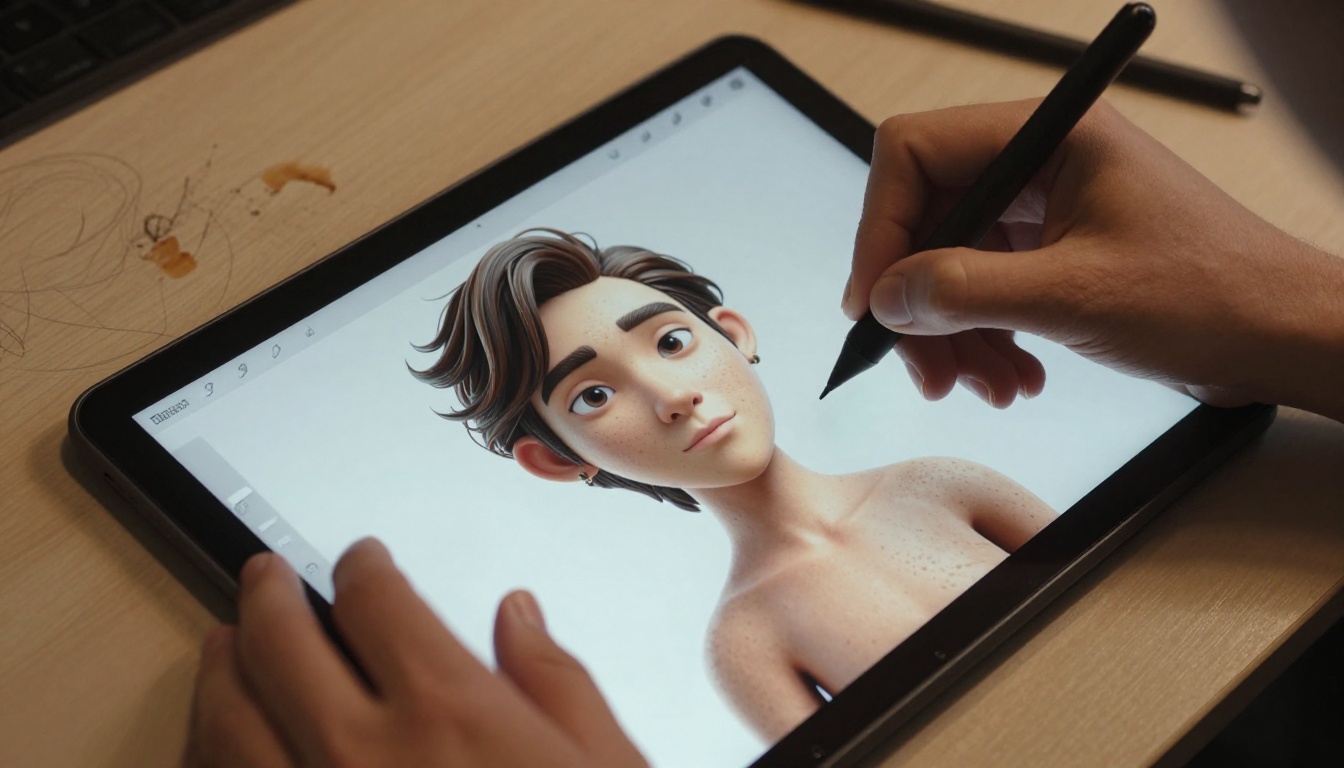
The simplest way to understand what these tools do is to think of them as translation systems. They take a description in human language and translate it into a formal representation that 3D software can use. The complexity is in how that translation happens, and how accurately the output matches what you actually intended.
From Text Prompt to 3D Mesh
The most common input is text. You type a description of an object, like "a worn leather hiking boot with mud-stained laces and a thick rubber sole", and the generator produces a 3D mesh with corresponding texture maps. The mesh is the wireframe of the object, a collection of vertices, edges, and faces that define its shape. The texture maps are 2D images that get wrapped onto that mesh to give it color, roughness, and surface detail.
More capable systems also generate the following automatically:
- UV maps: coordinates that determine how textures are applied to the surface
- Normal maps: data that adds the illusion of surface detail without adding geometry
- PBR material properties: physically-based values for roughness, metalness, and reflectance
Some systems also support image-to-3D workflows, where you supply a photograph and the tool reconstructs the object shown in the photo as a 3D model. This is particularly powerful for product teams working with physical prototypes who want to produce digital twins quickly.
What the Output Actually Looks Like
Quality varies significantly between tools. Lower-end generators produce blocky meshes with stretched textures and problematic topology. High-end systems produce clean, watertight models with sensible polygon distribution and accurate material properties that render correctly without additional work.
The consistent factors that separate good output from mediocre output are training data quality, model architecture, and how the tool handles ambiguity in prompts. A generator trained on large, curated 3D datasets with accurate metadata consistently outperforms one trained on noisier data, even if both use similar underlying architectures.
💡 Output format matters for your pipeline. Common formats include OBJ (geometry only), FBX (geometry plus rigging data), GLB/GLTF (web-optimized with embedded textures), and STL (for 3D printing). Confirm your tool exports the format your software accepts before committing to a workflow around it.
How the Technology Works
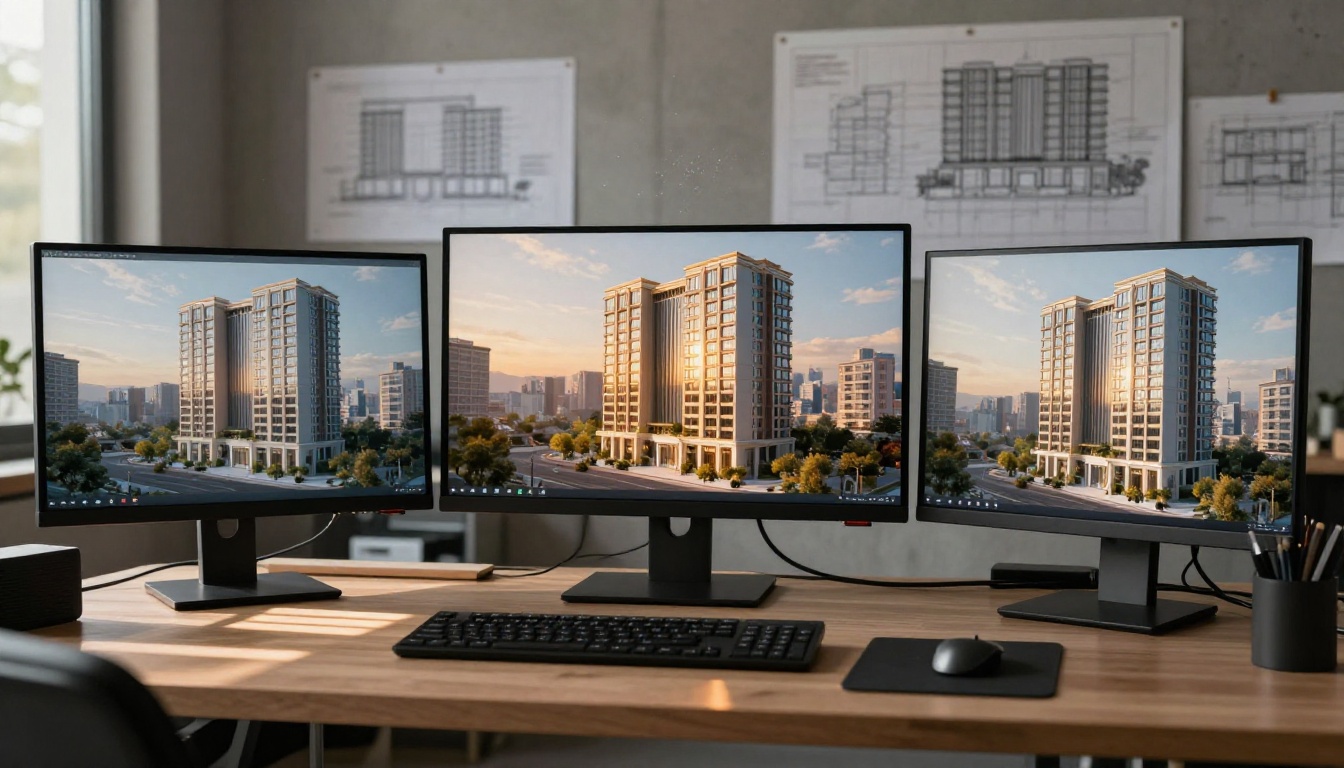
Several different technical approaches converge in modern AI 3D generation. Each has different strengths and trade-offs that are worth knowing before choosing a tool for a specific task.
Diffusion Models in 3D Space
Diffusion models, the same architecture powering most modern AI image generators, have been extended to work in 3D. The core principle remains the same: the model learns to reverse a noise corruption process. But instead of operating on a 2D pixel grid, it operates on 3D representations like voxel grids, point clouds, or implicit neural surfaces.
The challenge is the exponentially higher computational cost. An image has two spatial dimensions. A 3D object adds a third dimension plus surface normals, UV coordinates, and interior structure. A 512x512 image has 262,144 pixels. A 512x512x512 voxel grid has 134 million voxels. This cost difference is why 3D generation has developed more slowly than 2D image generation despite sharing similar fundamental principles.
NeRF and Neural Radiance Fields
Neural Radiance Fields, commonly called NeRF, represent one of the most significant breakthroughs in AI 3D technology. Rather than storing geometry explicitly, a NeRF encodes a 3D scene as a continuous volumetric function. A neural network learns to predict the color and density at any point in space, which allows it to synthesize views from arbitrary angles, including angles never seen during training.
The practical result is that you can reconstruct detailed 3D geometry from a set of 2D photographs taken from different positions. Feed a NeRF-based system 20 to 30 photographs of an object from different angles, and it produces a detailed 3D reconstruction in minutes. The accuracy is high enough that museums and cultural institutions have used this technique to create precise digital records of physical artifacts.
Multi-View Synthesis
A more recent approach generates multiple 2D views of an object simultaneously from different angles, then uses geometric reconstruction algorithms to lift those views into a coherent 3D representation.
This works well because 2D image generation is already very mature, and multi-view synthesis inherits that quality. The trade-off is that consistency between views can break down for complex shapes, especially concave forms, objects with significant interior detail, or highly transparent materials. Active research is closing this gap steadily.
What You Can Build With One

The practical range is wider than most people expect when they first encounter these tools. AI 3D generators are already producing production-usable assets in several distinct domains.
Characters and Avatars
Character generation is one of the strongest early applications. AI 3D generators can produce humanoid figures with realistic proportions, detailed facial geometry, and skin textures that capture fine surface detail including pores and individual hair strands. The most capable systems produce animation-ready characters with correct joint placement and clean deformation weights already set.
Game studios use these tools to rapidly prototype NPC appearances before committing to manual refinement. Fashion brands use them to generate digital human models for virtual try-on applications at scale. Social and metaverse platforms use them to power customizable avatar systems that serve millions of users simultaneously.
Product Prototypes and Visualization
For e-commerce and product design teams, AI 3D generation dramatically changes the economics of visualization. A traditional studio-produced 3D product rendering costs $300 to $2,000 per product. AI generation reduces that cost by an order of magnitude while cutting turnaround from days to minutes.
This shift makes 3D visualization viable across an entire product catalog rather than just a curated selection of hero products. Brands that previously created 3D visuals for 10 to 20 percent of their catalog can now produce them for every SKU without proportional cost increases.
Architecture and Interior Spaces
Architects and interior designers use AI 3D tools to rapidly produce spatial concepts before committing to manual modeling. A text description of a building facade or room layout produces navigable 3D geometry in minutes, which makes it possible to present multiple design directions in a single client meeting rather than showing one refined option per meeting cycle.
AI vs. Traditional 3D Software
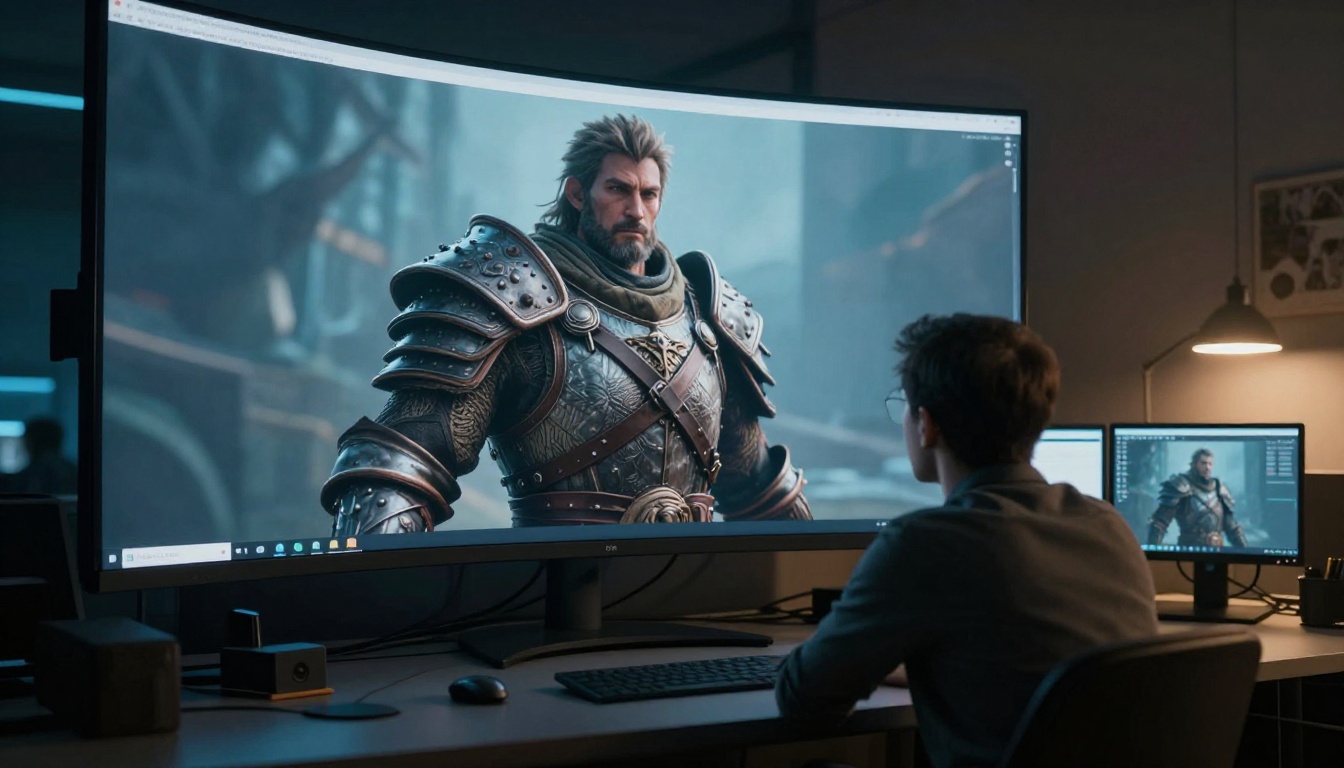
The comparison is not simply that AI is better. It depends heavily on the specific task, the required quality level, and what the asset needs to do downstream in the production pipeline.
| Task | Traditional 3D | AI 3D Generator |
|---|
| Simple prop (mug, chair) | 4 to 8 hours | 2 to 5 minutes |
| Complex character | 3 to 10 days | 15 to 90 minutes |
| Full environment | 2 to 6 weeks | Hours to days |
| Cost per asset | $50 to $150 per hour labor | Subscription or per-use pricing |
| Skill required | High, years of training | Low to moderate |
| Production readiness | Usually high | Often requires cleanup |
Where AI Currently Falls Short
The gaps are worth being specific about. AI 3D models frequently have topology problems that make animation difficult, with edge loops in the wrong positions for clean deformation. Polygon counts can be poorly distributed, with excess geometry where visual detail doesn't matter and missing detail at focal points.
Hands, ears, and complex mechanical assemblies are consistently harder for current systems than simple organic or architectural forms. Interior geometry, like the inside of a hollow object or a room seen through a window, is often inconsistent or absent entirely.
For any application requiring animation, rigging, or highly optimized real-time performance, AI generation currently works best as a starting point that a skilled artist refines, not a finished deliverable on its own.
Who Is Using It Right Now
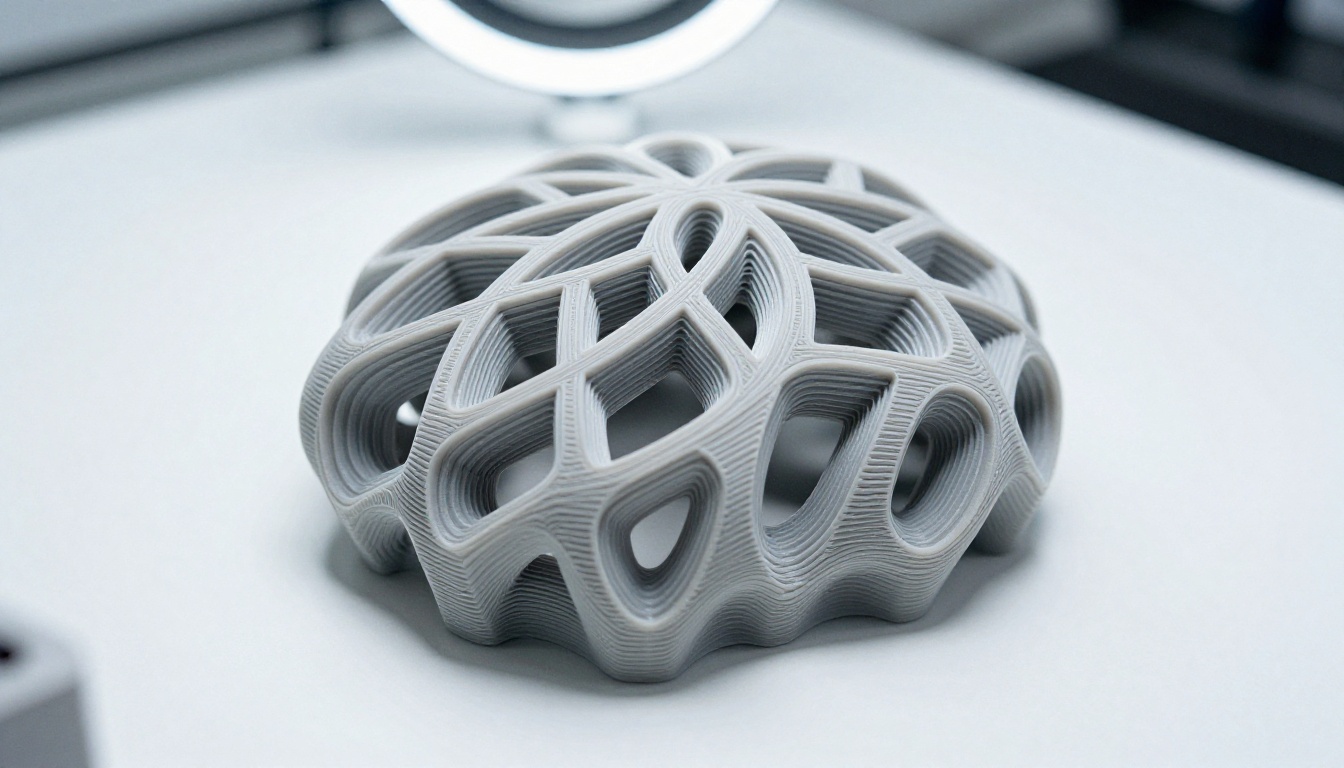
Adoption is accelerating across several industries simultaneously, driven by different economic pressures in each sector.
Independent Game Developers
Solo developers and small teams have been the most enthusiastic early adopters. AI 3D generation lets a two-person studio produce asset variety that previously required a dedicated art team of five or more. The efficiency gain is most visible in environmental props, background objects, and NPC wardrobe variations, asset categories where quantity matters more than individual perfection.
Larger studios are using it differently, primarily for rapid concepting during pre-production and for generating the large volumes of background and incidental assets that make open-world environments feel populated without requiring per-asset artist time.
E-Commerce and Consumer Brands
Fashion, home goods, beauty, and consumer electronics brands are investing in AI 3D for product visualization at scale. 3D product visuals, particularly interactive spin views and augmented reality placements, consistently outperform static photography in conversion rate studies across multiple categories and markets.
AI generation makes it economically viable to produce 3D visuals for every product in a catalog rather than a curated selection, which changes how merchandising teams think about visual content investment.
Film Pre-Production Teams
Visual effects and film production teams use AI 3D for pre-visualization. The output doesn't need to be production quality. It needs to be fast and good enough to plan camera angles, set layouts, and action choreography before committing to expensive practical builds or full-quality CG. AI generation matches this requirement closely, delivering useful geometry in a fraction of the time that traditional pre-viz modeling requires.
How 2D AI Powers 3D Workflows

Even when working primarily in 3D, AI image generation plays a supporting role that's consistently underestimated by practitioners who focus only on the 3D generation side of the pipeline.
Reference Images and Concept Art
Before modeling anything in 3D, artists gather visual references. This traditionally meant hours of image searching or commissioning concept artists at significant cost. AI image generation collapses this into minutes. Using tools like PicassoIA Image or Flux Redux Dev, a 3D artist can generate dozens of reference images showing the same subject from different angles, in different lighting conditions, and with different material finishes, all stylistically consistent.
💡 Style-consistent reference images produced by AI help keep 3D assets visually coherent when multiple artists are working on the same project simultaneously. Generate a visual style reference set early in production and share it across the team before anyone starts modeling.
Texture Generation for 3D Models
Texturing is one of the most labor-intensive steps in 3D production. AI image generators can produce tileable diffuse maps, roughness map sources, and normal map base images faster than manual painting. The workflow is direct: generate a base texture image using PicassoIA Image Editor Pro, then process it into the specific material maps your 3D application requires. The inpainting capability lets you fix seams and repeat patterns without visible tiling artifacts.
Upscaling 3D Renders with AI
After a scene is rendered, AI super-resolution tools can increase output resolution without re-rendering from scratch. Rendering at 4K takes significantly longer than rendering at 1080p due to the quadrupled pixel count. Tools like Clarity Pro Upscaler, Real ESRGAN, and Topaz Image Upscale can take a 1080p render and produce convincing 4K output with recovered texture detail, cutting rendering time by 60 to 75 percent on complex scenes with no visible quality loss in most use cases.
3 Things to Know Before Starting

These three points consistently separate practitioners who get fast, usable results from those who spend weeks fighting their tools.
Output Formats Determine Compatibility
Not all AI 3D generators output in formats compatible with standard 3D software or game engines. Always verify that the tool you're evaluating exports in a format your pipeline accepts before investing significant time in learning its interface or purchasing credits. OBJ, FBX, GLB, and GLTF are the formats with the widest software support. STL is the standard for 3D printing workflows.
Some tools output proprietary formats or low-resolution preview meshes that look adequate inside the tool's own viewer but degrade or lose critical data on export. Test with a real export before committing to any tool as a production dependency.
Prompt Specificity Drives Output Quality
Vague prompts produce vague results. In 3D, the consequences of ambiguity are steeper than in 2D because bad geometry is harder to fix than a bad image. Effective 3D prompts specify material type ("brushed aluminum" rather than just "metal"), scale context ("the size of a tennis ball, designed to sit on a desktop"), visual style ("low-poly game asset optimized for mobile" vs. "photorealistic product render for print"), and intended use context ("isolated on a neutral background for e-commerce photography").
The more precise the input, the more useful and consistent the output. Think of prompt writing as writing a design specification, not casting a wish.
Post-Processing Is Part of Every Pipeline
Even the best current AI 3D generators produce output that requires manual attention before professional deployment. Topology cleanup, UV seam correction, non-manifold geometry repair, and material assignment verification are standard post-processing steps in any serious workflow.
Budget 20 to 40 percent additional time on top of generation time for production-ready results. This ratio has been improving as tools mature, but it remains the realistic expectation for most professional pipelines today. The time savings compared to starting from scratch are still substantial, but going in with accurate expectations prevents frustration.
Start Creating With AI on PicassoIA

The practitioners getting the most value from AI 3D generation today are the ones who started experimenting months ago, not the ones waiting for the technology to reach some theoretical maturity threshold. The speed of improvement means that starting now, even imperfectly, is significantly better than waiting for a perfect solution.
The most mature and highest-quality AI generation currently available sits in the 2D space, and it feeds directly into 3D workflows in ways that deliver immediate, measurable time savings. PicassoIA gives you access to over 90 state-of-the-art text-to-image models including tools for photorealistic image creation, inpainting, variation generation, and super-resolution upscaling.

For 3D practitioners, the practical starting points are clear. Use PicassoIA Image to generate reference imagery that replaces hours of image searching. Create texture source images in minutes instead of painting them by hand. Apply Clarity Pro Upscaler to your renders and recover 4K output from 1080p source without the full rendering cost. Each of these integrations delivers real time savings against a real project, not just a theoretical improvement.
The creative gap between a solo creator today and a full team five years ago has largely closed. AI generation is the primary reason why, and the tools are only getting better.
💡 Try PicassoIA Image now. Generate reference imagery or texture sources for your next 3D project and see how quickly the tool produces usable material. The best way to calibrate what AI generation can do for your specific workflow is to run it against a real project with real requirements.


