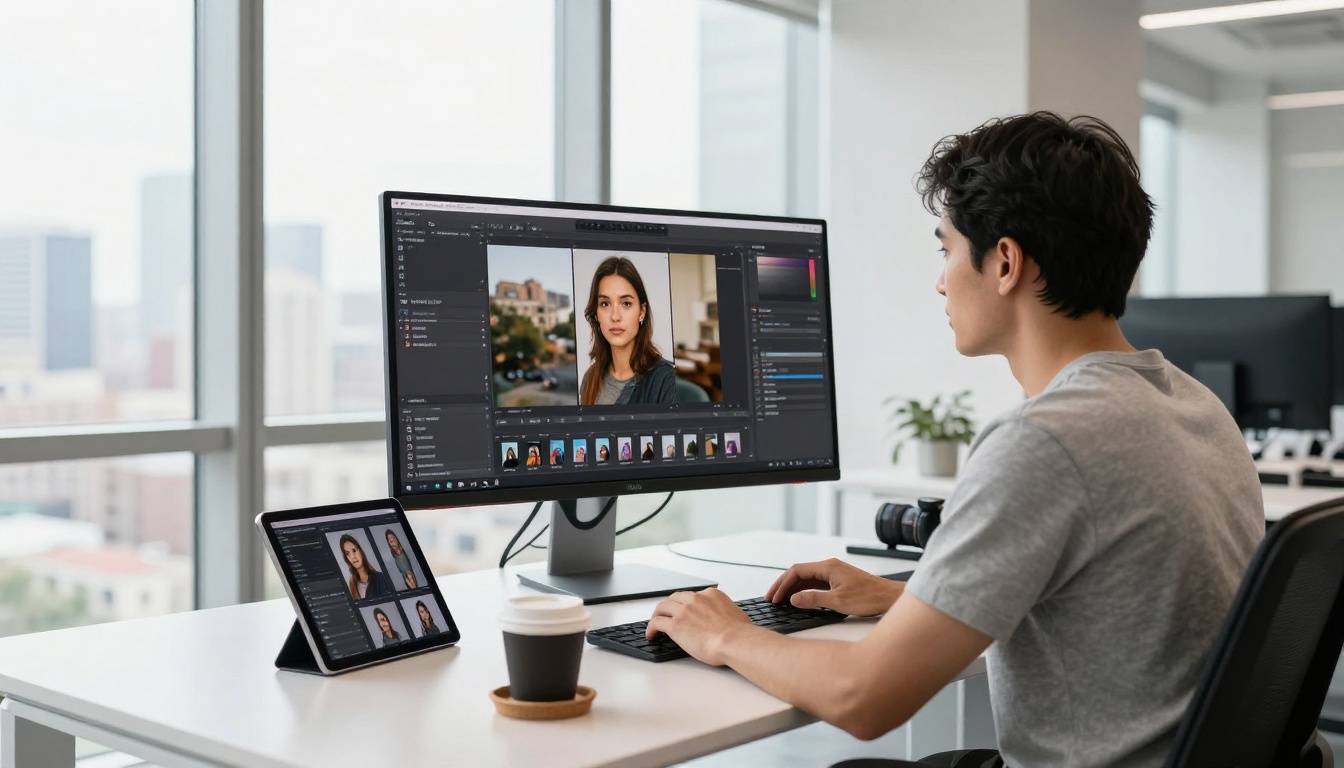
Image to image AI is one of those features that sounds simple until you actually use it, and then it becomes the tool you reach for constantly. Instead of starting from a blank text prompt, you feed an existing photo into an AI model and ask it to produce something new based on that image. The result inherits the structure, composition, or style of the original but shifts into something entirely different.
This is not a filter. It is not Photoshop. It is a fundamentally different way of working with AI-generated visuals, and once you see how it works, you will know why professional photographers, designers, and creative directors rely on it every single day.
The Core Idea Behind img2img
At its simplest, image to image (often written as img2img) takes an existing image as a starting point instead of pure random noise. Traditional text-to-image generation begins with a field of random static and progressively denoises it toward a coherent image guided by your text prompt. Image to image works the same way, except the starting point is not pure randomness. It is a noisy version of your reference photo.
The model partially destroys your input image by adding noise, then rebuilds it guided by both the image structure and your text instructions. How much of the original survives depends on a single parameter called denoise strength (sometimes called guidance strength or image influence).
What a Reference Image Actually Does
When you upload a reference photo, the AI does not simply copy it. It uses the image to provide:
- Spatial structure: where objects are located in the frame
- Color temperature: the general warmth or coolness of the scene
- Compositional weight: where visual mass sits in the image
- Tonal distribution: the ratio of lights, midtones, and shadows
All of this becomes a form of conditioning that shapes the output, even when the final result looks nothing like the source.
Noise, Denoising, and Why It Matters
The diffusion process works by adding Gaussian noise to an image until it becomes unrecognizable static, then training a model to reverse that process step by step. In img2img, you choose how far along the noise scale to start. A low denoise value (0.2-0.4) barely disturbs the image and the output stays very close to the original. A high denoise value (0.8-1.0) almost fully randomizes it and the text prompt has far more influence.
This control over noise level is what makes img2img so flexible. The same reference photo can produce a photorealistic studio portrait at low strength, or a completely reimagined scene at high strength.

The Different Types of Image to Image AI
Not all img2img pipelines work the same way. Over the past two years, the field has split into several specialized approaches, each suited to different creative goals.
Style Transfer
Classic style transfer takes the content of one image and applies the visual aesthetic of another, like turning a photograph into a painting without losing the subject matter. Modern diffusion-based style transfer goes much further: you can apply not just an art style but a specific photographic mood, era, or color palette from any reference image.
Depth-Guided Generation
Depth-guided models like Flux Depth Pro and Flux Depth Dev extract a depth map from your reference image and use it as a constraint during generation. This preserves the three-dimensional structure of the scene while completely replacing surface textures and styles. A room interior keeps the same architectural shape, but the walls, furniture, and lighting shift entirely.
💡 Depth-guided img2img is widely used in architecture visualization and interior design, where spatial accuracy is non-negotiable.
Edge and Structure Control (Canny)
Canny-based models work by extracting edge lines from your reference image. Flux Canny Pro and Flux Canny Dev use these edge maps to control generated output at the structural level. Every contour, boundary, and outline from the original image is preserved in the result, while color, texture, and style change freely.
This approach is particularly valuable for converting sketches or line drawings into photorealistic images, or for maintaining a precise composition across multiple style iterations.
Inpainting and Outpainting
Inpainting is a specific form of img2img where you mask part of an image and ask the AI to fill it with new content. Flux Fill Pro and Flux Fill Dev are built specifically for this: they read the surrounding context of the masked region and generate seamlessly matching content.
Outpainting does the opposite. It extends the image beyond its original borders, generating new content that continues the scene naturally in any direction.
What AI Models Power img2img Today
The landscape of img2img models has consolidated around a few standout architectures worth knowing.
Flux Redux Dev: Image Variations at Scale
Flux Redux Dev is designed specifically for creating controlled variations of an input image. Unlike basic img2img, Redux encodes the reference image into a rich feature vector that guides generation at a deeper level than simple pixel conditioning. The result is variations that feel coherently related to the source without being direct copies.
Flux Redux Schnell is the faster variant, trading some detail fidelity for significantly faster generation times, making it practical for rapid iteration when you need to test many variations quickly.
Flux Canny and Depth: Structure Control
The Canny and Depth model families from Black Forest Labs represent the current state of the art in structure-preserving image generation. Where earlier ControlNet approaches required separate preprocessing pipelines, these models handle conditioning internally.
Flux Kontext Fast: In-Context Image Editing
Flux Kontext Fast represents a newer approach where text instructions and the reference image are processed together in a unified context window. Instead of treating image conditioning and text prompting as separate signals, Kontext fuses them, allowing more natural language-driven edits like "make her hair red" or "change the background to a beach" with better preservation of everything else in the frame.
How Strong Is the Reference Image's Influence
One of the most important decisions in any img2img workflow is how much control you give the reference image over the final output. This is governed by the denoise strength or image strength parameter, typically a value from 0.0 to 1.0.
Low Strength: Stay Close to the Source
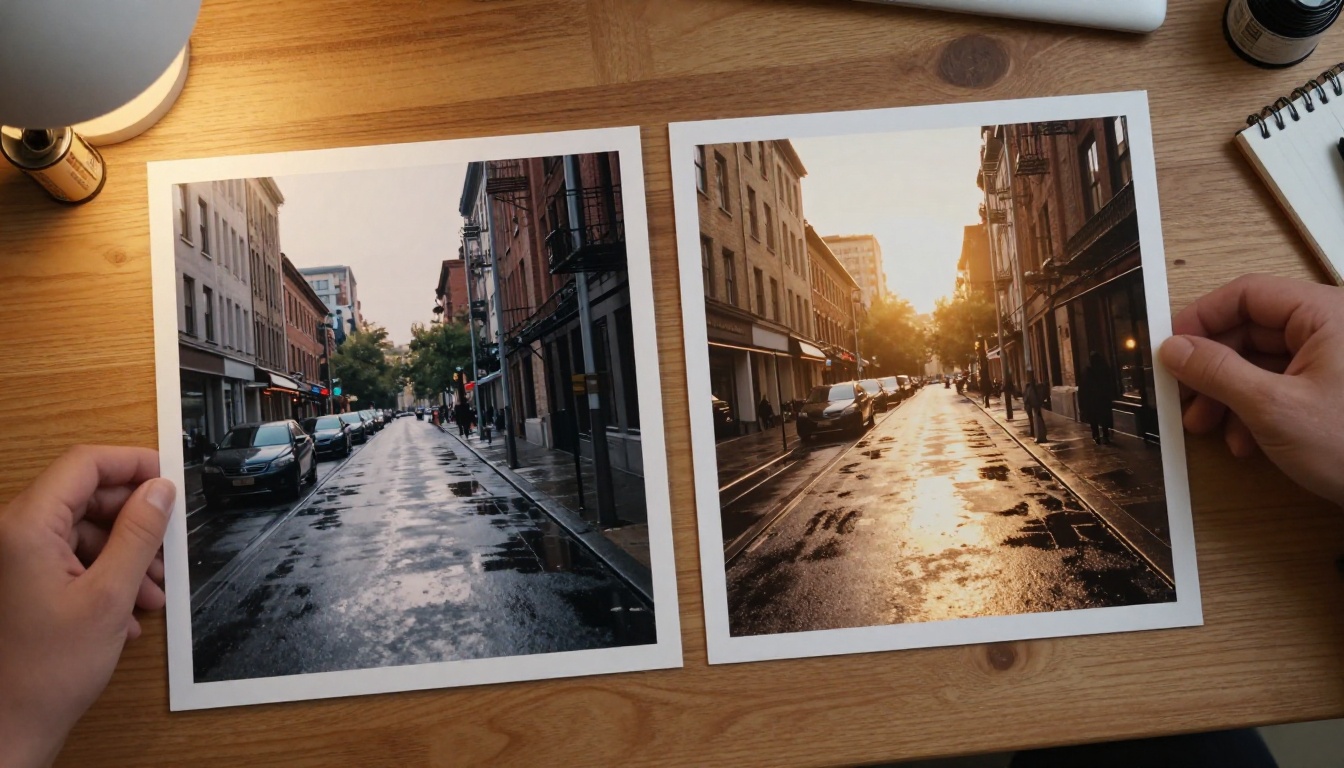
At strength values of 0.15 to 0.40, the model makes subtle changes. You might see:
- Lighting adjusted without the composition changing
- Color grading shifted to a different mood
- Minor object additions or removals
- Texture softening or sharpening
This range is ideal when you have a solid reference photo and want to refine rather than replace it.
High Strength: Let the Prompt Take Over
At strength values of 0.65 to 0.90, the text prompt dominates. The model uses the reference image mainly for loose structural guidance. You will see:
- Scene completely repopulated with new elements
- Subject identity changed substantially
- Environment fully replaced
- Style shifted entirely
💡 Most experienced img2img users work in the 0.45-0.65 sweet spot where both the reference and the prompt share roughly equal influence, producing results that feel intentional rather than random.
Real-World Use Cases
The range of practical applications for img2img has expanded dramatically as models have improved.
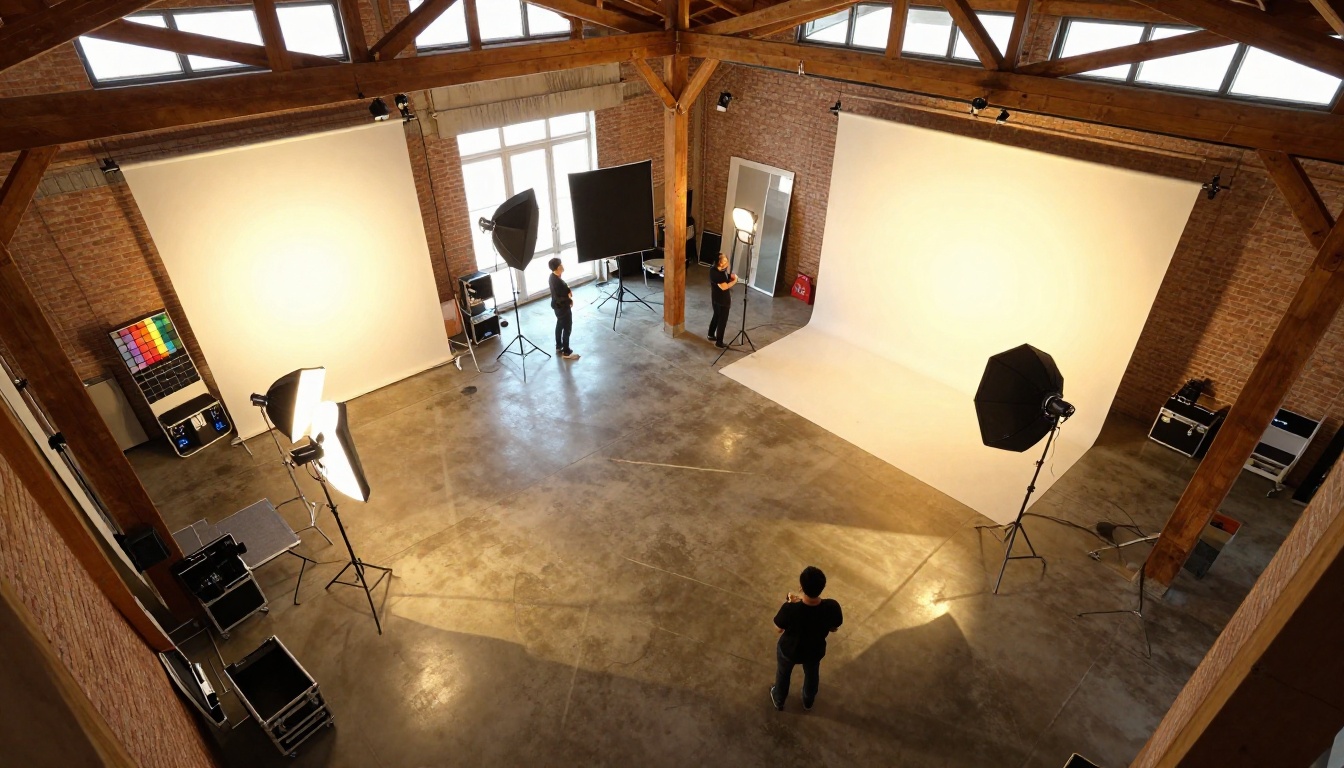
Product Photography Retouching
E-commerce photographers use img2img to quickly generate alternative product shots from a single reference photo. Instead of reshooting on different backgrounds or under different lighting conditions, they feed the product photo into a depth or canny model and describe the new environment in the prompt. The product shape and proportions stay consistent while the scene changes.
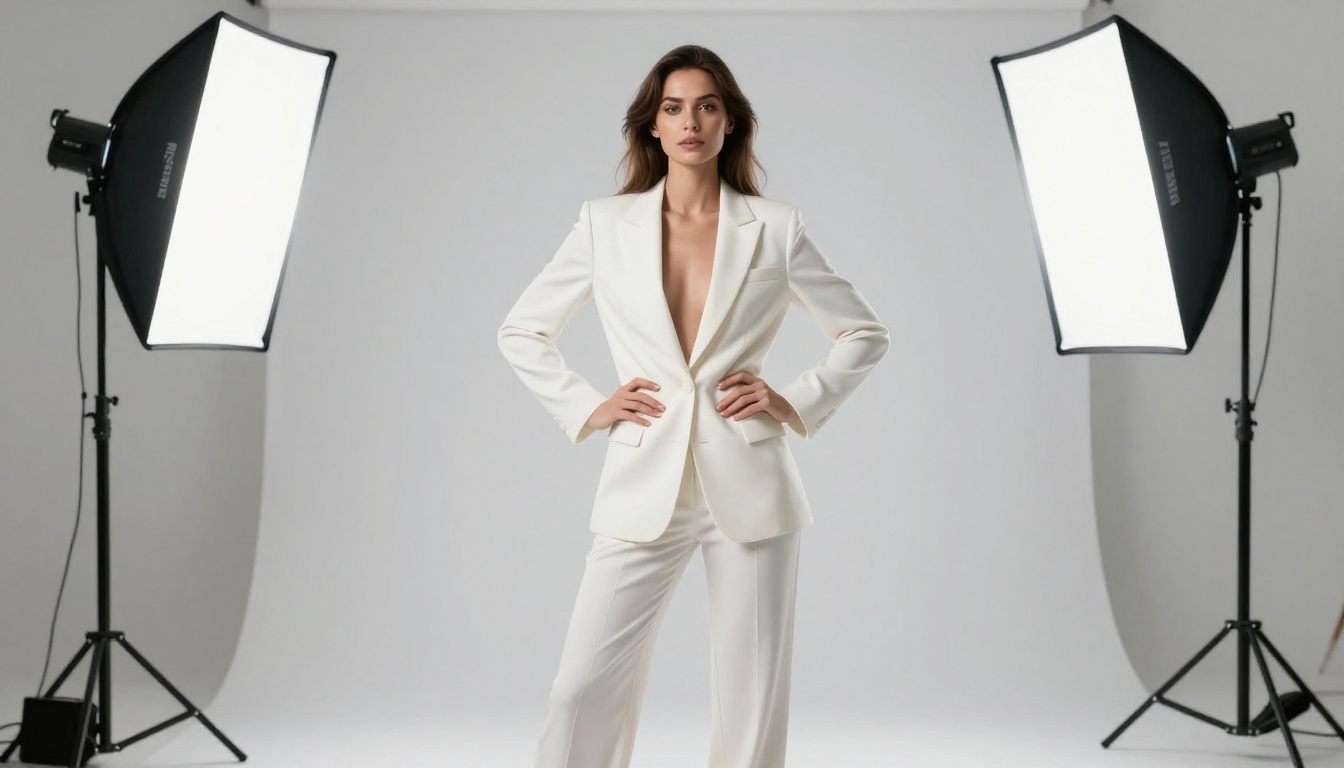
Portrait Work and Beauty Retouching
High-end portrait photographers and retouchers use low-strength img2img passes to refine skin tones, adjust lighting direction, or add subtle mood changes without losing the subject's likeness. Flux Redux Dev in particular handles portrait variation well because its feature-level conditioning preserves facial structure through the generation process.
Architecture and Interior Design Visualization
Architects use depth-guided models to test different finishes, materials, and furniture arrangements on the same spatial layout. A single architectural photograph becomes a template for dozens of design variations, each with accurate spatial proportions preserved through the depth map.
How to Use img2img on PicassoIA
PicassoIA gives you direct access to the best img2img models available without any setup, local GPU, or technical knowledge. Here is how to use Flux Redux Dev for image variations:
Step 1: Go to Flux Redux Dev in the PicassoIA model collection.
Step 2: Upload your reference image. This can be a photograph, a render, a sketch, or any visual you want to use as a structural basis.
Step 3: Write a text prompt describing the output you want. Be specific about lighting, mood, and style. The more precise your prompt, the better the model can balance it against the reference.
Step 4: Adjust the image strength slider. Start at 0.5 as a baseline. If the output is too close to the original, increase it. If it is losing the composition you want to keep, decrease it.
Step 5: Generate and iterate. img2img workflows almost always involve several passes. Use the first output as a new reference for a second pass to refine specific areas.
💡 For structure-critical work like product shots or architectural visualization, try Flux Depth Pro instead of Redux. Depth conditioning preserves spatial geometry far more accurately.
Common Mistakes People Make
Even experienced users stumble on the same issues when starting with img2img.
Setting Strength Too High
The most common error is pushing denoise strength above 0.8 expecting a dramatic shift while keeping the original composition. At that level, the reference image barely influences the result. You end up with an image that follows your text prompt with almost no memory of the original. If you want a strong change that still respects the composition, use a depth or canny model at medium strength rather than pushing Redux strength to its maximum.
Using Low-Resolution Source Images
The model conditions on the features it can extract from your reference. A blurry, low-resolution input produces vague feature conditioning that leads to inconsistent outputs. Always start with the highest resolution version of your reference image available. If you need to upscale a low-res image first, PicassoIA's super resolution tools can handle that before you feed it into the img2img pipeline.
Ignoring the Text Prompt Entirely
Some users upload a reference image and leave the text prompt empty or minimal, expecting the model to figure out what they want from the image alone. Without a text prompt to guide the denoising direction, results are unpredictable. Even a brief description like "photorealistic portrait, natural lighting, sharp detail" dramatically improves consistency.
Ready to Try It
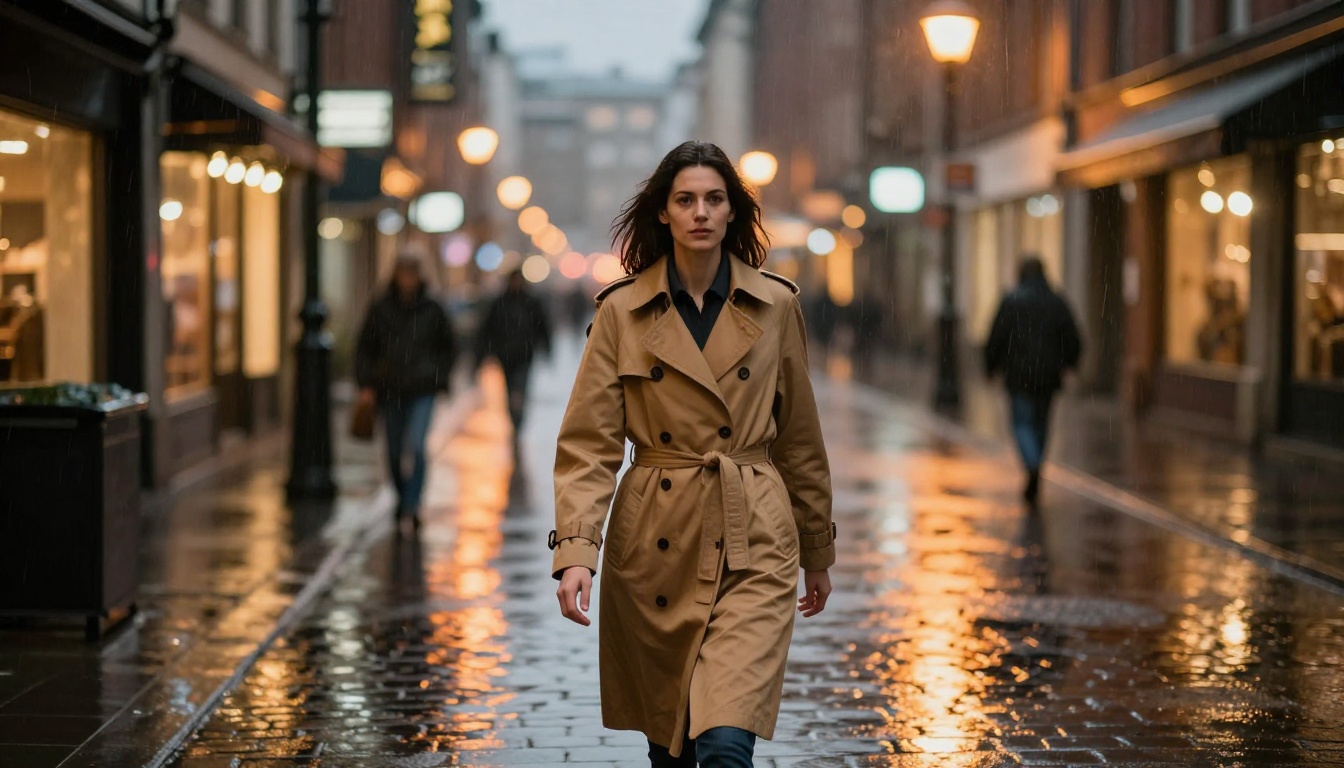
Image to image is not a niche feature for technical users. It is the most practical way to work with AI visuals once you move past basic text-to-image generation. You have an existing photo that is almost right. You want to change the mood, the background, the lighting, or the style. img2img is the tool for that.
PicassoIA has the full Flux img2img model family ready to use, including Flux Redux Dev for variations, Flux Canny Pro for edge-controlled generation, Flux Depth Pro for spatial accuracy, and Flux Fill Pro for seamless inpainting. Every model is accessible directly in your browser, no installation required.
Upload a photo. Write a prompt. See what happens at strength 0.5. Then adjust from there.