Kling 3.0 just changed the benchmark for what AI-generated video looks like. Released by Kuaishou Technology in 2025, it is the third major iteration of the Kling model family, and the results are striking: cinematic motion fidelity, multi-second coherence, and resolution quality that rivals footage shot on physical cameras. If you have been tracking AI video tools, Kling 3.0 is the one that finally makes you stop and re-examine what AI can do.
What Kling 3.0 Actually Is
Kling is an AI video generation system built by Kuaishou, one of China's largest short-video platforms. The company owns the infrastructure of hundreds of millions of daily video streams, which means they have trained their models on an extraordinary volume of real-world video motion data, from street scenes to sports to narrative film.
Version 3.0 is not a marginal update. It introduces a redesigned motion synthesis architecture, a dedicated motion control variant, and an omni-capable generation pipeline that handles both text and image inputs at higher resolution than previous releases.
Kuaishou's Video Lab
Kuaishou's AI research division operates one of the most data-rich training environments in the world. Because the parent app processes enormous volumes of short-form video daily, the Kling models have access to granular motion patterns across a vast range of subjects: human body mechanics, natural physics, crowd dynamics, fluid motion. That training foundation is what separates Kling from models trained on curated but smaller datasets.
The v3 release reflects a specific focus on motion plausibility: making sure that when a person reaches for an object, their elbow bends correctly; when water flows over a surface, it behaves like real water; when the camera pans, the parallax between foreground and background holds up across frames.

The Leap From v2.x
Kling v2.x models like Kling v2.6 and Kling v2.1 Master were already competitive with top-tier models. They could generate 720p to 1080p clips with reasonable subject consistency. But they had visible limitations: faces would drift in multi-second clips, fast-moving objects would blur unnaturally, and complex scenes with multiple moving subjects would deteriorate after the first two seconds.
Kling 3.0 addresses all three of those failure modes directly. The architectural changes include:
- Temporal attention layers that maintain subject identity across longer clip durations
- Physics-aware motion priors that weight natural object behavior during generation
- Multi-scale rendering that allocates detail budgets intelligently, sharp on subjects with appropriate depth-of-field blur on backgrounds
💡 The practical result: Kling 3.0 clips of 5 to 10 seconds hold together in ways that previous versions did not. A person walking across a room at second 7 looks like the same person from second 1.
The Three Kling v3 Models
Kuaishou released Kling 3.0 as three distinct variants, each optimized for a specific use case.
Kling v3 Video
Kling v3 Video is the flagship text-to-video and image-to-video model. You give it a text prompt or a source image, and it returns a high-quality cinematic video clip. It outputs at resolutions up to 1080p and handles diverse subject matter well, from people to landscapes to abstract scenes.
This is the model you reach for when you want production-quality output without specialized constraints. It is the general-purpose powerhouse of the v3 family.
Best for: Social media content, short films, product demonstrations, creative experimentation.
Kling v3 Motion Control
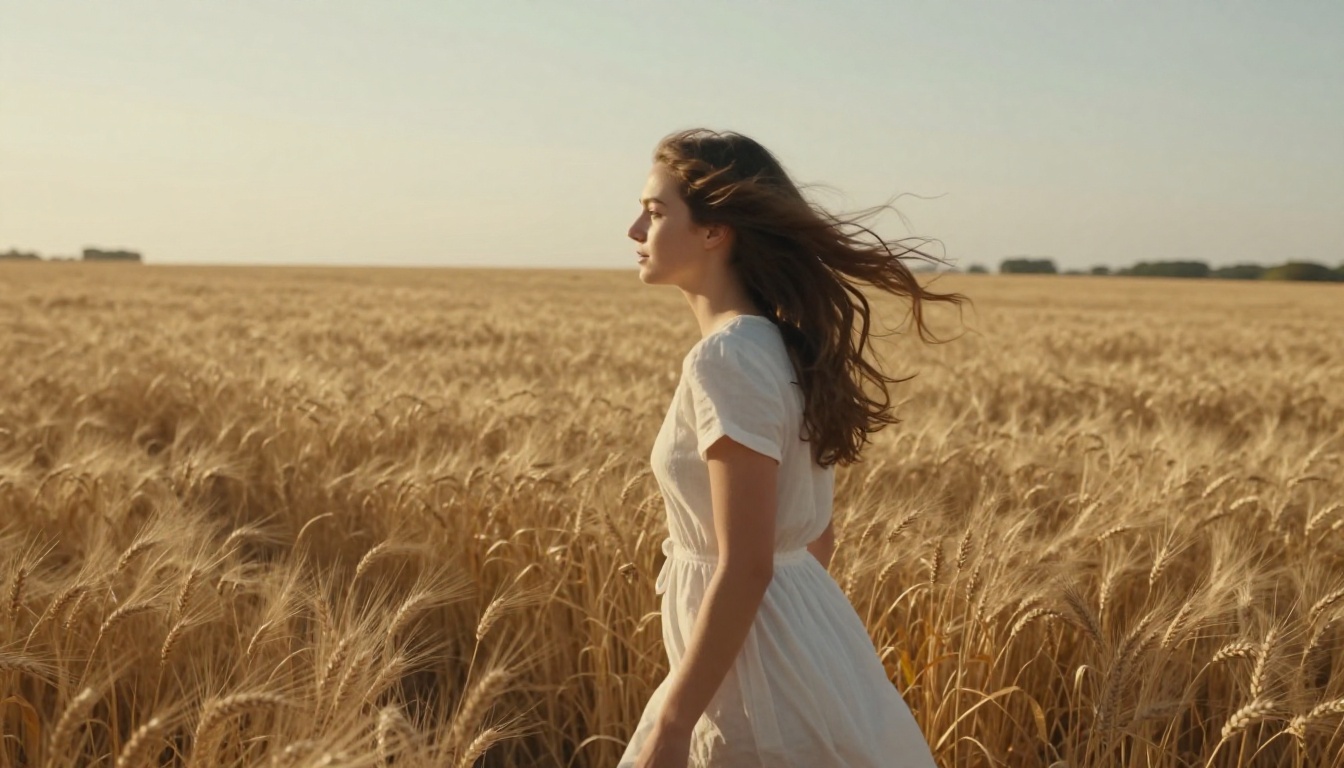
Kling v3 Motion Control is built for users who need to specify exactly how subjects and cameras move within the clip. You can define trajectory paths, camera pan/tilt/zoom behaviors, and subject motion arcs. The model follows these constraints while maintaining the photorealistic quality of the base v3 architecture.
This matters because most text-to-video models treat motion as a byproduct of the prompt. Motion Control treats it as a first-class input parameter. If you need a specific camera dolly move, or a subject who walks from left to right at a specific pace, this variant delivers control that prompt engineering alone cannot.
Best for: Brand advertising, controlled narrative sequences, music video production, any project where motion choreography matters.
Kling v3 Omni Video
Kling v3 Omni Video is the most versatile variant. It accepts text, image, and additional conditioning inputs simultaneously, which means you can provide a reference image for style, a text prompt for action, and an audio clip for synchronization. The model fuses these inputs into a single coherent output.
The omni architecture is what the broader AI video community has been asking for: a model that does not force you to choose between text control and image control. You get both at the same time, and the output quality does not degrade when you layer inputs.
Best for: Complex productions, multi-input creative workflows, content requiring style consistency with a reference visual.
How the Technology Works
Kling 3.0 is built on a diffusion transformer (DiT) backbone, the same architectural family that powers leading image models like Flux, but extended into the temporal dimension. The pipeline details help you write better prompts and set realistic expectations for each generation.
Text-to-Video Pipeline
When you submit a text prompt to Kling v3, the system runs it through several stages:
- Semantic parsing: The language model extracts entities (subjects, backgrounds, objects), actions (verbs describing motion), and attributes (colors, lighting, style)
- Keyframe planning: The model generates spatial anchors for the beginning, middle, and end of the clip that are consistent with the described action
- Temporal diffusion: The full video is synthesized by iteratively denoising a 3D latent tensor that represents all frames simultaneously, not sequentially
- Upscaling and sharpening: A post-processing pass adds detail at the final resolution
The simultaneous multi-frame synthesis in step 3 is the core architectural difference from older video models that generated frames one by one. By reasoning about all frames at once, the model can enforce temporal consistency without accumulating errors across the sequence.
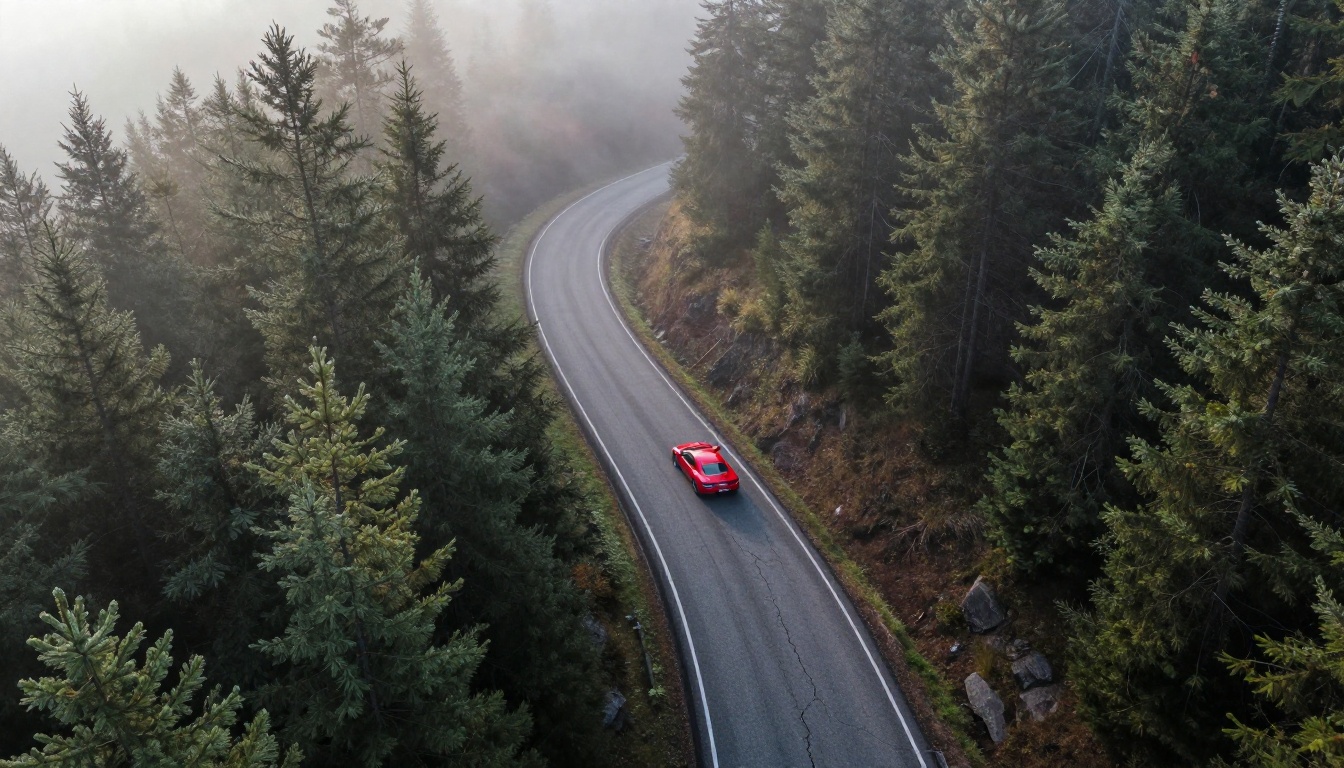
Image-to-Video Rendering
When you supply an input image, Kling v3 uses it as a hard constraint on the first frame. The diffusion process is conditioned to start at the pixel distribution of your image and evolve it forward in time according to the text prompt.
This is harder than it sounds. The model must simultaneously:
- Preserve the visual identity of your source image's subjects
- Add plausible motion that fits the prompt
- Maintain lighting continuity as the scene evolves
- Ensure that objects which move off-screen do not return as different objects
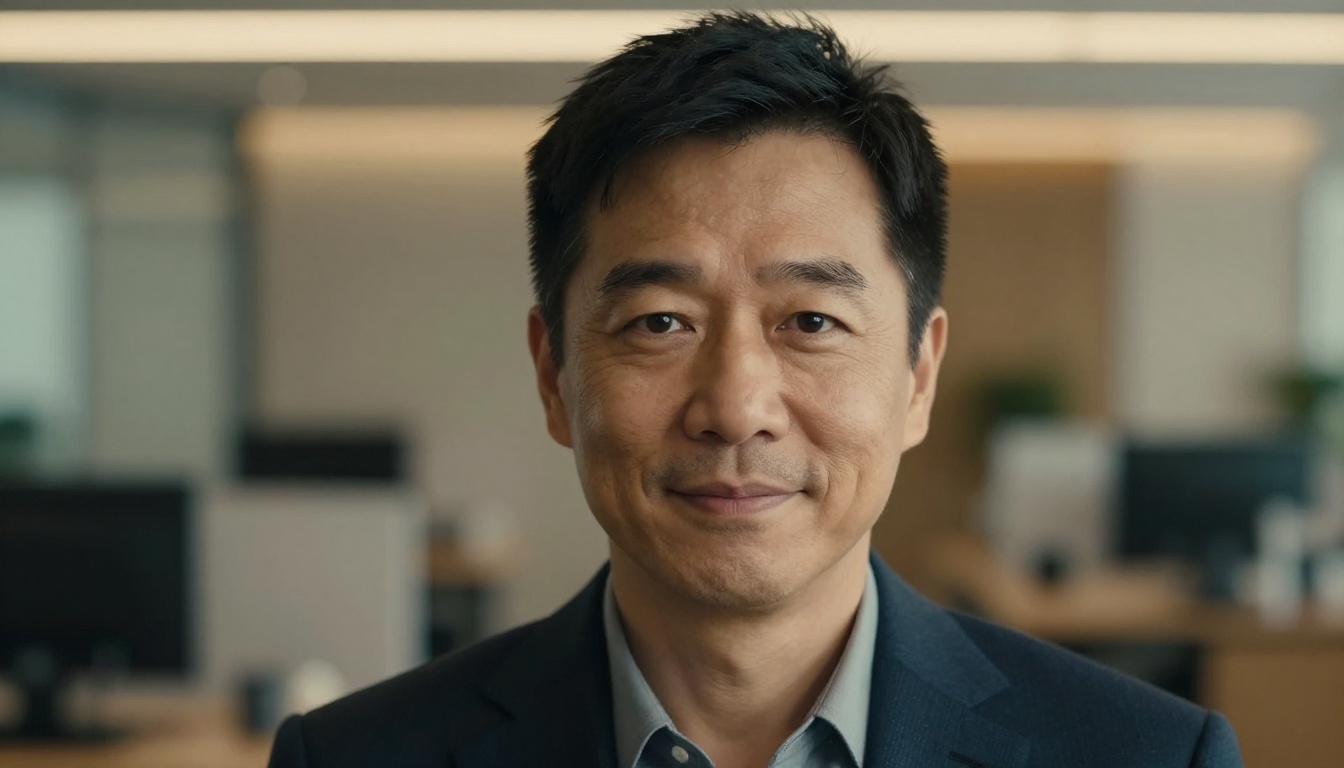
Kling v3 Video handles this with notably better subject fidelity than previous versions. If you animate a portrait, the face at the end of the clip is the same face at the start.
Motion Coherence System
One of Kling 3.0's most significant technical contributions is its motion coherence system. Traditional video diffusion models treat motion as emergent from the frame-by-frame denoising process. The result is that subtle inconsistencies accumulate, and longer clips fall apart.
Kling 3.0 introduces a dedicated motion prior network that runs in parallel with the main diffusion process. This network:
- Predicts physically plausible motion trajectories for detected subjects
- Penalizes the main diffusion network when generated motion violates these priors
- Applies special weighting to body joints, facial landmarks, and rigid object edges
The practical effect is that subjects move like real objects instead of like blurry approximations of real objects. Arms swing with natural counterbalance. Fabric drapes and moves with appropriate weight. Water maintains realistic fluid dynamics across the full clip duration.
💡 Prompt tip: Because Kling 3.0 has strong motion priors, you do not need to over-describe physics in your prompts. "A woman walks across a room" will produce natural walking motion without you specifying arm swing or stride length.
Kling 3.0 vs The Big Names
Here is how Kling 3.0 compares to the other top-tier AI video models available right now:
| Model | Max Resolution | Motion Quality | Text Adherence | Speed | Input Types |
|---|
| Kling v3 Video | 1080p | Excellent | High | Medium | Text, Image |
| Kling v3 Omni | 1080p | Excellent | Very High | Medium | Text, Image, Audio |
| Sora 2 | 1080p | Very Good | Very High | Slow | Text, Image |
| Veo 3 | 1080p | Very Good | High | Medium | Text |
| Seedance 2.0 | 1080p | Good | High | Fast | Text, Image |
| Hailuo 02 | 1080p | Good | Medium | Fast | Text, Image |
The table shows Kling 3.0's core strengths: motion quality that matches or exceeds the best in the field, combined with strong multi-input flexibility at a generation speed that is not punishingly slow. Sora 2 has comparable quality but significantly longer wait times. Seedance 2.0 is faster but does not hold up as well on complex motion scenarios.
Veo 3 has an edge on native audio generation, but for pure video quality and motion realism, Kling 3.0 is the stronger option for most production use cases.

How to Use Kling v3 on PicassoIA
All three Kling v3 models are available directly on PicassoIA. No API key setup, no local compute requirements. You access them through the collection browser and generate immediately.
Step 1: Choose Your Variant
Go to Kling v3 Video for standard text or image input. Use Kling v3 Motion Control if you need to specify camera behavior or subject trajectory. Use Kling v3 Omni Video when working with multiple input types simultaneously.
Step 2: Prepare Your Prompt
For text-to-video, describe the subject first, then the action, then the environment and lighting. Keep it under 200 words. Kling 3.0 handles complex prompts well, but clarity outperforms length.
For image-to-video, upload a clean, well-lit source image. The model preserves your subject's identity, so invest in a good input. Portrait-oriented images work particularly well because they give the model a clear focal subject to anchor.
Step 3: Set Resolution and Duration
PicassoIA lets you select resolution (720p or 1080p) and clip duration (5 or 10 seconds for most Kling v3 variants). For initial testing, use 720p at 5 seconds. This is faster and preserves your generation credits while you refine your prompt. Move to 1080p and 10 seconds when you have a prompt that is working.
Step 4: Iterate
The first generation is rarely the final output. Change one variable at a time: adjust the action description, swap the lighting condition, try a different source image. Kling 3.0 is consistent enough that small prompt changes produce predictable directional changes in the output.
💡 Quick tip: If your subject's face is drifting between frames, add a specific physical description of their appearance in the prompt. "Brown eyes, angular jaw, short dark hair" gives the model stronger identity anchors to maintain across the clip.
Where It Shines (and Where It Doesn't)
No model is perfect. Kling 3.0 has genuine strengths and real limitations worth knowing before you build it into a workflow.
It Handles These Well
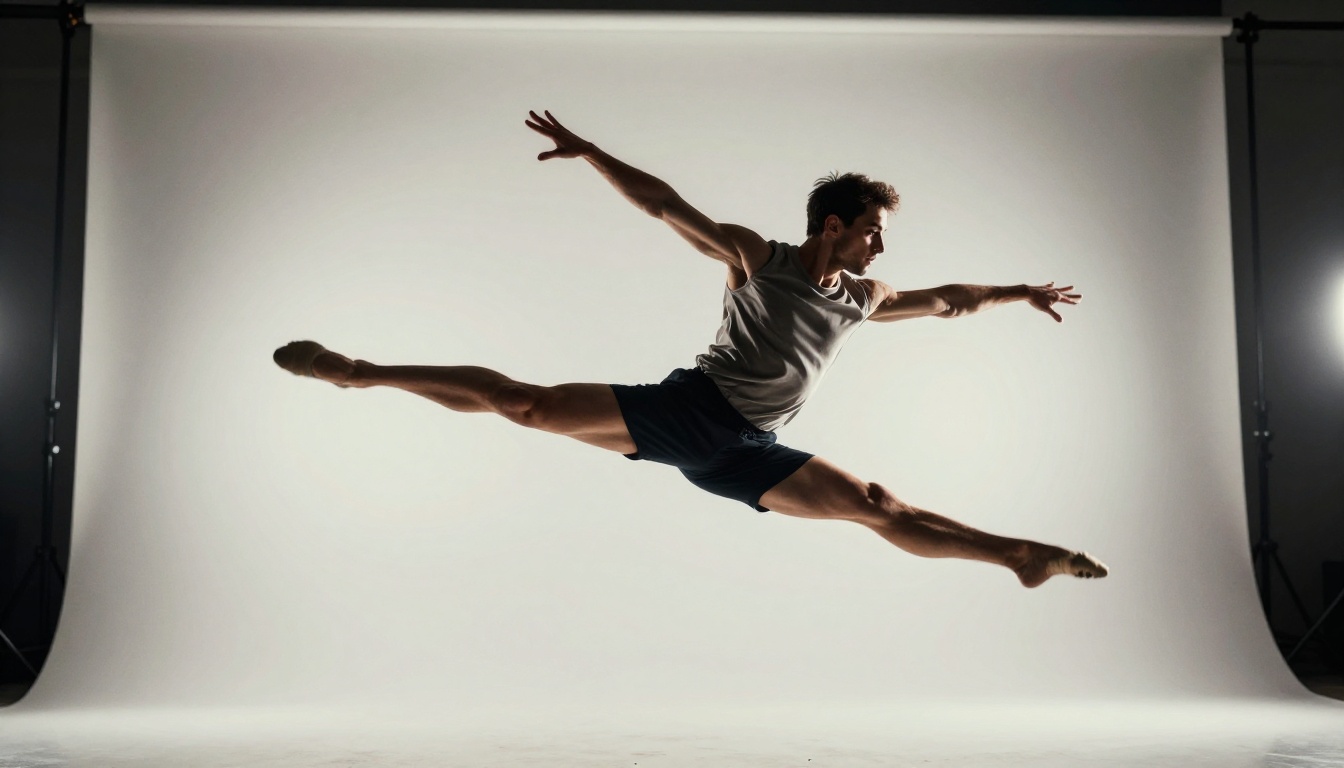
Human motion: Walking, running, gesturing, facial expressions. This is Kling's deepest strength. The motion prior network was clearly trained heavily on human subjects, and it shows. Natural body mechanics emerge without prompting.
Natural environments: Ocean, forests, weather, fire. Kling 3.0's physics modeling extends to environmental elements. Rain falls at plausible velocities. Flames move with organic irregularity. Leaves respond to wind with appropriate lag.
Camera movement: Dolly-in, pan, crane shots. Because Kling v3 Motion Control includes explicit camera control, intentional camera movement is one of the more reliable capabilities in the v3 family.
Multi-subject scenes: Kling 3.0 handles two to three distinct subjects in the same frame better than most competitors. Each subject maintains independent motion without one interfering with the other.

Honest Limitations
Text and graphics: Any text you want in the video frame will almost certainly be wrong. This is a fundamental limitation of diffusion models, not specific to Kling. Plan to add text in post-production.
Very fast motion: Rapid hand gestures, sports at full speed, high-velocity object throws. The motion prior network works well at human walking speeds but begins to blur and artifact at speeds that require very short temporal windows.
Highly specific object interactions: A hand picking up a glass of water is doable. A hand picking up a tiny specific object and placing it precisely on a specific target is not reliable. Object manipulation at fine motor detail is still an open problem across all AI video models.
Long-form coherence beyond 10 seconds: Kling 3.0 holds up well to 10 seconds. Beyond that, subject drift and environmental inconsistency accumulate. For longer pieces, generate multiple clips and edit them together.
Start Creating With Kling v3
Kling 3.0 represents the current peak of what open-access AI video generation can produce. The motion quality, subject consistency, and multi-input flexibility of the v3 family put serious cinematic capability in reach for anyone with a creative vision and a browser.
All three variants, Kling v3 Video, Kling v3 Motion Control, and Kling v3 Omni Video, are available on PicassoIA alongside over 87 other video generation models including Seedance 2.0, Veo 3, LTX 2.3 Pro, and Pixverse v5. You can test them all, compare outputs, and find what works best for your specific content type without committing to a single vendor or technical setup.
The best way to see what Kling 3.0 can do is to run it. Open your first generation, describe what you want to see move, and see what comes back. The gap between what you imagined and what you get has never been smaller.