Seedream 5.0 is the kind of model that makes you stop scrolling. Creators share outputs and people in the comments keep asking the same question: is that a real photo? The answer is no. But the fact that it creates that reaction so consistently says something important about where AI image generation has arrived in 2025.
This article covers what Seedream 5.0 is, what ByteDance changed to make it exceptional, and why so many creators have switched to it as their primary generation tool. If you want to try it yourself, you can access it through PicassoIA right now.
What Seedream 5.0 Actually Is
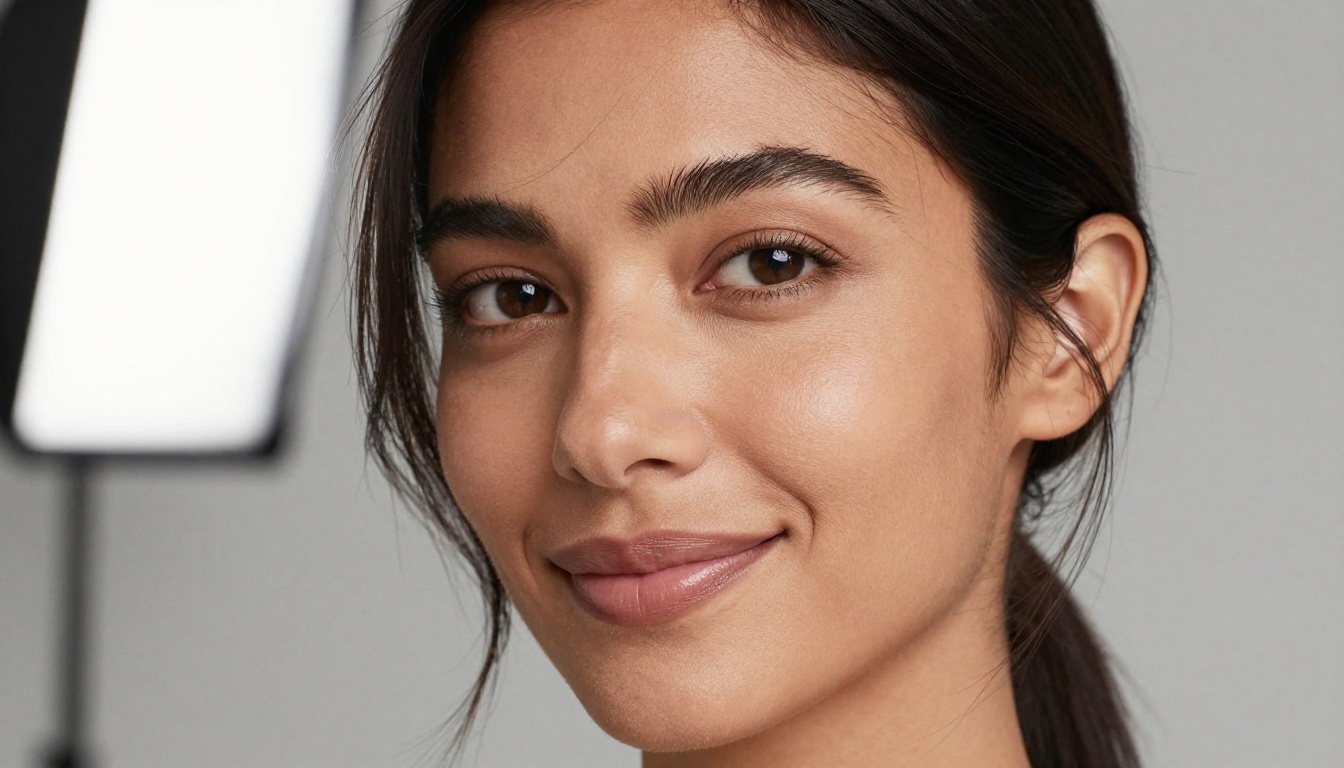
Seedream 5.0 is a text-to-image diffusion model developed by ByteDance's Seed AI research division. It takes a text prompt and returns a high-resolution photorealistic image, and it does this with a level of detail accuracy that has placed it consistently among the top-performing models in community benchmarks throughout 2025.
The "5.0" in the name marks a significant architectural update from earlier versions. While Seedream 3 and Seedream 4 showed strong improvement in face generation and color fidelity, version 5.0 introduced a more capable text encoder alongside a refined noise schedule. Together, those changes produce sharper fine detail in the areas that matter most: complex textures like fabric, hair, and skin.
The model is available in its publicly accessible form as Seedream 5 Lite on PicassoIA's model collection, making it accessible to creators without any special API setup or technical configuration.
The ByteDance Research Lab Behind It
ByteDance runs its AI research under the internal "Seed" brand. The team working on Seedream is separate from the group handling video models — the focus here is purely on still image quality and photorealism. The research group has published detailed comparisons showing how Seedream 5.0 handles multi-subject prompts, text rendering within images, and spatial composition better than previous iterations.
What distinguishes the development approach is the team's investment in dataset quality filtering. Rather than simply scaling training compute, ByteDance removed low-resolution, improperly licensed, or compositionally weak training samples in favor of a smaller but higher-fidelity dataset. That curation decision is visible in outputs, particularly in the accurate physical behavior of light on surfaces.
ByteDance is better known publicly for TikTok, but the Seed division has been building serious AI research infrastructure for several years. Seedream is the clearest evidence of that investment in the image generation space.
How It Compares to Earlier Versions
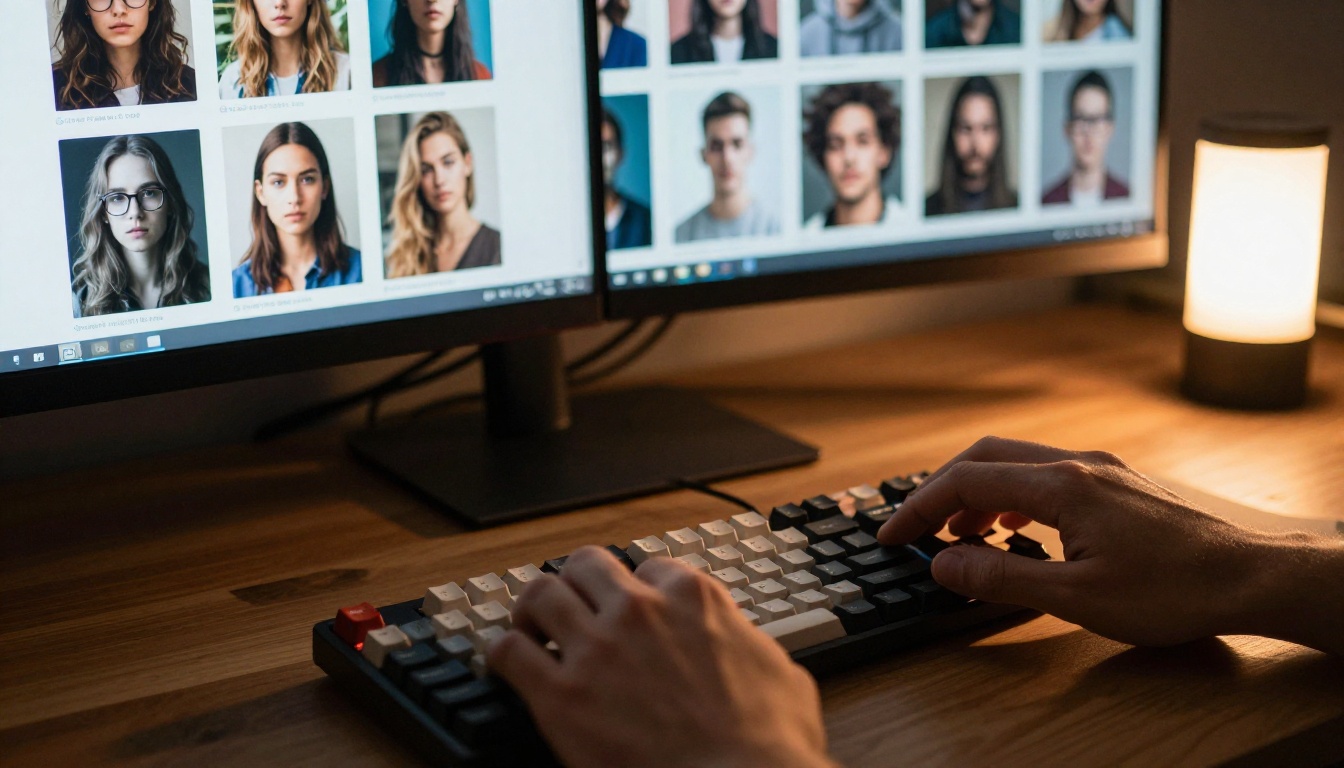
If you used Seedream 4 or Seedream 4.5 regularly, the step up to 5.0 is visible immediately. A few things the creator community noticed right away:
- Faces and skin texture: Earlier versions sometimes produced overly smooth or slightly plastic-looking skin. Version 5.0 renders natural skin variation, pores, and subsurface light scattering with far more accuracy.
- Hands: Long the hardest subject for AI generators, hands in Seedream 5.0 outputs show correct finger count and realistic proportions at a significantly higher rate than version 4.5.
- Text within images: Seedream 5.0 can place legible short text inside generated images, something most competing models still handle inconsistently.
- Spatial coherence: Objects in multi-element scenes stay in correct perspective and scale relative to each other, even in complex compositions with many described elements.
- Background fidelity: Earlier versions often produced generic or blurry backgrounds even when the prompt specified detail. Version 5.0 carries descriptive prompt elements through to the background.
💡 If you're working on a project requiring consistent facial accuracy across multiple generations, Seedream 5.0 is worth testing specifically for that use case. The improvement over Seedream 4 on facial geometry and eye rendering is substantial.
Why the Image Quality Stands Out
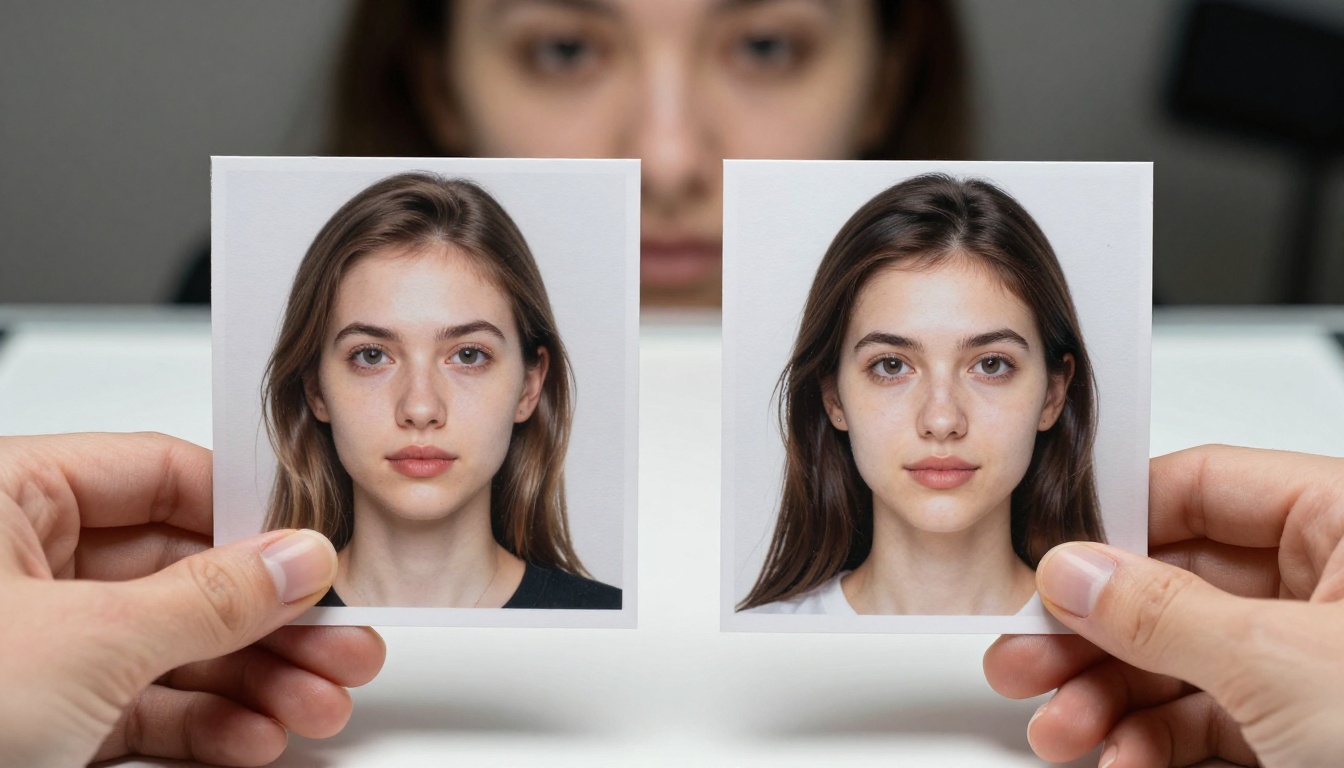
Most people who switch to Seedream 5.0 report the same thing: it produces usable results with fewer prompt iterations. In a workflow where you're generating dozens of images for a project, cutting iteration cycles in half saves real time and reduces frustration. The model isn't just better looking — it's more efficient to work with.
Photorealism at a Different Level
The core reason Seedream 5.0 looks different from most competing models is how it handles light interaction with physical surfaces. Standard diffusion models often get large flat surfaces and high-contrast lighting roughly correct, but fail at complex material interactions: light scattering through translucent skin, the micro-specular highlights on a fabric weave, or the way concrete absorbs versus reflects light depending on angle and moisture.
Seedream 5.0's training at higher input resolution means the model learned finer spatial patterns that competing models trained on lower-resolution data simply miss. The output looks like it was captured by a real camera because the physical behavior of light is modeled with greater fidelity.

Where the improvement is most visible:
| Subject | Improvement vs. Version 4 |
|---|
| Skin texture | Visible pores, natural variation, correct subsurface scattering |
| Hair | Individual strand rendering, natural light falloff |
| Fabric | Visible weave patterns, accurate light response per material type |
| Eyes | Catchlights, iris texture, wet surface reflection |
| Hands | Correct finger proportion at higher success rate |
| Text in scene | Legible short text rendered inside images |
| Background detail | Prompt-specified backgrounds appear, not generic fill |
Prompt Adherence That Actually Listens
One persistent frustration with AI image models is partial prompt compliance, especially when the prompt is detailed or contains multiple subjects with specific spatial relationships. You write a careful 150-word description and the model produces something that captures maybe 60% of what you specified.
Seedream 5.0 handles complex prompts significantly better than its predecessors. The text encoder upgrade, which the ByteDance team replaced with a larger model capable of parsing longer input sequences, is the primary reason. You can write a detailed multi-sentence prompt and Seedream 5.0 will reflect most of it in the output with high fidelity.
Practically, this means:
- Lighting direction instructions work ("window light from the left") rather than being treated as decoration
- Multiple subjects with distinct described attributes come out correctly differentiated
- Background details you specify actually appear rather than getting generic AI fill
- Style modifiers ("film grain", "shallow depth of field", "Kodak Portra color") translate reliably into visual outcomes
- Compositional instructions ("low angle looking up", "aerial overhead view") are followed accurately
💡 Seedream 5.0 responds particularly well to camera and lens specifications in prompts. Adding "85mm f/1.4 depth of field" or "17mm wide angle tilt-shift" significantly changes the feel of the output in ways that match real optical behavior.
What People Are Generating With It

The use cases where Seedream 5.0 consistently outperforms comparable models cluster around a few specific areas. These are the subjects that get shared most online, and where the quality difference is most immediately visible to a non-technical viewer.
Portraits and People Photography
Portrait generation is where Seedream 5.0 made its reputation. The combination of improved skin texture rendering, accurate facial geometry, and correct eye anatomy makes person-focused images look like editorial photography from a professional shoot. This matters for a wide range of real workflows:
- Content creation: Bloggers, marketers, and social media creators generating diverse human subjects without licensing stock photography
- Product visualization: Showing products being used by realistic-looking models in context
- Concept art and pre-visualization: Directors and designers testing visual concepts before committing to production resources
- Personal creative projects: Artists working with the model as a generative tool in their practice
The model handles diverse skin tones, age ranges, and facial features without the bias toward particular aesthetics that affected some earlier models. Diverse representation across ethnicity, age, and gender was addressed in the Seedream 4.5 development cycle and carried through into 5.0 with further improvement.
Landscapes, Objects, and Scenes
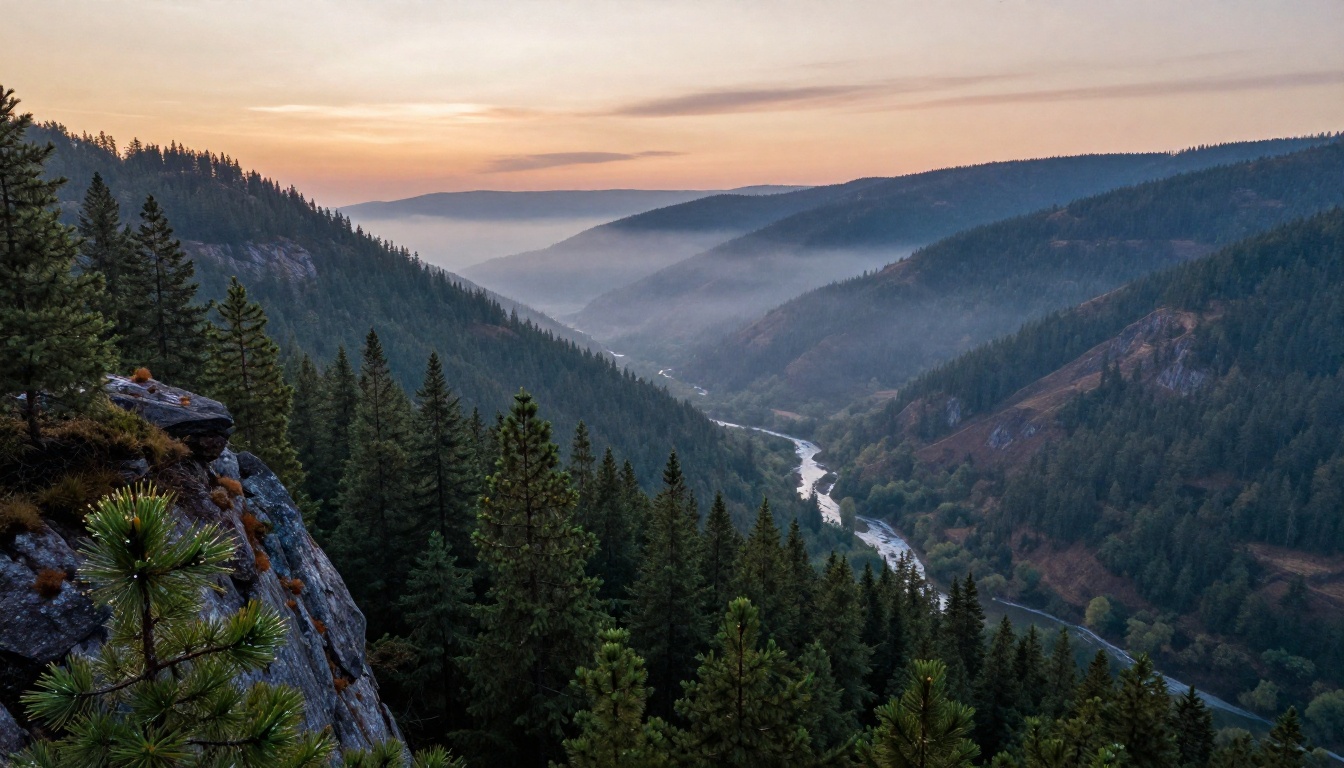
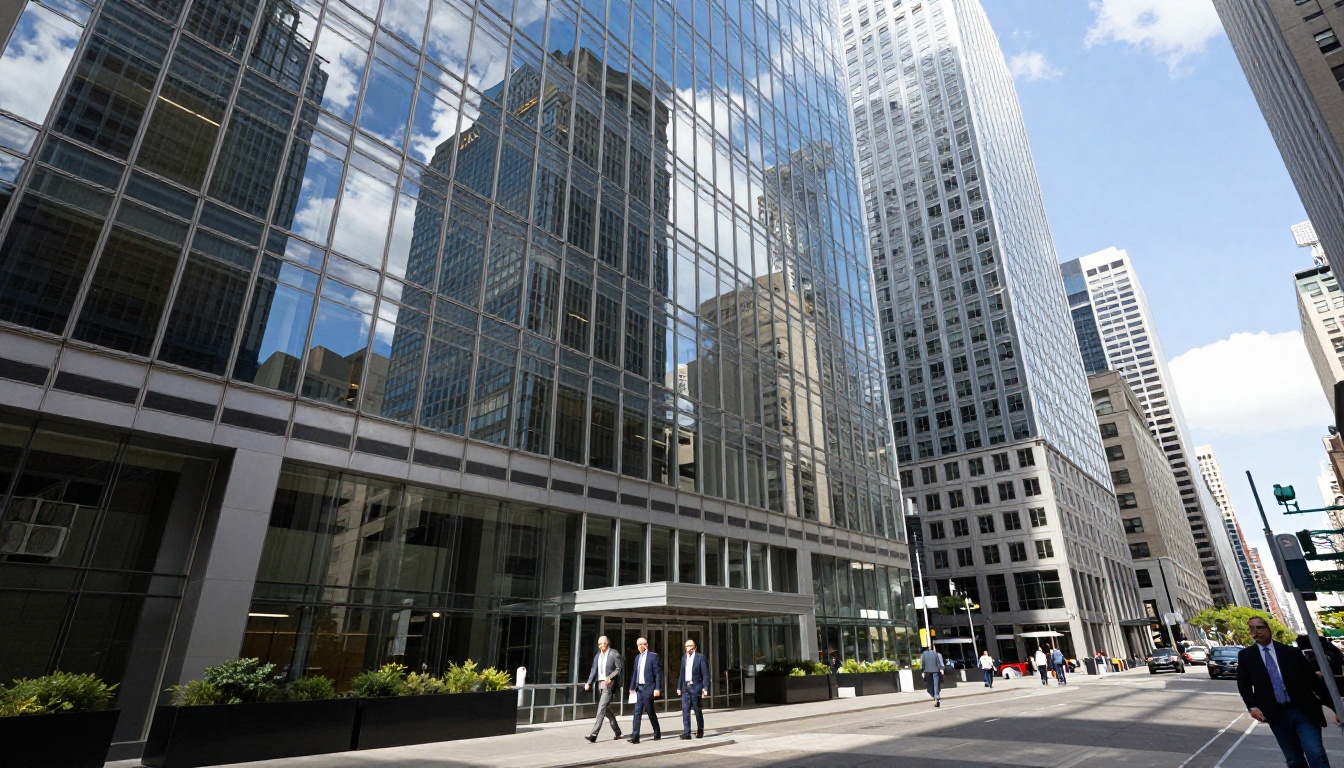
Seedream 5.0 is equally capable outside portrait work. Landscape prompts produce rich atmospheric depth with correctly handled haze, light scatter, and terrain texture. Architectural shots return with geometric precision and realistic material surfaces — glass, concrete, steel — that don't look like generic AI fill.
Still-life and product photography is another strong area. The model renders material differences between surfaces accurately: matte ceramics look different from glossy ceramics, rough wood differs from polished wood, and organic materials like fruit or plants have the right micro-surface behavior for their type.
Popular generation categories using Seedream on PicassoIA:
- Portrait photography (fashion, lifestyle, editorial, character design)
- Architectural visualization (residential, commercial, interior, exterior)
- Product photography mockups (food, fashion, consumer tech)
- Environmental photography (landscape, travel, nature, documentary style)
- Still life and object study (food styling, product staging, abstract compositions)
Seedream 5.0 vs the Competition
Seedream 5.0 doesn't exist in isolation. The text-to-image space in 2027 has strong competitors from different organizations, and an honest comparison helps you pick the right tool for each project rather than defaulting to one model for everything.
How It Stacks Up Against Flux
Flux Dev and Flux Pro from Black Forest Labs are the most direct competition for high-quality generation. Here's where the comparison actually lands:
| Category | Seedream 5.0 | Flux Pro |
|---|
| Photorealism (portraits) | Excellent | Very Good |
| Prompt adherence (long prompts) | Excellent | Very Good |
| Text rendering within images | Very Good | Good |
| Creative and stylized output | Good | Excellent |
| Generation speed (standard) | Fast | Medium |
| Fine surface detail (hair, skin) | Excellent | Very Good |
| Abstract and surrealist imagery | Good | Excellent |
Flux performs better for creative and stylized outputs, especially when you want something that clearly doesn't look like a photograph. Seedream 5.0 is the better choice when photorealism is the primary goal. Flux Schnell remains the best option when speed matters more than peak quality in a rapid iteration workflow.
Where It Wins and Where It Falls Short
Seedream 5.0 clearly wins on photorealism for human subjects and natural environments, on prompt detail translation with longer descriptive inputs, on consistency across generations with similar prompts, and on fine surface detail in its primary use cases.
Where it falls short: abstract and surrealist imagery tends toward realism even when you don't want it; stylized illustration work (anime, comic art, painted styles) is handled better by competing models; and as a still-image model, it has no video output capability. For video generation, PicassoIA offers dedicated text-to-video models in a separate category.
💡 A practical workflow: start photorealistic work with Seedream 5 Lite. For stylized or creative directions, test Flux Dev or SDXL alongside it. Each model has a clear home in the toolbox.
How to Use Seedream 5.0 on PicassoIA

PicassoIA hosts Seedream 5 Lite directly in its model collection. Getting started takes under two minutes, and there's no API configuration required.
Step by Step
Step 1: Open the model
Go to the Seedream 5 Lite page on PicassoIA. The generation interface appears with a prompt input field and basic parameter controls.
Step 2: Write a detailed prompt
Seedream 5.0 rewards specificity. A minimal prompt produces adequate results; a detailed prompt produces excellent results. Include these elements in order:
- Subject description — who or what is in the scene, their appearance and pose
- Environment and background — location, setting, surrounding elements
- Lighting conditions — direction, quality (hard vs. soft), color temperature
- Camera and lens specification — focal length, aperture, camera angle
- Texture and atmosphere notes — material descriptions, film stock reference, mood
Step 3: Set parameters
For photorealistic work, use 16:9 for cinematic compositions or 1:1 for social content. Higher step counts produce sharper detail at the cost of generation time. The defaults work well as a starting point.
Step 4: Generate and refine
Your first output gives you a baseline. With Seedream 5.0, prompts typically need fewer iterations than other models to reach the target. Note what landed correctly and what didn't, then refine those specific elements in your next generation.
Tips That Actually Make a Difference
- Specify lighting direction explicitly: "soft morning light from the upper left" produces a different and more controlled result than "good lighting" or "well lit"
- Name a film stock: References to Kodak Portra, Ektar 100, or Fuji Velvia shift the color science in a predictable direction
- Include aperture and focal length: f/1.4 versus f/8 changes depth of field representation; 24mm versus 85mm shifts perspective distortion in the expected way
- Describe surface texture directly: "rough linen," "brushed steel," "weathered oak," "polished marble" each trigger specific material rendering
- Be generous with word count: Seedream 5.0 has a large text encoder built to use long prompts. Short prompts leave most of its capability unused
💡 The most common mistake is prompting too briefly. Seedream 5.0 was specifically built with a larger text encoder because the team wanted long, detailed prompts to translate accurately. Don't underuse it.
Other Models Worth Pairing With It

Seedream 5.0 handles photorealistic generation well. For the rest of your image workflow, these models on PicassoIA are worth knowing:
For stylized and creative output:
- Flux Dev — best for creative, non-photorealistic directions and experimental compositions
- Flux Pro — commercial-grade output with strong consistency across varied subjects
- SDXL — broad style range including illustration, concept art, and mixed media looks
For image enhancement after generation:
- PicassoIA's Super Resolution models upscale Seedream outputs to 2x or 4x resolution without quality loss
- AI Image Restoration tools fix artifacts or noise in generated images
- Outpainting tools expand the canvas of a Seedream-generated image to a wider composition
For portrait refinement:
- PicassoIA's Inpainting tools let you regenerate specific regions of a generated image (eyes, hair, background) without touching the rest of the composition
A practical high-quality workflow looks like this: generate with Seedream 5 Lite, use inpainting to correct any specific areas that missed the mark, then run the result through a super-resolution model for the final deliverable. That sequence produces outputs that are difficult to distinguish from professional photography.
Start Creating With Seedream Today
Seedream 5 Lite is available on PicassoIA right now, with no special setup required. If you've been working with other models and spending too many iterations getting to a usable output, try running the same prompt through Seedream 5.0 and comparing the result directly.
The quality difference is clearest in portraits and person-focused generations, so start there. Take one of your existing prompts, run it on Seedream 5.0, and judge the result with your own eyes. Most creators who switch report that seeing the first output is when the decision becomes obvious.
PicassoIA has every major Seedream version available — from Seedream 3 through Seedream 5 Lite — alongside 91 other text-to-image models, upscaling tools, video generation, image editing, and more, all in one place. Browse the full collection at picassoia.com/en/all-models.


