Speech to text has moved from a novelty feature tucked into voice assistants to one of the most practical productivity tools available today. Doctors dictate patient notes without touching a keyboard. Journalists transcribe interviews in minutes rather than hours. Podcasters generate full show transcripts automatically. But the technology still raises honest questions: how does it work exactly, and how accurate is it in real-world conditions? Not in controlled lab settings, but in noisy rooms, mixed accents, and fast-paced conversations.
The numbers look impressive on paper. The best systems today boast accuracy rates above 95%. But accuracy is contextual, and knowing what drives it, and what destroys it, is what separates a casual user from someone who consistently gets production-ready results.
How the Technology Actually Works
From Sound Waves to Words
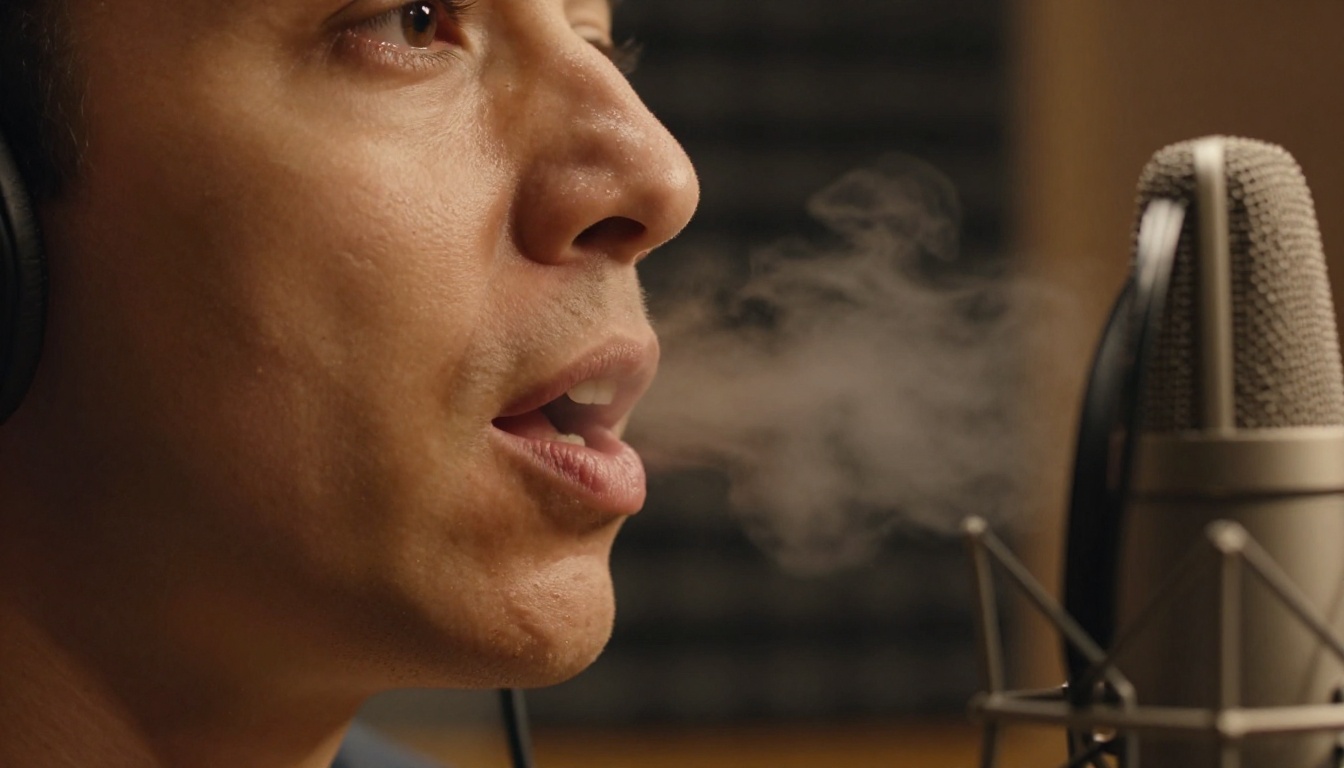
At its core, speech to text, also called Automatic Speech Recognition (ASR), is the process of converting audio signals into written text. When you speak into a microphone, your voice creates pressure waves in the air. A microphone converts those waves into a digital signal: a stream of numbers representing amplitude over time.
The ASR system breaks that audio into short frames, typically 20 to 40 milliseconds each. Each frame gets analyzed for its acoustic features: frequency distribution, energy patterns, and harmonic structure. These features are fed into a machine learning model trained on thousands of hours of real human speech.
The model does not guess one word at a time. It evaluates the entire sequence, factoring in context. The words "two," "to," and "too" sound identical, but a well-trained model determines from surrounding words which one to output. That contextual reasoning is what separates modern AI transcription from the rule-based systems of earlier decades.
The Role of Neural Networks
Modern speech recognition is built on deep learning, specifically on architectures like Transformer networks and Recurrent Neural Networks. These models learn patterns from enormous datasets of spoken audio paired with verified text transcriptions.
Training involves millions of examples: different speakers, microphones, room acoustics, and languages. The more diverse the training data, the more robust the model becomes when faced with unusual inputs.

Connectionist Temporal Classification (CTC) is one of the primary training objectives for ASR. It allows the model to align audio input with text output even when timing is imprecise, which is always the case in real speech. More recently, encoder-decoder transformer architectures have pushed accuracy to levels that rival professional human transcriptionists.
💡 The more modern the model architecture, the better it handles edge cases like fast speech, overlapping words, and non-native accents.
Accuracy Numbers You Should Know
Word Error Rate Explained
The standard metric for measuring transcription quality is Word Error Rate (WER). It calculates the percentage of words in the transcription that are wrong, whether substituted, deleted, or inserted, compared to the correct reference text.
WER = (Substitutions + Deletions + Insertions) / Total Reference Words
A WER of 5% means 5 out of every 100 words contain an error. That sounds small, but in a 500-word document, that is 25 mistakes. In medical records, legal filings, or published content, those 25 errors can cause serious problems.
| WER Range | Quality Level | Suitable For |
|---|
| 0% to 5% | Excellent | Medical, legal, broadcast |
| 5% to 10% | Good | Business, content creation |
| 10% to 20% | Acceptable | Internal notes, rough drafts |
| 20%+ | Poor | Not production-ready |
What 95% Accuracy Really Means
When a vendor claims "95% accuracy," that figure comes with significant caveats. It typically applies to:
- Clean studio audio with minimal background noise
- Native speakers using standard American or British English accents
- Prepared speech such as reading from a script rather than free conversation
Real-world accuracy typically drops by 5 to 15 percentage points when you introduce background noise, strong regional accents, technical jargon, or overlapping speakers. Knowing this gap is not a reason to distrust the technology, it is a reason to optimize your recording setup and pick the right model for your specific context.
5 Things That Kill Accuracy
Knowing what degrades ASR performance helps you set up your environment properly and pick the right tool for each job.
-
Background noise: Traffic, air conditioning, multiple voices, and keyboard clicks all add signal interference. Even moderate ambient noise can push WER from 5% to 20% on the same model.
-
Microphone quality: A professional condenser microphone versus a built-in laptop mic can mean the difference between 98% and 75% accuracy, regardless of the model you use.
-
Speaking pace: Very fast speech compresses phonemes, making them harder to distinguish. Models trained on average speaking rates struggle with rapid-fire delivery.
-
Accents and dialects: Most top-performing models are trained primarily on standard American or British English. Non-native speakers or strong regional dialects can see accuracy drops of 10 to 20 percentage points.
-
Domain-specific vocabulary: Medical terminology, legal Latin phrases, brand names, and technical jargon are often underrepresented in general training data. Specialized models or custom fine-tuning address this gap.
💡 Recording at 16kHz sample rate or higher, using a directional microphone, and speaking at a measured pace can add 10 to 15 percentage points of accuracy with virtually any model.
Real-World Use Cases That Prove Its Value
Medicine and Clinical Notes
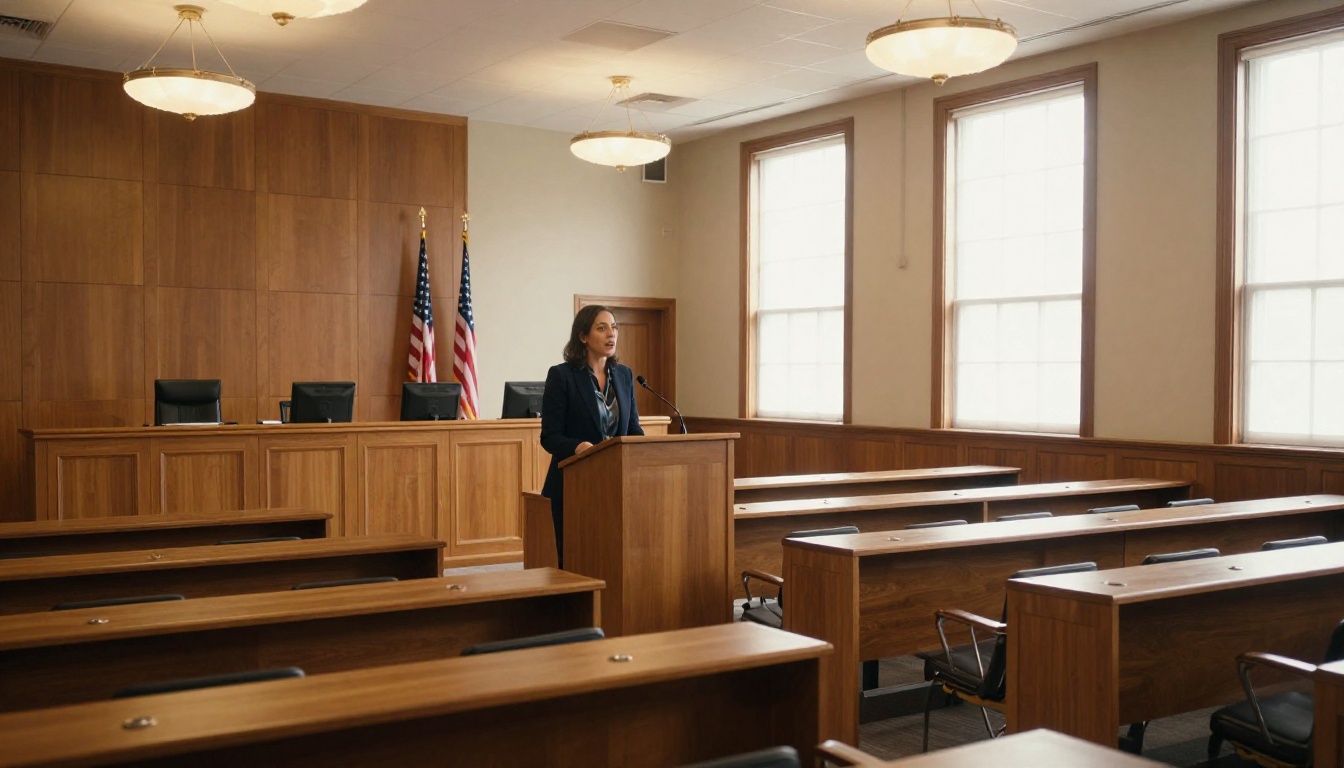
Healthcare is one of the largest adopters of speech-to-text technology. A physician seeing 20 patients per day can spend 2 to 4 hours on documentation alone. Voice dictation cuts that to minutes, freeing time for patient care.
The challenge is accuracy on medical vocabulary. General-purpose models often stumble on drug names and complex clinical terms. Models fine-tuned on clinical datasets perform significantly better here. The investment in picking the right model pays back immediately when documentation errors drop to near zero.
Legal Transcription
Courtrooms, depositions, and contract reviews all generate enormous volumes of spoken content that requires precise documentation. A single transcription error in a legal record can have serious consequences.
Legal transcription demands near-perfect accuracy, often 98% or higher. It also requires speaker diarization, because knowing who said what matters as much as capturing the words themselves. The best ASR models combine high accuracy with reliable speaker labeling for this use case.
Podcasts and Media
Content creators rely on transcription for a wide range of tasks:
- Show notes: Auto-generated from episode audio in minutes
- Closed captions: Required for accessibility compliance on most platforms
- Content repurposing: Turning spoken episodes into articles, social posts, and newsletters
- SEO: Making spoken content indexable by search engines
For podcasters, accuracy in the 90% range is typically sufficient since output gets edited before publishing. For live automated captioning, you want 95% or better to avoid embarrassing errors appearing on screen in real time.
Everyday Productivity

Beyond specialized industries, speech to text powers daily productivity for anyone who types frequently. Voice memos that auto-transcribe, emails dictated during a commute, meeting recordings that generate action items automatically: these workflows have become mainstream tools, not experimental features.
Best Models for Transcription on Picasso IA
PicassoIA provides direct access to five specialized speech-to-text models, each with different strengths depending on your audio type, language needs, and accuracy requirements.
GPT-4o Transcribe
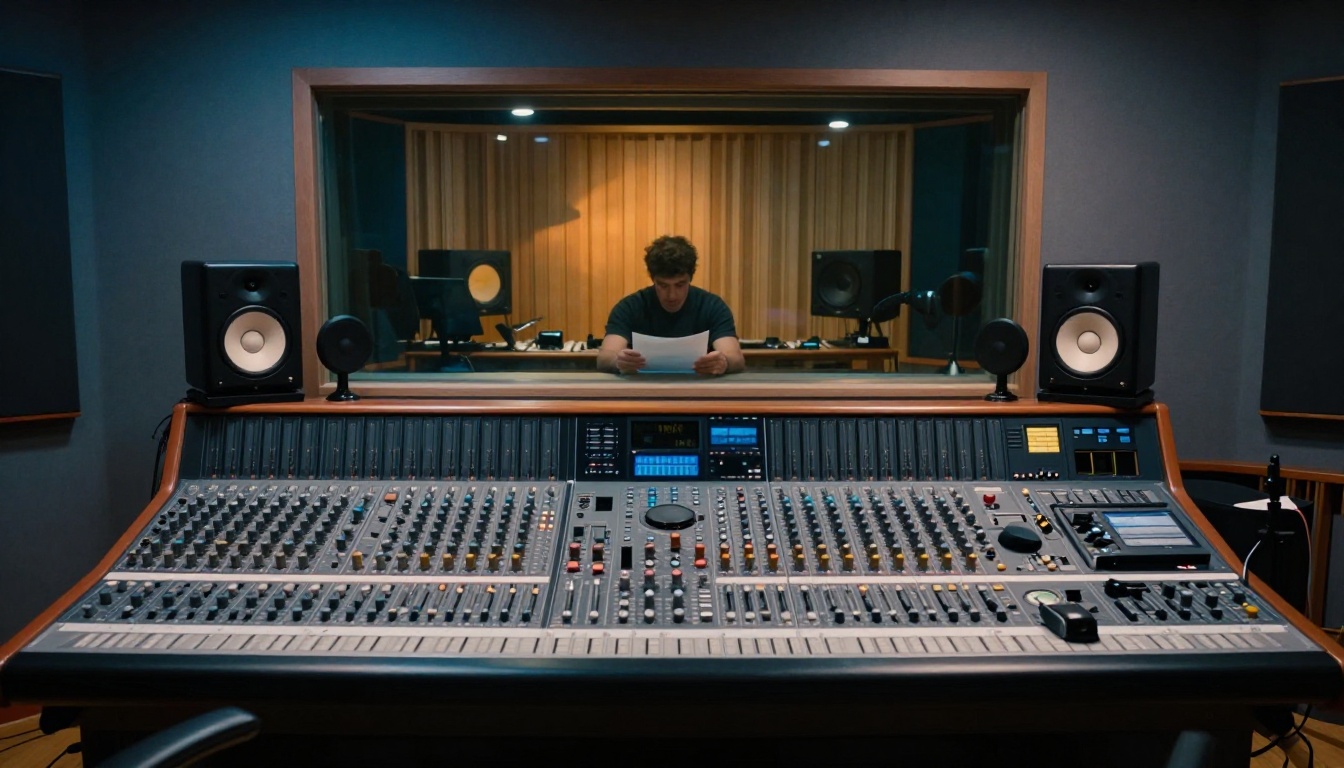
GPT-4o Transcribe is OpenAI's flagship transcription model. Running on the same underlying architecture as GPT-4o, it benefits from deep contextual reasoning. This means it handles ambiguous phrasing, homophones, and conversational speech better than most alternatives on the market.
Best for: Interviews, business meetings, podcasts, content where surrounding context resolves ambiguity.
How to use it on PicassoIA:
- Go to the GPT-4o Transcribe page
- Upload your audio file (MP3, WAV, M4A, and other formats are supported)
- Select your target language, or leave it on auto-detect for multilingual audio
- Submit and receive formatted, punctuated text output within seconds
GPT-4o Mini Transcribe
GPT-4o Mini Transcribe offers the same OpenAI quality at a lighter compute footprint, making it ideal for high-volume transcription tasks where processing speed matters as much as precision.
Best for: Large batches of audio files, quick rough drafts, high-frequency automated workflows.
Granite Speech 4.1 2B
Granite Speech 4.1 2B from IBM Granite supports transcription natively in six languages, making it the strongest option for multilingual audio content. Its compact 2-billion parameter architecture also delivers faster processing times than larger models.
Best for: Multilingual audio, international business content, speed-sensitive pipelines.
Granite Speech 3.3 8B
Granite Speech 3.3 8B is IBM's larger speech model. The 8-billion parameter count gives it more capacity to handle complex audio, domain-specific vocabulary, and nuanced speech patterns that smaller models miss.
Best for: Technical content, specialized terminology, longer multi-hour recordings.
Gemini 3 Pro
Gemini 3 Pro brings Google's multimodal AI capabilities to transcription. It is particularly strong on audio with mixed content types and is designed for high accuracy across a broad spectrum of accents and speaking styles.
Best for: Diverse speaker pools, accent-heavy content, broadcast-quality requirements.
Which Model Should You Choose?

| Model | Accuracy | Speed | Languages | Ideal Use Case |
|---|
| GPT-4o Transcribe | Highest | Medium | 50+ | Interviews, meetings |
| GPT-4o Mini Transcribe | High | Fast | 50+ | Batch processing |
| Granite Speech 4.1 2B | Good | Very Fast | 6 | Multilingual, high-volume |
| Granite Speech 3.3 8B | Very High | Medium | Multiple | Technical vocabulary |
| Gemini 3 Pro | Very High | Medium | Wide range | Diverse accents, broadcast |
The decision comes down to your use case:
How to Get Better Results with Any Model
The right model is only half the equation. Your input audio quality determines your output text quality, and the two are inseparable.
Recording checklist before you upload:
💡 Before speaking, give 3 seconds of silence after pressing record. This lets the model calibrate the ambient noise floor and significantly improves accuracy on the first few words of your recording.
Post-processing tips:
Most transcription outputs benefit from a light editing pass. Pay close attention to:
- Proper nouns: Names, brand names, and place names often need manual correction
- Punctuation: ASR adds punctuation by inference, which is not always accurate
- Homophones: "their/there/they're" type errors appear even in high-accuracy outputs
- Numbers and dates: Spoken numbers can be transcribed inconsistently depending on context
Speech to Text Is Only Part of the Audio Story
PicassoIA's audio capabilities extend well beyond transcription. If you work with audio and voice content regularly, you may also want to check out:
Text to Speech: The flip side of transcription. Text-to-speech models on PicassoIA let you generate realistic human voices from written text, useful for voiceovers, narration, and accessibility content without hiring voice talent.
AI Music Generation: For content creators who need original background audio, AI music generation models on PicassoIA create royalty-free tracks directly from text prompts, ready for immediate use in videos and podcasts.
The combination of transcription and voice generation opens entire production workflows that previously required expensive studios and dedicated staff.
Try It on Your Own Audio
Speech to text is no longer experimental technology sitting behind research papers. It is production-ready, accessible, and precise enough for professional use across medicine, law, media, and everyday productivity. The five models available on PicassoIA, from GPT-4o Transcribe to Gemini 3 Pro, represent the current state of the art in automatic speech recognition, and they are available to use right now without any technical setup.
The only honest way to evaluate accuracy for your use case is to test it with your actual audio. Benchmarks are useful starting points, but your recordings are unique: your accent, your microphone, your speaking pace, your subject matter. Upload a meeting recording, a voice memo, or an interview file and see which model handles your content best.
PicassoIA gives you access to all five models in one place. Pick one, upload your audio, and see the difference a purpose-built transcription model makes in your workflow.


