Text to speech AI has moved well past robotic computer voices that nobody wanted to listen to for more than thirty seconds. Today, the technology produces audio that is genuinely difficult to distinguish from a real human recording in a professional studio. That shift happened fast, and knowing what drives it matters whether you're a content creator, a developer, a business owner, or just someone fascinated by this technology.
This is a detailed look at the current state of text to speech AI: how it works at a technical level, which models are setting the standard right now, how voice cloning fits into the picture, and where real-world users are applying it every day.
How TTS AI Actually Works
From Text to Waveform
At its core, text to speech is a pipeline. Written text goes in, audio waveform comes out. What happens in between is where things get interesting.
Traditional TTS systems, the ones that sounded mechanical and hollow, worked by concatenating pre-recorded phoneme fragments. The system would stitch tiny snippets of recorded speech together in sequence. It was fast and predictable, but it sounded like a robot reading a script because it literally was.
Modern neural TTS replaces that concatenation approach with end-to-end deep learning. The model learns, from enormous datasets of real human speech, the relationship between text and the acoustic properties of natural voice. It learns rhythm, emphasis, breathing patterns, slight pitch variation, and the way a human voice carries emotion through prosody.
The output is not a stitched recording. It is a synthesized waveform generated from scratch by the neural network, tuned to match all those learned acoustic properties.
Neural Networks vs Old-School TTS
The difference matters in practice. With concatenative TTS, you could always hear the seams at phoneme boundaries, and the monotone prosody made long-form listening exhausting. With neural TTS, those seams disappear.
| Feature | Traditional TTS | Neural TTS |
|---|
| Voice naturalness | Robotic, monotone | Human-sounding, expressive |
| Prosody control | Minimal | Rich: pitch, pace, emotion |
| Voice cloning | Not possible | Yes, from short audio samples |
| Multilingual support | Limited | 70+ languages in leading models |
| Generation speed | Fast | Real-time or near-real-time |
| Customization | Almost none | Extensive |
The neural approach also allows something that was previously impossible: voice cloning. By training on even a short sample of a specific person's voice, modern TTS models can reproduce that voice convincingly for new text. The implications for content production are substantial.
The Role of Transformers
Most leading TTS models today use transformer architectures, the same class of neural network behind large language models. Transformers are particularly good at capturing long-range dependencies in sequences, which is exactly what natural speech requires. A speaker's tone at the start of a sentence affects how it sounds at the end. Transformers handle that relationship well.
Some models, like those from ElevenLabs and Minimax, add diffusion-based vocoders on top of the transformer output, producing even more natural-sounding final audio with fine acoustic detail.
The Best TTS Models Right Now
ElevenLabs: Three Tiers Worth Knowing
ElevenLabs has become the benchmark name in AI voice generation for good reason. Their model lineup covers different use cases clearly.
ElevenLabs v3 is their flagship. It produces the most natural-sounding output in their range, with strong prosody, accurate emotional inflection, and a long context window that handles full chapters or long-form scripts without losing coherence. For voiceovers, audiobooks, and any production where voice quality is the priority, this is the one.
Flash v2.5 is built for speed. It generates audio in near-real-time, making it the practical choice for applications where low latency matters, like interactive chatbots, live event narration, or any system where waiting half a second is too long.
Turbo v2.5 sits between the two: faster than v3, better quality than Flash, and available in 32 languages. It's the sensible default for most production use cases that need speed without sacrificing too much audio quality.
v2 Multilingual extends the language support further, covering 30+ languages with strong accent accuracy. If you're producing content in multiple languages with the same voice, this is where you start.
Minimax Speech 2.8: HD vs Turbo
Minimax has built a compelling pair of models that sit at opposite ends of the quality-speed spectrum.
Speech 2.8 HD targets studio-quality output. The audio it produces is rich, detailed, and handles complex prosody well. It takes a bit longer to generate, but for finished audio production, the quality difference is audible.
Speech 2.8 Turbo is the fast-path alternative, designed for high-throughput use cases where you're generating large volumes of audio and speed matters more than top-tier quality. It still sounds good. The difference is one of nuance, not day-and-night quality.
Minimax also offers Voice Cloning as a dedicated model, letting you create custom AI voices from audio samples for consistent branding across all generated audio.

Grok TTS by xAI
Grok Text To Speech brings xAI's approach to voice generation: direct, expressive, and fast. It handles conversational tone particularly well, making it a strong choice for podcast-style narration or any audio where the voice should feel like someone talking directly to you rather than reading from a script.
Gemini 3.1 Flash TTS
Google's Gemini 3.1 Flash TTS is notable for two things: it supports over 70 languages, which is among the broadest multilingual coverage of any TTS model available today, and it offers 30 distinct voices. For teams producing localized content across many markets, this breadth is genuinely useful.

Resemble AI: Chatterbox Family
The Chatterbox models from Resemble AI focus on something that many TTS systems handle poorly: emotional control.
Chatterbox lets you adjust the emotional tone of generated speech, not just pick from preset emotions but actually dial in the intensity. Chatterbox Pro adds voice cloning and higher audio fidelity on top of that emotional control. Chatterbox Turbo optimizes for speed without removing the emotional expressiveness that makes the family distinctive.
Other Models Worth Noting
PlayHT Play Dialog is specifically engineered for dialogue, meaning two or more speakers in conversation. It handles turn-taking, interruptions, and conversational flow better than single-speaker models.
Qwen3 TTS from Alibaba's Qwen team brings voice cloning with strong support for Asian languages. Inworld TTS 1.5 Mini and TTS 1.5 Max serve the gaming and interactive entertainment space, optimized for real-time character dialogue generation.
Voice Cloning in 2027
How Voice Cloning Works
Voice cloning is the capability that has genuinely changed what's possible with TTS AI. The basic idea is straightforward: give the model a sample of a real voice, and it learns to synthesize new speech in that voice.
The technical process involves extracting a voice embedding from the sample audio, which is essentially a numerical fingerprint of the voice's unique acoustic characteristics, pitch distribution, speaking rate, and tonal qualities. The TTS model then conditions its generation on that embedding, producing new speech that matches those characteristics.
Early voice cloning required hours of training audio. Current models from ElevenLabs, Minimax, and Resemble AI can clone a voice from samples as short as 30 seconds, with usable quality. More audio generally produces better results, but the barrier to entry is now extremely low.
Real Uses for Cloned Voices
The applications being built on voice cloning fall into a few clear categories.
Content consistency: YouTubers and podcasters clone their own voice so they can generate narration for shorts, summaries, or social clips without recording every piece manually.
Brand voice: Companies create a proprietary AI voice, trained on recordings of a voice actor hired once, then use it across all audio content indefinitely.
Localization: Original content recorded in one language by one speaker can be synthesized in translation while preserving the original voice's characteristics. The speaker sounds like themselves in Spanish, Mandarin, or Portuguese.
Accessibility: People who have lost or are losing the ability to speak can bank their voice, then use a cloned version to communicate.
💡 Voice cloning raises serious questions about consent and misuse. Every major platform offering the technology requires explicit consent from voice owners before cloning is permitted, and detection tools are improving alongside generation tools.
Who Uses TTS AI and Why
Podcasters and Content Creators
The podcasting and YouTube space has adopted AI voice generation faster than almost any other sector. The appeal is straightforward: producing audio takes time. Recording, editing, re-recording mistakes, and cleaning up audio requires real work. TTS AI lets creators convert a script to polished audio in seconds.
The quality threshold has also crossed the point where listeners often cannot tell the difference, particularly for informational content where the voice is background to the information rather than the main product.
Businesses and Customer Support
Automated voice systems have always been a staple of customer service. What has changed is the quality. First-generation IVR systems, the "press 1 for billing" experience, were notoriously frustrating partly because the voice was so obviously robotic.
Neural TTS has replaced that. Companies are building customer-facing voice systems that are genuinely pleasant to interact with. The same technology powers internal tools: training materials narration, accessibility features in software, and automated document reading systems.
Accessibility and Education
TTS AI has significant reach in accessibility. Screen readers have used TTS for decades, but the quality jump from concatenative to neural synthesis makes a practical difference for users who spend hours a day listening to screen-read content. Better prosody means less cognitive load, which matters over a full workday.
In education, TTS is being used to create audio versions of textbooks, generate narrated practice exercises, and support students with dyslexia or other reading difficulties. The multilingual capability of models like Gemini 3.1 Flash TTS extends this to learners working in languages where accessible educational audio has historically been scarce.
Speed vs. Quality
Turbo Models for Real-Time Use
The turbo and flash tier models, ElevenLabs Flash v2.5, Minimax Speech 2.8 Turbo, and Chatterbox Turbo, are optimized to generate audio faster than real-time. This makes them viable for:
- Live event narration
- Interactive voice assistants
- Real-time game character dialogue
- Streaming and broadcast applications
The tradeoff is modest: slightly less natural prosody in edge cases, occasionally less nuanced handling of complex emotional tone. For most use cases, the quality is entirely acceptable.
HD Models for Studio Output
The HD tier, Minimax Speech 2.8 HD and ElevenLabs v3, prioritizes audio quality over generation speed. They take longer to produce output but the result is closer to what you'd get from a skilled voice actor in a professional session.

💡 For finished productions like audiobooks, ads, and documentary narration, use an HD model and batch your generation. For interactive or real-time applications, use a turbo model. The right model depends entirely on whether the listener is waiting live or not.
TTS AI Across 70+ Languages
One of the most practically significant developments in TTS over the past two years is the expansion of multilingual support at high quality levels. Earlier neural TTS models were generally strong in English and mediocre or worse in other languages. Current leaders have closed that gap substantially.
Gemini 3.1 Flash TTS supports 70+ languages. ElevenLabs v2 Multilingual covers 30+. Qwen3 TTS provides particularly strong support for Chinese, Japanese, and Korean with accurate tonal handling.
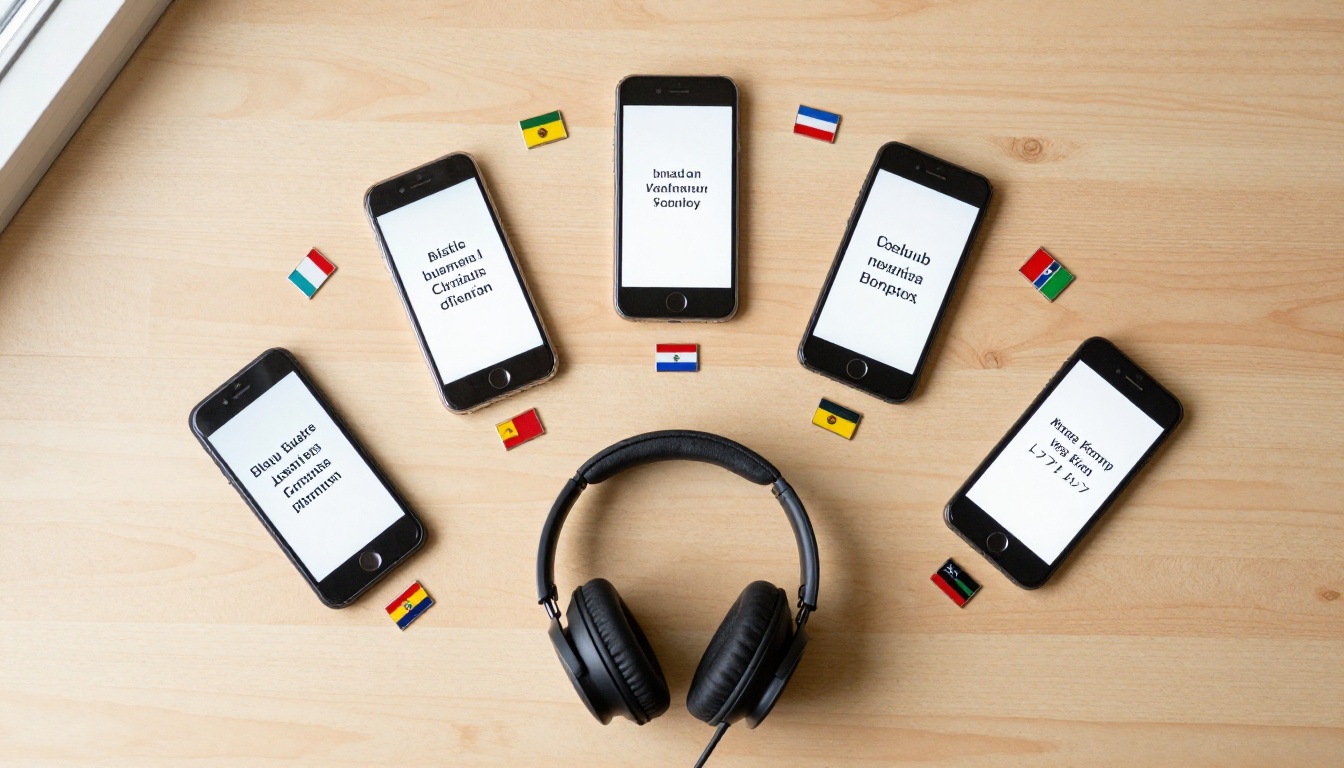
This matters because most of the world's content consumers are not English speakers, and producing audio content at scale in local languages was previously expensive or sonically unacceptable. That calculus has shifted. Global audio content production is now accessible to teams that could not previously afford it.
Creators working in Spanish, Portuguese, Hindi, Arabic, and dozens of other languages can now produce narrated content with the same speed and quality as English-language creators. The playing field is more level than it has ever been.
How to Use TTS AI on PicassoIA
PicassoIA gives you direct access to the full range of models described above, without needing to manage API keys for each provider separately. Here's how to get started.
Step 1: Browse the Text to Speech collection and select a model based on your use case. For a first test, ElevenLabs v3 is a strong starting point for quality, or Flash v2.5 if you're testing real-time applications.
Step 2: Paste your text into the input field. The models support long-form text, not just short phrases. You can paste a full script, article, or product description.
Step 3: For voice cloning (available with Minimax Voice Cloning, Chatterbox Pro, and Chatterbox), upload a clean audio sample of the voice you want to replicate. Thirty seconds is workable; two to three minutes is better.
Step 4: Generate and download. Most models produce MP3 or WAV output ready for immediate use.
Tips for better results:
- Use punctuation intentionally. A period creates a natural pause. A comma creates a shorter one. This shapes the rhythm of the output.
- For emotional tone control, Chatterbox Pro lets you set emotional intensity explicitly rather than hoping the model infers it.
- For two-speaker dialogue, Play Dialog handles turn-taking natively and produces more natural-sounding conversations than forcing a single-speaker model to alternate.
- For multilingual output, Gemini 3.1 Flash TTS with its 70+ language coverage is the broadest single option available.
Try It on Your Own Content
Text to speech AI in 2027 is not a novelty. It's a production tool that creators, businesses, and developers are building real workflows on top of. The models covered here, from ElevenLabs to Minimax to Grok TTS to Resemble AI's Chatterbox family, represent a real step change in what synthesized voice sounds like and what you can do with it.
The best way to see what it can do for your specific use case is to run it. PicassoIA's text to speech collection puts all of them in one place, ready to use without any setup.
Paste a paragraph of your own content. Pick a voice. Listen to what comes back. The gap between that output and a studio recording may genuinely surprise you.