Walk into any creator forum in 2027 and the same question pops up every twelve hours: which AI should I actually try first? Most answers are useless. People link cutting-edge research models with thirty sliders, recommend whatever they personally happen to use that week, or just shout the loudest brand name. None of that helps someone who only wants to make a nice picture before their patience runs out.
So this is the honest, practical look at What Is the Best AI for Beginners in 2027, written for the person opening a creative AI tool for the first time today. No hype, no jargon, just the tools that real first-timers stick with after their first ten attempts, and the exact path most of them follow during their very first sitting.

The Honest Picture for First-Time Users
The AI image scene has stopped being a wild frontier and started feeling more like a calm market. There are still hundreds of models, but a smaller circle of them have quietly absorbed everyone who is brand new to the medium. They share three traits: they accept short, plain-English prompts, they make a decent picture on the first attempt, and they do not punish you for not knowing photography terms.
In 2027, the worst thing a beginner can do is start with the loudest research model of the month. Those tools are designed for stress-testing, not for everyday creation. The shortlist below is built around what actually feels good in the hand on day one.
💡 Beginner truth: The best AI is the one that gives you a usable picture before you get bored. Speed and forgiveness beat raw quality every single time during the first week.
What "Beginner Friendly" Really Means in 2027
Three years ago, "easy to use" meant the interface had a single text box. Today the bar is much higher. A truly beginner-ready model in 2027 should:
- Read short prompts well. You should be able to type "a small wooden cabin in the snow at sunset" and get a believable picture without writing a 200-word essay.
- Respect realism by default. If you ask for a person, the result should look like a person, not a melted mannequin.
- Render in under ten seconds. Long waits kill curiosity. Anything slower than a microwave dinner is too slow for a first session.
- Tolerate weird requests. Beginners ask for strange things. A good model bends; a bad one breaks.
- Skip the technical settings. No CFG sliders, no sampler menus, no negative prompts required on attempt one.
Most of the famous open-source models from 2023 fail at least two of these tests today. They were trained for power users, and it shows. The newer generation of fast, generalist models is what changed the experience for beginners.
Top AI Image Models to Try First
Here is the short list of text-to-image models that consistently win the first session for new users on PicassoIA in 2027.
| Model | Best at | Why beginners like it |
|---|
| P-Image | Sub-second generation | Returns a result faster than you can read your own prompt |
| Flux Schnell | Fast, varied output | Friendly to plain-English prompts, great for ideation |
| Flux Dev | Crisp portraits | Strong faces and skin without complicated settings |
| Flux 1.1 Pro | Polished final pieces | Production-grade quality with simple text inputs |
| Imagen 4 | Photorealism | Reads natural sentences and respects what you ask for |
| Nano Banana | Generate + light edit | A friendly one-tool starting point with built-in editing |
| Ideogram v2 | Readable text in images | Letters that actually spell things, which is rare in 2026 |
| Recraft v3 | Style variety | Eighteen preset looks if you do not know what aesthetic you want |
| Seedream 4 | Cinematic atmosphere | Beautiful lighting on the first try |
If somebody asks you, "okay, just tell me the one model to start on," the honest answer for most beginners in 2027 is P-Image. It is sub-second, forgiving, and removes the waiting anxiety that kills early curiosity. Once that feels comfortable, Flux Schnell and Flux Dev are the second and third stops because they teach you what better-prompt feedback feels like without overwhelming you.
Realistic Photos in One Click
The most common first-day request from beginners is some version of "can it make a real-looking photo of [something]?" The answer in 2027 is yes, but only on the right model.
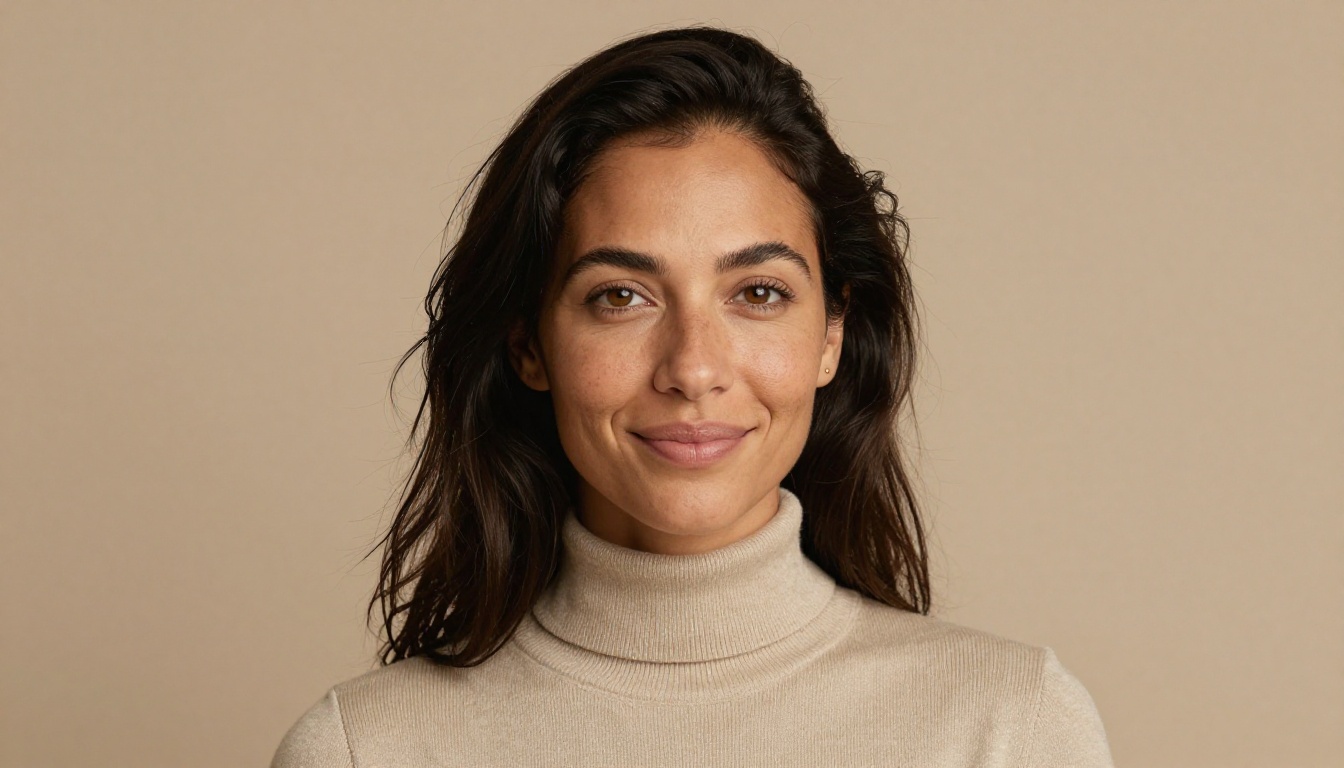
For believable portraits, three models deliver the goods without any prompt gymnastics:
💡 Beginner tip: When asking for realism, say what kind of camera and lens you imagine. "A natural portrait of a smiling woman, 85mm lens, soft window light" will outperform "realistic photo of a woman" every time, on any model.
If you are after landscapes and product shots instead, Seedream 4 and Imagen 4 are the friendly winners. They have a calmer color palette than the older 2024 models and tend to handle atmospheric haze, depth of field, and golden hour really well even from one-line prompts.
Lightning Fast Models for Same Day Results
If you only have an afternoon to play, speed matters more than style. Slower models are excellent for finals, but they wreck the learning loop. You want to be able to try, see, change, try again, ten times in five minutes.
Three speed kings stand out in 2027:
- P-Image: Genuinely sub-second on most prompts. It is the default for a reason. Beginners often produce thirty pictures in their first hour, which is exactly what you want for building intuition.
- Flux Schnell: A few seconds per image, but with the kind of prompt fidelity that makes you feel like the model is actually listening.
- SDXL Lightning 4-Step: Four denoising steps instead of fifty. Quick, light, and rarely fussy.
Once a beginner has banged out twenty quick ideas on a speed model, the natural next step is to take the favorite prompt and run it through a slower, prettier model like Flux 1.1 Pro or Nano Banana Pro for the final piece. That two-step workflow, quick first then polished second, is the single biggest habit upgrade a new user can make.
Edit Photos Without Writing Prompts
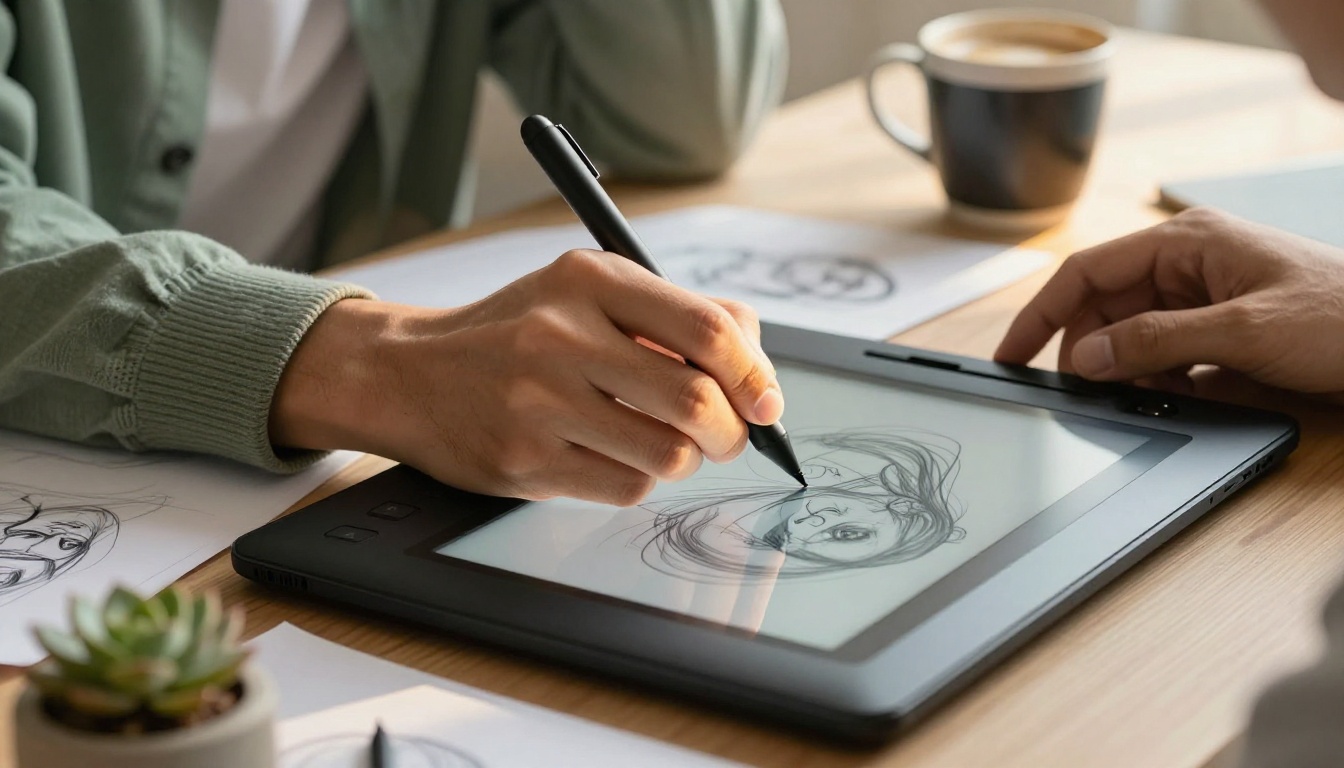
Plenty of new users actually do not want to make pictures from scratch. They want to fix the photo they already have. Crop tighter, swap a background, replace a logo, take that ex-boyfriend out of the holiday shot. This used to require Photoshop skills and a lot of patience.
The biggest shift in 2026 is the PicassoIA Image Editor Pro. It accepts an uploaded image plus a plain-English instruction like "remove the parked car on the left" or "make the sky look like sunset". No layers, no masks, no negative prompts. Just a sentence and a picture. For someone who has never opened Photoshop in their life, this is the friendliest first edit experience available.
Nano Banana plays in a similar space, generating and editing inside one tool. The difference is workflow: Image Editor Pro is unlimited and best for repeated edits on the same picture; Nano Banana shines when you want to create the source and tweak it without switching tabs.
💡 Beginner shortcut: If you have a photo you almost love, do not regenerate it from scratch. Upload it to PicassoIA Image Editor Pro and ask for the one change you want. You will save ninety percent of the time.
Backgrounds, Upscaling and Other Helpful Extras
Pure text-to-image is only half the toolbox. New users hit two recurring problems within the first week:
- "This picture is too small / too blurry to print or post."
- "I need this subject on a transparent background for a thumbnail."
Both are five-second fixes in 2027, and both deserve a spot in any honest beginner shortlist.
- Real-ESRGAN for upscaling 2x or 4x. It is the friendliest of the super-resolution models, with a built-in face restoration option that is forgiving on AI-generated portraits.
- Bria Remove Background for transparent cutouts. Drop in an image, get a clean PNG. No green-screen knowledge needed.
And although this article is image-focused, beginners who want to dip a toe into motion should look at Seedance 1 Pro for short 5 to 10 second clips, or LTX Video for real-time playful previews. They are not your day-one priority, but they are the natural step three or four once images feel comfortable.
First Steps on PicassoIA in Four Minutes
You can be looking at your first AI-generated picture in under five minutes from a cold start. Here is the path almost every beginner ends up taking on PicassoIA without anyone teaching them.
Step 1: Pick the fastest text-to-image model. Open P-Image from the all-models page. It is sub-second, which means your feedback loop is instant. You will not be staring at a loading bar wondering if you typed something wrong.
Step 2: Write the simplest prompt you can. Something like "a small black cat sitting in a bowl of yarn, warm window light". Plain sentences. No "8k". No "masterpiece". Just say the picture.
Step 3: Iterate fast, change one thing at a time. Run the same prompt three times to see what the model does naturally. Then change one word, just one, and run it again. "a small ginger cat..." / "...in a basket of yarn..." / "...at sunset window light". This single-variable habit teaches you what the model actually responds to.
Step 4: Take your winner to a finisher. When one of those quick attempts looks promising, copy the prompt into Flux Dev or Flux 1.1 Pro. Same words, better render. Then run that result through Real-ESRGAN if you want a print-ready version.

💡 The four-minute rule: If you cannot get a usable picture in four minutes on a model, switch models. The friction is not your fault. Some models genuinely punish new users with bad defaults. Move on.
Five Mistakes New Users Make Every Week
Every new user makes more or less the same five mistakes in week one. Skipping them saves hours.
-
Starting on the slowest model. A friend tells them about the latest "best in the world" model that takes a full minute per image. They try three prompts, get bored, and quit. Fix: Start on P-Image or Flux Schnell. Sweat the quality later.
-
Writing thirty-word prompts on attempt one. People copy long prompts from social media without knowing why each word is there. The model gets confused. Fix: Write the picture as if you were describing it to a friend in one sentence.
-
Changing five things between attempts. They get a result they almost like, then rewrite half the prompt for the next run. Now they have no idea what improved or broke. Fix: One variable at a time. Always.
-
Ignoring editing tools and regenerating instead. A picture is ninety percent right but the sky is wrong. They run thirty new generations trying to get a better sky. Fix: Hand it to PicassoIA Image Editor Pro and ask for that one change.
-
Skipping upscaling and posting low-resolution images. They generate beautiful pictures, screenshot them, and post tiny JPEGs. Fix: One pass through Real-ESRGAN before any final use.
Pretty vs Practical: Two Beginner Profiles
Not every newcomer wants the same thing. The right "best AI" depends on whether you are a pretty-picture beginner or a practical-task beginner.
Most people end up being two of these at once. That is normal. Pick the model that fits the picture you want to make right now, not the one your favorite YouTuber installed last month.
Where the Older Famous Models Now Sit
A few well-loved 2023 and 2024 names still come up in beginner chats, so it is worth being honest about where they fit in 2026. Original Stable Diffusion is now a teaching tool rather than a daily driver: a great way to see how diffusion models think, but rarely the right first pick for someone who just wants a nice picture today. Qwen Image is the favorite when you need accurate in-image text such as menus, posters, and signs. Seedream 3 and Flux Pro are still excellent finishers when you want a slightly different look from the newer 2026 models.
The point is not to chase the newest release every month. The point is to build a tiny, reliable toolbox. One fast model, one pretty finisher, one editor, one upscaler, one background remover. Five models, five hotkeys. That is all anyone needs for the first year.
A Calmer, Better Time to Start
There has never been a friendlier moment to make your first AI image. The frustrating sliders are mostly hidden. The waiting times are mostly gone. The picture quality on attempt one would have been a paid commission three years ago. And the path from beginner to confident user has shrunk from months to a single afternoon.
A breathtaking Tuscan landscape at golden hour
The full lineup of models lives at picassoia.com/en/all-models. Pick one, write a short sentence, and click generate. Your first picture is four minutes away.
Try Your First AI Image Today
You do not need to read another article. You need ten minutes and one tab open on PicassoIA. Pick P-Image for speed or Flux Dev for quality. Type the simplest version of the picture in your head. Click generate. See what happens. Change one word and click again.
That is the entire beginner playbook for 2027. The best AI for a first-time user is not the model with the biggest benchmark score. It is the one that hands you back a picture before you change your mind. So go make one.


