The difference between a forgettable AI video and one that stops the scroll often comes down to a few dozen words. Not thousands. Not even hundreds. The words in your prompt determine motion, camera behavior, atmospheric tone, and temporal flow, and most people simply type a description of a scene without thinking about any of that.
This is not a criticism. It is how most people start. You type what you see in your head, hit generate, and get something that resembles a photograph that decided to wiggle. The subject is correct but the video feels static, random, or wrong. What went wrong is not the model. It is the instruction.
Below, we break down exactly what separates a prompt that produces cinematic AI video from one that produces a confused loop of pixels.
Why Short Prompts Fail at Video
Image generation and video generation are fundamentally different tasks, but many users write their video prompts the same way they write image prompts. A static image prompt describes a state. A video prompt needs to describe a change over time.
When you type "a woman walking through a forest," a video model has to infer:
- At what speed is she walking?
- Does the camera follow, stay static, or pan?
- What changes in the background as she moves?
- Does the lighting shift?
- How does this evolve over 5 seconds?
A model like Seedance 2.0 or Veo 3 will make its best guess on all of these, but "best guess" is not the same as your intention. Short prompts transfer control to the model. Detailed prompts transfer control to you.
💡 The core principle: Every element you leave undefined in a video prompt is a decision you are handing to the AI. Be intentional about what you define.
The 5 Core Elements Every Video Prompt Needs
These five components are not optional extras. They are the building blocks of a video that actually behaves the way you intend.
1. Subject and Starting State
Describe the subject with precision. Not just who or what they are, but their exact position, posture, and relationship to the environment at the first frame.
Weak: "A man in a city"
Strong: "A middle-aged man in a grey overcoat stands at the edge of a rain-slicked city intersection, head slightly bowed, hands in pockets"
The strong version gives the model a defined starting frame. Everything else builds on that.
2. Motion Directive
This is what video adds over images, and it is the most commonly skipped element. You need to describe what moves, how it moves, and at what pace.
Motion directives include:
- Subject motion ("she turns slowly," "the crowd surges forward," "leaves drift down")
- Camera motion ("slow dolly-in," "gentle upward tilt," "static lockoff")
- Environmental motion ("steam rises from a grate," "traffic blurs past in background")
Models like Kling v2.6 and Wan 2.7 T2V respond well to explicit motion language. Vague motion produces incoherent results.
3. Temporal Sequence
AI video models generate a fixed duration of content, typically 4-10 seconds depending on the model. Your prompt should describe the arc of those seconds, not just a static moment.
Think of it like a mini-script: what happens at the beginning, middle, and end of those seconds?
Example: "The camera opens on a close-up of a coffee cup. Over the next few seconds it slowly pulls back to reveal a crowded cafe. By the final frame the subject, a woman at a corner table, comes into focus."
This tells the model what to prioritize at each moment of the generation.
4. Lighting and Atmosphere
Lighting is not just visual. In video prompts, it also signals mood, time of day, and motion quality. Shadows move differently in harsh noon light versus soft overcast. Specify:
- Time of day ("golden hour," "blue hour," "midday overhead sun")
- Light source direction ("light entering from upper left," "backlit subject")
- Quality of light ("soft diffused," "harsh directional," "volumetric shafts through window")
- Atmospheric elements ("morning mist," "dust in the air," "rain on glass")
5. Camera Specifications
Tell the model what kind of camera would theoretically capture this scene. This anchors the entire aesthetic.
Useful terms: lens focal length ("35mm wide," "85mm portrait"), depth of field ("f/1.8 shallow," "f/11 deep focus"), movement type ("handheld slight sway," "smooth gimbal," "locked off tripod"), and film rendering ("Kodak Portra 400," "35mm grain").
Camera Moves That Actually Work
Not all camera movement descriptions are equal. Some are interpreted consistently across models. Others are ambiguous and produce random behavior.
These are the camera terms that produce reliable results across most text-to-video platforms:
| Term | What It Does | Works Best When |
|---|
| Slow dolly-in | Camera physically moves forward toward subject | Subject is stationary |
| Slow dolly-out | Camera moves backward, revealing environment | Creating context or scale |
| Pan left/right | Camera rotates horizontally on fixed axis | Showing a wide space |
| Tilt up/down | Camera rotates vertically on fixed axis | Revealing height or depth |
| Tracking shot | Camera follows a moving subject | Subject is in motion |
| Orbit shot | Camera circles around a subject | Product or character focus |
| Static lockoff | Camera does not move | Emphasizing subject motion |
💡 Pro tip: Combine one subject motion with one camera motion at most. More than two simultaneous movements often causes models to pick one and ignore the rest, or produce unstable output.
Models like LTX 2 Pro and Hailuo 02 handle camera motion instructions with particular consistency. Both are available on PicassoIA.
How to Describe Motion Over Time
This is the section most prompts get wrong, and fixing it produces the single biggest improvement in AI video output.
AI video generation is not static image rendering. The model generates each frame based on the probability of what comes next. Your prompt can influence that temporal flow by being chronological in structure.
Think Like a Director, Not a Painter
A painter describes what is. A director describes what happens. Those two mindsets produce completely different prompts.
Painter mindset: "A mountain landscape with snow and morning mist."
Director mindset: "Morning mist clings to a mountain valley. Over several seconds, a warm shaft of sunlight breaches the ridge and sweeps slowly across the valley floor from left to right as the mist begins to thin."
The second version instructs the model on causality and temporal sequence, not just appearance.
Use Transition Language
Words that signal change over time include:
- "As the shot progresses..."
- "Over the next few seconds..."
- "Gradually, the..."
- "By the final frame..."
- "The camera slowly reveals..."
These phrases teach the model that this is a temporal event, not a static description.
Avoid Contradictory Motion
A common mistake is describing two incompatible states simultaneously. "A figure running fast while the camera gently drifts" often produces unstable output because fast subject motion and slow camera motion are difficult to harmonize. Either slow the subject down or match the camera energy to the subject pace.
Lighting and Atmosphere Done Right
Lighting is where most prompts stay too generic. "Natural light" or "dramatic lighting" tells the model almost nothing.
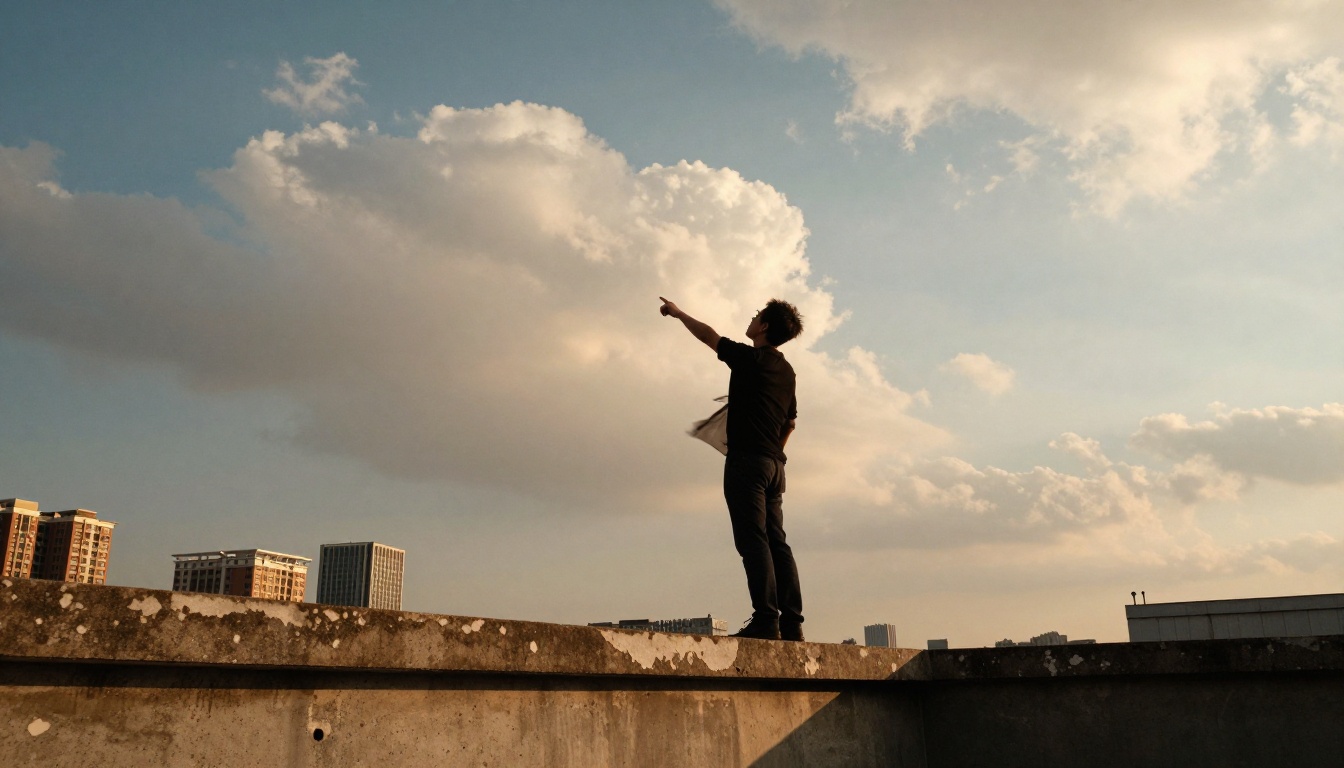
Time-of-Day Language That Works
| Phrase | Visual Effect |
|---|
| Golden hour | Warm amber tones, long horizontal shadows, soft wrap-around light |
| Blue hour | Cool desaturated palette, ambient sky glow, pre-dawn depth |
| Overcast diffused | No harsh shadows, even exposure, muted colors |
| Harsh midday sun | High contrast, short shadows, saturated colors |
| Backlit silhouette | Dark subject against bright background, halo rim light |
| Volumetric morning light | Visible light shafts through atmosphere, misty quality |
These phrases are understood by all major text-to-video models, including Pixverse v5, Wan 2.7 I2V, and Sora 2.
Atmospheric Layers
Add atmospheric elements after your primary lighting description:
- "with dust particles visible in the light shafts"
- "morning fog softening the background"
- "heat shimmer rising from the pavement"
- "rain visible as streaks against the dark background"
Each of these adds movement to the video beyond your primary subject motion, filling the frame with life without requiring a complex action sequence.
The Difference Between Image and Video Prompts
Here is a direct comparison so you can see the evolution in practice.
Image prompt: "A woman in a red dress standing in a field of sunflowers at golden hour, 85mm lens, shallow depth of field, Kodak Portra 400."
Video prompt for the same scene: "A woman in a red dress stands facing away from the camera in a wide sunflower field at golden hour. Over the course of the shot, she slowly raises her arms outward, palms upward, as a gentle breeze begins moving through the sunflower heads around her. The camera performs a slow orbit from behind her toward her right side, revealing her profile by the final frame. Warm side lighting from the low right sun creates a strong rim light along her dress and the near sunflower heads. Shot on 85mm f/1.8, shallow depth of field, Kodak Portra 400 film grain."
The image prompt describes a state. The video prompt describes an event. Every extra sentence is controlling temporal behavior, not just appearance.
Common Prompt Mistakes (and Fixes)
These are the patterns that reliably produce weak video output, with corrected alternatives.
Mistake 1: No motion directive
- Bad: "A bird on a branch in a forest."
- Fix: "A small bird perched on a branch suddenly spreads its wings and lifts off, the camera holding static as it rises out of frame against a blurred green canopy."
Mistake 2: Contradictory style cues
- Bad: "Photorealistic cinematic drone footage with an anime aesthetic."
- Fix: Pick one style. Mixing incompatible visual languages splits the model's output and produces neither style well.
Mistake 3: Too many subjects
- Bad: "Three people talking, a dog runs past, a car honks, and a plane flies overhead."
- Fix: One primary subject, one secondary element at most. "A man at a park bench reads a newspaper while a dog trots past in the background."
Mistake 4: No end-state defined
- Bad: "A fire burning in a fireplace." (The model just loops.)
- Fix: "Flames in a stone fireplace burn low. Over the course of the shot, a large log slowly catches and the fire intensifies, casting stronger orange light on the stone mantel."
Mistake 5: Generic atmosphere
- Bad: "Beautiful lighting."
- Fix: "Soft directional light entering from a large window at upper left, casting one strong shadow across the floor, warm amber afternoon quality."
Model-Specific Tips on PicassoIA
Different models respond to different prompt styles. Here is what to know before you generate.

ByteDance's flagship model responds very well to cinematic, chronological prompt structures. Its built-in audio awareness means atmospheric prompts describing rain, crowd noise, or ambient sound often produce synchronized audio. Include the ambient environment in detail.
Google's Veo 3.1 handles complex multi-element scenes better than most models. It benefits from explicit camera motion language and responds to film-language terms like "establishing shot," "tracking shot," and "reaction shot." Strong for narrative sequences.
Kling's v3 is optimized for 1080p cinematic output. Use high-specificity lighting descriptions and precise subject motion. It handles slow, deliberate motion especially well and struggles with prompts that describe chaotic simultaneous movement.
Wan's 2.7 model handles 1080p text-to-video with strong consistency. It benefits from detailed environment descriptions and responds to architectural and natural scene details. Excellent for establishing shots and environmental storytelling.
Lightricks' model prioritizes speed and 4K output. Use concise, highly specific prompts. Long paragraphs dilute the signal. Focus on one subject, one motion, one environment, and one lighting condition.
Luma's Ray 2 is particularly strong with fluid, organic motion. Prompts that describe natural phenomena such as water, fire, wind, and organic growth tend to produce unusually convincing results here.
After testing across multiple models, this prompt structure produces reliable results:
[Subject + starting position/state] + [what the subject does over the shot] + [camera movement] + [environment/background details] + [lighting specification] + [camera/lens details] + [atmosphere]
Written as a full prompt:
"A young woman with dark hair sits at a wooden desk, chin resting on one hand, staring out a rain-streaked window. Over the course of the shot, she slowly exhales and her shoulders relax, then she reaches forward to close her laptop screen. The camera holds a static medium shot from her left side. Behind her, raindrops streak down the glass of a large window showing a blurred grey cityscape. Diffused overcast light fills the frame evenly from the window, casting soft shadows on the desk surface. Shot on 50mm f/2.4, Kodak Portra 400 film grain, subtle room tone warmth."
This level of specificity is achievable for any scene in about two to three minutes. It is not complicated. It just requires thinking temporally instead of statically.
Try It on PicassoIA Right Now
PicassoIA hosts over 87 text-to-video models in one place, from the free unlimited PicassoIA Video generator all the way up to Sora 2 Pro, Gen 4.5, Seedance 2.0, and Kling v2.6.
Start with the formula above. Pick one scene. Write it in full using all five elements. Generate on the free model first to test the structure, then move to your premium model of choice once the motion and timing feel right.
The first result will not be perfect. That is not the goal. The goal is to understand which element to adjust next. Prompt writing for AI video is a skill that compounds quickly, and the feedback loop on PicassoIA is fast enough to iterate multiple times in a single session.
Your best video prompt is one revision away from a mediocre one. The models are waiting.


