If you have been shopping around the AI video space lately, you already know the overwhelm. Dozens of models, wildly different outputs, vague marketing claims, and no clear answer to the only question that matters: which one will actually work for your project?
The gap between a good AI video model and a mediocre one is not just visual. It shows up in how well a model holds motion across five seconds, whether it follows complex prompts or hallucinates objects, how fast it generates results, and whether the output feels like something you would actually publish. These factors separate tools you reach for every day from ones you try once and forget.
This breakdown covers exactly what to look at when comparing AI video models, which specific metrics matter most, and which models are currently winning each category.
Motion Quality Is the Real Test
When most people talk about AI video quality, they focus on resolution. That is the wrong thing to focus on first.
A 1080p video with unstable motion is worse than a 720p video with fluid, consistent movement. Motion quality is the single biggest visible differentiator between models, and it is the hardest thing to fake.
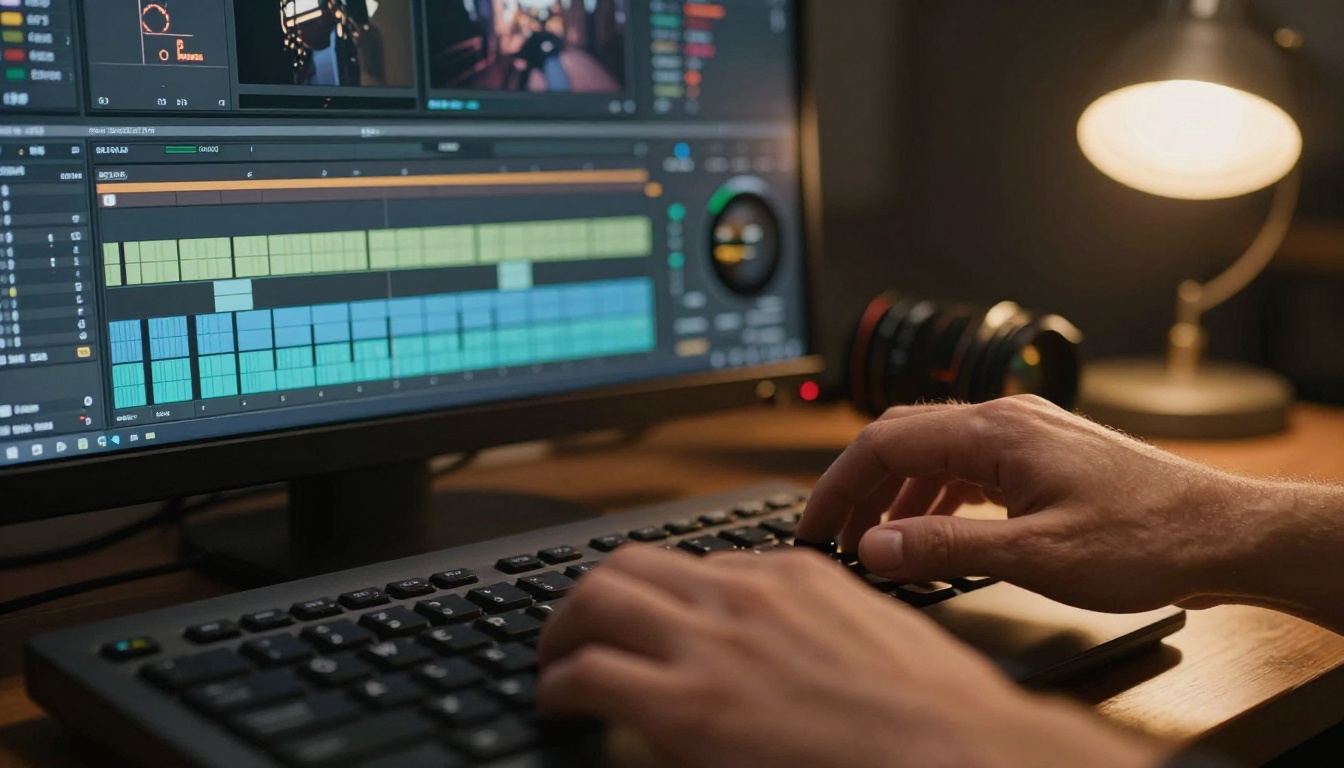
Frame coherence across time
Frame coherence refers to how consistently a model maintains subjects and environments across every frame of a video clip. In weak models, faces shift slightly between frames, fabric textures flicker, and backgrounds subtly warp. You might not notice it in a single frame, but the moment the video plays, your brain registers it as wrong.
Strong models like Seedance 2.0 and Kling v3 Video maintain tight frame coherence even during complex camera movements. Faces look like the same person across every frame. Clothing folds move predictably. Shadows and light behave like physics would suggest.
The practical test is simple: pause a clip at five different timestamps and compare the same visible detail across each. In a high-coherence model, you cannot tell which frame came first. In a low-coherence model, there are subtle but visible inconsistencies that compound into an uncanny feeling when the video plays back at normal speed.
Temporal stability under motion
Temporal stability is a related but distinct concept. Where frame coherence deals with subjects, temporal stability deals with the overall scene. A model with poor temporal stability will generate backgrounds that shimmer, skies that pulse with subtle brightness changes, or water that looks agitated in a physically incorrect direction.
Veo 3 from Google has become a benchmark for this. Its temporal stability across outdoor scenes is notably strong, maintaining consistent lighting and atmospheric conditions across clip durations that other models struggle with. Even scenes with complex lighting changes, like a character walking from shade into direct sunlight, show smooth transitions rather than the abrupt lighting flicker you see in weaker models.
💡 What to test: Run a static camera shot of a person standing still. If the wall behind them flickers or the background subtly shifts, you have a temporal stability problem.
Prompt Adherence Separates the Serious Models
Generating a visually appealing clip from a simple prompt is table stakes. Generating the right clip from a complex prompt is where models diverge fast.
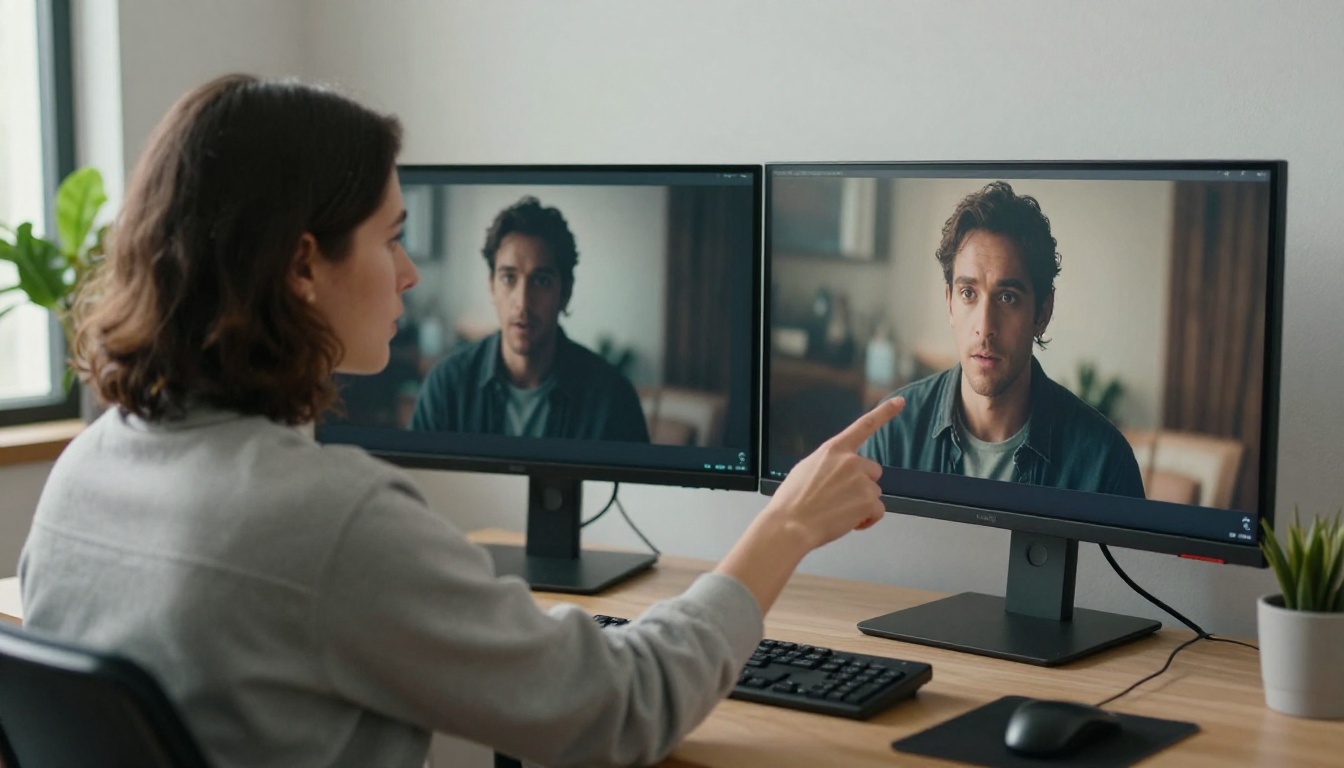
Simple vs. complex scene prompts
A simple prompt like "a woman walking in a park" produces decent results from almost every current model. The differences become obvious when you add specificity: "a woman in a red coat walking left to right through a rain-soaked park at dusk, camera tracking at waist height."
Models with strong prompt adherence execute on all four conditions: the coat color, the direction of movement, the environmental conditions, and the camera angle. Models with weak adherence produce something in the general neighborhood of your prompt while ignoring half your specifications.
Wan 2.7 T2V has impressed for its ability to follow multi-condition prompts, especially for motion direction and environmental specifics. LTX 2 Pro also shows strong adherence to compositional instructions, including specific camera angles and framing requests.
Why some models ignore your instructions
The reason models fail on complex prompts usually comes down to training data and model architecture. Models trained on shorter clips with simpler captions tend to weight the dominant subject in a prompt heavily while ignoring secondary conditions. Models trained with detailed, multi-attribute annotations perform meaningfully better on complex instructions.
This is not a spec you will find in a marketing page. The only reliable way to test it is to write a prompt with four or five conditions and count how many survived in the output.
Prompt adherence checklist when evaluating a model:
- Does the subject match the description (clothing color, hair, build)?
- Does the motion direction match what you specified?
- Is the camera angle or framing what you asked for?
- Does the environment (time of day, weather, setting) appear as described?
- Are secondary subjects or objects present as instructed?
Resolution and Speed: The Real Tradeoff
Every model advertises its maximum output resolution. That number is almost irrelevant on its own.
When resolution actually matters
Higher resolution matters when you are producing content for large displays, broadcast, or when you intend to crop or reframe clips in post-production. If you are generating social media content or prototyping, 480p or 720p is often sufficient.
The trap is paying for 1080p generation time when 720p would serve your purpose. Hailuo 02 generates at 1080p and produces strong results for broadcast-ready content. Kling v2.1 offers a good balance between output quality and generation time across resolution options.
| Model | Max Resolution | Relative Speed | Best For |
|---|
| Veo 3 | 1080p | Moderate | Cinematic quality with audio |
| Seedance 2.0 | 1080p | Fast | Storytelling with native audio |
| Wan 2.7 T2V | 1080p | Moderate | Complex multi-condition prompts |
| LTX 2 Fast | 720p | Very Fast | Rapid prompt iteration |
| Kling v3 Video | 1080p | Moderate | Cinematic motion control |
| Pixverse v5 | 1080p | Fast | Social-ready stylized content |
Fast models vs. quality models
Generation speed and output quality exist on a spectrum. Fast models like LTX 2 Fast are built for iteration: you get results in seconds, which lets you test and refine prompts quickly before committing to a slower, higher-quality render.
Quality-focused models like LTX 2.3 Pro and Kling v2.6 take longer but produce clips that are closer to final output quality. The right workflow uses both: fast models for prompt testing, quality models for final generation.
Gen 4.5 from Runway sits in an interesting middle position, offering cinematic motion at speeds that are competitive with quality-tier models. Worth testing if you find yourself constantly waiting on slower alternatives.
Audio Sync Is Now a Primary Metric
Twelve months ago, audio was an afterthought in AI video. That has changed significantly. Models with native audio generation are now a meaningful step ahead of those without it, and the quality gap is real.
Native audio vs. post-dubbed audio
Models with native audio generate visuals and sound simultaneously, meaning footsteps land when feet hit the ground, ambient sounds match the environment, and speech is roughly synchronized with lip movement. Models that add audio after the fact struggle with all of this.
Veo 3 and Seedance 2.0 are leading examples of native audio video generation. Veo 3.1 builds on this further with 1080p output alongside refined audio capabilities. Veo 2 remains a solid option for scenes where audio accuracy is secondary.
The difference matters most in scenes with distinct sound events: someone clapping, glass breaking, rain falling on different surfaces, footsteps on gravel versus tile. These are exactly the scenes where post-dubbed audio sounds obviously wrong and native audio sounds obviously right.
💡 Practical check: Ask the model to generate a scene with rain falling on a rooftop. A model with good native audio will produce rain sound that matches the visual intensity of the rain. A model without it will either add generic rain audio or produce silence.
Models with built-in audio generation
The following models generate native synchronized audio:
- Veo 3: Google's flagship with strong ambient sound and dialogue sync
- Veo 3.1: Updated version with 1080p and refined audio accuracy
- Seedance 2.0: ByteDance's model with excellent audio-visual coherence at speed
- Seedance 1 Pro: Reliable audio for general-purpose scenes at competitive cost
For non-audio workflows, native audio generation is still useful because the synchronized sound can inform how to add a proper soundtrack in post-production, giving you a reference for pacing and timing.
The Best Models Right Now, by Category
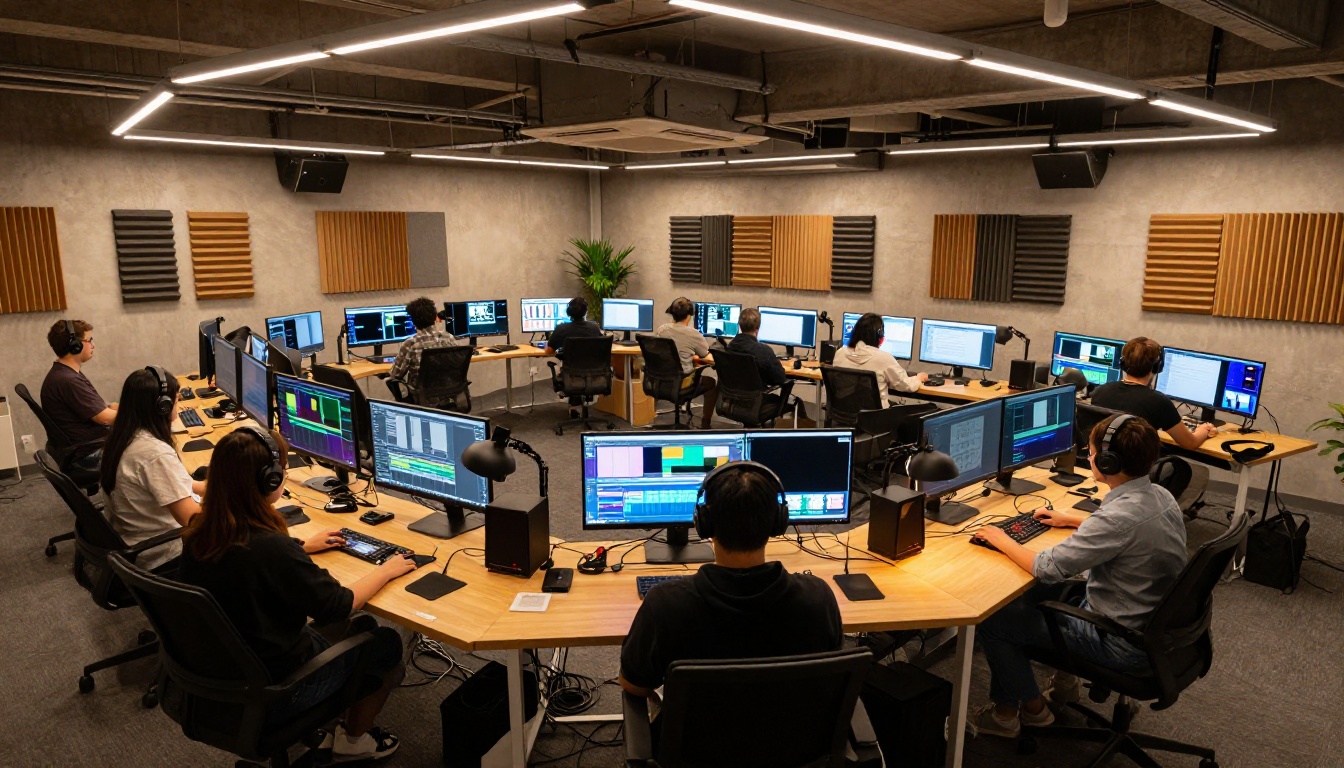
Not every model wins on every dimension. Here is where the current generation excels.
For cinematic quality
When the output needs to look like it could belong in a film trailer, motion quality and lighting accuracy matter most.
Kling v3 Video produces cinematic motion with strong subject consistency and realistic lighting physics. Its handling of complex camera movements, dolly-ins, tracking shots, and crane perspectives is among the best available right now.
Veo 3 brings Google's training scale to bear with outputs that feel closer to live footage than generated video. Particularly strong on atmospheric conditions, outdoor scenes, and anything involving natural light.
Sora 2 from OpenAI continues to push visual realism and complex scene composition. Its handling of physics, particularly fluid dynamics and object interactions, is notable and worth testing for technically demanding scenes.
For fast prototyping
LTX 2 Fast generates results in seconds and is purpose-built for rapid prompt iteration. The quality is sufficient to evaluate compositional choices before committing to a slower render.
Pixverse v6 is fast and produces stylized outputs that work well for social content where speed is a competitive advantage. It handles vibrant color grading and style-rich aesthetics better than most fast alternatives.
For image-to-video
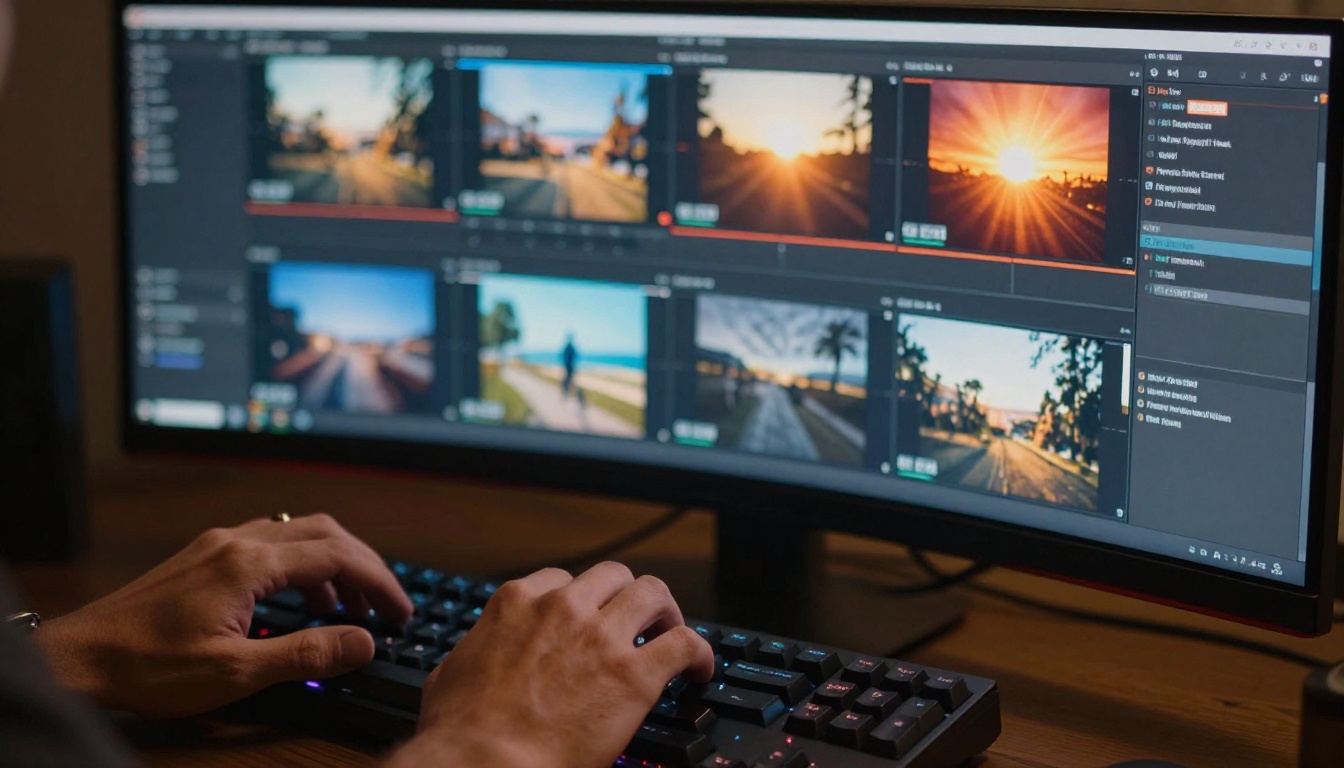
Wan 2.7 I2V animates source images with strong fidelity to the original composition. It preserves facial features and object details while adding convincing motion without distorting the source material.
Wan 2.6 I2V is a solid alternative with reliable output across a range of image types. Both Wan image-to-video models handle portrait photography particularly well, maintaining likeness across the full duration of the clip.
Picking the Right Model for Your Work
The best model is the one that fits your specific constraints, not necessarily the one with the highest spec sheet number.
Content creators and solo creators
You need speed and reasonable quality at scale. Running through ten prompt variations to find the right one requires a fast model. Use LTX 2 Fast or Pixverse v5 for iteration, then finalize with Kling v3 Video or Seedance 2.0 when you are satisfied with the direction.
This two-stage approach cuts your generation costs significantly while still producing a polished final output. The fast pass costs a fraction of the quality pass, and you only run the quality pass once you know the prompt works.
Marketing teams

For ad creative and brand video, prompt adherence and output resolution matter most. You need clips that follow your brief precisely and look polished at broadcast size. Veo 3 and Sora 2 perform well in this category. Hailuo 02 is worth testing specifically for product-focused content where detail clarity at 1080p matters.
For product videos, image-to-video tools like Wan 2.7 I2V let you animate existing product photography. This maintains brand consistency while adding motion to your content mix without a full production shoot.
💡 Workflow tip: Generate your first draft with a fast model to align the team on direction. Switch to a quality model for the final version that goes to clients or gets published.
Developers and researchers
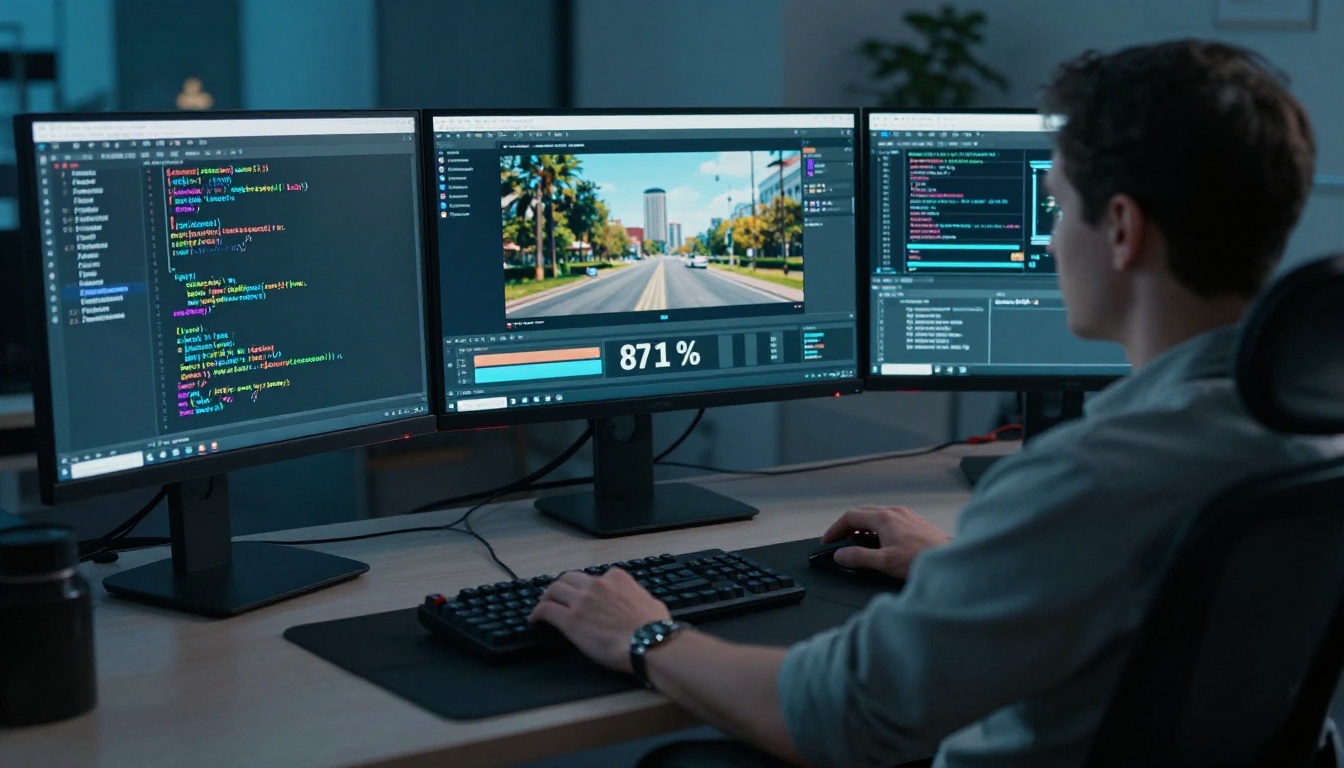
For programmatic video generation, API response time, consistency across multiple generations from the same prompt, and output format flexibility matter more than peak quality. Wan 2.7 T2V and LTX 2.3 Pro are strong choices with reliable outputs that perform consistently across varied prompt inputs.
Hunyuan Video from Tencent is worth attention in research contexts, particularly for its strong baseline quality and the transparency around its architecture and training approach.
What Spec Sheets Never Show You
There are factors that matter in practice that no comparison table captures.
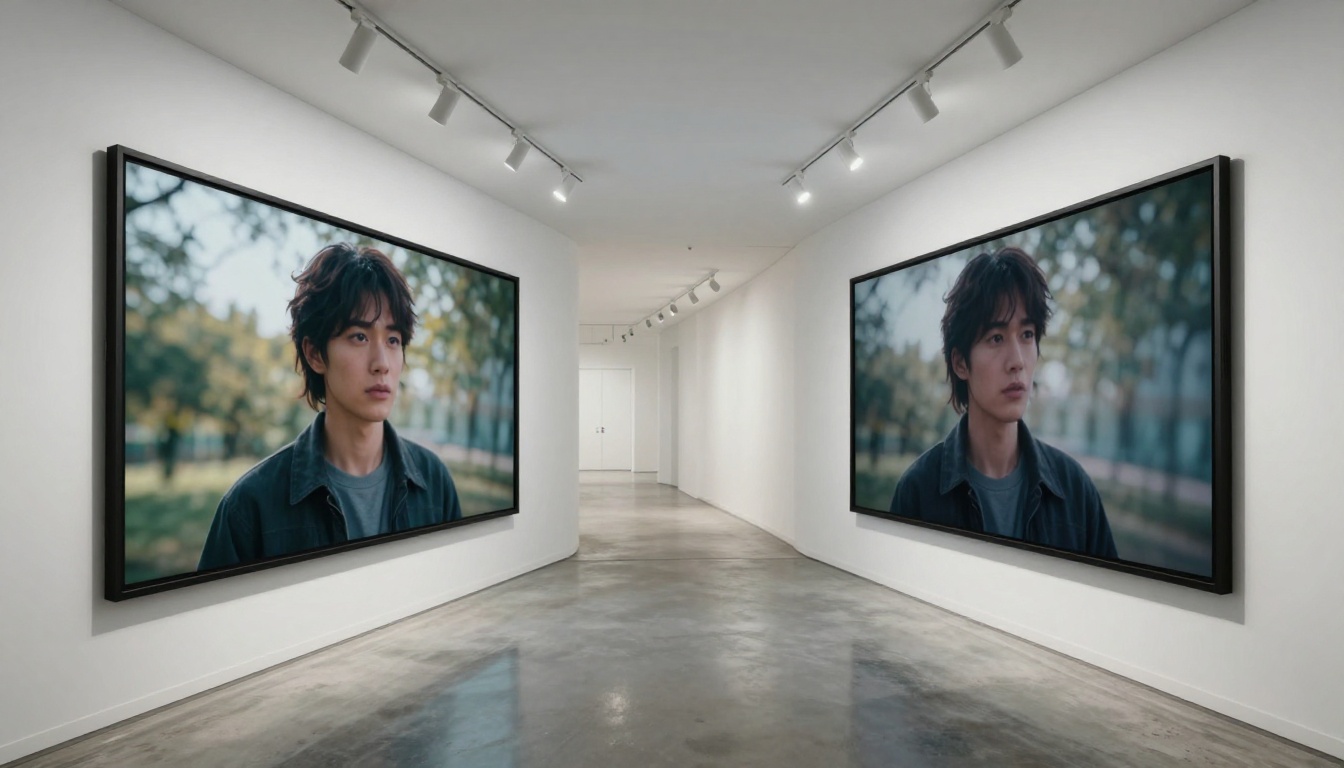
Clip-to-clip consistency: If you are producing a multi-scene video, you need consistent character appearance across clips. Most models do not do this natively, and it requires workflow-level solutions like using the same seed value and a consistent source image across generations.
Failure rate: Some models produce unusable outputs roughly 20% of the time. Others are more reliable but less spectacular when they succeed. For production work, a lower failure rate at slightly lower peak quality is often worth more than occasional brilliance surrounded by noise.
Output licensing: Not all models produce commercially licensable outputs. For professional and commercial work, verify the usage rights on any model you intend to deploy at scale before building a workflow around it.
Prompt sensitivity: Some models are very sensitive to small wording changes, producing dramatically different outputs from nearly identical prompts. This makes them harder to use reliably, even when their peak quality is high.
💡 The real benchmark: Generate the same prompt across five models, watch the outputs at full resolution with audio, and notice which one made you stop and actually watch. That reaction is more reliable than any metric.
Start Generating and Stop Comparing
The fastest way to stop guessing about which AI video model fits your work is to run your actual prompts through multiple models and compare the results directly.
PicassoIA gives you access to over 87 text-to-video models in one place, including every model mentioned in this article. Seedance 2.0, Kling v3 Video, Veo 3, Wan 2.7 T2V, LTX 2 Pro, and Sora 2 are all there, ready to test with a single prompt.
The quality gap between models is real, but it is only visible in actual output. No article, no spec sheet, and no comparison chart will tell you which model fits your specific prompts, your specific aesthetic, and your specific workflow needs. Only your own results will.
Visit picassoia.com/en/all-models to see the full collection and run your first generation.


